
Find Your Best Wave Keyboard
Start with your hand size, then choose the features that matter most to your workflow.
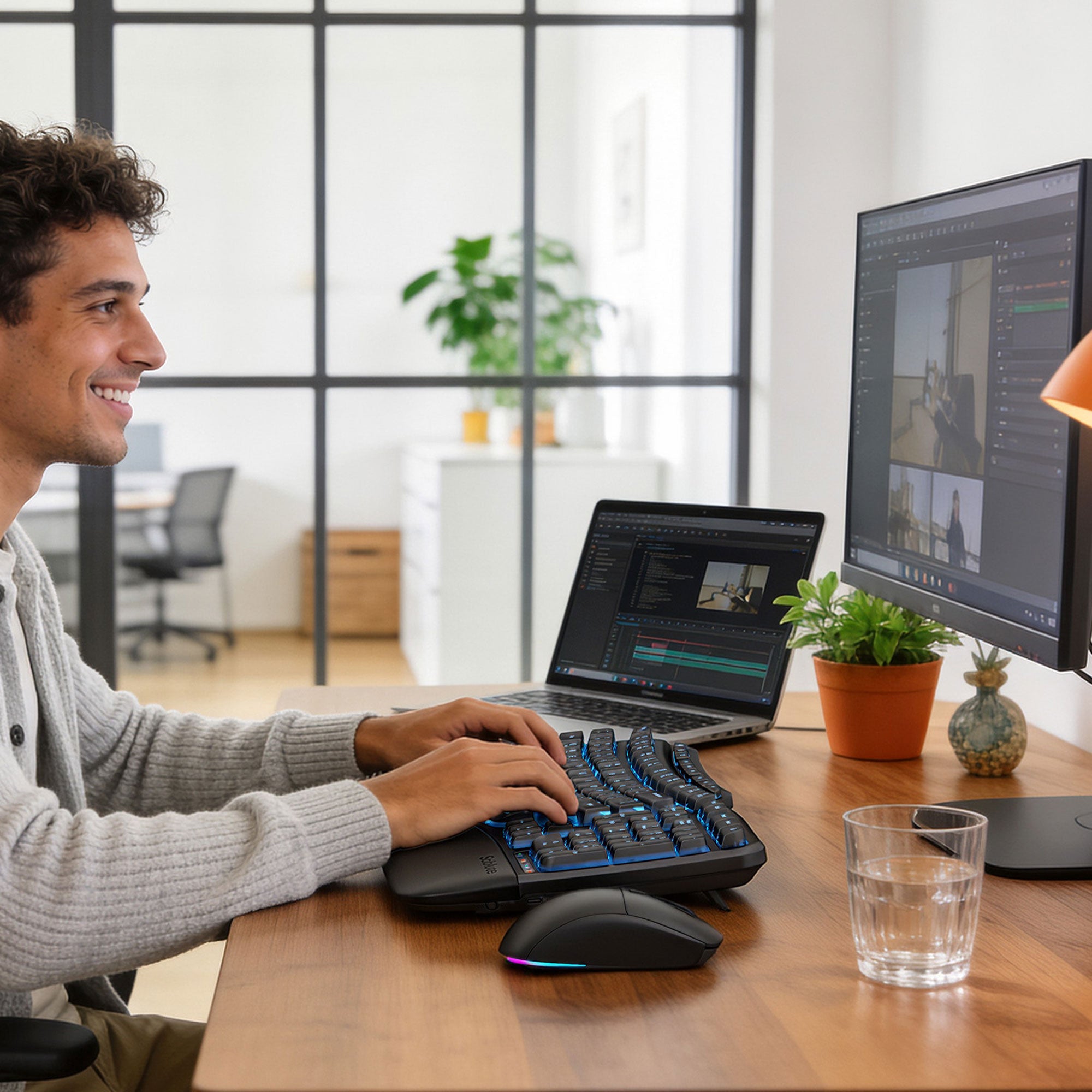
Want a Keyboard That Lights Up?
BACKLIT & RECHARGEABLE
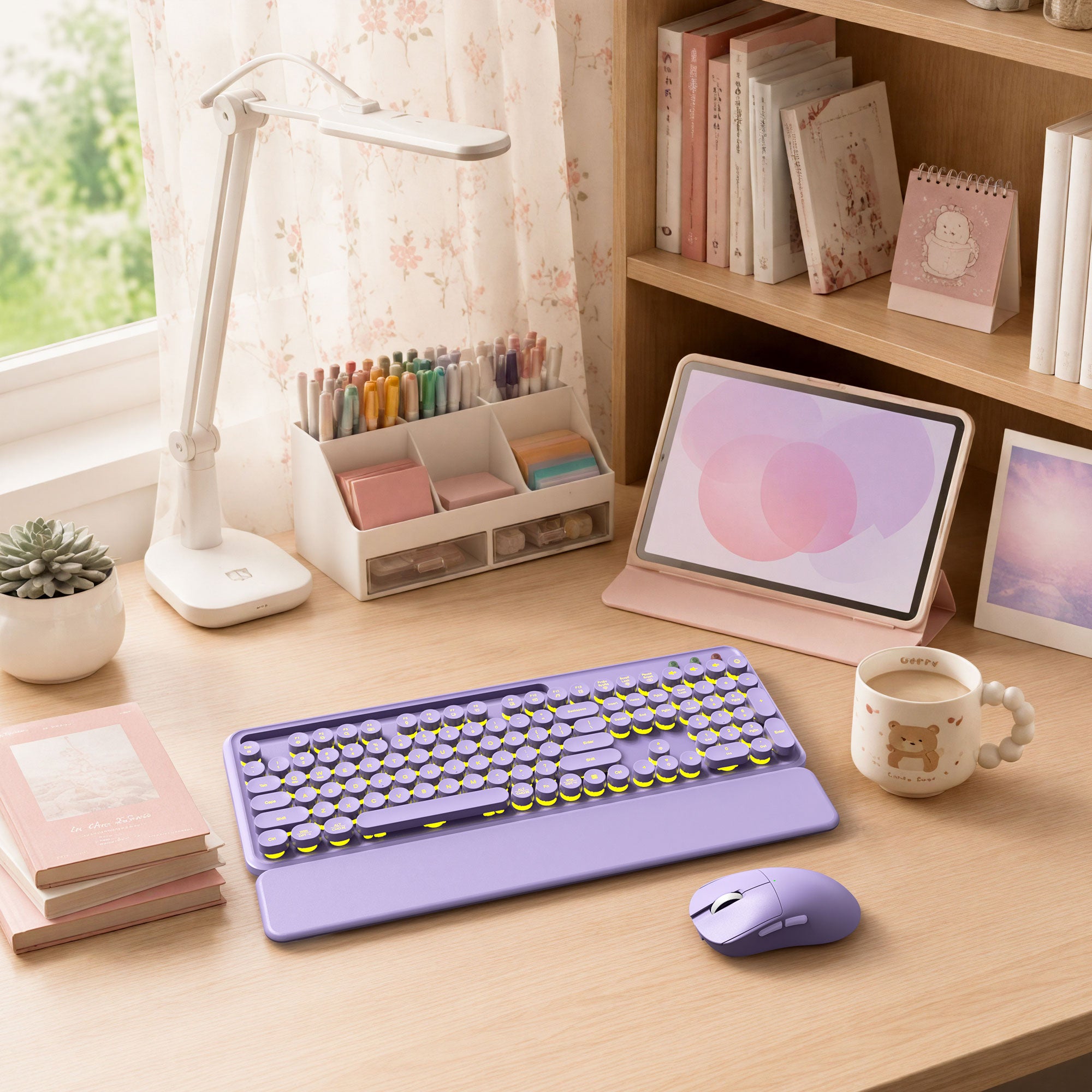
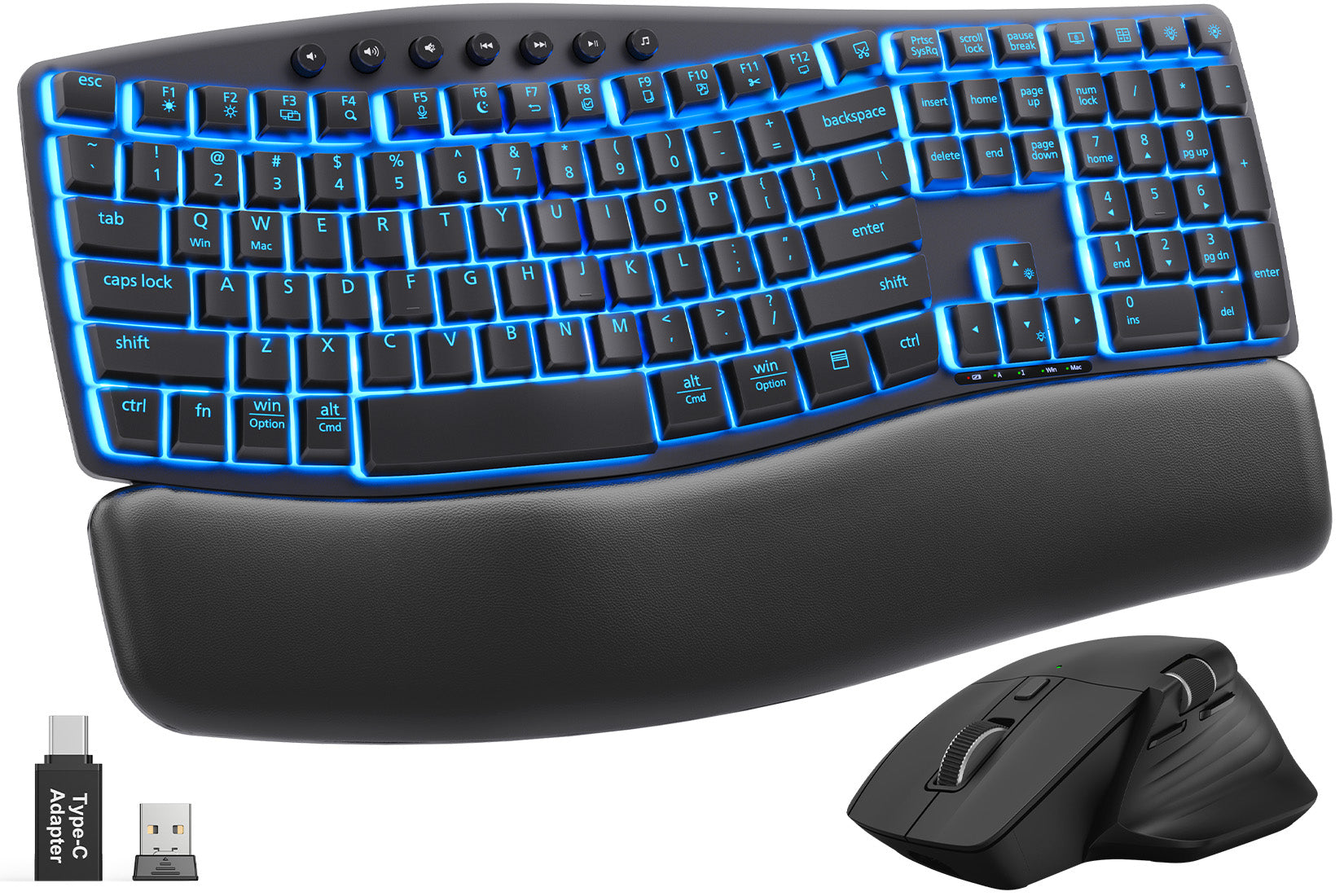
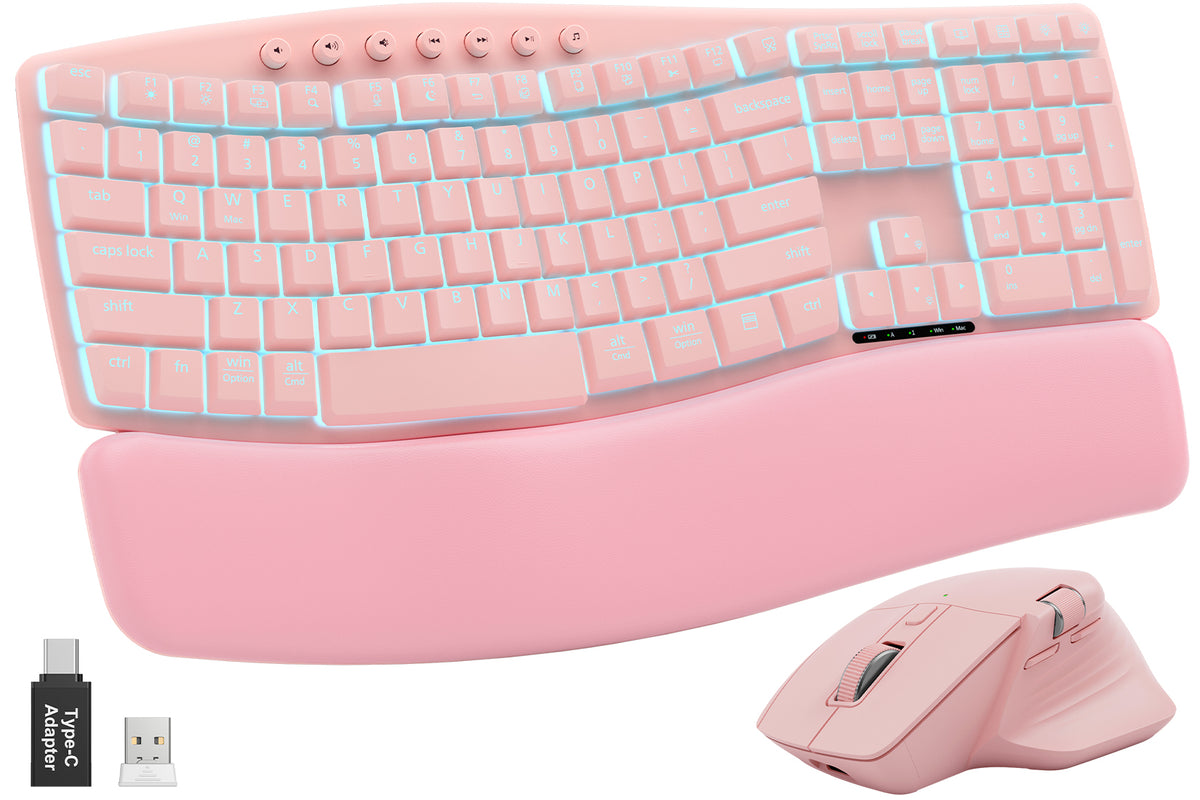
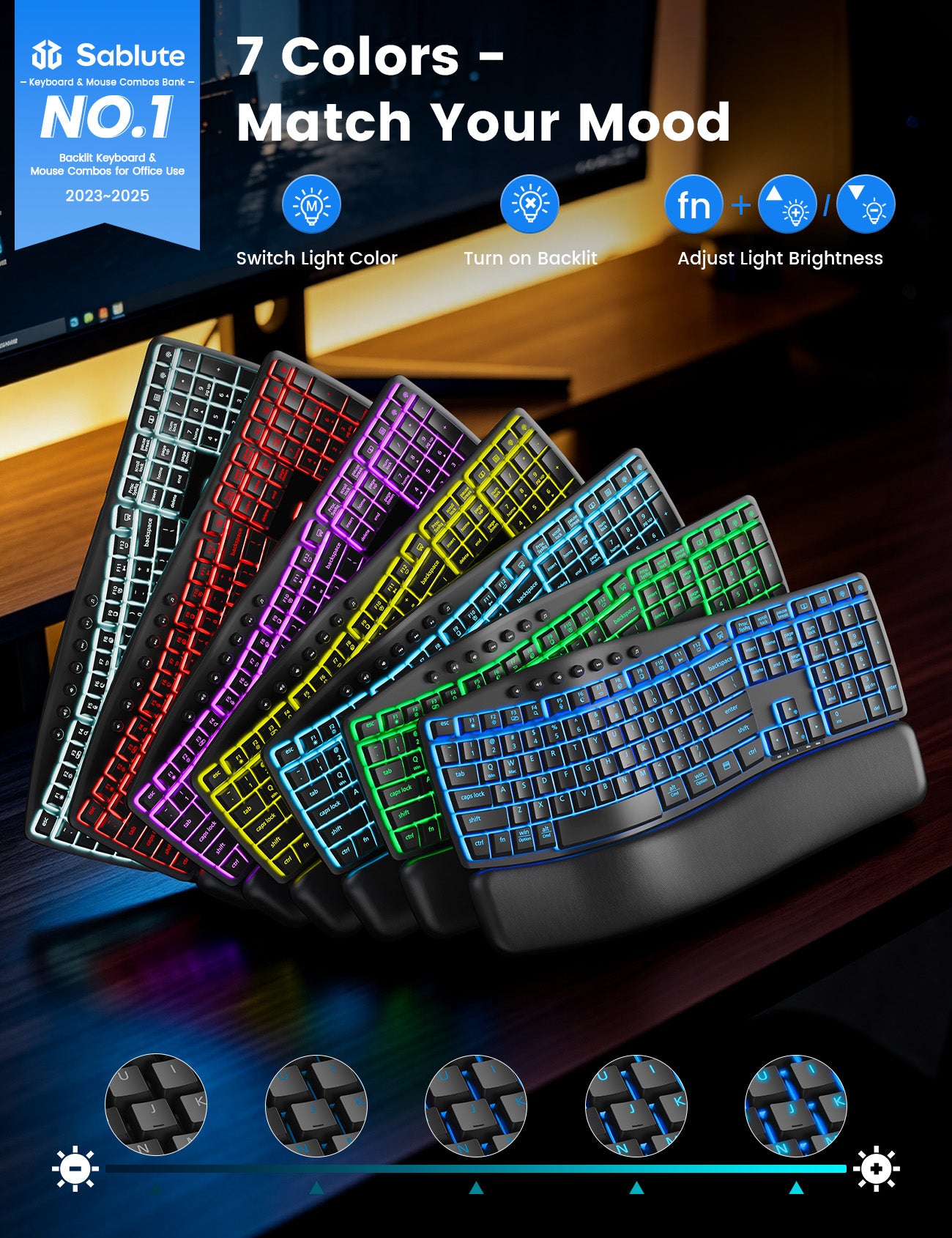
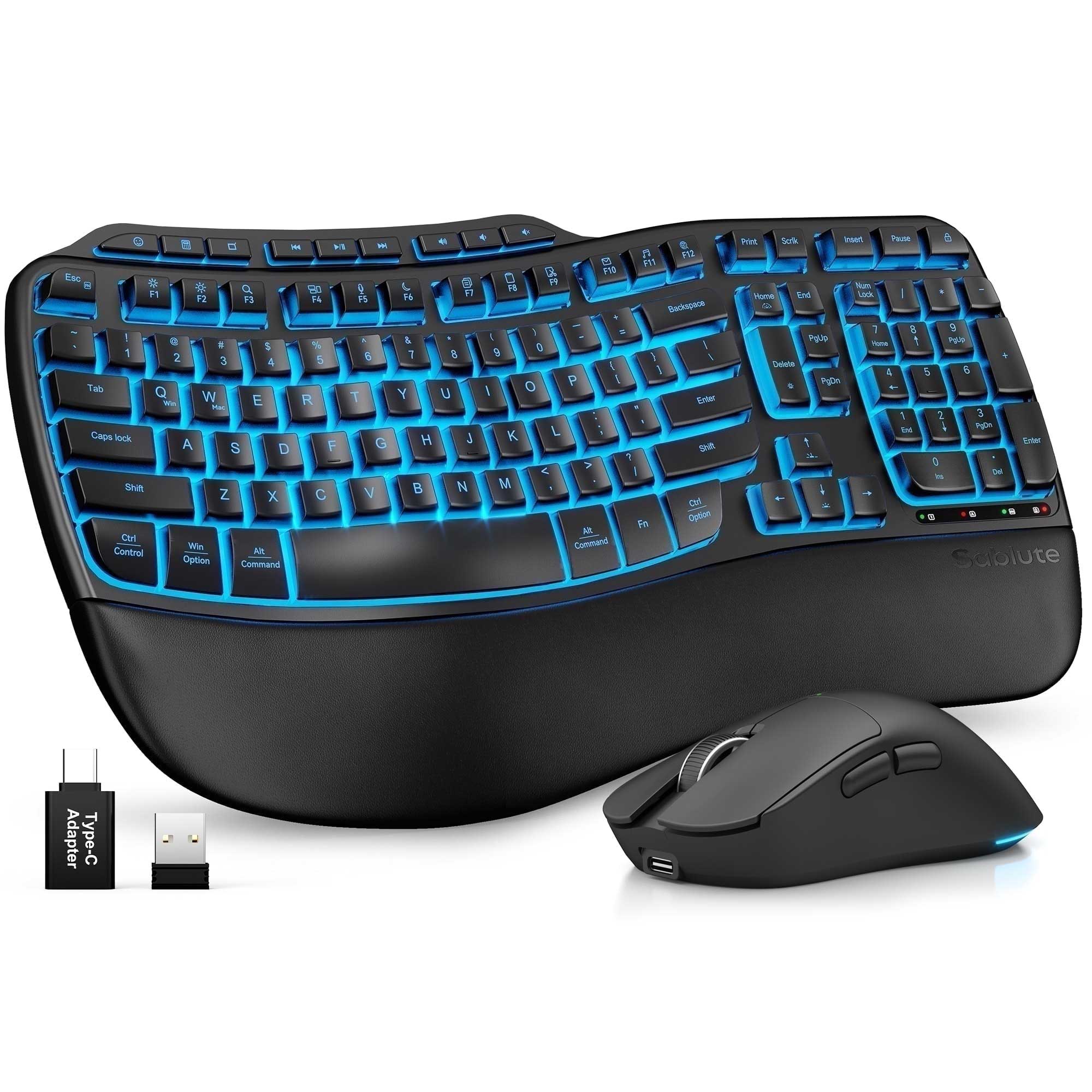
Choose MA12 Pro, MA31 Pro, or MA22 Pro for colorful keyboard backlighting, an RGB mouse, and rechargeable power.
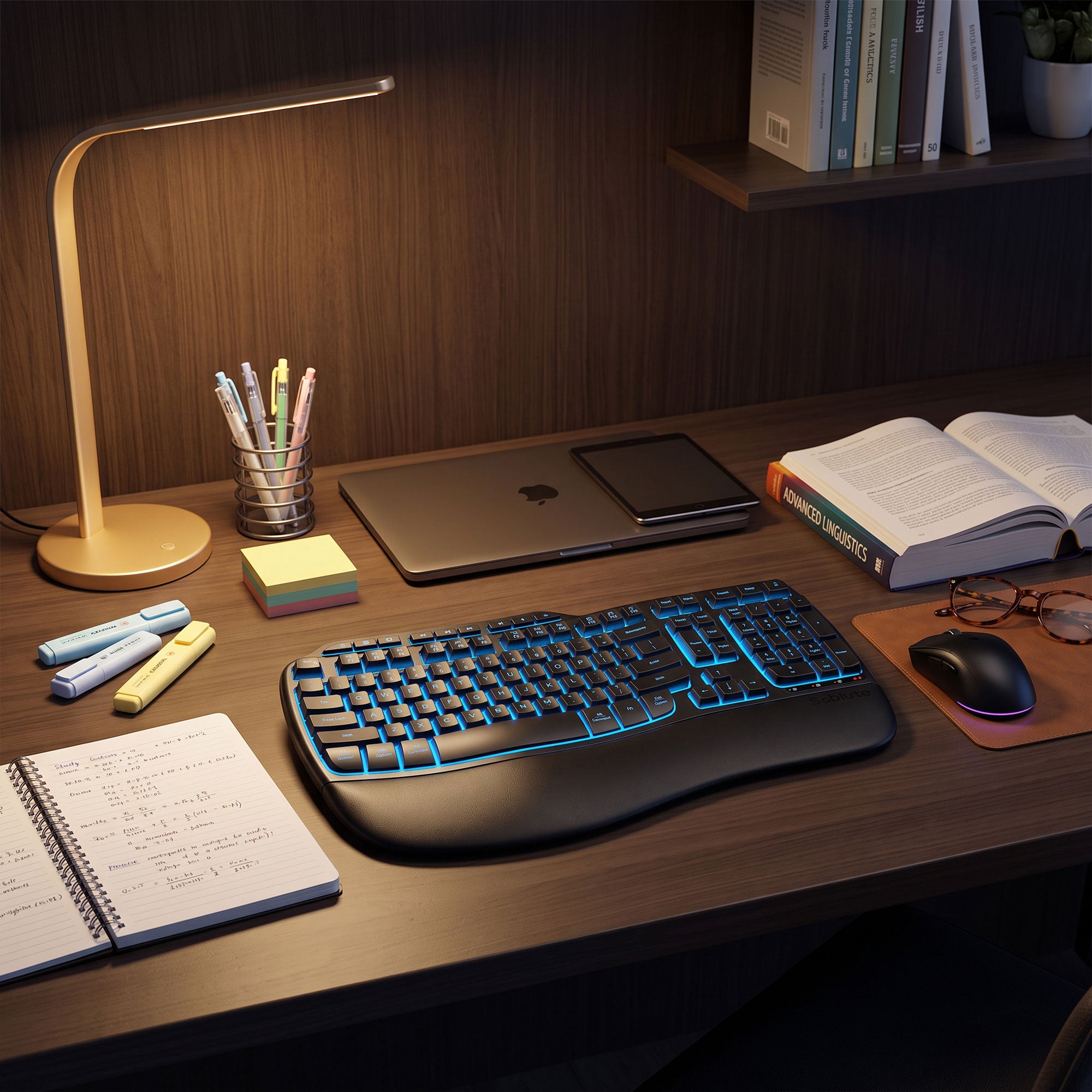
Work Longer Between Charges
LONG-BATTERY BACKLIT PICK
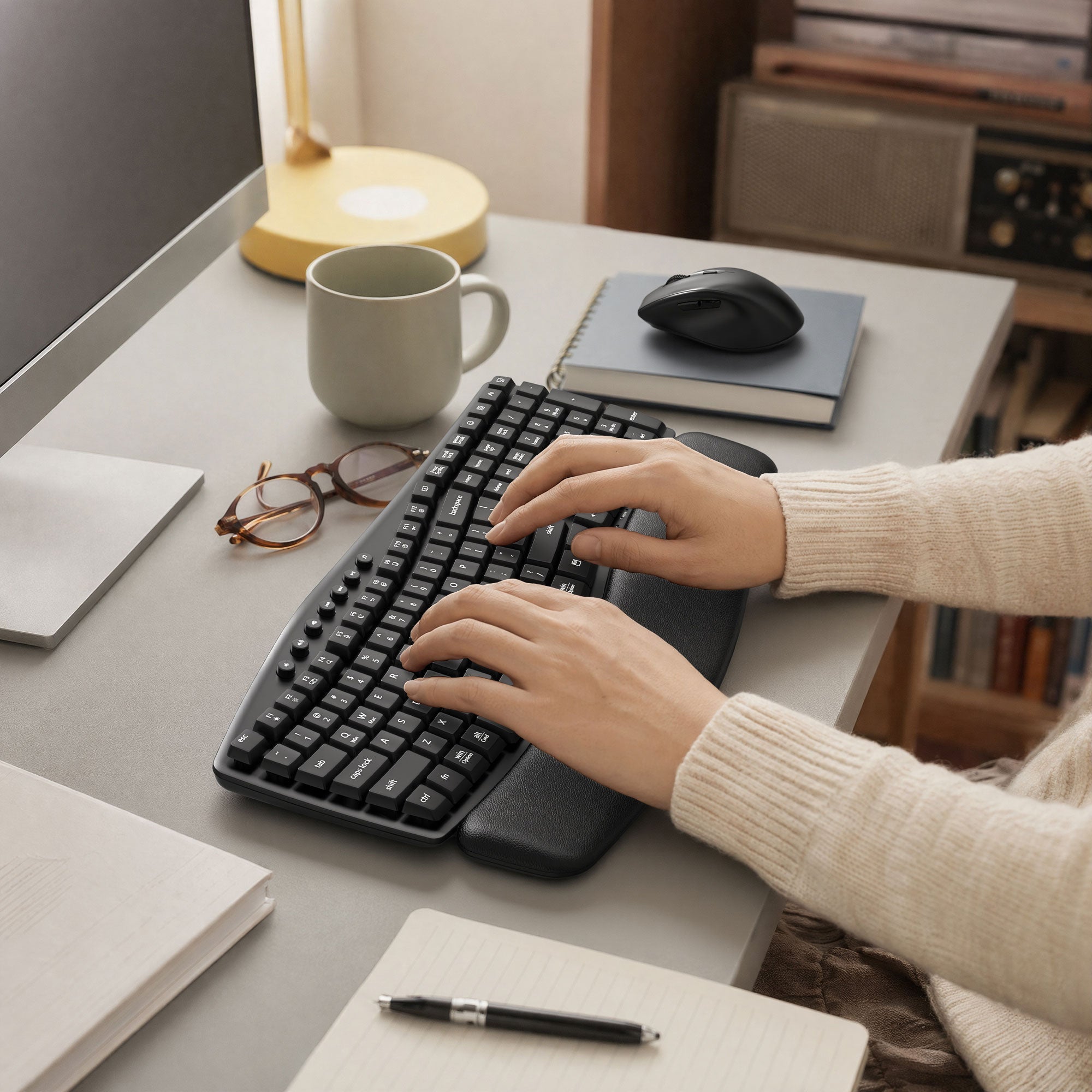
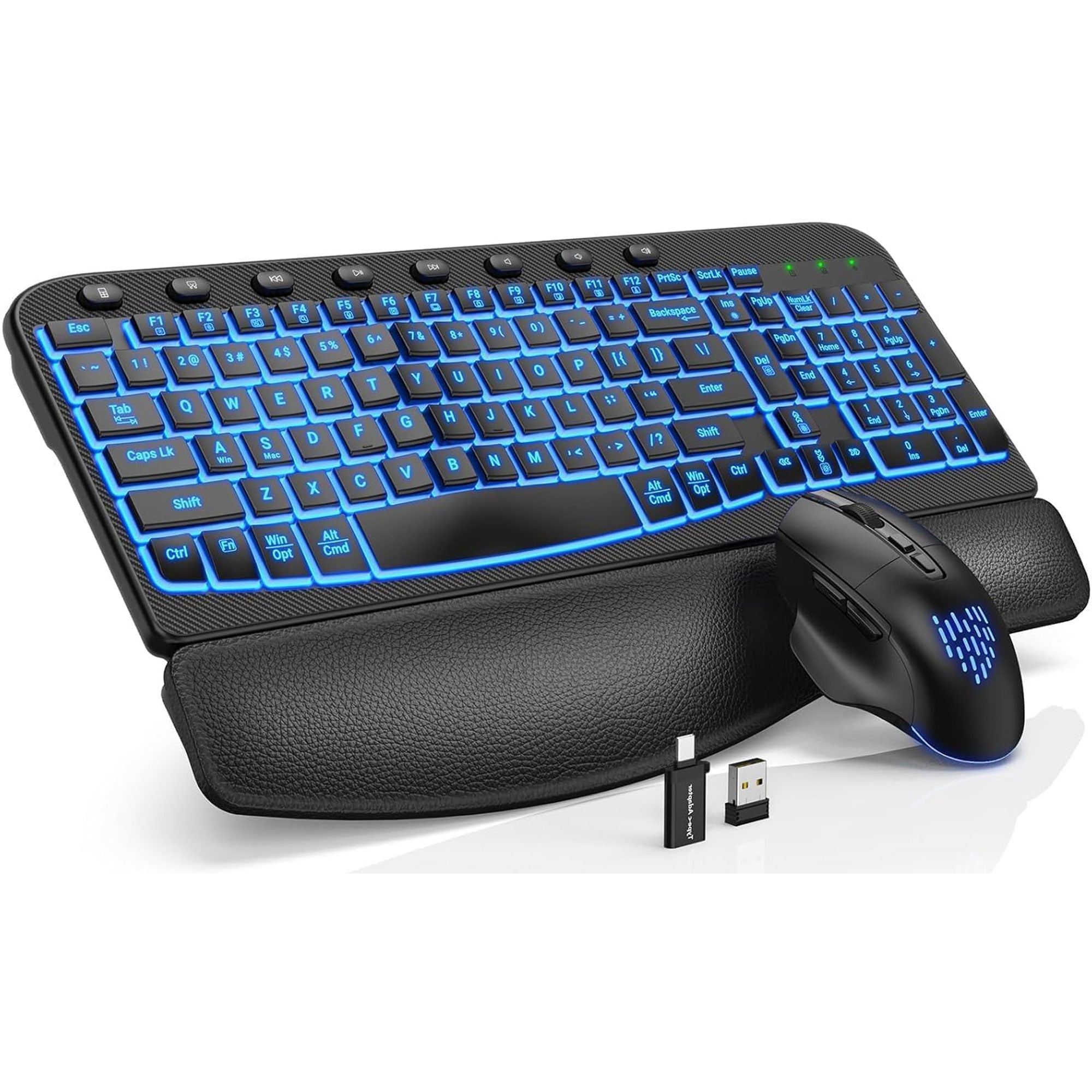
MA31 Pro combines a 4000mAh rechargeable keyboard, seven backlight colors, a soft leather-style wrist rest, and a quiet RGB mouse.
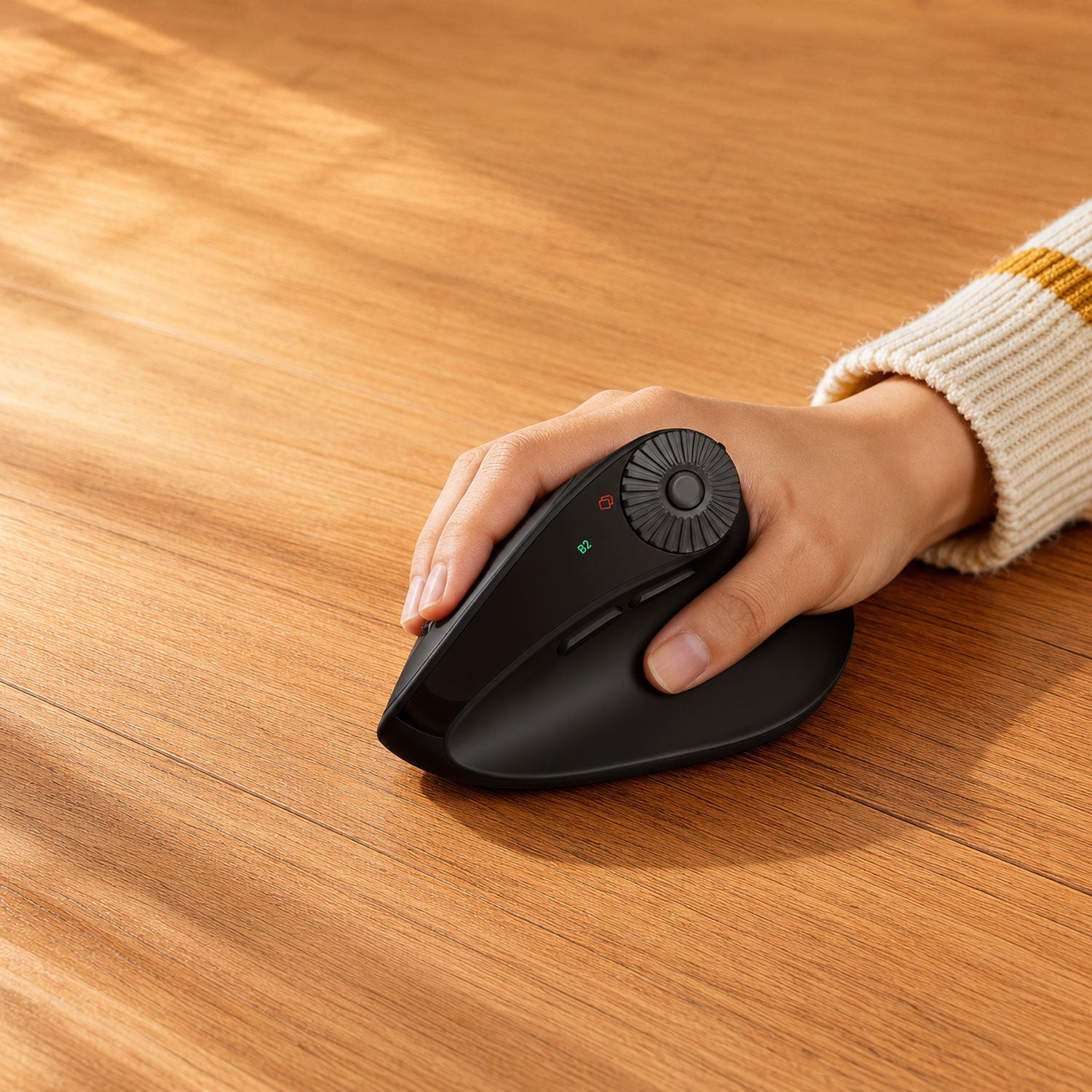
Prefer a Simple, Distraction-Free Workspace?
QUIET OFFICE SETUP
Compare MA31, MA12, and MA41 for quiet typing, cushioned wrist support, familiar full-size layouts, and plug-and-play wireless connection.
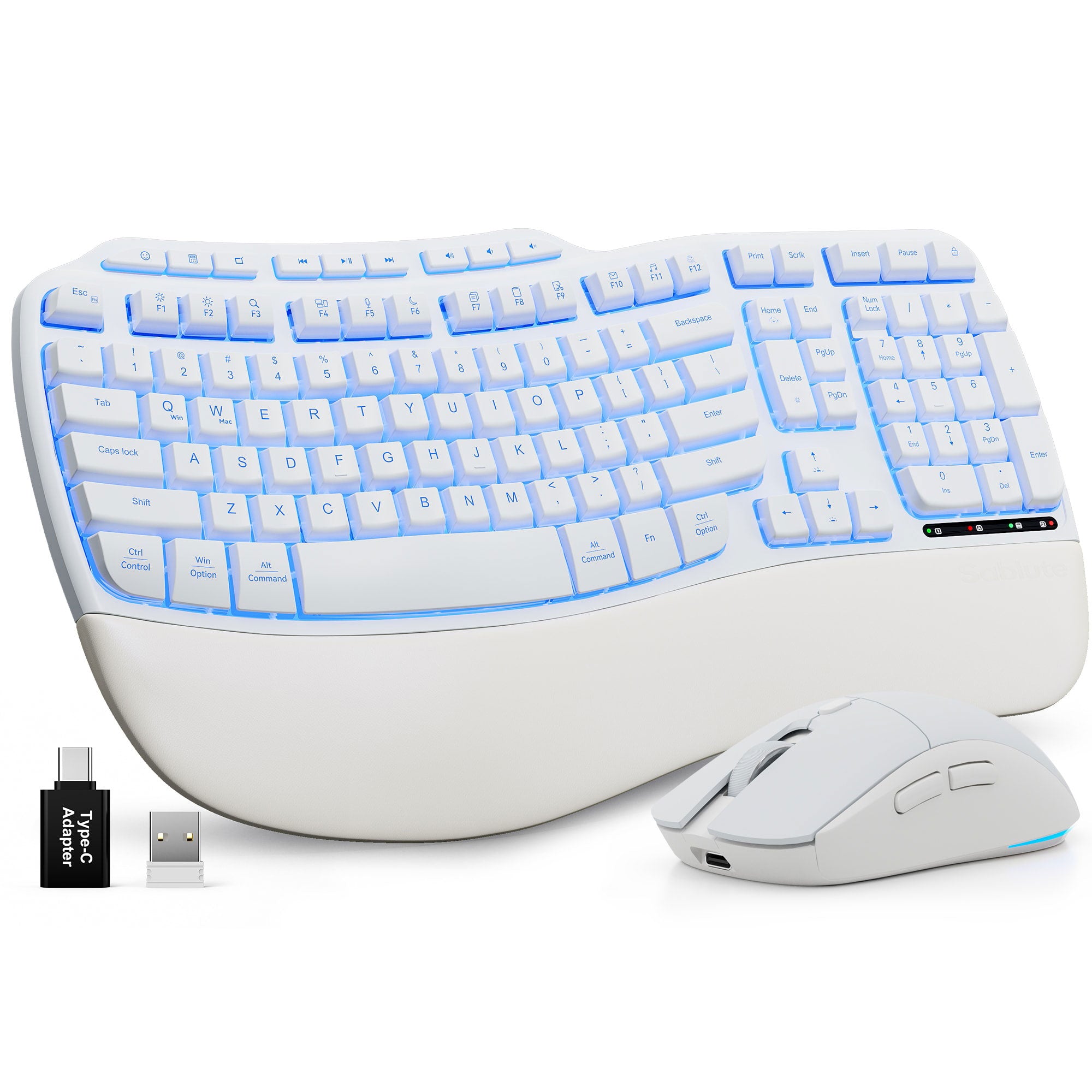
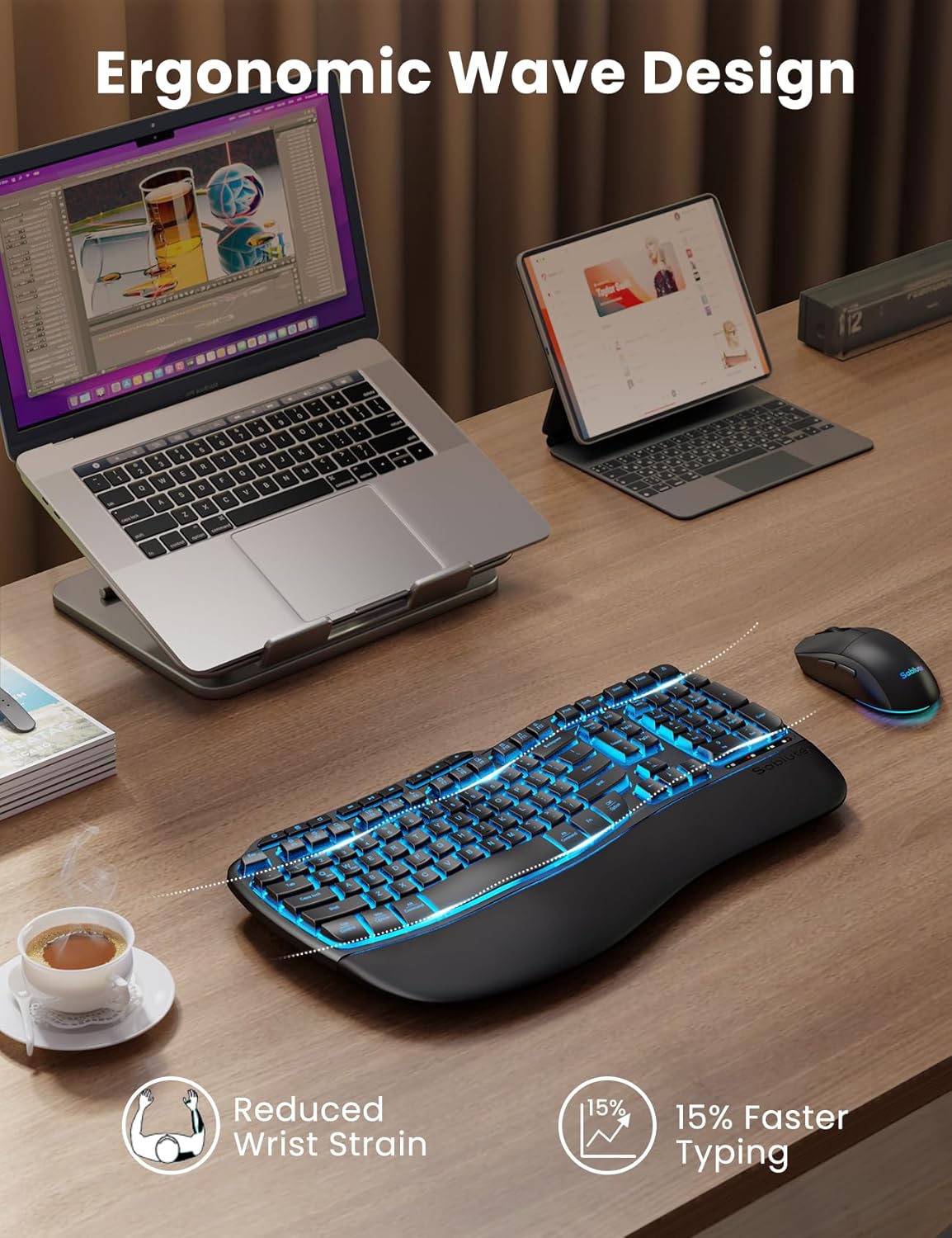
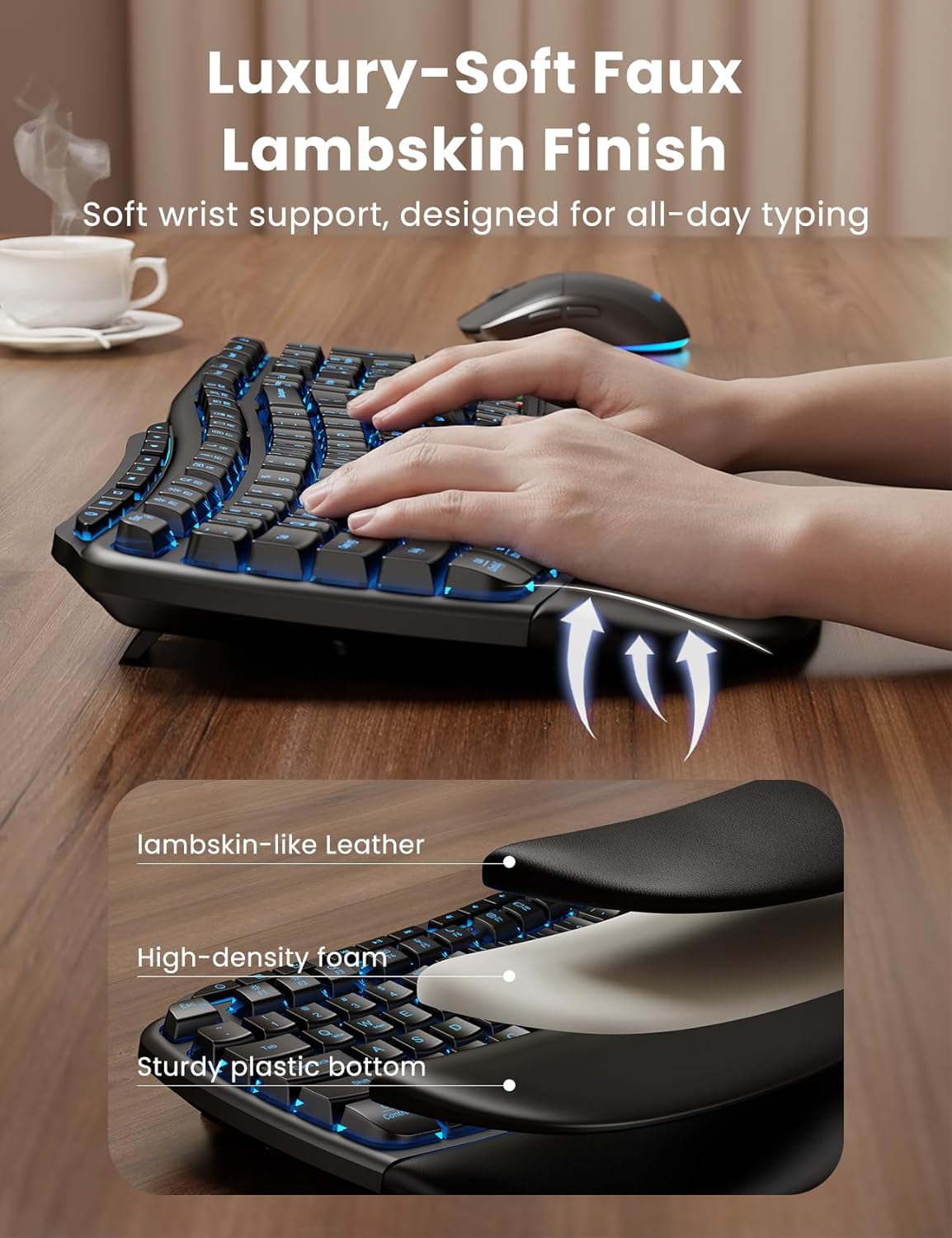
Ergonomic Wave Keys Wireless Keyboard and Mouse Combo MA31 Pro
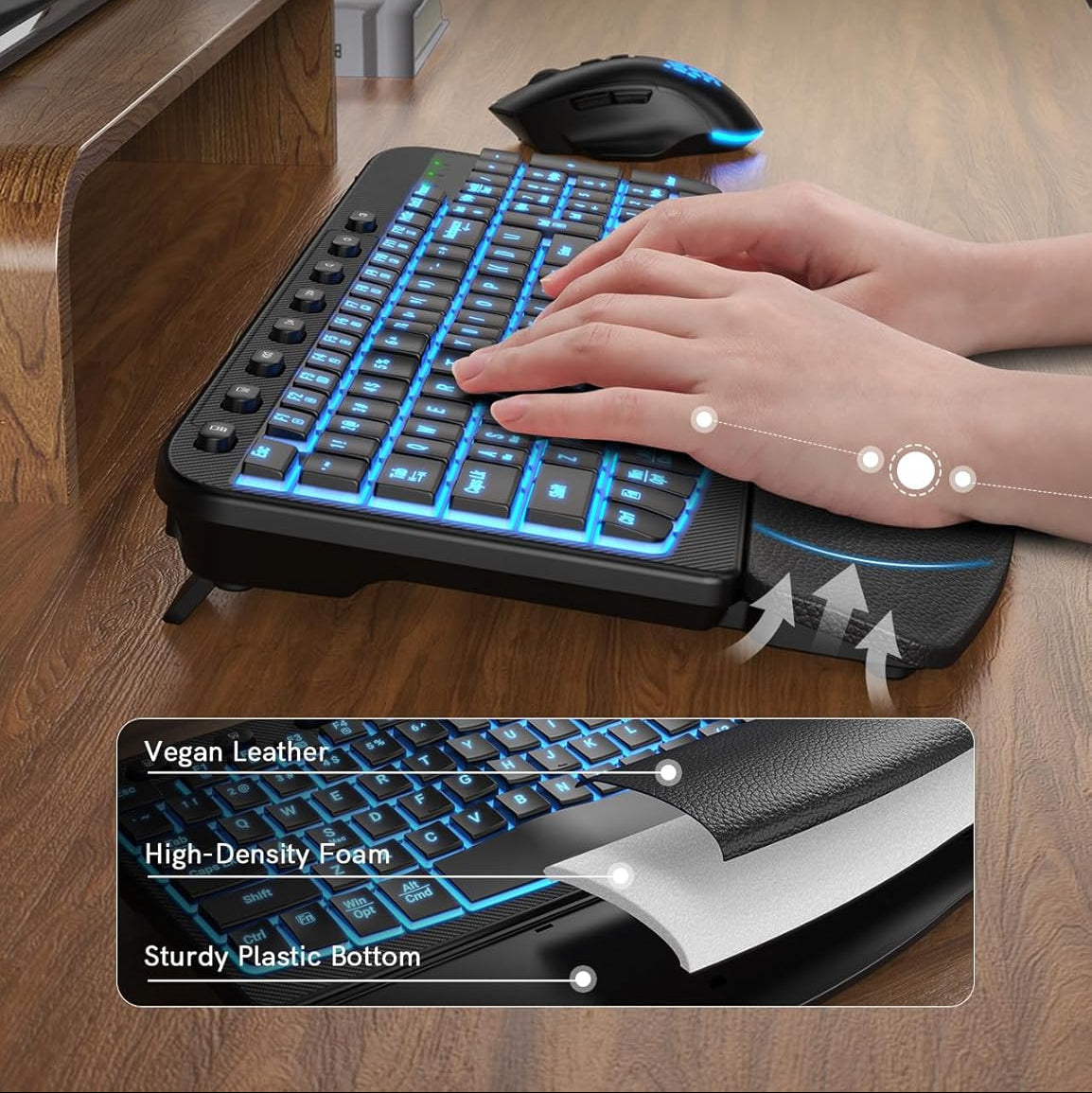
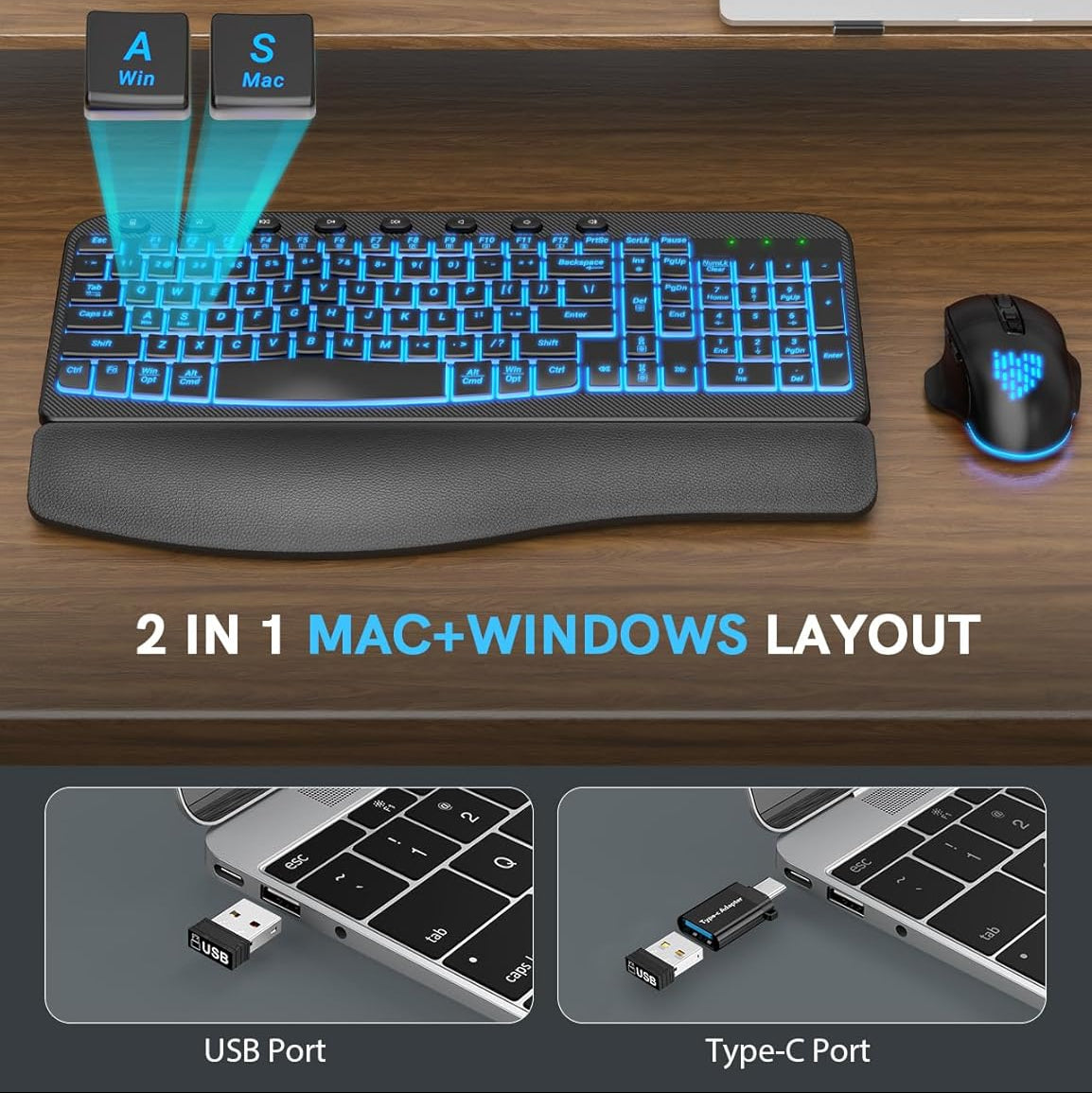
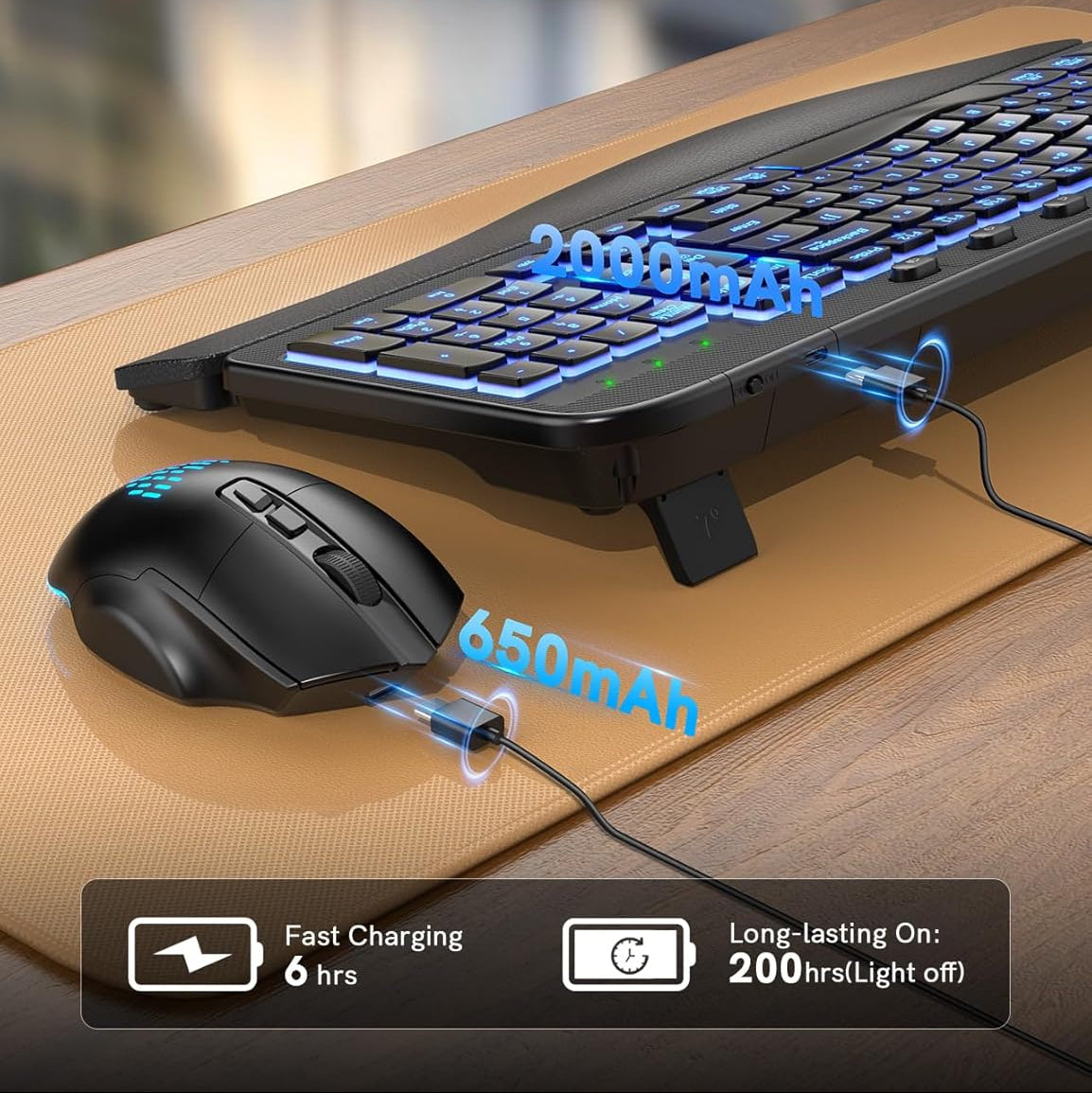
Sablute Ergonomic Wireless Backlit Keyboard and Mouse Combo MA12 Pro
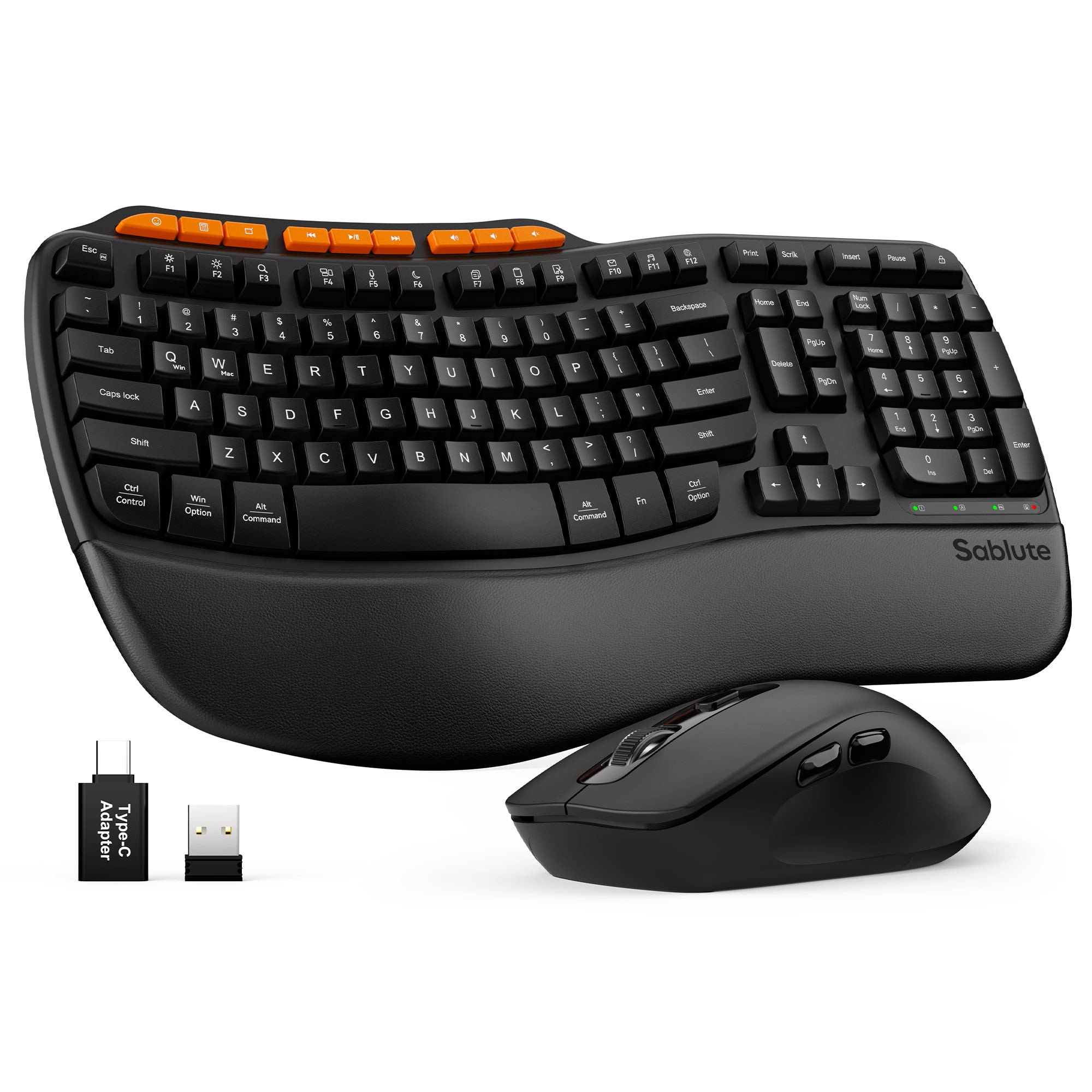


Sablute Ergonomic Wave Keys Wireless Keyboard and Mouse Combo MA31
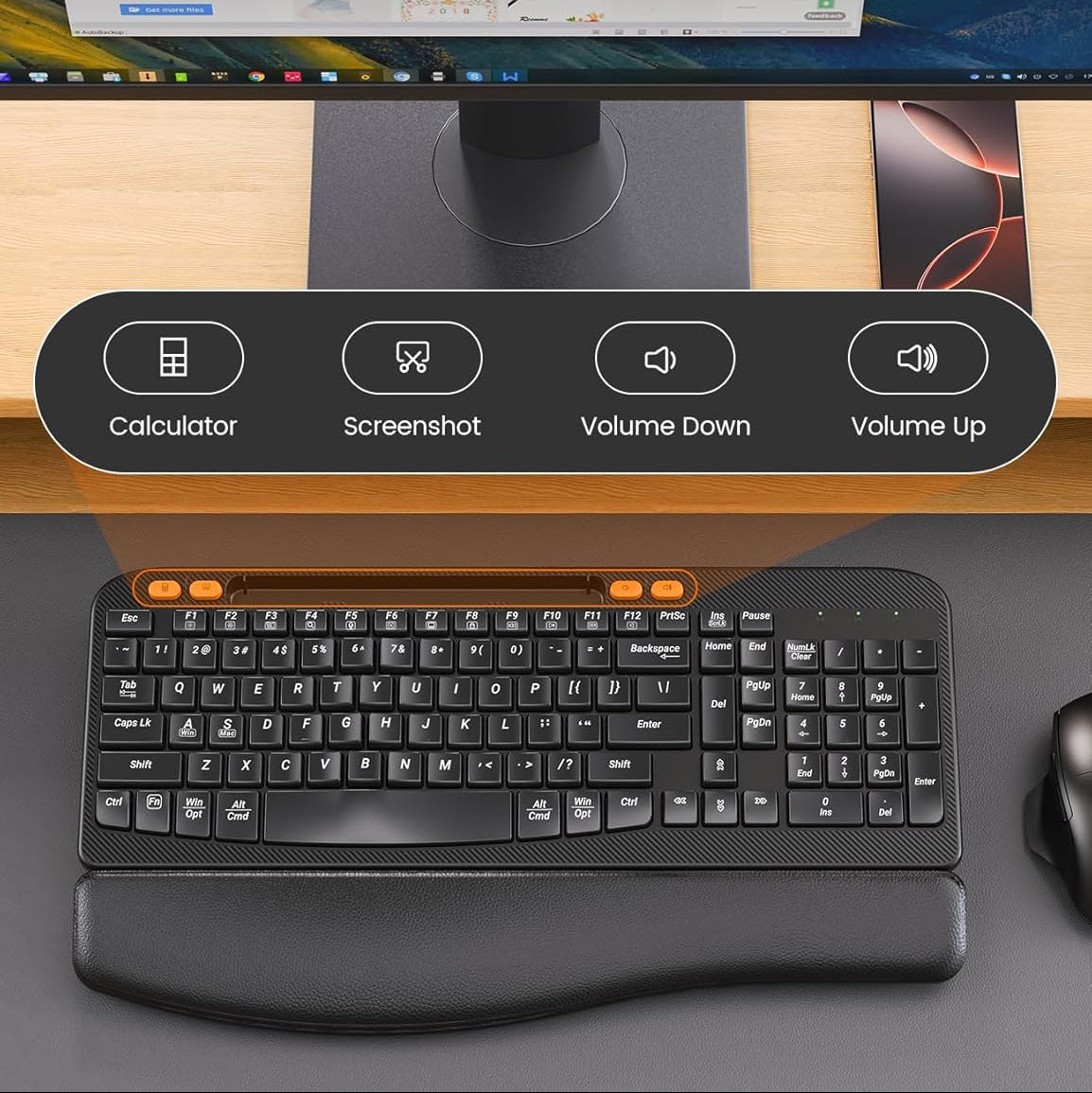
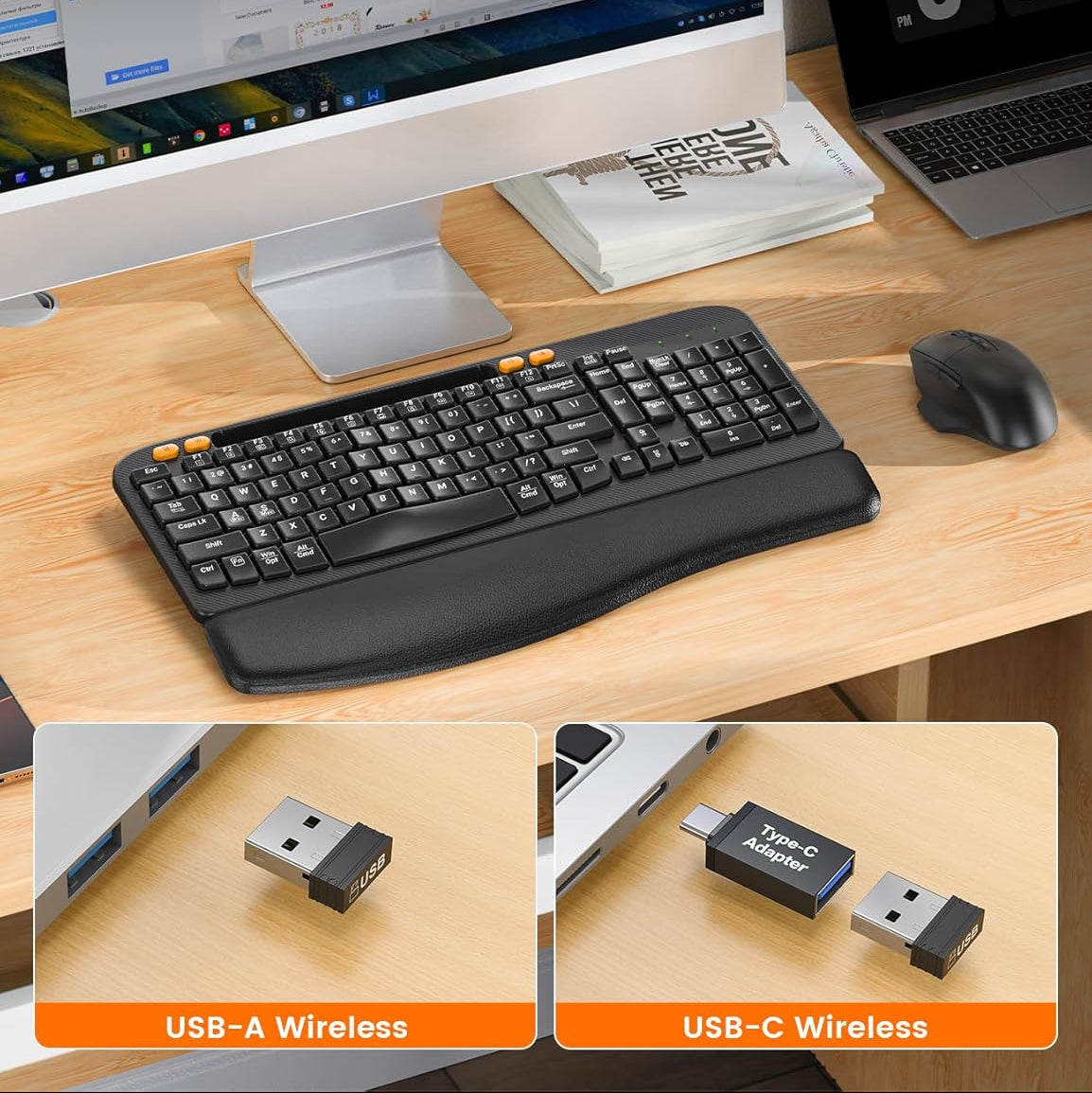
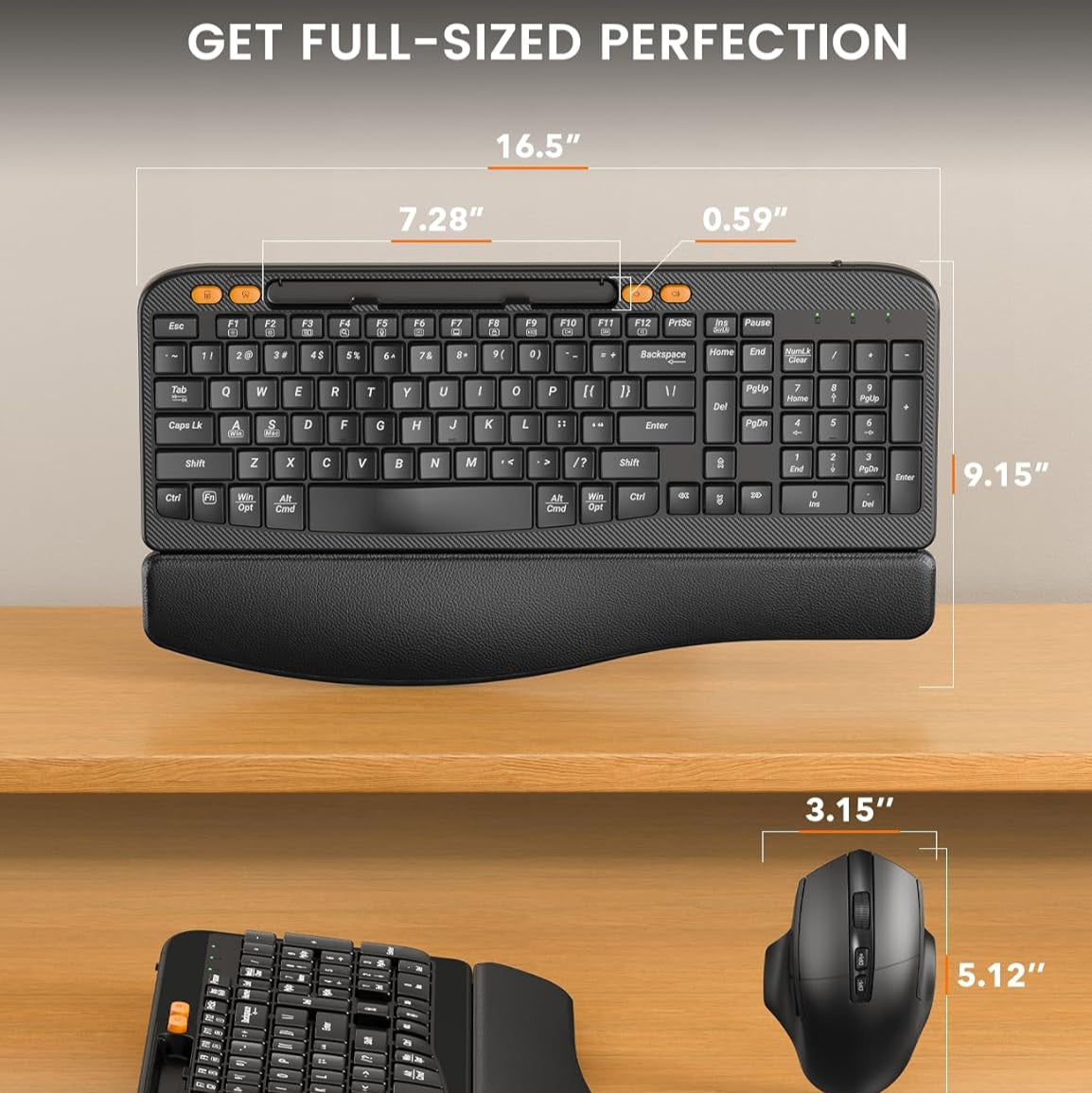
Sablute 2.4G Wireless Keyboard and Mouse Combo MA22 Plus
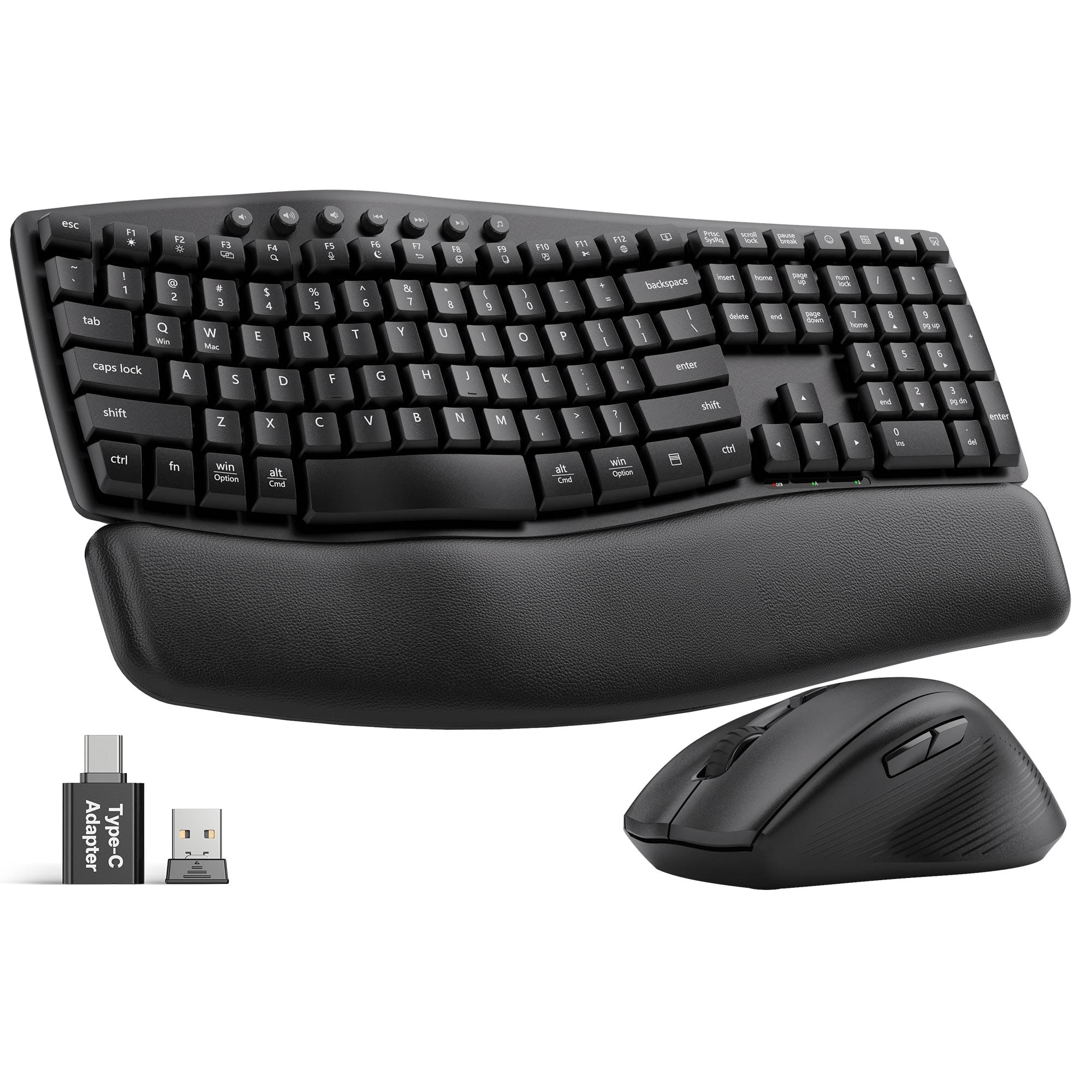


Sablute Ergonomic Wireless Keyboard and Mouse Combo MA41
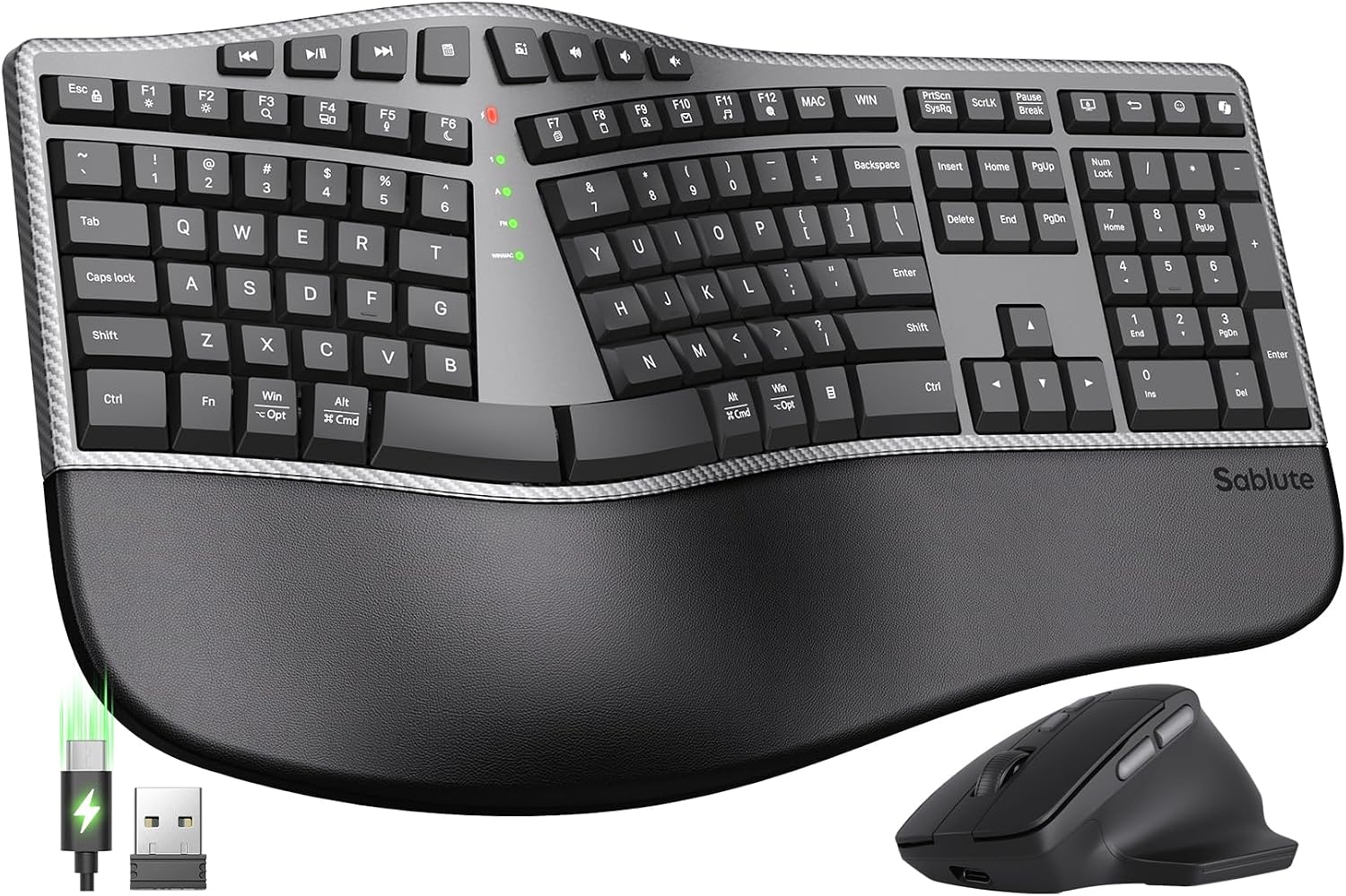
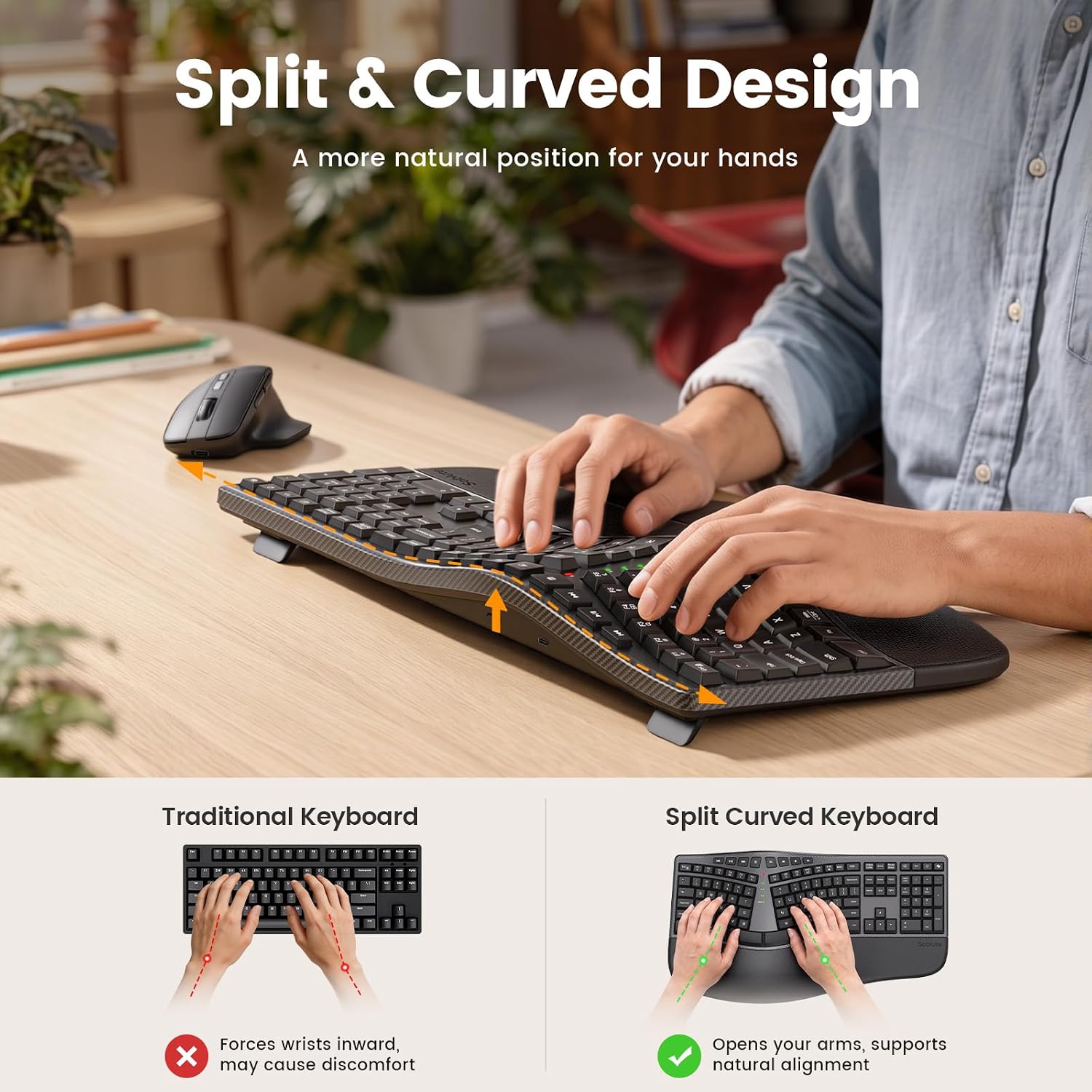
Sablute Split Ergonomic Keyboard and Mouse Combo MA51
Sablute Wave Keys Ergonomic Wireless Keyboard and Mouse Combo MA12

Sablute Wave Keys Wireless Backlit Keyboard and Mouse Combo MA22 Pro


FIND YOUR FIT
Compare Backlit Wave Keyboard Combos
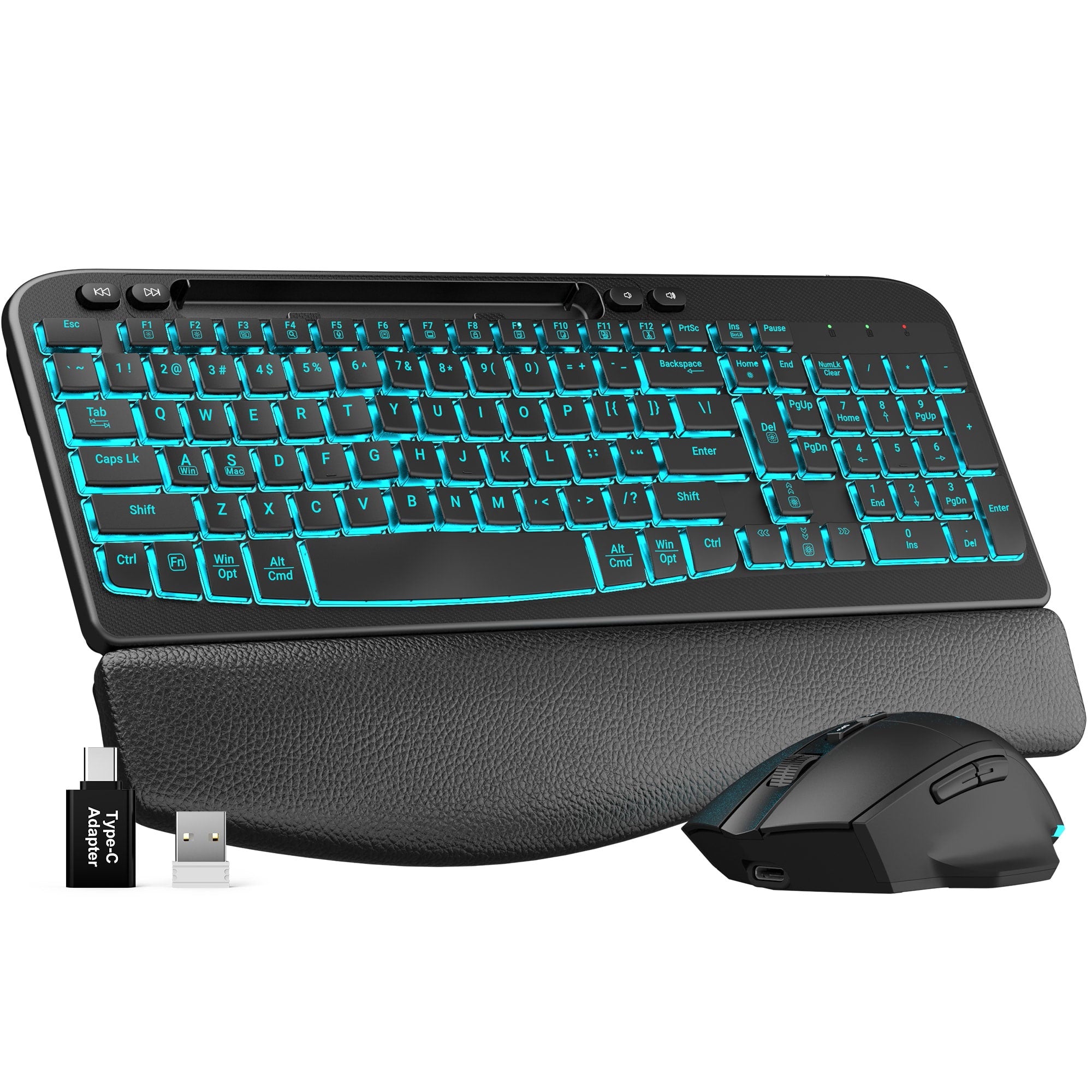
Best For
Colorful workspaces
Best For
Long work sessions
Best For
Phone and tablet users
Keyboard layout
Full-size with number pad
Keyboard layout
Full-size with number pad
Keyboard layout
Full-size with number pad
Backlight
7 backlight colors
Backlight
7 backlight colors
Backlight
7 backlight colors
Mouse lighting
RGB
Mouse lighting
RGB
Mouse lighting
RGB
Power
USB-C rechargeable
Power
USB-C rechargeable
Power
USB-C rechargeable
Battery highlight
4000mAh keyboard / 700mAh mouse
Battery highlight
Rechargeable with smart sleep
Battery highlight
Rechargeable with quick charging
Wrist support
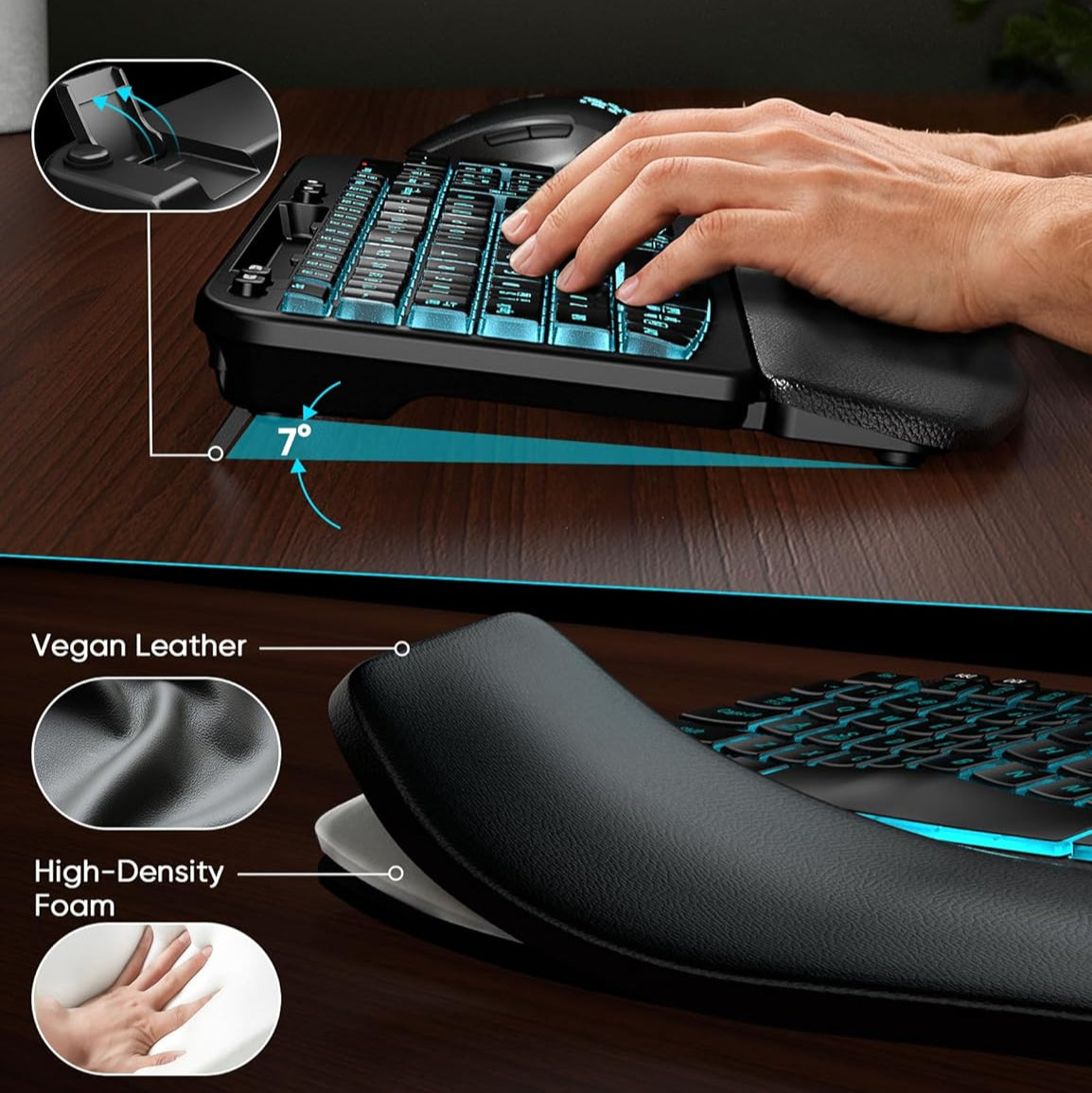
Soft leather-style wrist rest
Wrist support
Memory foam wrist rest
Wrist support
Memory foam wrist rest
Typing angle
0° / 7°
Typing angle
0° / 7°
Typing angle
0° / 7°
Device holder
No
Device holder
No
Device holder
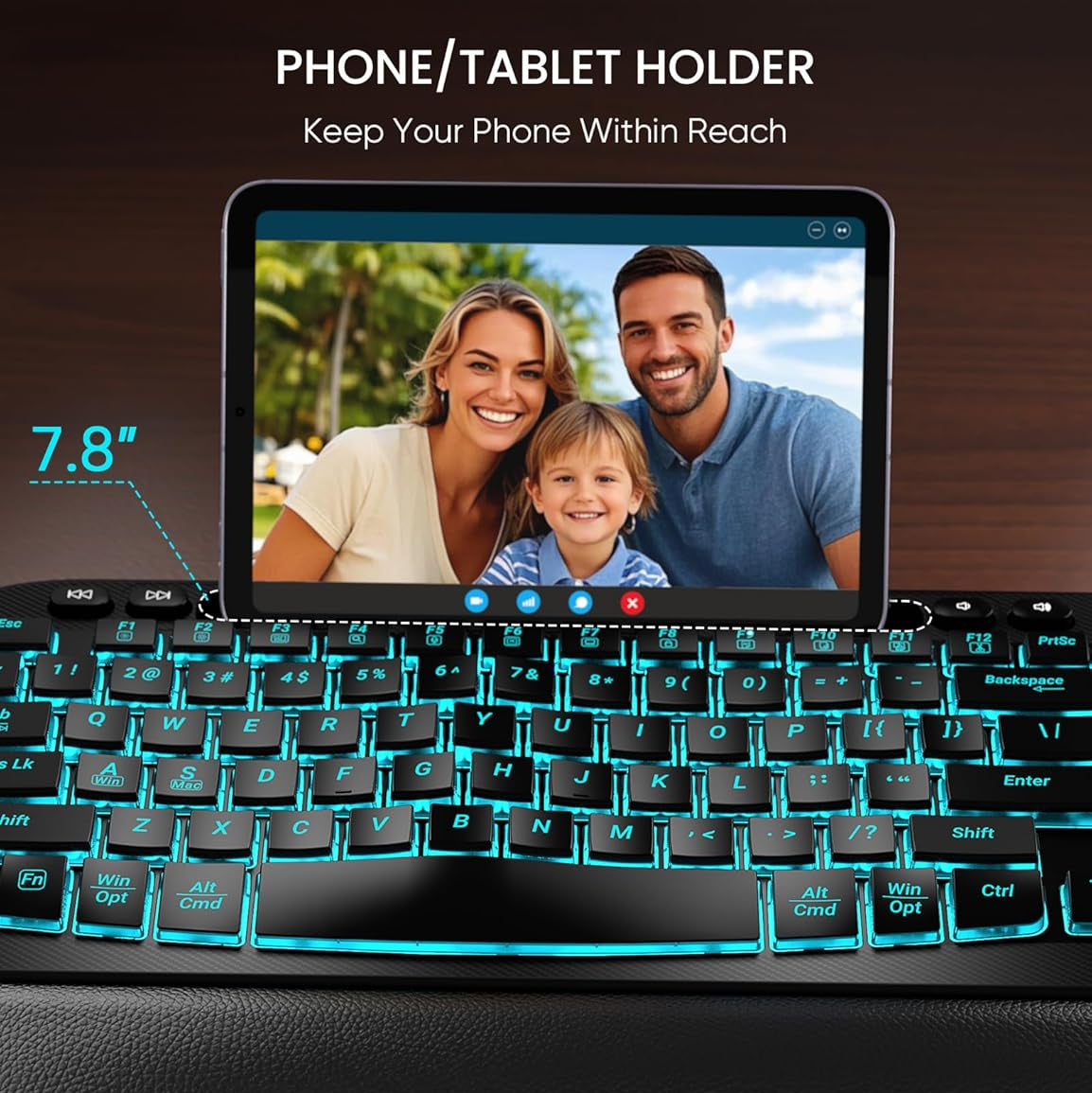
7.8-inch slot
Connection
2.4GHz receiver
Connection
2.4GHz receiver
Connection
2.4GHz receiver
Windows/Mac layouts
Yes
Windows/Mac layouts
Yes
Windows/Mac layouts
Yes
Compare Everyday Wave Keyboard Combos
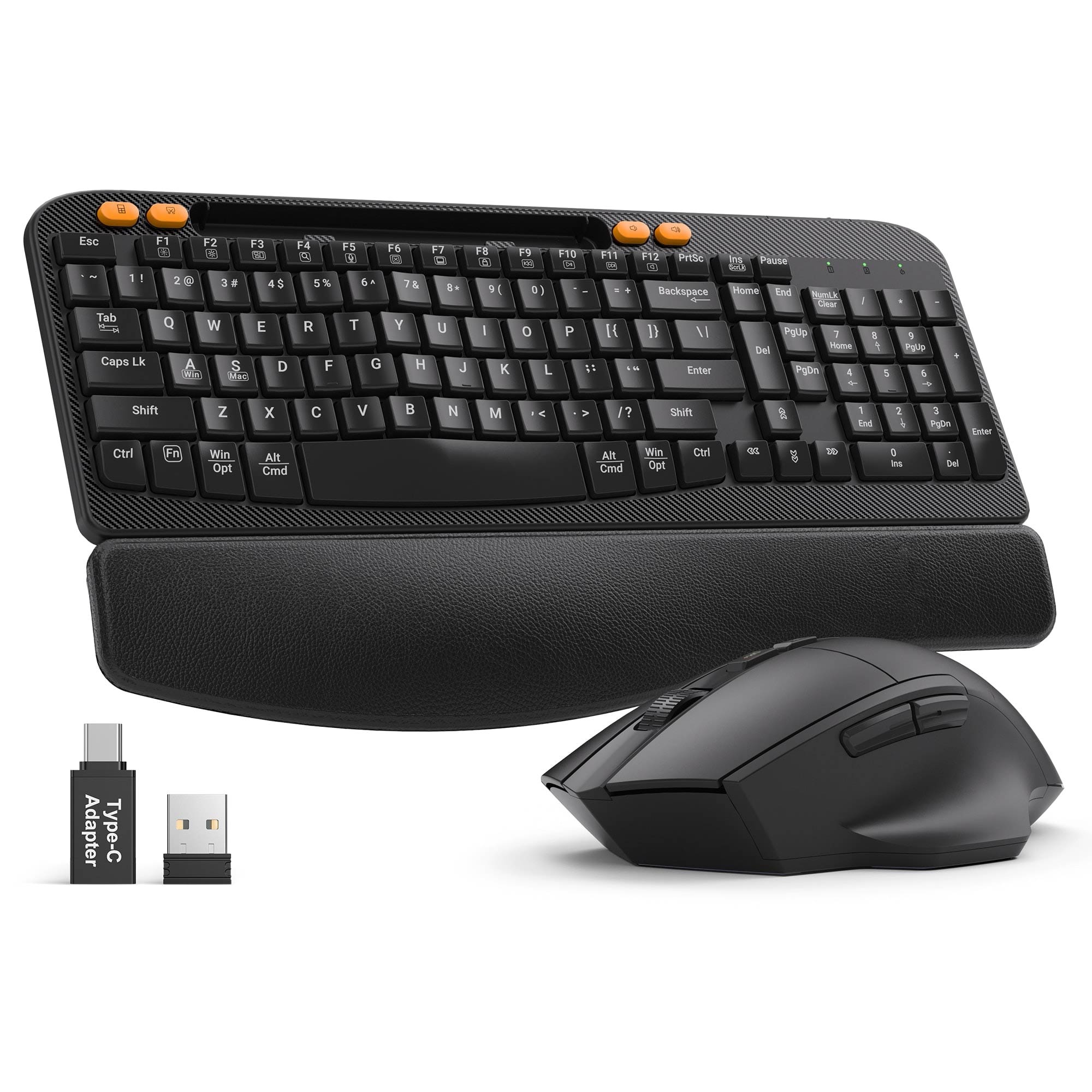
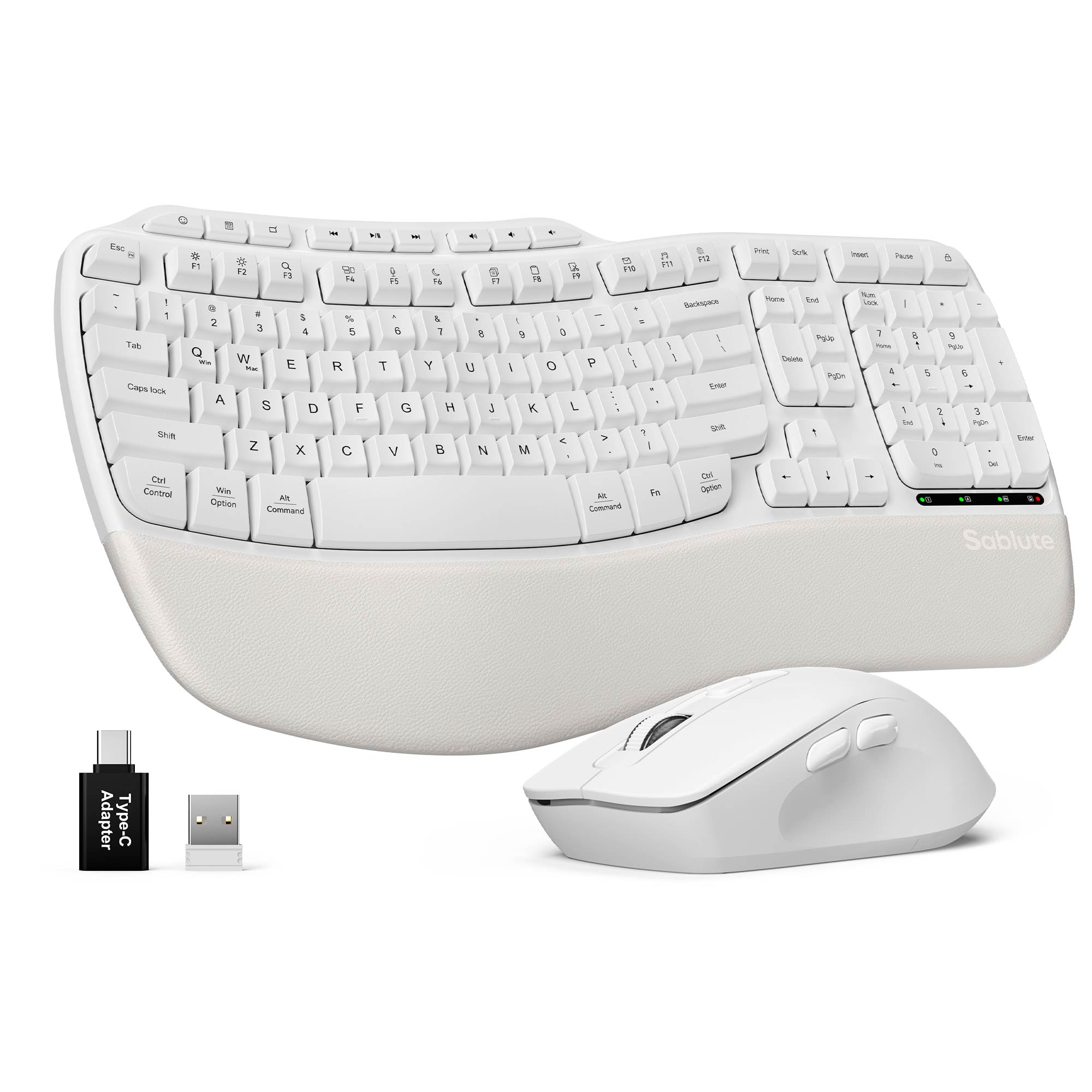
Best For
Pad/Phone users and USB-C setups
Best For
Quiet home and office work
Best For
Simple everyday productivity
Backlight
No
Backlight
No
Backlight
No
Power
USB-C rechargeable
Power
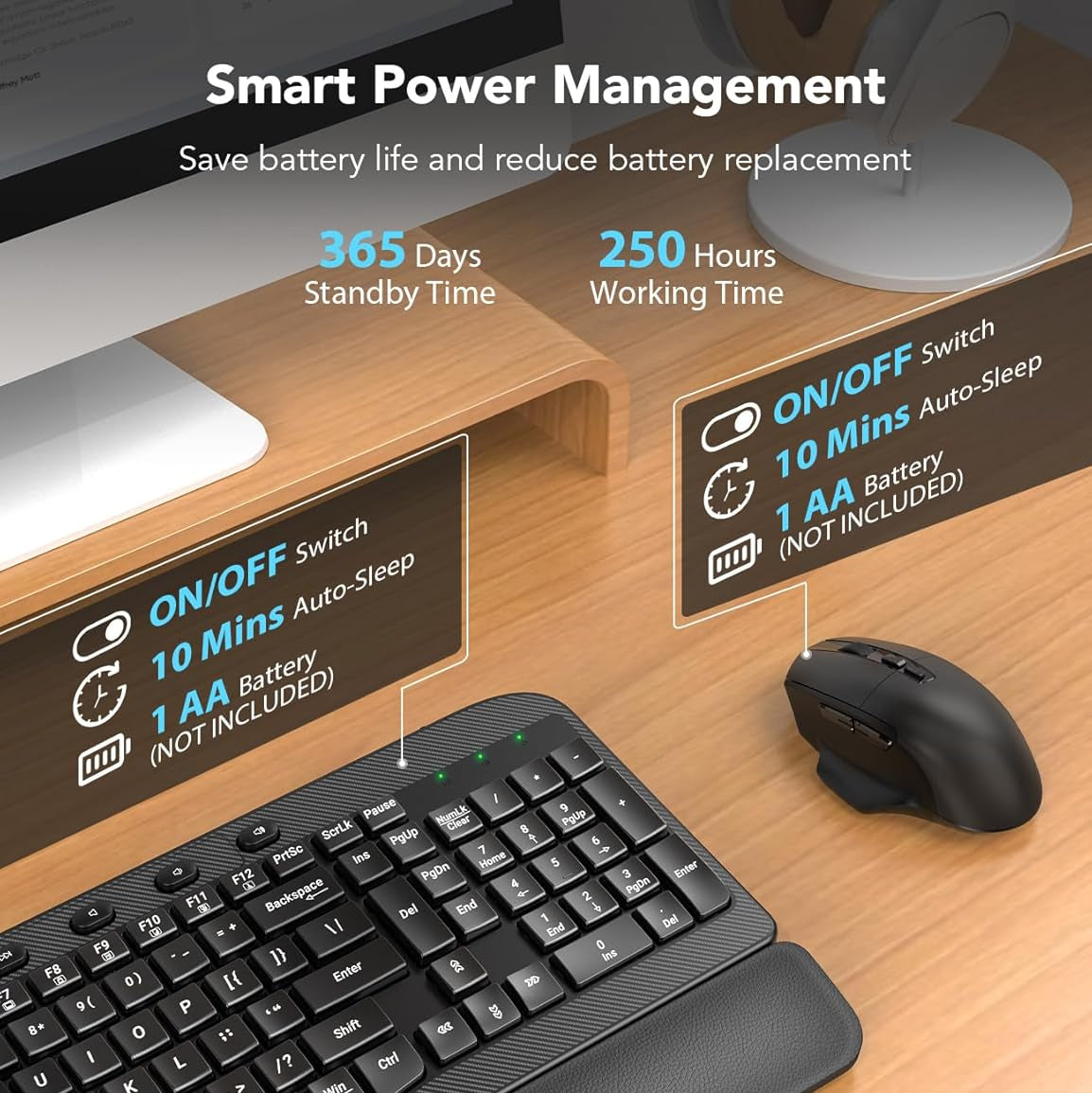
Keyboard: 2*AA Mouse:1*AA (not included)
Power
Keyboard/Mouse: 1*AA (not included)
Wrist support
Soft leather-style wrist rest
Wrist support
Soft leather-style wrist rest
Wrist support
Cushioned palm rest
Device holder
7.28-inch holder
Device holder
No
Device holder
No
Click/typing sound
Quiet
Click/typing sound
Quiet
Click/typing sound
Quiet
Connection
2.4GHz receiver
Connection
2.4GHz receiver
Connection
One receiver + USB-C adapter
Typing angle
0° / 7°
Typing angle
0° / 7°
Typing angle
0° / 7°
Device holder
No
Device holder
No
Device holder
No
Windows/Mac layouts
Yes
Windows/Mac layouts
Yes
Windows/Mac layouts
Yes
Special feature
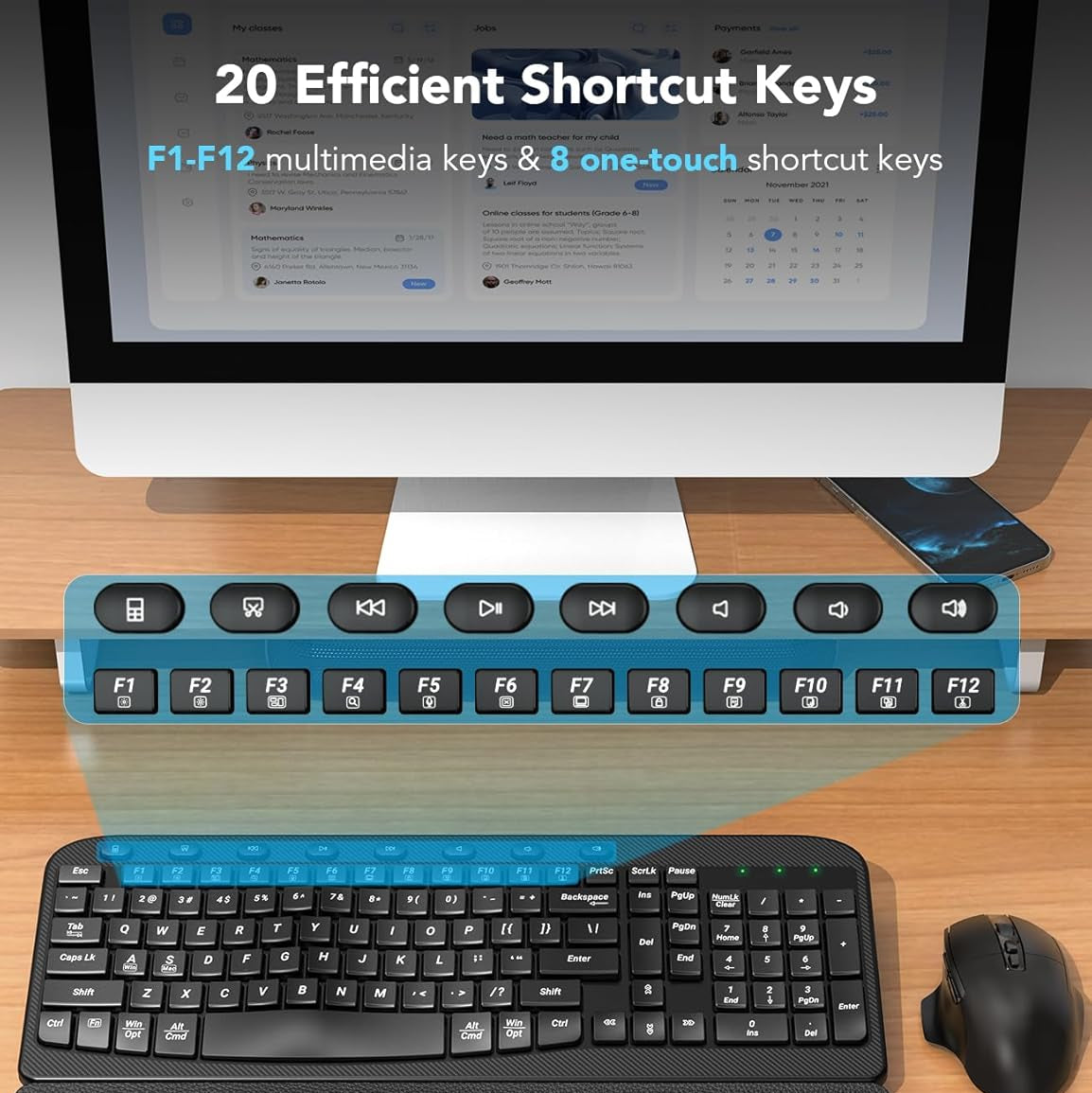
Four one-touch hotkeys
Special feature
Productivity shortcuts
Special feature
Efficient hotkeys
Why Choose a Wave Keyboard?
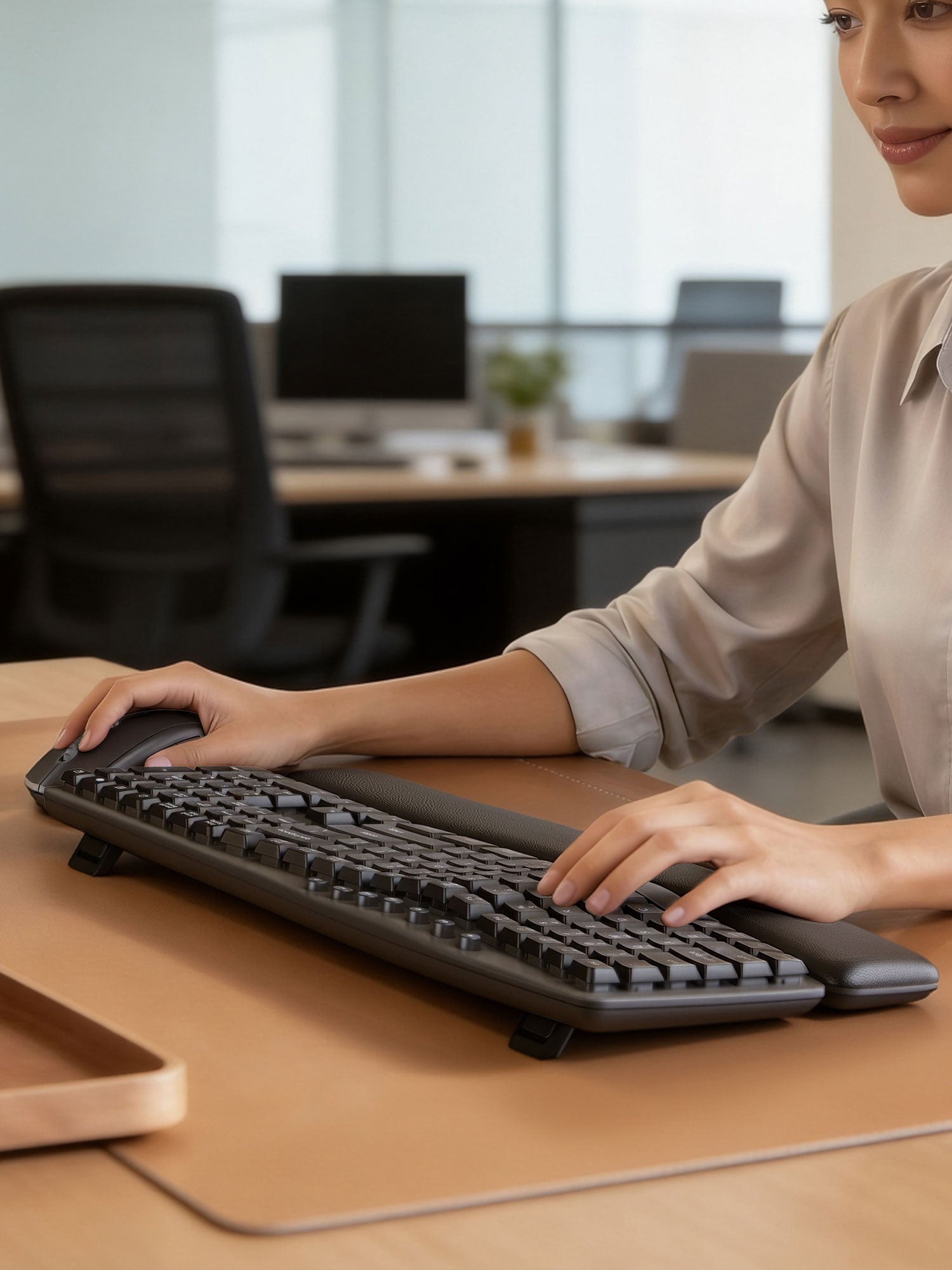
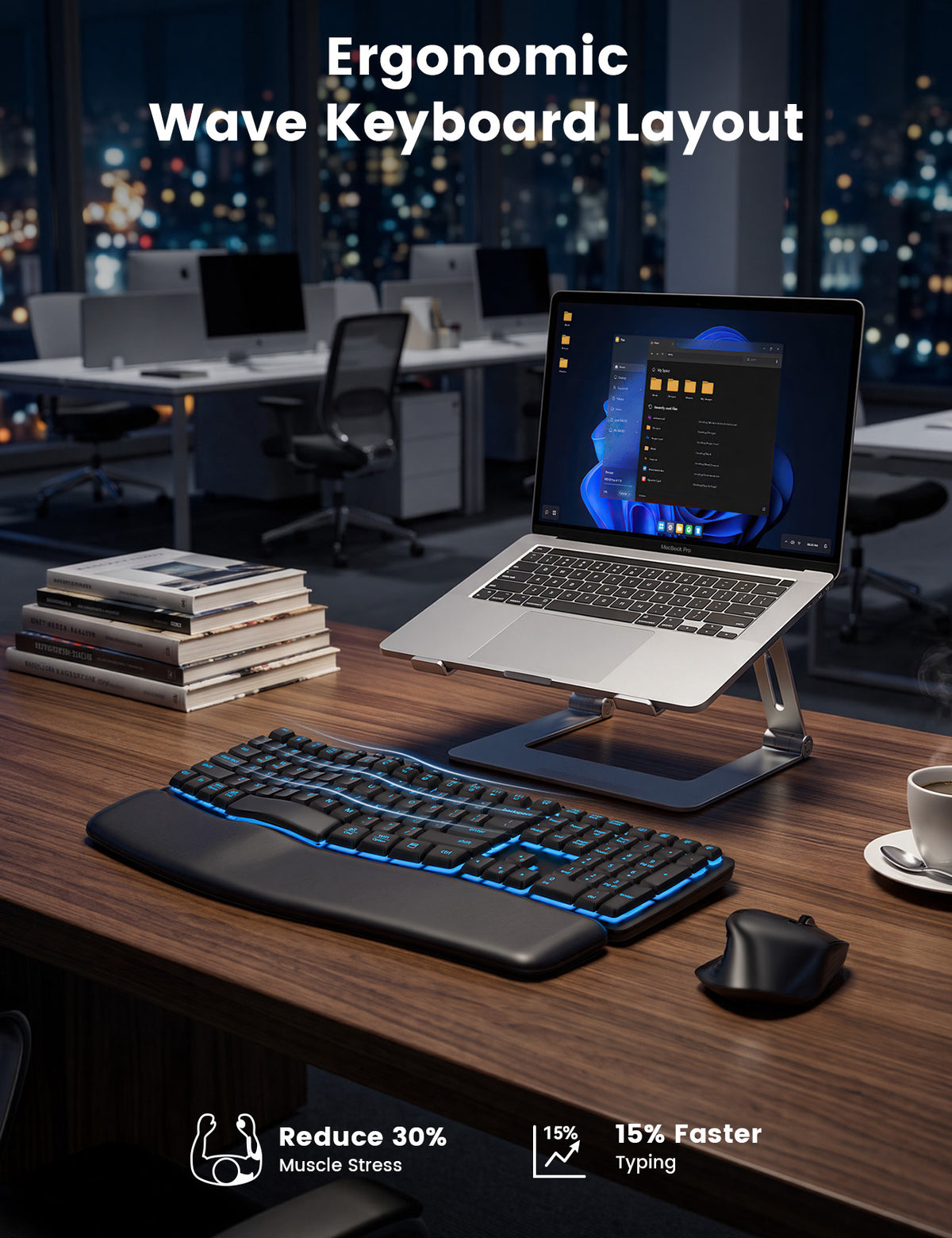
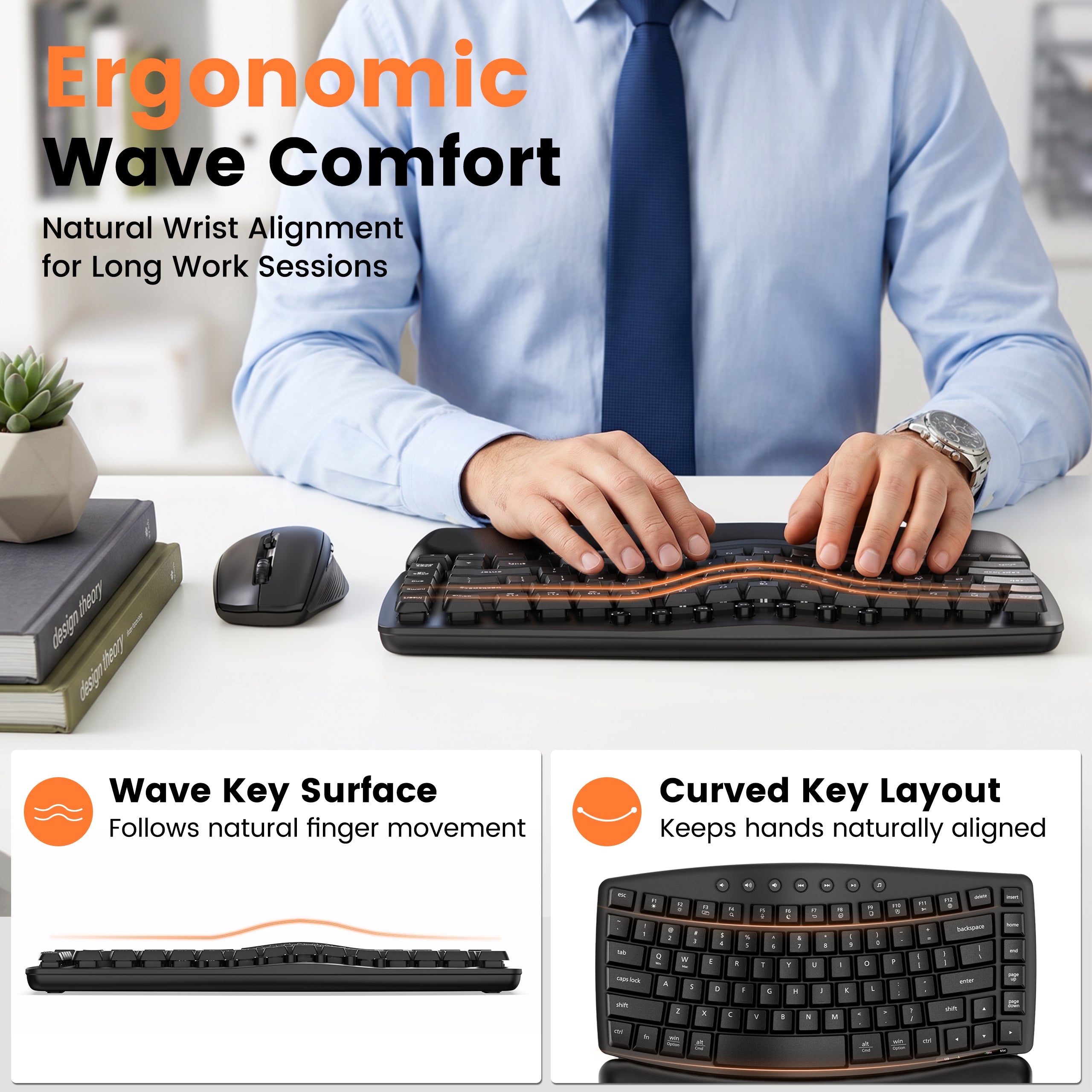
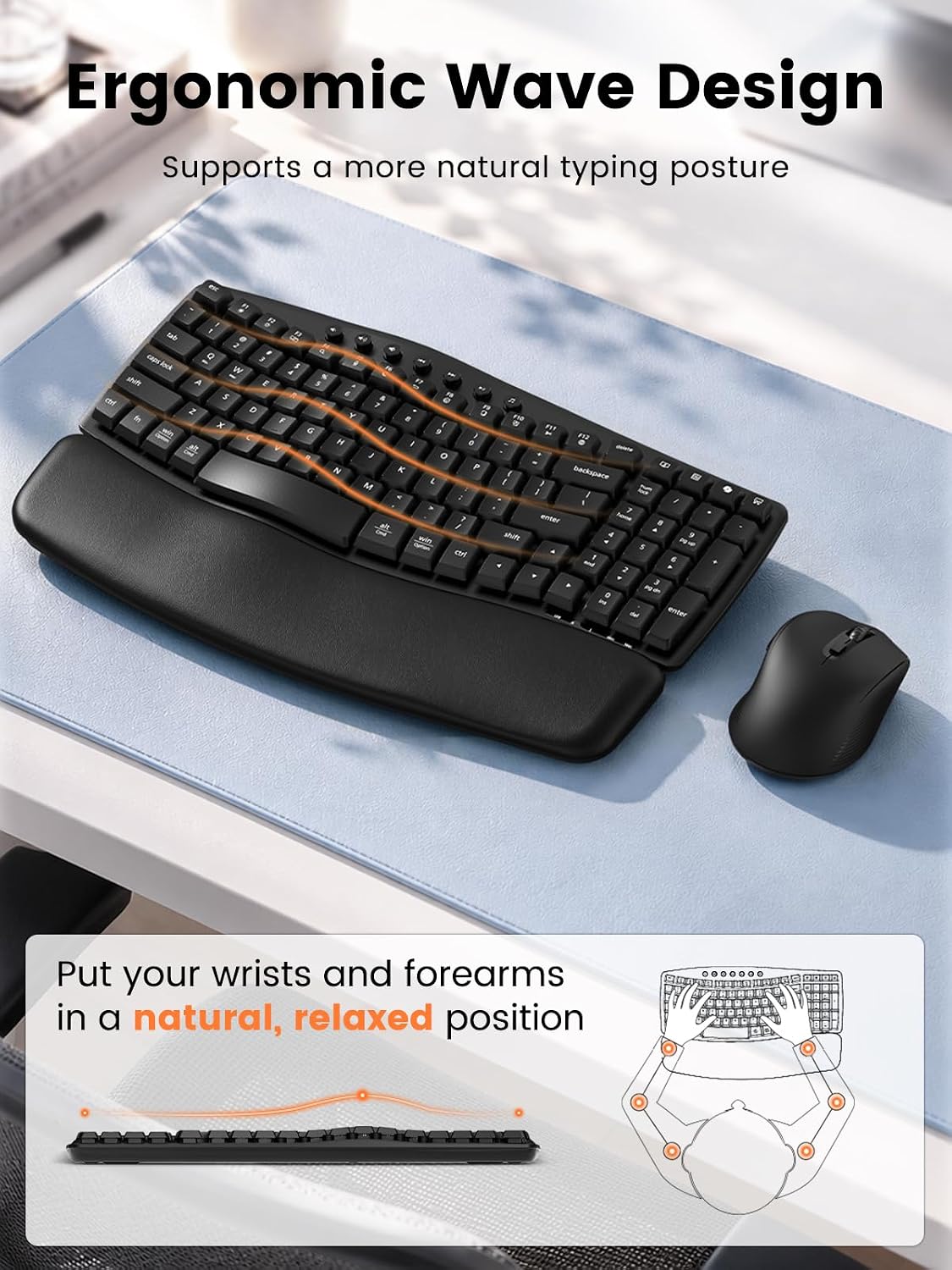
A wave keyboard uses a gently curved key layout designed around the different lengths and natural positions of your fingers.
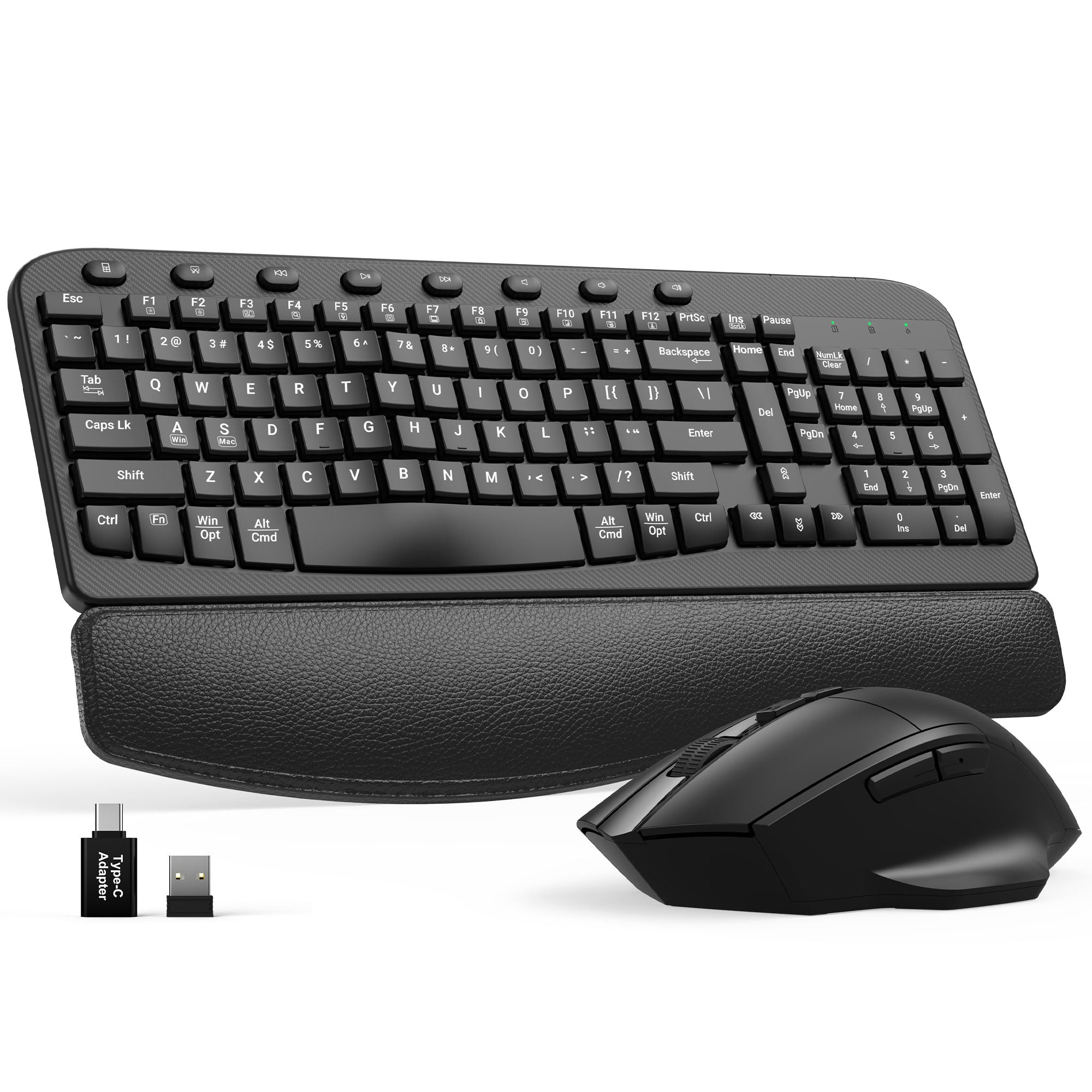
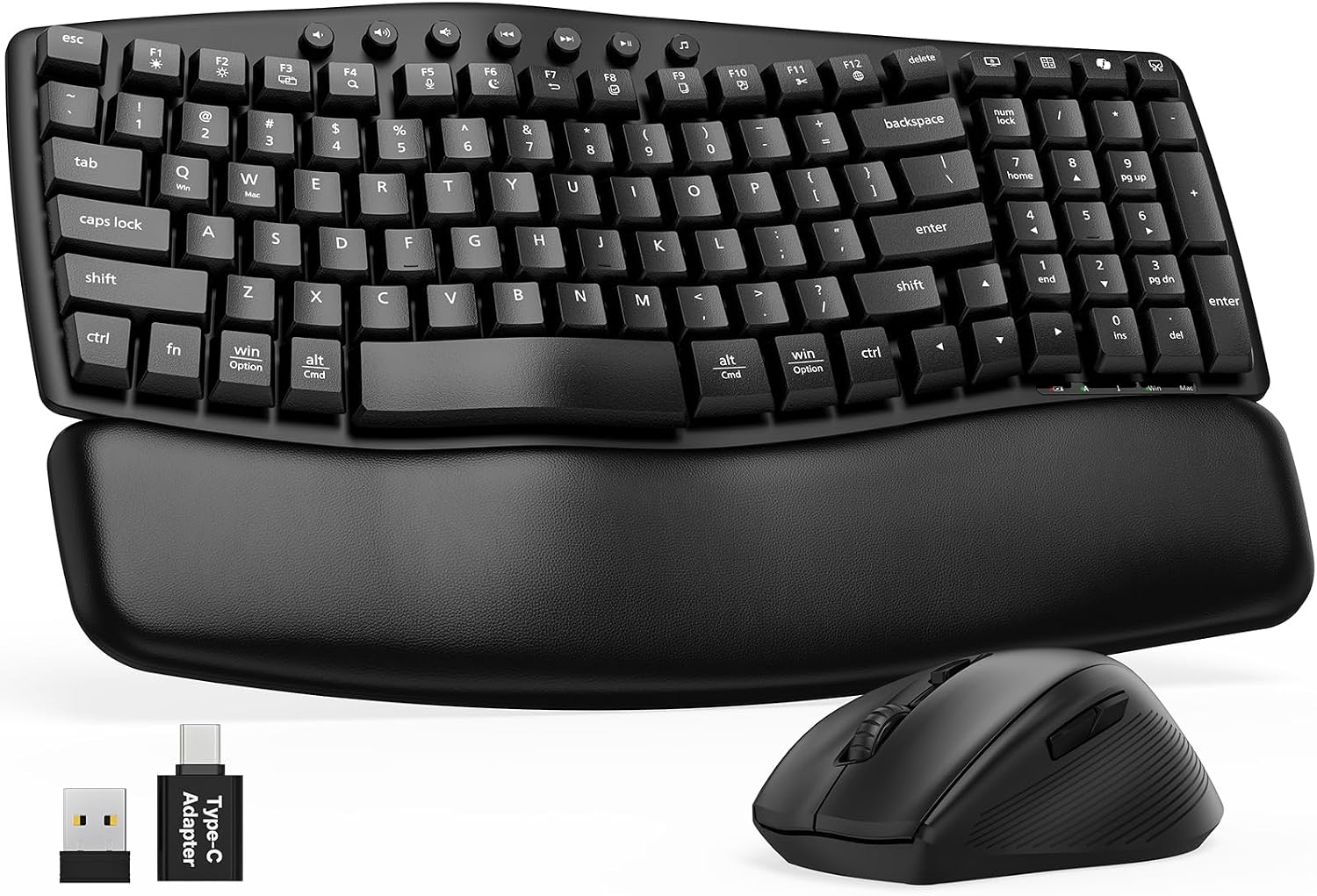
Sablute wave keyboard and mouse combos add cushioned wrist support, quiet keys, adjustable typing angles, and wireless connectivity while keeping a familiar full-size layout for everyday productivity.
⭐A Contoured Key Layout
Keys arranged in a gentle wave follow the natural position of your fingers while maintaining a familiar typing experience.
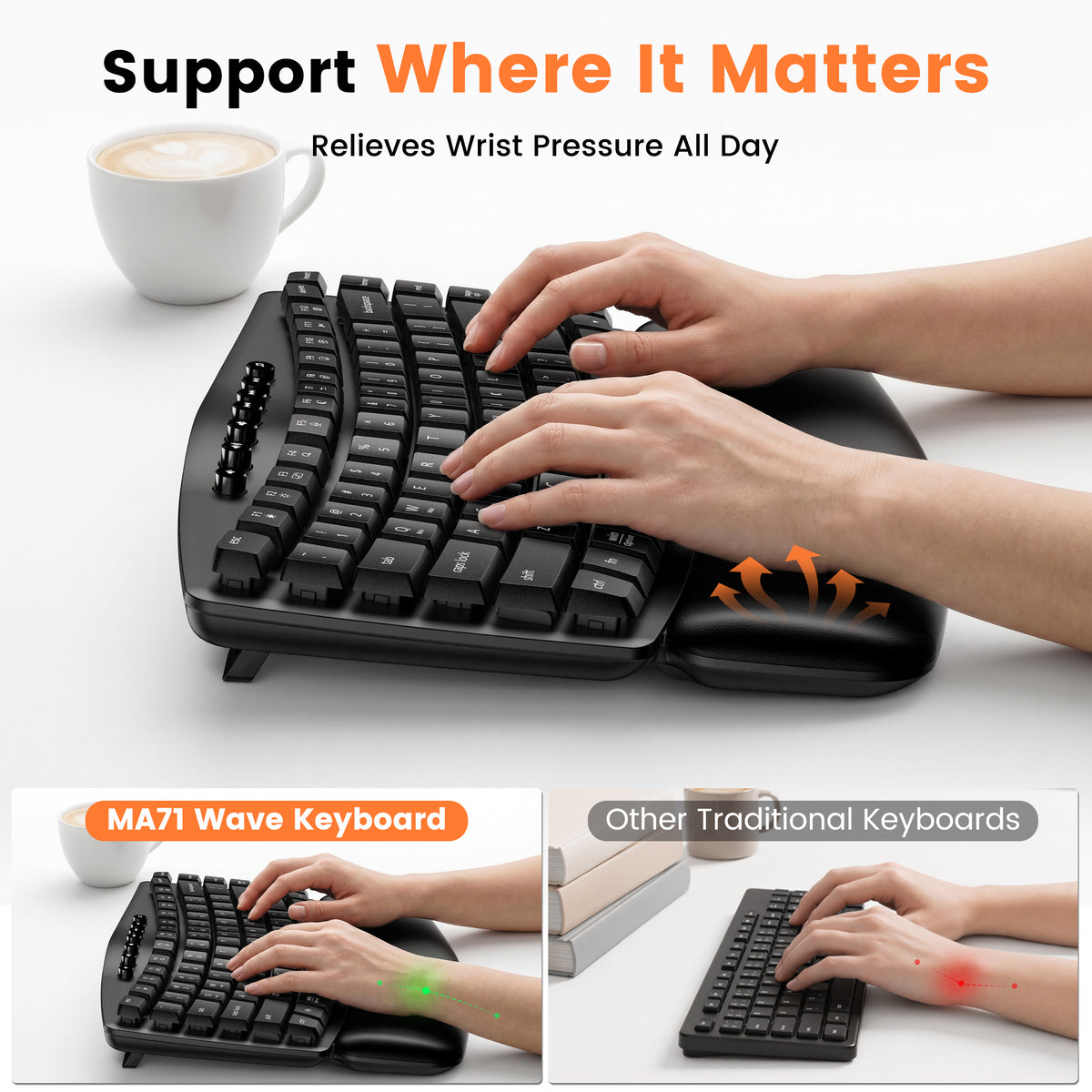
⭐Built-In Wrist Support
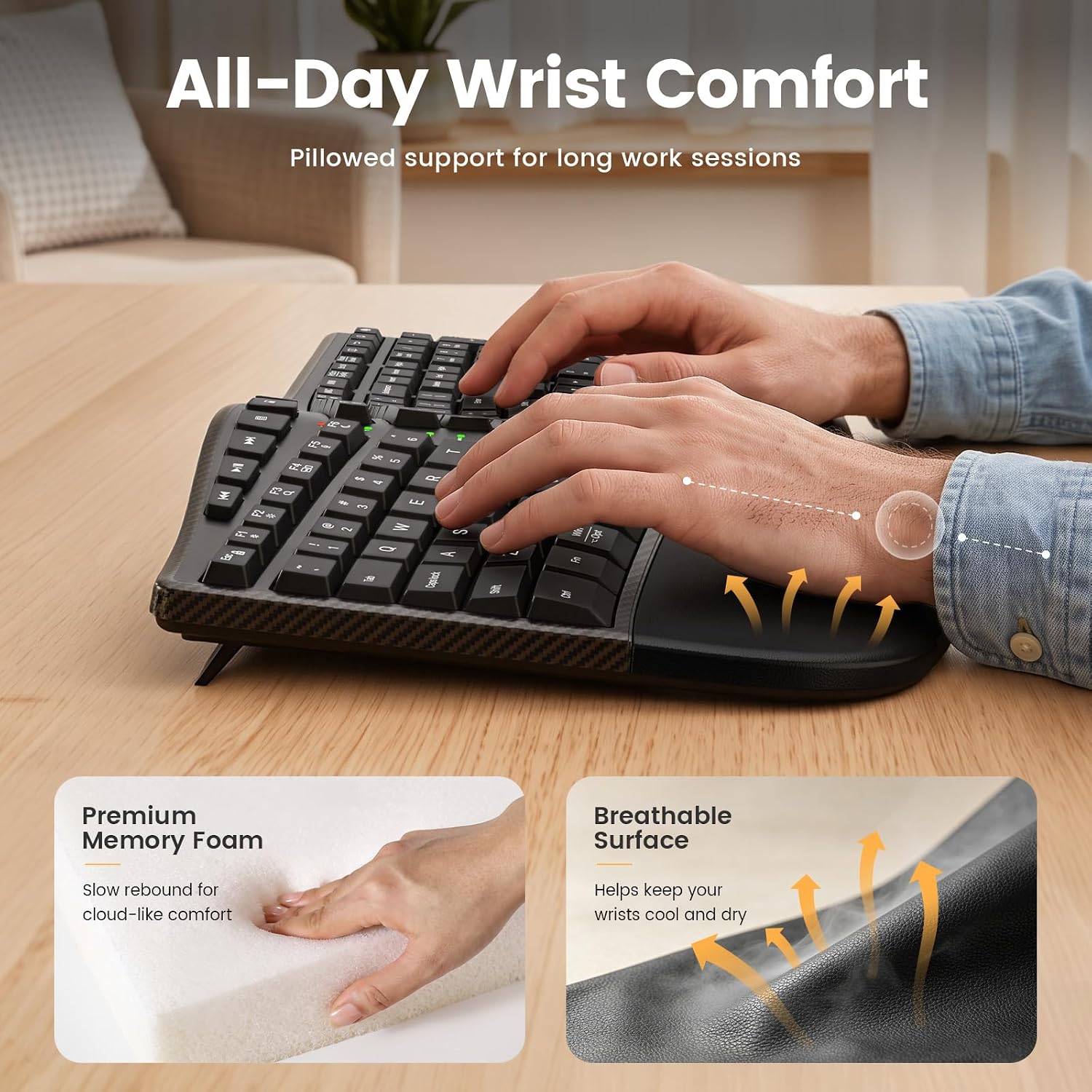
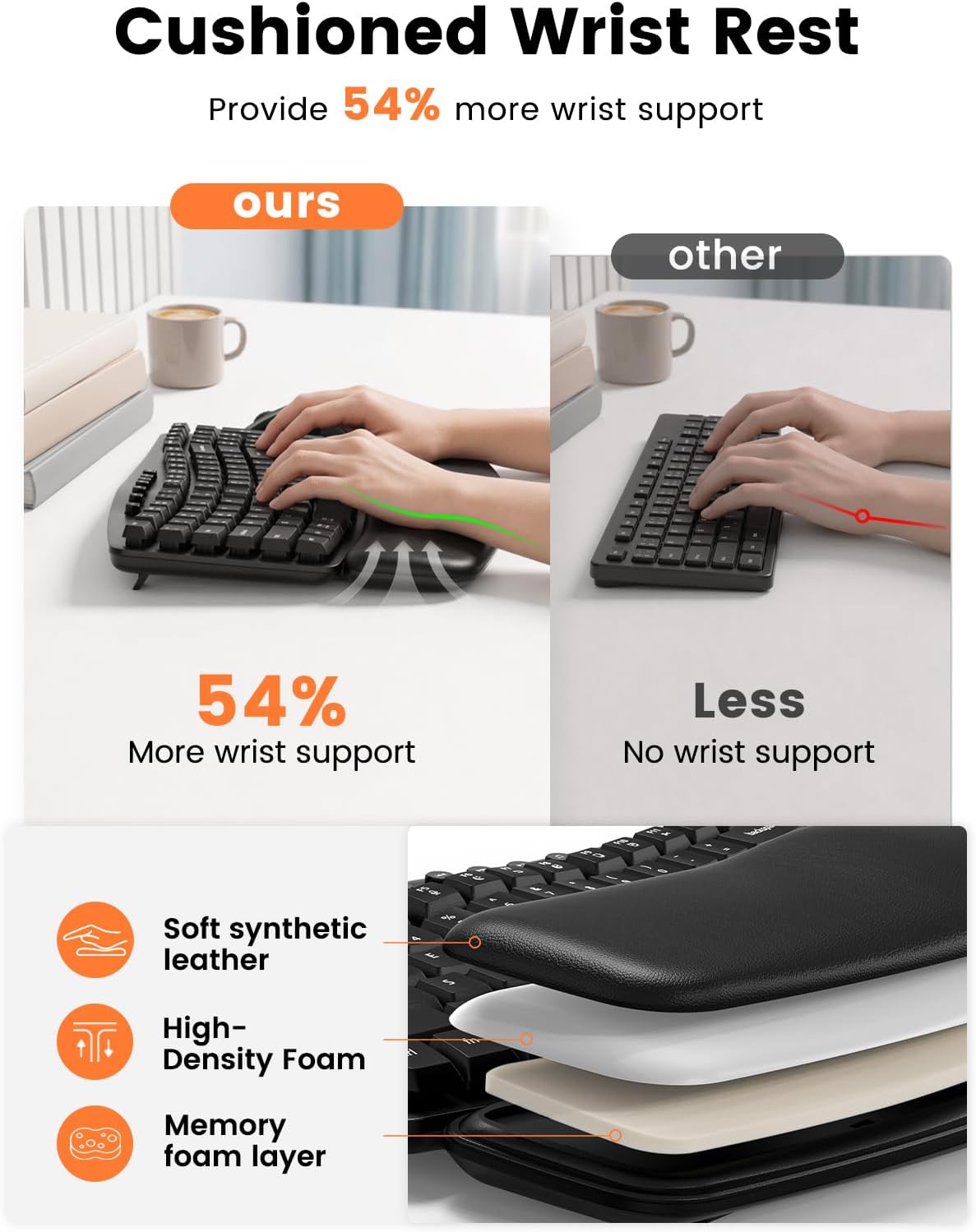
Cushioned, memory foam, or leather-style wrist rests provide a softer place to support your hands between keystrokes.
⭐Full-Size Productivity
A dedicated number pad and familiar shortcut keys make these keyboards practical for spreadsheets, reports, data entry, and everyday office work.
⭐One Receiver, Less Desk Clutter
A single 2.4GHz receiver connects both the keyboard and mouse, helping keep your desk setup simple and organized.
FAQs
What is a wave keyboard?
A wave keyboard uses a gently curved key layout that follows the natural position and different lengths of your fingers. It keeps a familiar keyboard layout while encouraging a more natural hand position than a completely flat keyboard.
Is it difficult to get used to a wave keyboard?
Most users can adapt quickly because the overall key arrangement remains familiar. If this is your first wave keyboard, begin with your normal typing routine and allow a few days to become comfortable with the curved key heights.
Which Sablute wave keyboards are backlit?
MA12 Pro, MA31 Pro, and MA22 Pro feature colorful keyboard backlighting and an RGB mouse. MA22 Plus, MA31, MA12, and MA41 are non-backlit options.
Which models include a phone or tablet holder?
MA22 Pro includes a 7.8-inch device slot, while MA22 Plus includes a 7.28-inch holder. The holder can support a phone, tablet, or small desk items, but it does not charge connected devices.
Which wave keyboard combos are rechargeable?
MA12 Pro, MA22 Plus, MA31 Pro, and MA22 Pro are rechargeable. MA12 and MA41 use replaceable batteries that are not included.
Do these keyboards connect through Bluetooth?
The models in this collection primarily use a 2.4GHz USB receiver rather than Bluetooth. One receiver connects both the keyboard and mouse. Check the individual product page to see whether a USB-C adapter is included.
Are these keyboards compatible with Windows and macOS?
Yes. The wave keyboard combos support core functions on Windows and macOS. Many models allow you to switch system layouts with a keyboard shortcut, although some special shortcut functions may differ by operating system.
Are wave keyboards suitable for quiet offices?
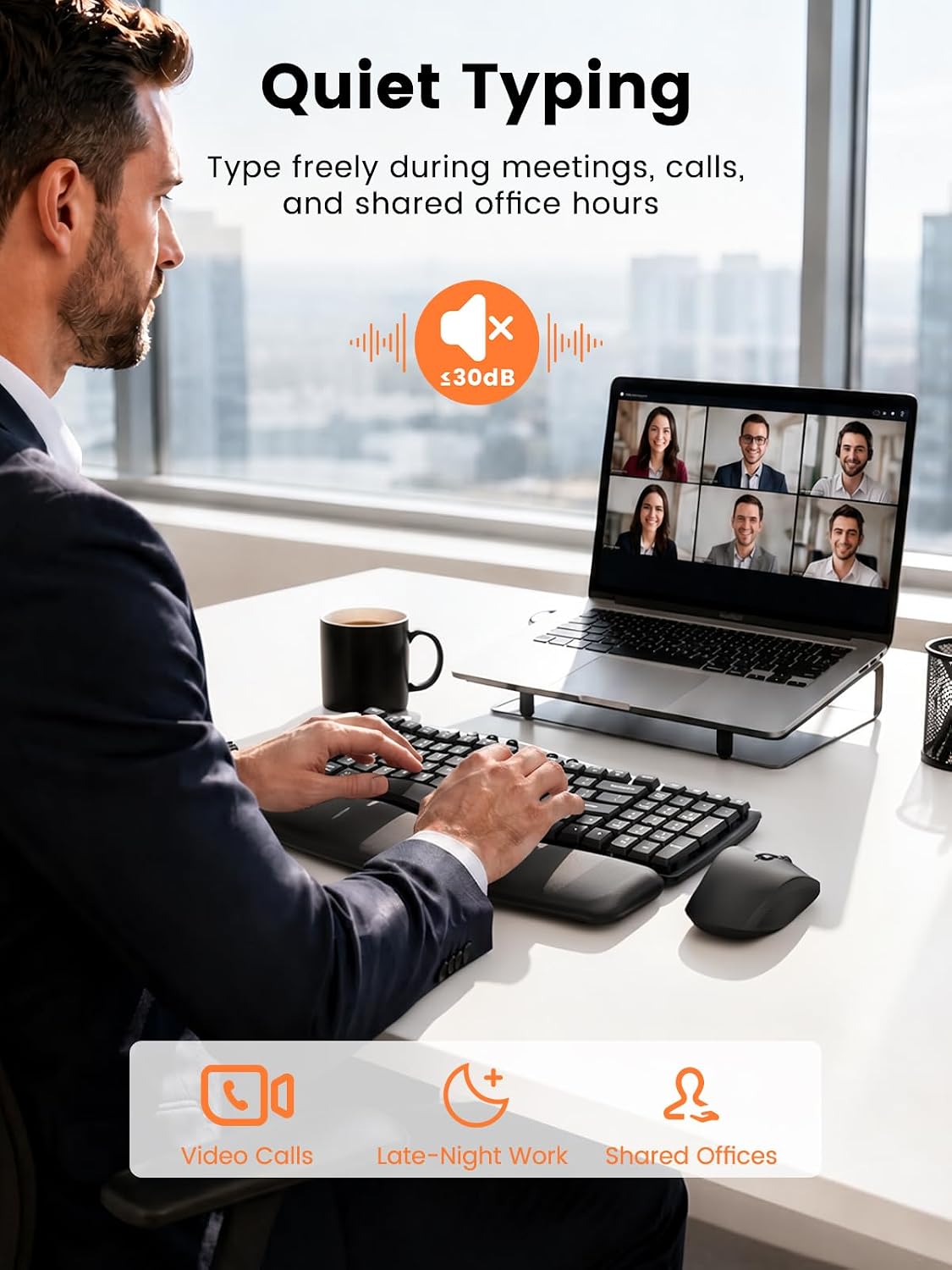
These models use low-noise or quiet keys, and their matching mice are designed for quieter clicking. Actual sound levels may vary by model, key, and working environment.
Can a wave keyboard help with wrist discomfort?
A wave keyboard changes the position of the hands and provides a cushioned place to rest the wrists. Some users find this setup more comfortable, but individual experiences vary. These keyboards are not medical devices or treatments.
Continue your search by comfort, compatibility, or workspace style.