

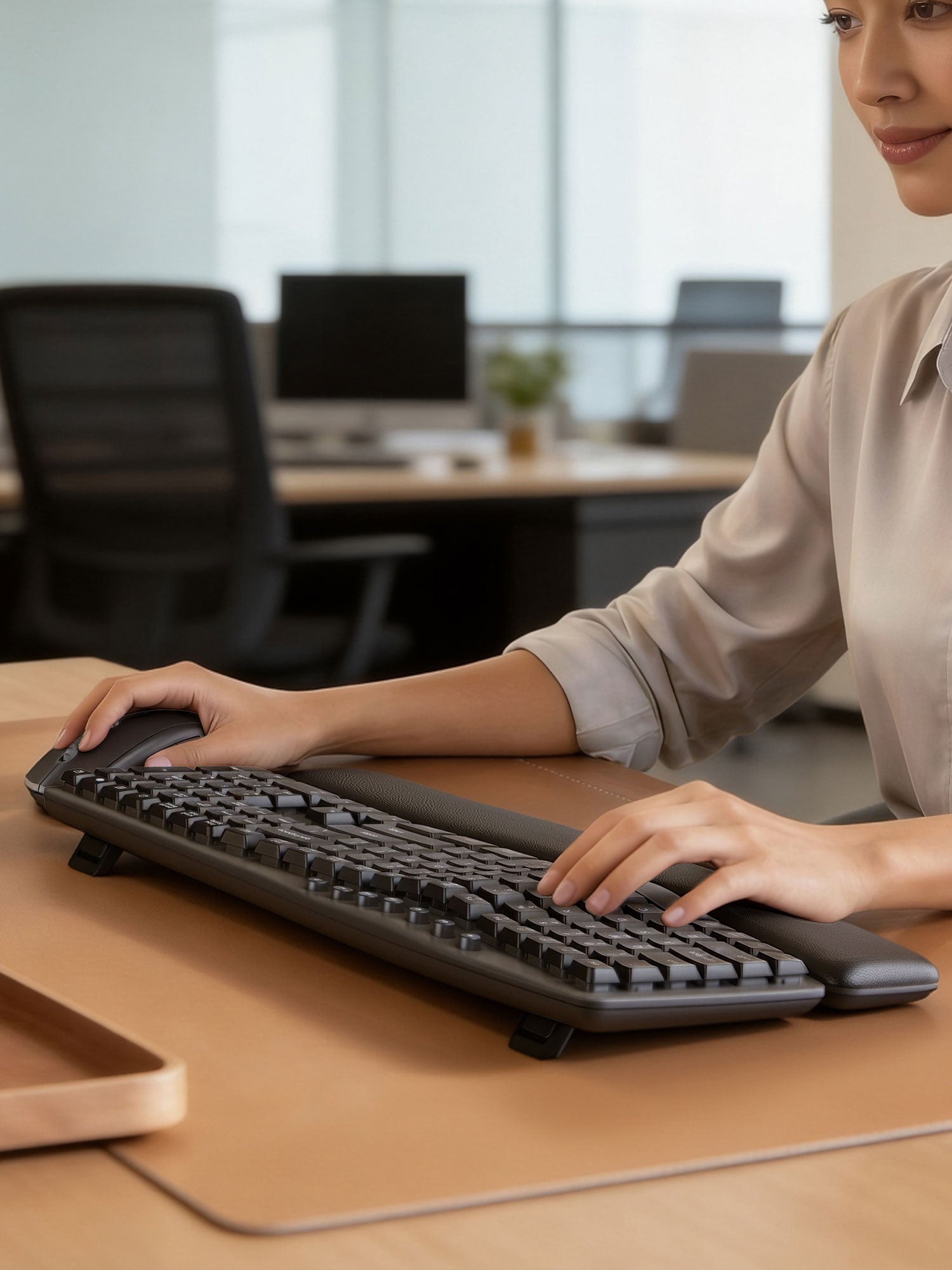

Comfort-Focused Typing
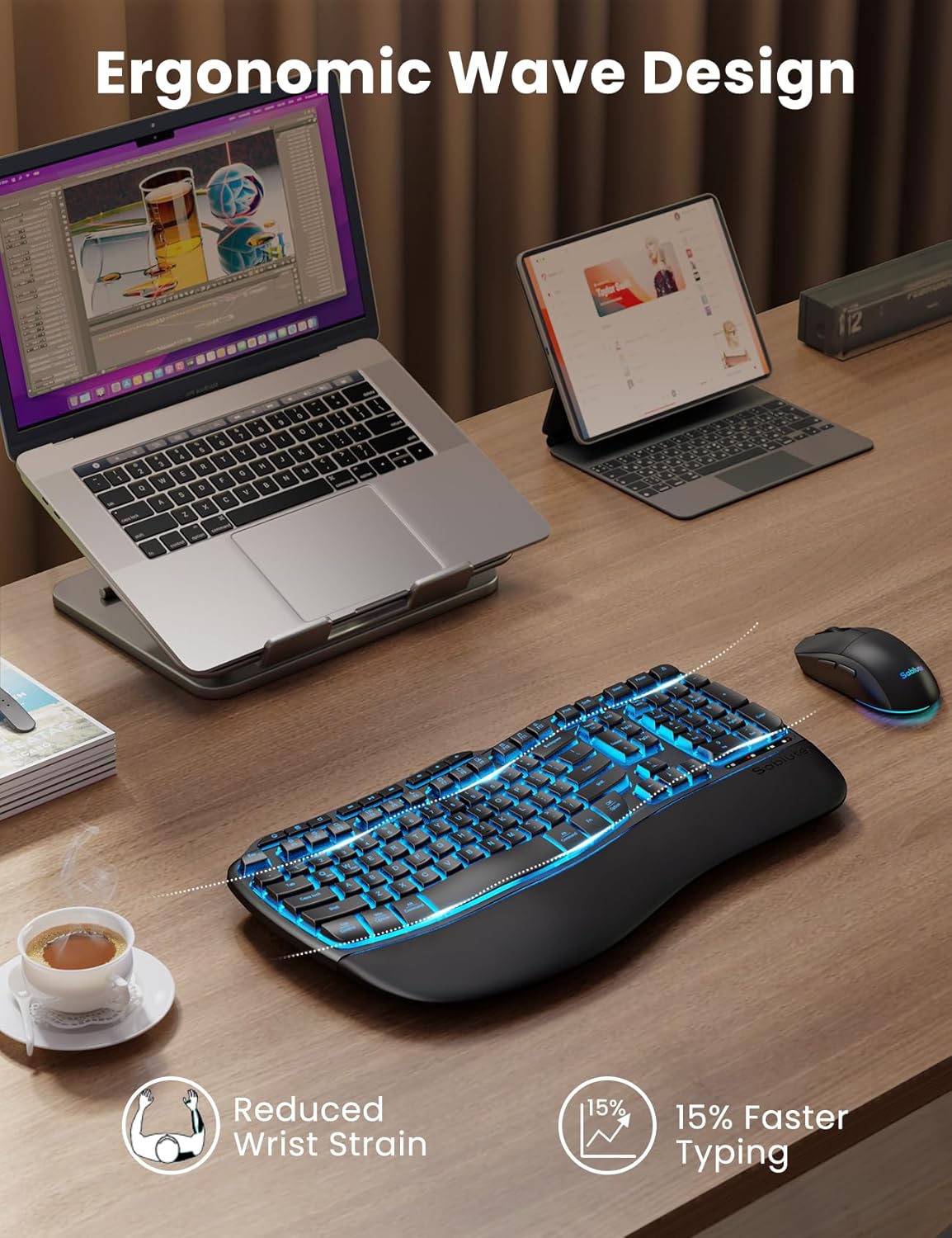
Wave, curved, or low-profile layouts with palm support for everyday desk work.
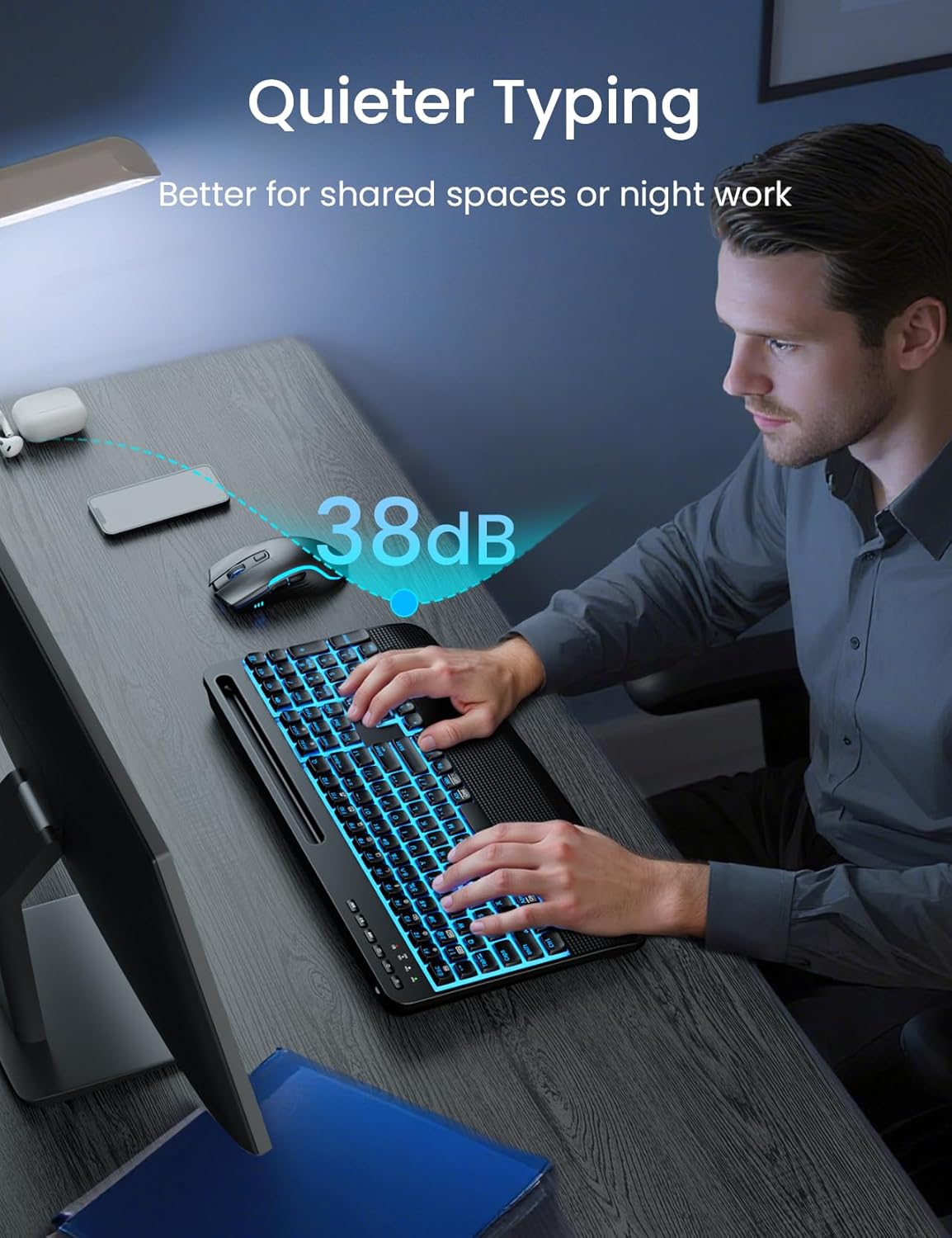
Quiet Keys for Office Work
Low-noise typing designed for home offices and shared spaces.
Easy Desk Setup
Most models support 2.4G wireless connection for a cleaner workspace.
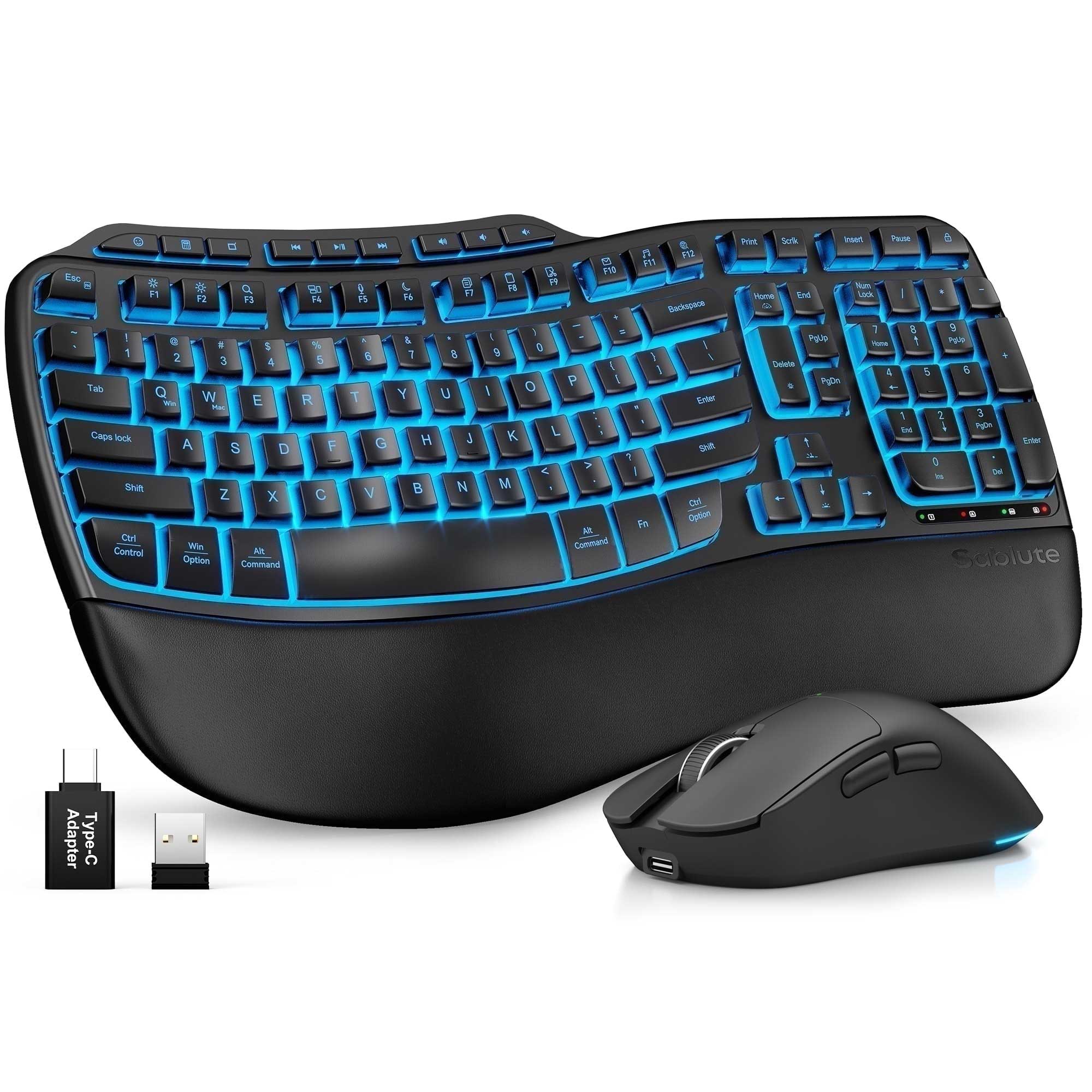
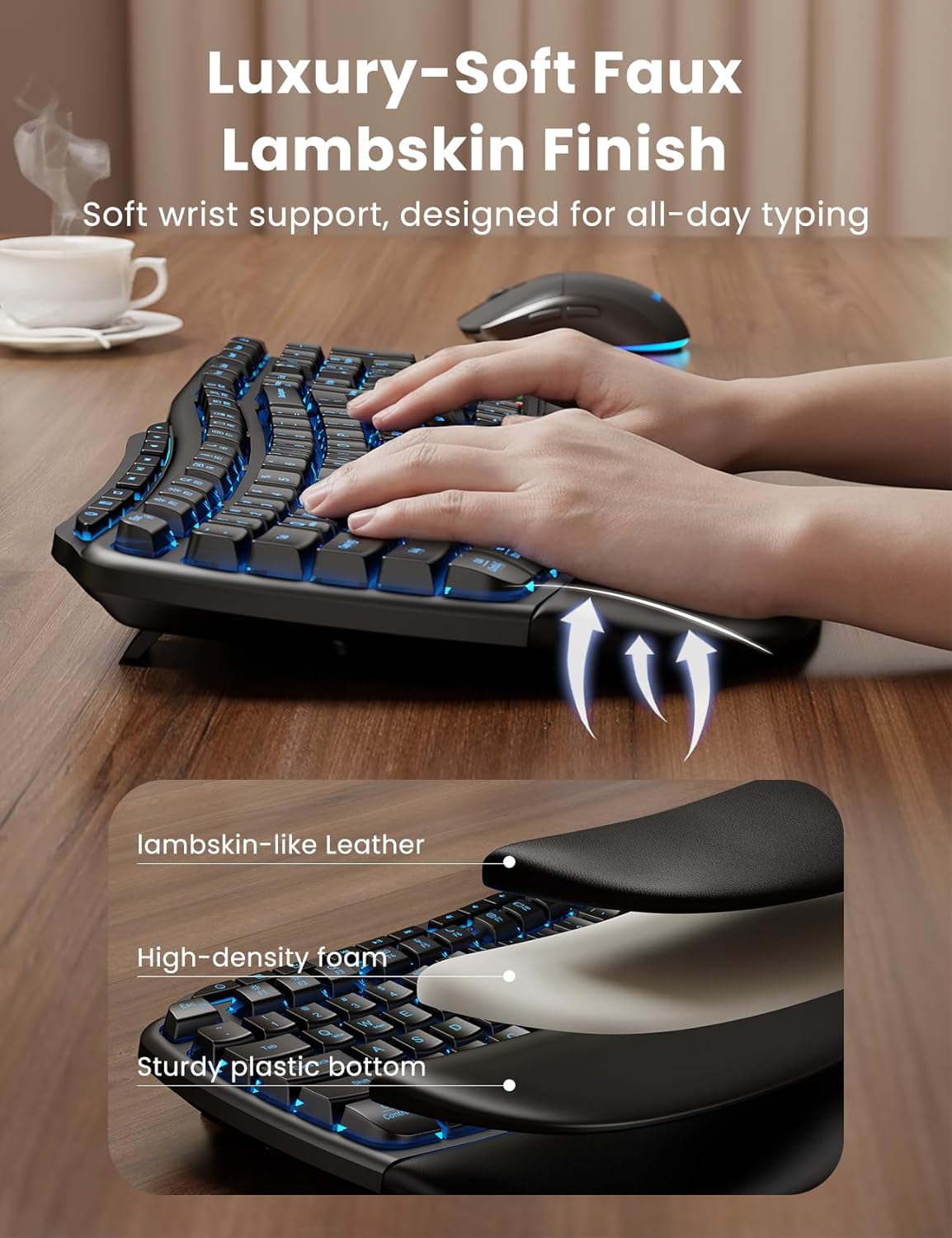
Ergonomic Wave Keys Wireless Keyboard and Mouse Combo MA31 Pro
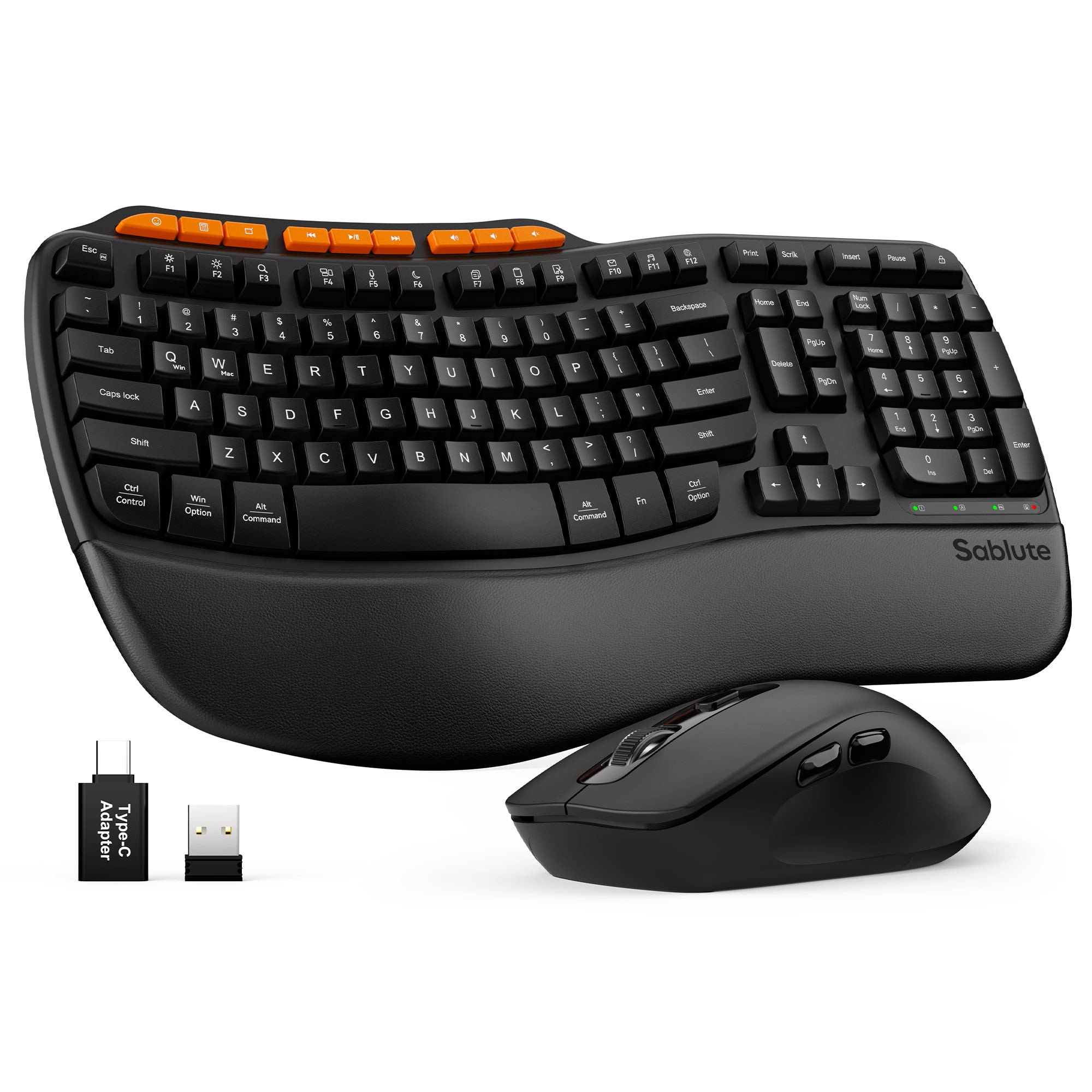


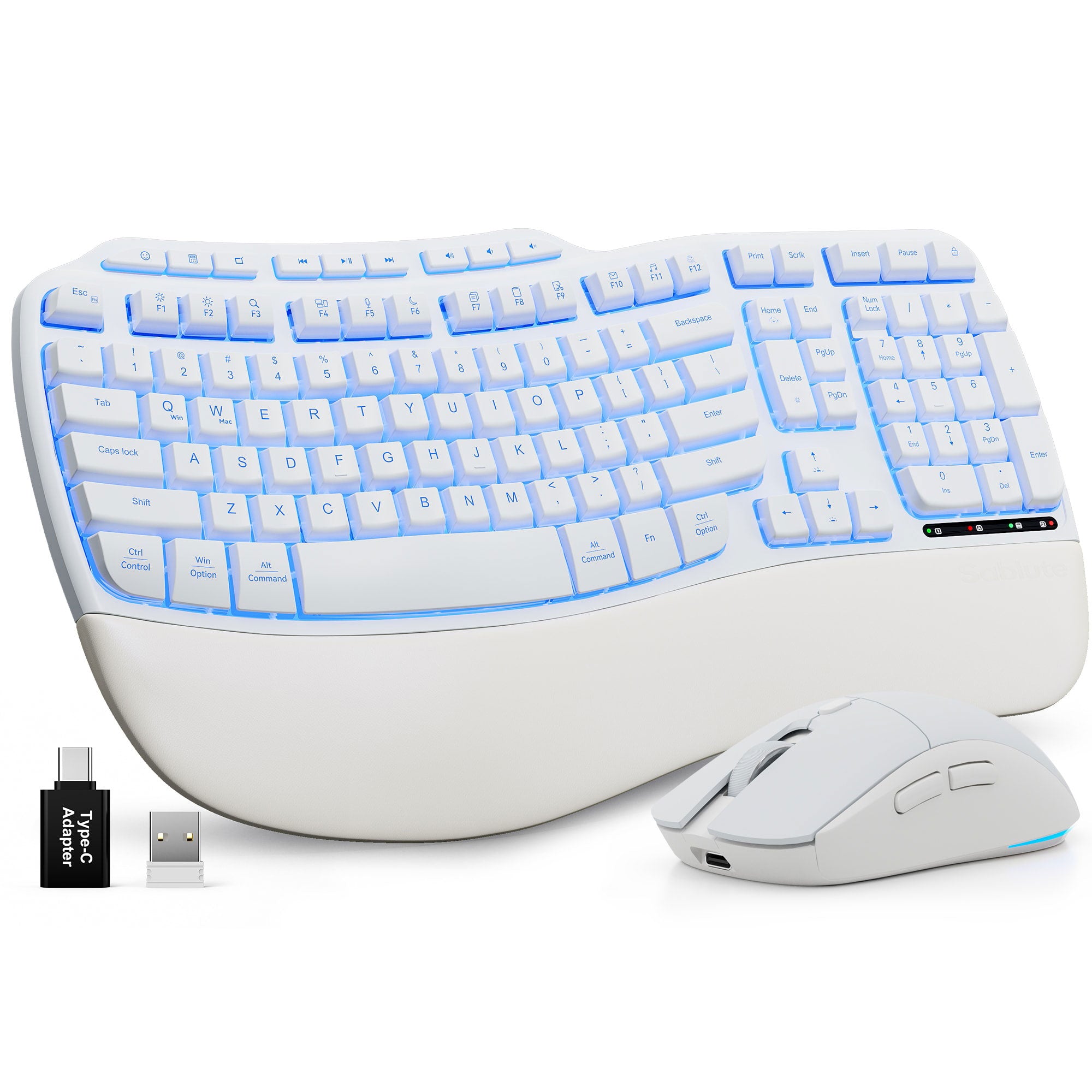
Sablute Ergonomic Wave Keys Wireless Keyboard and Mouse Combo MA31
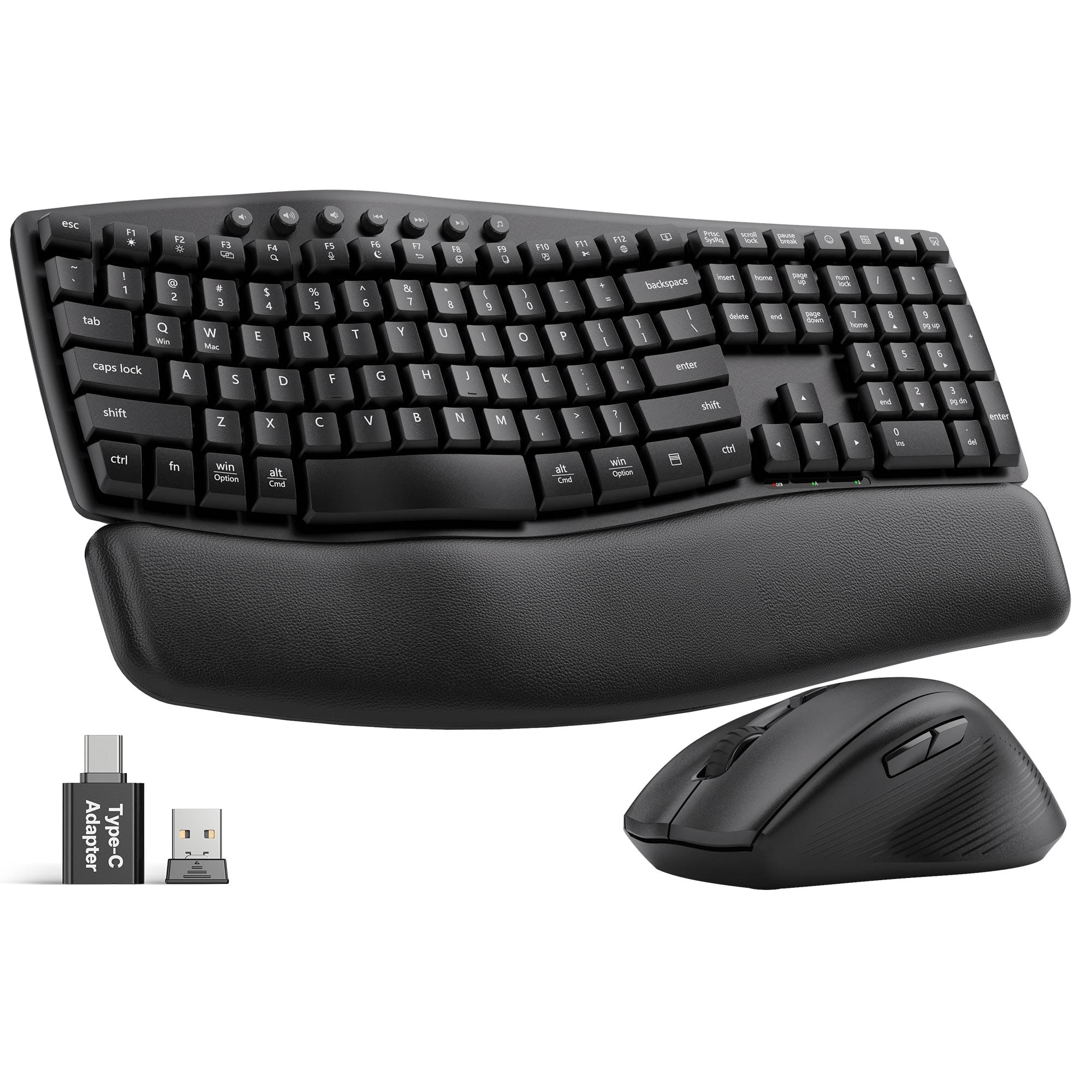


Sablute Ergonomic Wireless Keyboard and Mouse Combo MA41
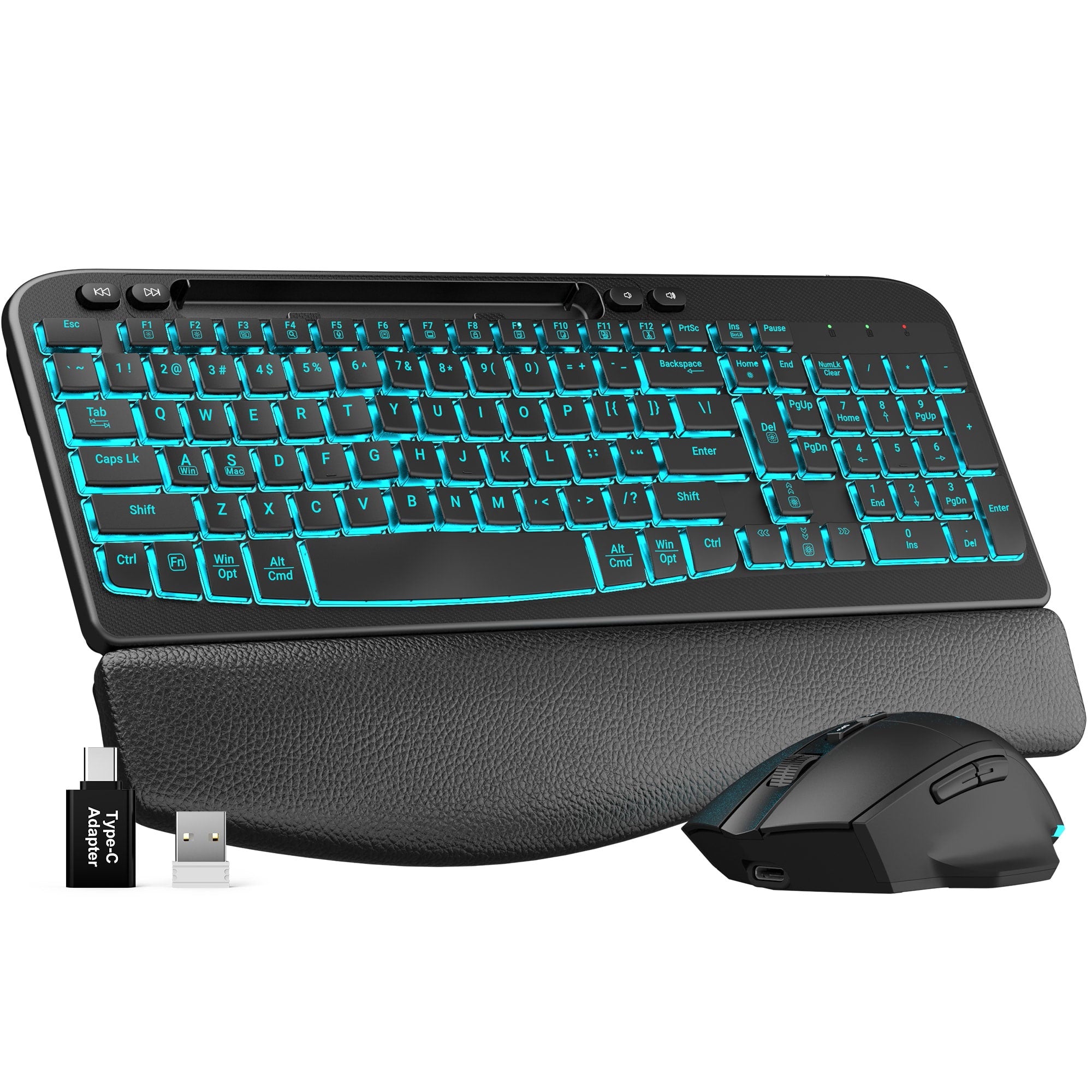

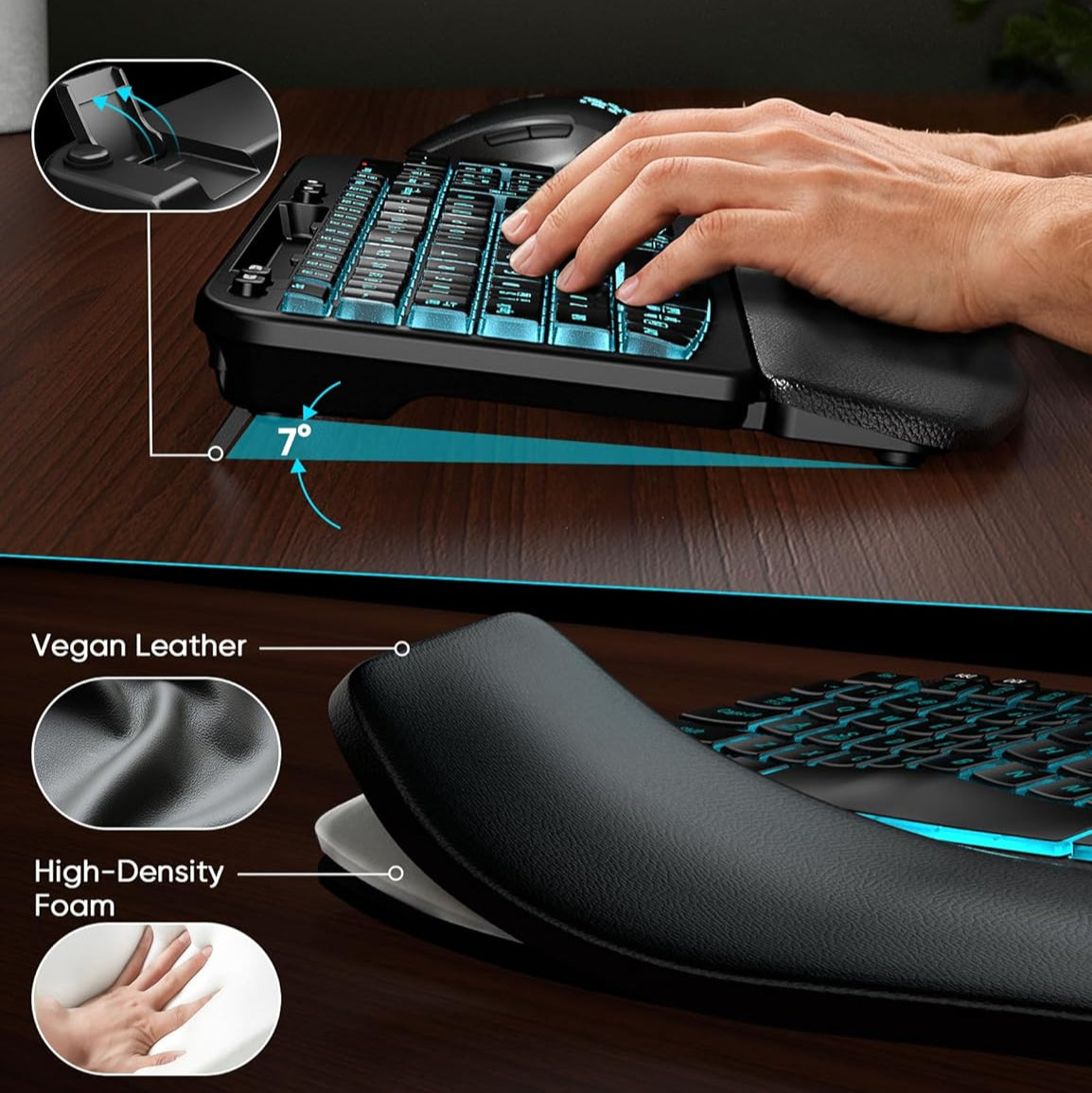
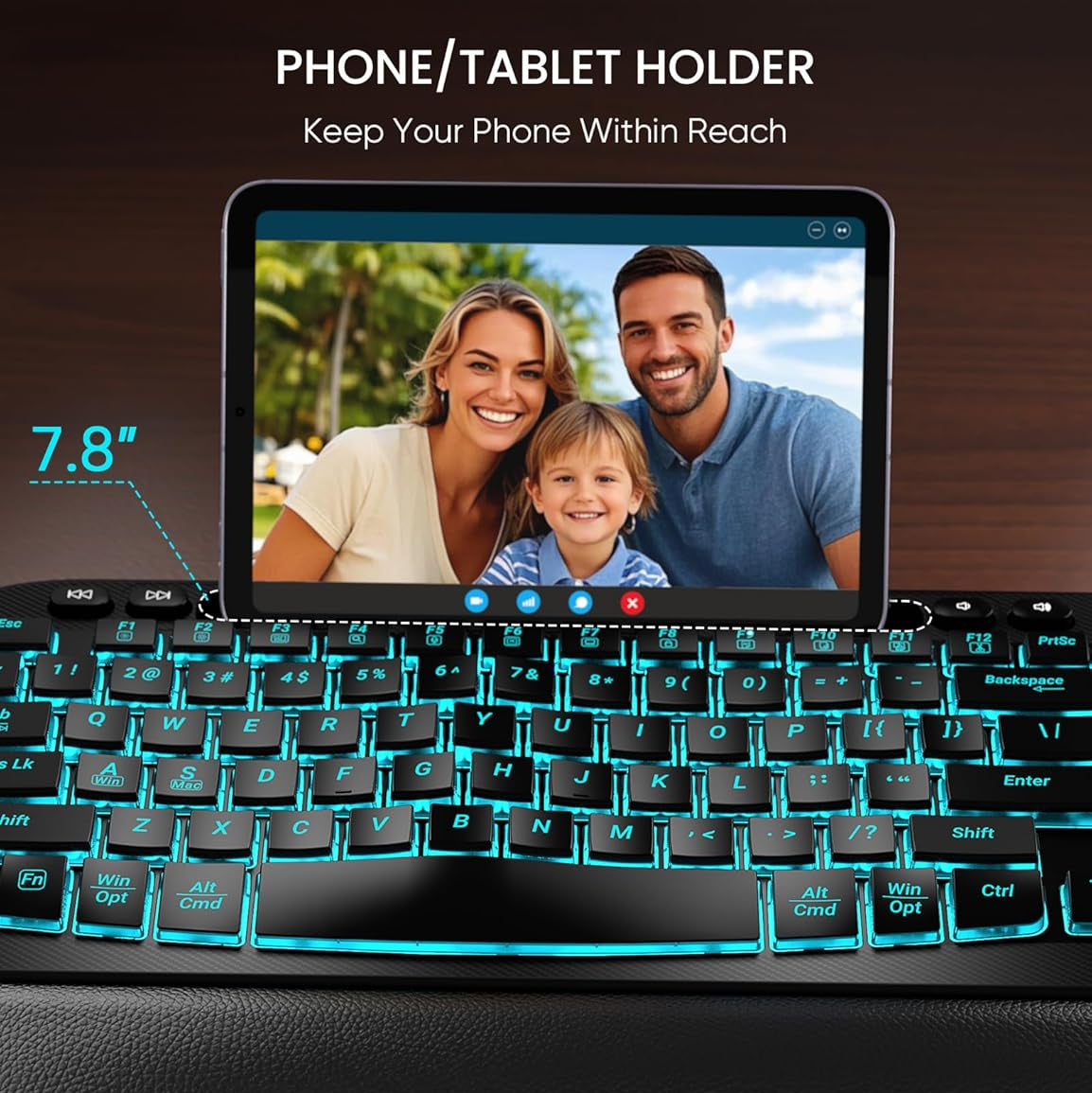
Sablute Wave Keys Wireless Backlit Keyboard and Mouse Combo MA22 Pro
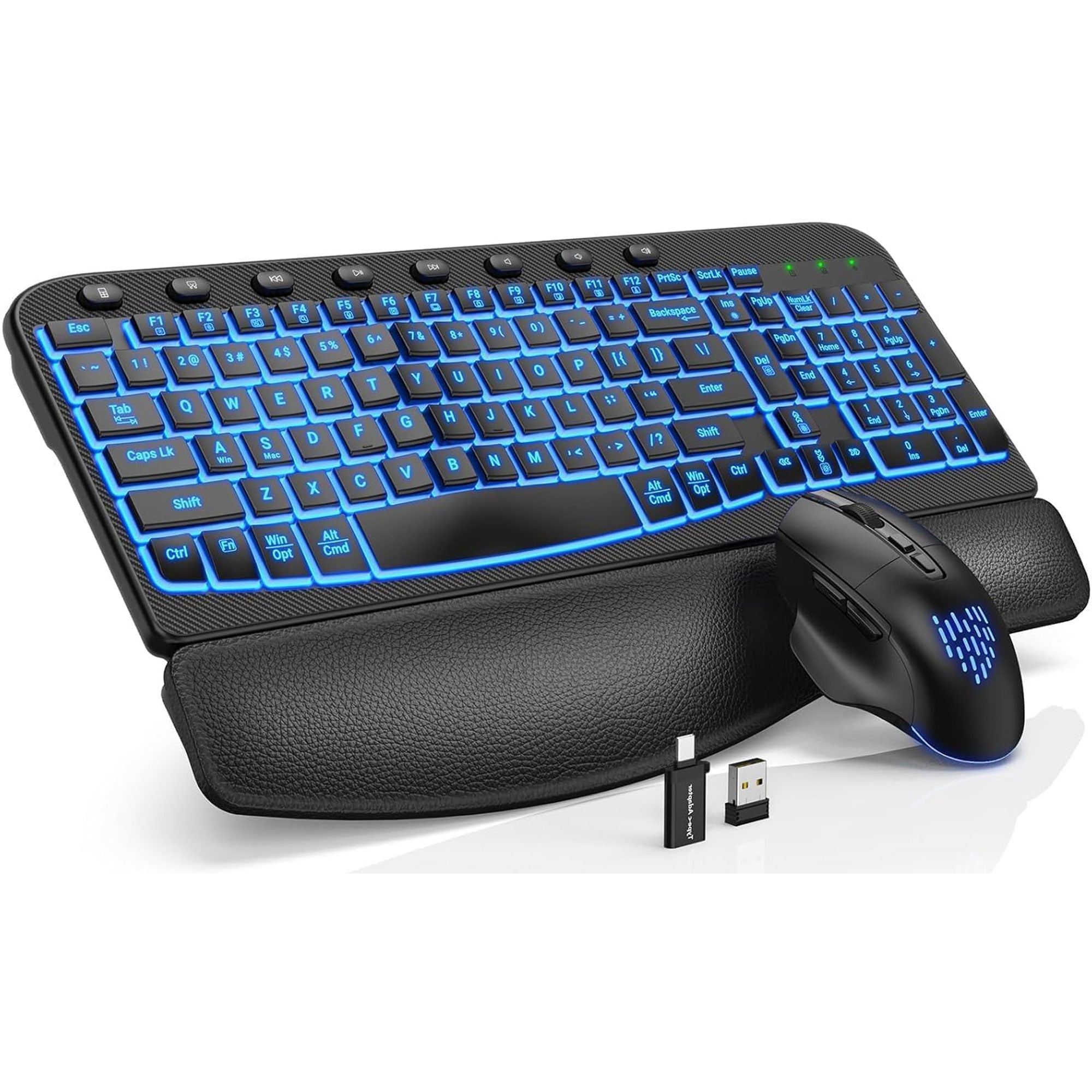
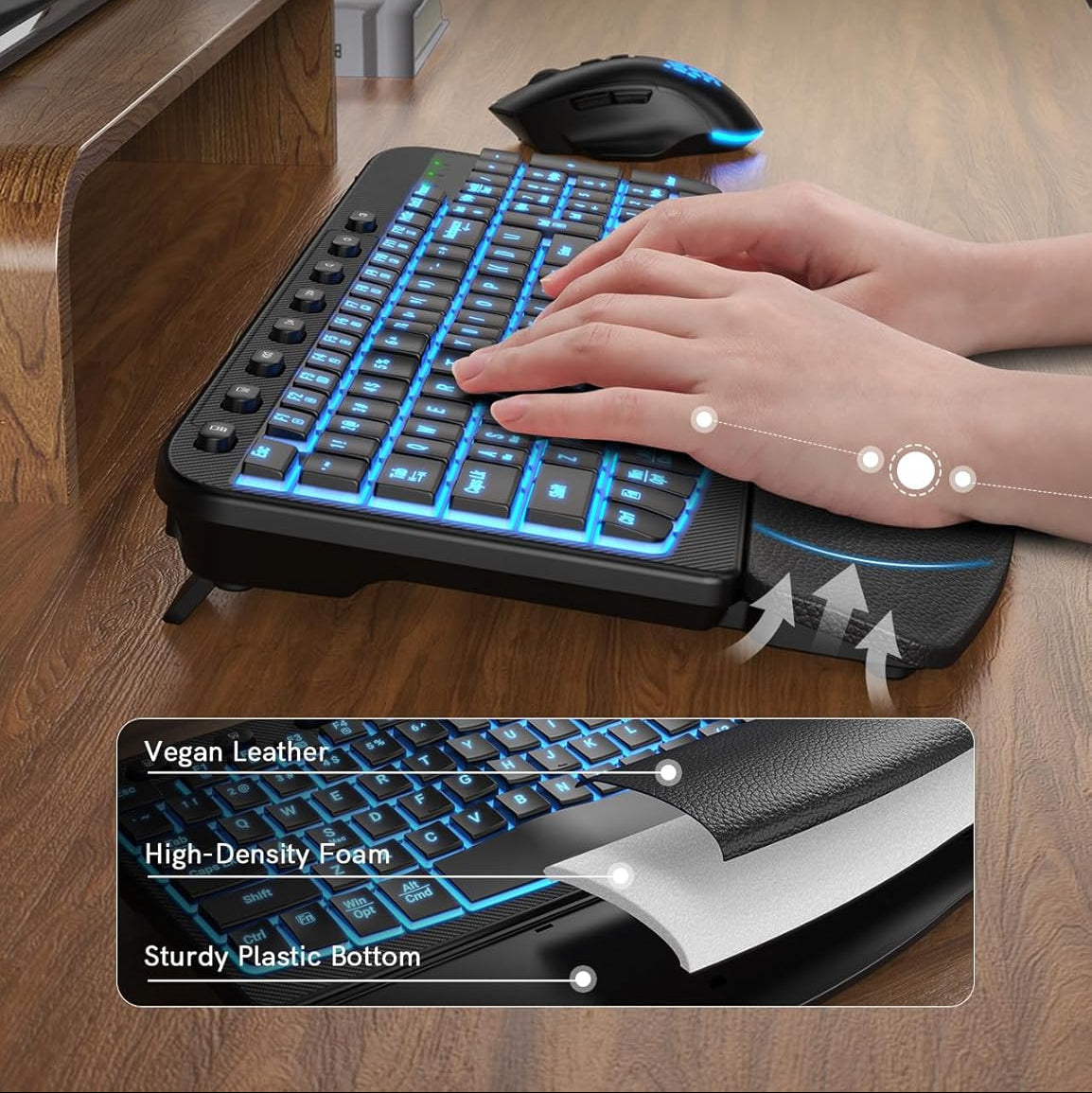
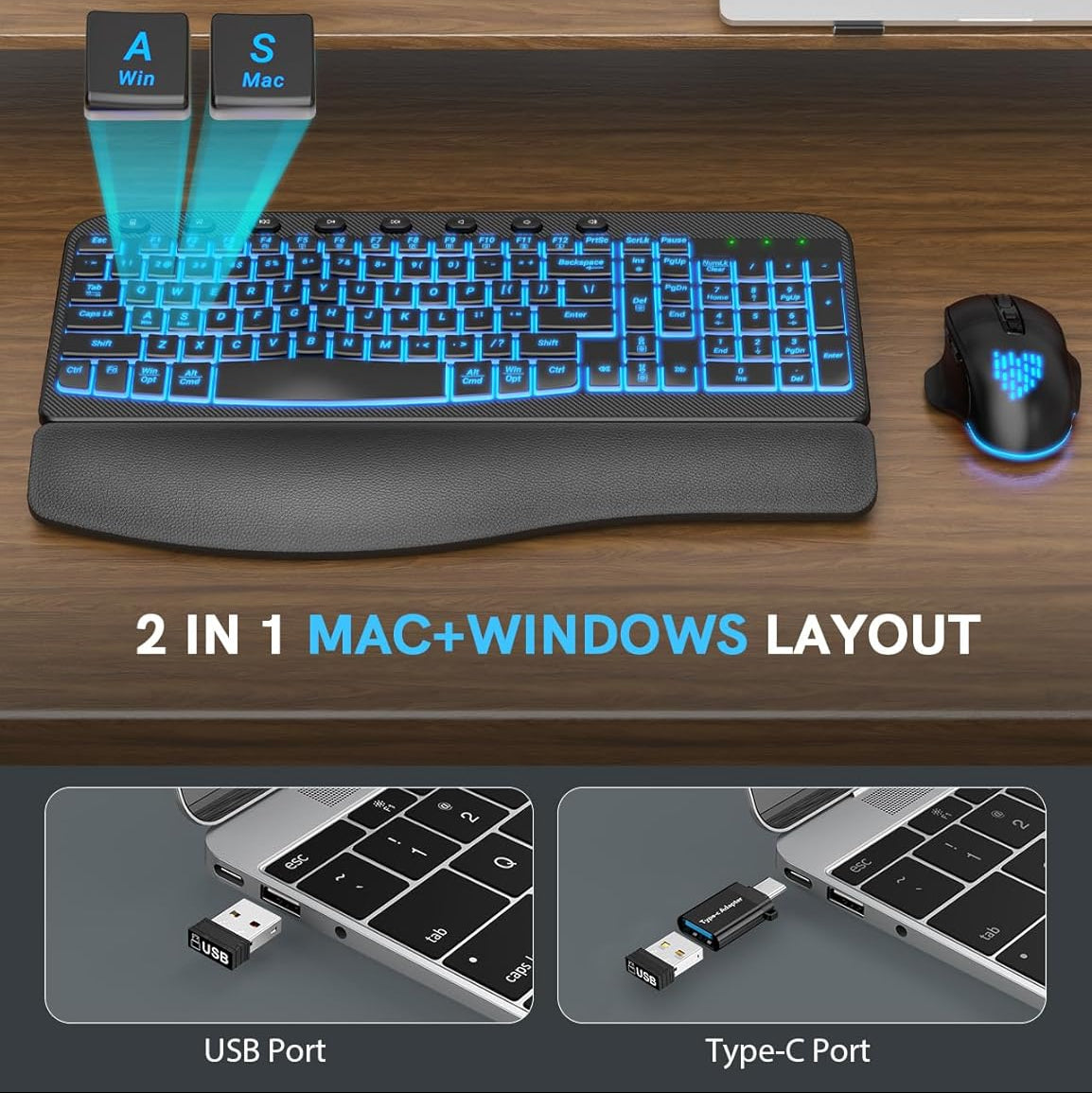
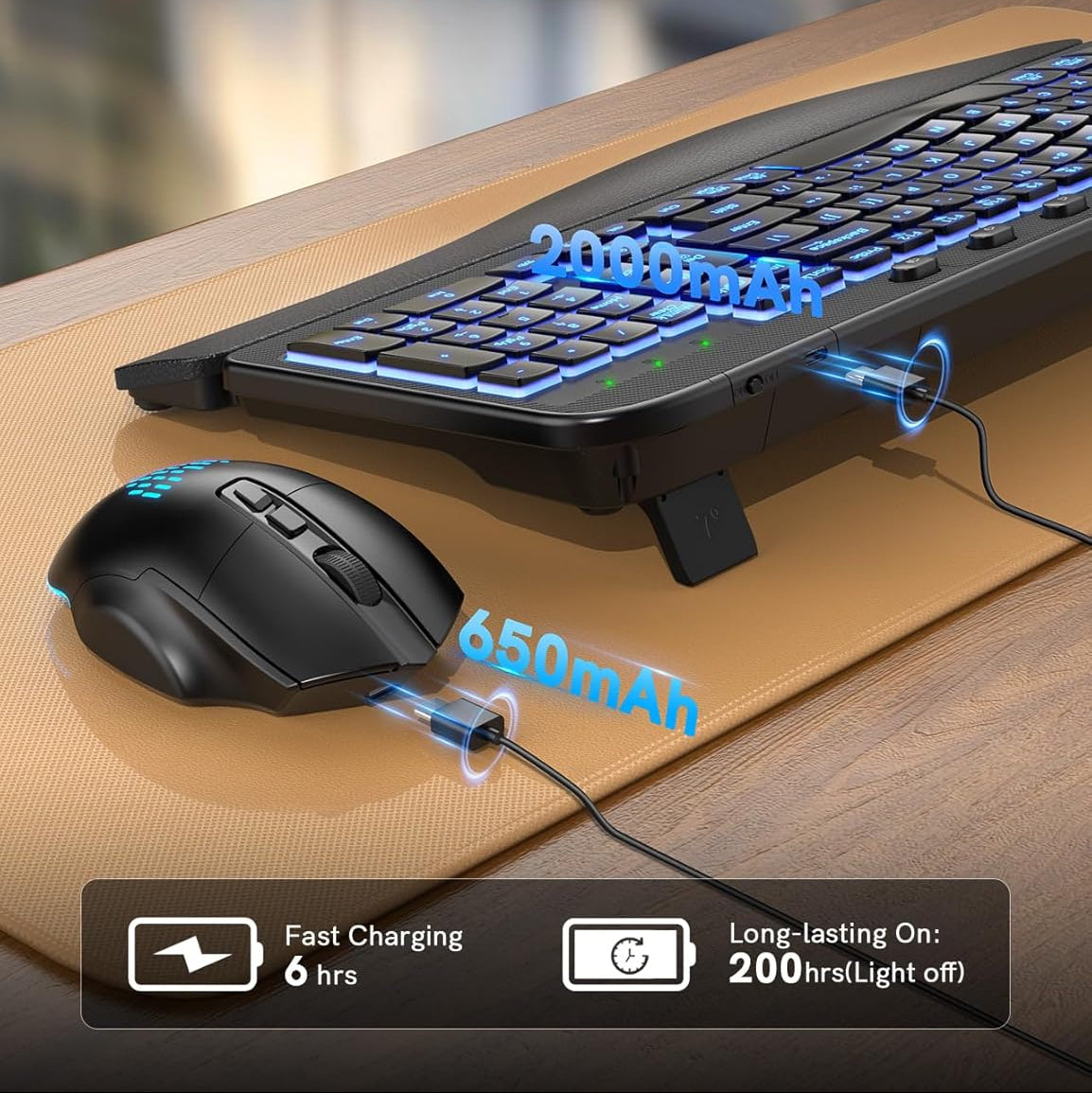
Sablute Ergonomic Wireless Backlit Keyboard and Mouse Combo MA12 Pro
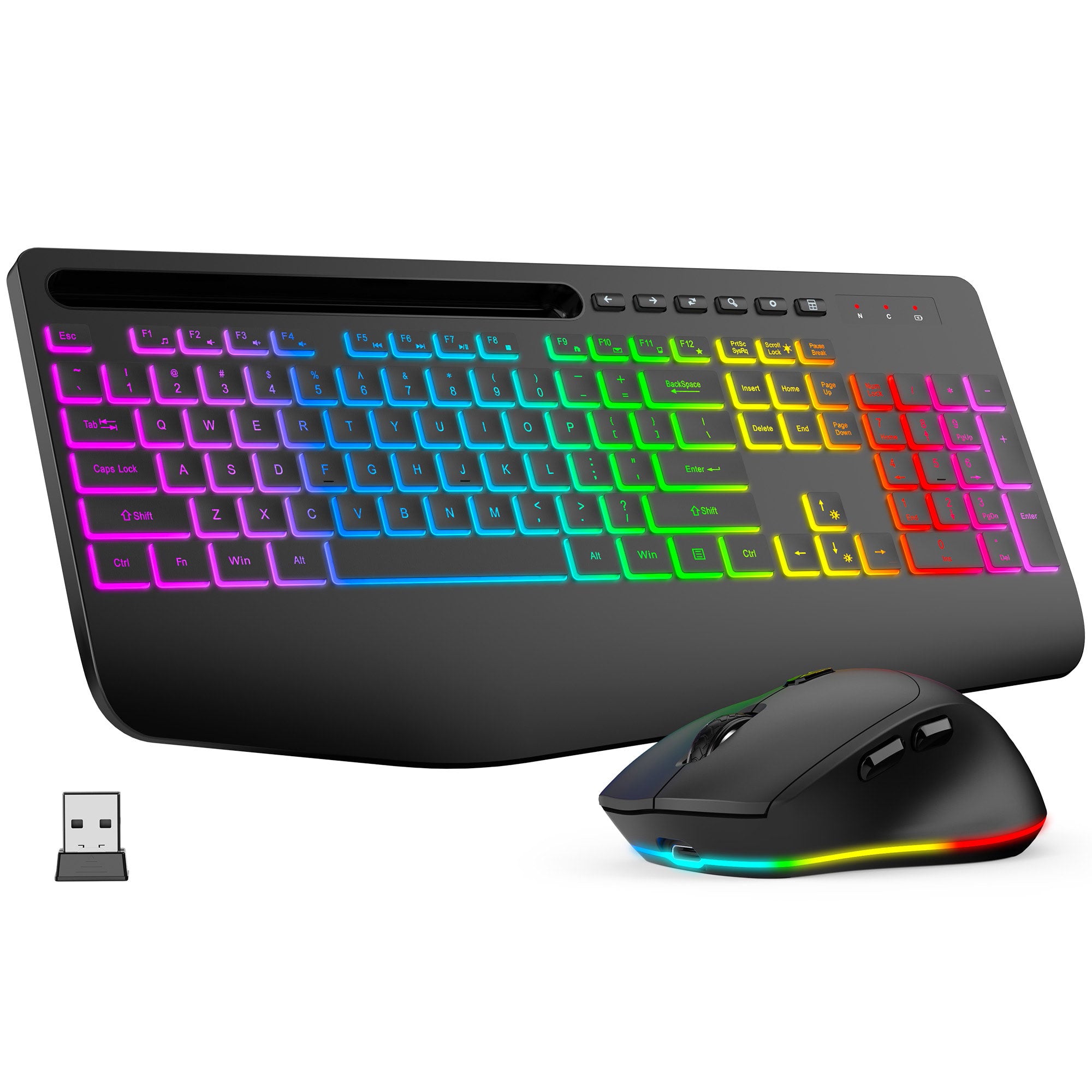
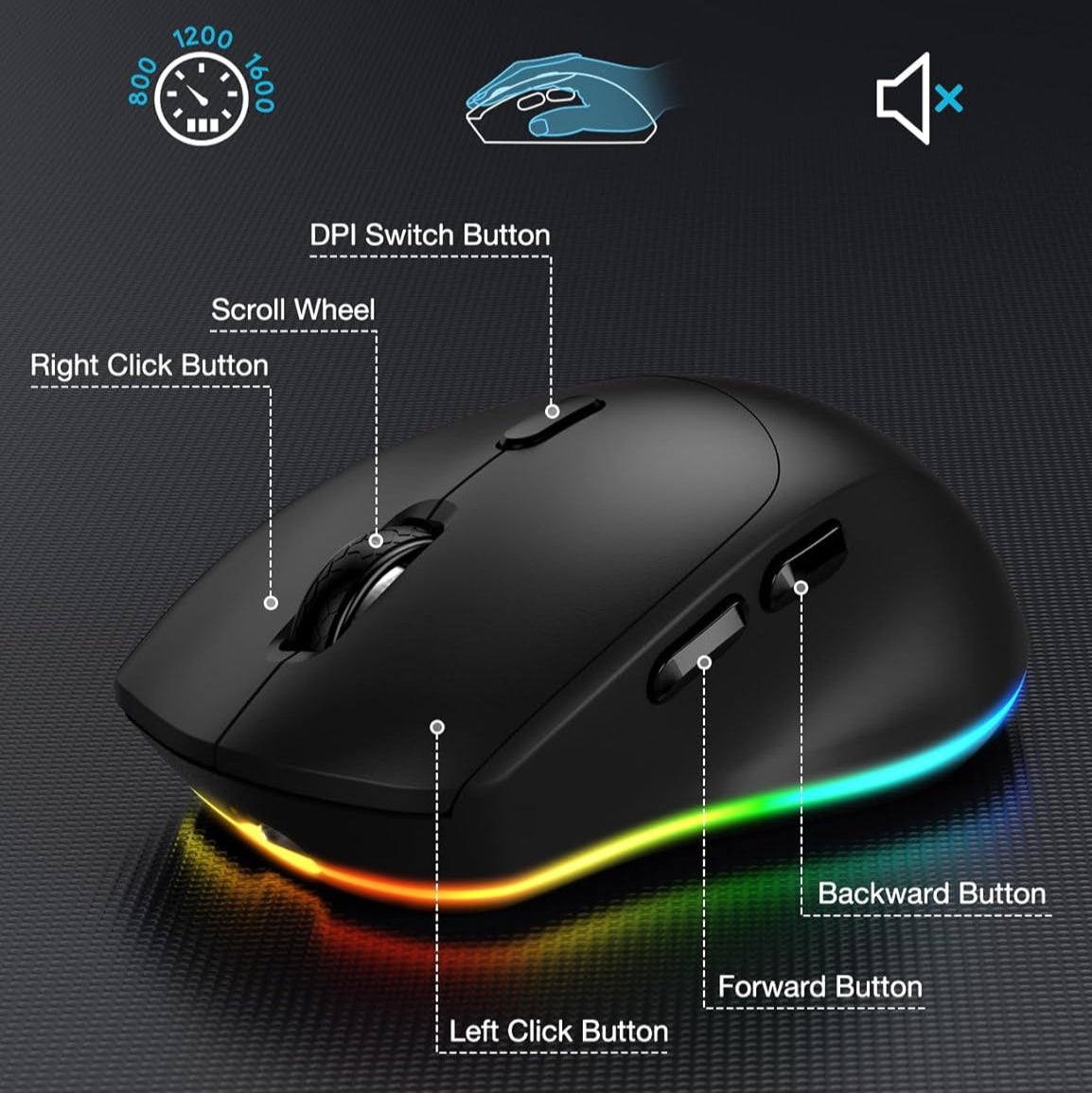
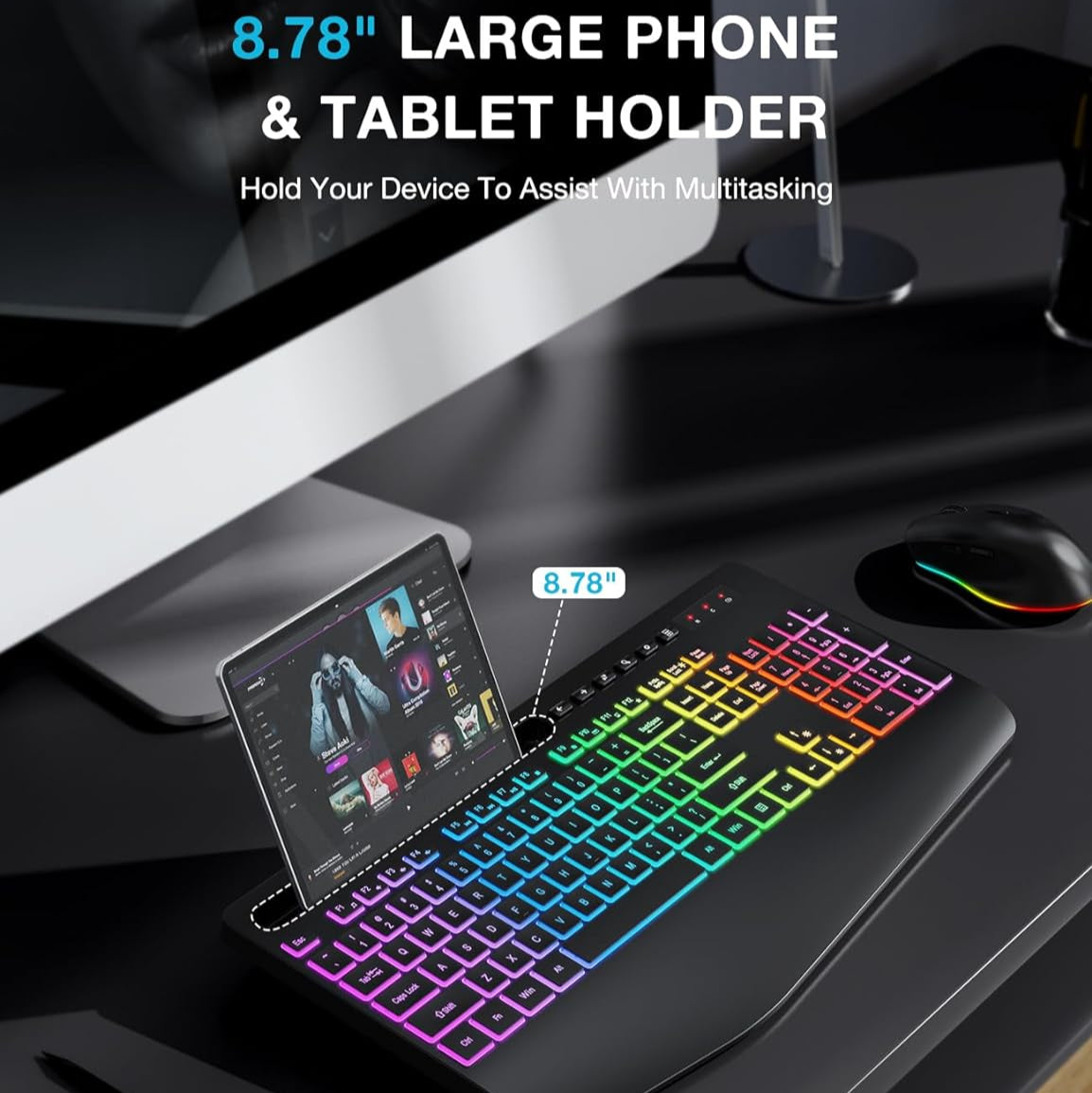
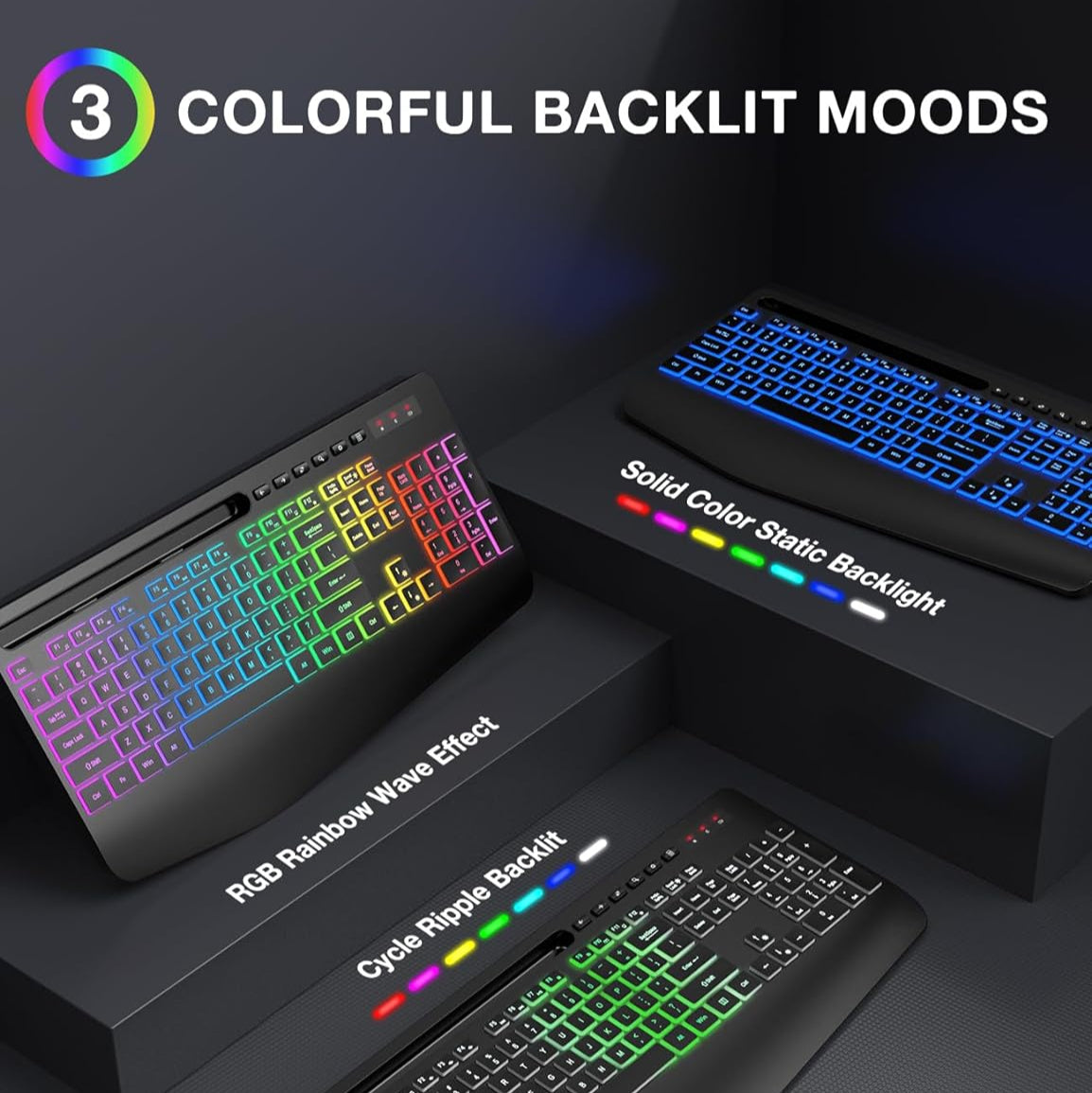
Sablute Wireless Keyboard and Mouse Combo KM22 Max
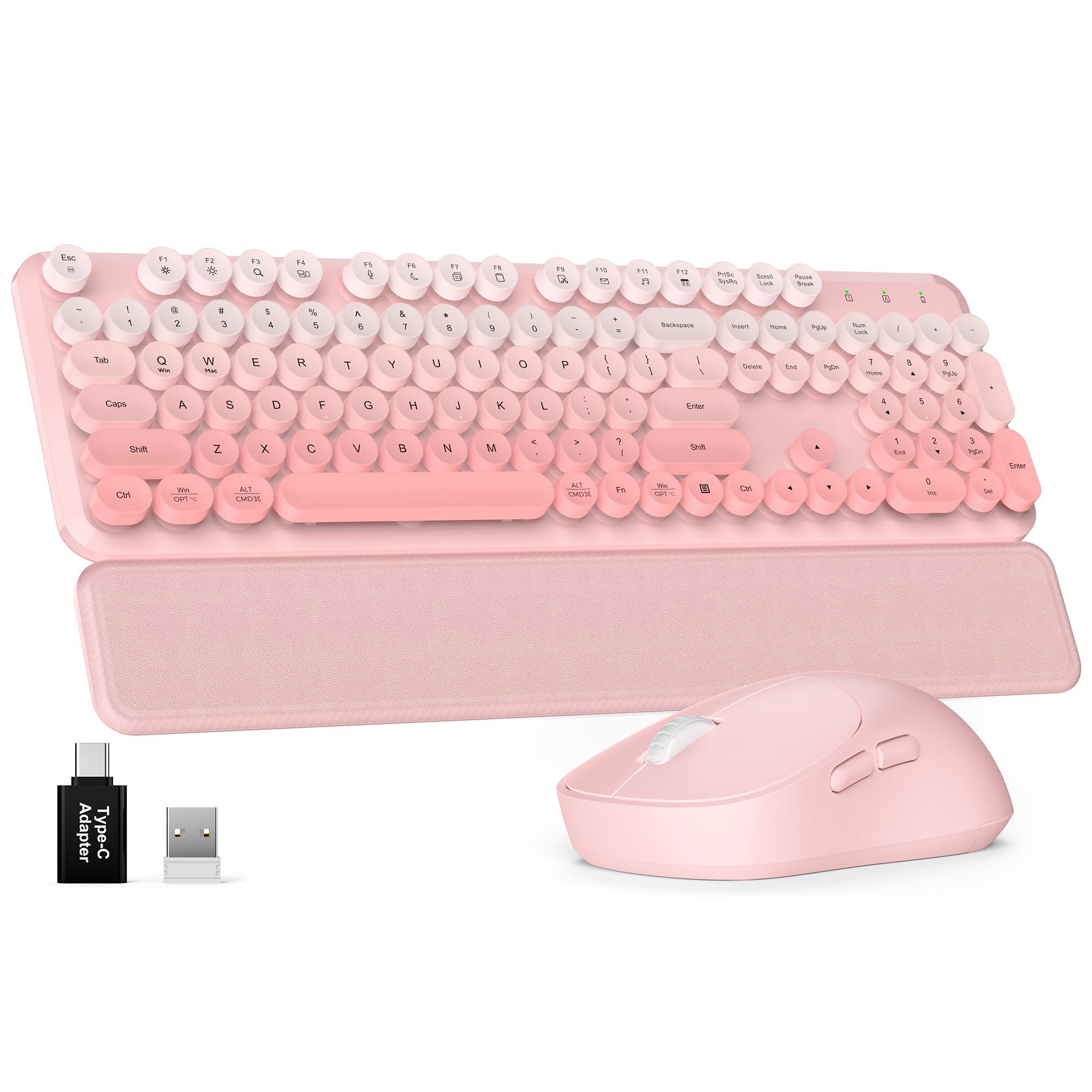


Wireless Keyboard and Mouse Combo CK23 Plus
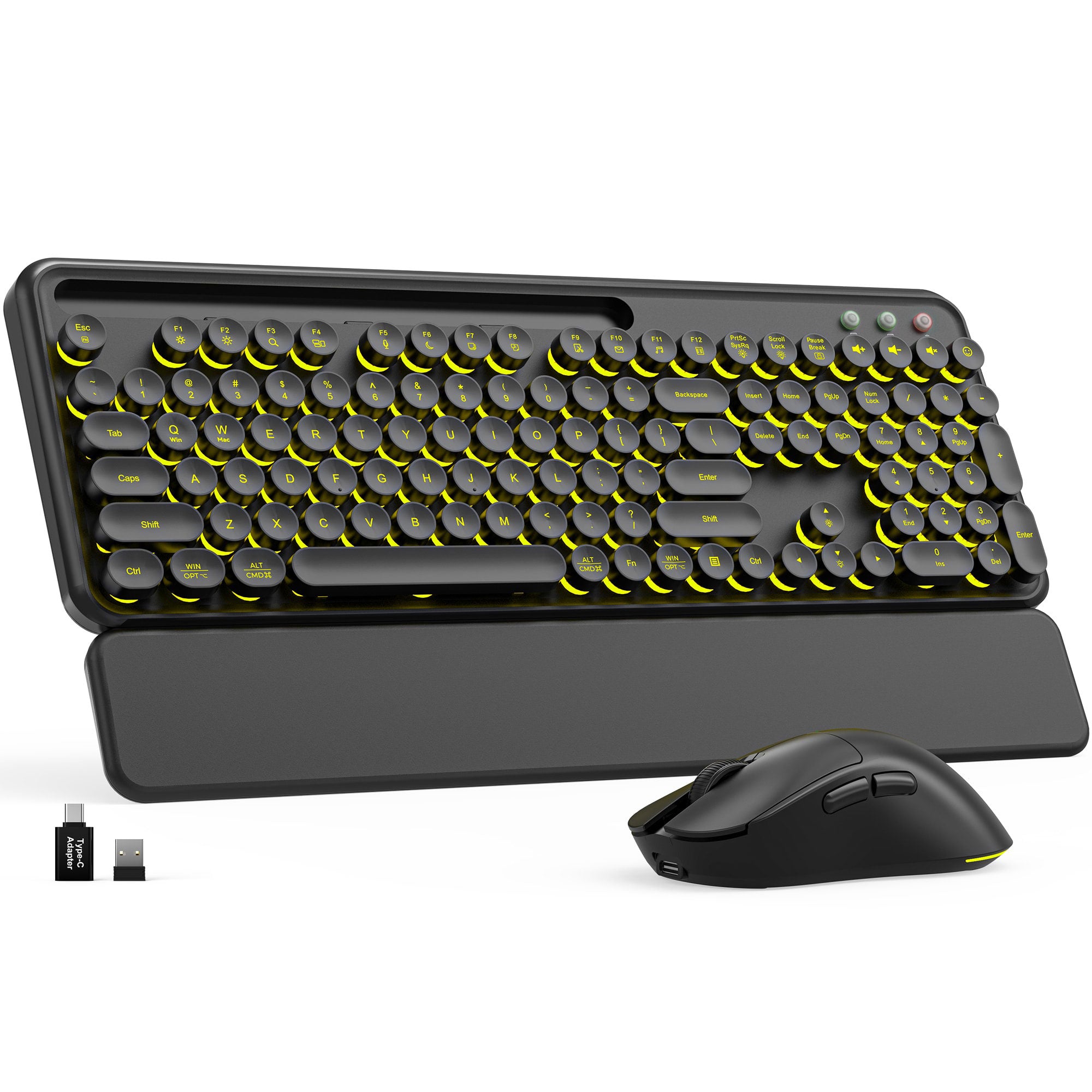
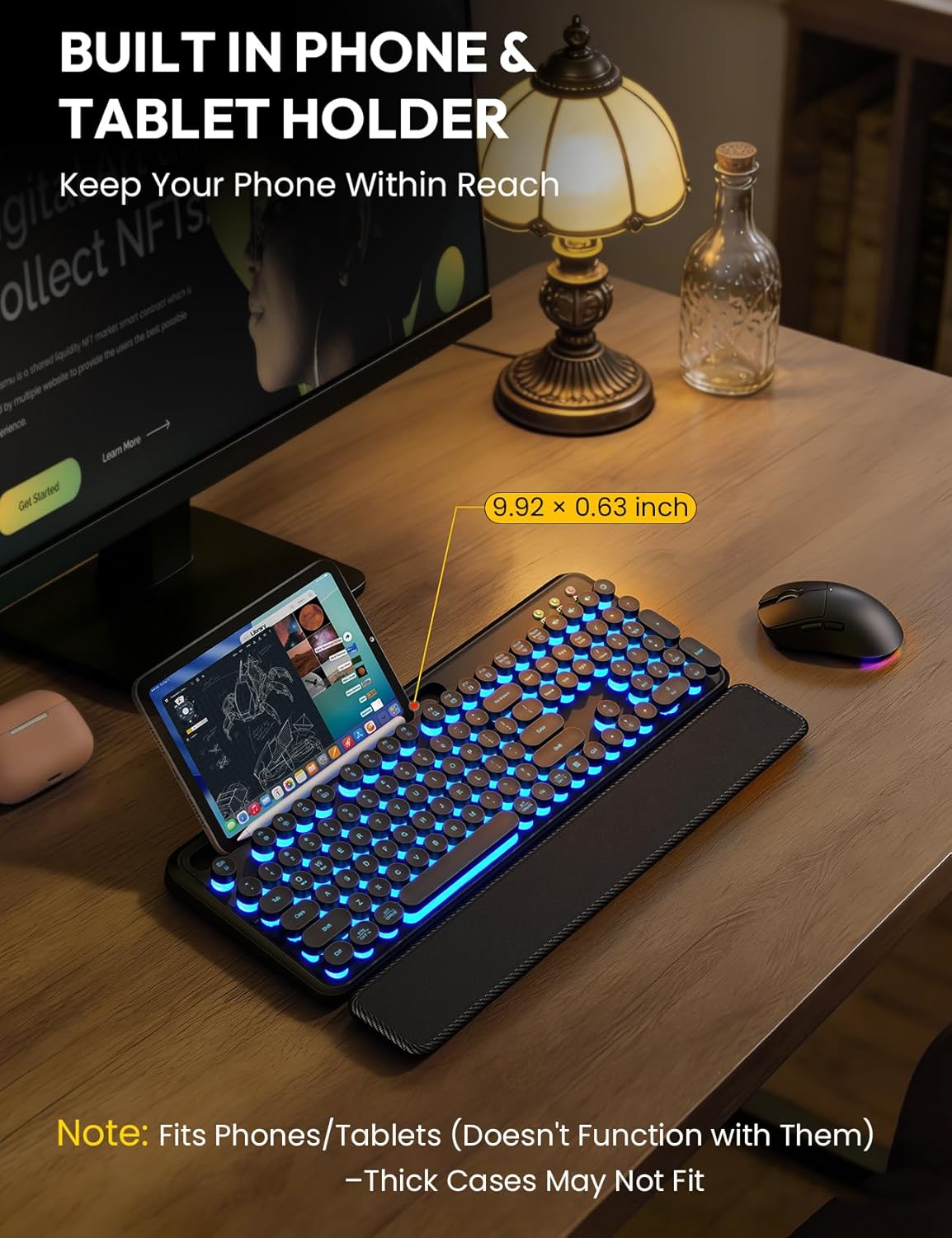
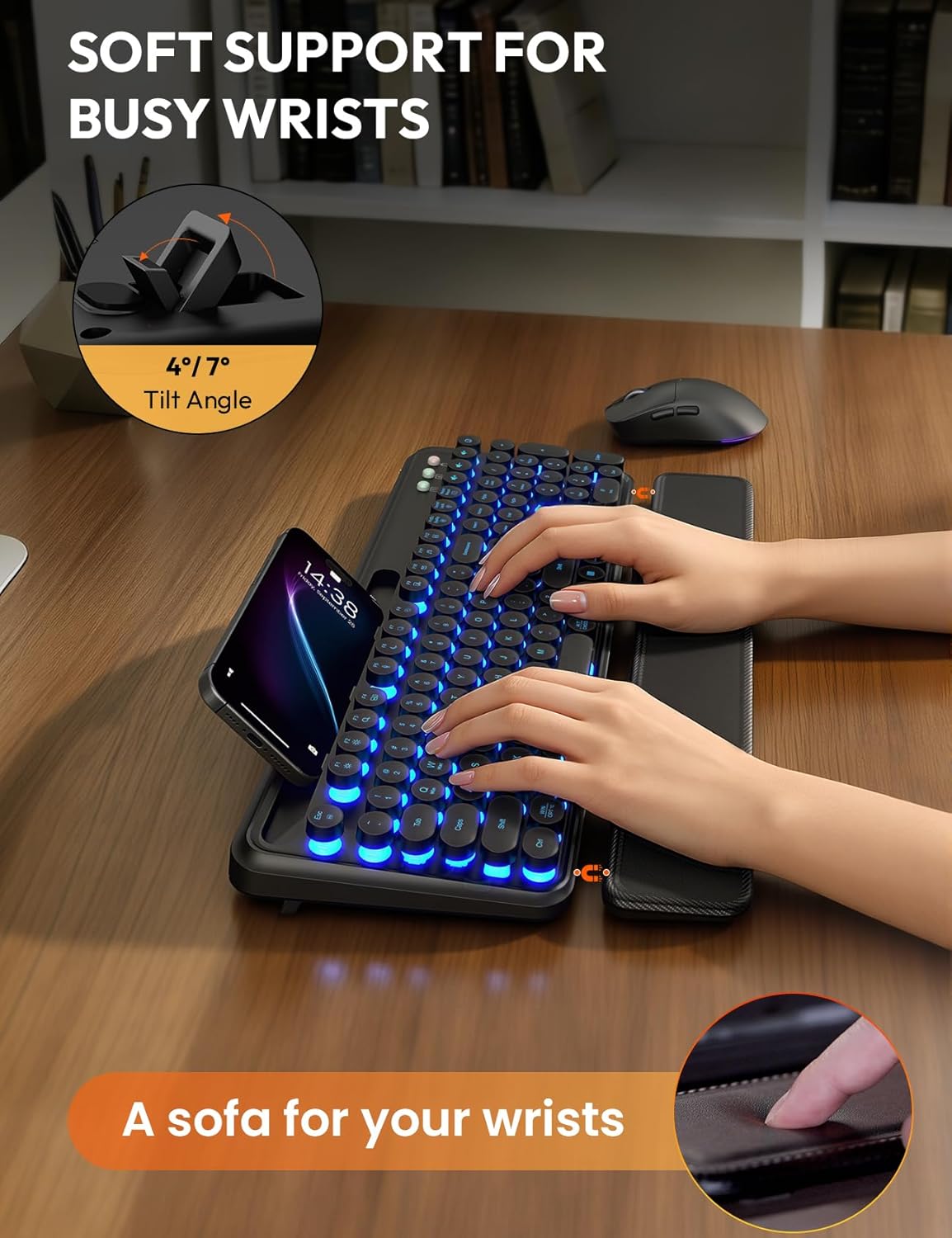
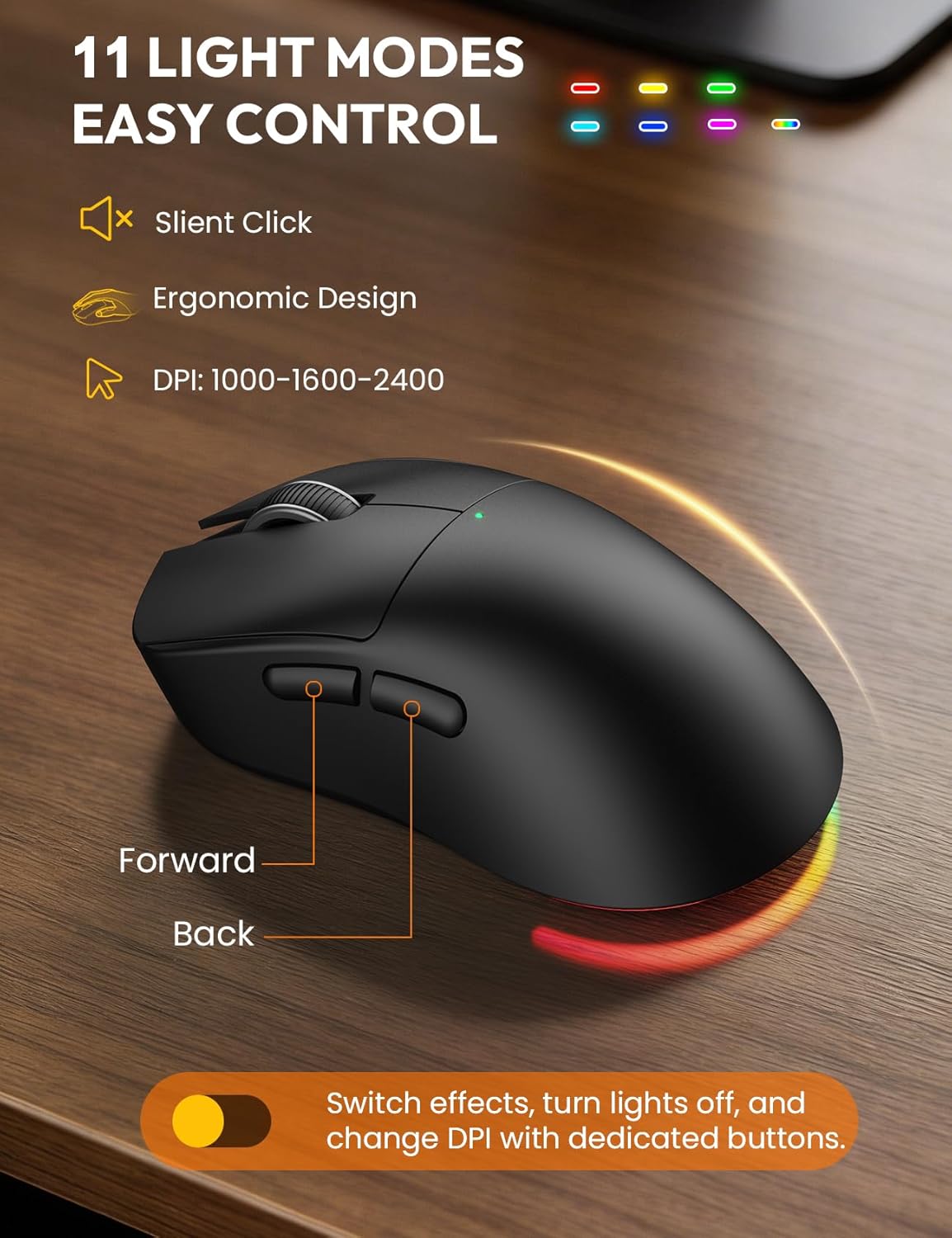
Sablute Wireless Retro Keyboard and Mouse Combo CK13 Pro
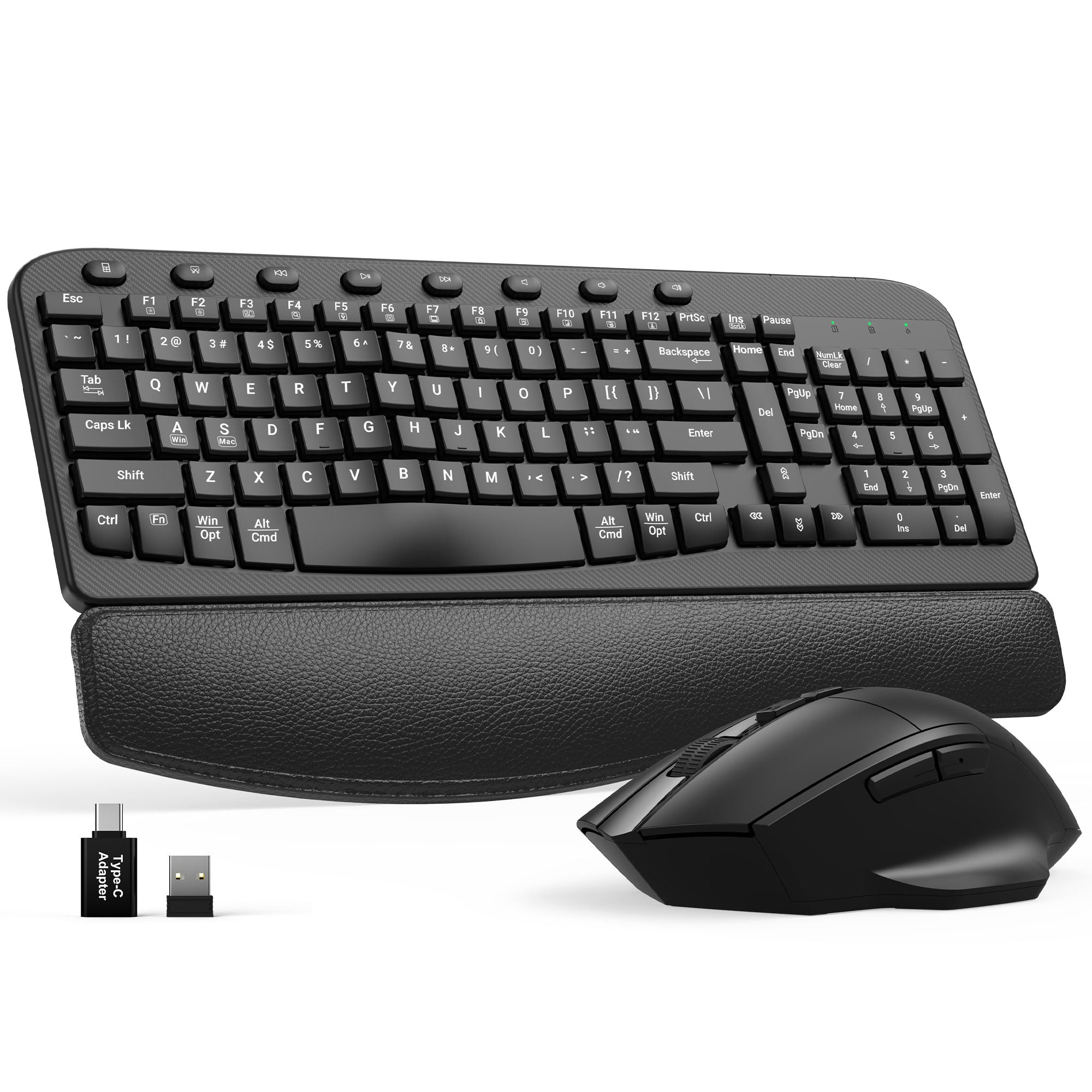
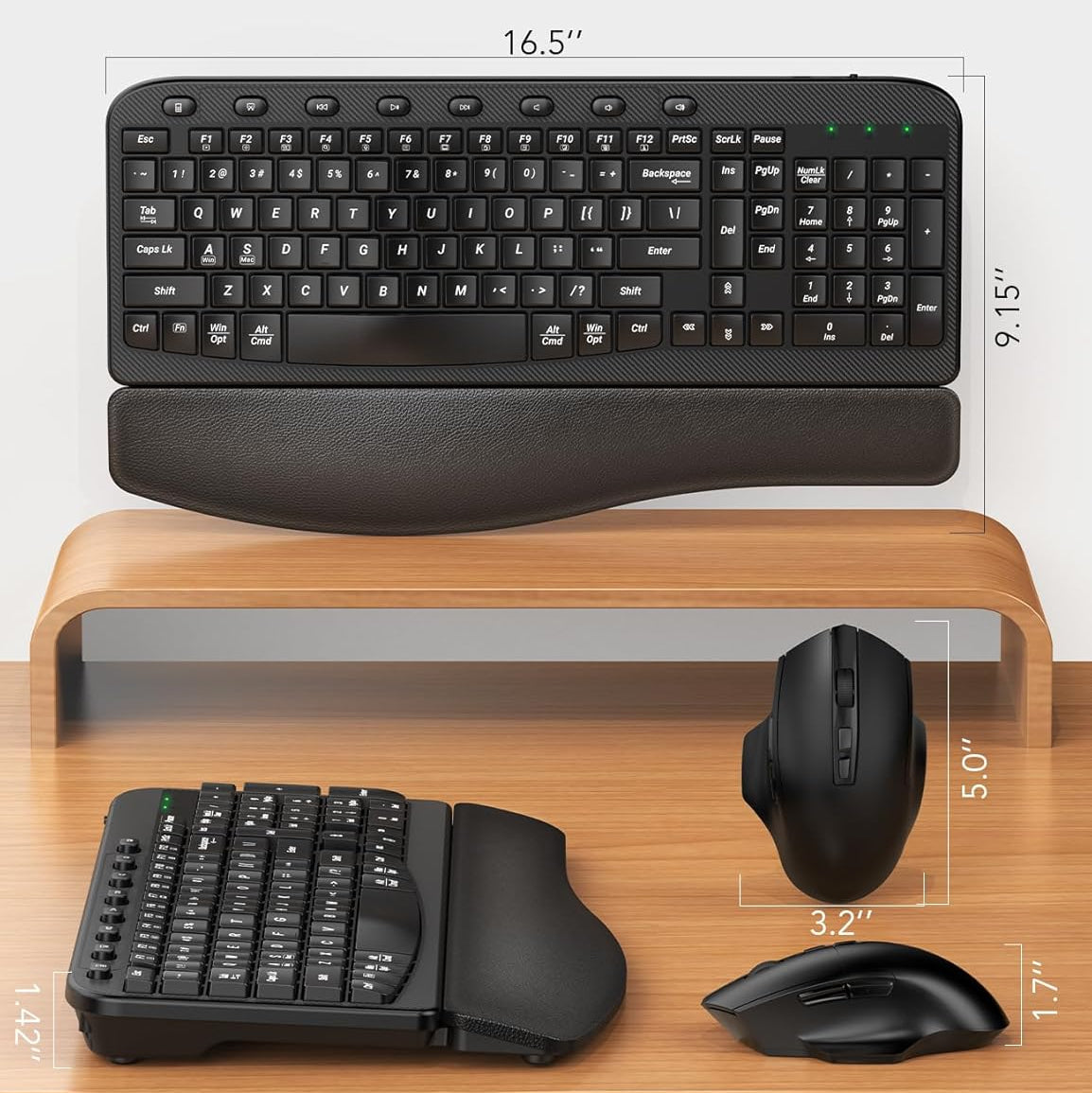
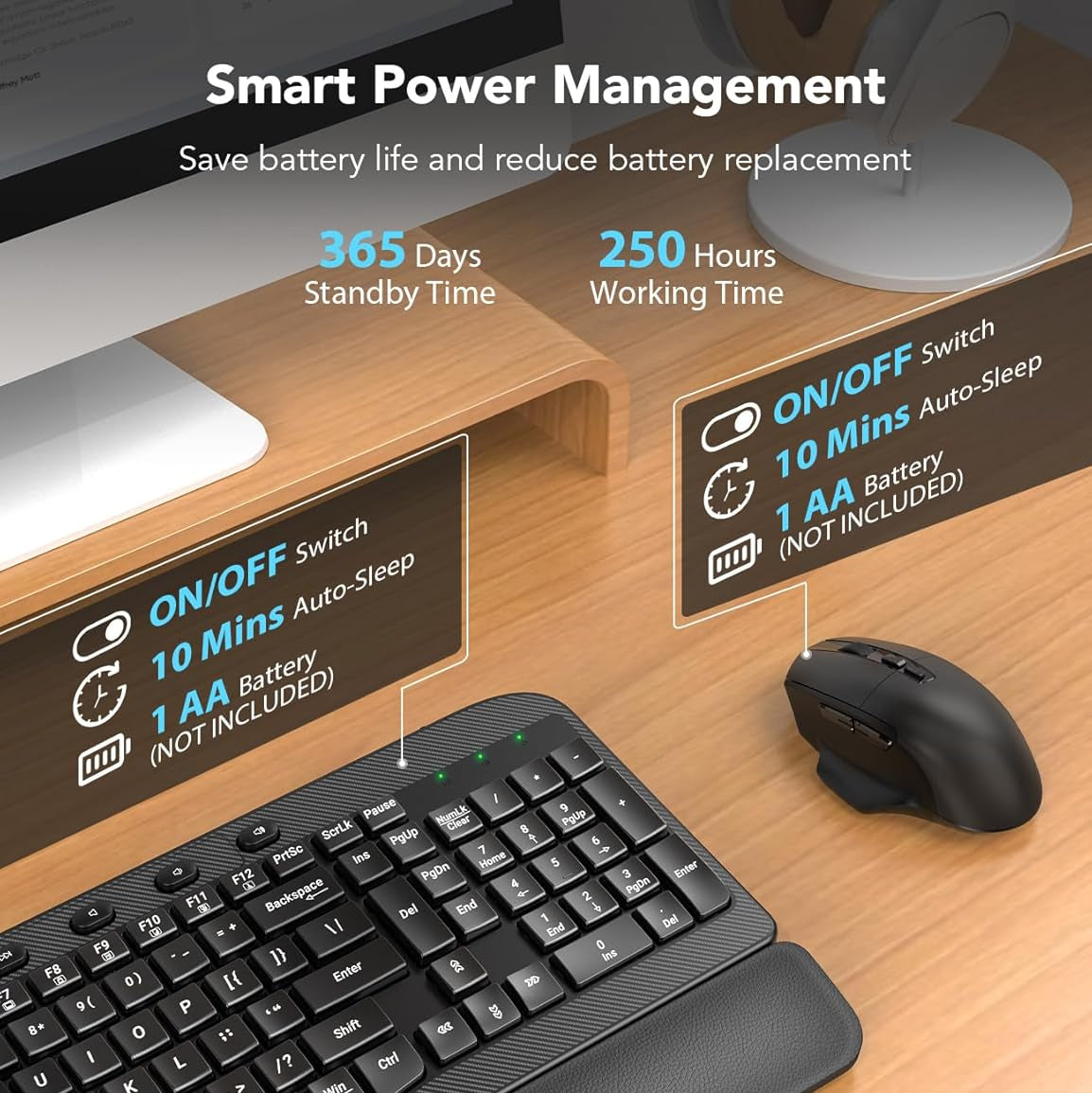
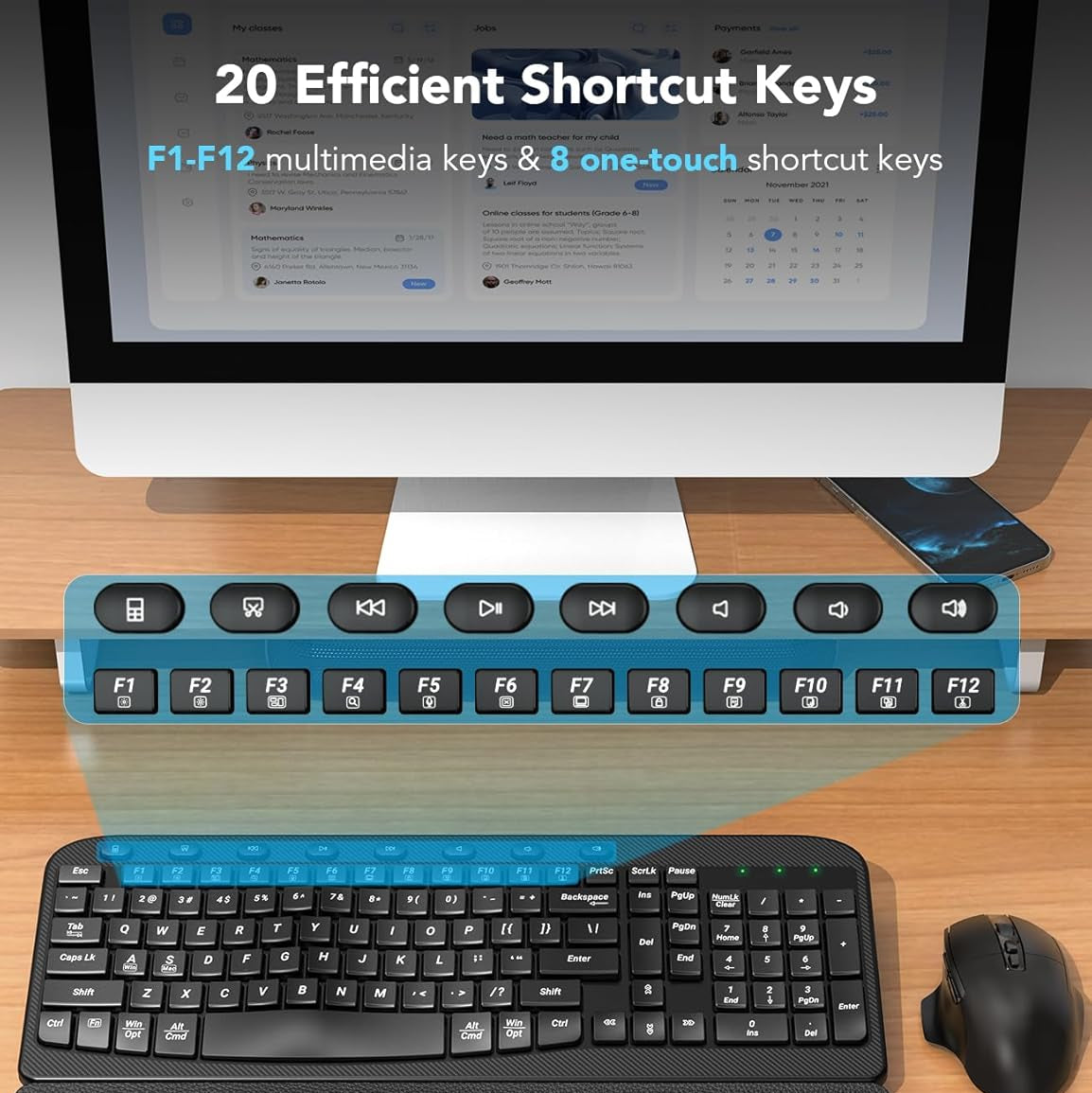
Sablute Wave Keys Ergonomic Wireless Keyboard and Mouse Combo MA12
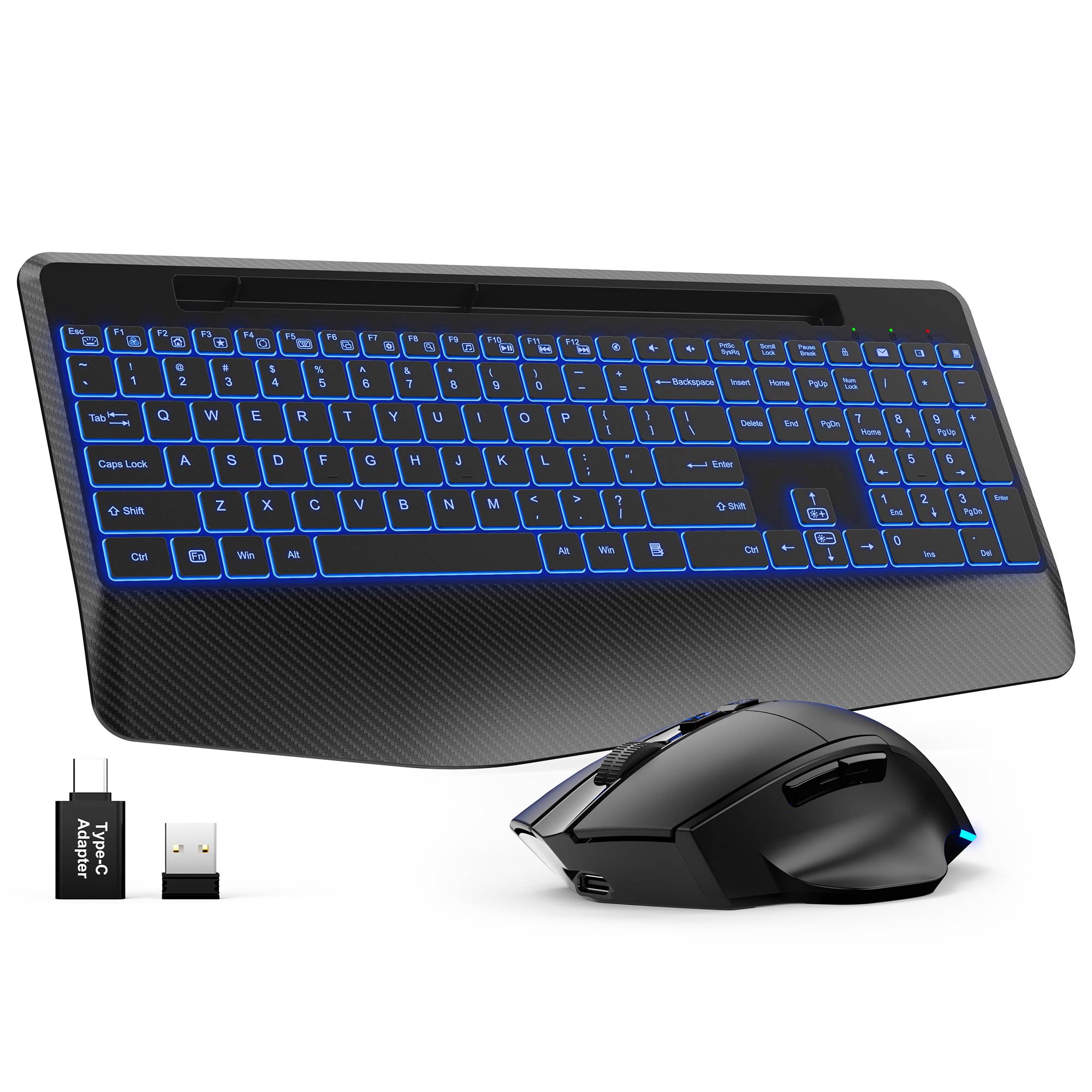
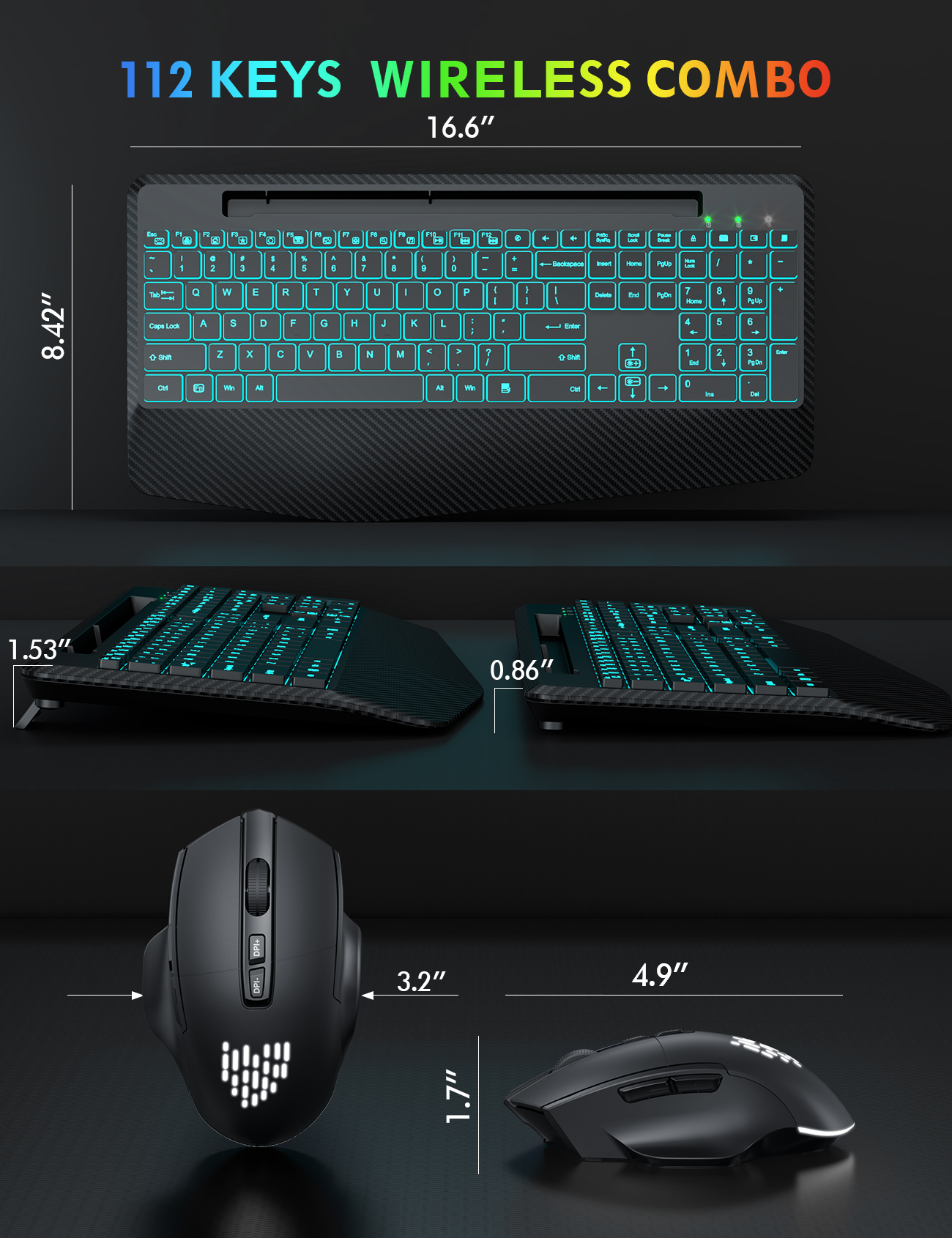

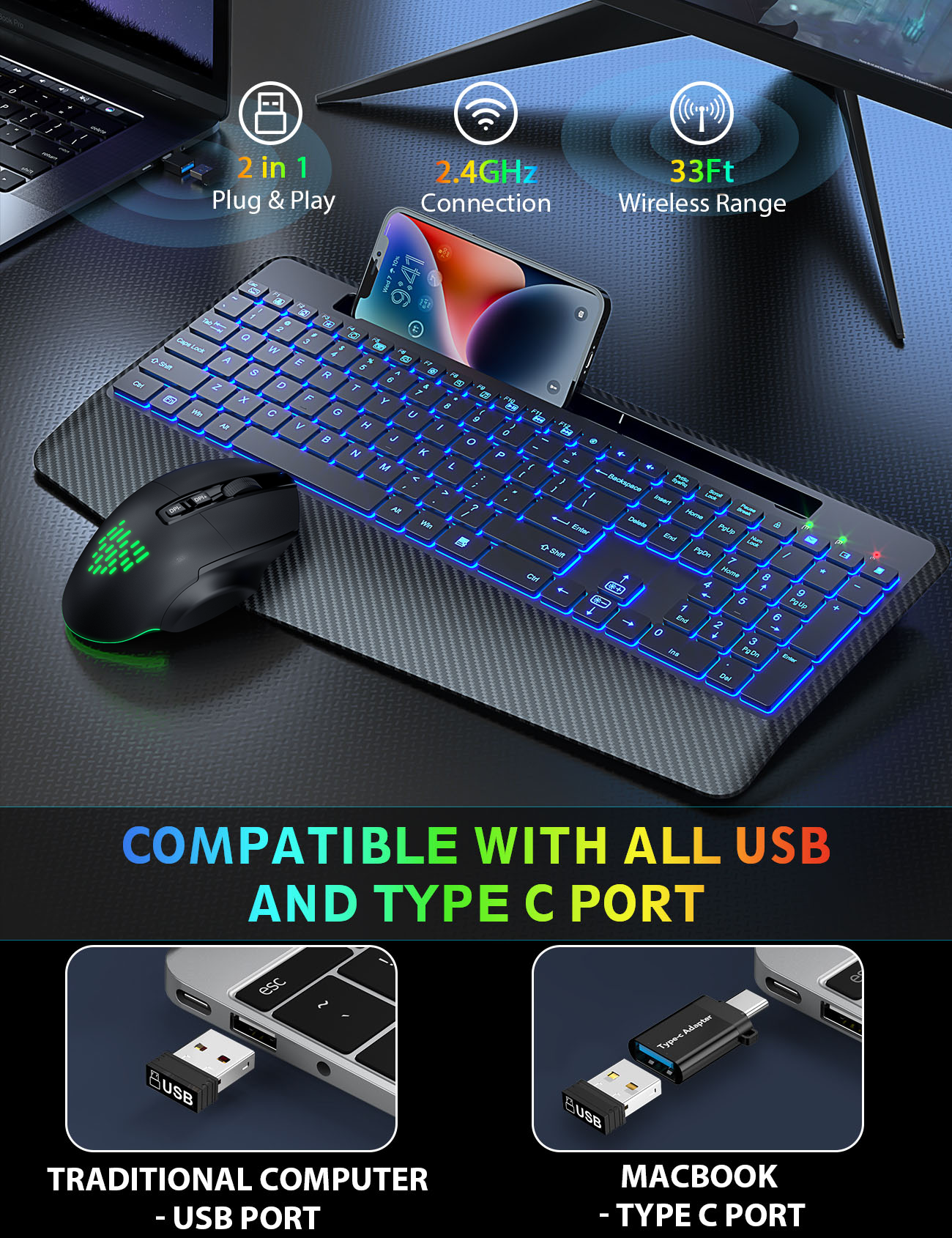
Sablute Wireless Keyboard and Mouse Combo KM22 Ultra
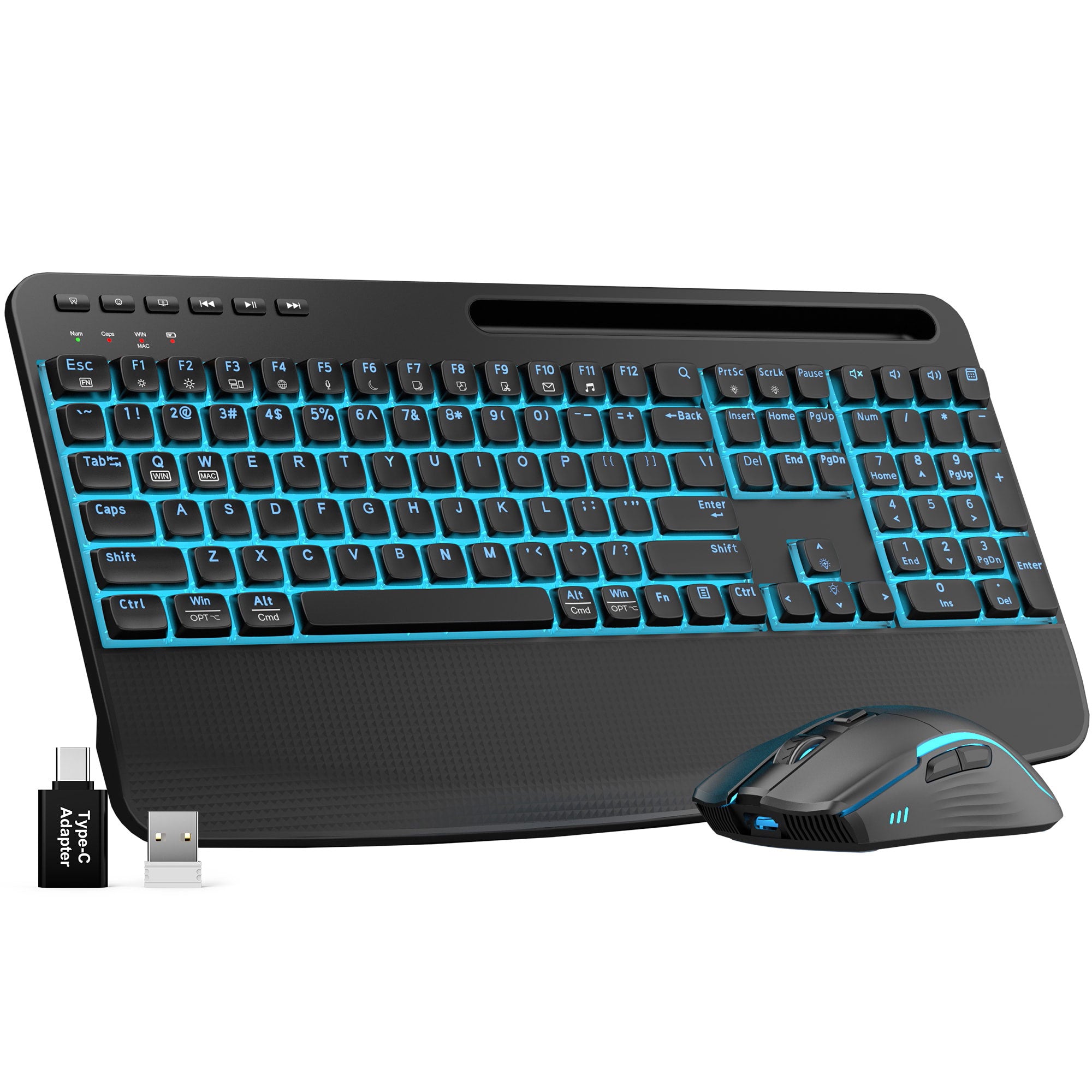
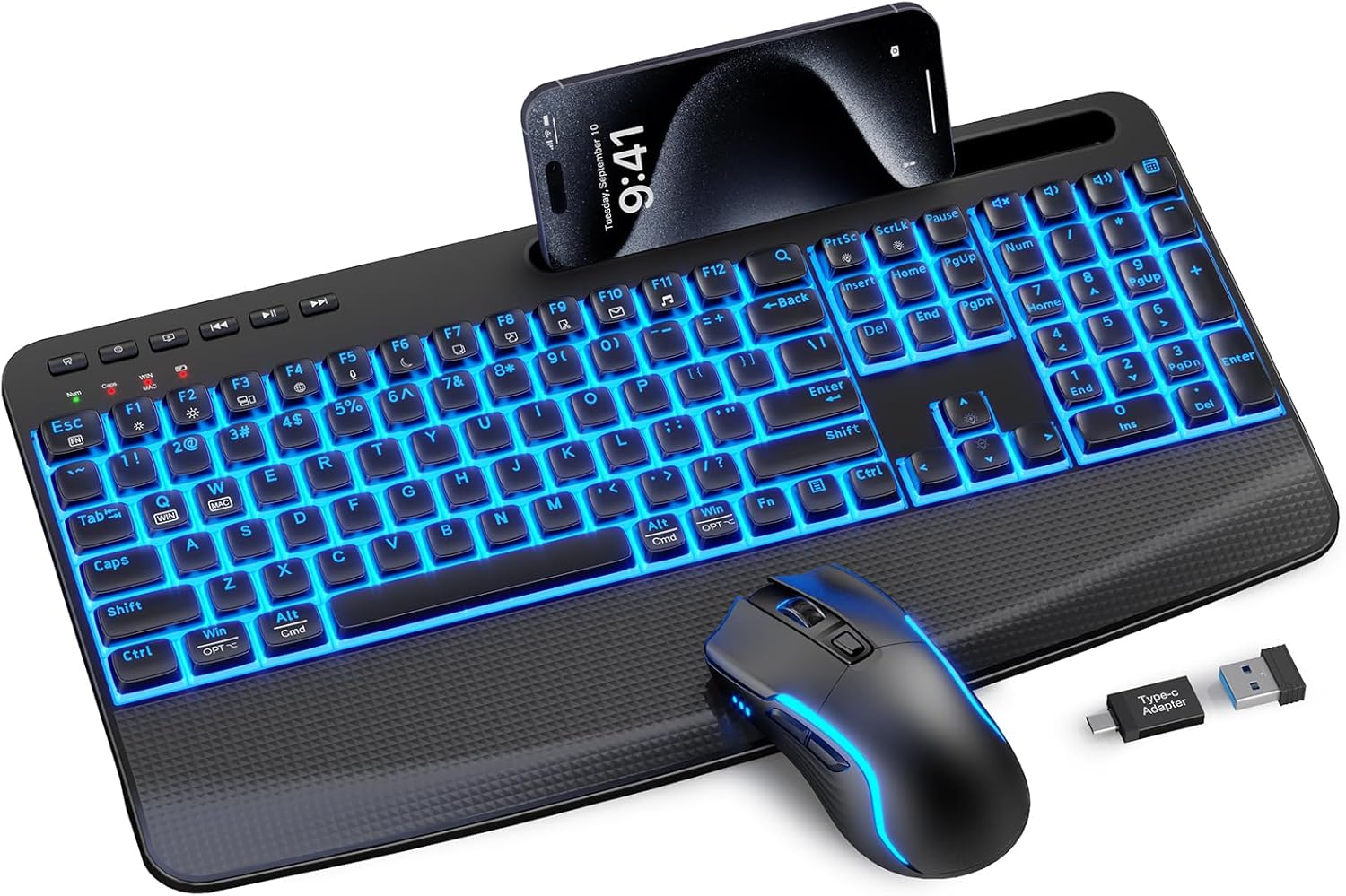

Sablute Backlit Wireless Keyboard and Mouse Combo KM25Pro


Sablute RGB Wireless Keyboard and Mouse Combo KM41 Pro
Why Choose an Ergonomic Keyboard & Mouse Combo?
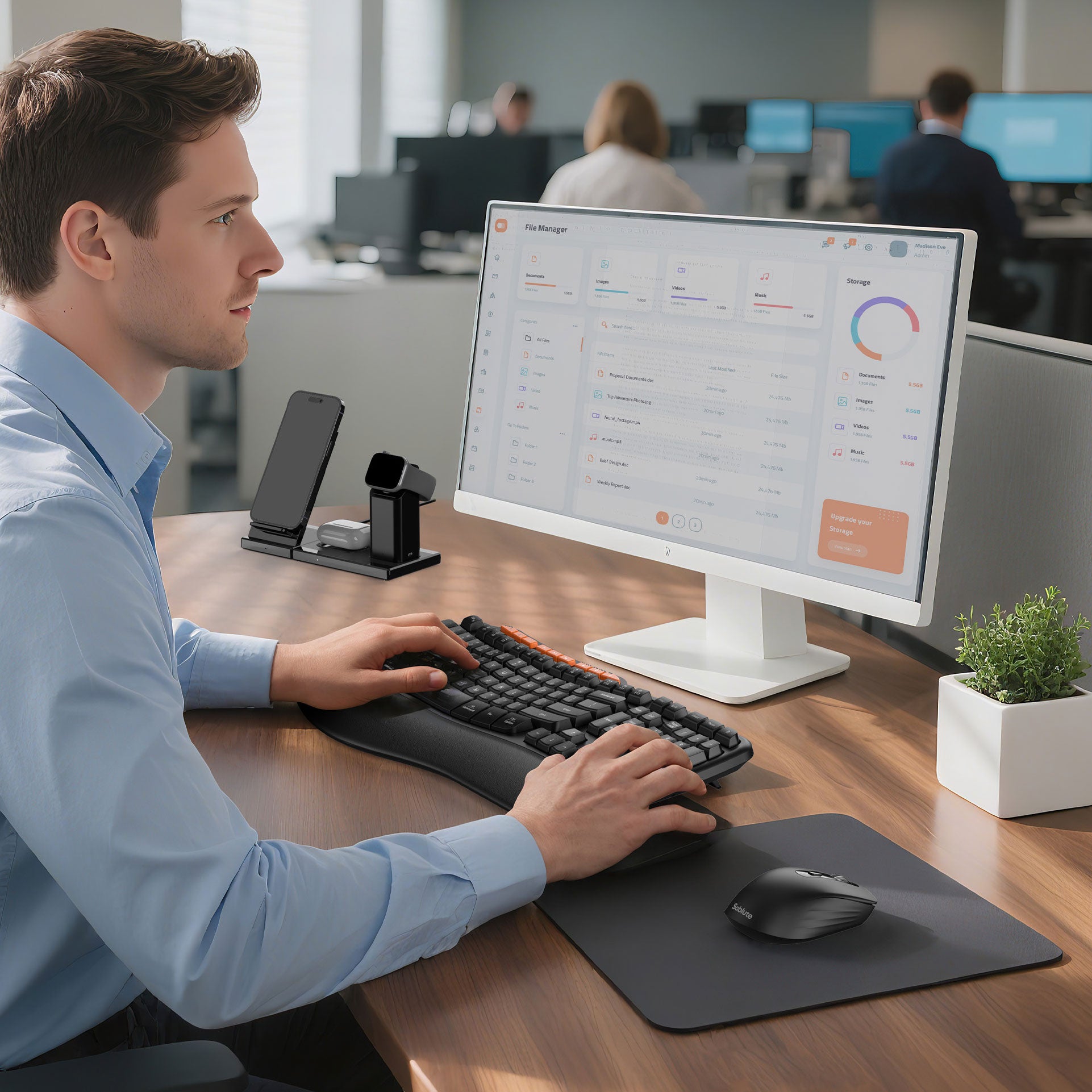
A keyboard and mouse combo keeps your desk setup simple, consistent, and comfortable. Sablute combos are designed for everyday office work, with quiet keys, comfort-focused layouts, and wireless options for a cleaner workspace.
- Quiet keys for home offices and shared workspaces
- Comfort-focused layouts for everyday typing
- Most models support 2.4G wireless connection
- Select models include palm rest or backlit options
How to Choose the Right Combo
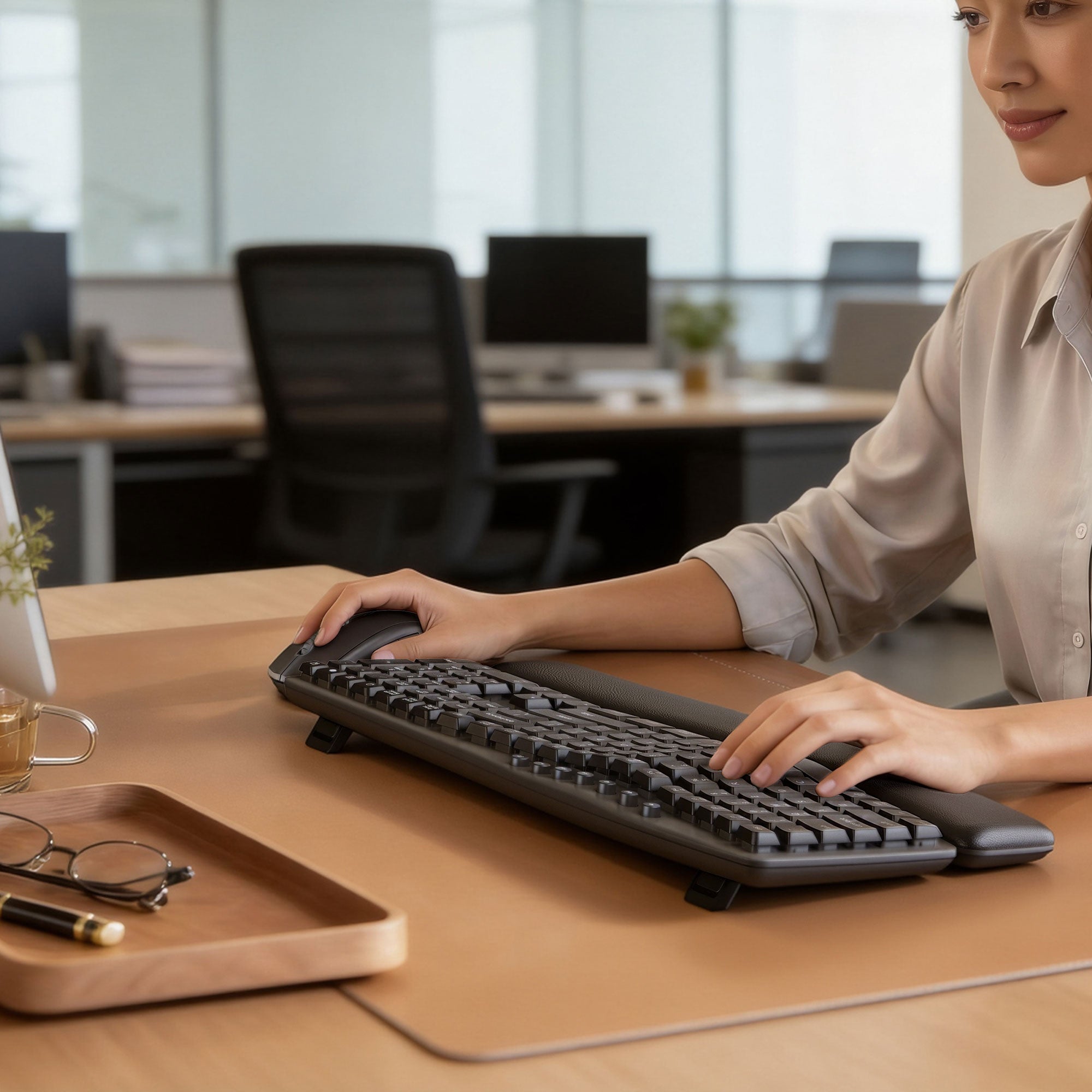
Choose based on your daily workspace and typing habits. For long desk hours, look for wave or curved layouts. For dim rooms, choose a backlit model. For a cleaner setup, most Sablute combos offer simple 2.4G wireless connection.
- Need wrist support? Choose models with palm rest.
- Work in low light? Choose a backlit keyboard combo.
- Want a cleaner desk? Choose 2.4G wireless models.
FAQs
What is an ergonomic keyboard and mouse combo?
An ergonomic keyboard and mouse combo is designed to support a more natural hand, wrist, and arm position while you work. Compared with a standard keyboard and mouse set, an ergonomic combo often features a curved or wave-shaped keyboard, cushioned wrist support, quieter keys, and a mouse designed for more comfortable control.
Are Sablute keyboard and mouse combos quiet enough for office use?
Yes. Most Sablute keyboard and mouse combos are designed with low-noise keys for home offices, shared workspaces, libraries, and everyday focused work.
Are Sablute ergonomic keyboard and mouse combos compatible with Windows and Mac?
Many Sablute ergonomic keyboard and mouse combos are designed to work with both Windows and Mac devices. Some models support easy layout switching, while others may include shortcut keys for different systems. Please check each product page for detailed compatibility before purchasing.
Are these keyboard and mouse combos wireless?
Most models in this collection support 2.4G wireless connection with a USB receiver, making setup simple and helping reduce desk clutter. Please check each product page for the exact connection type, as features may vary by model.
What should I look for in a wireless ergonomic keyboard and mouse combo?
When choosing a wireless ergonomic keyboard and mouse combo, look for a comfortable keyboard layout, soft wrist rest, quiet typing, reliable wireless connection, adjustable tilt, long battery life, and a mouse that fits naturally in your hand. These features can help create a more comfortable and efficient workspace.
Which ergonomic keyboard and mouse combo should I choose?
Choose based on your daily workspace and typing habits. For long typing hours, look for a wave or curved keyboard layout with palm support. For dim rooms, choose a backlit model. For a simple desk setup, most Sablute combos offer 2.4G wireless connection for easy plug-and-play use.