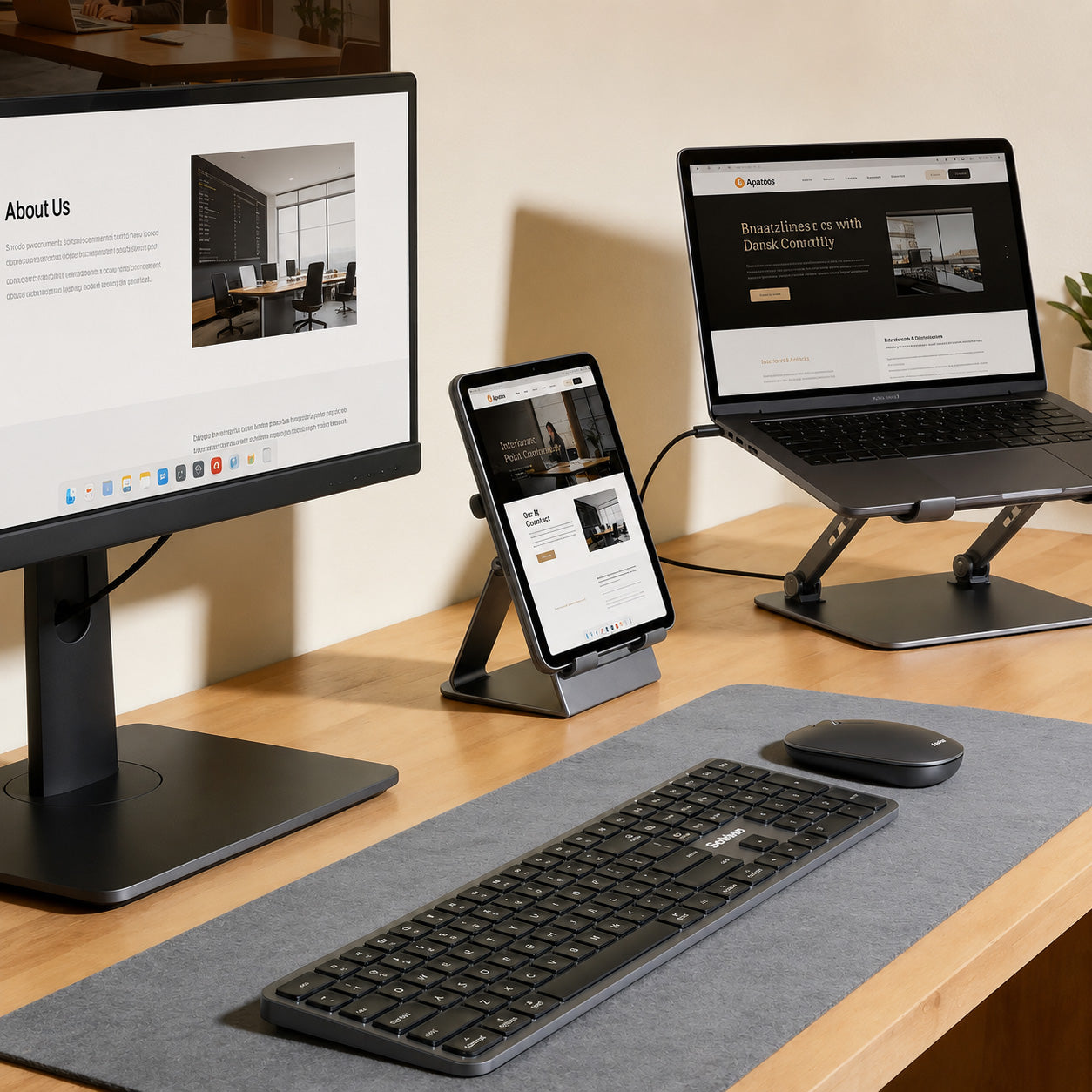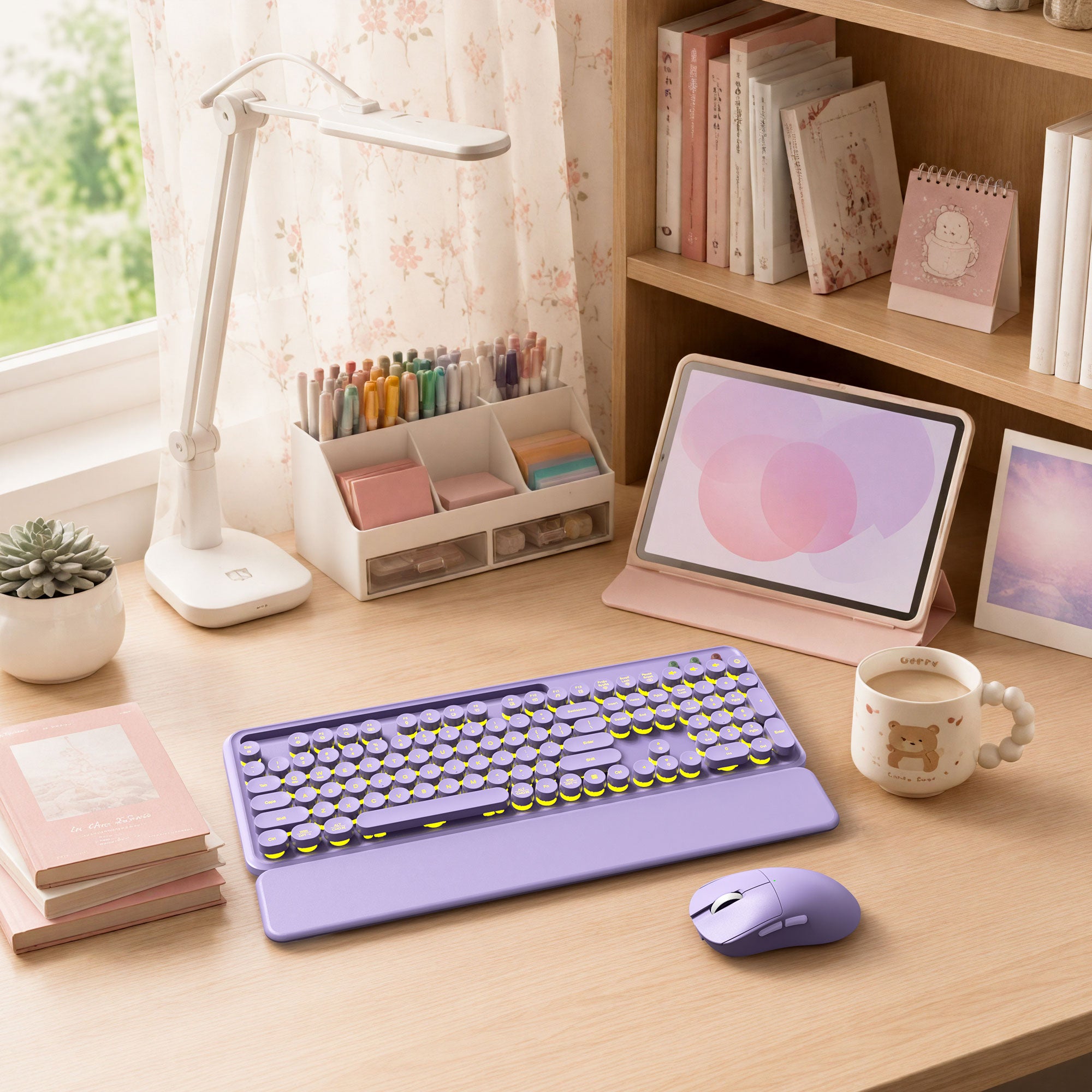

Find Your Backlit Setup
Start with the feature that matters most to you, from wireless convenience and ergonomic support to large-print keys and dependable wired connections.
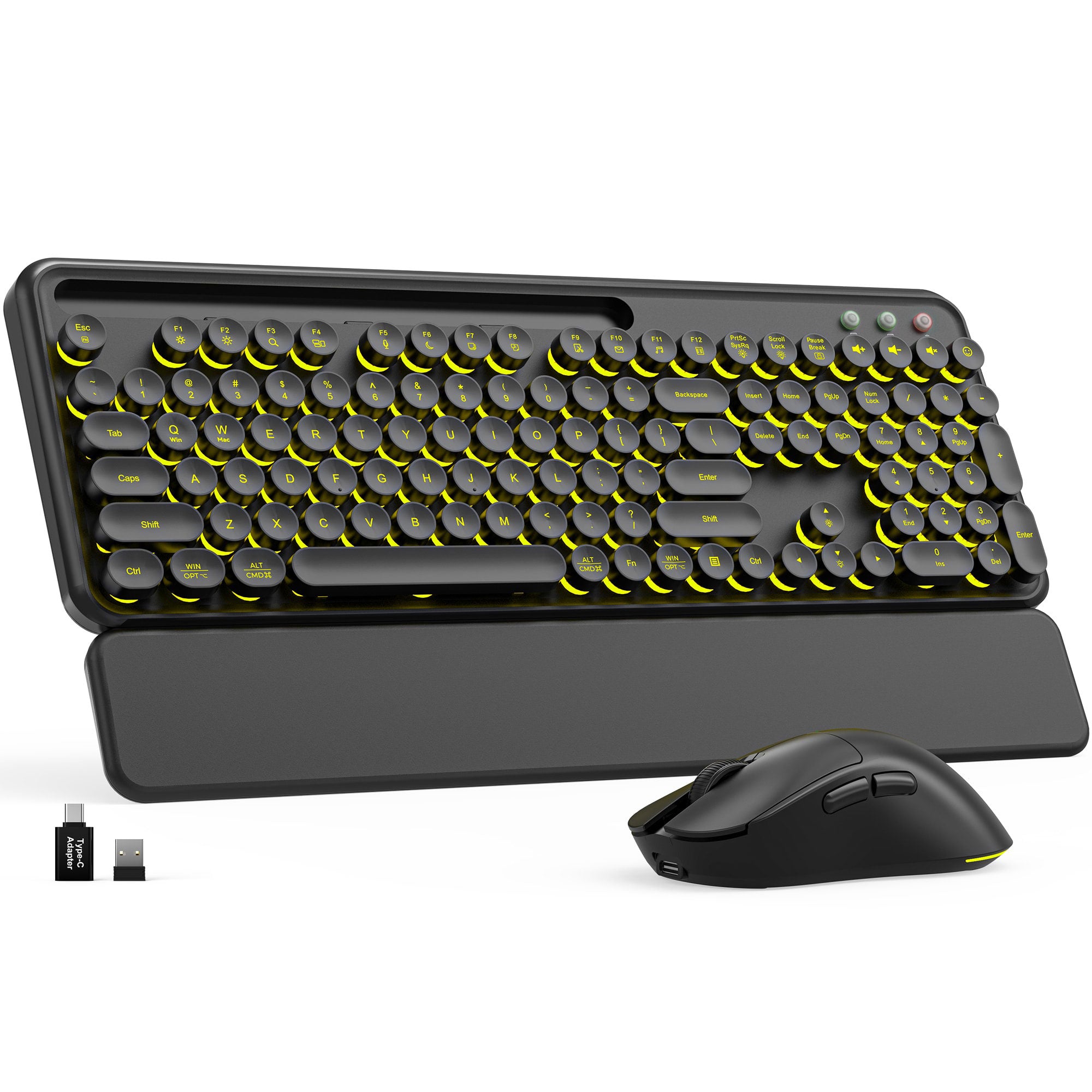
Wireless Backlit Combos
Pair a full-size backlit keyboard with a matching mouse for a cleaner, more coordinated everyday workspace.
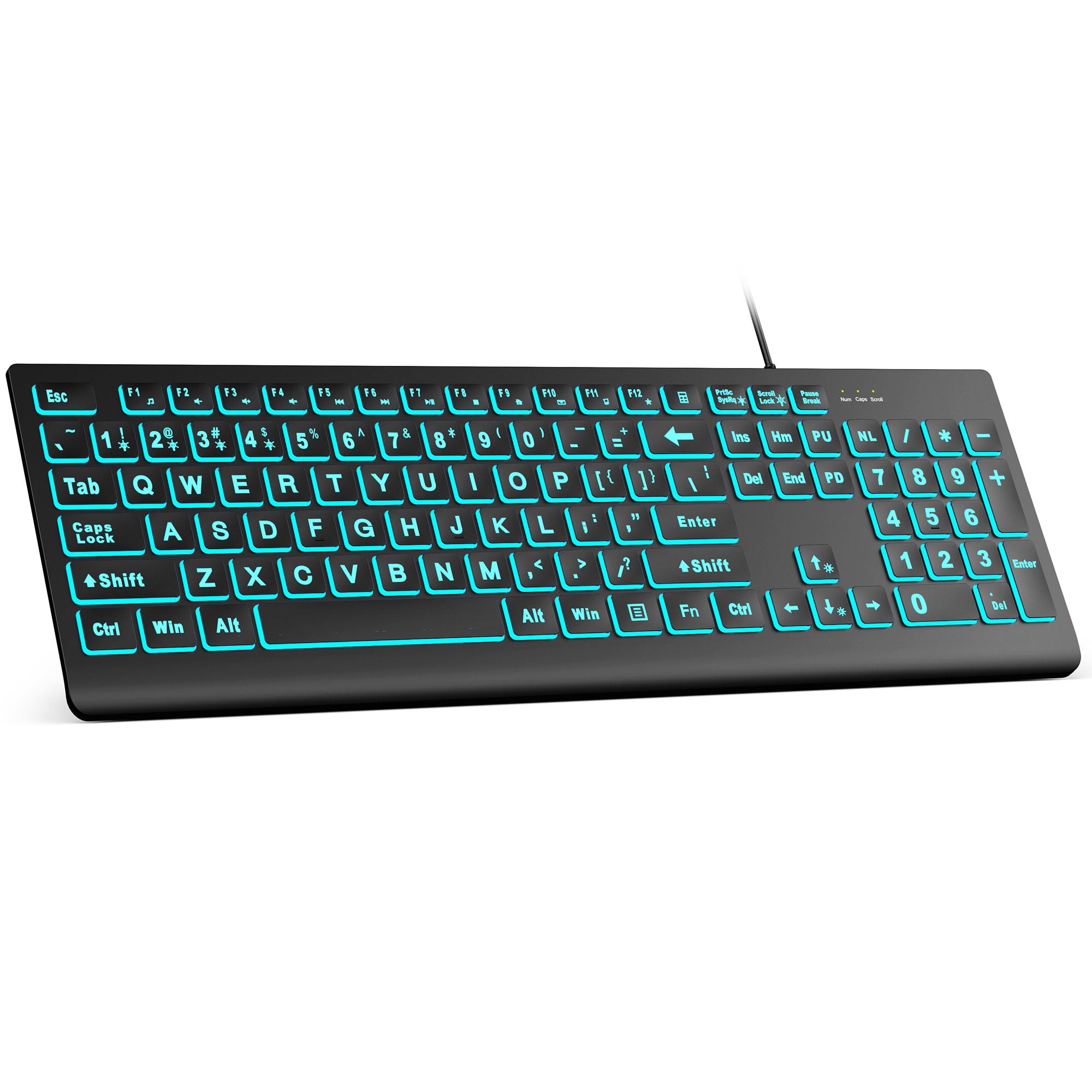
Large Print Backlit Keyboards
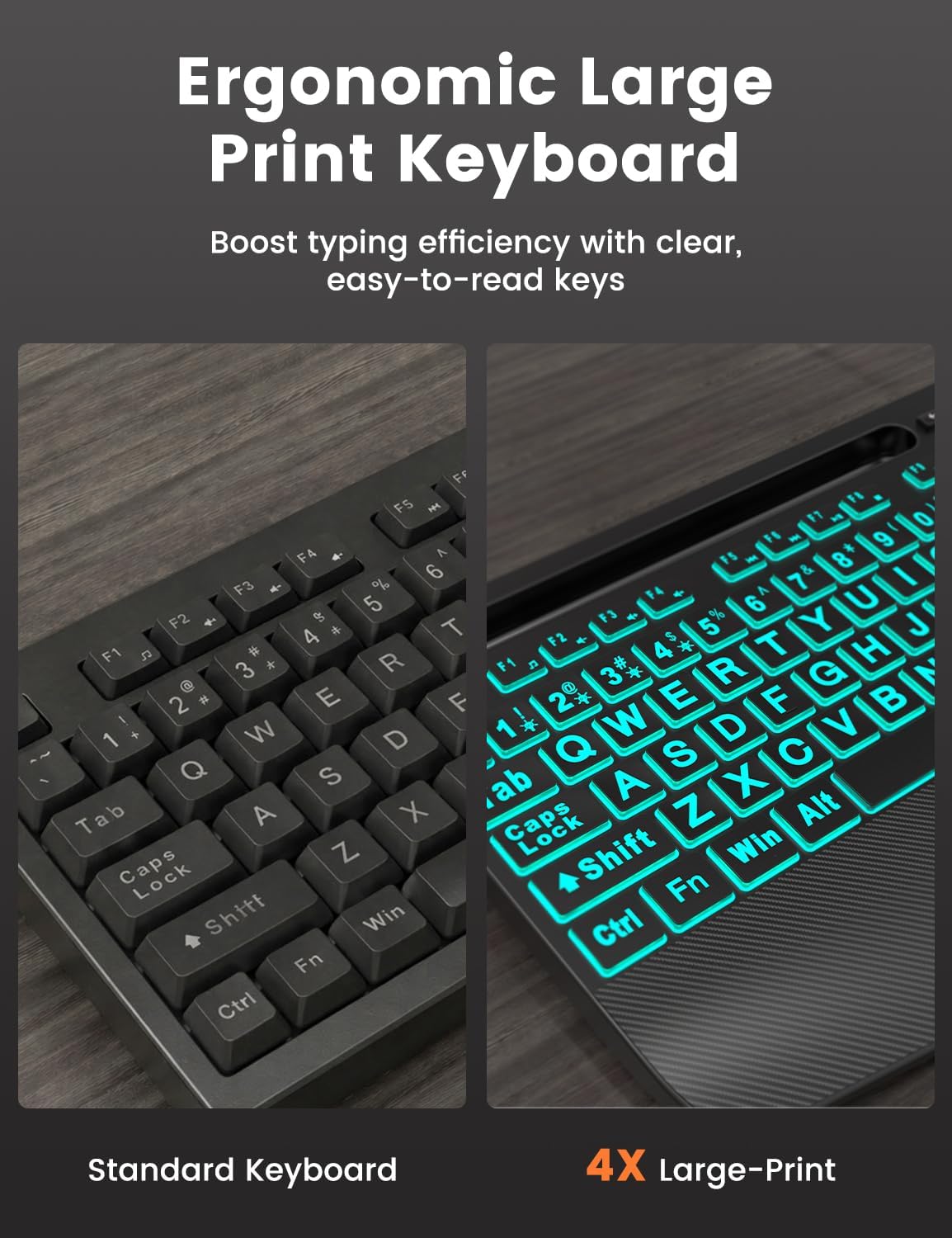
Easy-to-see key legends and illuminated layouts make everyday typing clearer, especially in low-light workspaces.
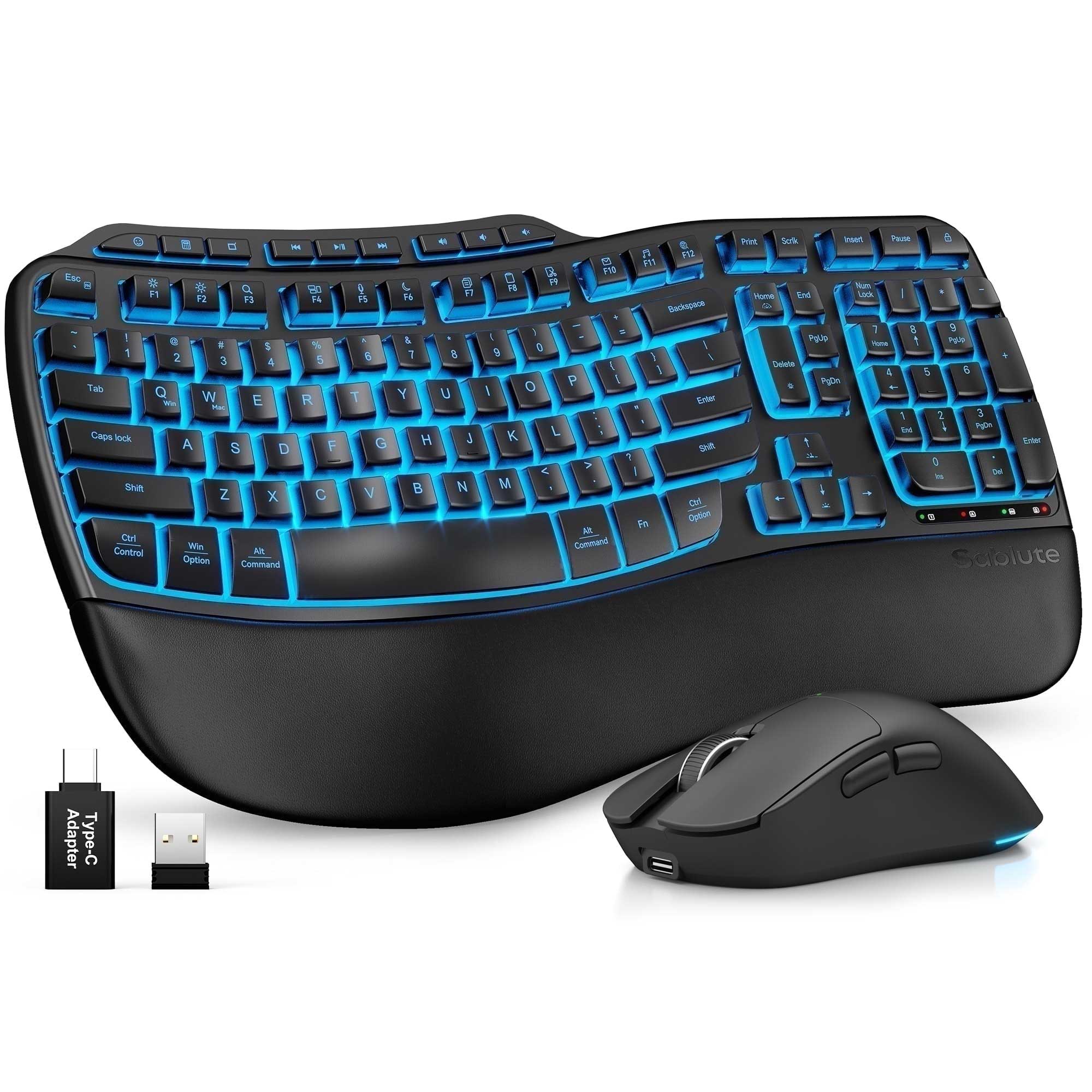
Ergonomic Backlit Combos
Explore wave-shaped keys, supportive palm rests, and adjustable typing angles designed for longer work and study sessions.
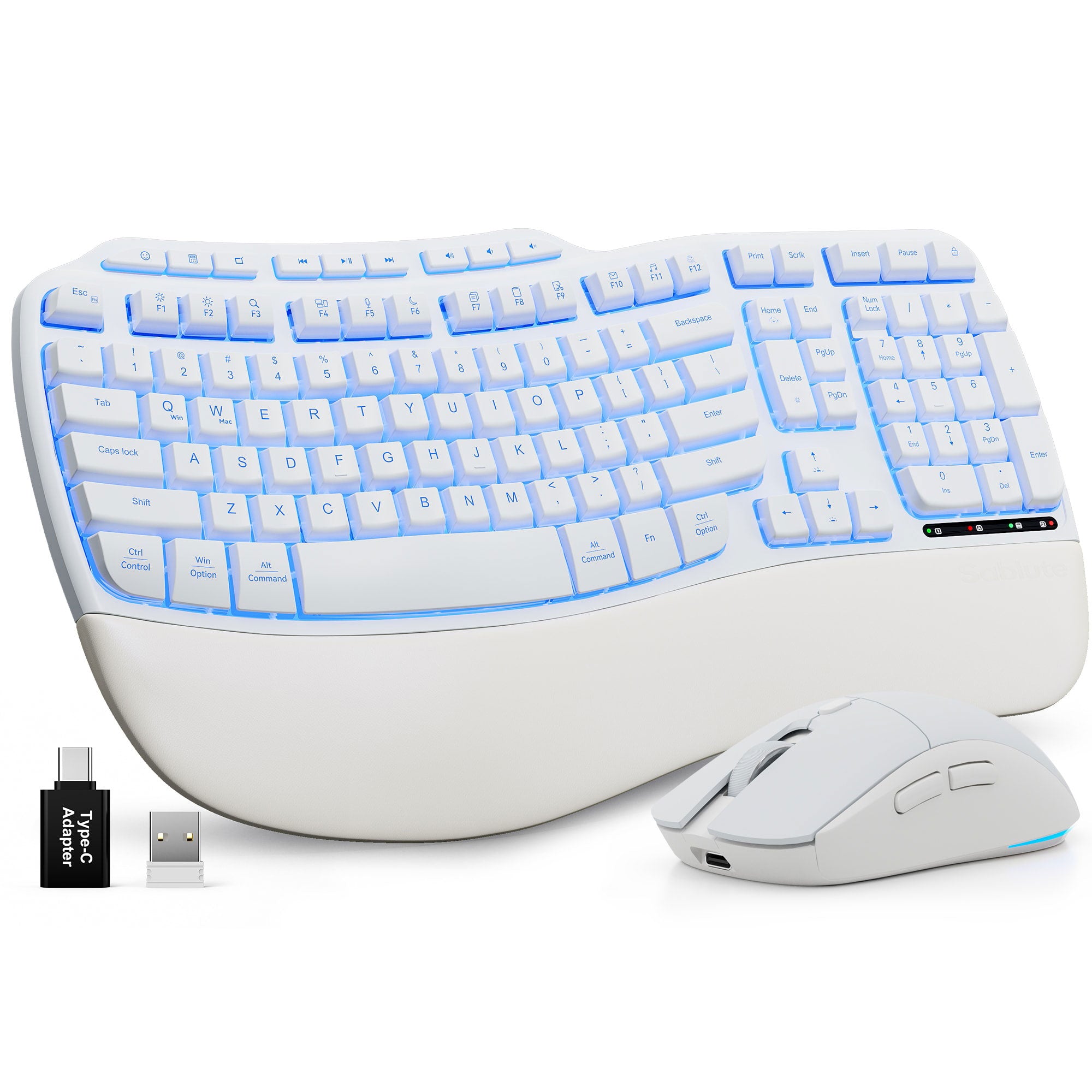
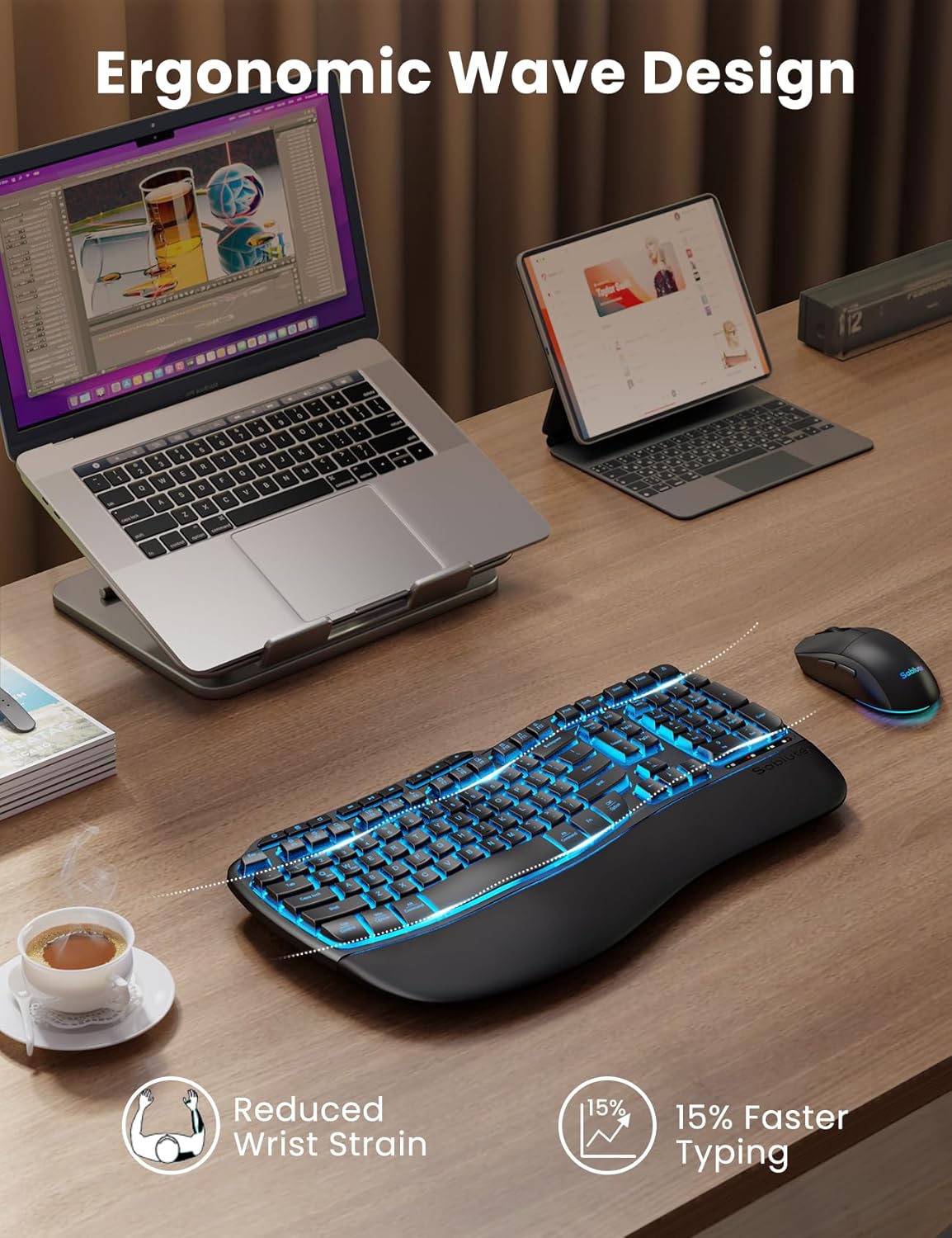
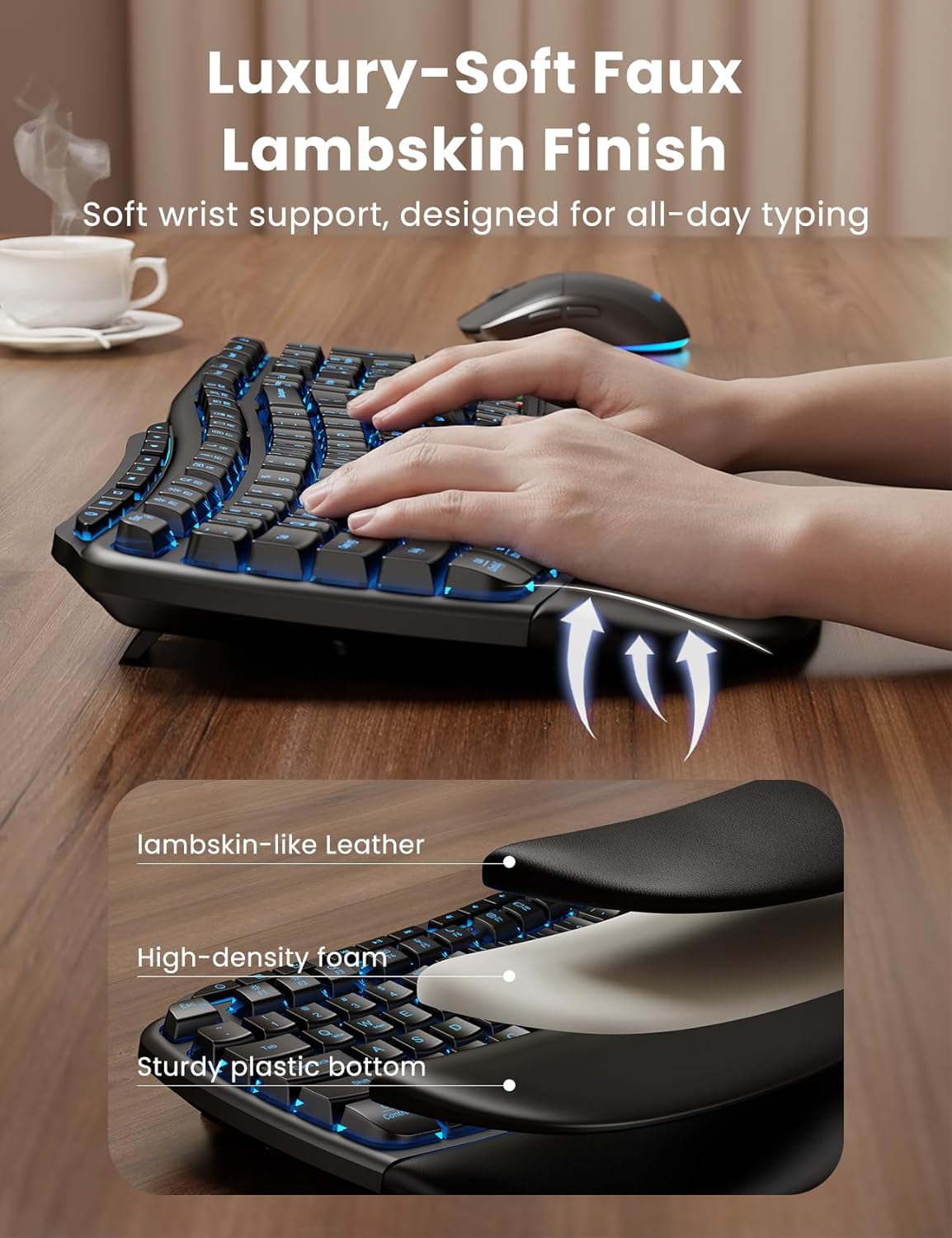
Ergonomic Wave Keys Wireless Keyboard and Mouse Combo MA31 Pro
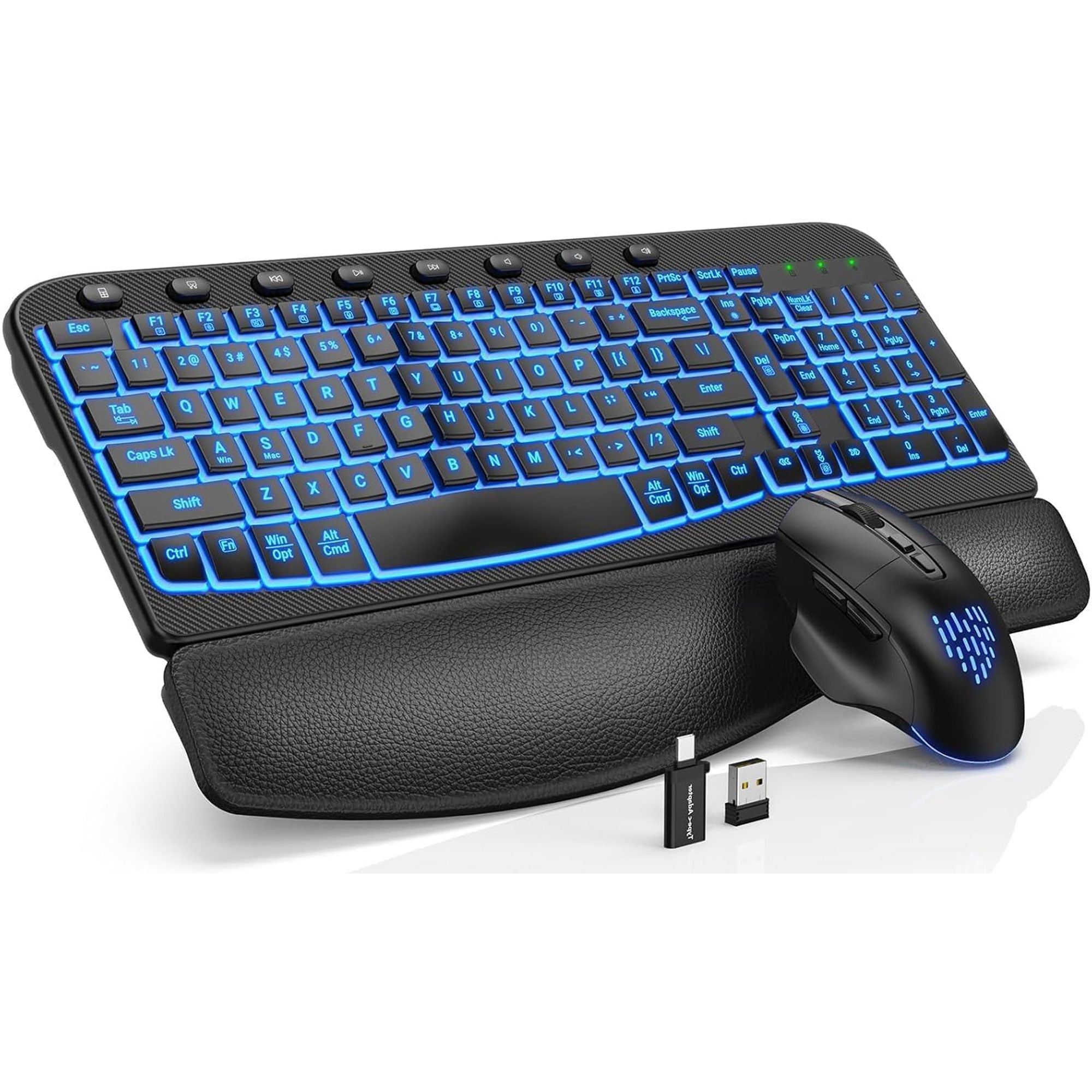
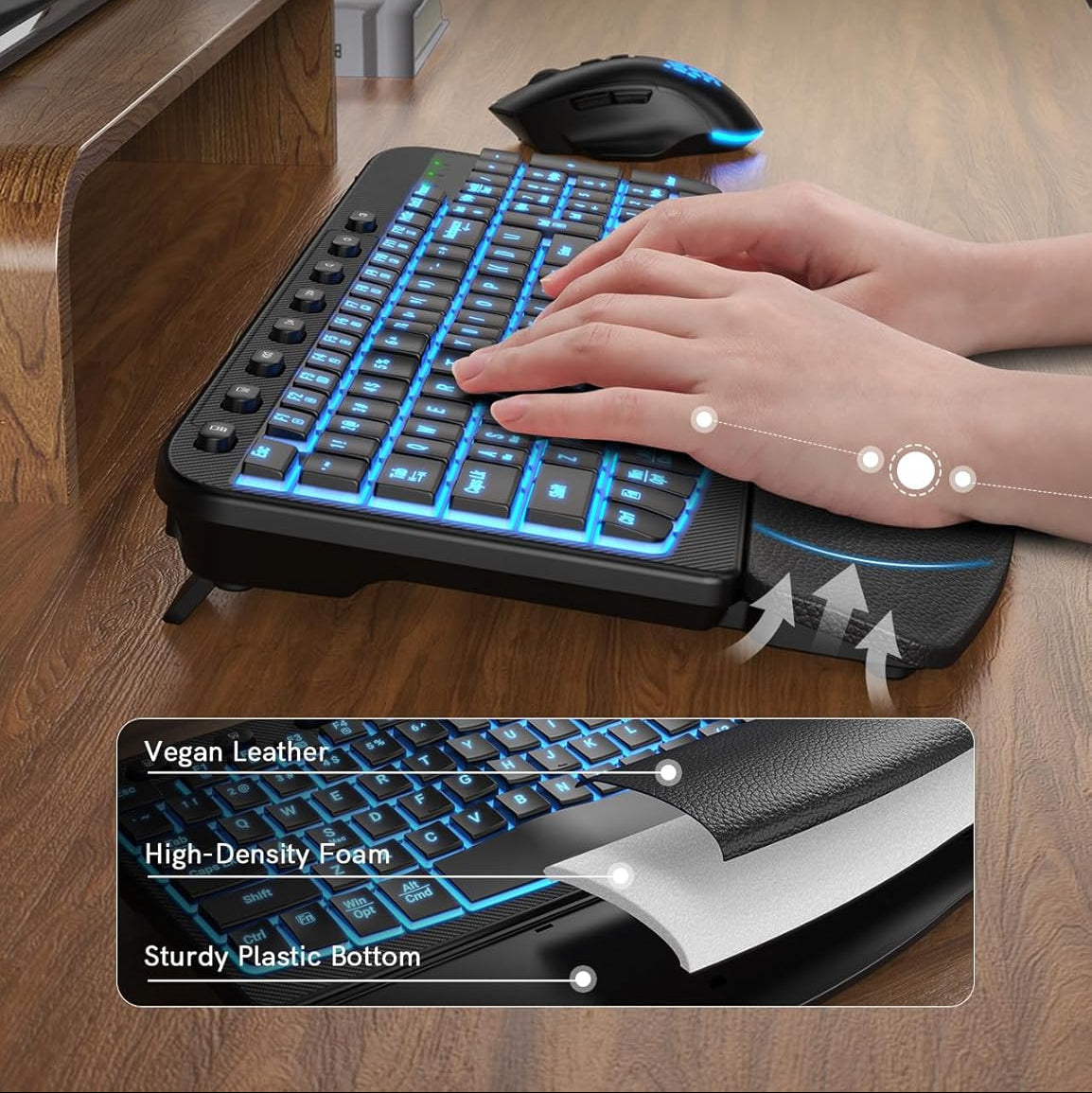
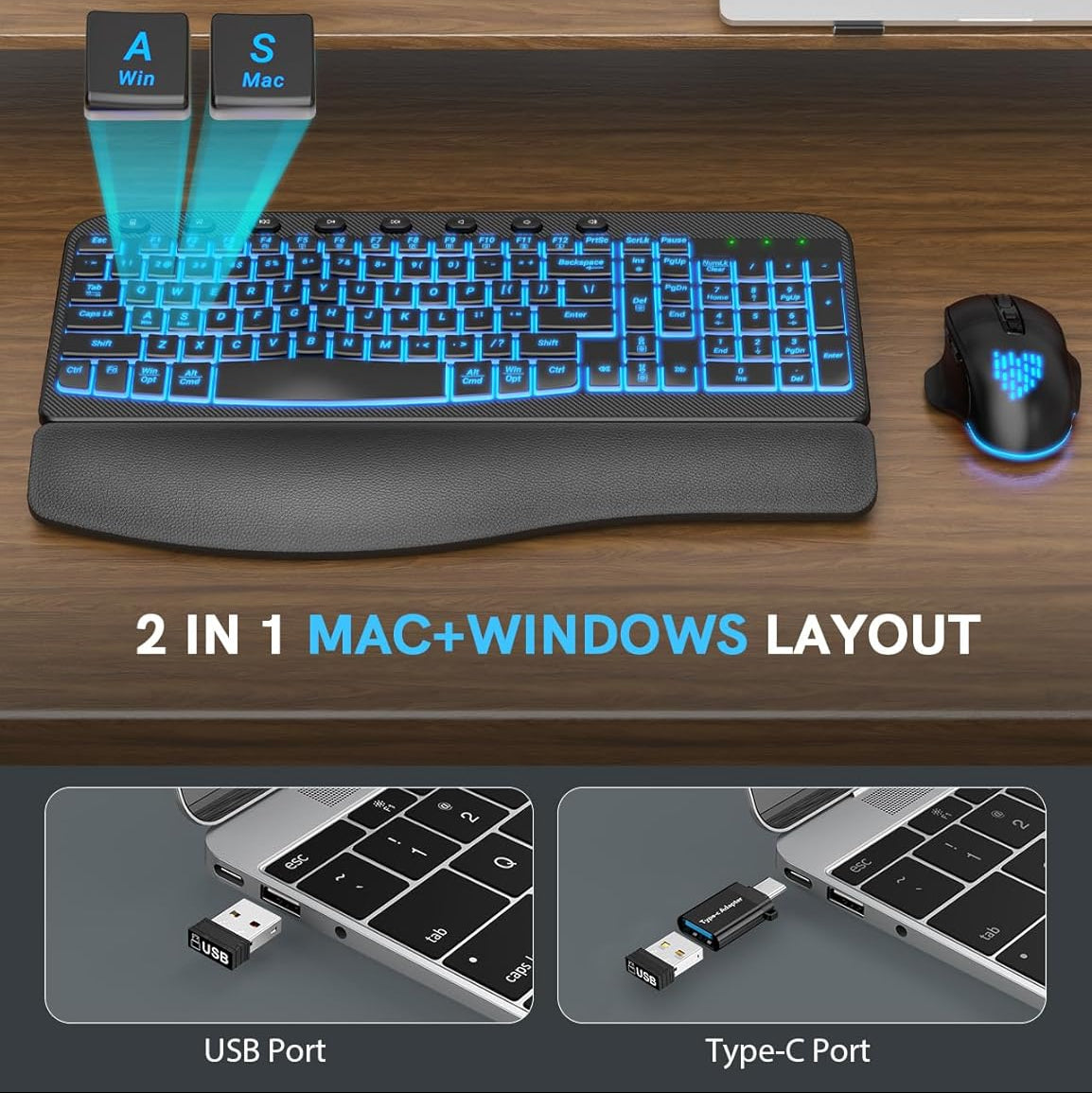
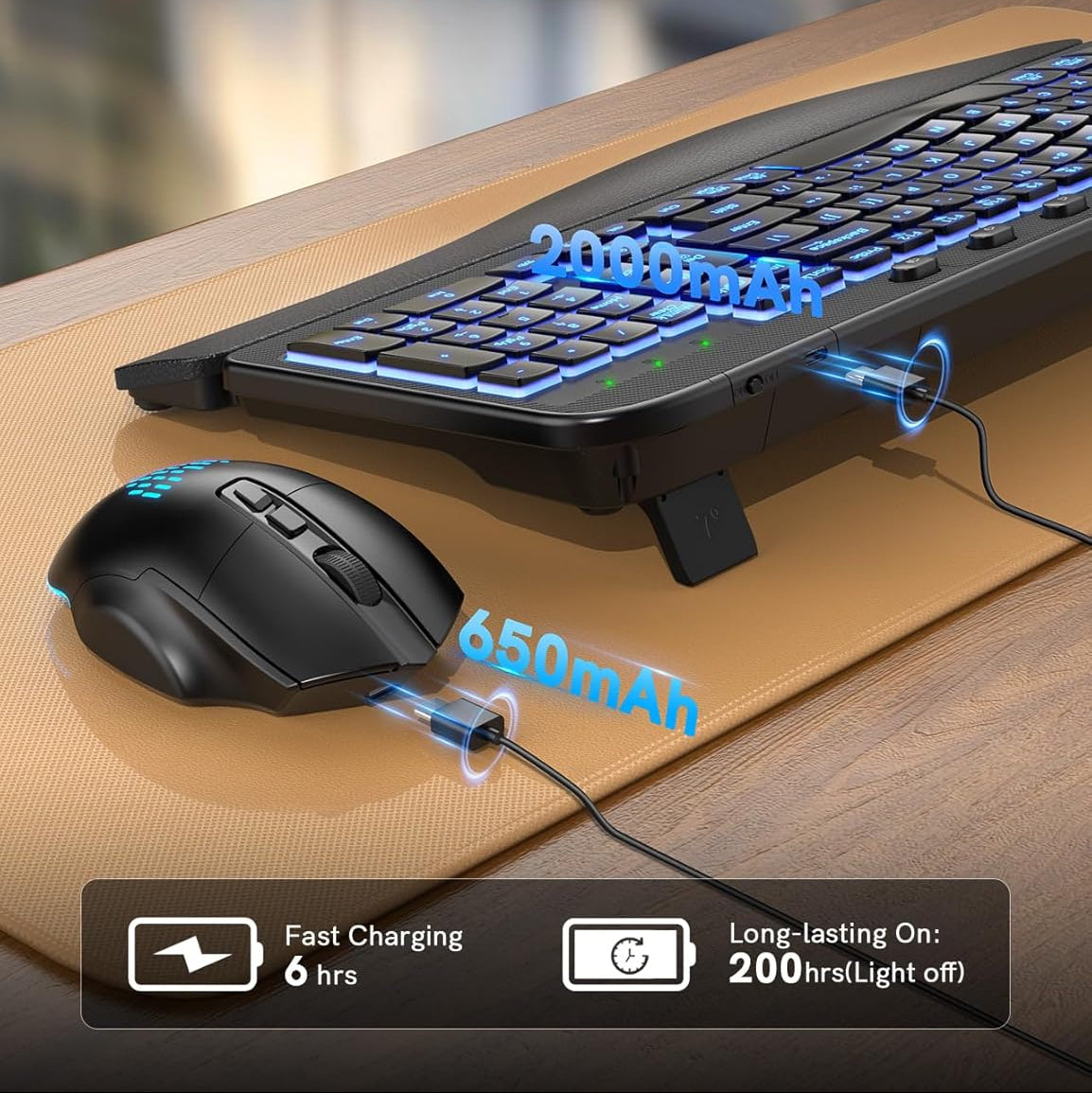
Sablute Ergonomic Wireless Backlit Keyboard and Mouse Combo MA12 Pro
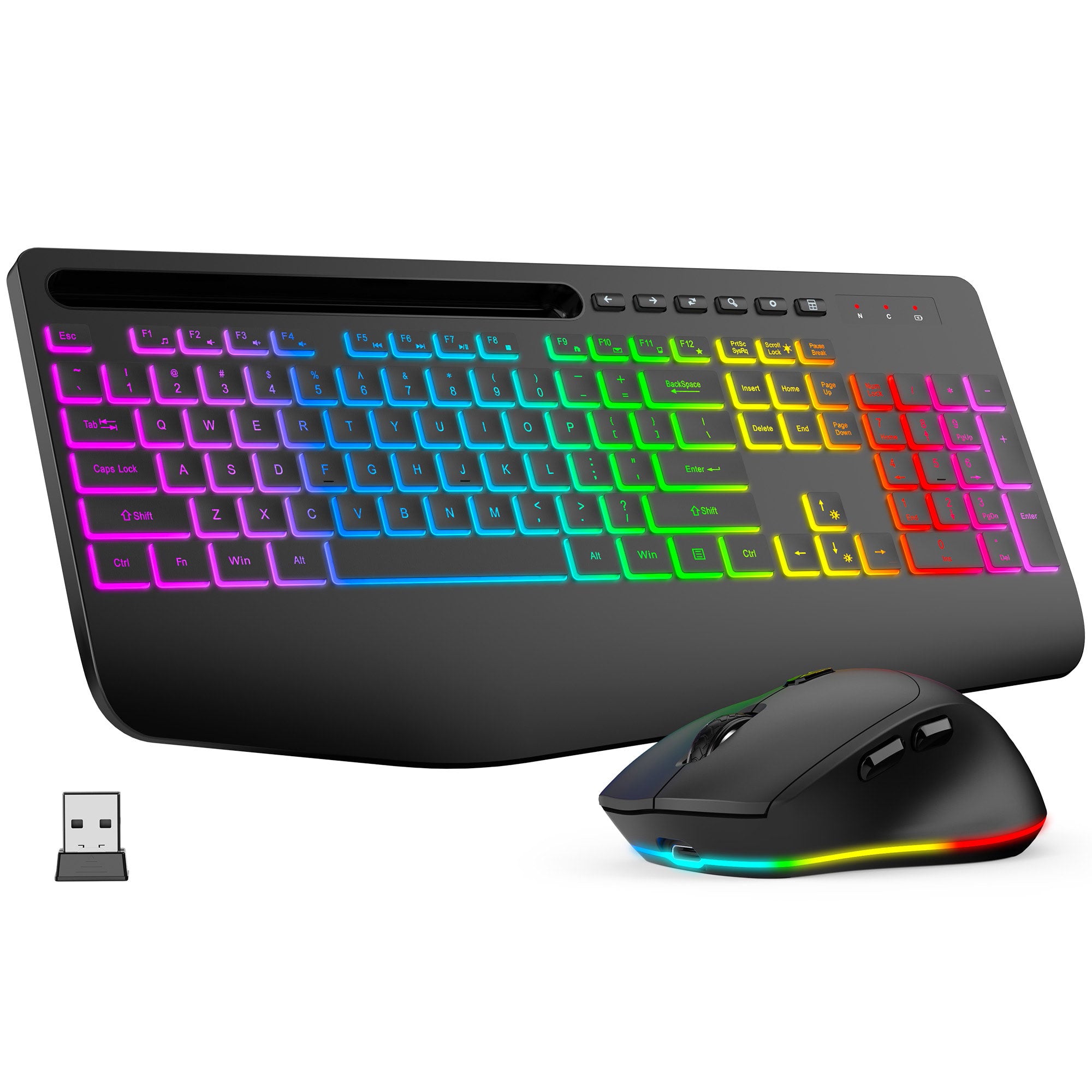
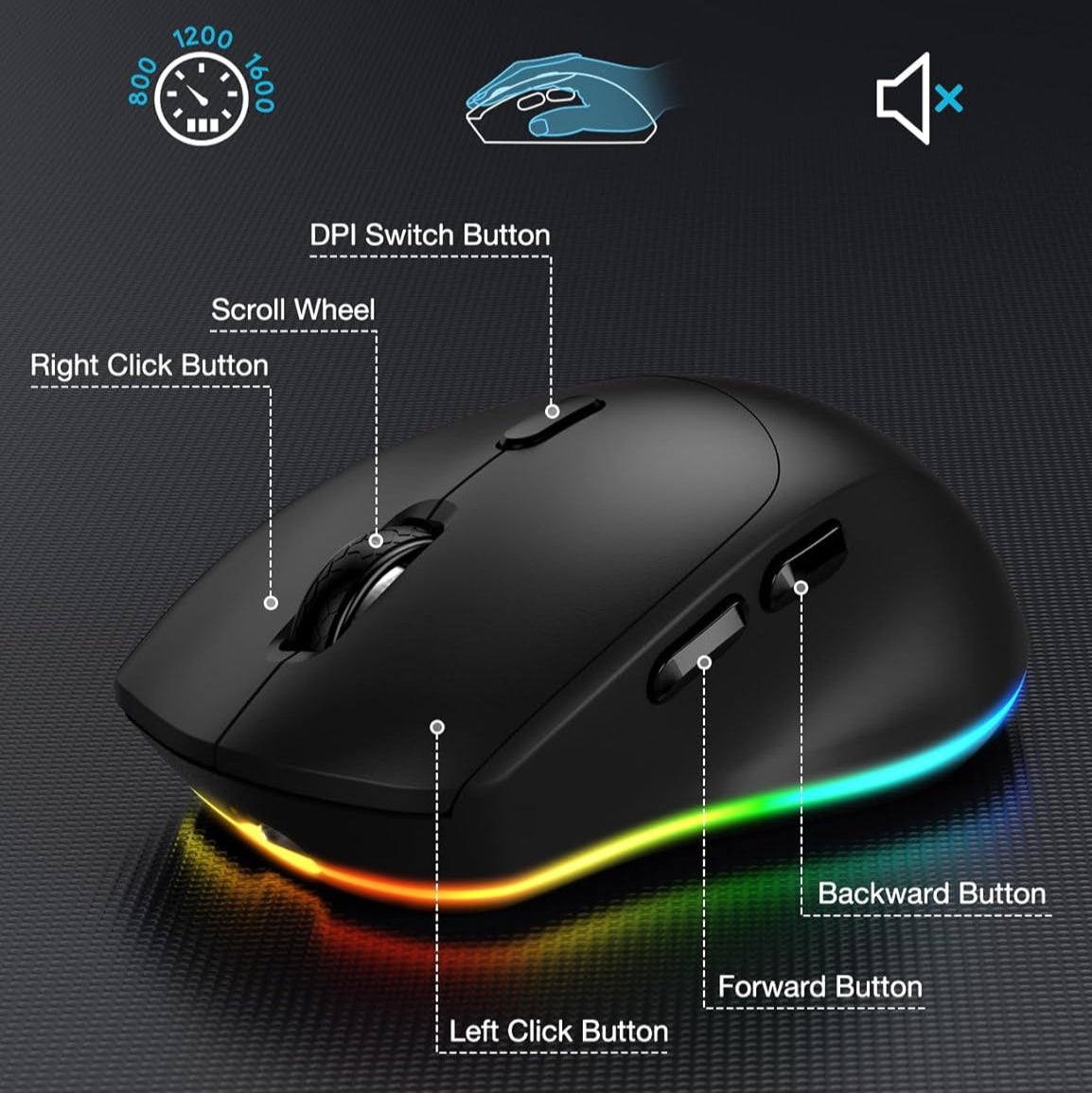
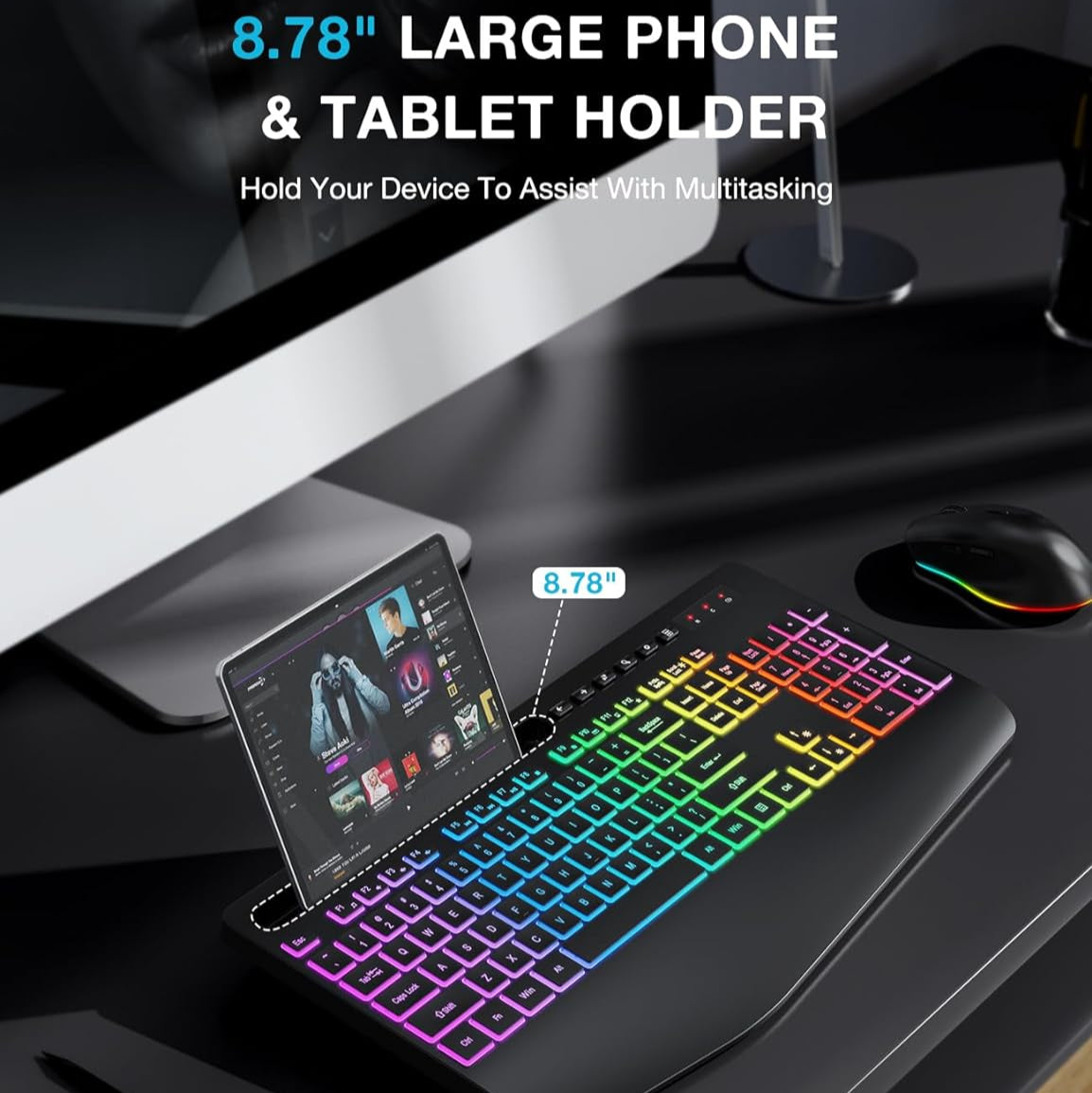
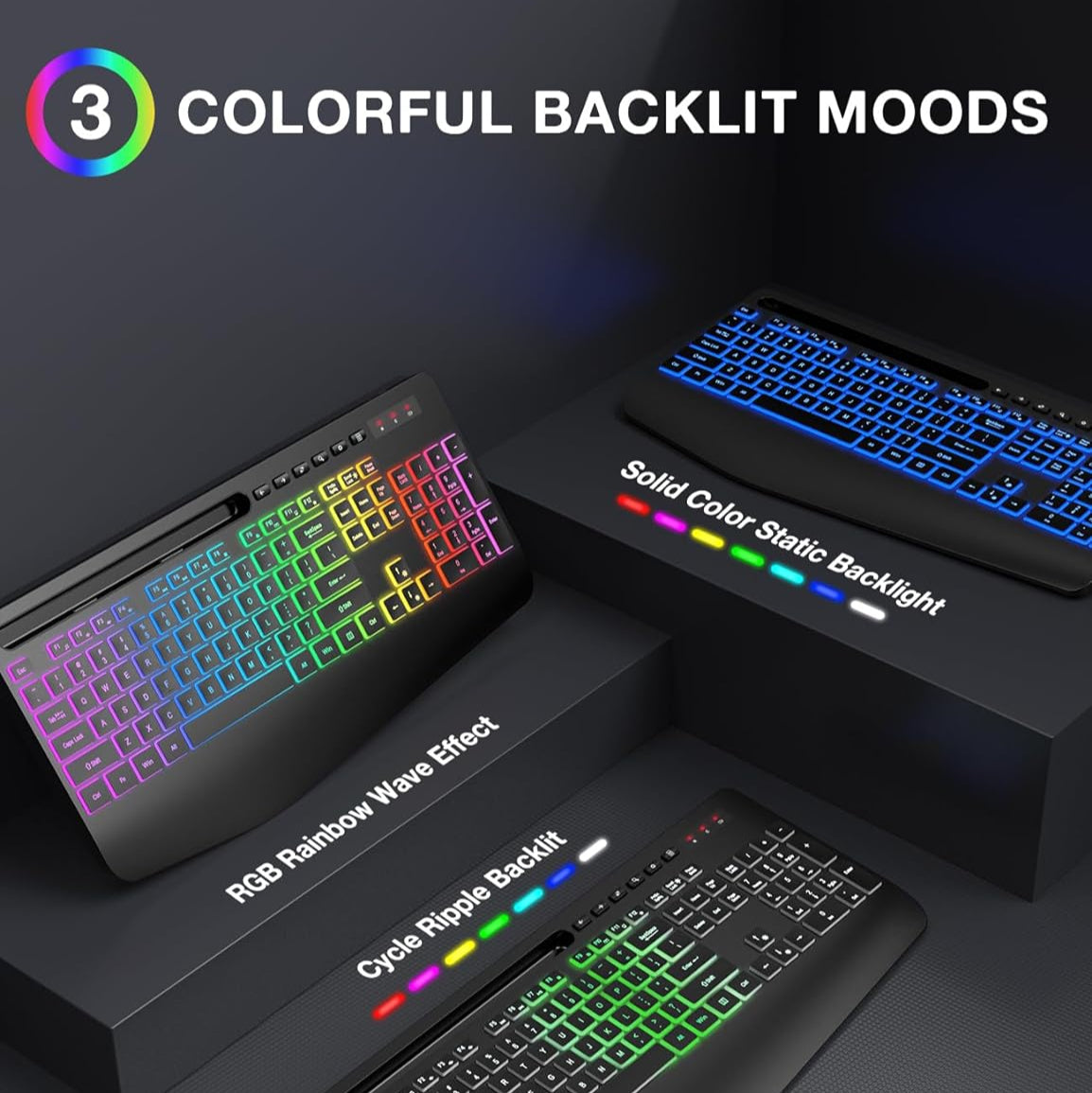
Sablute Wireless Keyboard and Mouse Combo KM22 Max
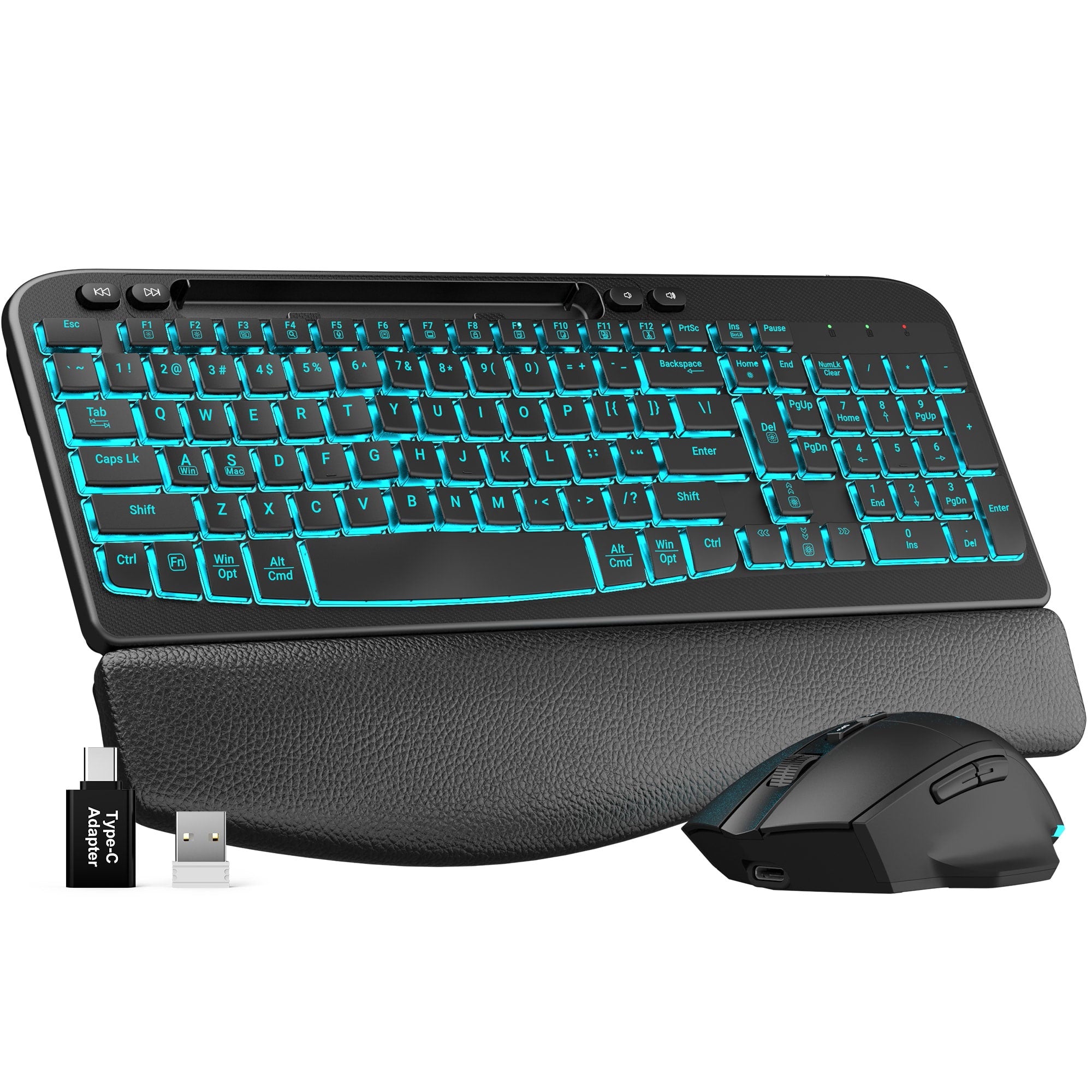

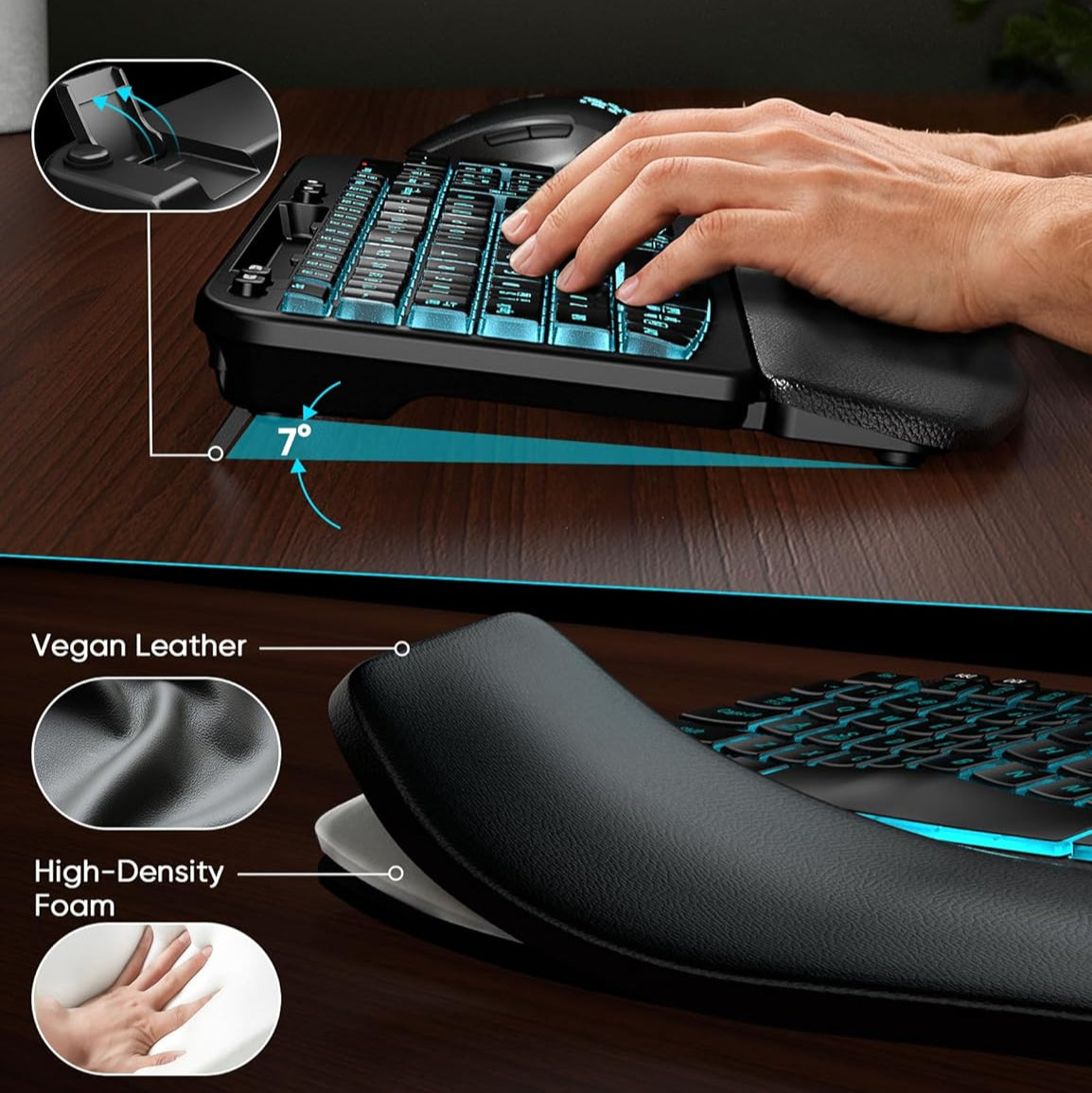
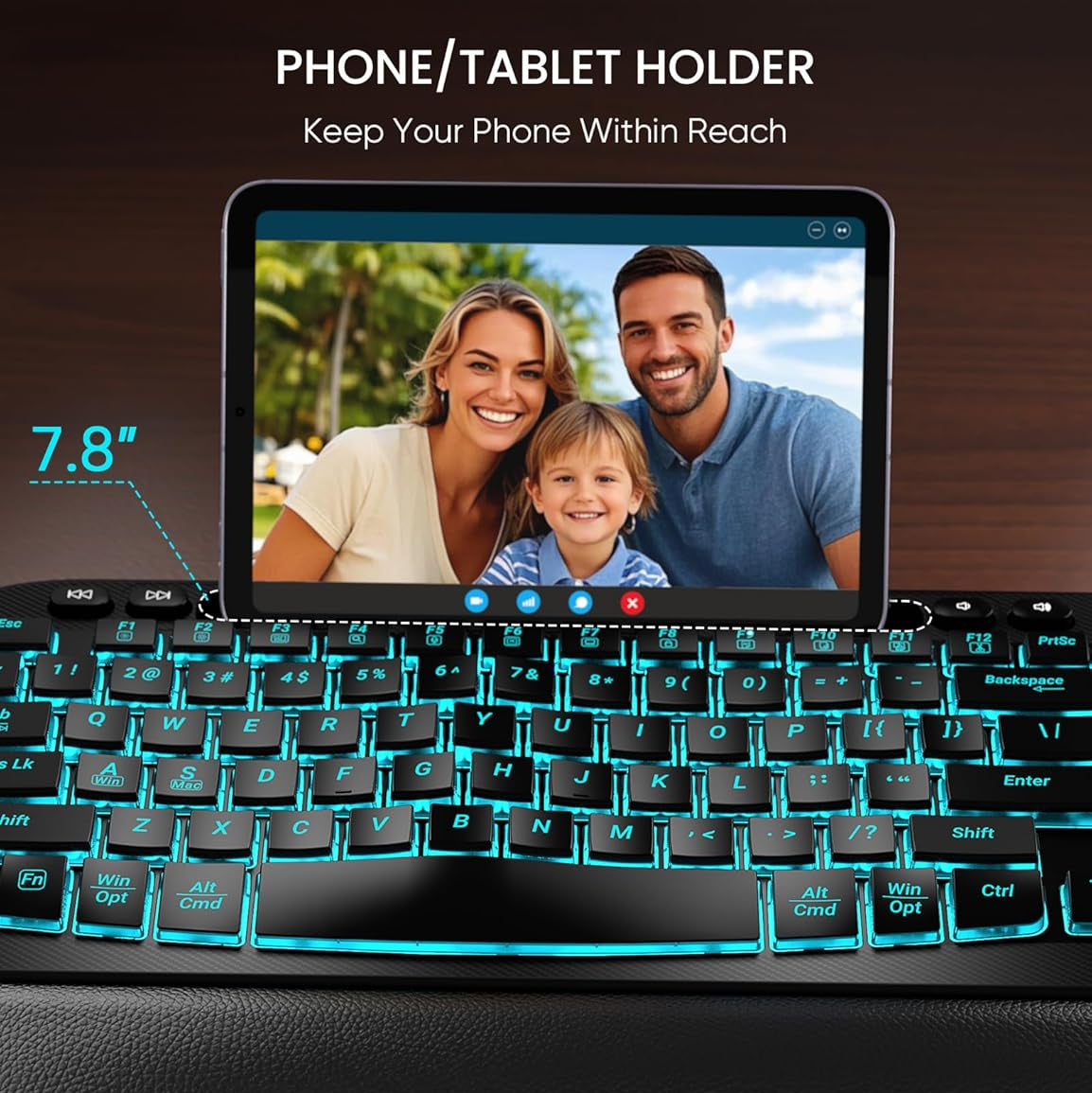
Sablute Wave Keys Wireless Backlit Keyboard and Mouse Combo MA22 Pro
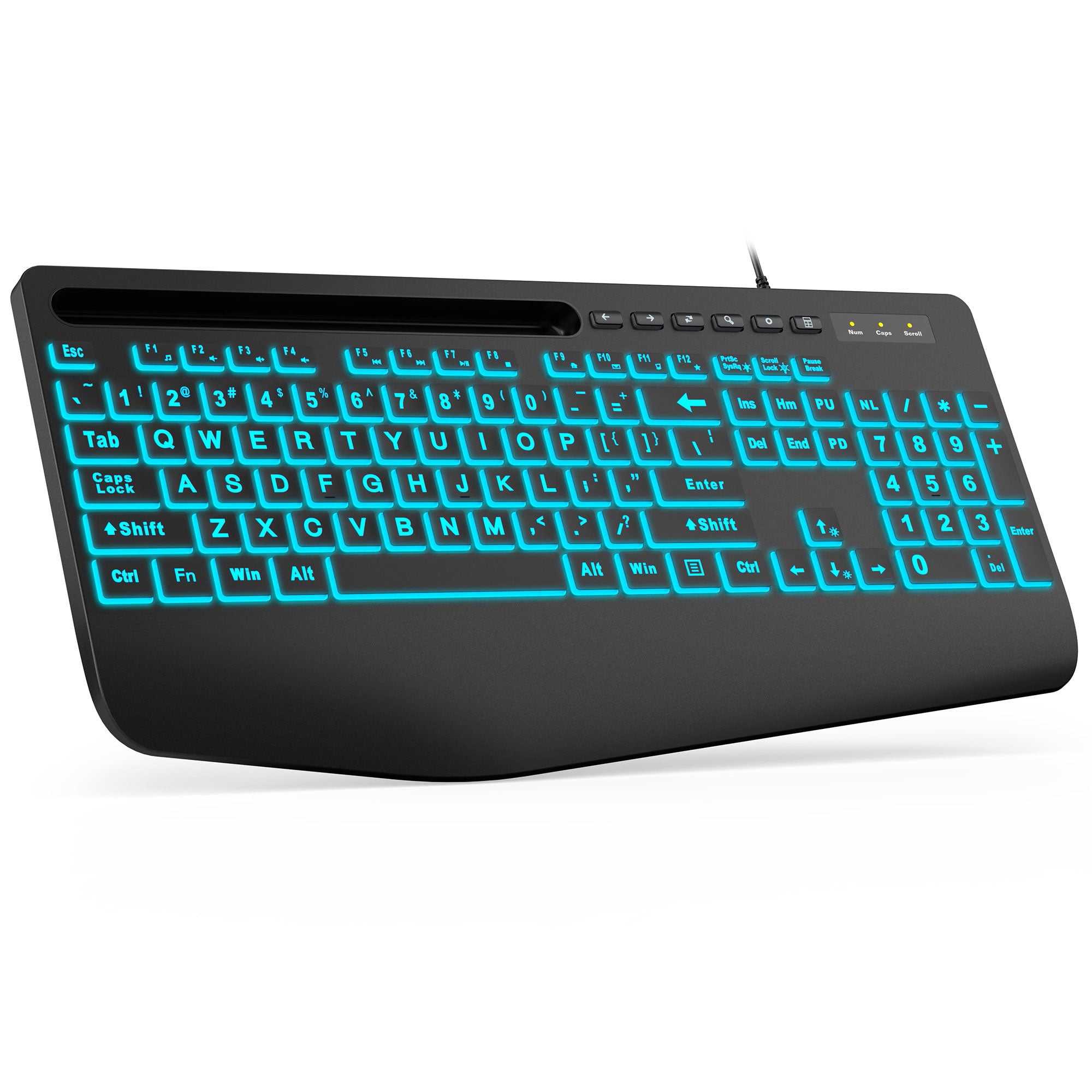
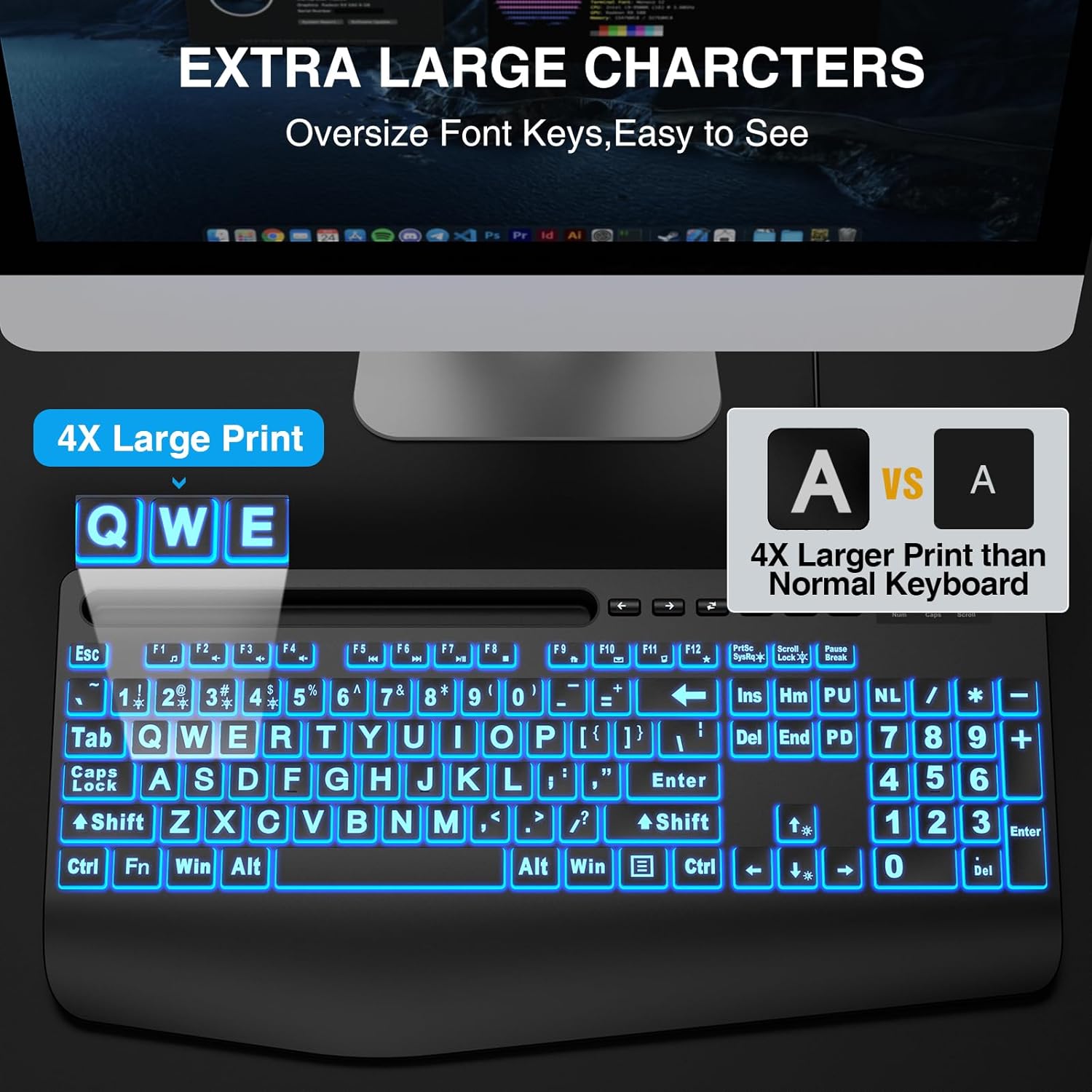
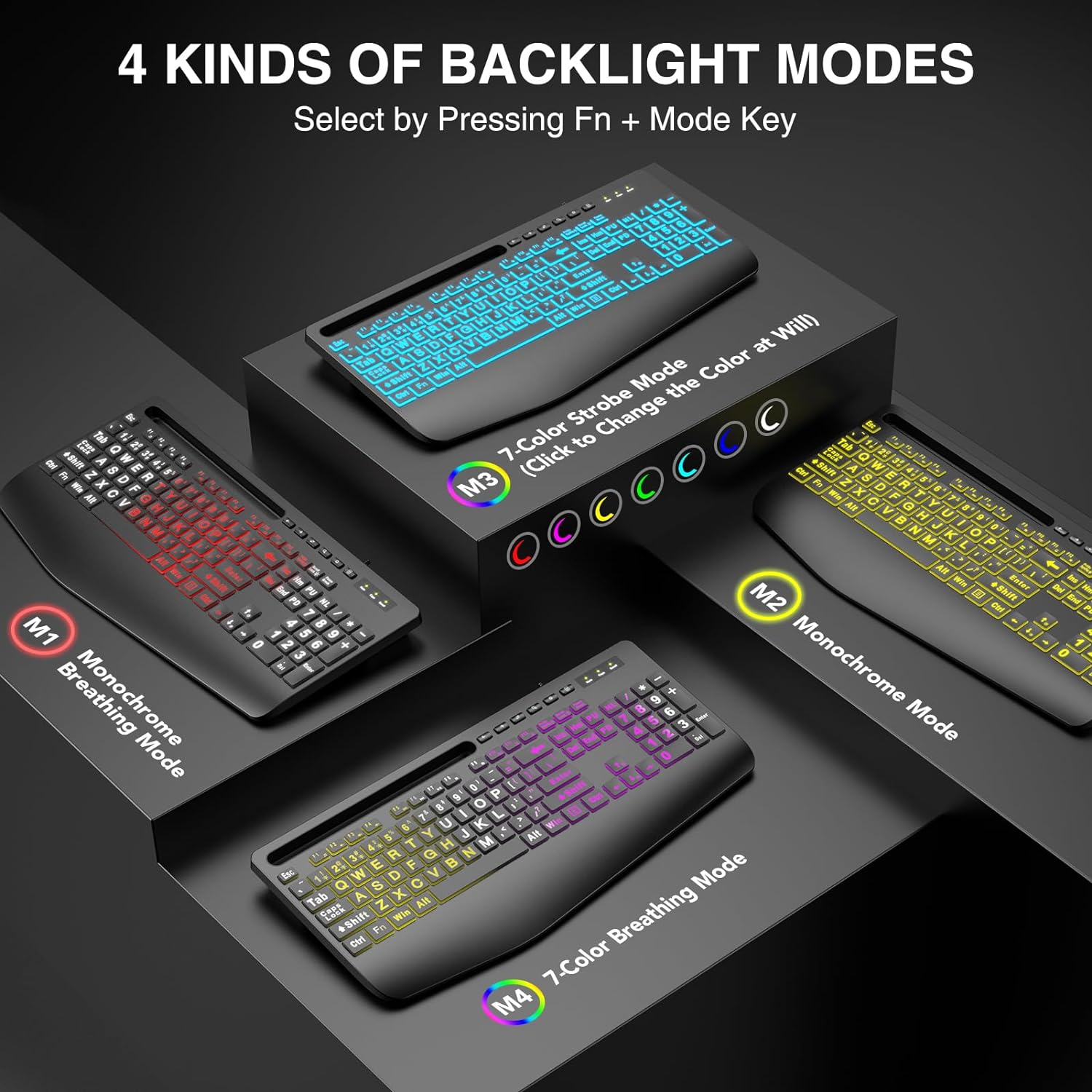
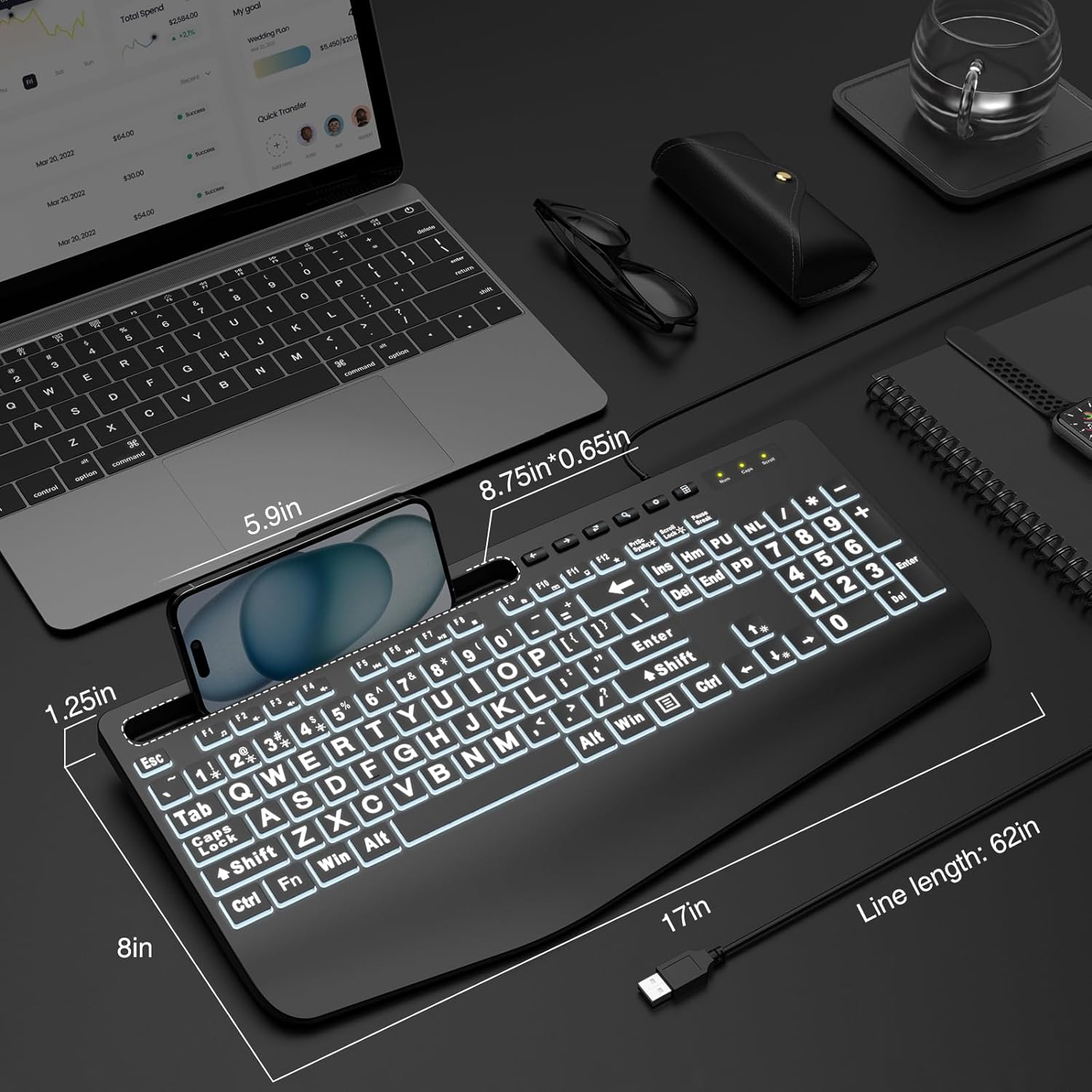
Sablute Large Print Backlit Wired USB Keyboard K21PRO
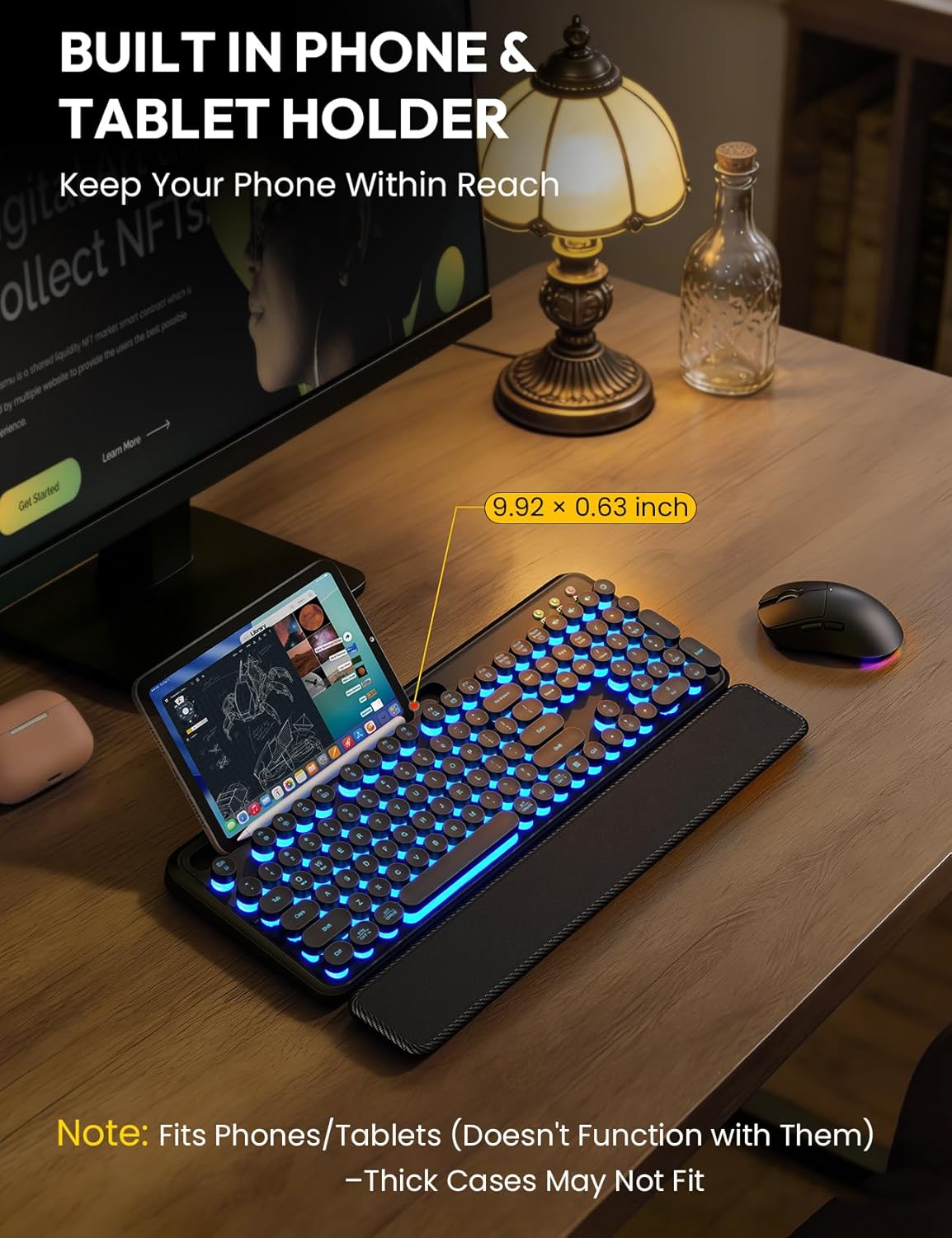
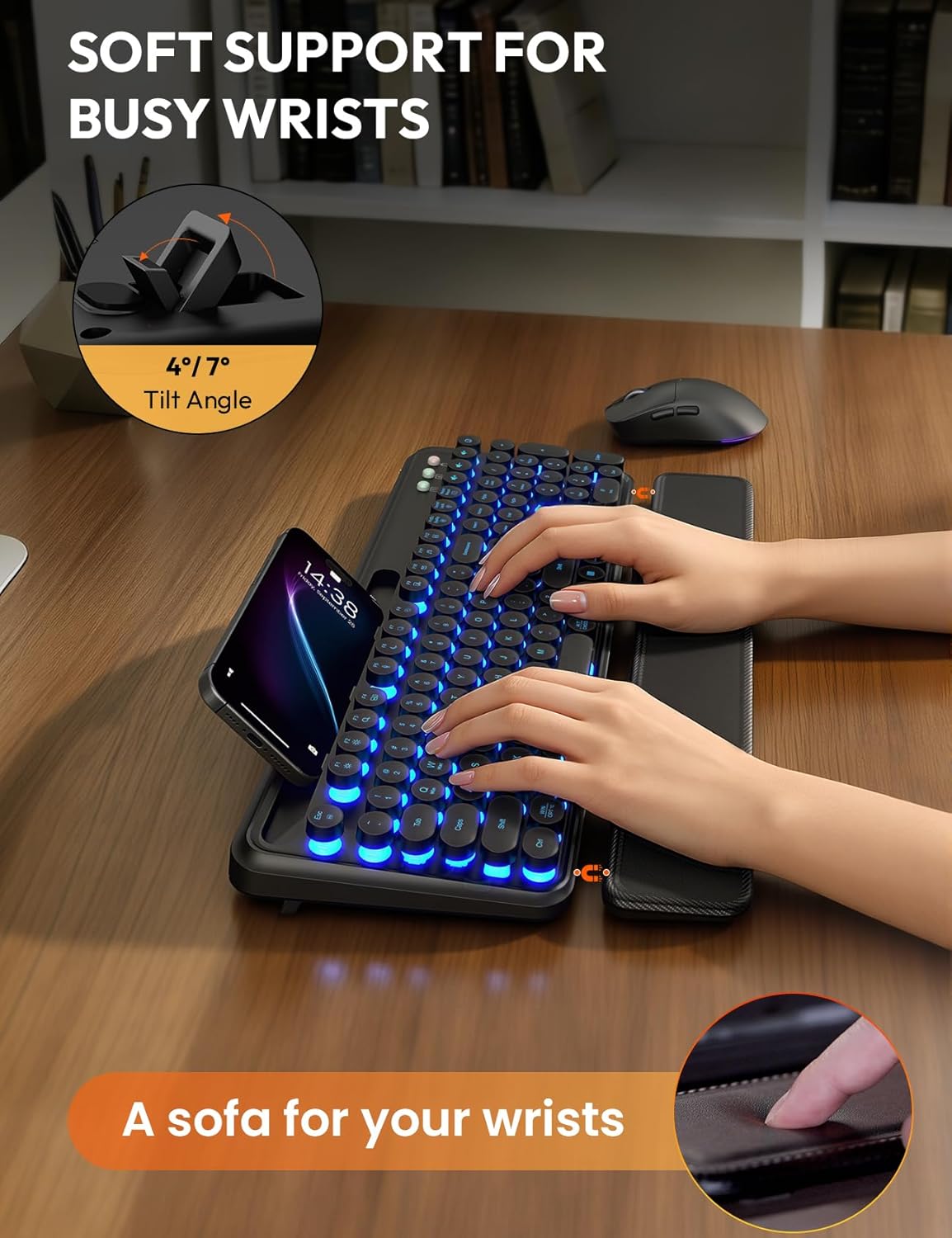
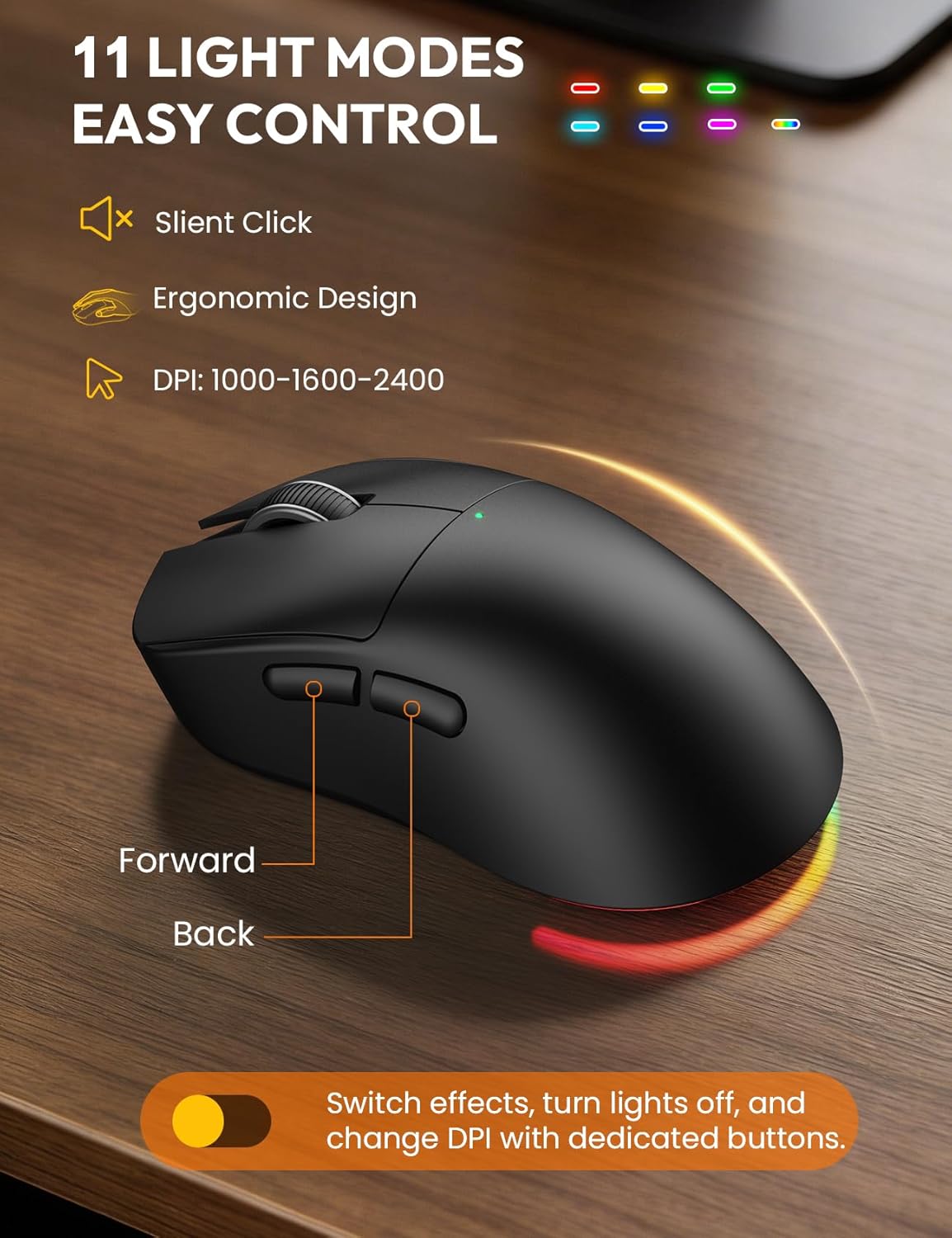
Sablute Wireless Retro Keyboard and Mouse Combo CK13 Pro
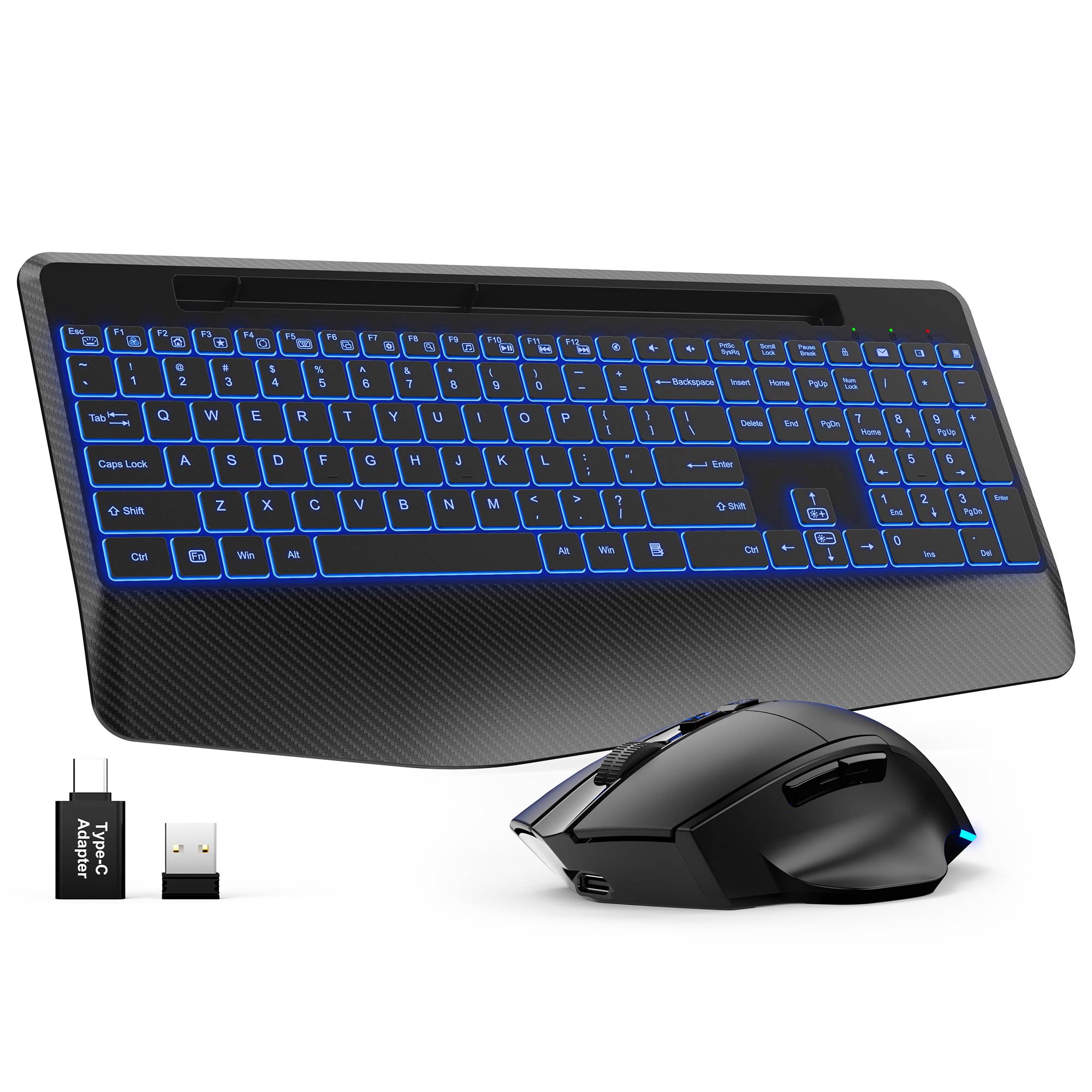
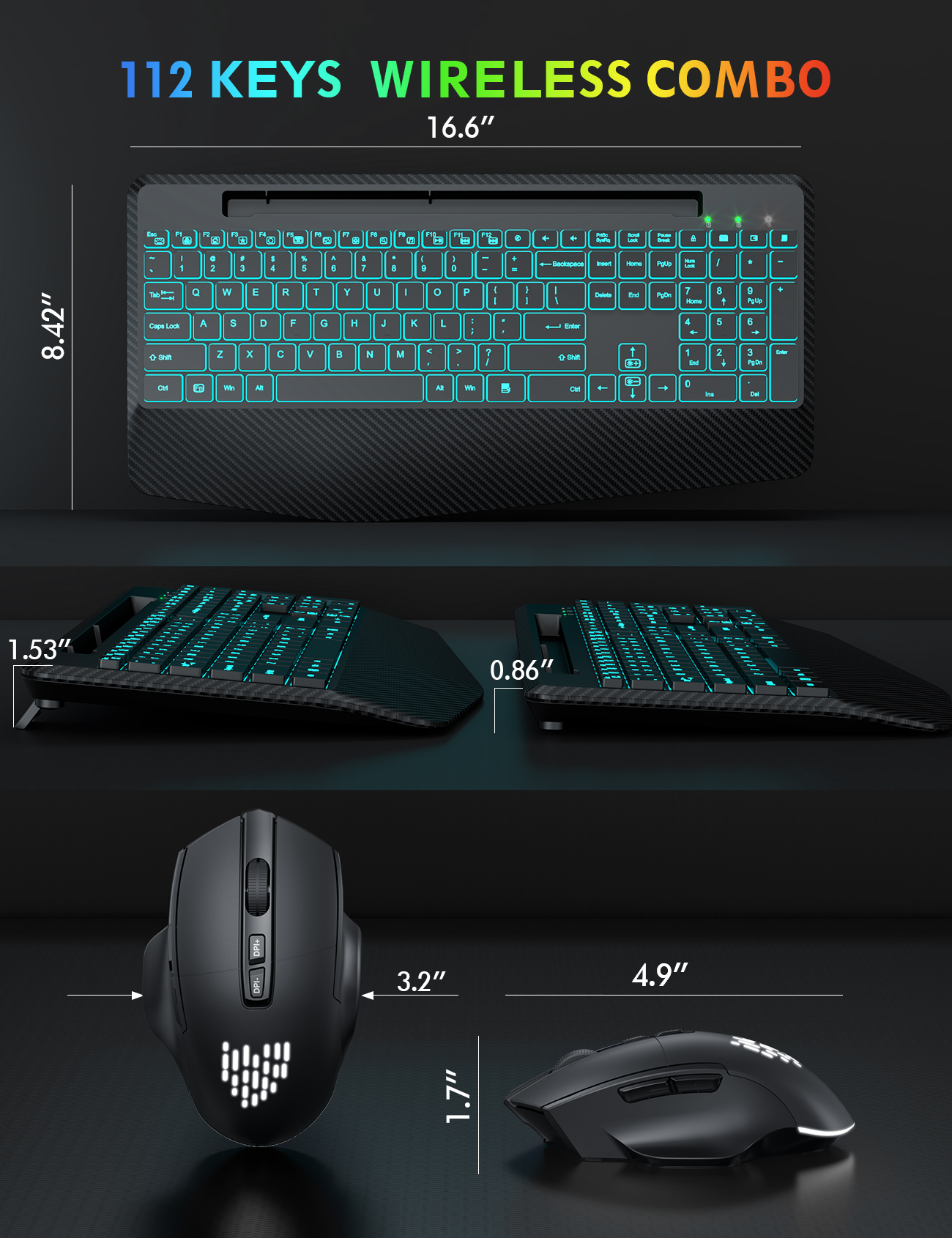

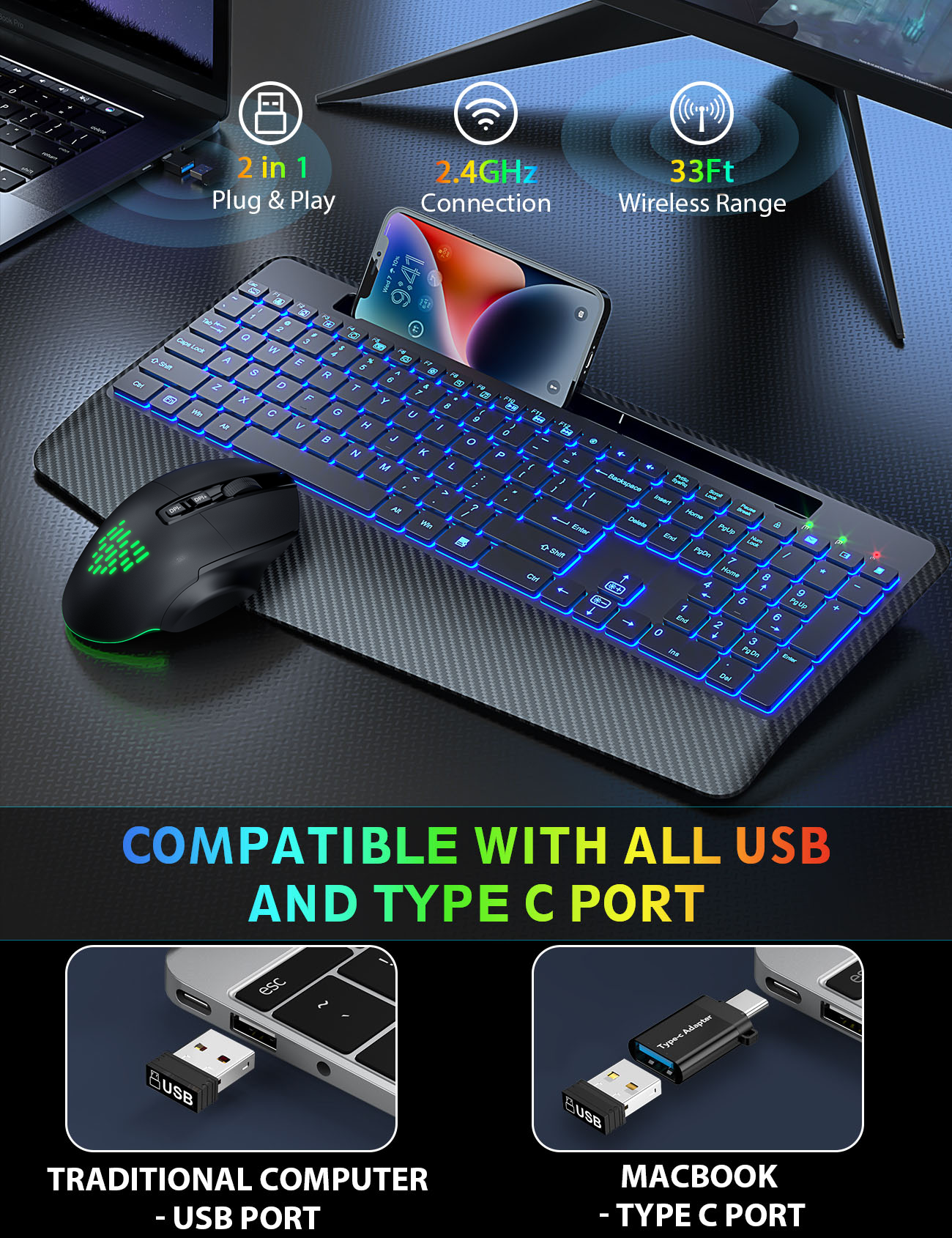
Sablute Wireless Keyboard and Mouse Combo KM22 Ultra
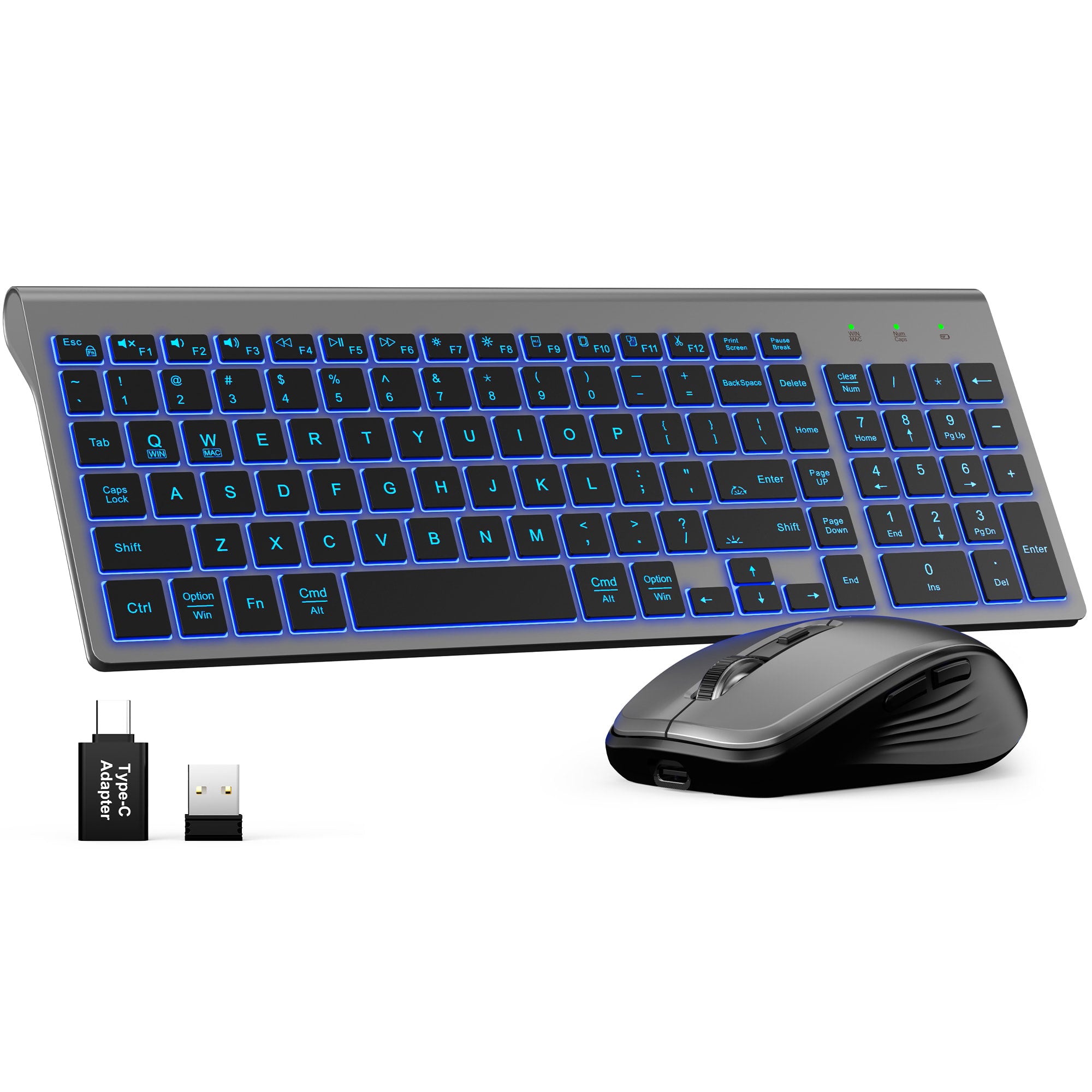


Ultra-Slim Wireless Keyboard and Mouse Combo KM61 PRO
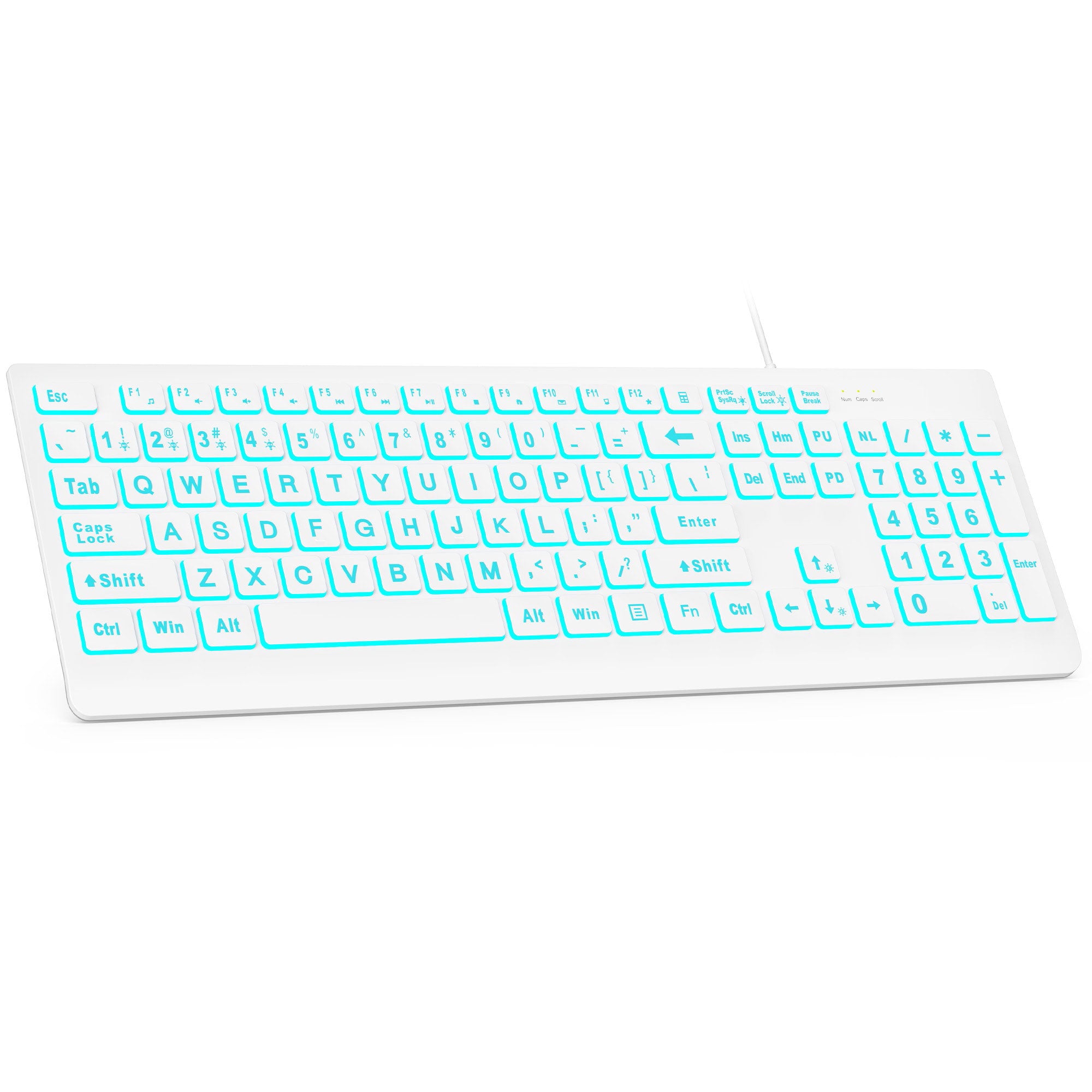
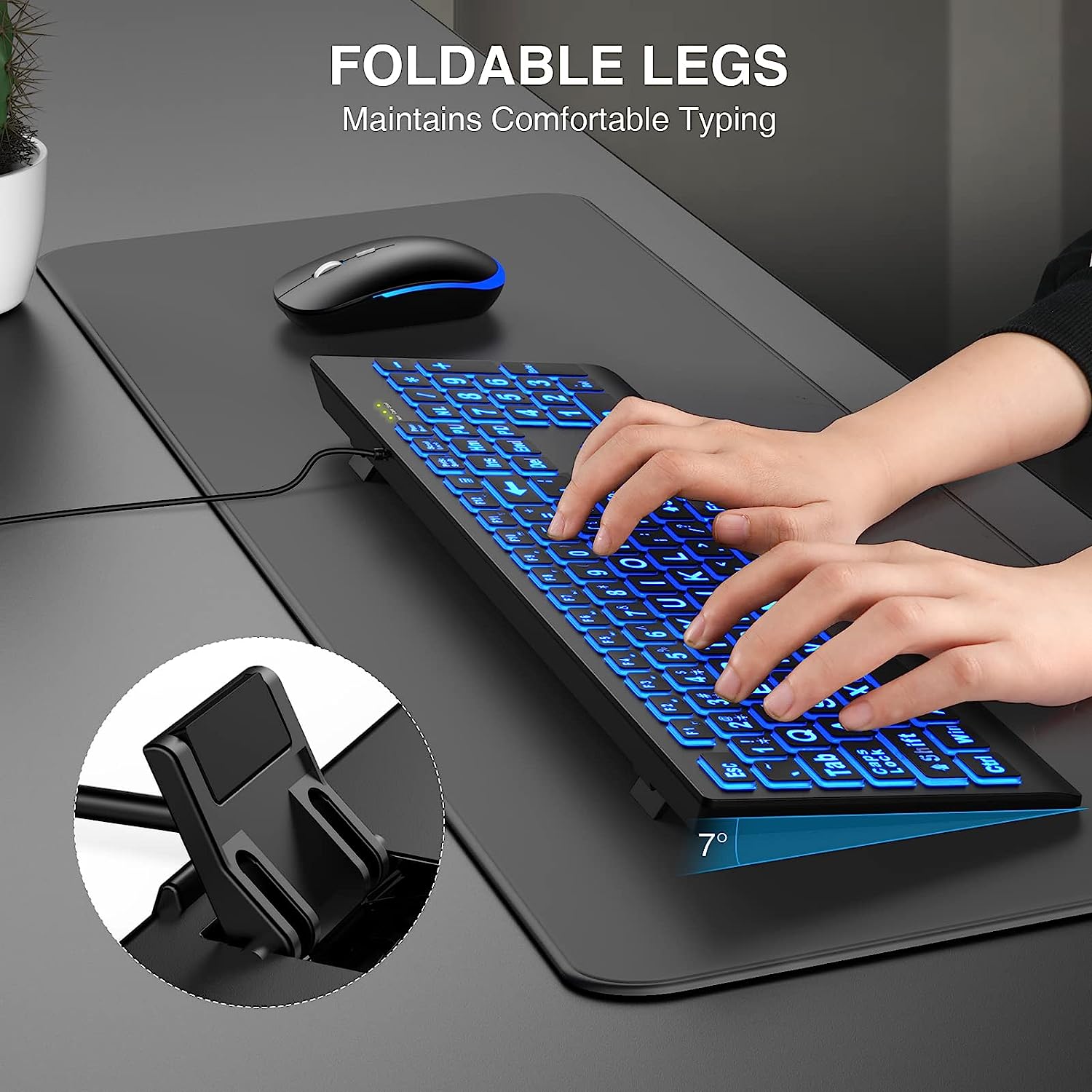
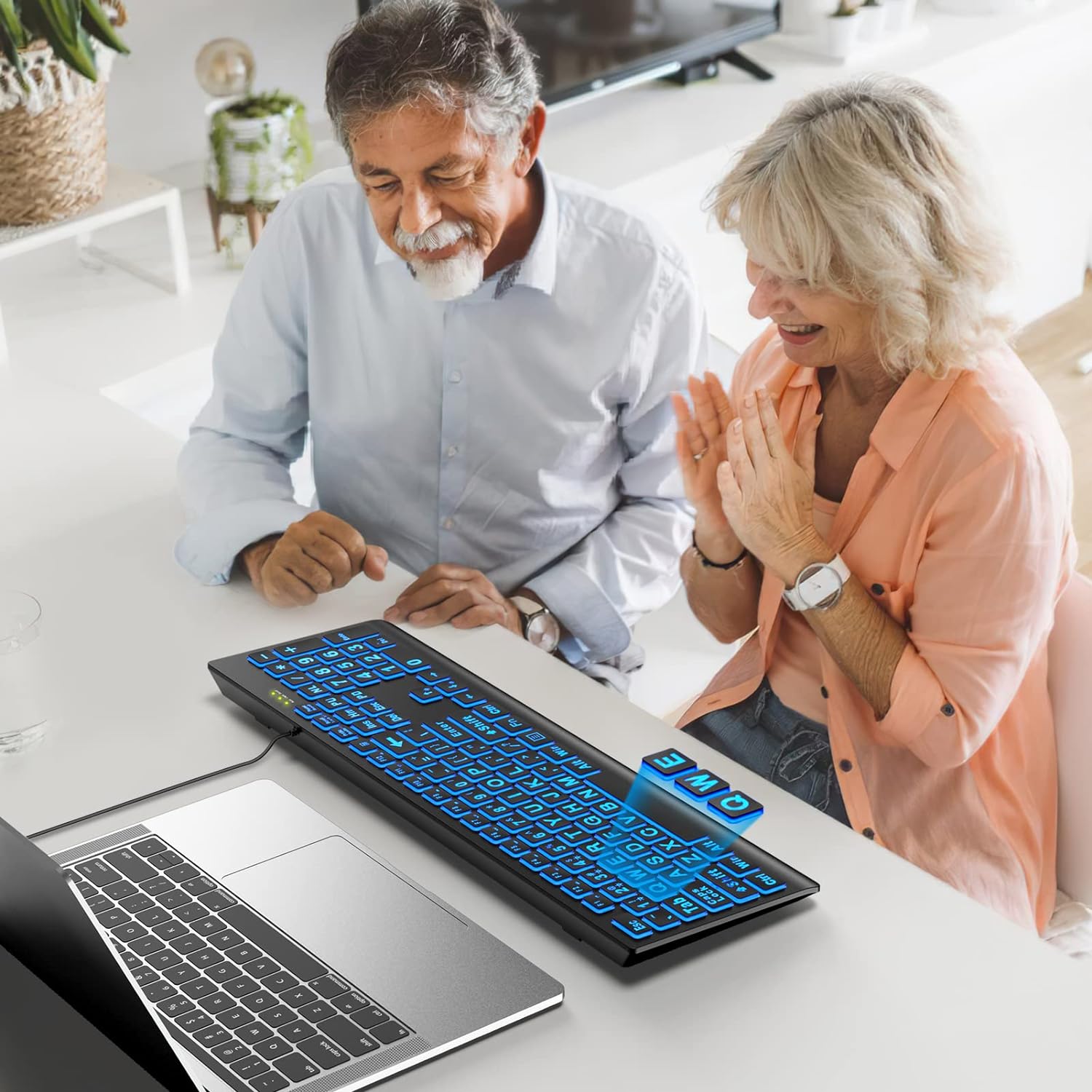
Sablute Large Print Backlit Wired USB Keyboard K11 Pro
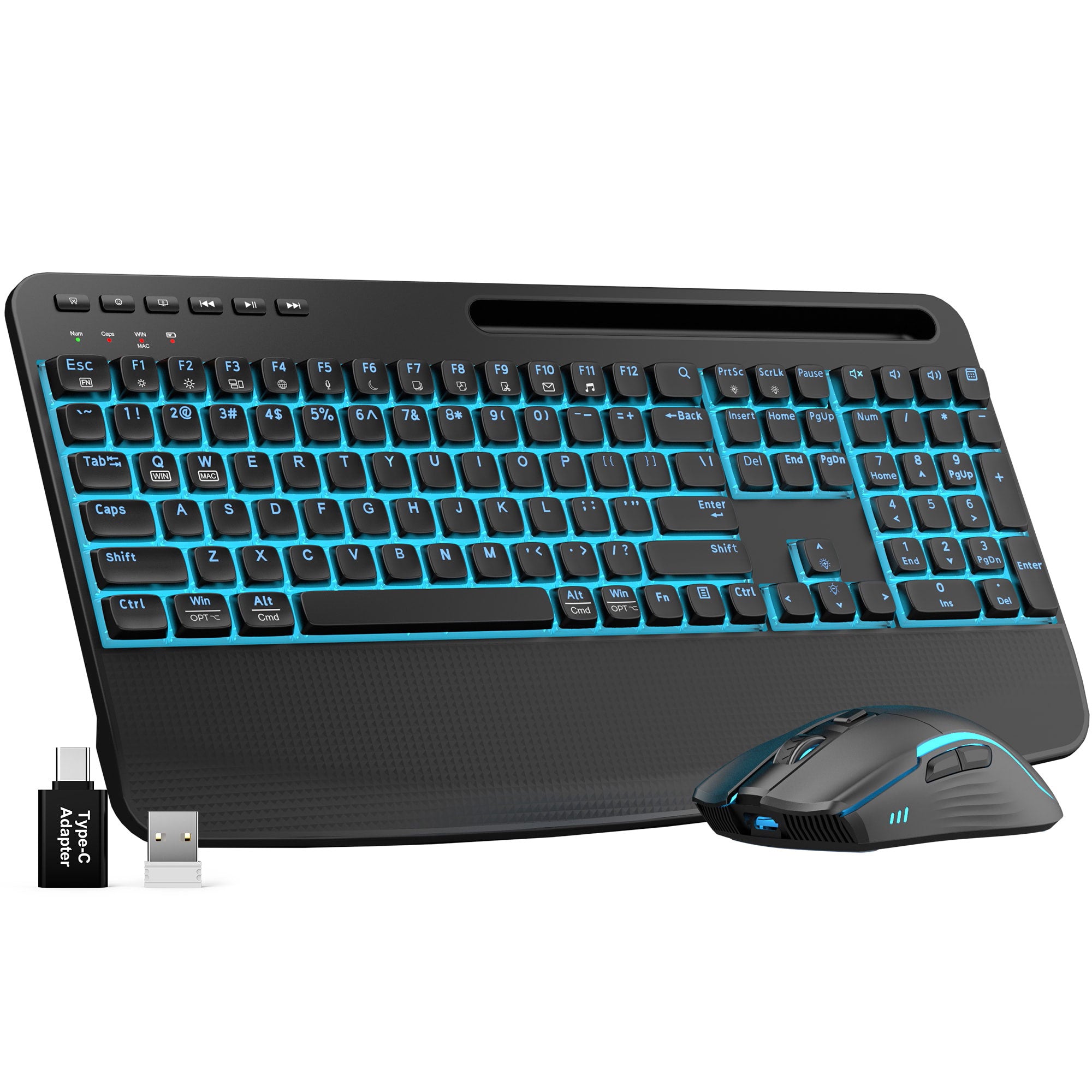
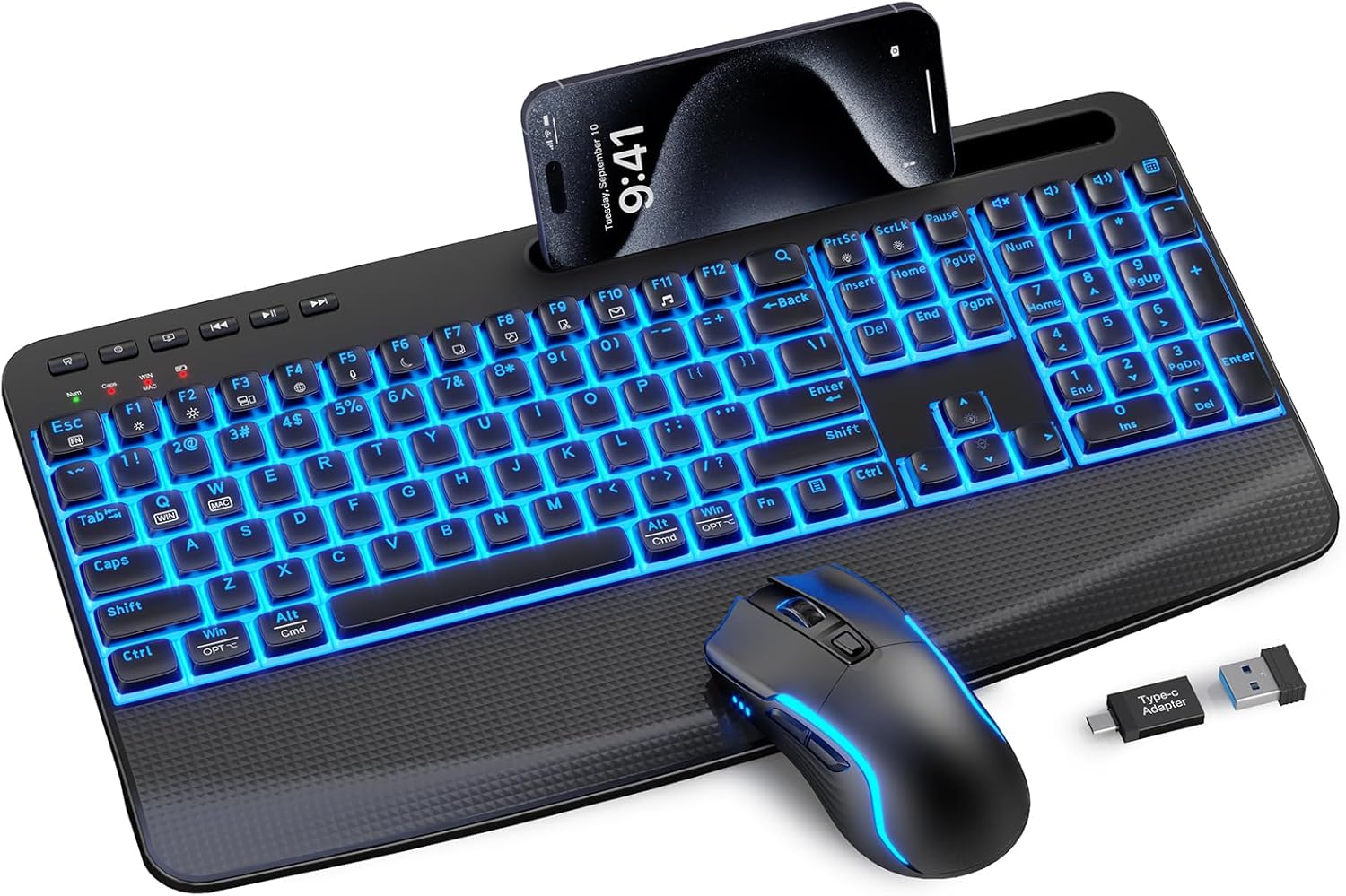
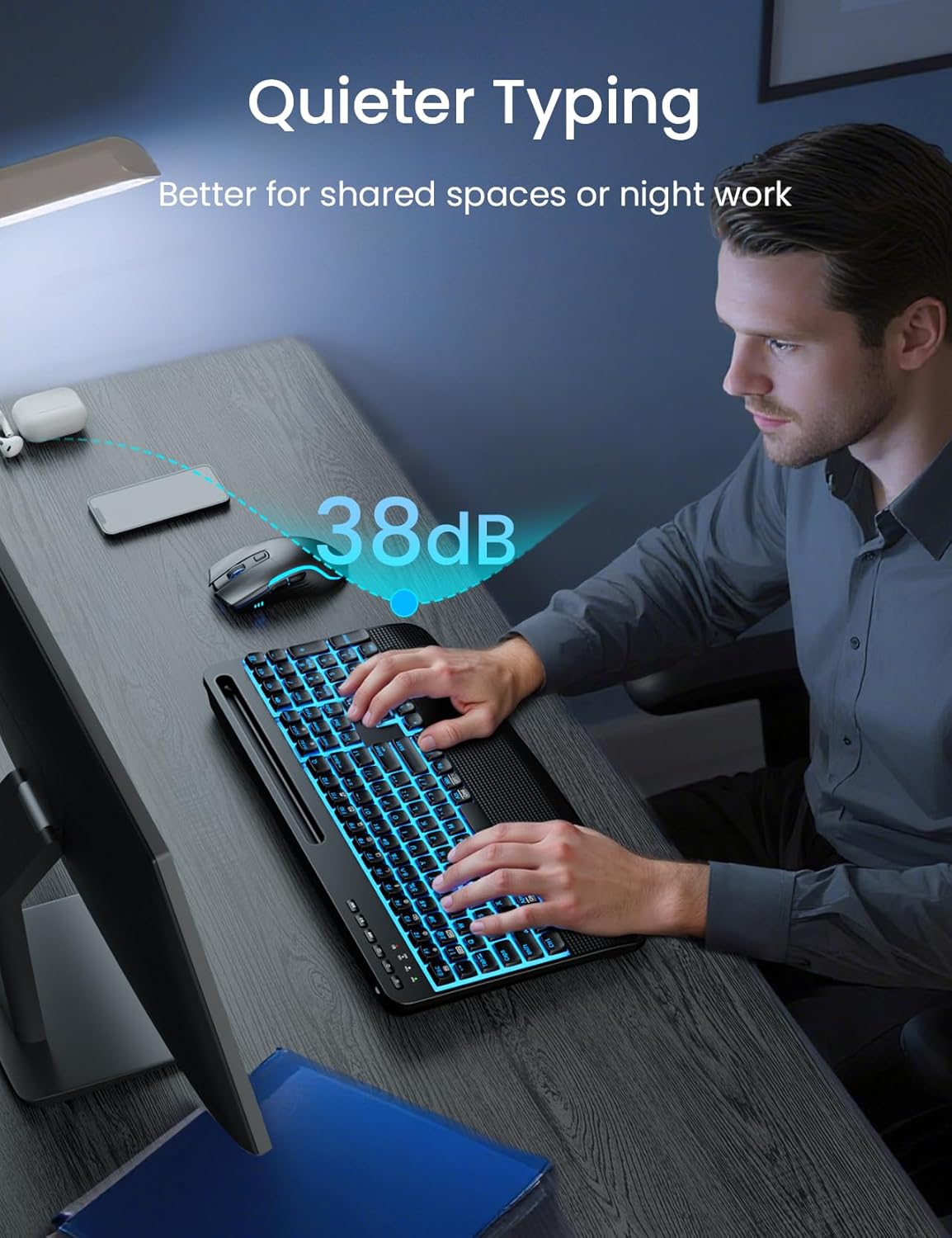

Sablute Backlit Wireless Keyboard and Mouse Combo KM25Pro
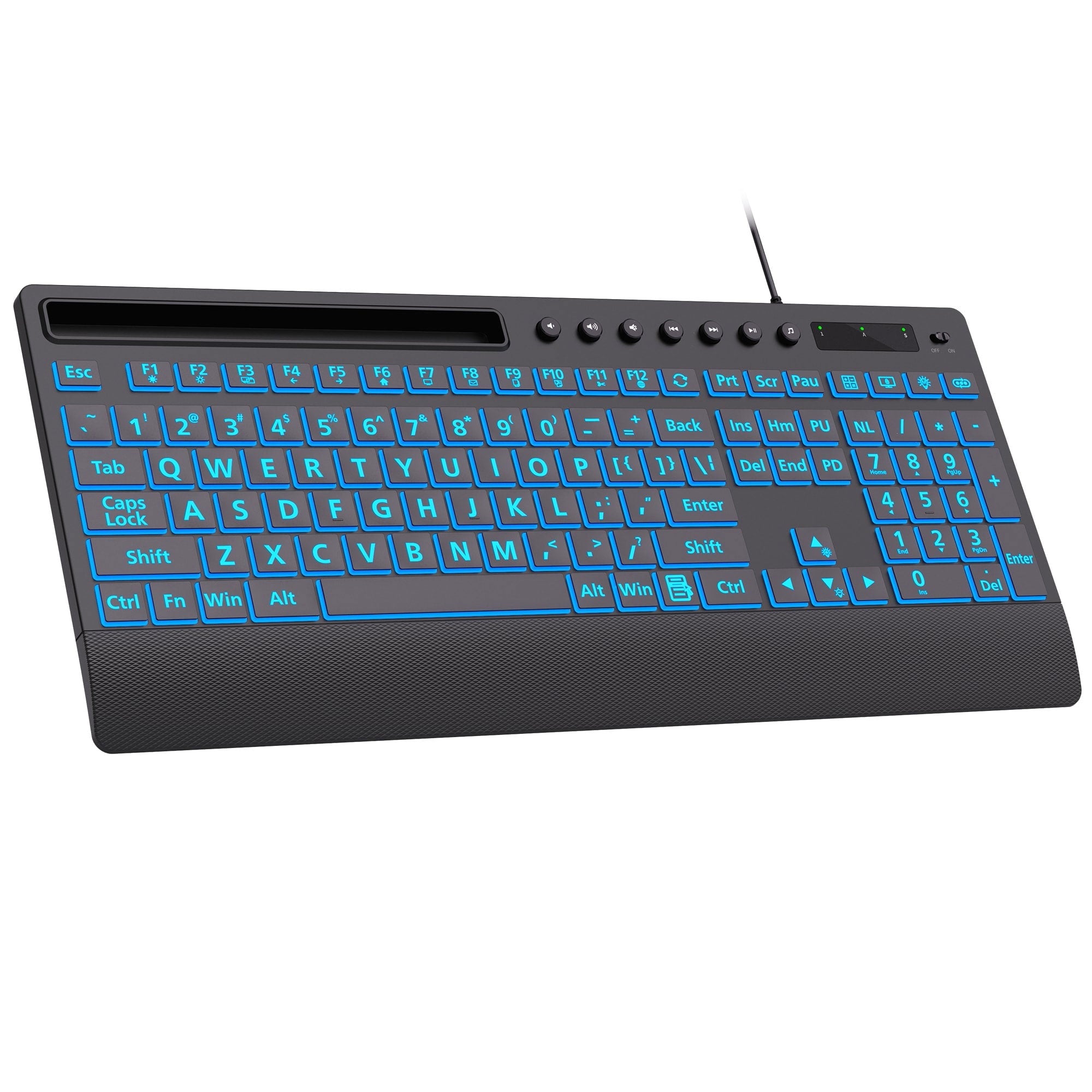
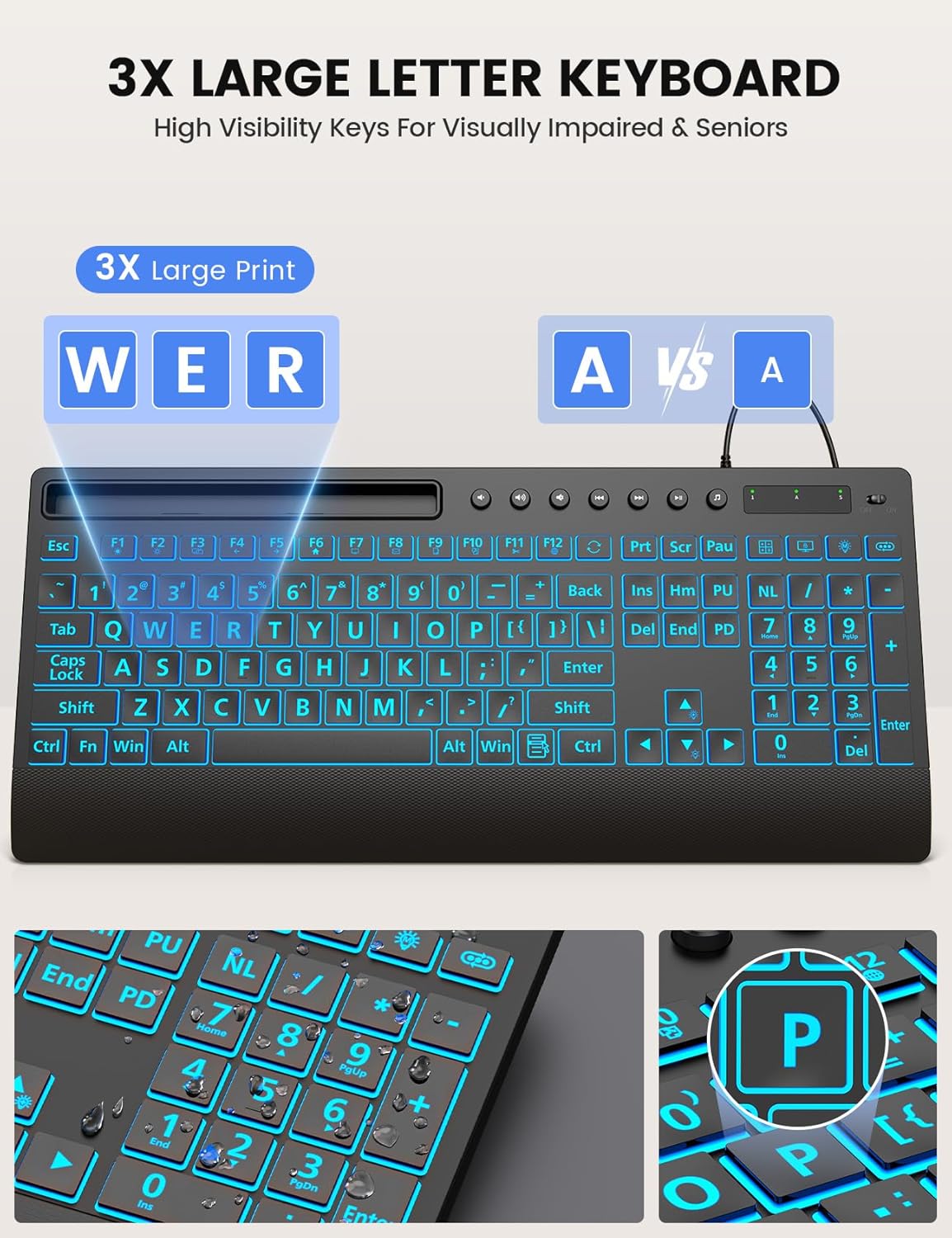

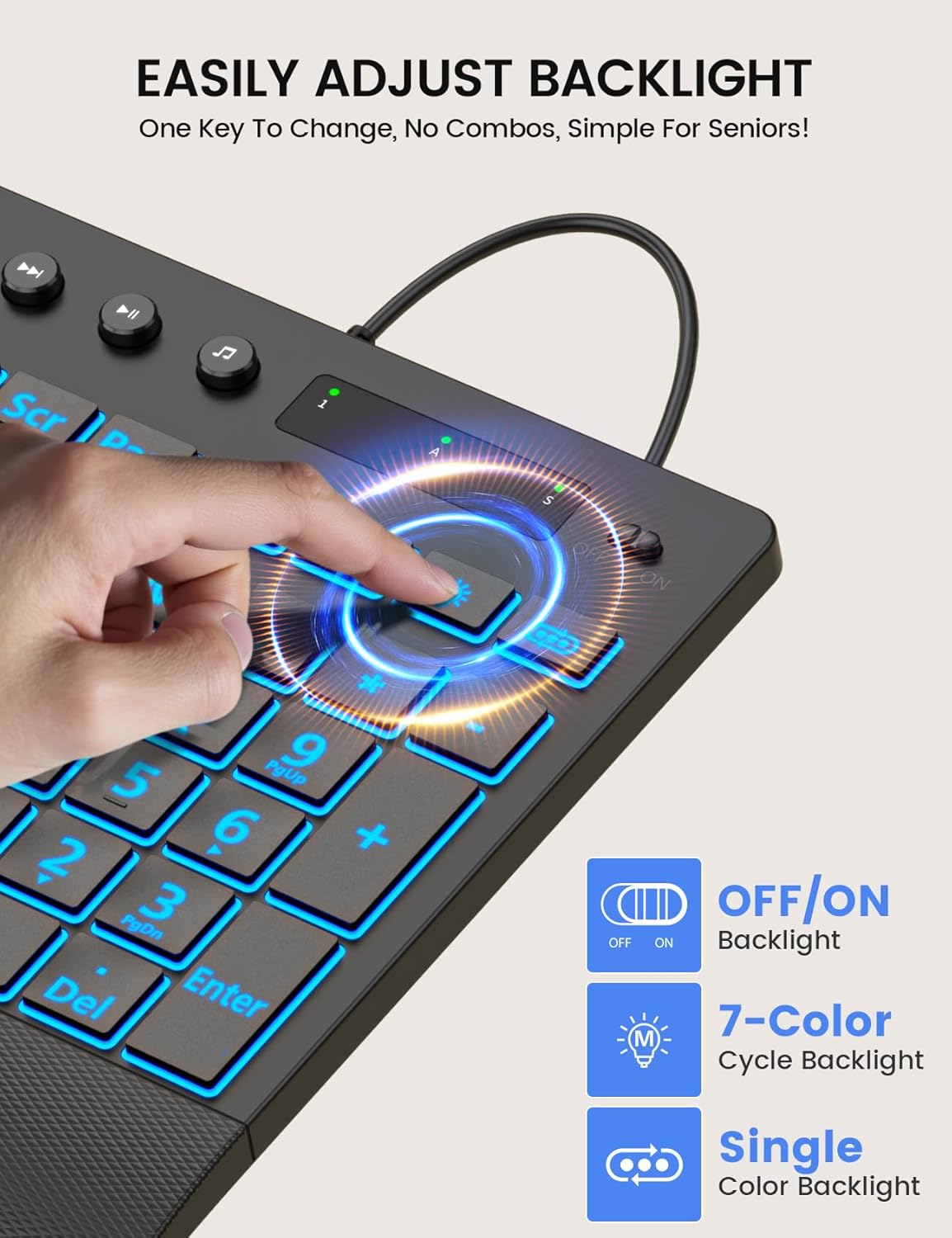
Sablute Wired Large Print Backlit Keyboard K31PRO
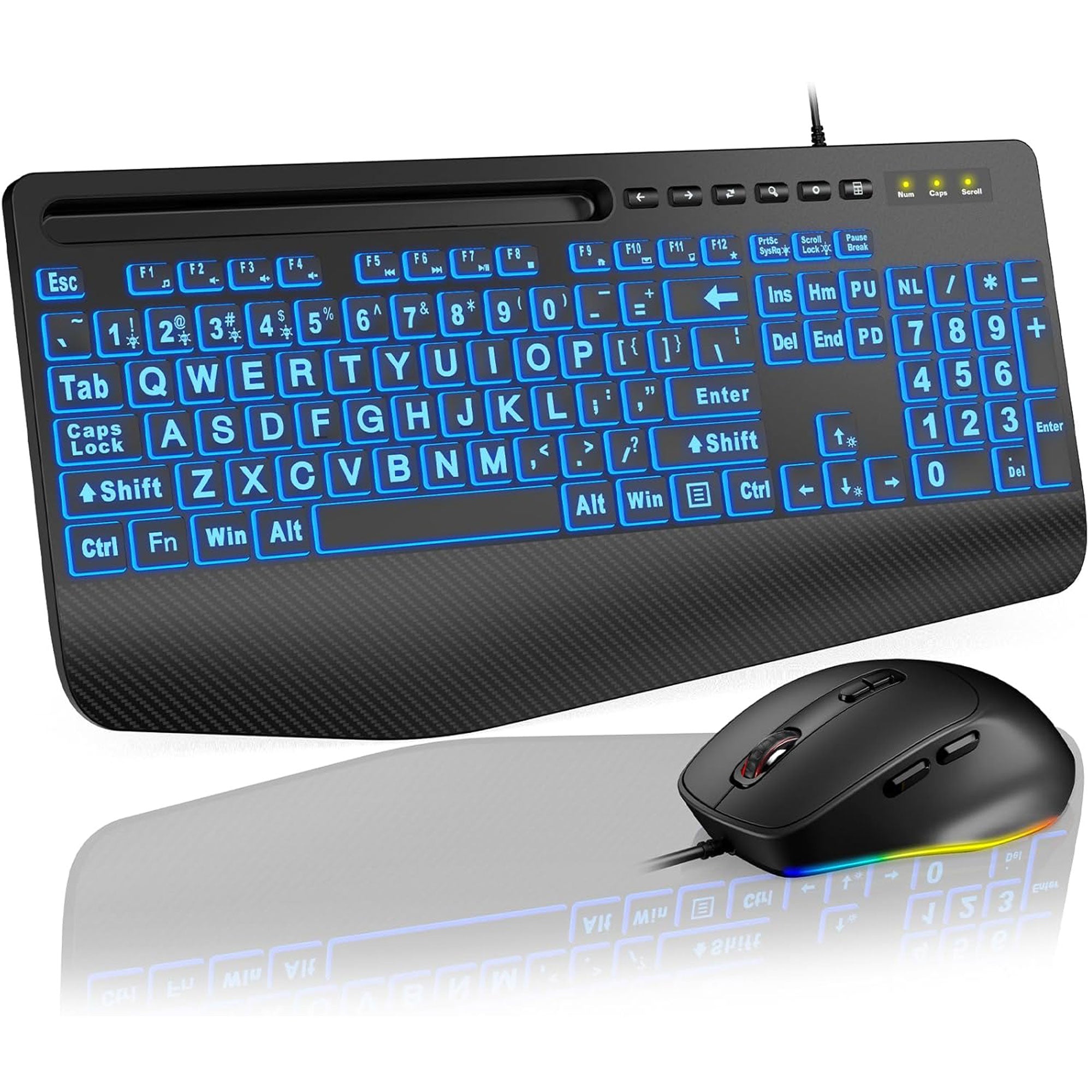
Not Sure Which One to Choose?
Start with these popular options, each designed around a different workspace and typing preference.
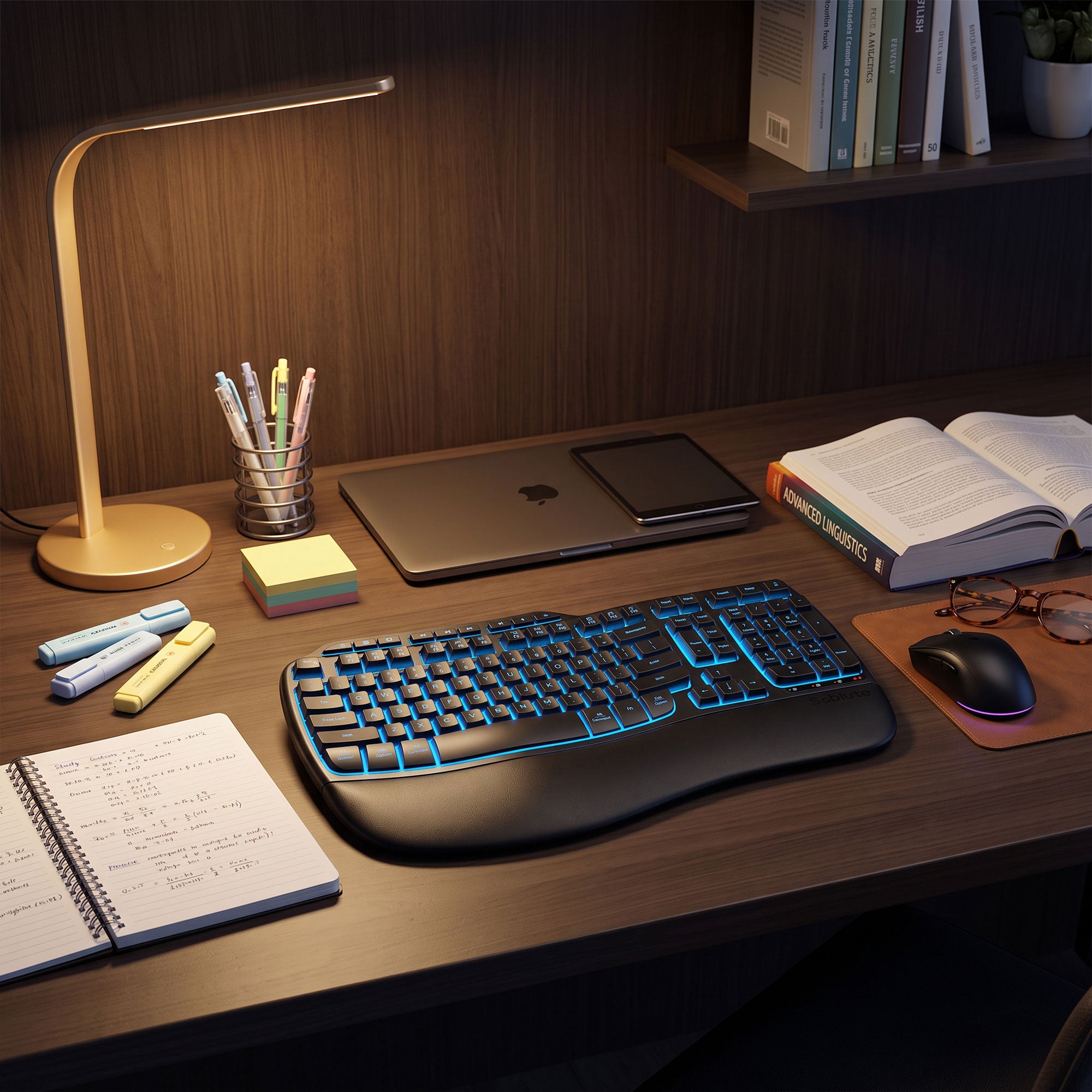
BEST FOR WAVE-KEY COMFORT
A wireless backlit keyboard and mouse combo with a wave-shaped layout, supportive palm rest, and full-size keys for everyday office work.
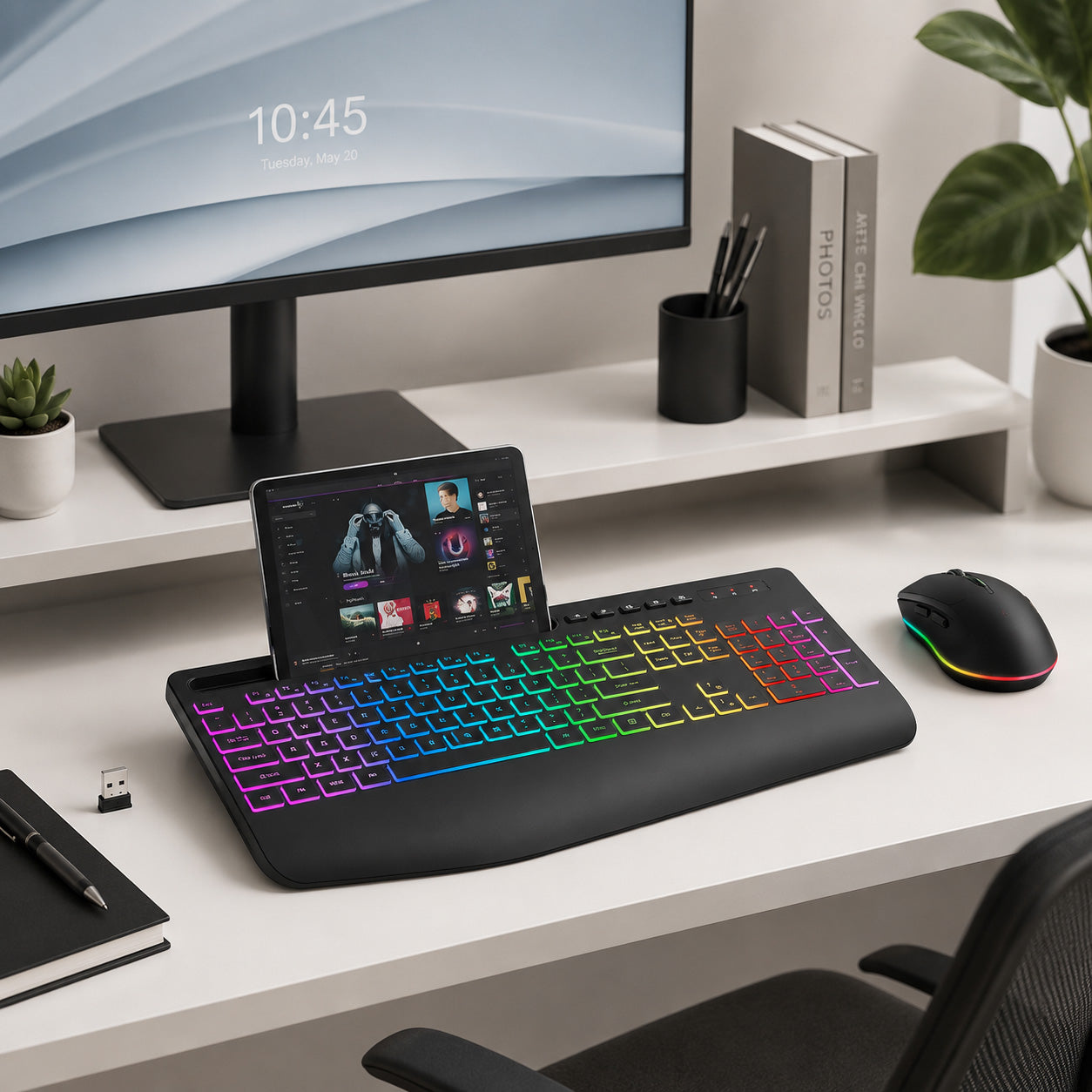
BEST FOR EVERYDAY MULTITASKING
A rechargeable wireless keyboard and mouse combo with RGB backlighting, quiet keys, palm support for everyday multitasking.
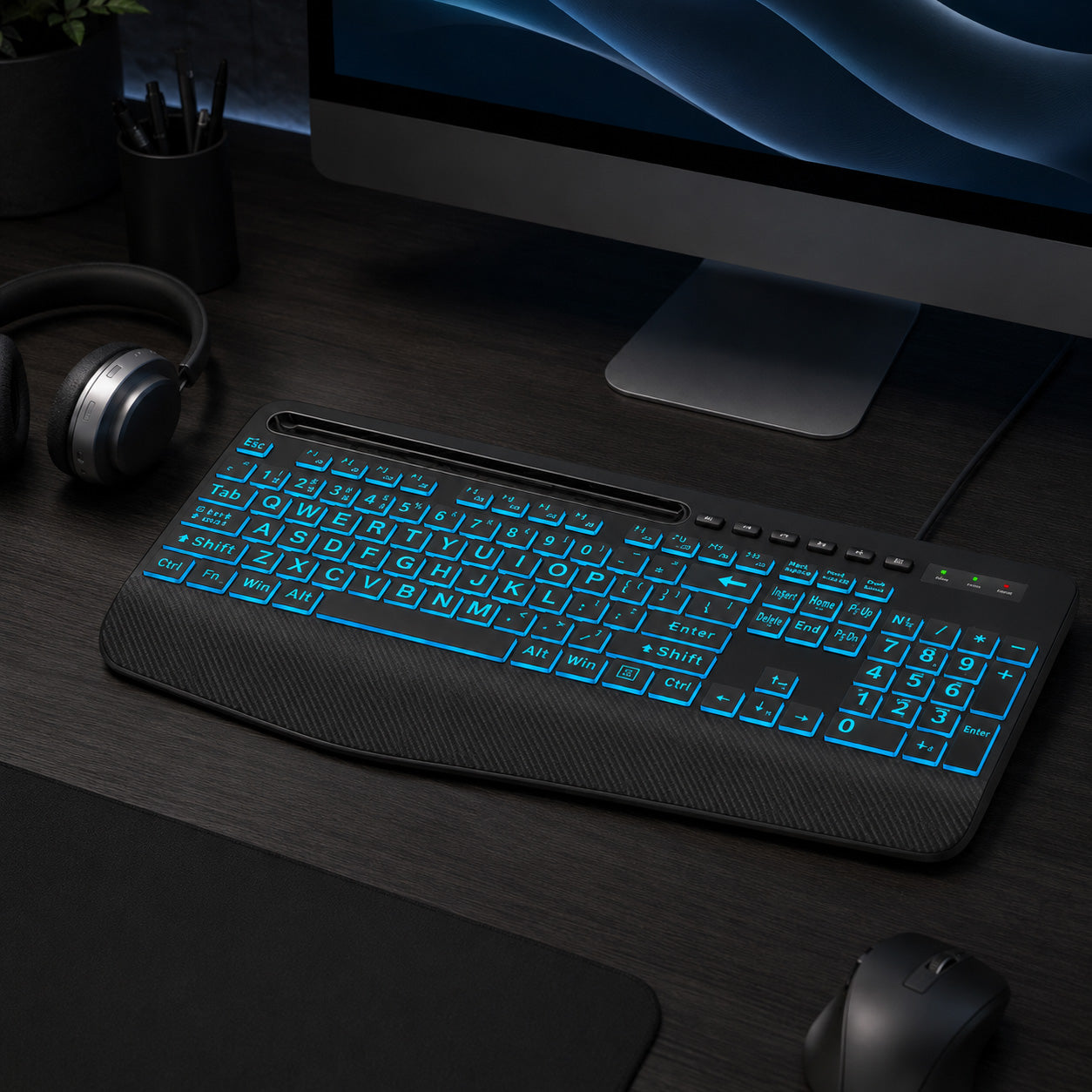
BEST FOR EASY-TO-SEE KEYS
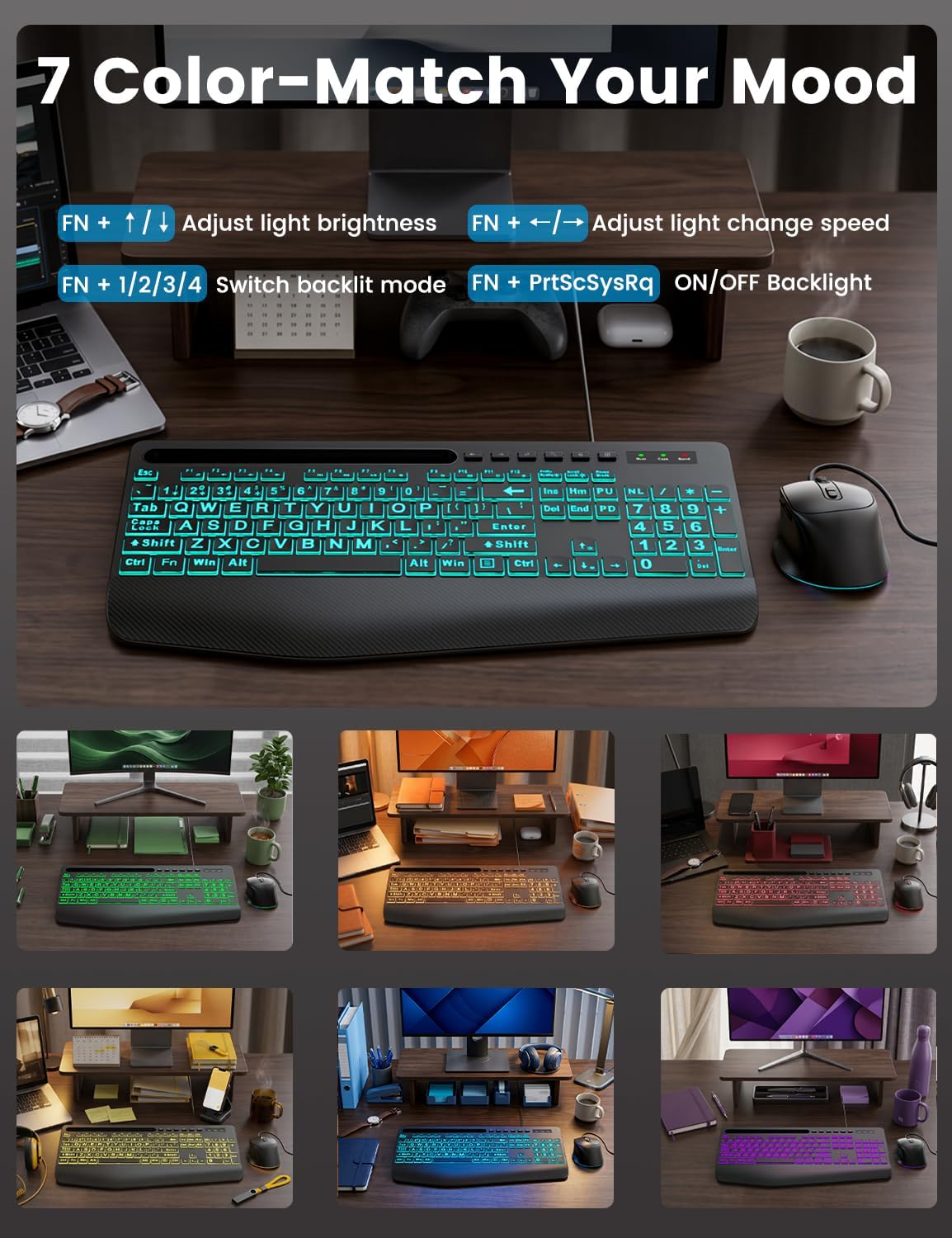
A wired backlit keyboard with large-print key legends and a built-in device holder for a clear, straightforward desktop setup.
Backlit vs. RGB Keyboards: What Is the Difference?
A backlit keyboard uses light beneath or around the keys to improve visibility and make the keyboard easier to use in darker spaces. The lighting may be a single color or a selection of solid colors.
An RGB keyboard uses red, green, and blue lighting to create a wider range of colors and visual effects. Some RGB models offer changing colors, breathing effects, or moving light patterns.
For office and home use, the best choice depends on your priorities. Choose a standard backlit keyboard if clear key visibility and simple controls matter most. Choose an RGB or multi-color keyboard if you also want more ways to personalize the look of your workspace.
Backlit Keyboard FAQs
What is a backlit keyboard?
A backlit keyboard uses light beneath or around the keys to make the key legends more visible, especially in dim rooms or during evening work. Depending on the model, the keyboard may offer one backlight color, several solid colors, adjustable brightness, or changing lighting effects.
What is the difference between a backlit keyboard and an RGB keyboard?
A standard backlit keyboard usually focuses on key visibility and may use one color or a limited selection of colors. An RGB keyboard can create a wider range of colors and lighting effects. If you want a simple illuminated keyboard for work, a standard backlit model may be enough. If you want more visual customization, consider an RGB or multi-color model.
Should I choose a wired or wireless backlit keyboard?
Choose a wired keyboard if you want a stable plug-and-play connection without charging, pairing, or replacing batteries. Choose a wireless keyboard if you prefer greater placement flexibility and fewer cables on your desk. For a coordinated setup, a wireless keyboard and mouse combo can connect both devices through one shared receiver on selected models.
Can I turn off or adjust the keyboard backlight?
Backlight controls vary by model. Sablute backlit keyboards allow you to turn the lighting on or off, adjust the brightness, or change the lighting color or effect using keyboard shortcuts. Check the individual product page or user manual for the exact controls available on your model.
Do Sablute backlit keyboards work with Mac and Windows?
Compatibility varies by model. Many Sablute keyboards work with Windows, and selected models also support macOS, ChromeOS, and other systems. Some shortcut or multimedia functions may work differently on Mac. Please review the compatibility section on the individual product page before purchasing.
Are Sablute backlit keyboards mechanical?
Keyboards in this collection are designed for quiet everyday office typing and are not mechanical gaming keyboards. Depending on the model, they may use membrane, crater-style, or scissor-style key structures. Check the product specifications if key type and typing feel are important to you.
Which Sablute keyboard is best for easy-to-see keys?
The K21 Pro, K11 Pro, and K31 Pro are designed with large-print backlit keys for clearer visibility. Compare their layouts, device holders, backlight controls, and other features to choose the model that best fits your workspace.
Which Sablute keyboard is best for easy-to-see keys?
The K21 Pro, K11 Pro, and K31 Pro are designed with large-print backlit keys for clearer visibility. Compare their layouts, device holders, backlight controls, and other features to choose the model that best fits your workspace.
Do wireless keyboard and mouse combos use Bluetooth?
Not all wireless combos use Bluetooth. Many Sablute models connect through a 2.4GHz USB receiver, while connection options vary between products. Review the Connectivity section on the product page to confirm whether a model uses Bluetooth, a USB receiver, or another connection type.
Continue your search by comfort, compatibility, or workspace style.