

FIRST TIMER?
You can unsubscribe at any time.


Pairs well with
Free U.S. Shipping on all U.S. orders. It usually takes about 5 business days* for your package to be delivered, Please refer to our Shipping Policy for details.
30-Day Free Returns for added peace of mind. Try it risk-free and return it within 30 days if it is not the right fit. Please review our Returns Policy before purchase.
2-Year Warranty backed by responsive support for product and parts-related issues. Click for Warranty Policy.
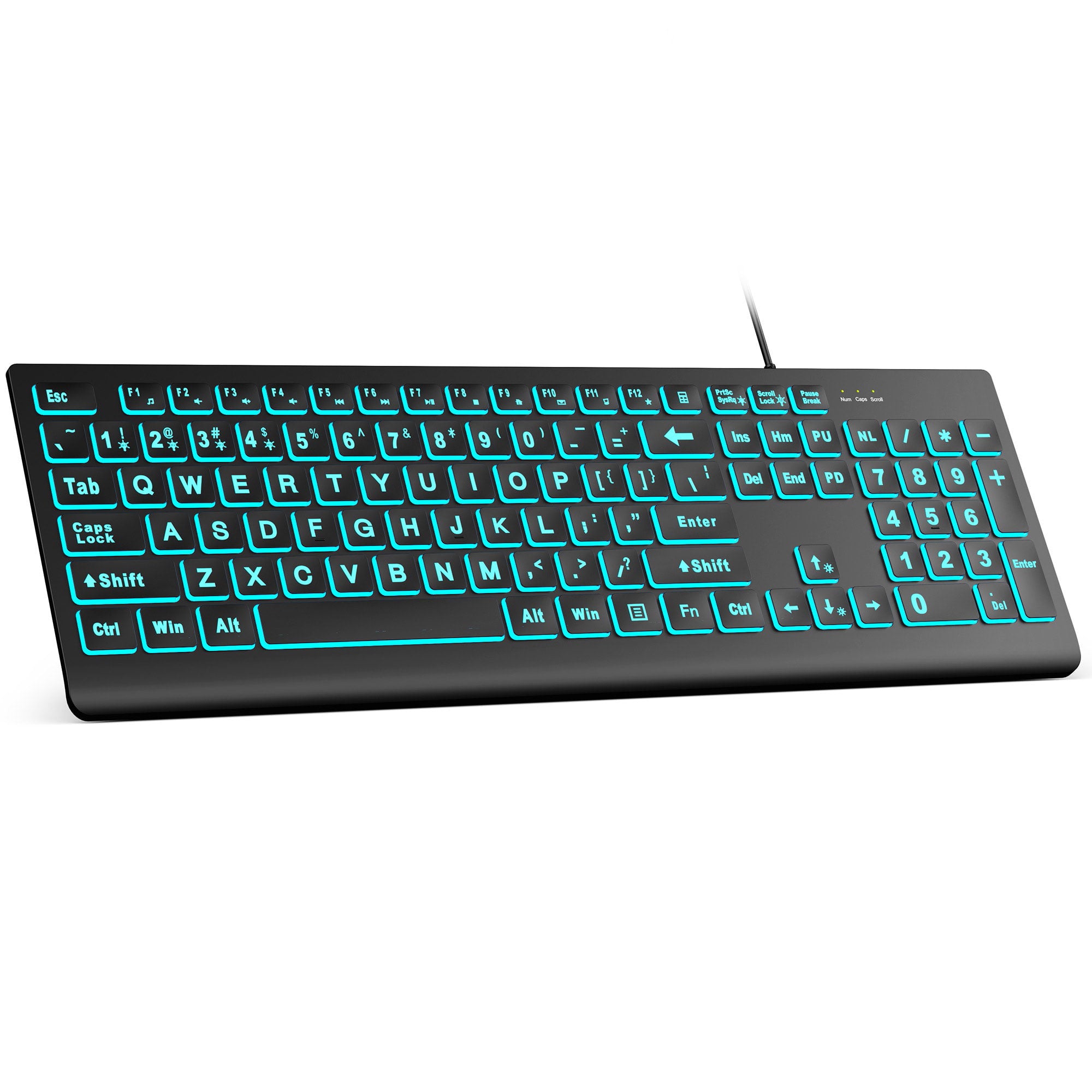
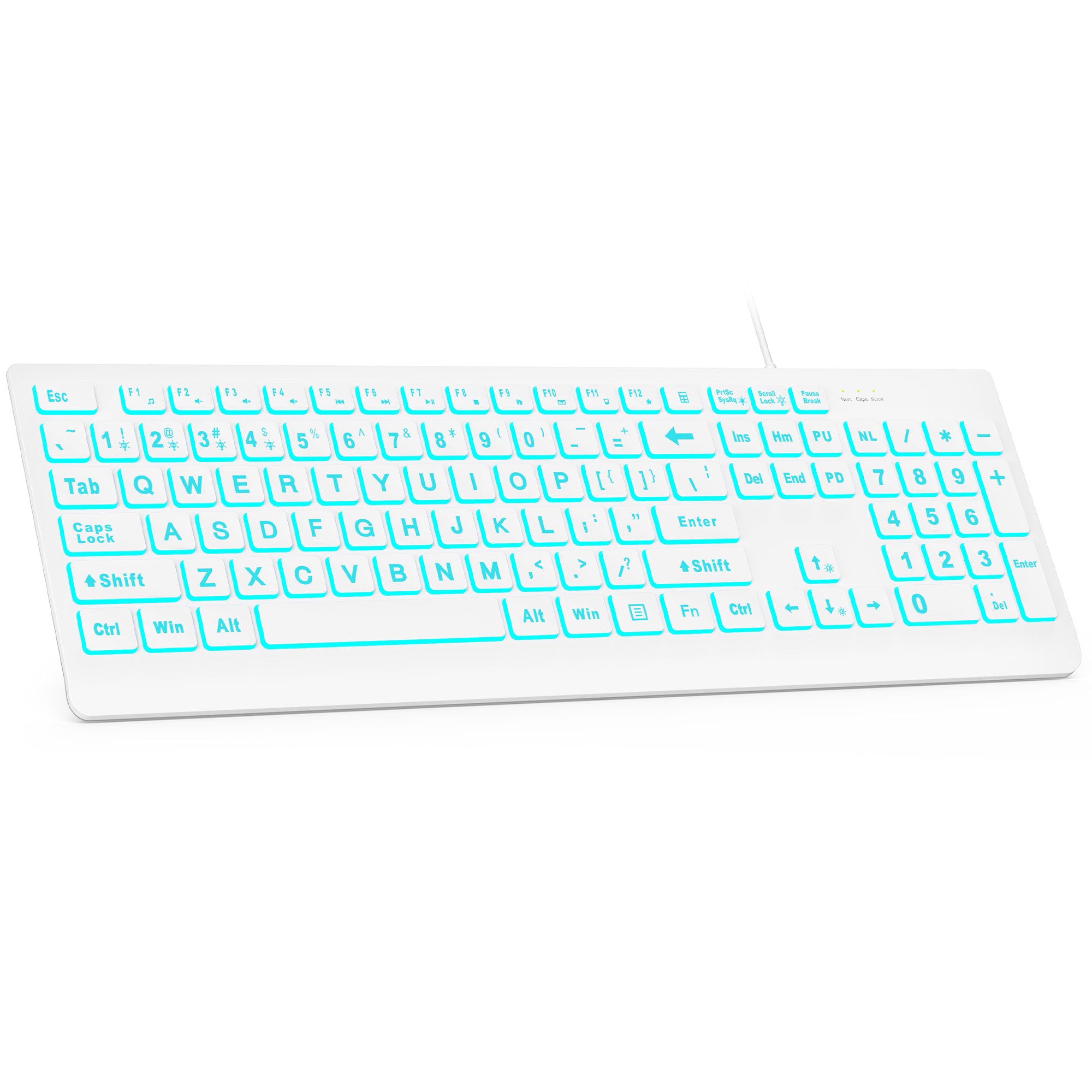
Sablute Large Print Backlit Wired USB Keyboard K11 Pro
If you have any questions, you are always welcome to contact us. We'll get back to you as soon as possible, within 24 hours on weekdays.
Shipping Information
Use this text to answer questions in as much detail as possible for your customers.
Customer Support
Use this text to answer questions in as much detail as possible for your customers.
FAQ’s
Use this text to answer questions in as much detail as possible for your customers.
Contact Us
Use this text to answer questions in as much detail as possible for your customers.
You can press FN+2 to make it just freeze on one color at a time.
The size of the keyboard is the same as that of an ordinary keyboard, and the distance between the keycaps is evenly distributed. When you change to a brand-new keyboard, you need to get used to it slowly.
Yes, if you turn on the backlight in a dark room, you can still see the font clearly and type easily, and you can adjust the brightness to the brightness you think is appropriate.
If you want to turn off the backlight , you need to turn off the computer, put the computer to sleep, or press FN+PrtSc on the keyboard to choose to turn off the light.
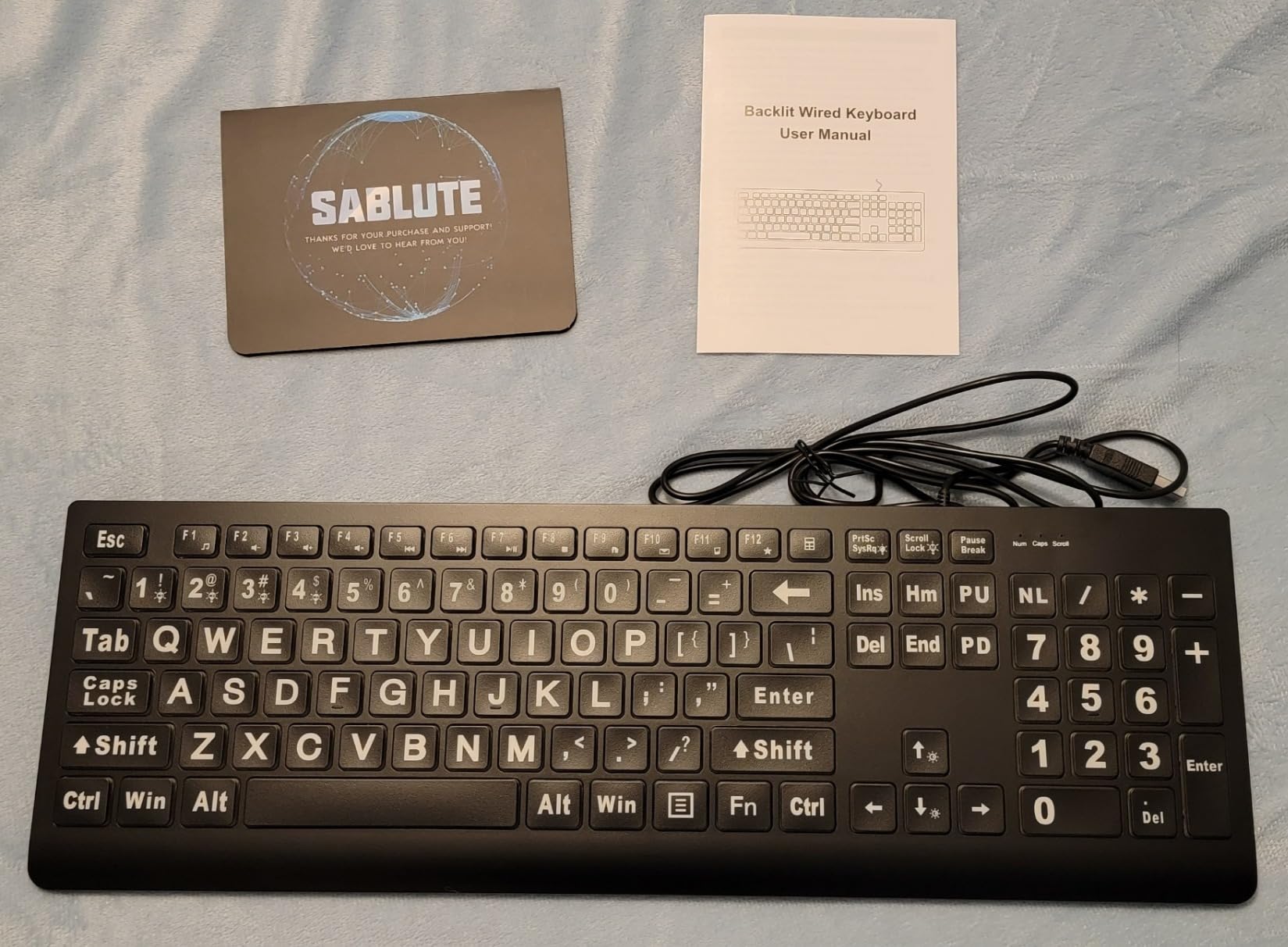
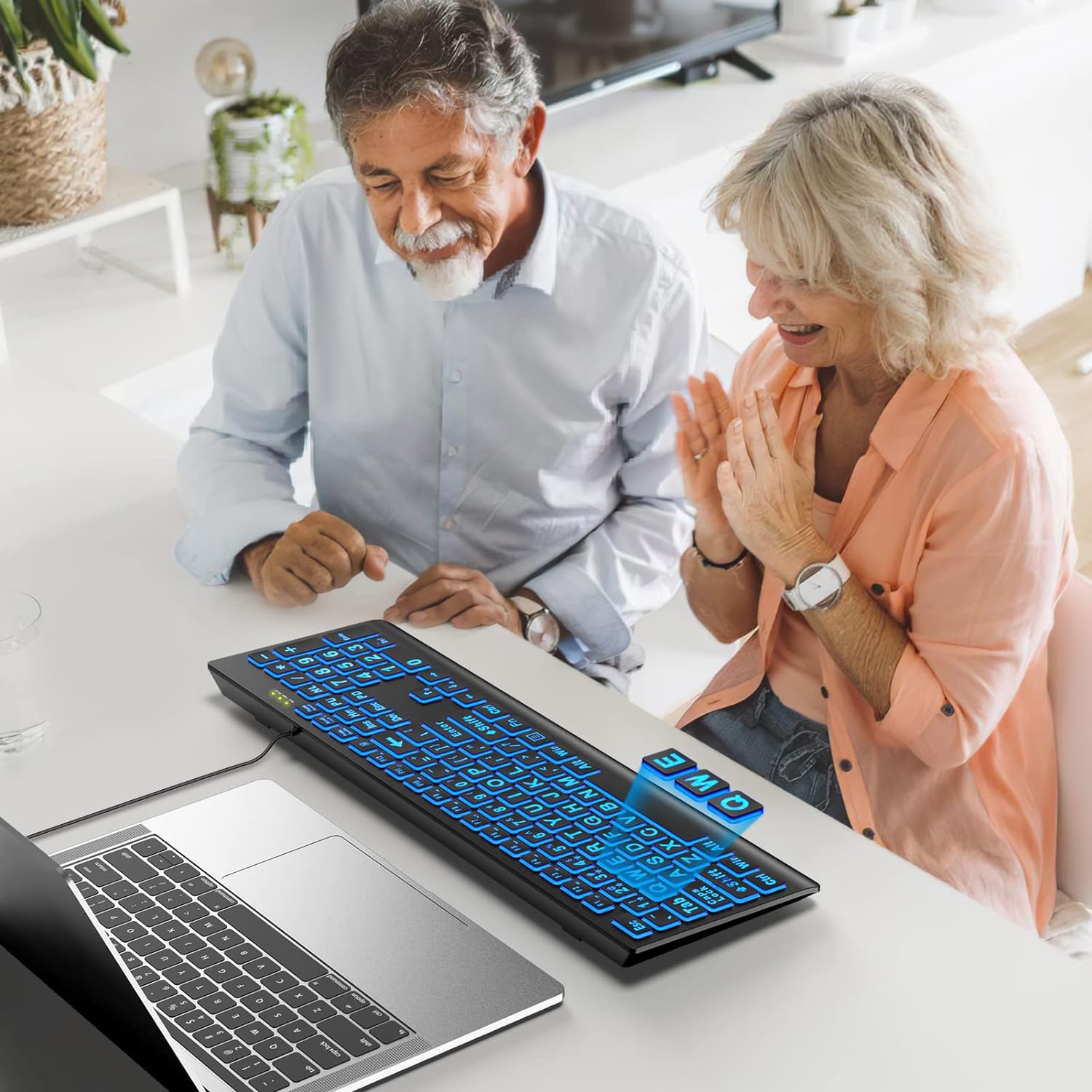
They are about three times larger than normal fonts.
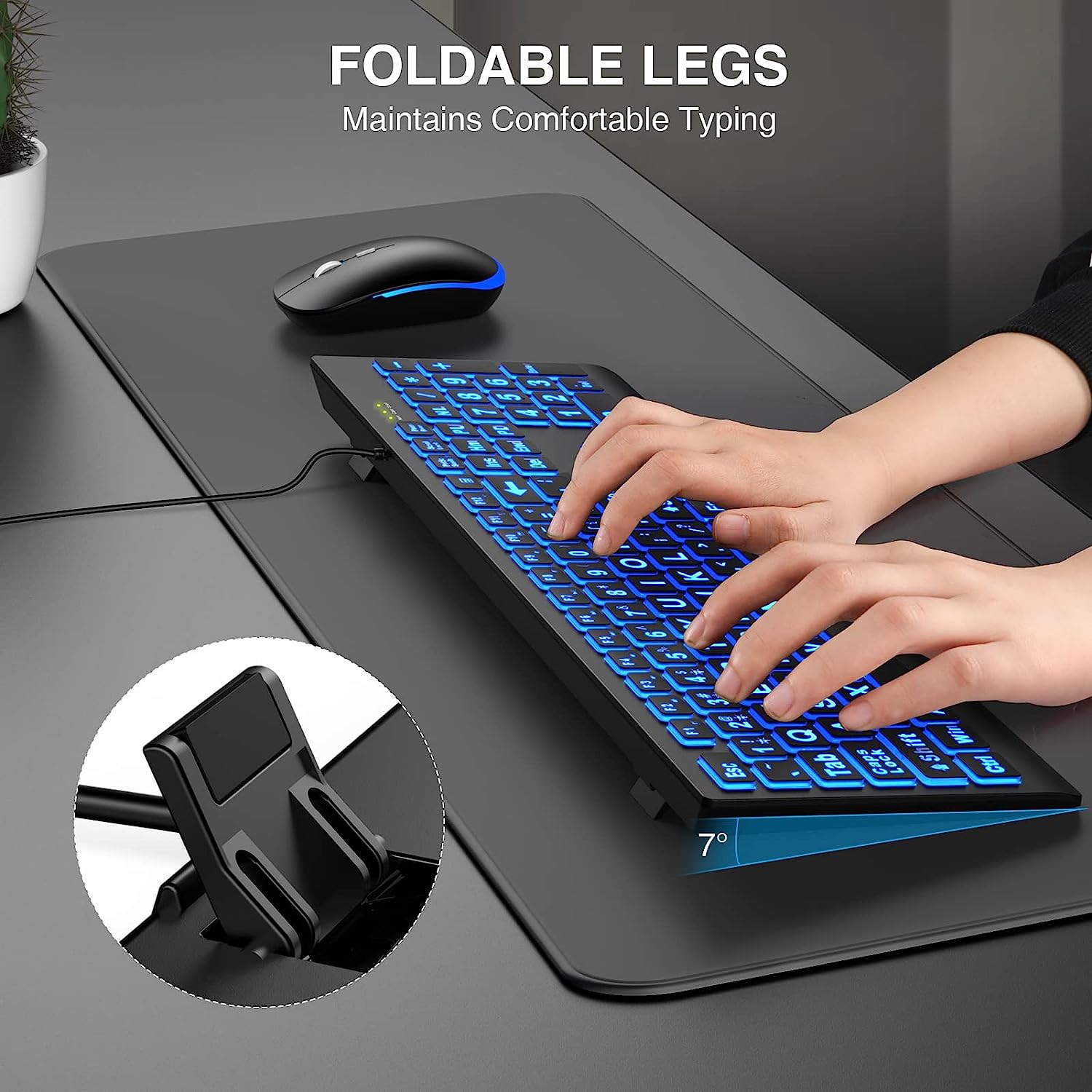
It has 7 colors including white, and 7 levels of brightness. It's thicker than my previous keyboard, which makes it feel sturdier, in addition to rubberized flip-down legs. The keys don't feel like they are flexing or could easily pop off unintended. The panel doesn't feel like it's flexing. The key caps have a flat paint feel - they have a bit of grippiness to them. The nose of the keyboard is rounded, which feels nice.The colors are reasonably pronounced without being "bright". The letters are lit, not just the edges of the keys, and they have a white coating on them that makes them look white under room lighting, but they are lit with the backlight color in the dark - it's a really neat effect, and it works really well to improve readability. I attached pictures both under room light and in the dark, comparing this keyboard with my name-brand backlit keyboard on the bottom - you can see this is a lot brighter than my name-brand keyboard.Unlike my previous keyboard, this one still has a dedicated context menu key, and it has Print Screen, Scroll Lock, and Pause/Break buttons that a lot of keyboards are dropping, and the full set of Ins/Del/Home/End/PgUp/PgDn keys that a lot of keyboards have made dual-purpose. I work in IT, and all of those keys get used regularly. It also has Windows keys on both sides of the space bar.It has bright indicator lights for Num, Caps, and Scroll Lock. They aren't large like the keys are, but they're pretty bright.The "multimedia" keys vary based on the current program, and they all, except Calculator, require pressing the Function key for them to work - there isn't a Function Lock option. (Amazon rejected my review when I said what they keys are labeled.) In my case, I might prefer it this way anyway - while I'd like the volume keys, I don't want them to take the place of the normal Function keys. Also, they seem to vary in functionality depending on the active program. On my Windows 11 computer, volume up/down/mute worked consistently, but when I was writing this review in Notepad, the others didn't. When I opened a playlist in Media Player, Play/Pause worked, but Previous/Next didn't. When I installed and opened a track in Media Player Classic, it also used the Previous/Next and Stop buttons. If I click the Desktop, most of the program buttons (browser home page, email, My Computer, Calculator), but they didn't work when another program was selected. And Favorites still didn't work.The lighting control works much more simply than most other multicolor keyboards I've tried, but with one issue - the keys aren't labeled with what they do, only with "M1" through "M4" on the leys for 1 through 4. The "M" key (on Scroll Lock) rotates through the 4.M1 uses a "breathing" fade-in/fade-out. Each tap changes the backlight color between the 7 colors and an 8th option to rotate the color.M2 has one color on steady. Each tap rotates between the 7 colors.M3 has the light flash each time you tap a key, and the colors rotate for each tap.M4 has the colors slowly and softly rotate between the color options.Summary: 4 stars out of 5. The lighting works well, it would just be better if the features were labeled rather than just M1-4. On a keyboard geared to poor vision, the Lock indicators need to be bigger. And the 5 program keys need to work regardless of what program is active at the time.
The key lighting is really important to me as I have to use it in a pretty dark room. I have a couple very minor cavils. (1) I've used it pretty much daily since Feb 2025. 6 months later, the printing on the A and S keys is wearing off (the keyboard is designed such that there is a fluorescent flat sheet underneath the keyboard, and all the keys are painted black except where the legend is supposed to show through. The black paint is wearing off.) You can see that this is beginning to happen to the left Shift key too. (2) The other is that the keys are not conducive to fast typing. The keyboard is cheap and feels it. You need to develop a particular touch to make sure every keystroke is registered.Also, you should have good aim. If you slightly miss the backspace key (which I use far more than any other key) you'll hit the key above it which brings up the Windows Calculator applet. Unfortunately, pressing it again does not dismiss that applet. You have to download the Microsoft Power Toys Keyboard Manager and turn off the keyboard Start App 2 function so that key does not cause any action.I've probably bought 6 different lighted keyboards and they're all cheap and poorly implemented in some way. I wish I had bought two of the "CyberPower" keyboards; they're the best but appear to be discontinued.I guess there's a new iteration of this but I have no reason to try it yet.
SABLUTE Large Print Backlit Keyboard, Wired USB Lighted Computer Keyboards with 7-Color & 4 Modes Backlit, Oversize Letters Keys Easy to See and Type, Quiet Keyboard Compatible for PC, LaptopPurchased October 12, 2024 for $25.99 before taxI have been looking for a good backlit keyboard that is easy to use and won't break my budget. I'm getting older, so I need bigger letters that I can see at a distance. This may be more than I need, but I think of it as an investment in the future of my vision loss.I had no issues setting up the keyboard and the instructions included let me get the color and mode settings the way I wanted within a minute or two.I highly recommend this keyboard to anyone with vision issues that works in lower light conditions.
For my visual requirements typing in low-light conditions, this keyboard is great in almost every respect. Although I haven't figured out yet if its even possible to make this keyboard remain backlit in just one preferred color. Whenever I restart my computer the keyboard keeps cycling through all colors until I put a stop to it by pressing the two keys, Fn and 2.
Year ago bought a backlit wireless/Bluetooth keyboard. It was nice but the battery life sucked. So I started using my old Logitech keyboard with great battery life. My home office is dim at night and thought I'd try another backlit. I'm really impressed with this one and the price point. I love the big letters and my typing skills have really improved. I can clearly see the keys with zero eye strain. It's small and has all the functions I use. Keys feel comfortable and has multiple color options. So I can switch it up if I get bored. I'm not a gamer, just an email guy. So my abuse level is low and sure it will last me for a long time.
Very nice, basic, wired, lighted keyboard. I wanted a wired keyboard, and bought a USB extension. I was getting interference from LED lights using a much more expensive small lighted BT keyboard. I like this one much more. The lights color can be selected, or you can have a rainbow, or you can have it pulse when typing (annoying). The lights stay on while there is power to the USB (PC sleep mode), but you can turn the lights off with an easy keystroke. I bought some $9 metal legs to give the keyboard more angle. The large font is also very nice - along with the backlight illuminating the letters. Overall, I like it. Is is a high-performance gaming keyboard? No. But I am not a high performance gamer. I just wanted something to use when controlling my big ol' TV / PC at night in the Family Room. This is absolutely perfect.
I bought this for my elderly mother who kept getting locked out of her online accounts for failed password attempts. I suspected the problem was her eyesight and/or insufficient lighting at the computer keyboard. This product solved both issues. The keys seem bigger and the letters are large well lit. The keyboard was plug and play, with easy USB installation. Mom hasn't messed up a single password since I installed it. I'm thinking of ordering another one for my computer.The keyboard does cycle through several illumination colors. There is a way to freeze it at a certain color, but apparently you have to do that each time. There is no software to set up programming preferences, but that just adds to the ease of installation. If you want the fancy stuff, maybe go for something more upmarket. For a basic lighted keyboard that is easy to see, this works just fine.