FIRST TIMER?
You can unsubscribe at any time.
Free U.S. Shipping on all U.S. orders. It usually takes about 5 business days* for your package to be delivered, Please refer to our Shipping Policy for details.
30-Day Free Returns for added peace of mind. Try it risk-free and return it within 30 days if it is not the right fit. Please review our Returns Policy before purchase.
2-Year Warranty backed by responsive support for product and parts-related issues. Click for Warranty Policy.
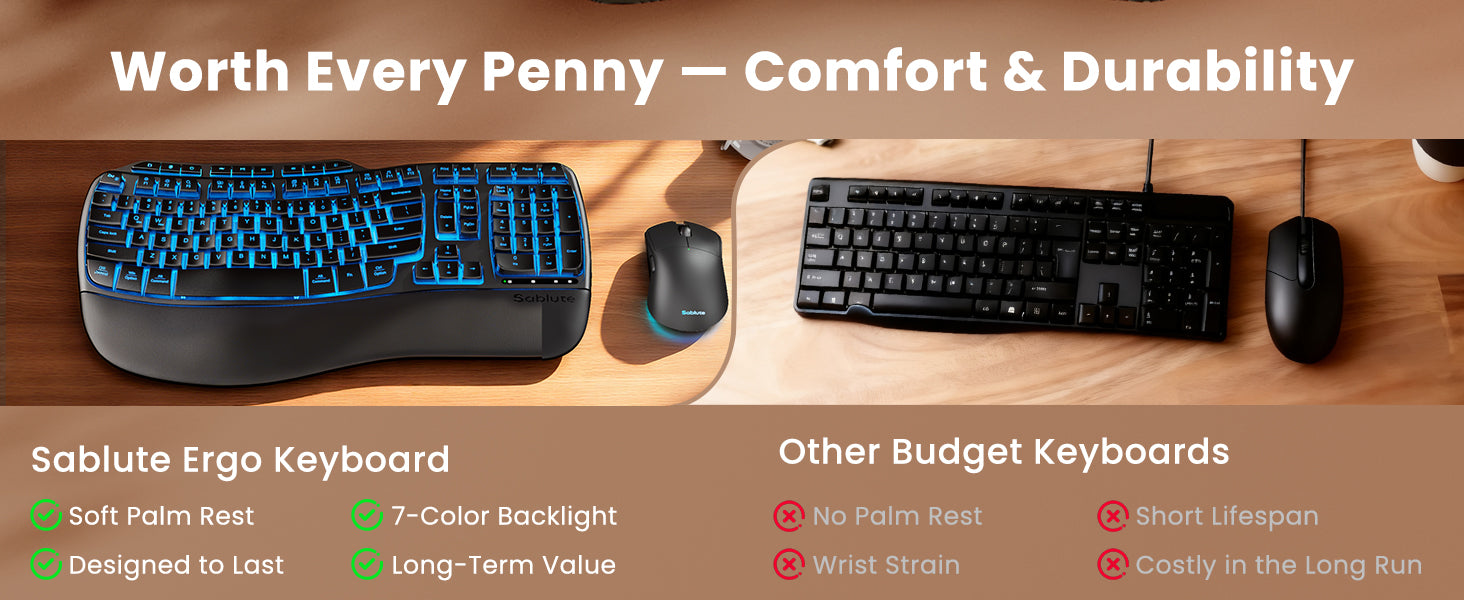
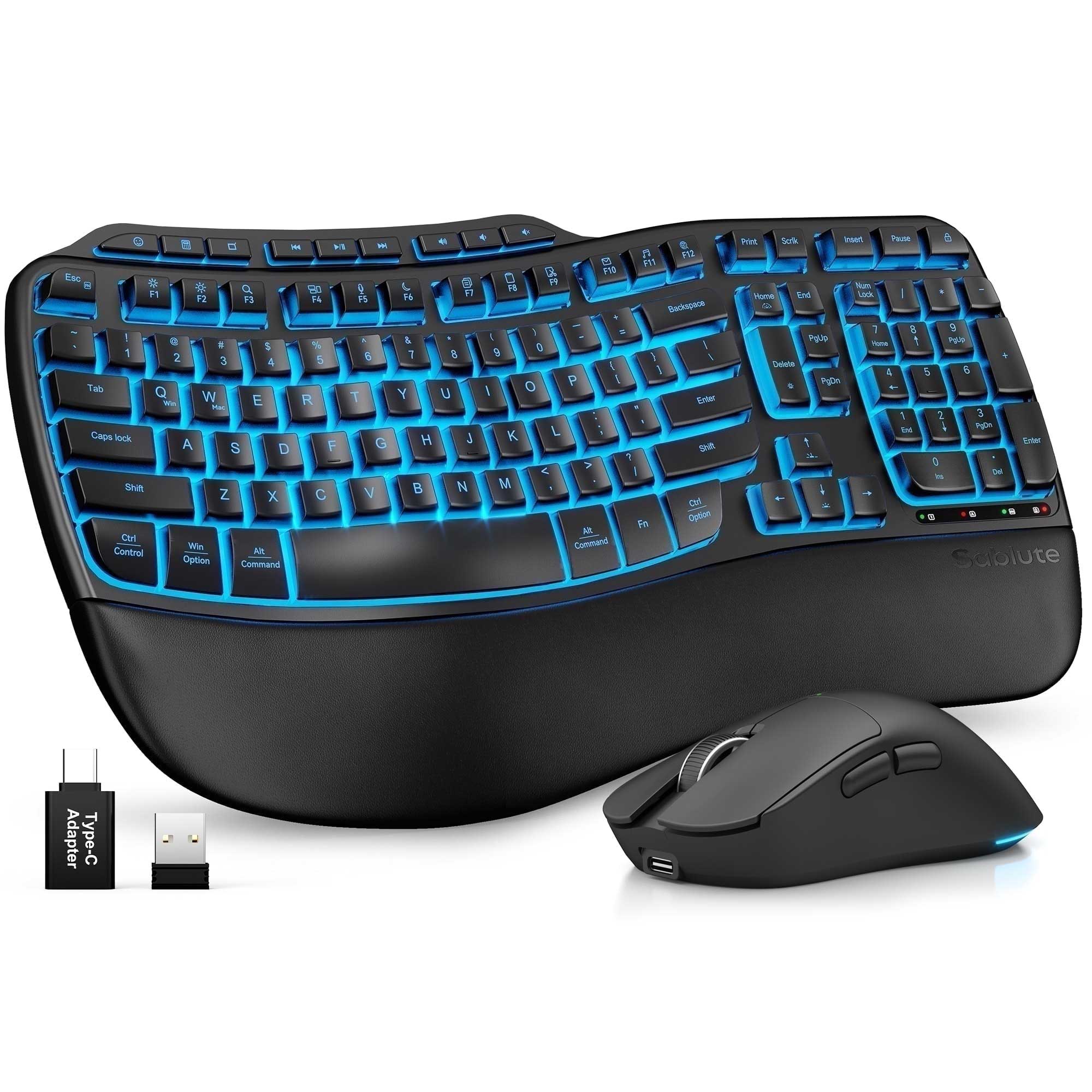
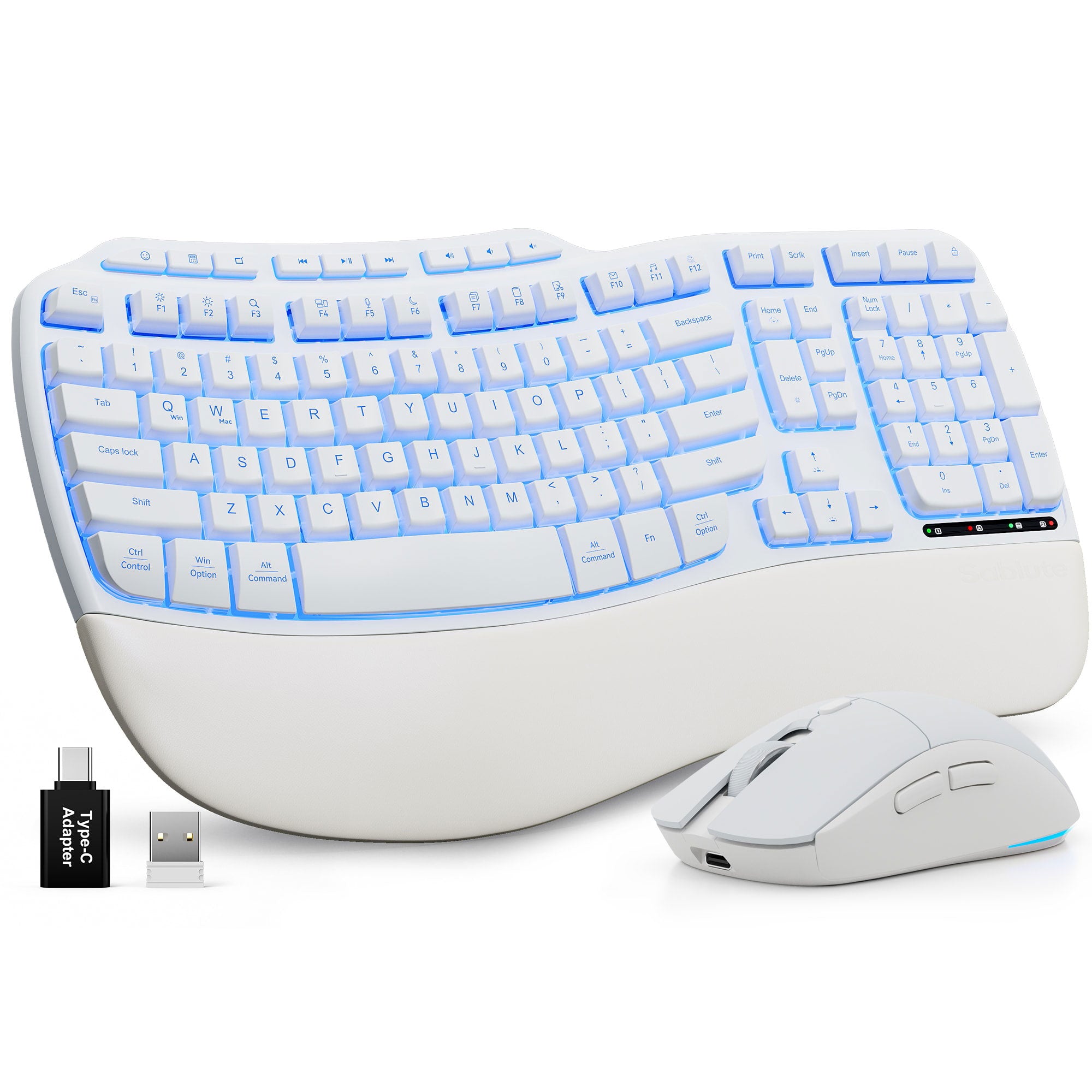
Ergonomic Wave Keys Wireless Keyboard and Mouse Combo MA31 Pro
If you have any questions, you are always welcome to contact us. We'll get back to you as soon as possible, within 24 hours on weekdays.
Shipping Information
Use this text to answer questions in as much detail as possible for your customers.
Customer Support
Use this text to answer questions in as much detail as possible for your customers.
FAQ’s
Use this text to answer questions in as much detail as possible for your customers.
Contact Us
Use this text to answer questions in as much detail as possible for your customers.
Please read our FAQs page to find out more.
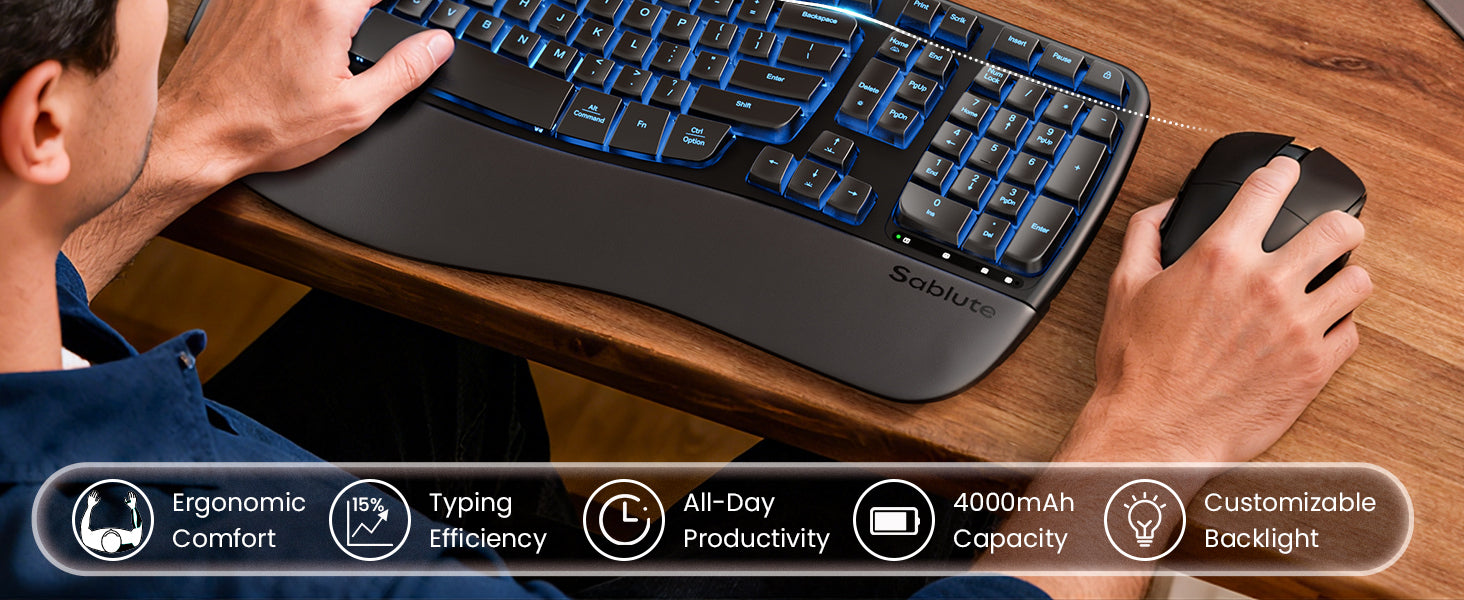
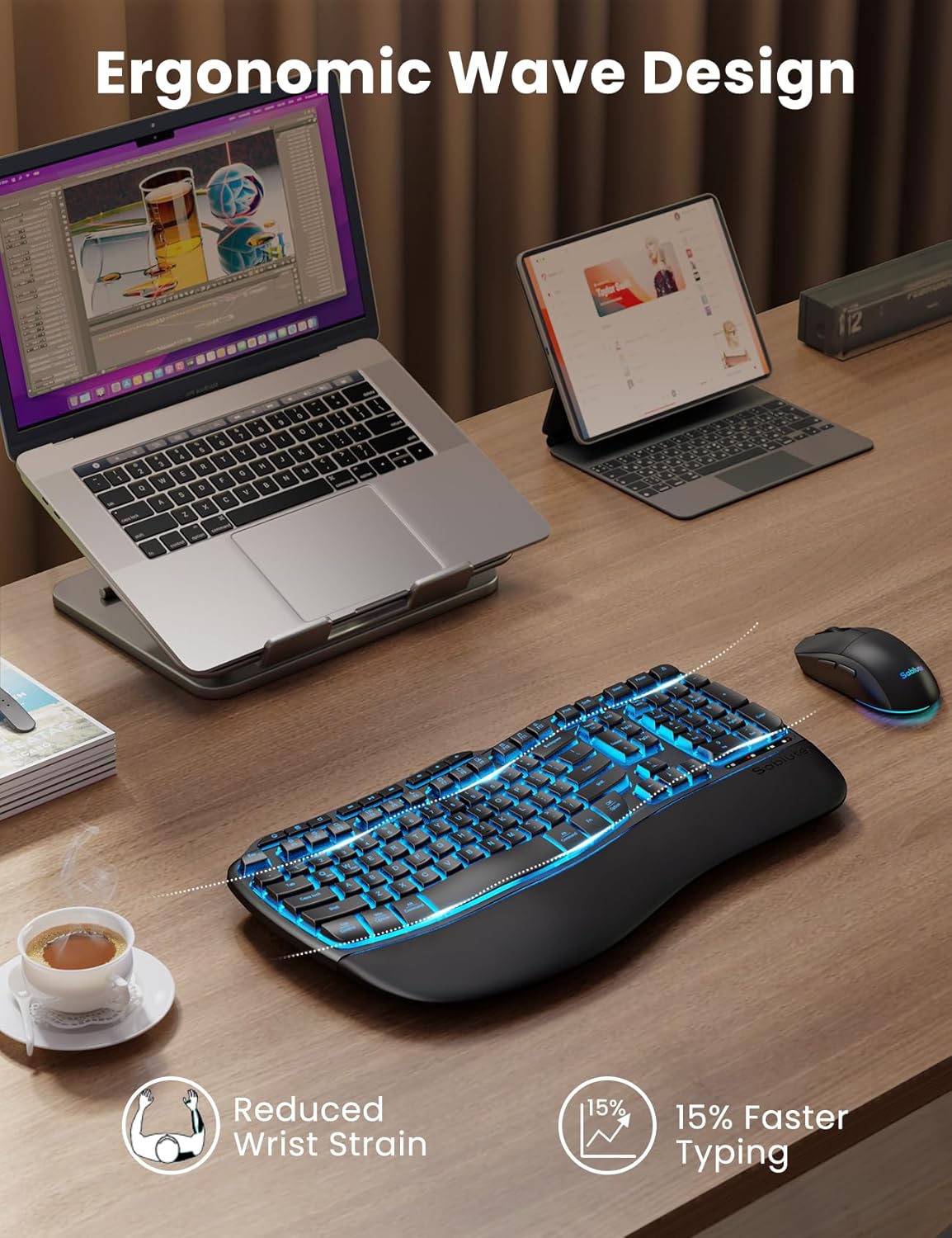
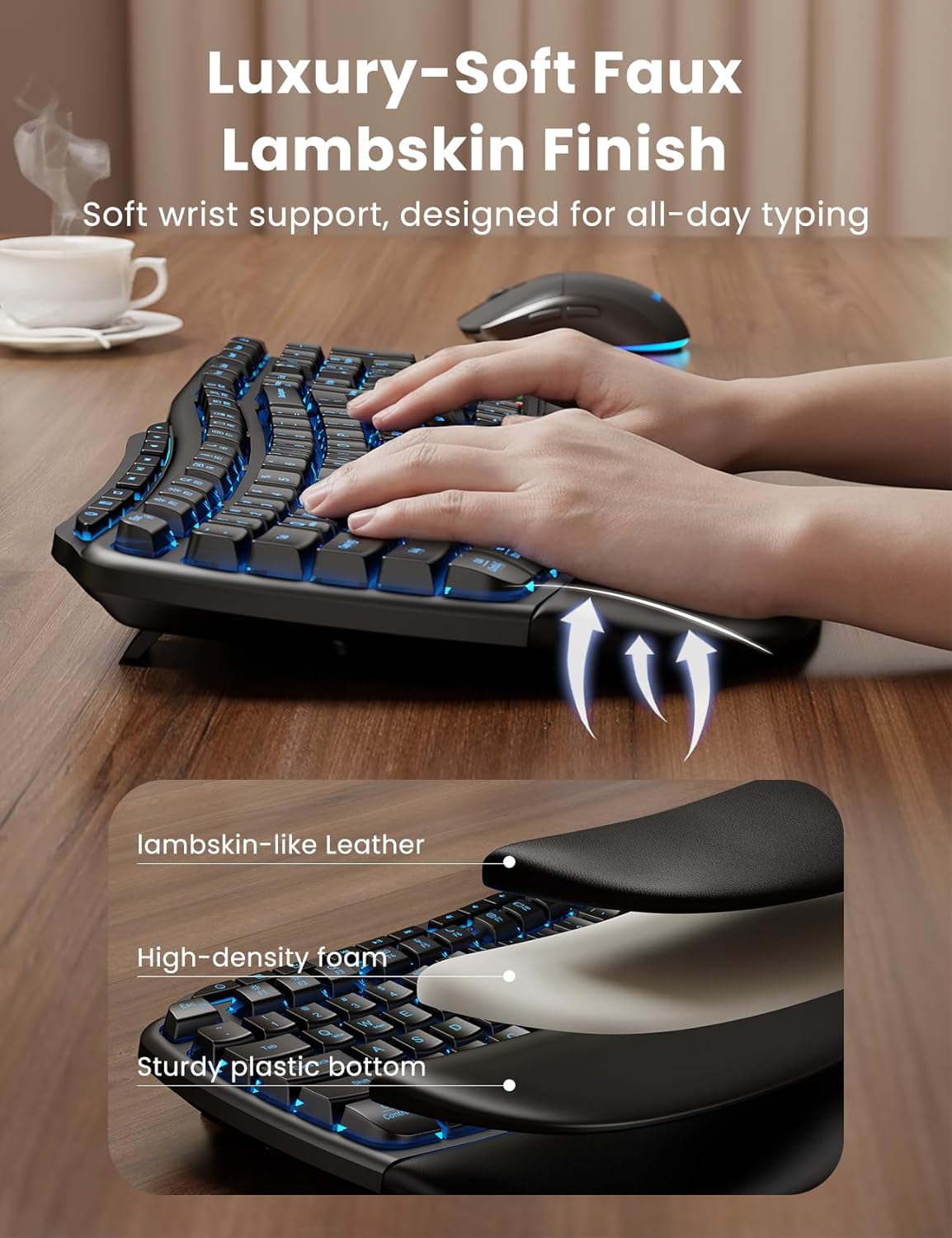
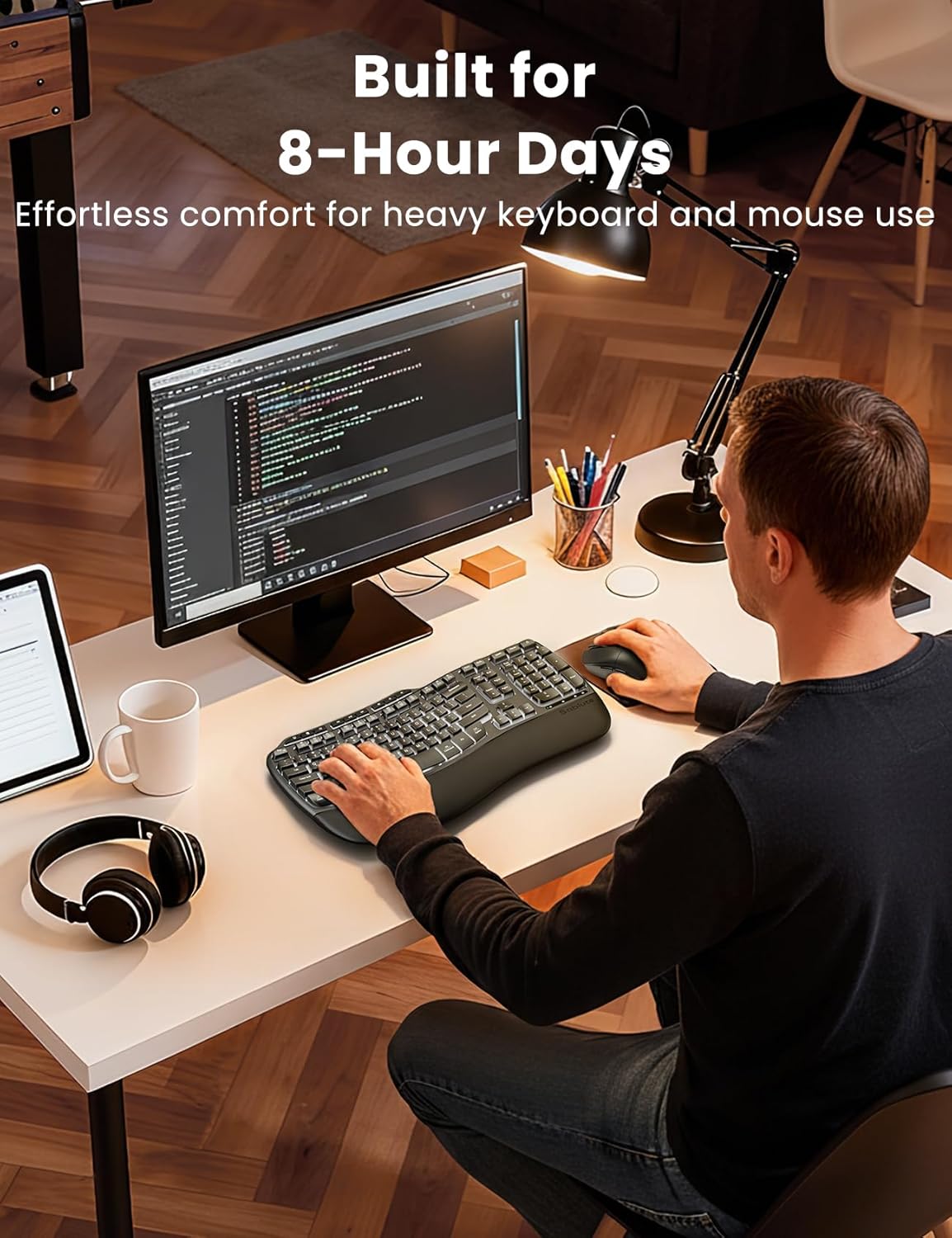
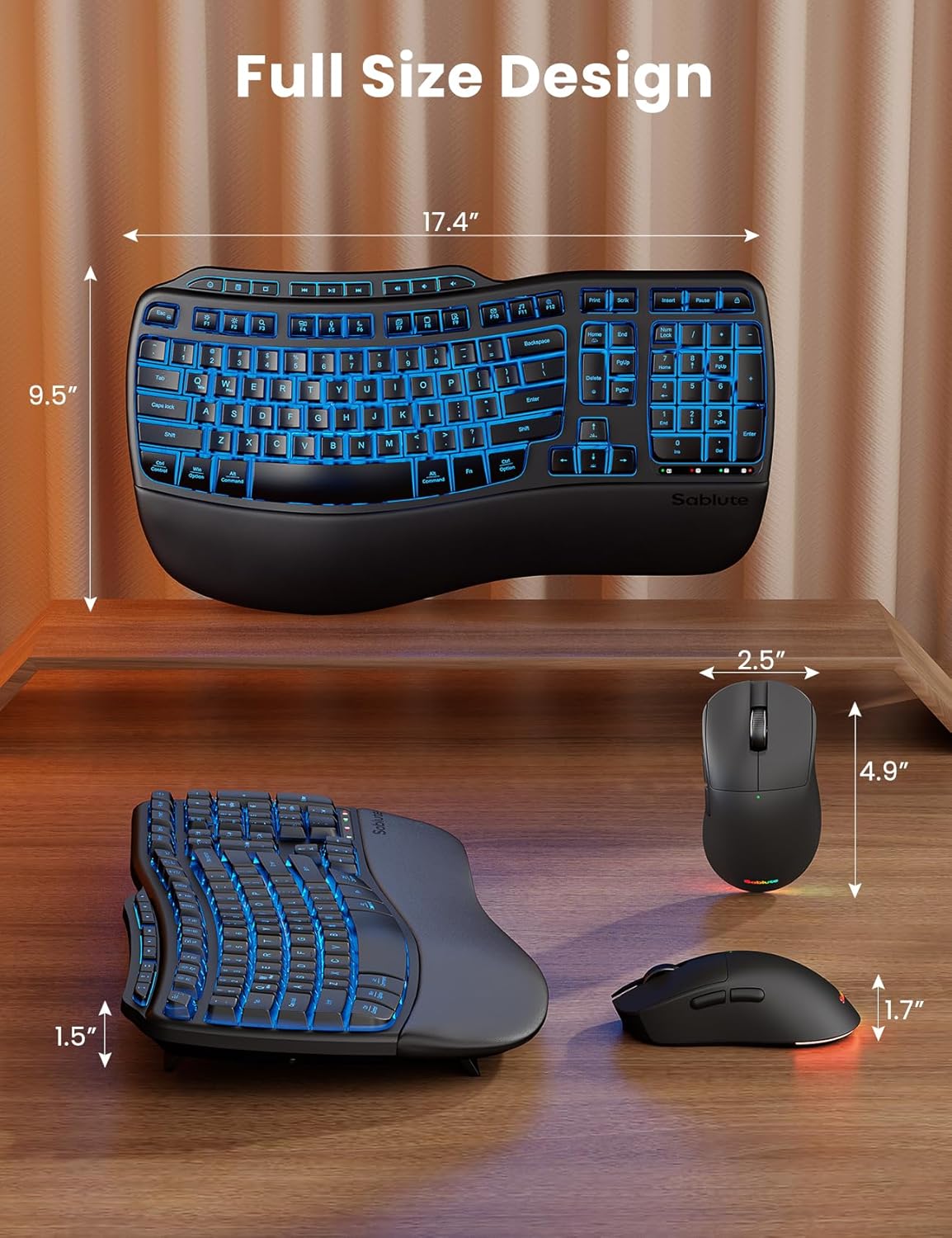
Wave Keys is designed to promote a more natural posture. The wavy shape and palm rest design alleviates wrist pronation, wrist deviation & wrist extension, and promotes a more neutral wrist posture when you type on your keyboard.
Keyboard
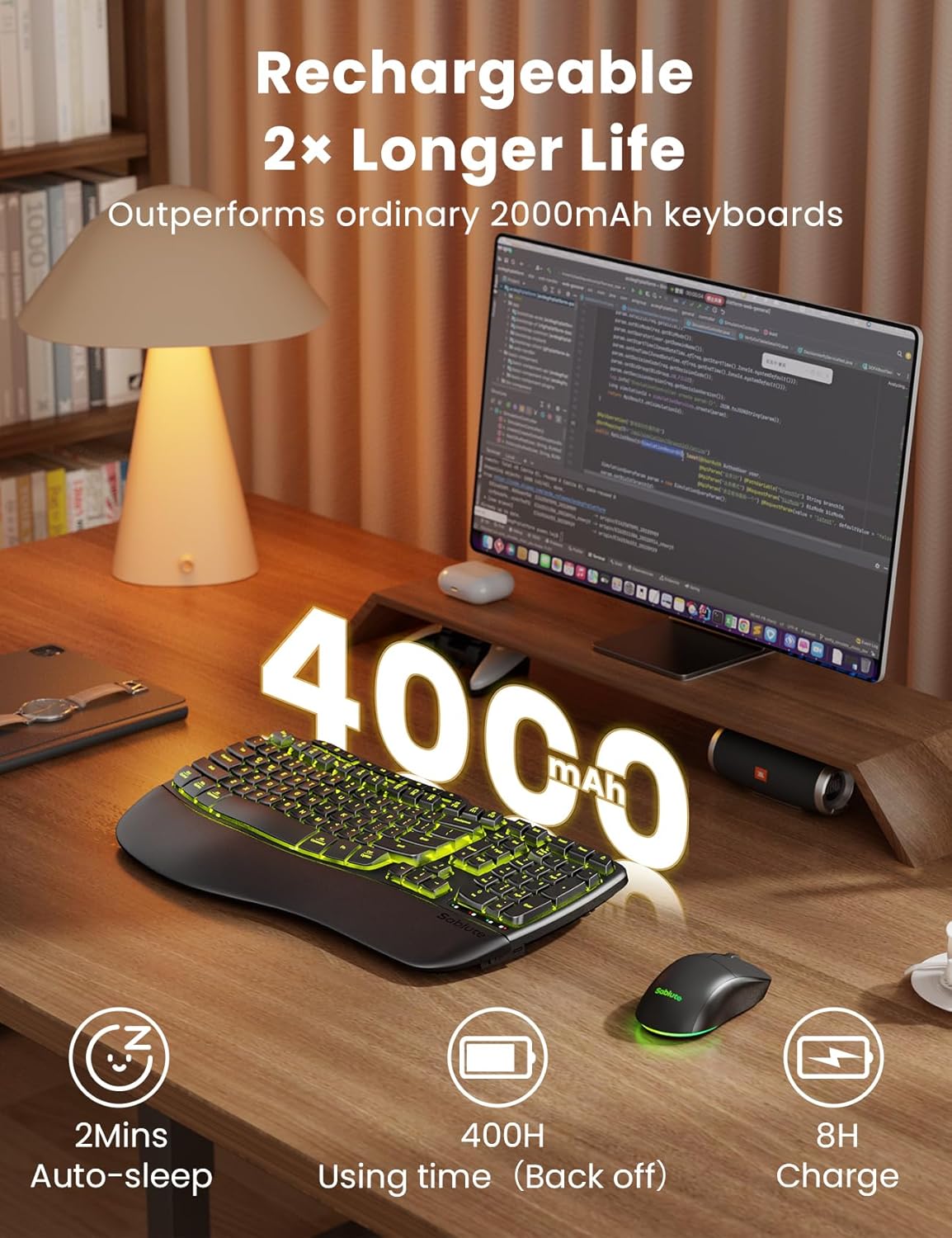
Battery Capacity: 4000 mAh
Usage Time with Backlight On: approx. 33 hours
Usage Time with Backlight Off: approx. 800 hours
Charging Time: 8–10 hours
Mouse
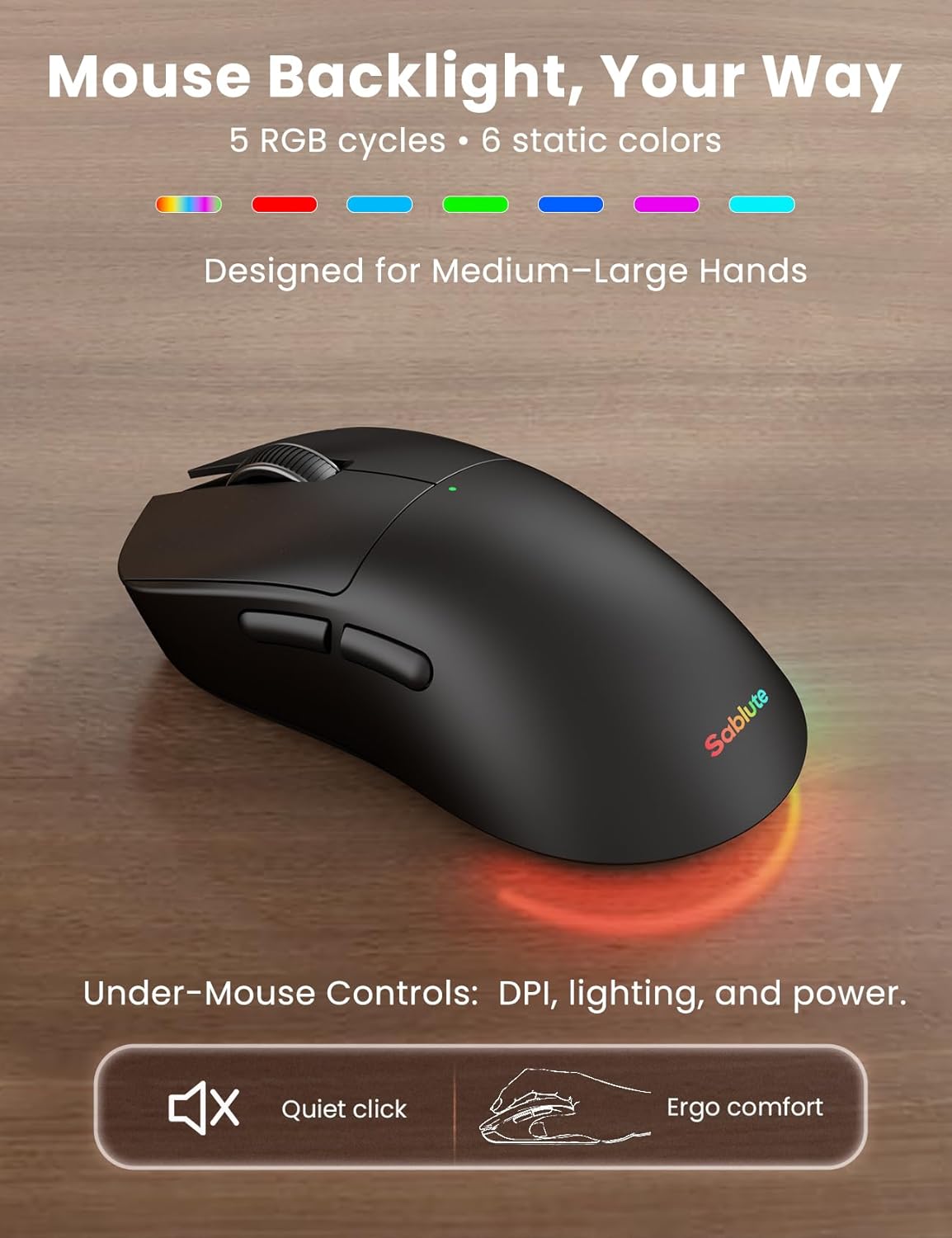
Battery Capacity: 700 mAh
Usage Time with Light On: approx. 23 hours
Usage Time with Light Off: approx. 47 hours
Charging Time: 1.5–2 hours
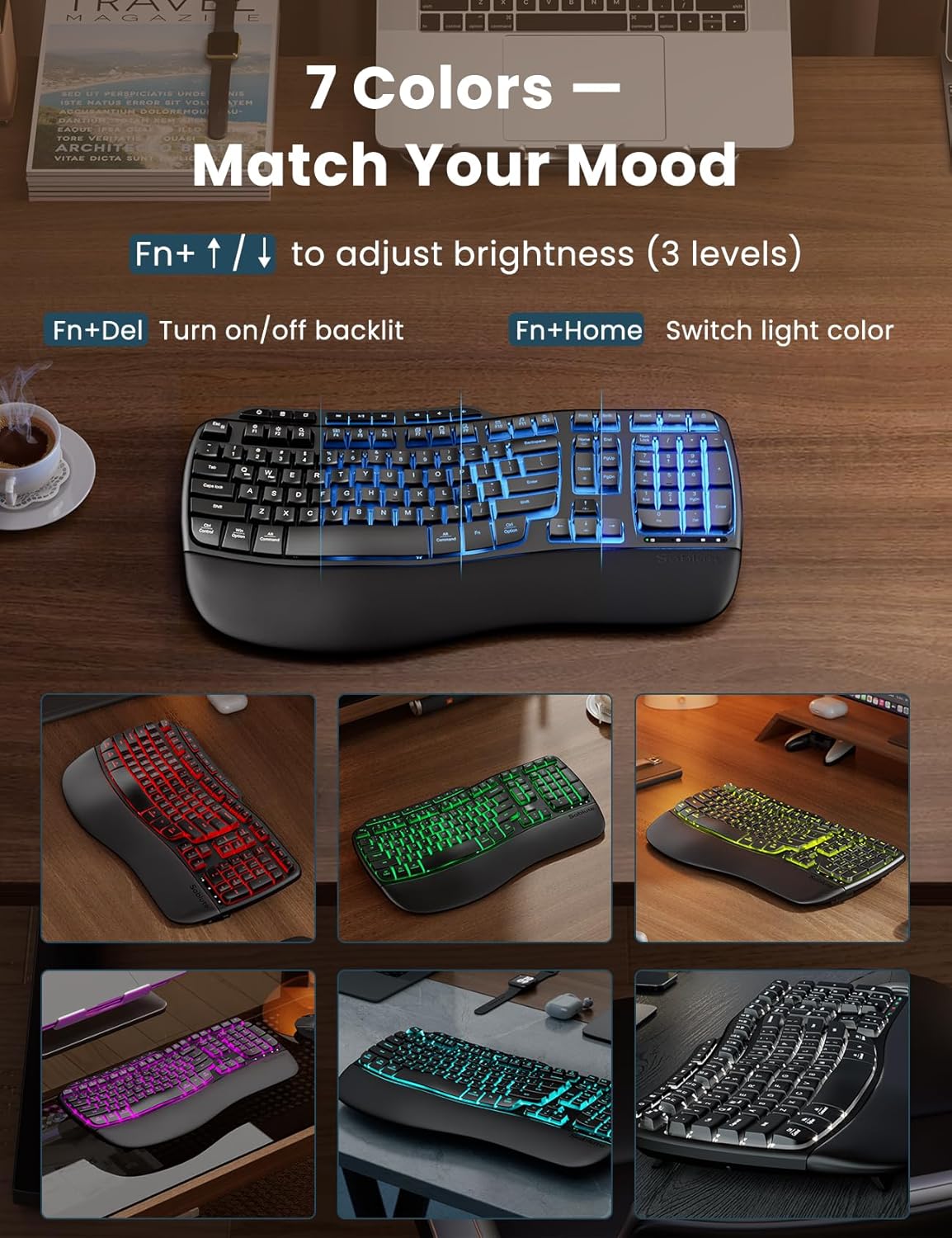
Fn+↑/↓: Adjust backlight brightness.
Fn+Home: Switch backlight color.
Fn+Del: Turn on/off backlight.
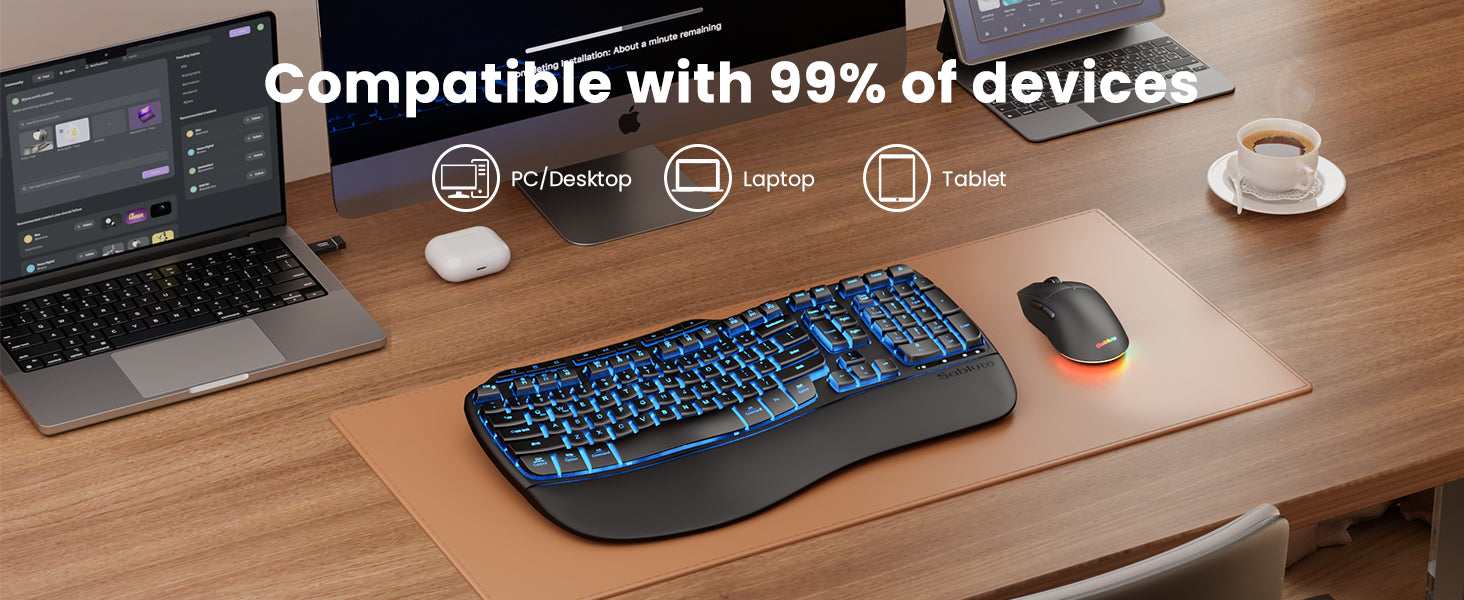
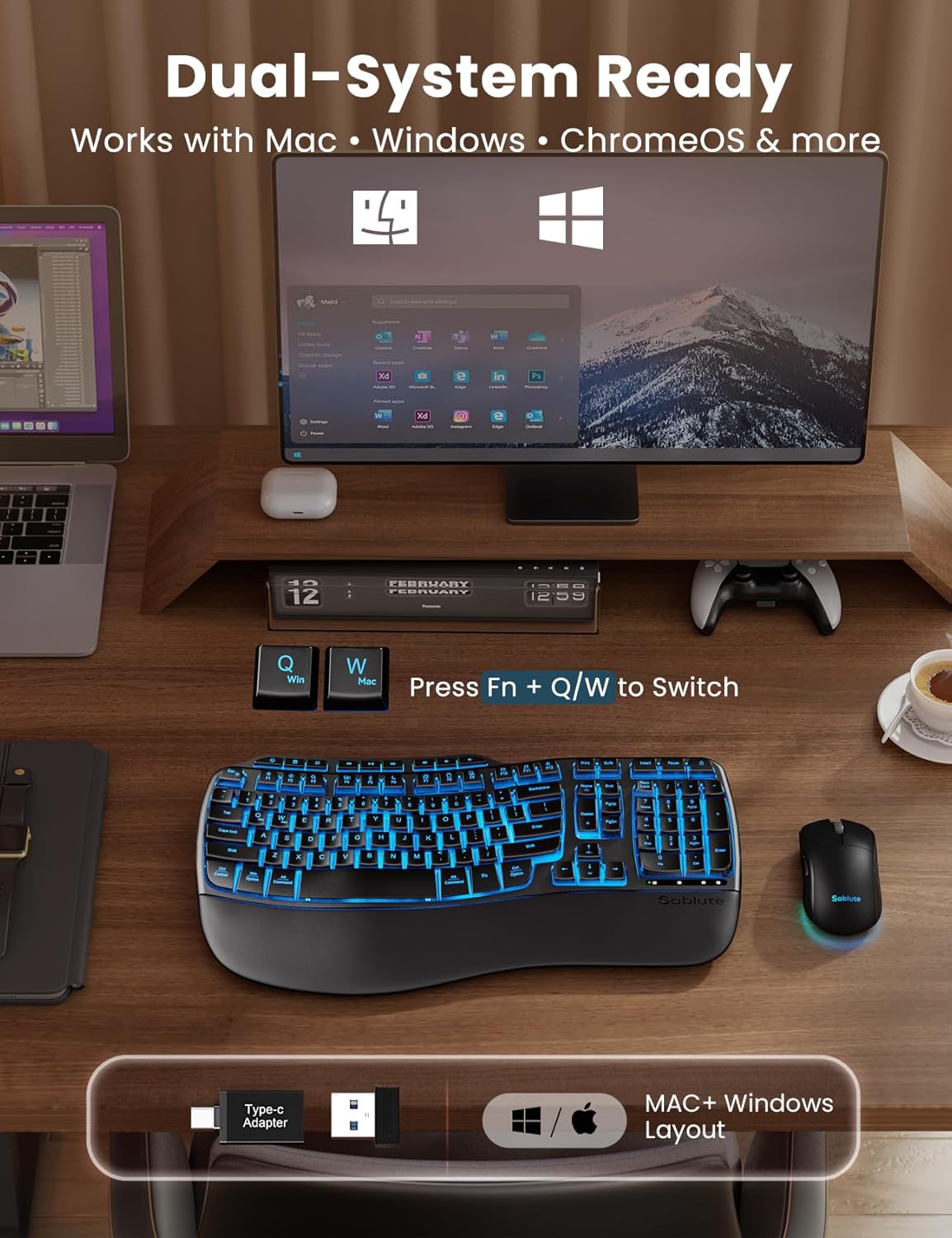
This keyboard and mouse combo connects to your device using one 2.4GHz USB receiver. Bluetooth connection is not supported.
Yes. The membrane keyboard and quiet-click mouse are designed for low-noise typing and clicking, making them a great choice for offices, shared workspaces, and home offices.
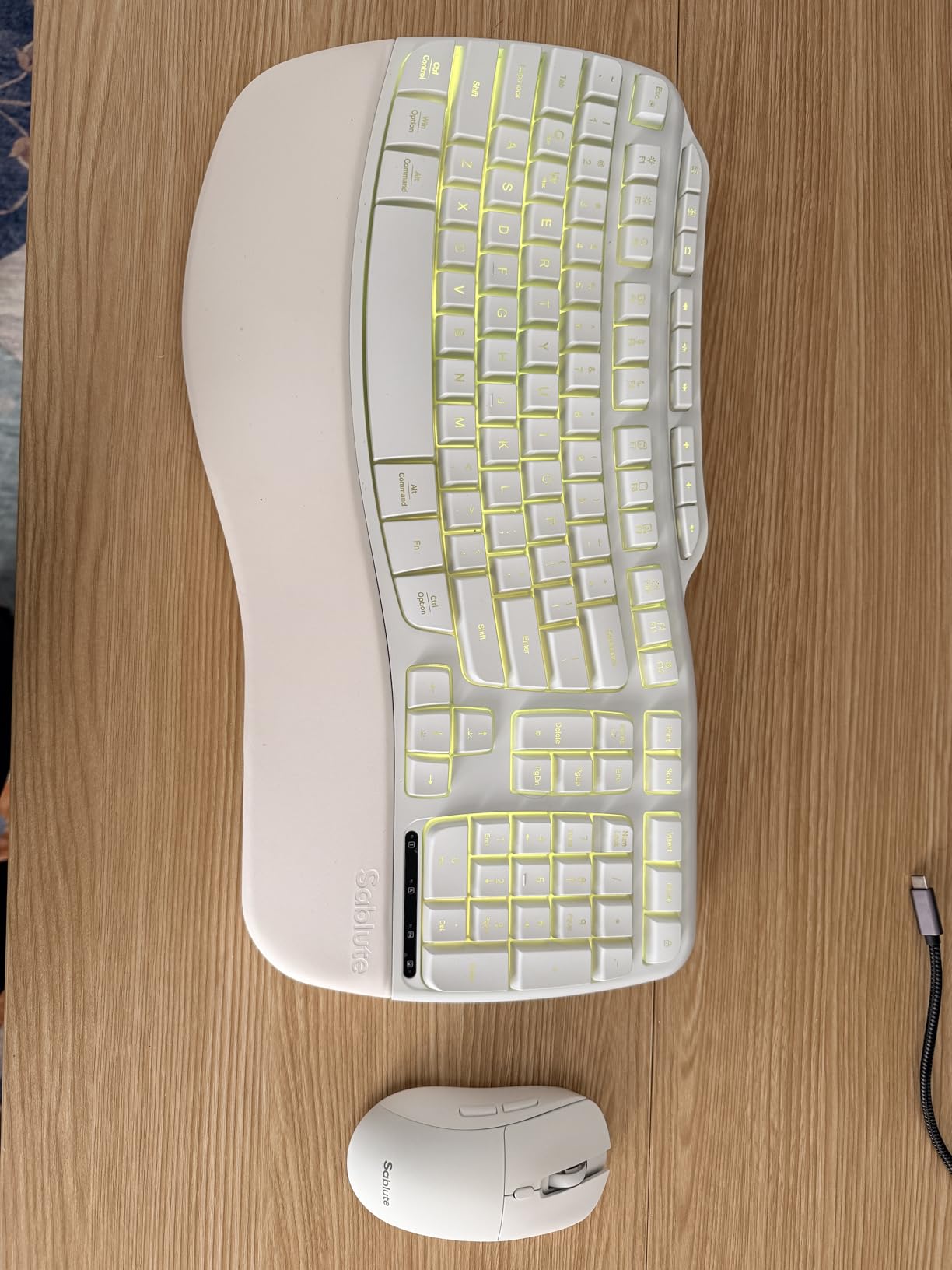
I'm really happy with this white wireless keyboard and mouse combo from Sablute. The ergonomic wave keyboard is very comfortable to use, especially during long work hours, and the cushioned palm rest provides excellent support and reduces wrist strain. The keys are responsive, quiet, and feel smooth while typing.The light-up feature adds a nice modern touch without being distracting, and the full-size layout is perfect for productivity. The silent mouse is another highlight. it's very smooth and accurate, making it ideal for both work and casual use.Setup was quick and easy with the 2.4G wireless connection, and it works flawlessly on both my Windows laptop and Mac. Overall, this is a stylish, comfortable, and functional keyboard and mouse combo that offers great value for the price. Highly recommended!
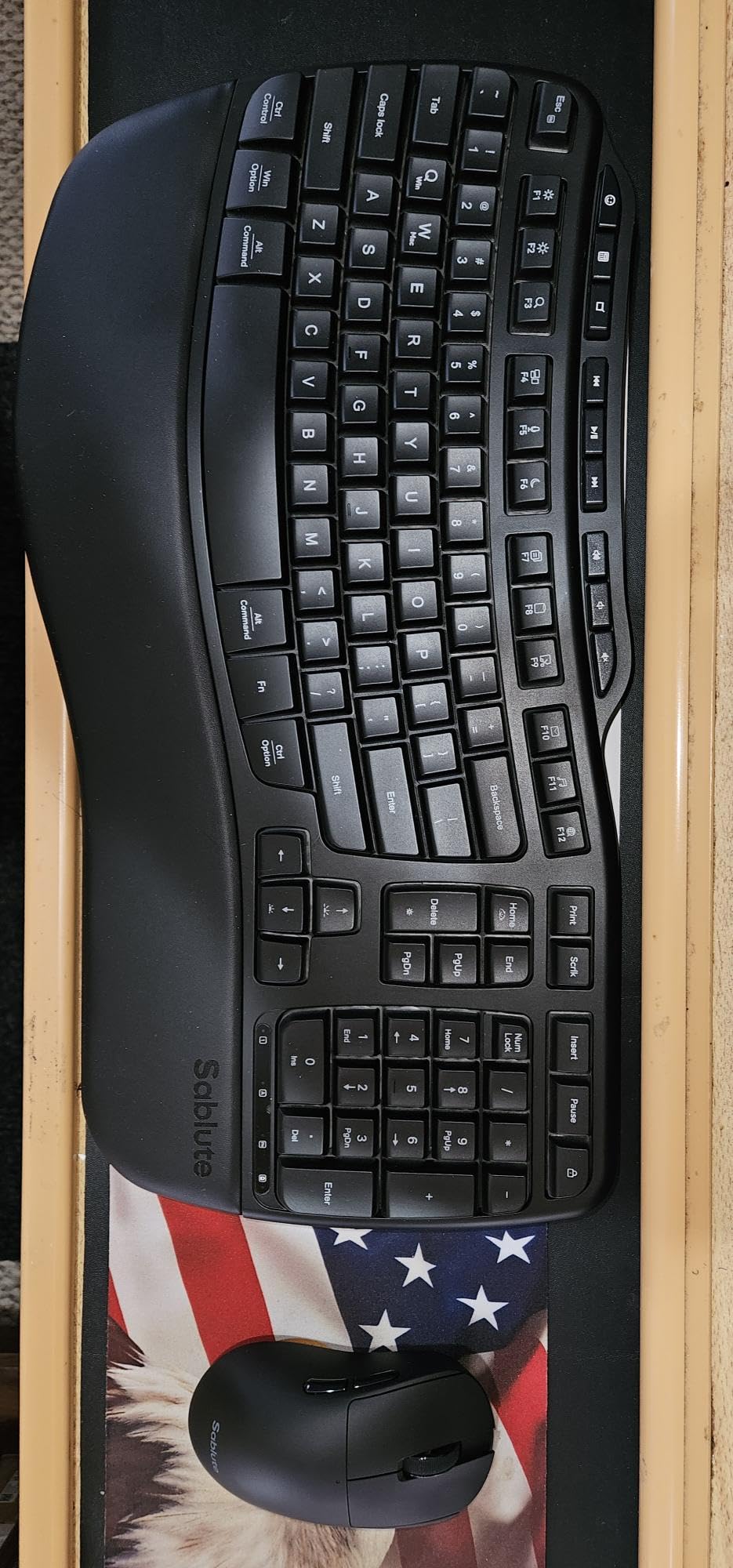
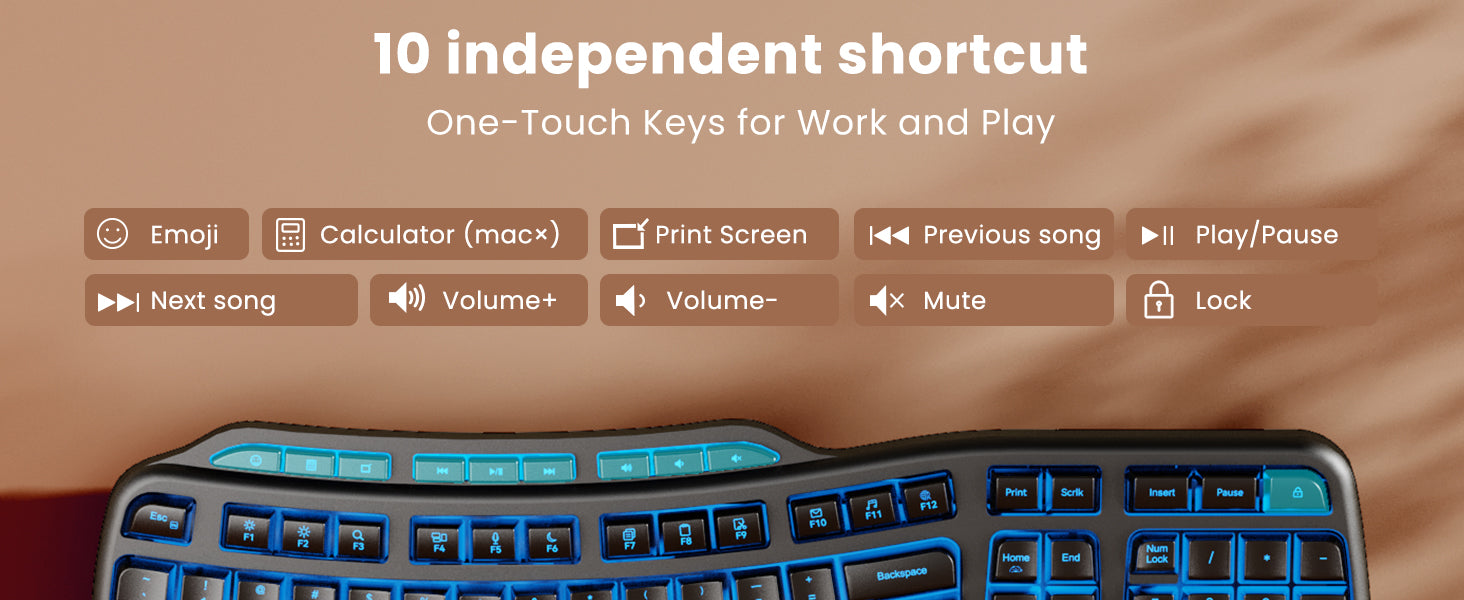
Outstanding keyboard! I replaced my old Microsoft keyboard with the Sablute MA31 Pro and I love it! I was very worried that perhaps pressing the buttons would have no tactile feedback or would feel too mushy but it was great. Although it's much quieter than my old keyboard, it has an outstanding feel when the buttons are pushed and the perfect amount of tactile feedback. I can type very fast without making errors (55WPM). I've only used it for about 10 hours (2 days of usage) but I'm so impressed. Upon receipt, I charged both the mouse (took 3 hours) and the keyboard (5 hours). The backlighting ability is great but I've been using the keyboard and mouse with the lights off to prolong battery life. The palm rest is much softer and more comfortable than my old keyboard. I love the ergo keyboard and it's just like my old keyboard. I also contacted Sablute prior to purchase to ask about the keys since I definitely wanted tactile feedback and the company responded very quickly and answered all my questions.Great features:- Lighting on keyboard AND mouse- Great tactile feedback but NOT noisy like my old keyboard- Rechargeable batteries in both keyboard and mouse (uses USB C cable and they provide a Type A to C connector)- Very programmable for lighting intensity and colors- Mouse feels great in my palm and has DPI adjustment right on the mouse- Both keyboard AND mouse have on/off switches but you can program them to sleep and save battery power- Has a calculator key (which I love) as well as emoji key and many other shortcut keys- Feels very durable and I love the ergonomic layout--very easy to type onCONS:- So far...NONE, but I'll update review if anything comes up.
Great quality keyboard at a reasonable price.
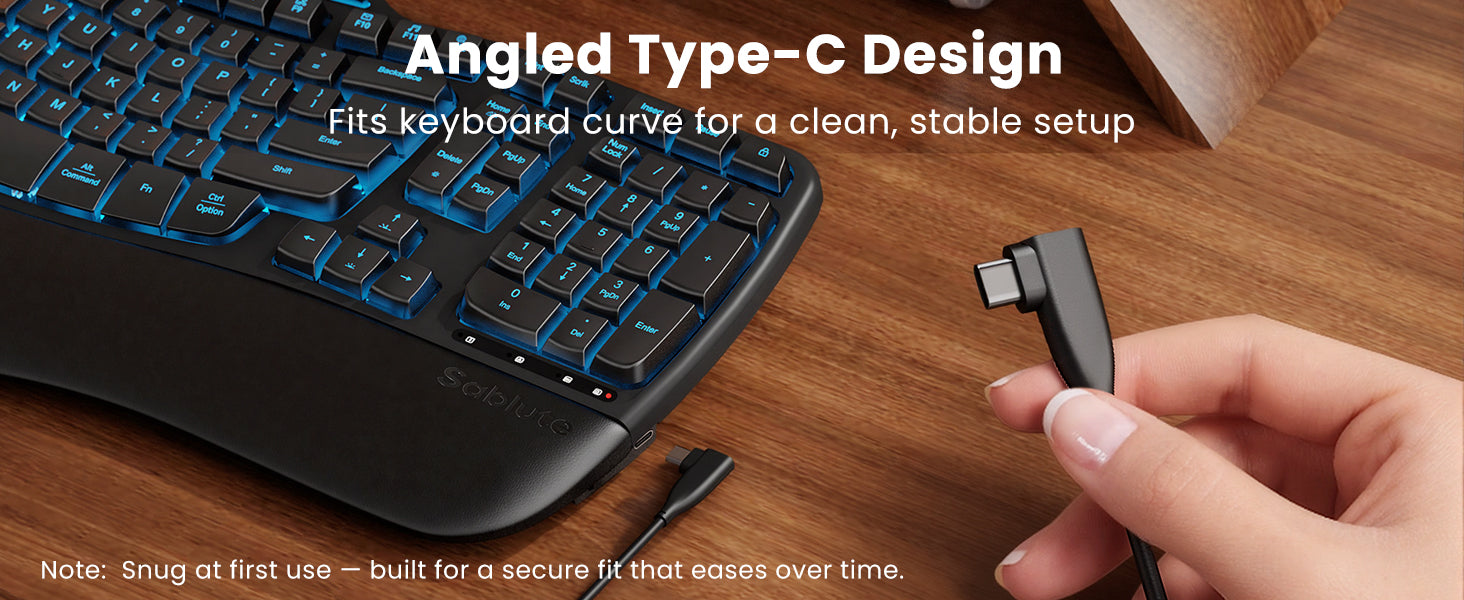
I have been searching high and low for a good replacement for my old Logitech Wave K350 keyboards, which I have been using for probably about 20 years, and have not had much luck. So far this is the closest I have found to a good replacement. Overall the keyboard has a great look, and the keys feel smooth and are very quiet. The layout is very similar to the K350, so if you liked those in the past this one is easy to adapt to. I like the backlighting which can be adjusted for color and brightness directly from the keyboard without requiring any software or drivers. Unfortunately it doesn't remember your settings, and always defaults to dark blue. I like that color best, so it doesn't bother me, but it's worth noting that every time you shut it off, it powers back on in the default blue illumination.Many new keyboards (including the new version of Logitech's Wave) have started switching out standard keys like print screen, scroll lock, etc. for odd specialty keys. Thankfully this one still has all the standard keys, along with a few specialty ones and media controls added in above the F keys. A couple of the standard keys like insert and pause are oddly located, but still in the same general area where they belong. They are also still primary keys, not buried under others with the Fn button.The power switch on the side is great because you don't have to pick up the keyboard to turn it off. The USB-C charging port is on the side as well, which is not ideal, but they do provide a right angle cable so it's not too much of an issue. For use at work, it's probably the quietest keyboard I have ever used, and still feels tactile enough for me unlike some other quiet ones I have used.My biggest complaint is the wrist rest. The cushion is comfortable, but the left side is way too short, and it sticks out a bit too far in the center. My hand hangs off the side because of how narrow it is, and how much it curves in. I have tried a few similar keyboards that are much worse, so this is still usable for me, but this is a big miss by the manufacturer. A little less material extending out in the middle and a bit more on the left and right side would have gotten it 5 stars. The covering material feels very thin and somewhat cheap, but it's comfortable and after the first 2 weeks or so of use, it still looks new. Time will tell how well that holds up. I suspect the first part to give out will be on the left where my hand hangs off the edge. I have a few K350's that are approaching 15+ years old and the wrist rests on those still look perfect.The mouse with this set is pretty good for this price point. It is also illuminated, and like the keyboard, it does not save your settings when powered off. The switch on the bottom lets you choose to turn it on with or without the illumination. Interestingly, the default color for the mouse is a moving rainbow, while the keyboard is dark blue. They should have made them both keep the user applied settings, but if they were going to make it default every time it powers on, it seems like the right thing to do would have been to default them to be the same color. The keyboard doesn't even have the moving rainbow as an option.The mouse keys are also VERY quiet, as is the fairly large scroll wheel. There is a selectable DPI, which is handy and often not found on mice at this price point. I primarily use a trackball so I haven't used the mouse that much, but for this price point it seems above average.
I bought this SABLUTE MA31 PRO keyboard after previously purchasing a Sablute MA31 keyboard. The earlier MA31 worked poorly, as detailed in my review, and the company provided me with a refund unsolicited, based on my poor review. They were actually reading the reviews and responding to them! With the refund, I purchased a "PRO" model from the same company (Sablute), and it works perfectly. I'm very pleased with it. It cost a bit more, but it also features a backlit keyboard, which I value. Hats off to SABLUTE for standing behind their product and offering a refund (unsolicited). AND hats off to SABLUTE for the PRO model, which performs very well. I would definitely buy it again and fully recommend it.
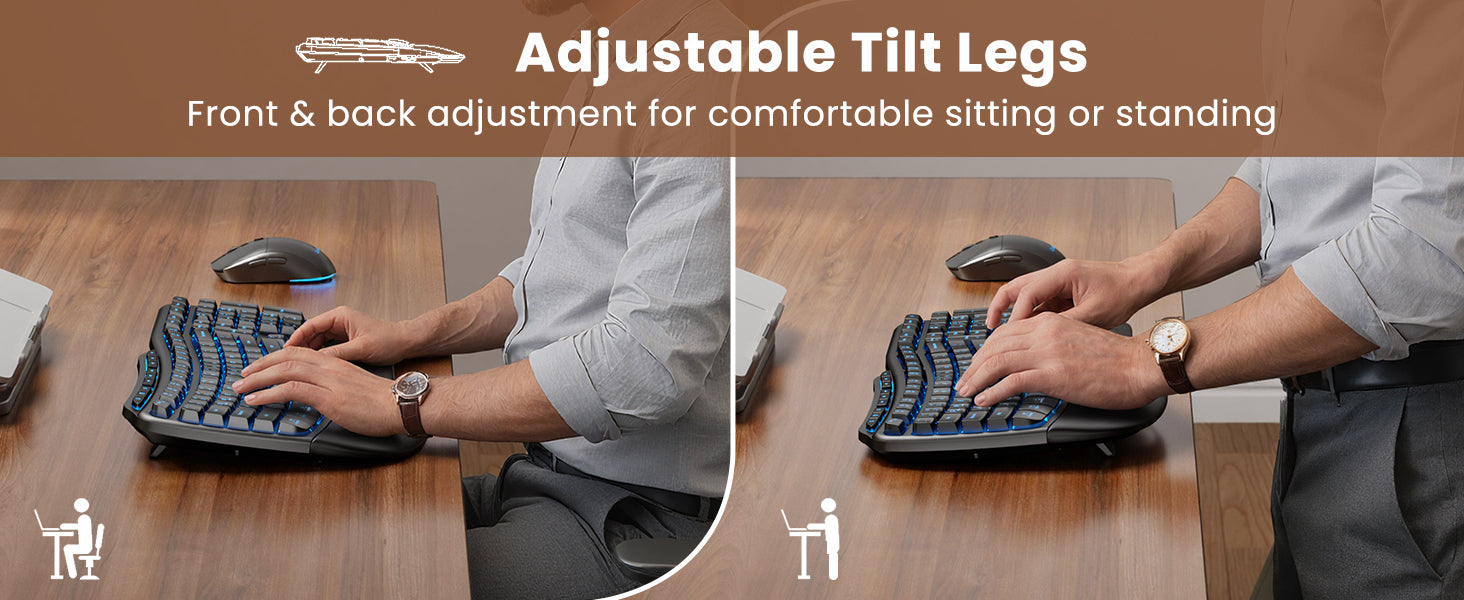
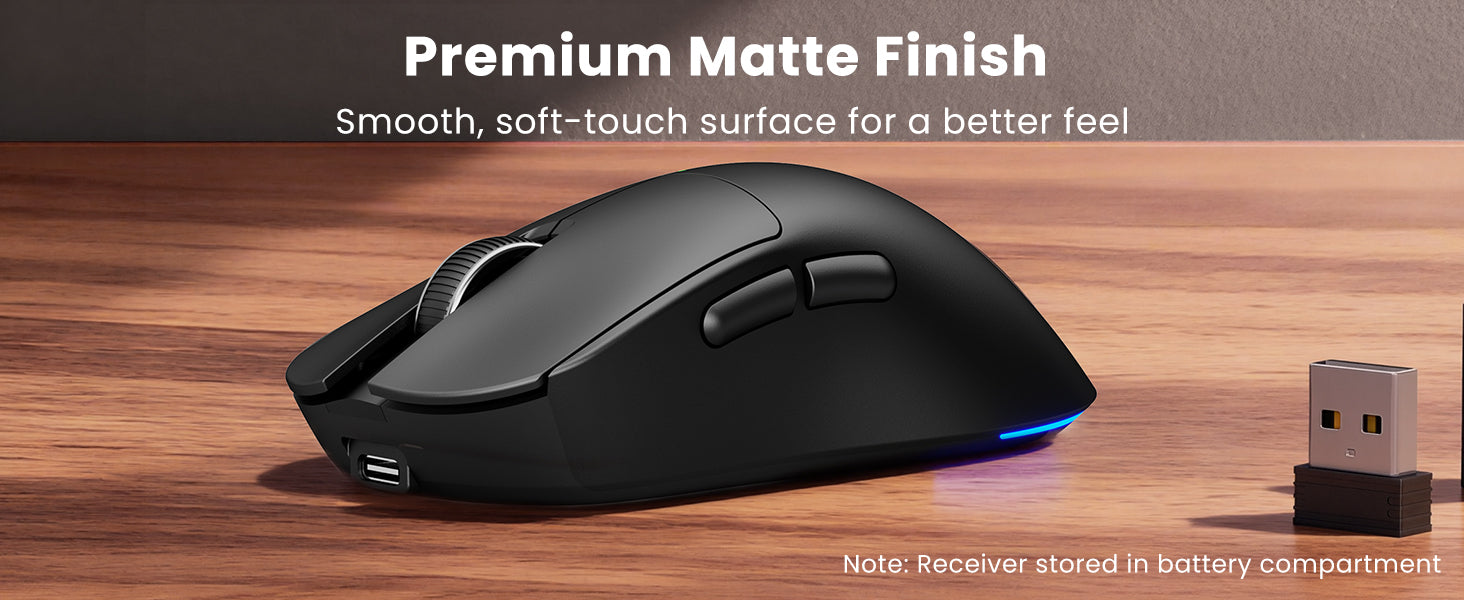
Just 2 days use of this keyboard and mouse, but so far I LOVE them!With my laptop asleep, I plugged in the dongle, then when I hit Enter on the new keyboard, the computer woke up, and the keyboard and mouse just WORKED, right out of the gate. No drivers or anything.I love the ergonomic shape, very similar to my Logitech K350 that died for no apparent reason.But get this: what's the use of having an ergonomic keyboard that lets you angle your hands a bit, IF YOUR WRISTS ARE STILL BENT??This is the ONLY keyboard I've ever seen then has two sets of feet:The two along the top edge that every keyboard has; but these I've never understood: why would I want to elevate the TOP of my keyboard so that my wrists are even MORE bent?THIS keyboard has a set of feet at bottom/front edge, where the heels of your hands rest, so it tilts the keyboard DOWN, away from you. This results in a MUCH more comfortable position for me, and makes me wonder why I've never seen this before. It's incredible, really. (My setup both at work and home is a slideout keyboard tray under the desktop. If you use the keyboard ON the desktop, then you might want the angling-up.)The palm rest is a nice faux-leather squishy kind of thing that feels nice.The keys don't click loudly, and neither does the mouse, which is a VAST improvement over my old mouse.The keys and mouse also have an interesting sort of texture: not slippery plastic like most, but kind of a satiny feel. I think I mostly like it, but it's different than I've had before.No batteries in either, and I'm not sure how I feel about that. It came with a USB to USB-C cord to charge them, and I guess it does save you the cost of batteries, but I use rechargeables so that doesn't really apply to me. I'll have to see what the battery life is, but if I find myself having to charge them more than once a week I'm going to be a bit annoyed. My old keyboard ran on 2 AA's for what seemed like months.All in all though, I love this keyboard and mouse: how they're shaped, how they feel, and all the buttons.
I work from home and am an avid PC gamer, which translates to lots of time at the computer; thus a keyboard that's ergonomic and comfortable is an absolute necessity. For years, I, too was a faithful user of the Logitech Wave keyboard that seems to no longer be in production, and the journey to get to this Sablute keyboard was long and filled with tons of product returns.Another Amazon reviewer mentioned that Logitech connection by name, after HE tried this product, which is exactly what inspired me to try it, as well. If someone else felt it was a close approximation to The Wave, then I had to give it a try. Pleasantly, I have to say, they were right: this is as close as I've come to finding something that suits as well as The Wave, and this keyboard is a pleasure.The keys are buttery soft, and it's quiet as a whisper. The wrist rest is comfortable, and I find something pleasant sensory-wise with the way the material feels; it's just the right amount of squish. Since I've connected the keyboard to my PC, I've actually been looking for things to type up, because this keyboard just has a great feel to it.The backlight keys (which can be turned off if you prefer) are a bonus selling point for me It's a fun feature on a product I'd absolutely use without it. They do dim after several minutes of inactivity, so your battery power is saved automatically, which is a unique feature I'm kind of impressed with.This is definitely a comfortable keyboard and if you're looking for something to replace your Logitech Wave with, look no further. This is the keyboard for you!
This keyboard & mouse set are really comfortable for full day, daily use. The keys are raised in the middle, & are sooooo smooth when depressed. They're so quiet. My last keyboard, the keys were made to be loud, like an old fashioned typewriter, which is liked. But, now that I have these super quiet and super soft/smooth keys, I feel as though I've been missing out on this peacefully quiet environment they create in my home office. The cushioned leather palm rest padding is also velvety smooth and provides just the right amount of comfort. I love the cool lights, although I haven't had a chance to play around with the colors. If you're typing, the lights are on. So far, the default blue light glows bright enough to be seen in my well lit office, even with my desk sitting right by the window, with the sun shining in brightly in the mornings. The keyboard has some cool keys, like an emoji key that provides several emoji made from several of the keys... I wouldn't have thought to make them on my own, as my imagination is stumped by all my boring work... haha. I can't say enough good things about this keyboard. Oh, and the mouse works great. The lights on the mouse are all on, like a ??... they kind of chase each other from one side to other. Although, those lights I don't really see too much as they're under the mouse. If you want velvety soft and quiet keys that are ergonomically comfortable, don't hesitate to buy yourself this set.
As a die-hard Logi user of many decades, I was left in the cold with the K350 keyboard was discontinued.Like many others, I have used the Logi K350 keyboard for years...and years. There was much good to say about it and I was just as dumfounded as other enthusiasts when it was discontinued. I too purchased many of them but alas my stock is gone and I need a replacement.I've tried a few "wave" keyboards now, including the Logi MK670 which is a joke. Others were what I've expected from off-shore knock-offs.Sablute, with the MA31PRO, has reimagined the K350 without losing functionality and most comfort. As an unexpected bonus, it has the nearly the same quality I've come to expect from Logi.My opinion:1. It's heavy and that's great!. It stays in place. It gives the keyboard a great feel.2. The wave pattern/shape appears nearly identical to the K350. Over the years, I've tried many styles and love the wavve.3. The F1-F12 keys are also like the K350 and can be found/pressed without looking at them. As a software engineer, I use several of these keys daily and not having to look at them (like with the MK670) is a requirement.4. The overall quality appears to be good. The enter key feels a little odd but like most new things it will take some getting used to.5. The mouse could use a bit more inward contour on the left right. It's a bit slippery. Time will tell.6. I found the settings with Windows 11 compatible and was able to configure it the way I like.7. The lighted feature is cool but not something I will use daily. It is however useful in dark environments.8. The fact that it can be recharged is a bonus, especially if you use the lighted feature.9. I'm not a fan of the lock key. It would be nice to be able to configure the key to put the computer to Sleep. A very nice feature of the K350 was that the sleep key was indented so you didn't accidently hit it. The MA31 lock button sticks right out there, and I can see cussing at it when accidently hitting it.10. Others have mentioned the left-side palm rest being too small. I agree with this. My wrist rests on the left-bottom corner which is uncomfortable.The value for money is spot on.
I work from home and often put in long hours, so comfort is non?negotiable for me. I also deal with wrist pain in my dominant hand, which makes an ergonomic design absolutely essential. After more than 10 years of relying on the Logitech Wave K350, I fell in love with it. I was disappointed to find that it had been discontinued, so I��ve been searching everywhere for a similar replacement, and I finally found it.Right out of the box, the quality looks and feels impressive. The keyboard charges quickly, and I love that you can keep using it while it��s plugged in. The USB?C port on the side, paired with the right?angle cable, is a thoughtful touch that keeps everything neat and out of the way.The backlighting is another great feature. Whether I��m in the mood for calm productivity (blue, cyan, or white) or want something more vibrant (red, green, purple, yellow), the lighting options make the whole setup feel customizable and fun. The 10 shortcut keys are the cherry on top, making everyday tasks quicker and more efficient.Typing on the wave?style keys is incredibly smooth and comfortable. I can easily work an entire day without the fatigue I used to feel. It��s perfect for long work sessions, home offices, and anyone who types a lot. The mouse also feels great in hand, with a smooth matte finish that complements the keyboard nicely.After searching and searching, I��m so happy I found this combo. If you need comfort, quality, and thoughtful design, this is absolutely worth it.
I purchased this as a gift and it ended up being an even bigger hit than I expected. He absolutely loves it. Everything arrived quickly, safely packaged, and in perfect condition, which immediately made me feel better since electronics can sometimes be hit or miss during shipping.For the price, this keyboard and mouse combo honestly feels much more premium than expected. The faux leather palm rest gives it a much nicer and more comfortable feel compared to standard plastic keyboards, and the matte finish makes it look clean and modern on a desk setup. It looks far more expensive than it actually is.The ergonomic design is also genuinely comfortable. The adjustable stands and wrist support make a noticeable difference during longer typing sessions, especially for someone working from home, gaming casually, or spending a lot of time at a desk. The wave-style keys feel smooth and comfortable to type on without feeling stiff or overly loud.The backlighting is another feature that really makes this setup stand out. The lighting options are sleek without looking over-the-top, and it adds a nice modern touch to a workspace. The mouse lighting and multiple DPI settings were also a nice bonus.Battery life seems excellent so far, which was one of the reasons I chose this set in the first place. The larger battery capacity and auto sleep features make it feel practical for everyday use instead of just flashy.I also appreciate how universally compatible it is. Setup was simple and straightforward, and everything connected quickly without issues.Overall, this made an excellent gift and feels like a fantastic value for the money. Comfortable, functional, attractive, and surprisingly well made. Very happy with this purchase. #FoundItOnAmazon #WirelessKeyboard #ErgonomicKeyboard #DeskSetup #GamingSetup #WorkFromHome #RGBKeyboard #TechFinds #AmazonFinds #KeyboardAndMouse #GiftIdeas #OfficeSetup