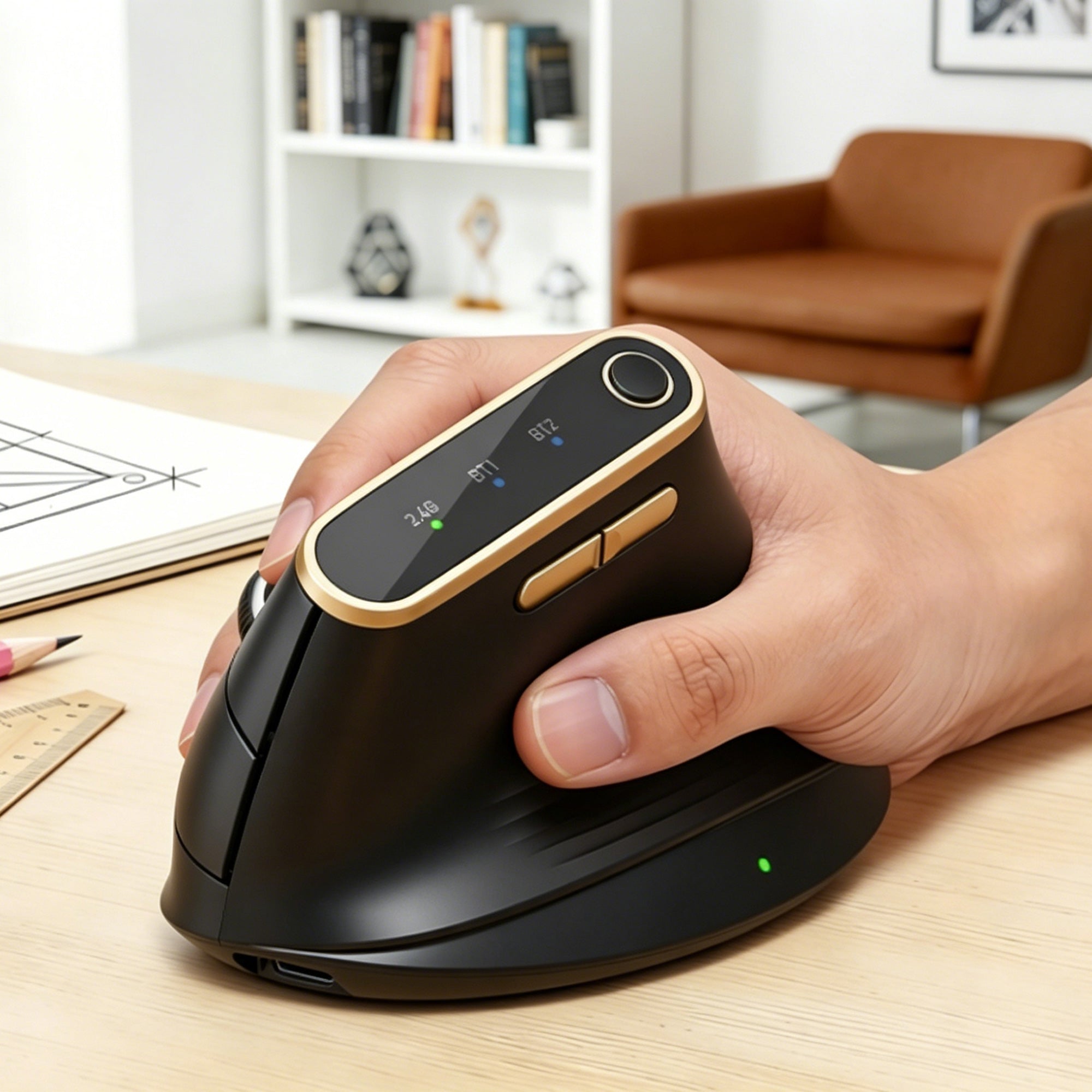

Sablute Wireless Trackball Mouse MAM1 Pro
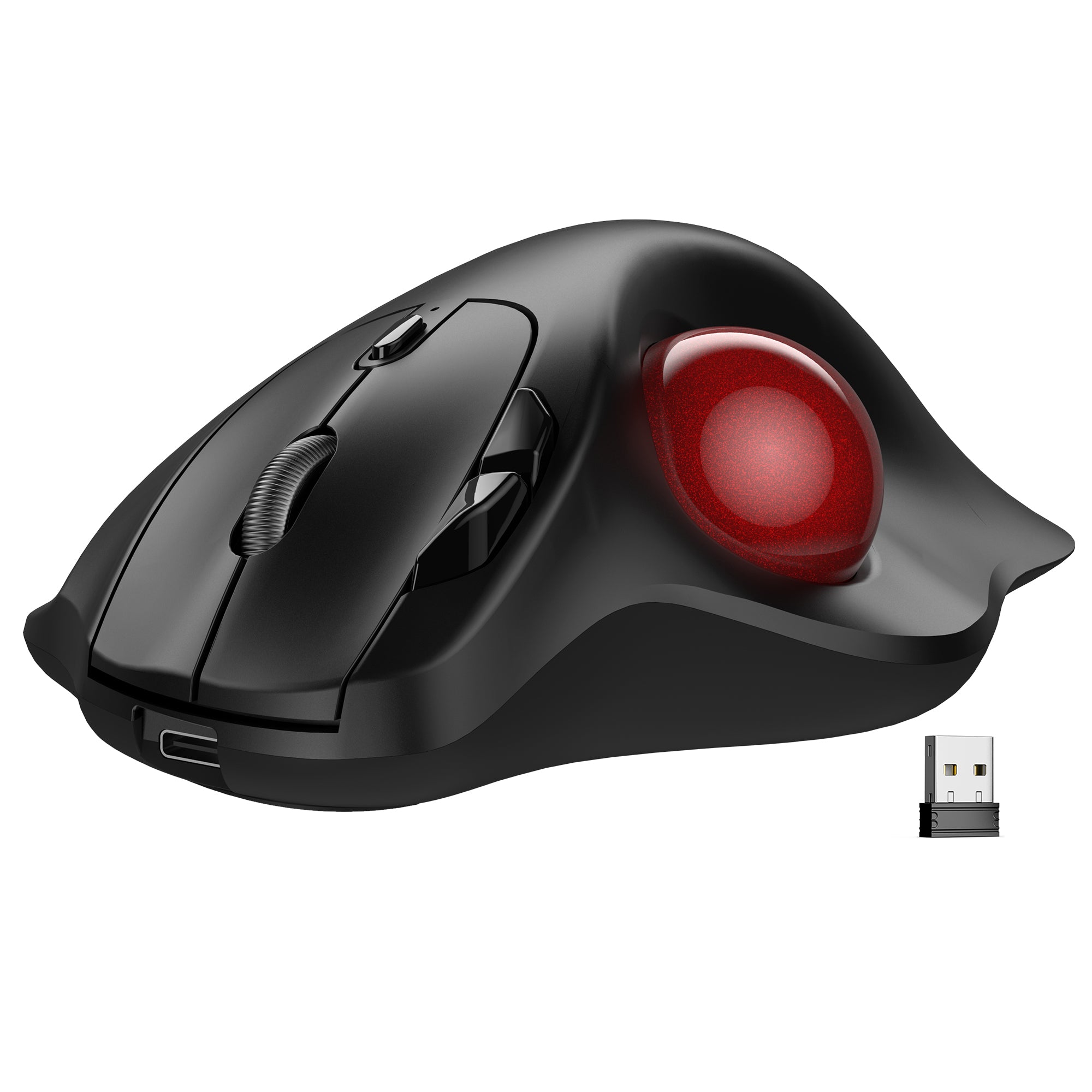


Sablute Wireless Trackball Mouse with Thumb Control MAM2
FIND YOUR FIT
Compare Sablute Trackball Mice
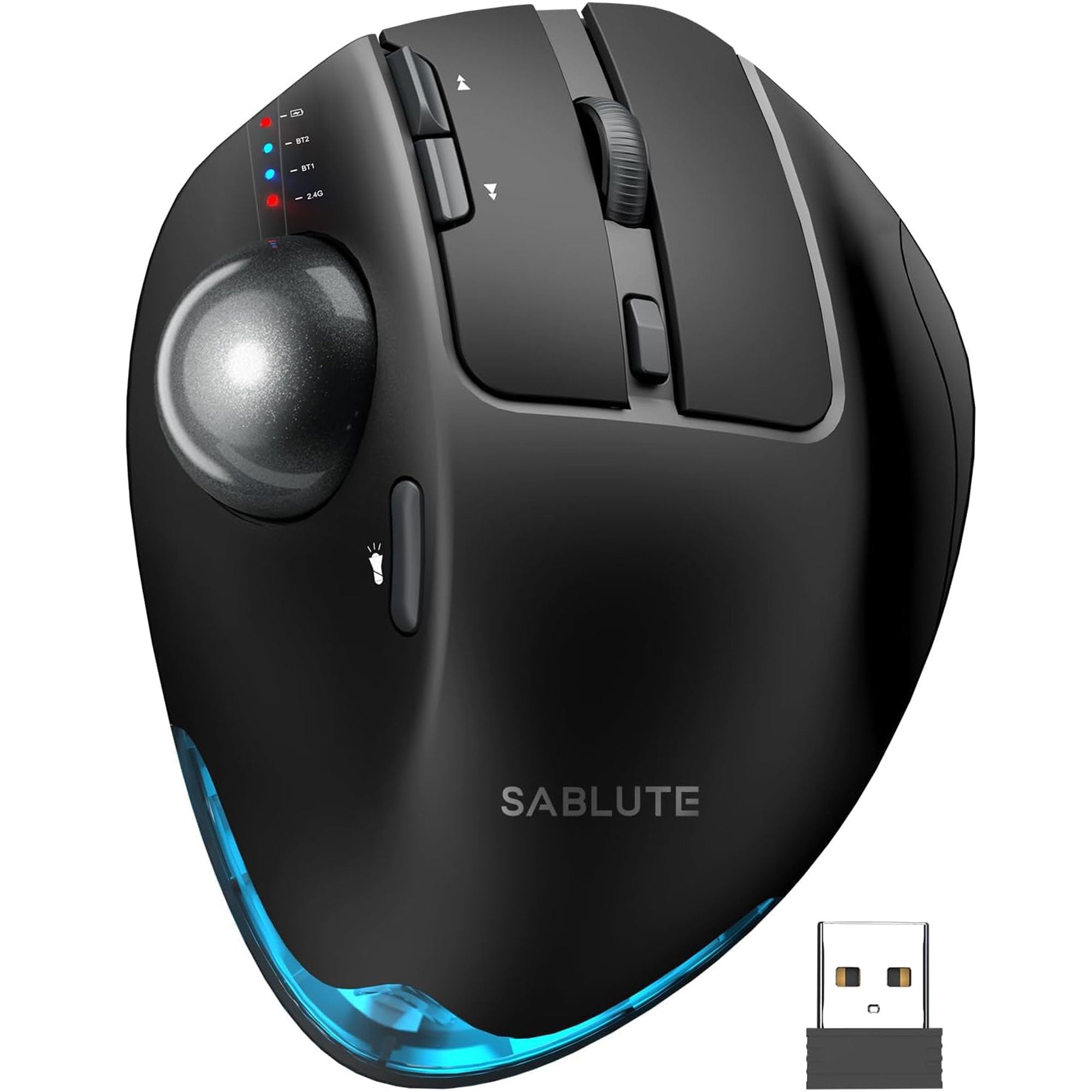

Best For
More adjustability and control
Best For
Simple everyday trackball use
Recommended Hand Size
Medium to large hands
Recommended Hand Size
Fit most hand sizes comfortably.
Control Style
Right-handed thumb control
Control Style
Right-handed thumb control
Connection
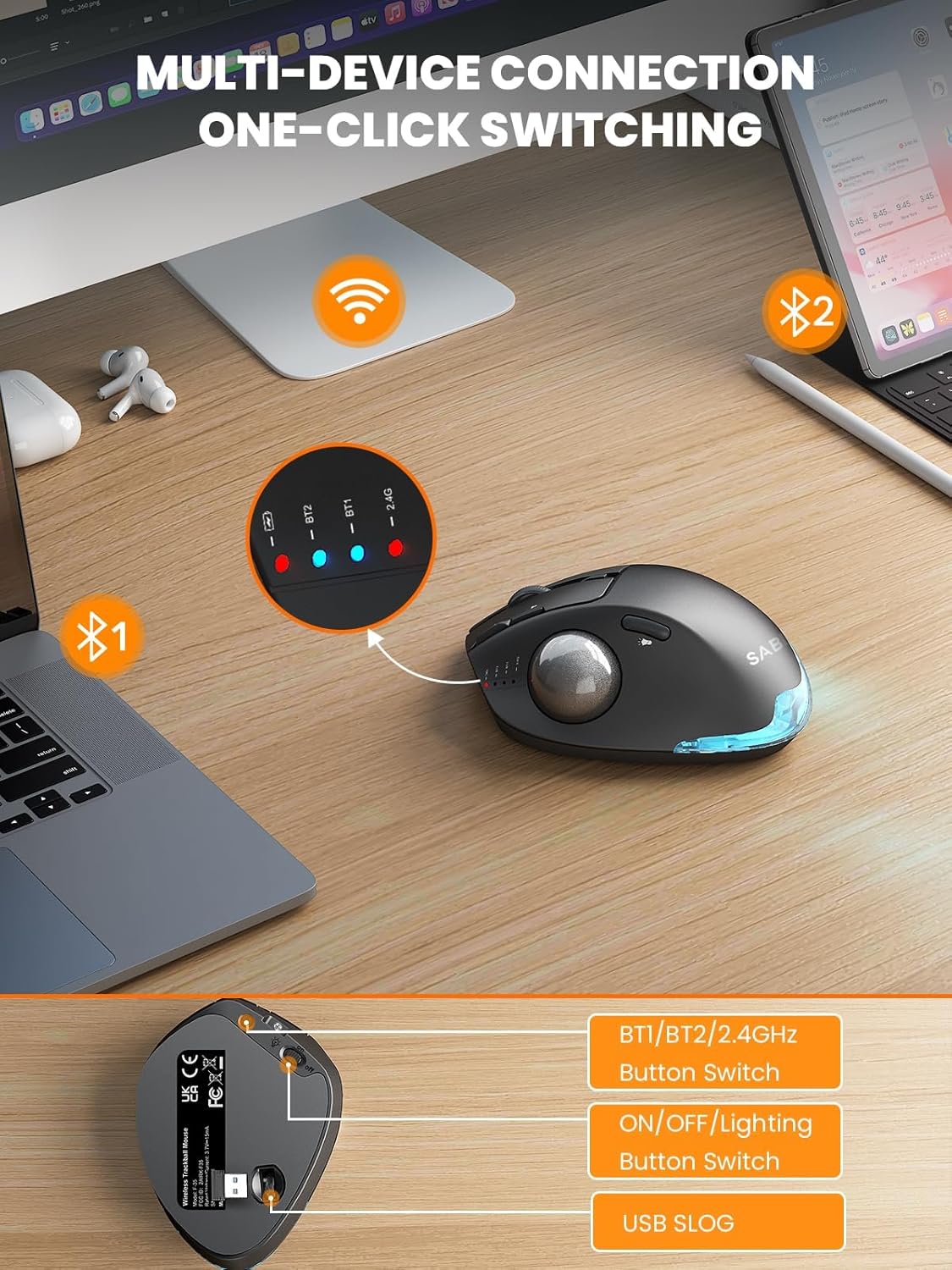
Bluetooth + 2.4GHz receiver
Connection
Bluetooth + 2.4GHz receiver
Mouse Angle
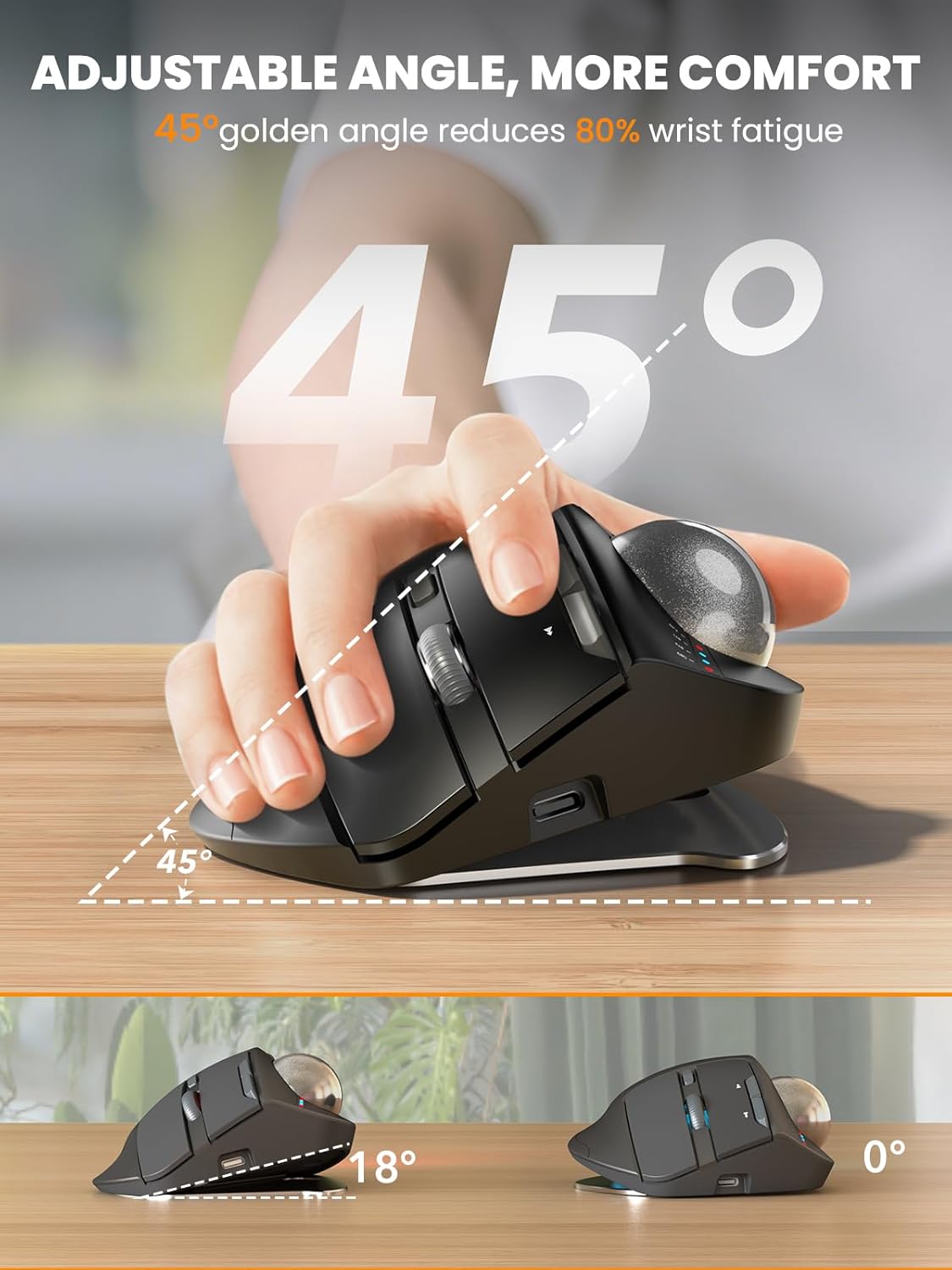
45° or 27°
Mouse Angle
30°
DPI
800 / 1200 / 1600 / 2400 / 4800
DPI
400 / 800 / 1200 / 1600 / 2400
Battery
800mAh rechargeable battery
Battery
500mAh rechargeable battery
Click Sound
Quiet clicks
Click Sound
Standard clicks
Backlight
Backlight
Button Customization
Available through Windows driver
Button Customization
Which Trackball Mouse Is Right for You?
Both models use thumb-controlled navigation and wireless multi-device connectivity. Choose based on how much adjustability and customization you need.
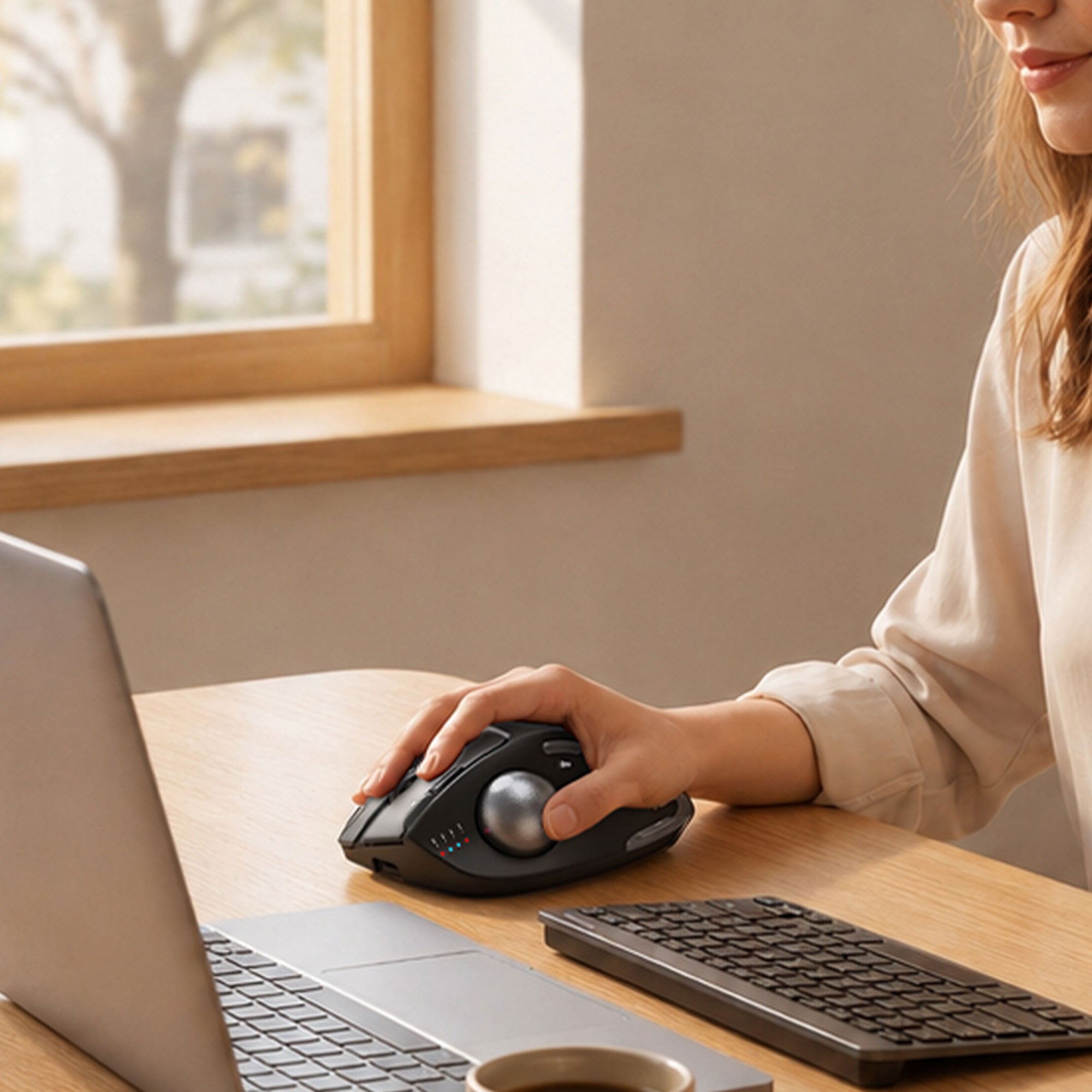
BEST FOR ADJUSTABLE COMFORT
Customize your hand position with 0° or 18° tilt. The MAM1 Pro also offers five DPI levels, rechargeable power, backlighting, quiet clicks, multi-device wireless connectivity, and programmable controls for Windows.
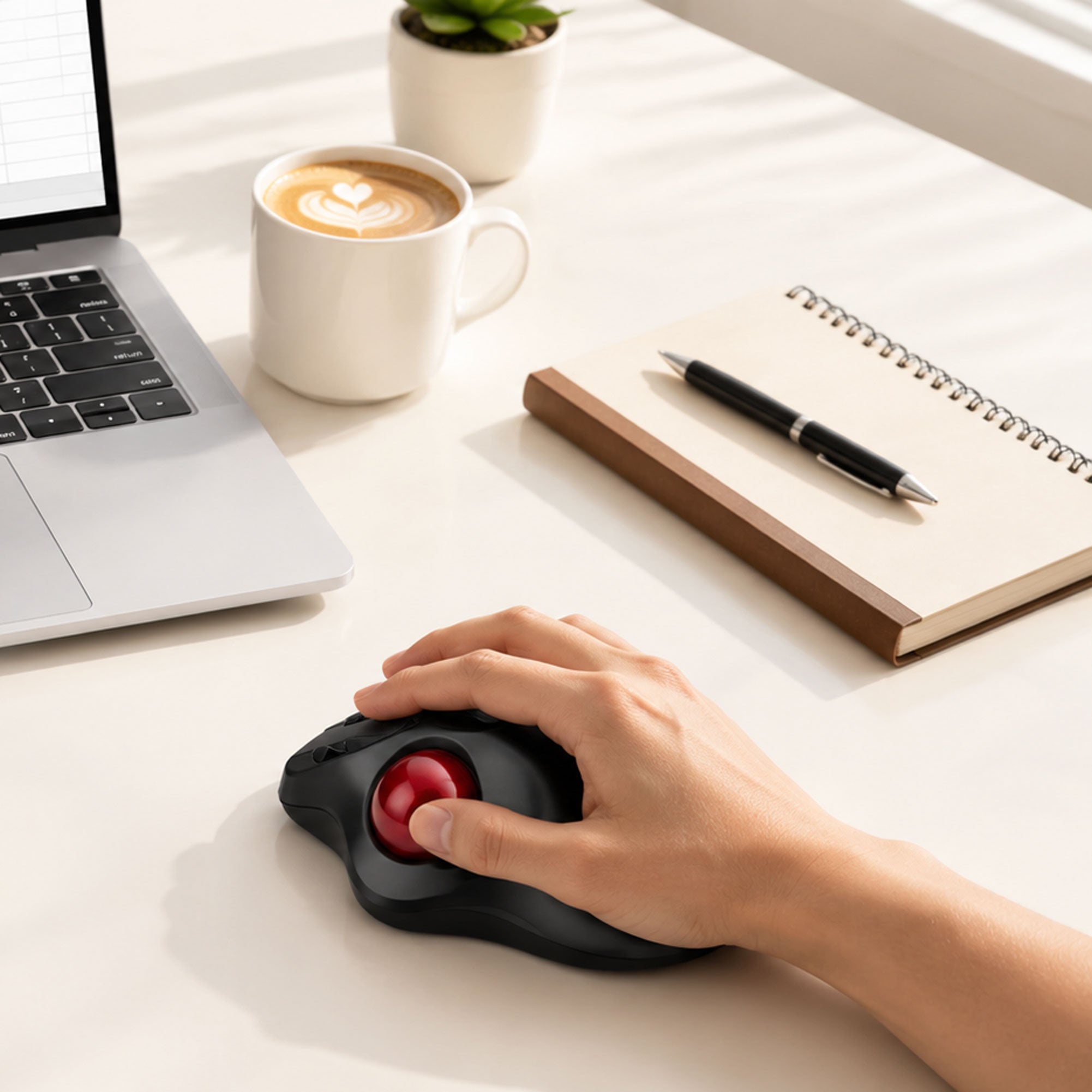
BEST VALUE FOR EVERYDAY WORK
A straightforward rechargeable thumb trackball for compact desks, with Bluetooth and 2.4GHz connectivity, switching for up to three devices, shortcut buttons, adjustable DPI, and several color options.
Trackball Mouse FAQs
What is a trackball mouse?
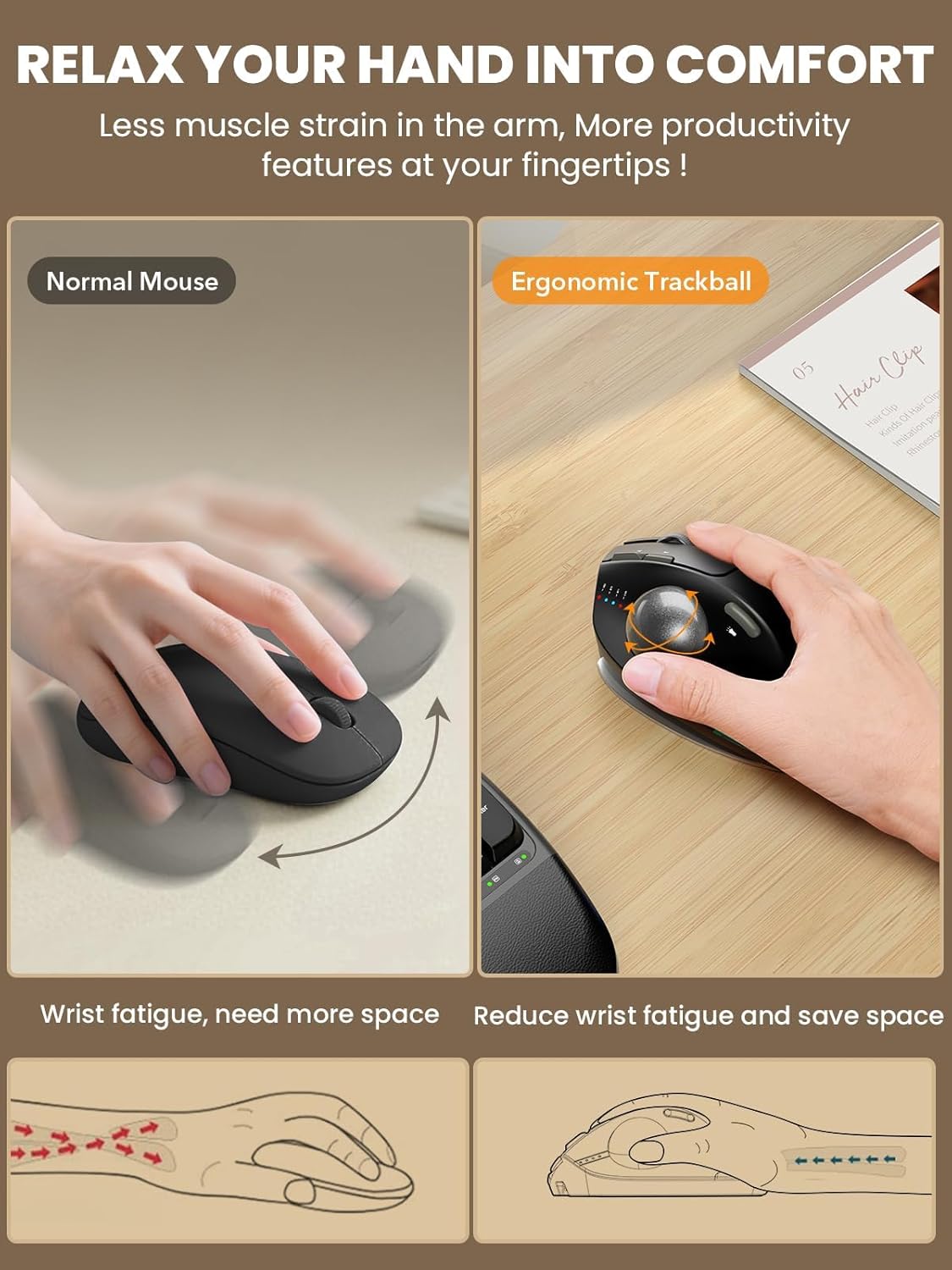
A trackball mouse is a pointing device that stays in place while you rotate a ball to move the on-screen cursor. Sablute trackball mice use a thumb-controlled ball positioned on the side of the mouse, allowing you to navigate without repeatedly moving the entire device across the desk.
How is a trackball mouse different from a regular mouse?
A regular mouse controls the cursor by moving the entire mouse across a surface. A trackball mouse remains stationary, and the cursor is controlled by rotating the ball with your thumb. This makes a trackball useful on small desks or other surfaces with limited room for mouse movement.
Are Sablute trackball mice designed for right-handed use?
Yes. The MAM1 Pro and MAM2 are designed for right-handed use, with the trackball positioned for control by the right thumb.
Does it take time to get used to a trackball mouse?
Yes, a short adjustment period is normal, especially if you have always used a traditional mouse. Begin with a lower DPI or cursor-speed setting and practice with everyday browsing. As your thumb control improves, you can gradually increase the sensitivity.
Do I need to move the trackball mouse across the desk?
No. The mouse is designed to remain in one position while you rotate the trackball with your thumb. Keeping the mouse stationary is one of the main reasons it works well on compact desks and keyboard trays.
Can Sablute trackball mice connect to multiple devices?
Yes. Both models support wireless multi-device use through Bluetooth and 2.4GHz connectivity. The MAM2 can switch between up to three devices. Connection steps and supported channels can vary, so refer to the product manual when pairing a new device.
Can I adjust the cursor speed?
Yes. Both models provide adjustable DPI settings. The MAM1 Pro offers five levels: 800, 1200, 1600, 2400, and 4800 DPI. The MAM2 offers five levels: 400, 800, 1200, 1600, and 2400 DPI. Start with a lower setting if you are new to thumb-controlled navigation, then increase it as you become more comfortable.
Are the buttons programmable?
The MAM1 Pro supports button customization through the Sablute driver on Windows. The driver is currently not compatible with macOS, and Forward and Back functions may also be limited on Mac. The MAM2 includes convenient shortcut buttons but does not offer the same Windows driver customization.
Do Sablute trackball mice work with Mac and Windows?
Basic mouse and trackball functions are compatible with common Windows and macOS devices through Bluetooth or 2.4GHz wireless connection. Some shortcut functions and driver-based customization may be limited on macOS. Check the individual product page and manual for detailed compatibility information.
Is a trackball mouse better for wrist comfort?
A trackball mouse stays stationary and can reduce the amount of large arm and wrist movement needed to navigate. However, comfort depends on your hand size, posture, desk height, and personal preferences. A trackball mouse is not a medical device, and persistent discomfort should be discussed with a qualified healthcare professional.
Are trackball mice suitable for gaming?
Sablute trackball mice are primarily designed for productivity, browsing, office work, and everyday computer use. They may be used for casual games, but users who play fast competitive games may prefer a gaming mouse designed for higher polling rates and rapid movement.
Continue your search by comfort, compatibility, or workspace style.