FIRST TIMER?
You can unsubscribe at any time.

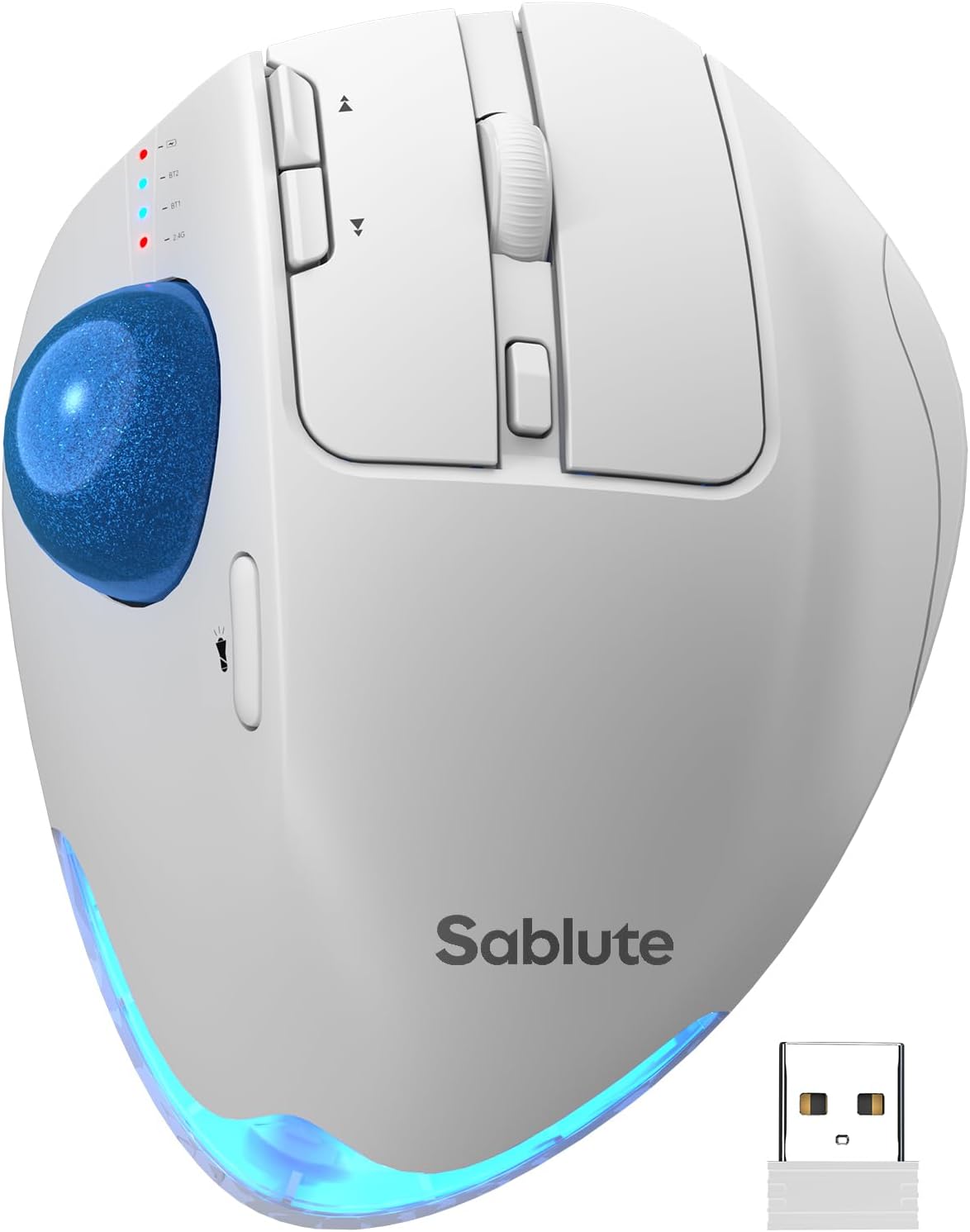
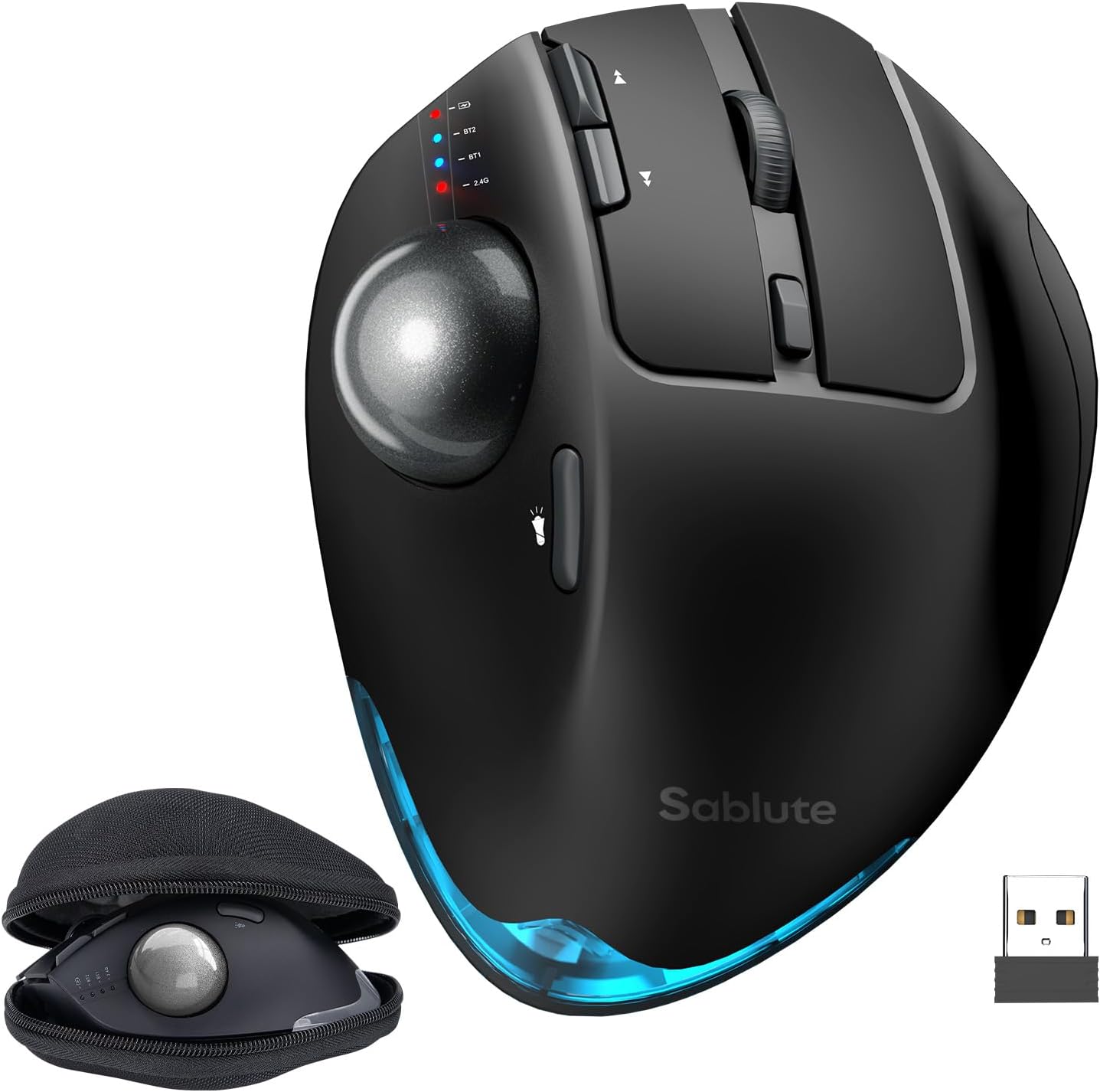
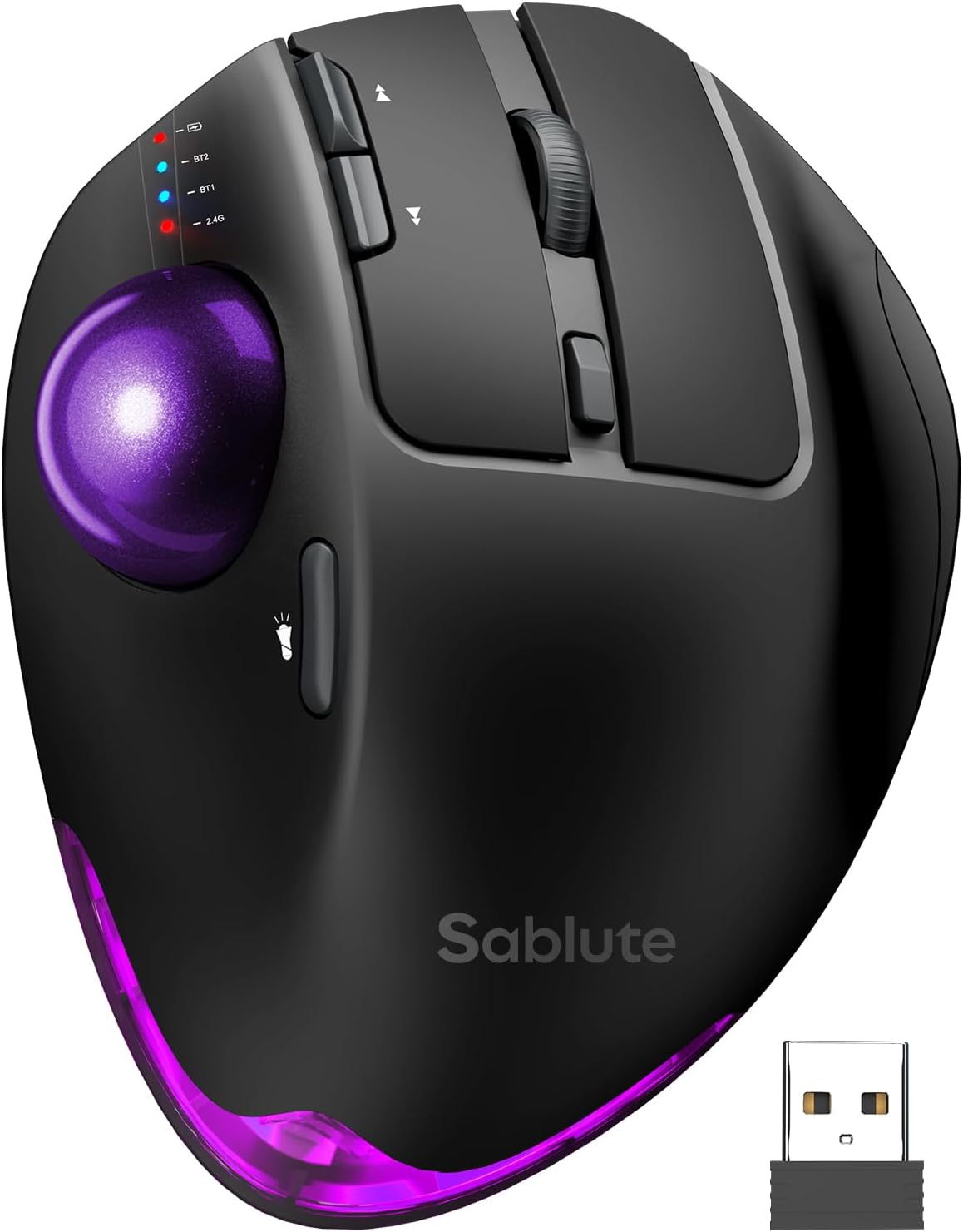
Pairs well with
Free U.S. Shipping on all U.S. orders. It usually takes about 5 business days* for your package to be delivered, Please refer to our Shipping Policy for details.
30-Day Free Returns for added peace of mind. Try it risk-free and return it within 30 days if it is not the right fit. Please review our Returns Policy before purchase.
2-Year Warranty backed by responsive support for product and parts-related issues. Click for Warranty Policy.
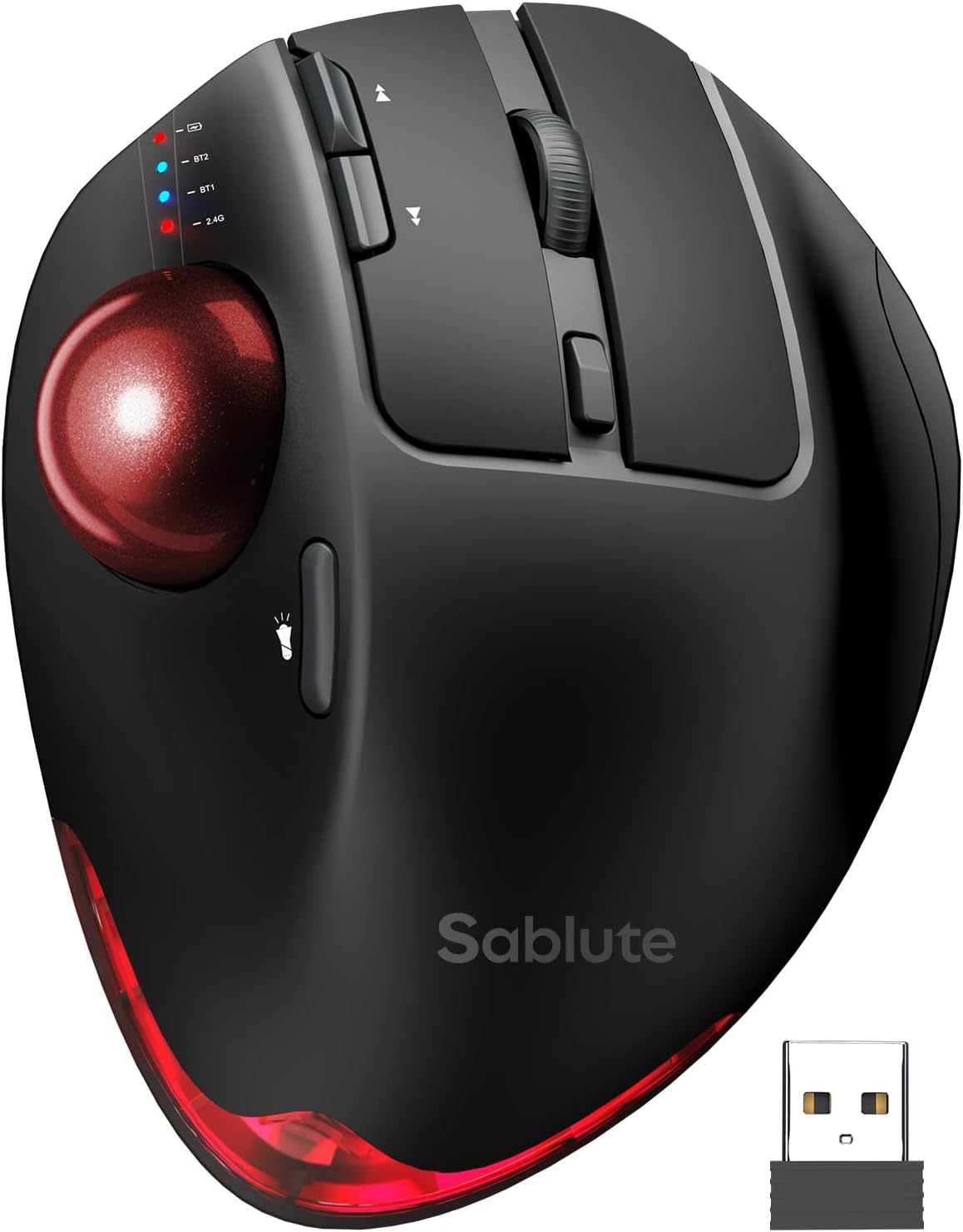
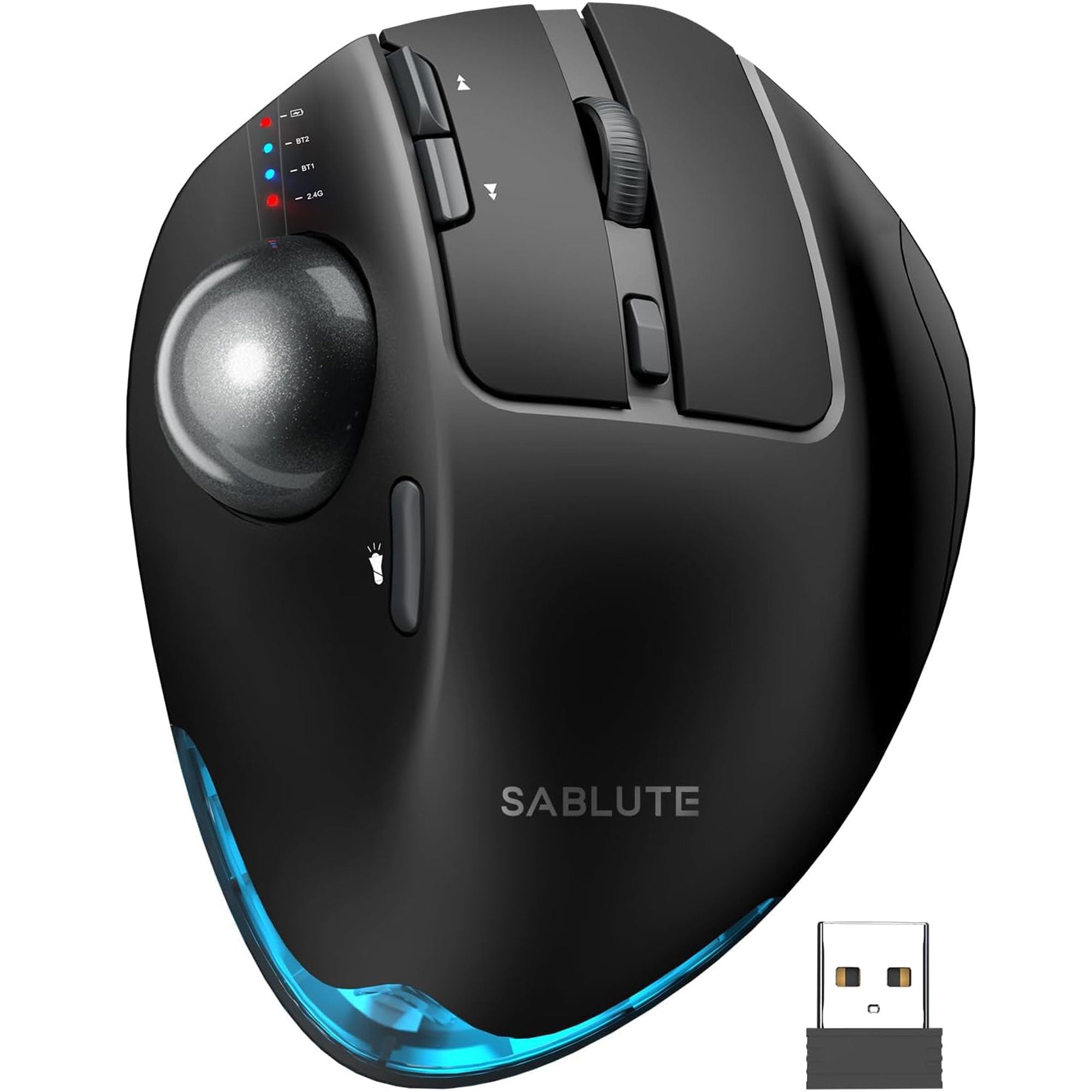
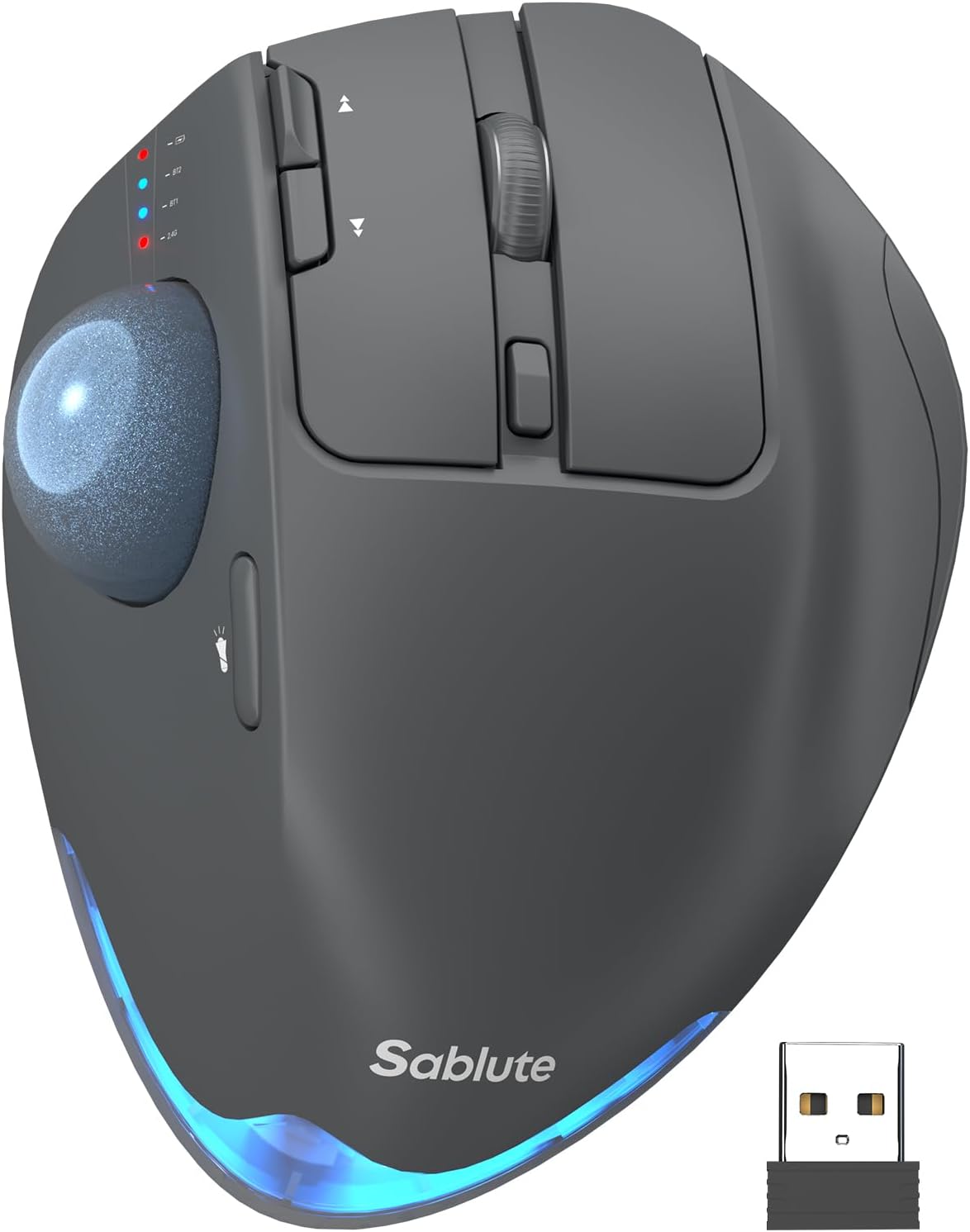
Sablute Wireless Trackball Mouse MAM1 Pro
If you have any questions, you are always welcome to contact us. We'll get back to you as soon as possible, within 24 hours on weekdays.
Shipping Information
Use this text to answer questions in as much detail as possible for your customers.
Customer Support
Use this text to answer questions in as much detail as possible for your customers.
FAQ’s
Use this text to answer questions in as much detail as possible for your customers.
Contact Us
Use this text to answer questions in as much detail as possible for your customers.

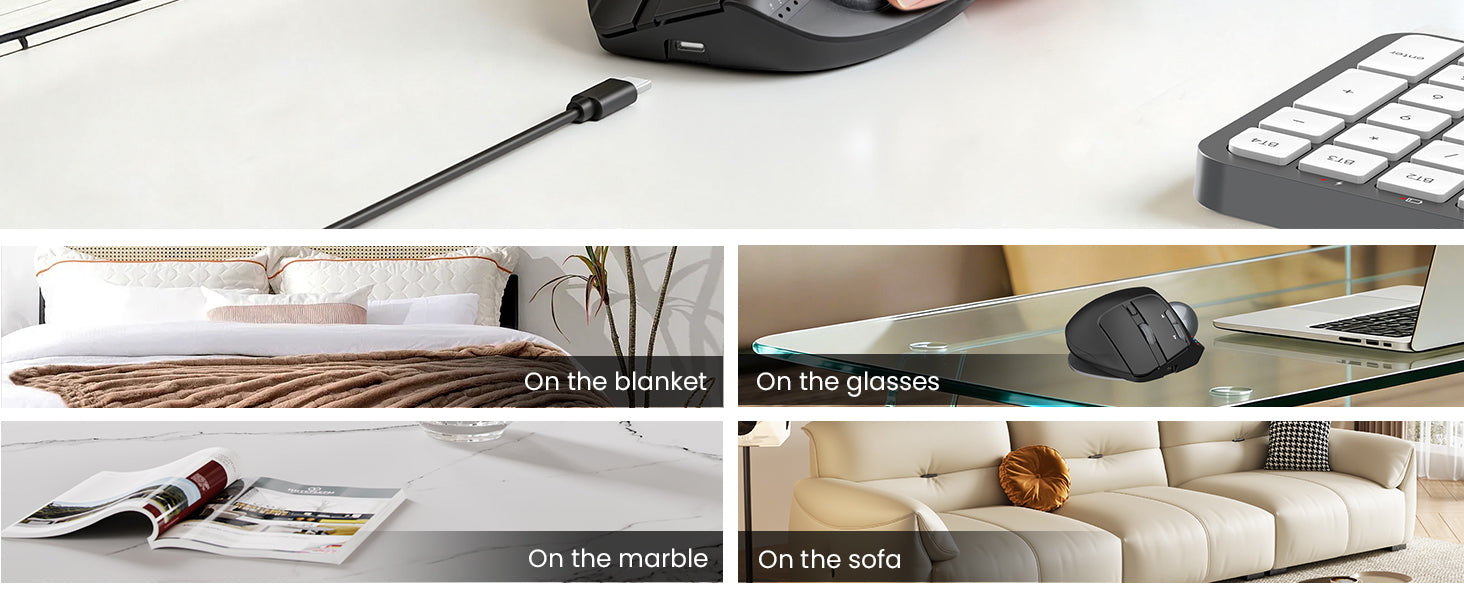
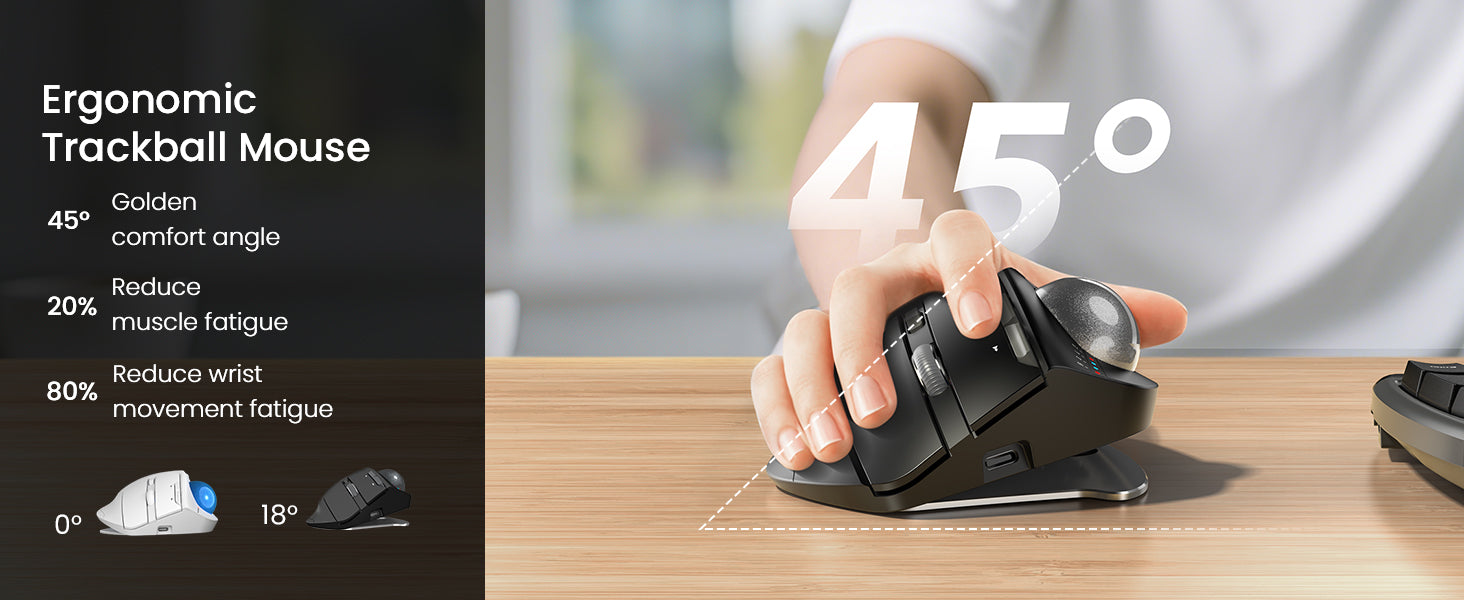
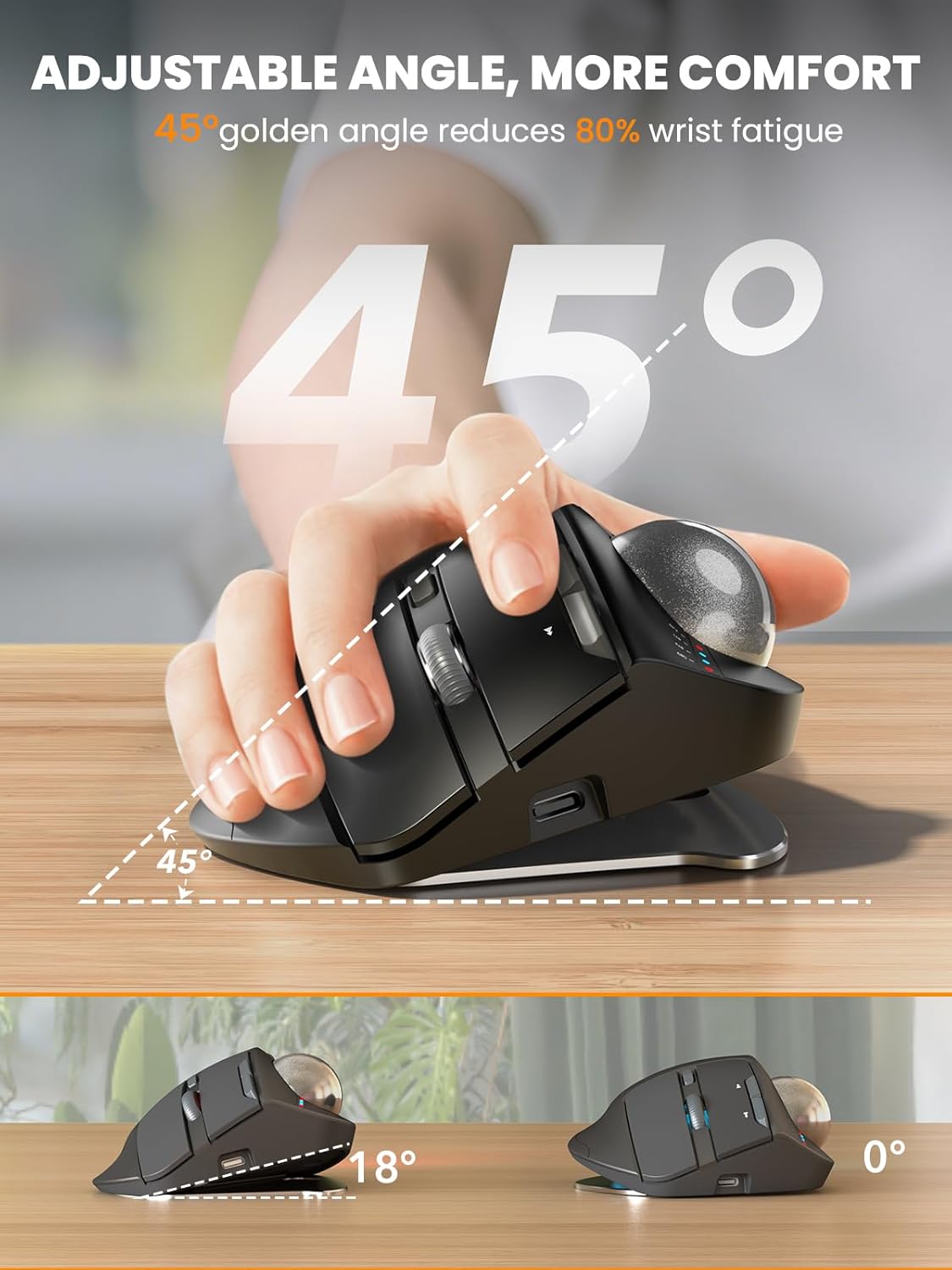
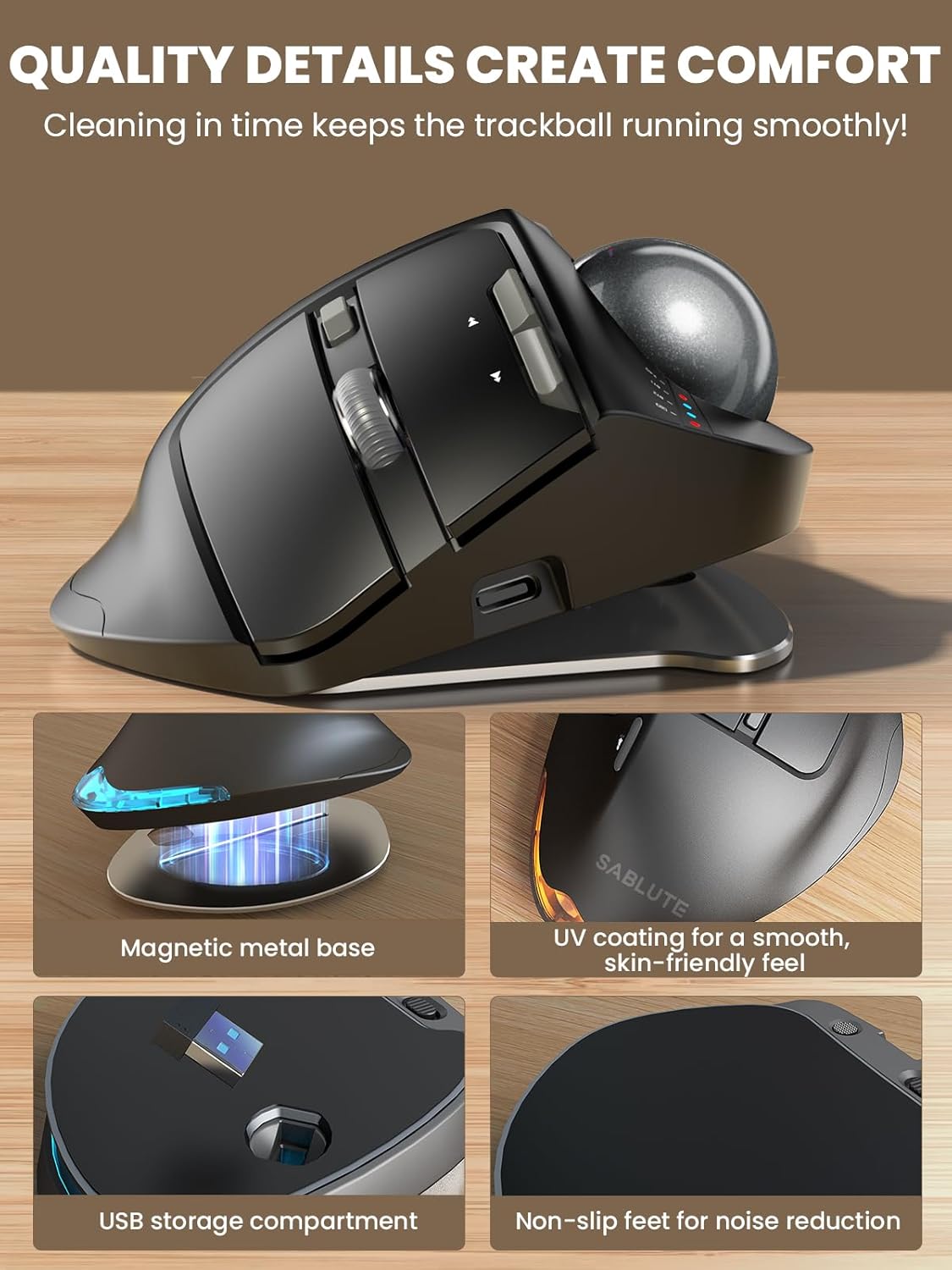
Adjustable Magnetic Metal Base
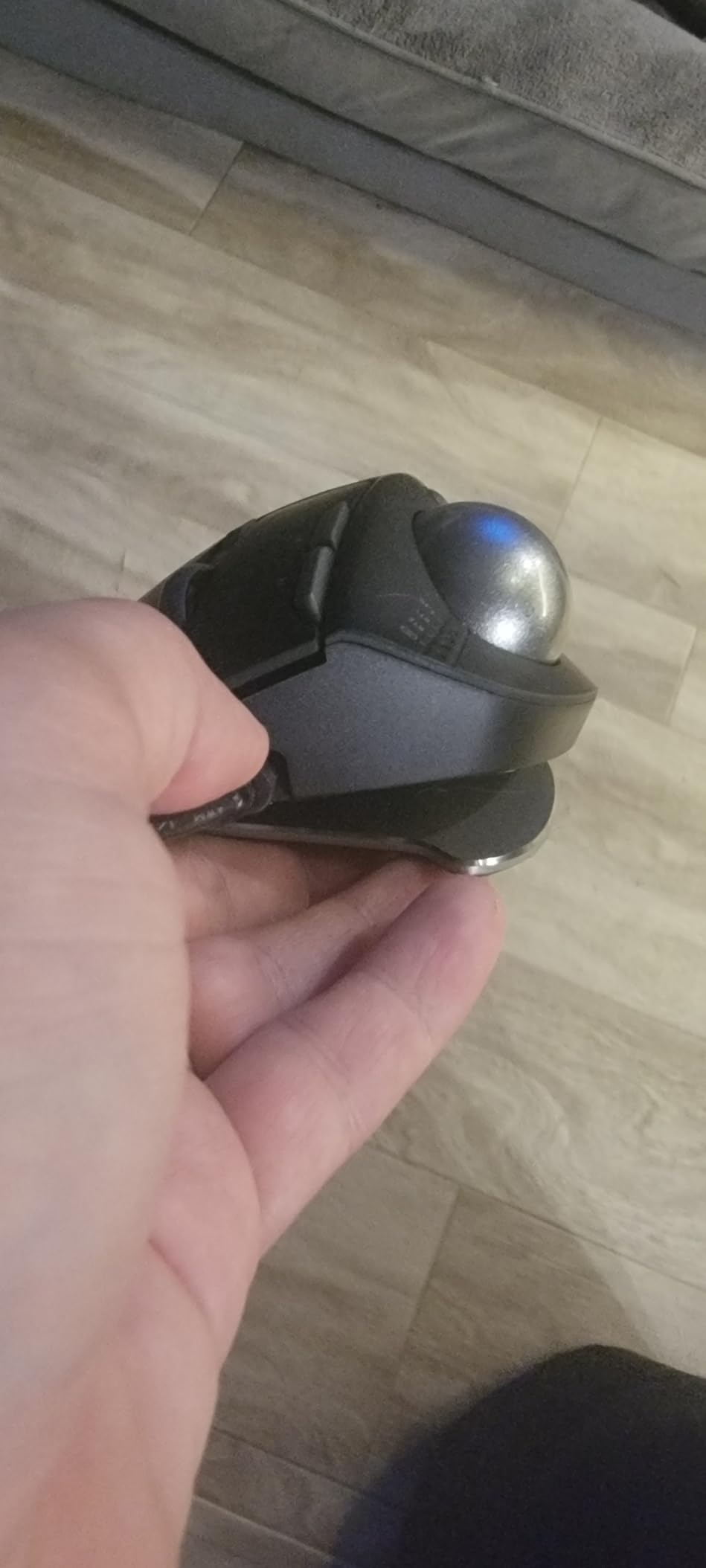
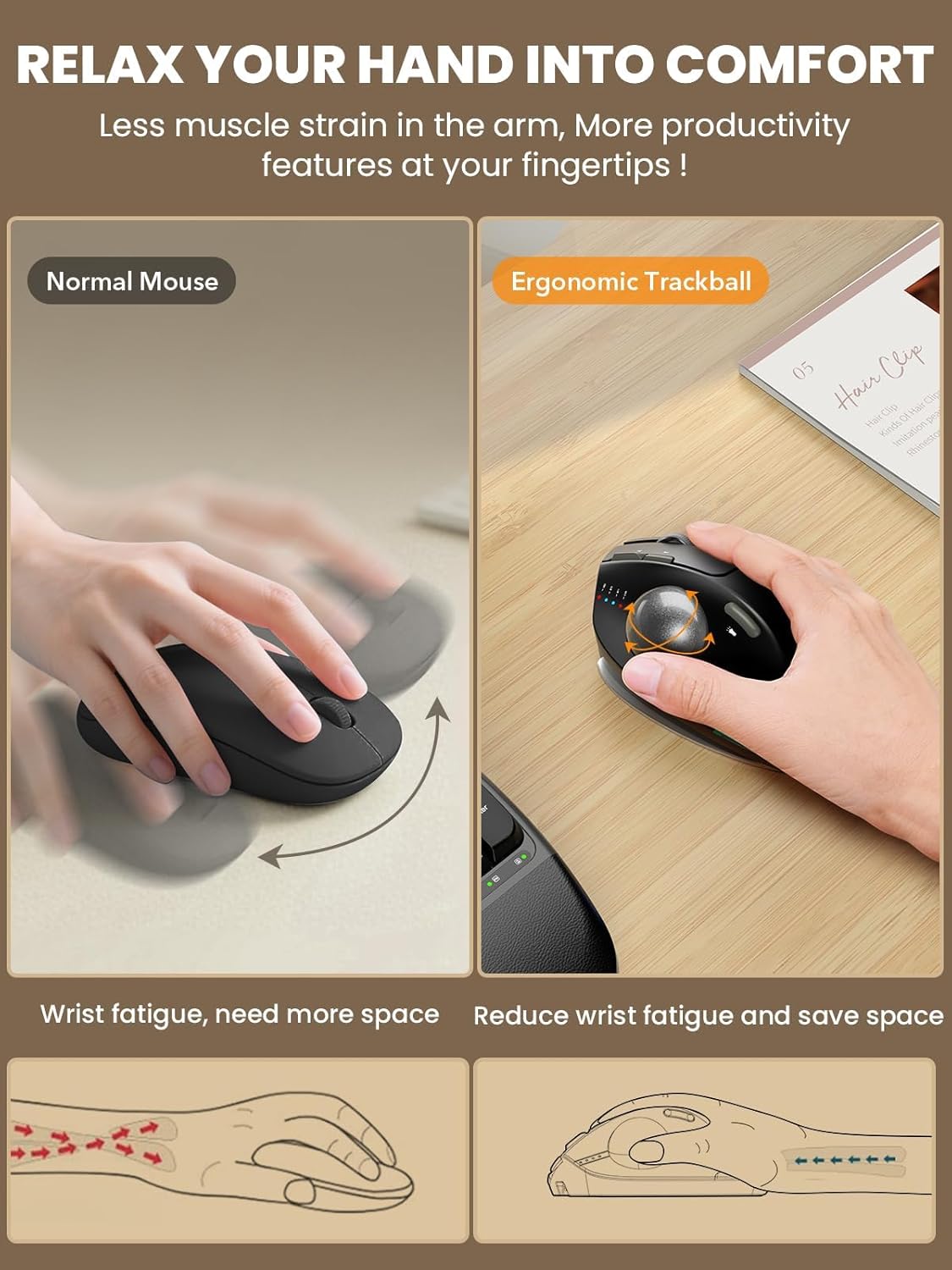
Built with a durable magnetic metal base that securely attaches while remaining easy to remove. The adjustable tilt angle lets you customize the mouse position for a more natural hand posture, helping reduce wrist strain and improve comfort during long work sessions.

Skin-Friendly Surface
Finished with a premium UV coating for a smooth, skin-friendly feel that stays comfortable even after hours of use. Quiet buttons deliver soft, low-noise clicks, making it perfect for offices, shared spaces, and late-night work.
Please read our FAQs page to find out more.
1. Yes. You can download the driver from our website to customize your mouse's button functions. (The driver is currently not compatible with Mac OS systems)
2. Forward and Backward buttons are not compatible with MAC OS.
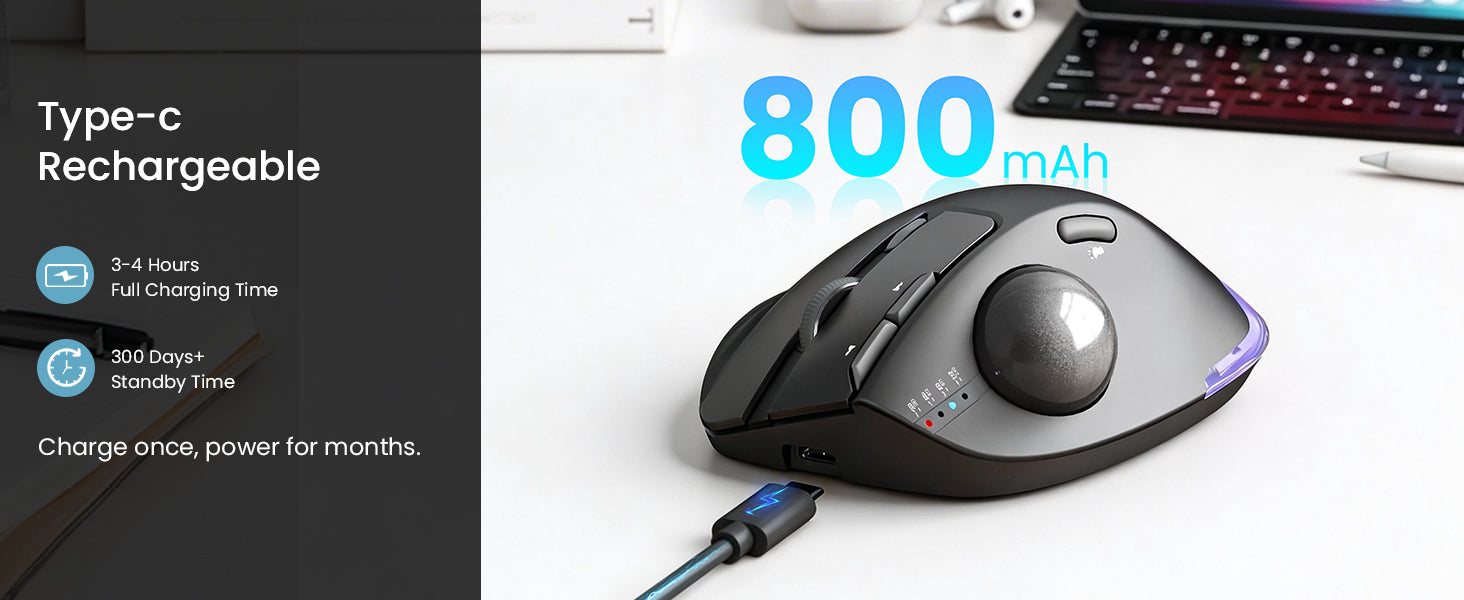
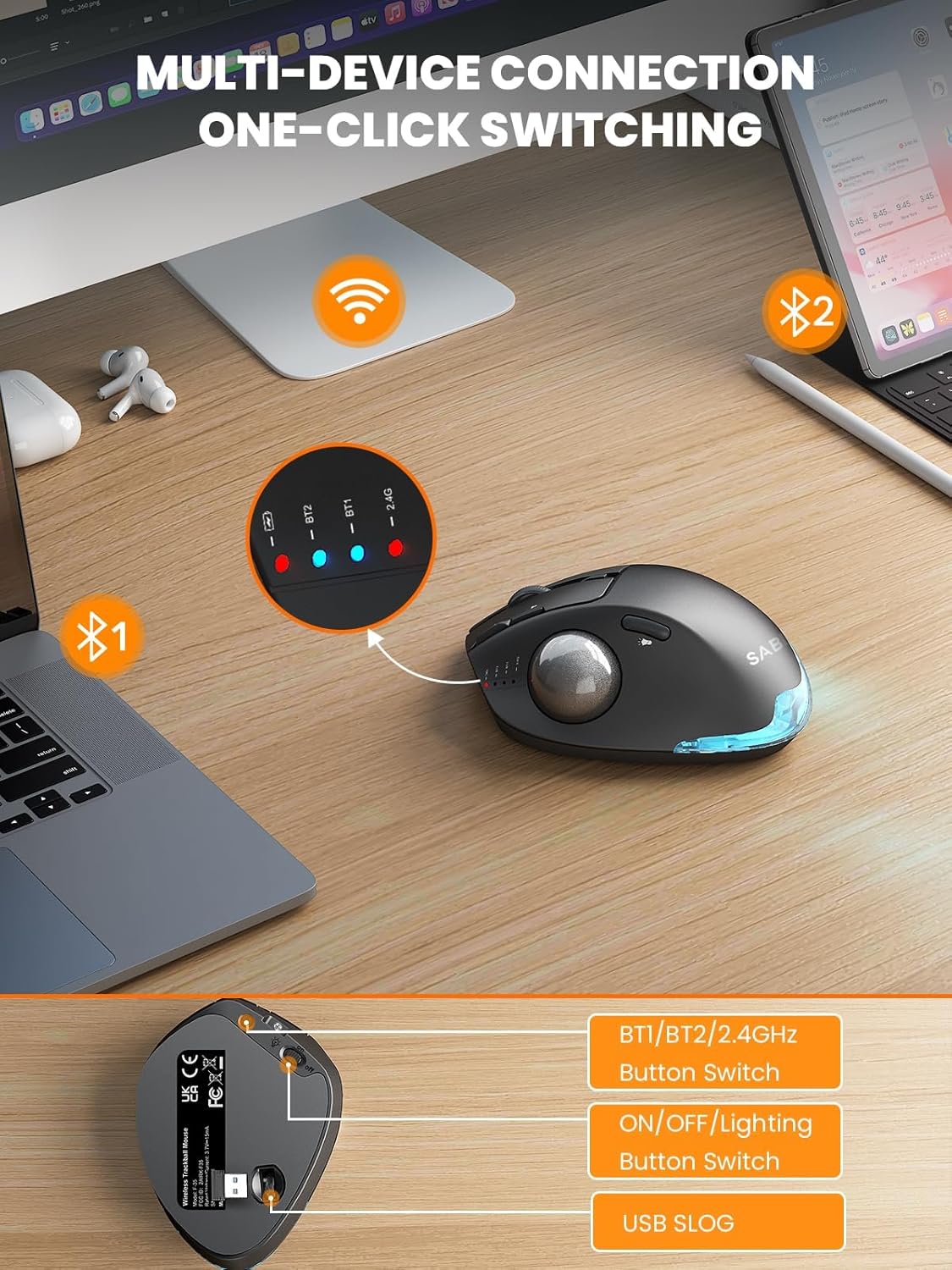
1. Low Battery Prompt: When you use mouse, the 2.4GHz indicator or the Bluetooth indicator will flash quickly once every other second.
2. Charging Prompt: The battery indicator is always on during charging, and off when the battery is fully charged.
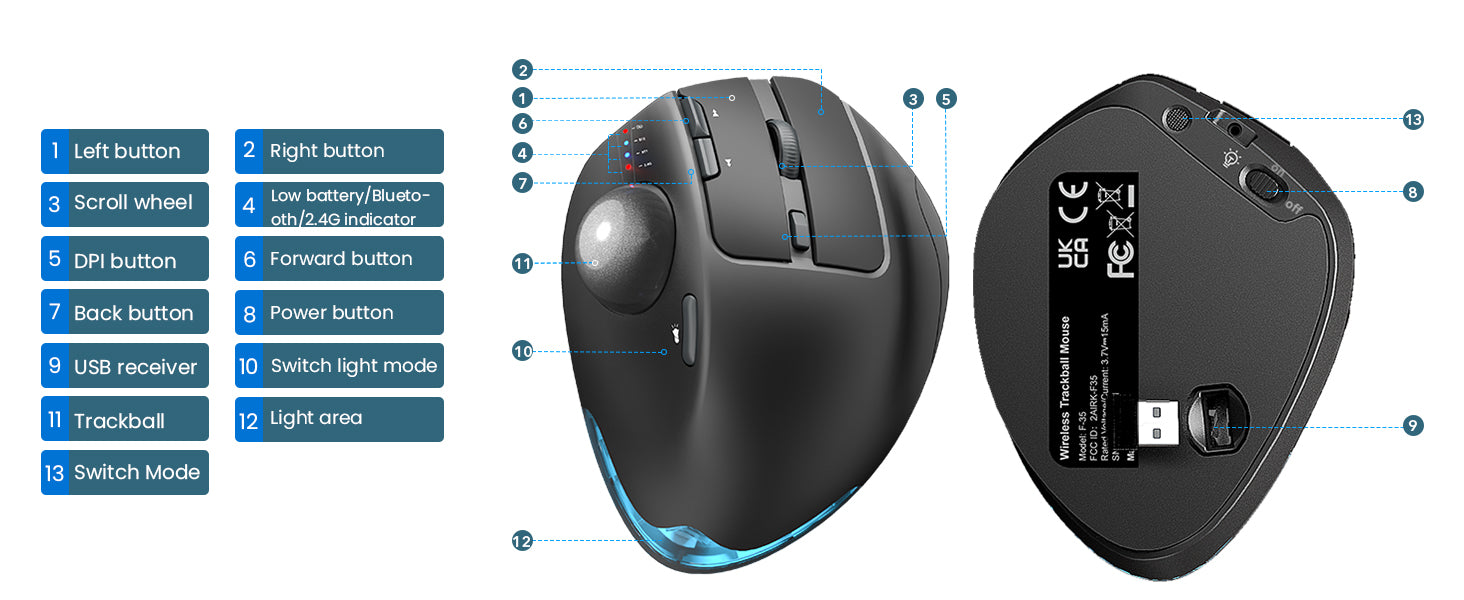
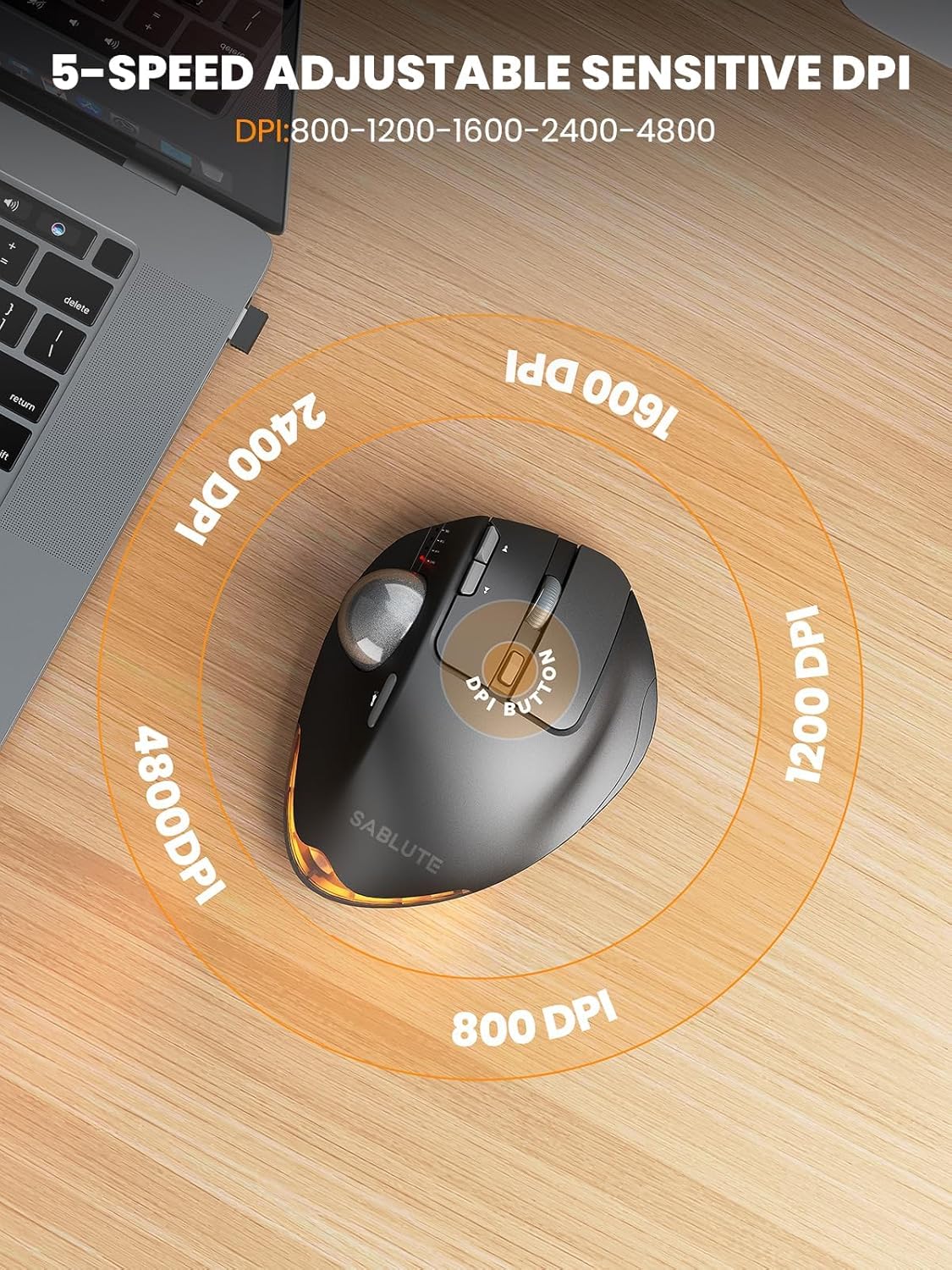
The trackball mouse has 5 DPI levels. When button is pressed, the 2.4GHz indicatororthe Bluetooth indicator will flash to indicate DPI levels, once for DPI level 1, twice for DPI level 2 and so forth.
The 2.4G USB Receiver is stored at the bottom of the wireless trackball mouse.
If you need to use the mouse, you can wake it up by clicking the key.(scrolling the trackball or moving the mouse will not wake up the mouse)
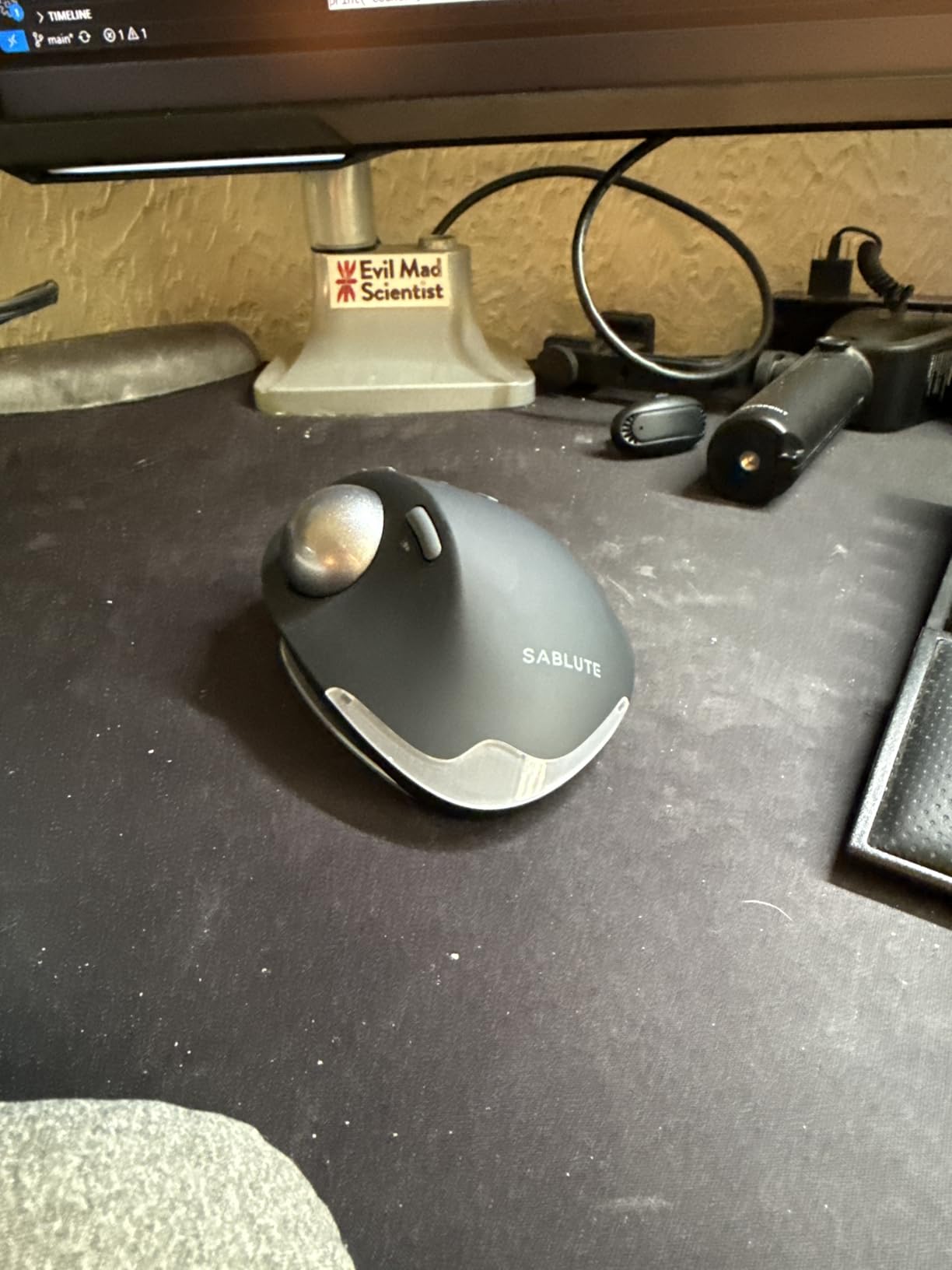
first trackball mouse so don't know what to expect. I haven't bought a mouse in years and always used hand me down logitecs. the weight is nice and the button clicks are so satisfying. it's smooth, noise free and there's slight pressure to it.the traceball glides in the socket really well but it's pretty slippery. I washed it with some dish soap and it was still slippery. I read online to rub it on the forehead to oil it a tad bit. That did the trick. Hope this helps.also my only con I have is that this that the mouse wheel is too easily clickable. scrolling can be a mess if I��m using the track ball and scroll wheel. sometimes it clicks and causes the page to shoot all the way down or up.
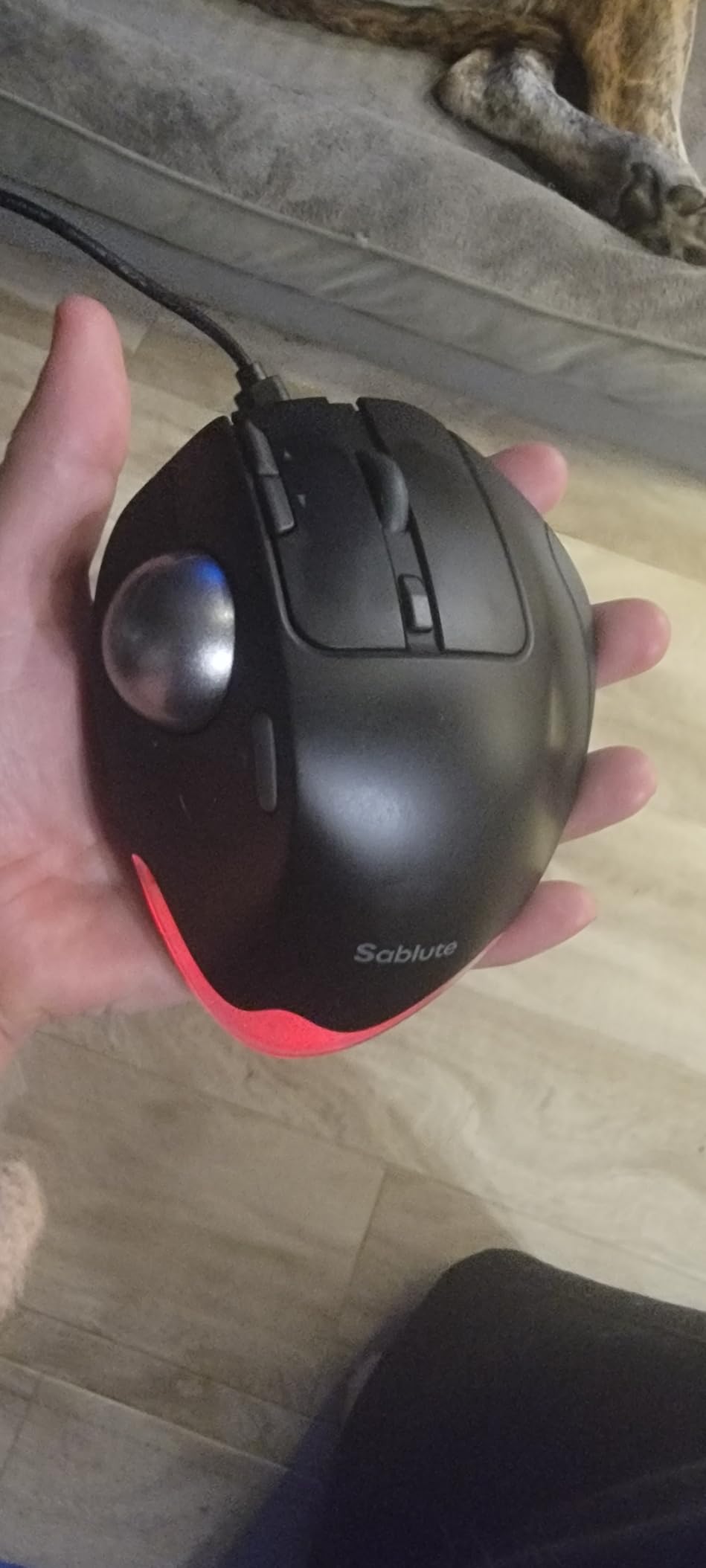
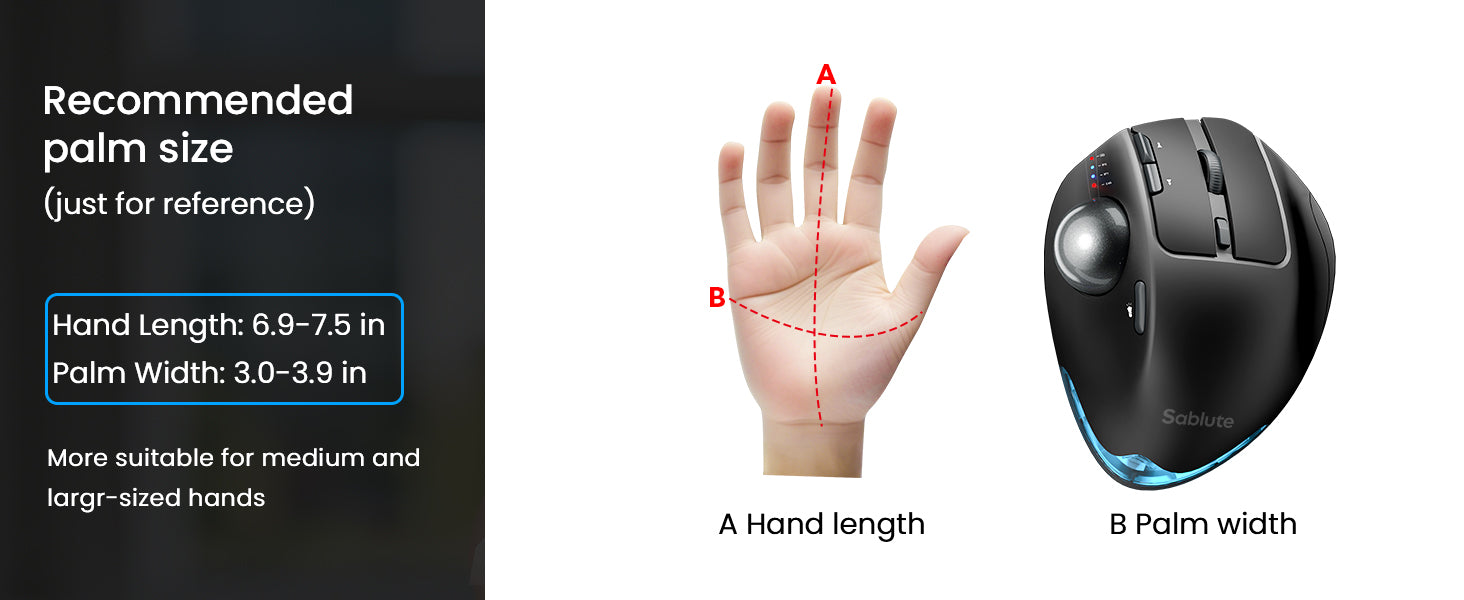
The weight and responsiveness of this mouse are incredible! Good for people with bigger hands. I have small hands and can still use it, but definitelyade for a bigger hand. The buttons have a satisfying click, the functionality is so fast, I had to turn it down!, very accurate, beautiful design, connects easily! My husband wants one for gaming!
Should have known that the Free Vine reviews would skew product rating. In just a little over 4 months, the battery finally ran out after very minimal use (less than 1 hour a day). Now, when I try to recharge the battery, it will charge only for 5 minutes and stop. I have tried 5 different chargers so I am pretty sure that its a problem with the trackball. That 5 minute charge barely lasts 10 minutes. So the lesson here is to skip no-name Chinese brands and buy a Logitech. You truly get what you pay for - save yourself the hassle and skip this garbageSablute noticed my review and contacted me to make this right. At this point, I managed to replace the battery so I could continue to use the trackball. Considering that my negative review is just a drop in the sand among the overwhelming number of positive reviews, Sablute could have taken the easy option and just ignored me without any repercussions. Instead, they chose to engage with me and fix the issue. I am impressed with the customer service. Just on the service alone, I am compelled to increase the rating to 5 stars. Considering their after-sale care, I am inclined to shopbtheir products in the future.
This is a competent mouse �C probably as good as most as of the rest. It seems well-made and has worked well on my 2024 Mac mini M4 Pro. However, be advised that this mouse does not work with all the buttons out of the box on the macOS! In fairness to Sablute, they are certainly not alone. Before I got the Sablute mouse I bought one fromMeetion and it had connection issues. I sent it back and bought one from Logitech but their new latest latest "plus" version of their driver does not seem to like macOS 26 Tahoe �C if it likes any macOS at all. Logitech is supposed to be near the top of the game but I found their website difficult to navigate and not very intuitive and easy to understand in regards to their various software and Driver offerings. Like the Sablute, the Logitech mouse would only recognize the left and right button the scroll wheel and the track ball but not any of the extra buttons. They claim that if you can get the "plus" software driver installed and figure it out and make it work that you should be able to most likely perhaps get the extra buttons to actually work on your Mac.But back to this Sablute track ball mouse; I contacted their Support and they said that the Driver they have is for Windows only. This is very problematic for me because I saw at least three different places where they very clearly claimed that this Sablute track wall mouse is compatible for Mac OS. I did not see that they bothered to disclose anywhere that it's only compatible for the primary button buttons and not the extra buttons. I asked if they had any recourse to make those extra buttons workable and they said no. They said it was not possible and that it was just the way their manufacturer made it.!?))I've done some AI research and found that there are two highly recommended and reputable pieces of software to choose from that is supposed to be very successful at causing the un working extra buttons on mice like these to actually work at the OS level interrupting the actual signal to force them to work as long as they are not hardcoded to hide from the macOS. The AI told me that the Sablute mouse does indeed have hardware that can be intercepted by the macOS and so that as long as I'm willing to buy the extra software from the third-party companies I should be able to make all the extra mice work. This means I will have to spend either $20 on "USB overdrive" or $20 for "steer mouse." It just bugs me that I did not know what I was getting into and that Sablute made it sound on three different occasions like I should have no problems with my Mac mini being able to use the mouse.Also, when you put the USB device in the slot under the base of the mouse to make it work with Bluetooth (it's not included you have to buy that too) it was very wobbly on mine. It seemed like to me it could easily fall out at any second and caused me to lose Bluetooth connectivity but it never did or it hasn't so far.I paid $43 for this Sablute mouse and now if I want all the buttons to work I'm going to need to spend another $20 to get functionality out of the additional buttons beyond the basic left and right and scroll and track ball.They do have a driver for Windows but since I have a Mac I can't speak to whether that helps in the programming of the extra buttons or not. It might be a gamble. I'm just saying before warned.By the way, their customer service is all email based�� No phone, no chat, no text just email. They do respond to the Support email but I was not overly impressed by their practical approach and follow through. Just kind of him hauling and leading me on it seemed to me.
I have been super impressed with this mouse. It looks and works great. I have only charged it one time in a month. I use it for about 7 hours a day. The lights are always on while I am using the mouse. The tilted angle is a life saver!!
Overall, a solid wireless trackball mouse. Windows has had a few updates that mess with Bluetooth, so I bought a dongle to fix that. I don't care for what I will describe as a "clanking" sound every time I put my thumb on the trackball itself.The clanking sound I am describing is strongest when the mouse is tilted to the left due to gravity, and the ball ends up in that position. When it is tilted to the right, the ball stays in place better. I, however, preferred the left tilt, hence the "clanking" comment above.Durability seems very solid. I have complete confidence that it can handle most falls.Ever since I upgraded the Bluetooth dongle, I have had zero lag issues with the mouse.5 star for me would be zero issues, I would have said 4 star, but that clanking is driving me crazy, I can even hear it through my noise cancelling headphones. This noise significantly affects my overall satisfaction. I work remotely so I am on my laptop quite a bit, so yeah I will search for a quieter one. If that part doesn't seem like it would bother you then it is 4-5 star product, everyone has different grading criteria.**31JAN2026 Update**: I am not a fan of whoever handles their Amazon messages at Sablute. I was offered a refund/replacement, I chose refund, then they asked me again if I was sure........ so yeah, there was more, that was irritating, but not the point of my update. Don't offer a refund if you don't want to; let the customer initiate it.All that said, I am upgrading my review from 3 stars to 4 stars due to battery life and feel. I bought yet another trackball that started off AMAZING but showed its true colors with battery life after a few weeks....Now I have to charge it 3 times a week, which is super annoying for me. I just pulled the Sablute mouse out of a cabinet, and it still turned on just fine, and if memory serves right, I've only charged it once, maybe twice, since I bought it.The feel, I don't know how to explain other than an almost rubber feel, yet still plastic. Most of the computer mice I have ever bought are just straight hard plastic, super smooth, which isn't bad, but your hand never finds a normal spot. Because it feels more comfortable and has decent battery life, I have returned to using it, but I will continue my search for a 5-star trackball in the future (Again, user preference).
Good quality. Comfortable to use. Scrolling speed is adjustable. Easily lasts a couple of weeks or more without charging. If you turn it off when not using, it would last MUCH longer. Looks good. Makes it easy for people who have trouble with regular mouses.
Love this trackball! This is a well made, good looking devise with great charge life. It has a dongle but connects just fine via Bluetooth. The dongle stores conveniently in the base.The base is slip proof and magnetically attached, making it easy to remove for access to the underside and ball for cleaning, etc. The ball is easily replaceable, with multiple colors available on Amazon. It's very responsive and has a computer app to adjust it to personal preferences, including sleep time. It wakes again easily.I've gone through many track balls over the years and this is my best one yet!
As a kensington Orbit user I have always wondered how the other half lived. I've researched and been enamored by thumb trackball for years and finally pulled the trigger on this one bc I needed a second mouse when using two computers at once. I was in love the second I pulled it out of the box. The build quality, the weight and solidity of the thing was stunning and very satisfying. I can not emphasize how much I just like touching and holding this thing. unfortunately for my big dumb oft broken hands... thumb controls make my brain-and wrist-hurt. I just couldn't get he hang of this type of trackball. I missed my finger controls. the ball was precise but my thumb was not.As a test to see if it was just something I needed to get used to I used it side by side with my orbit and I couldn't believe how much cheaper and crappy the twice as expensive Kensington felt and how much better it was for how I use a mouse. I've never been so heartbroken to return a product. I want this to work for me but it just doesn't. and from what I've read that's just how trackballs are. Some people like thumbs some like fingers. there is no in between I guess. If you're a thumb ball girl though, let me tell you that you have to give this thing a try.
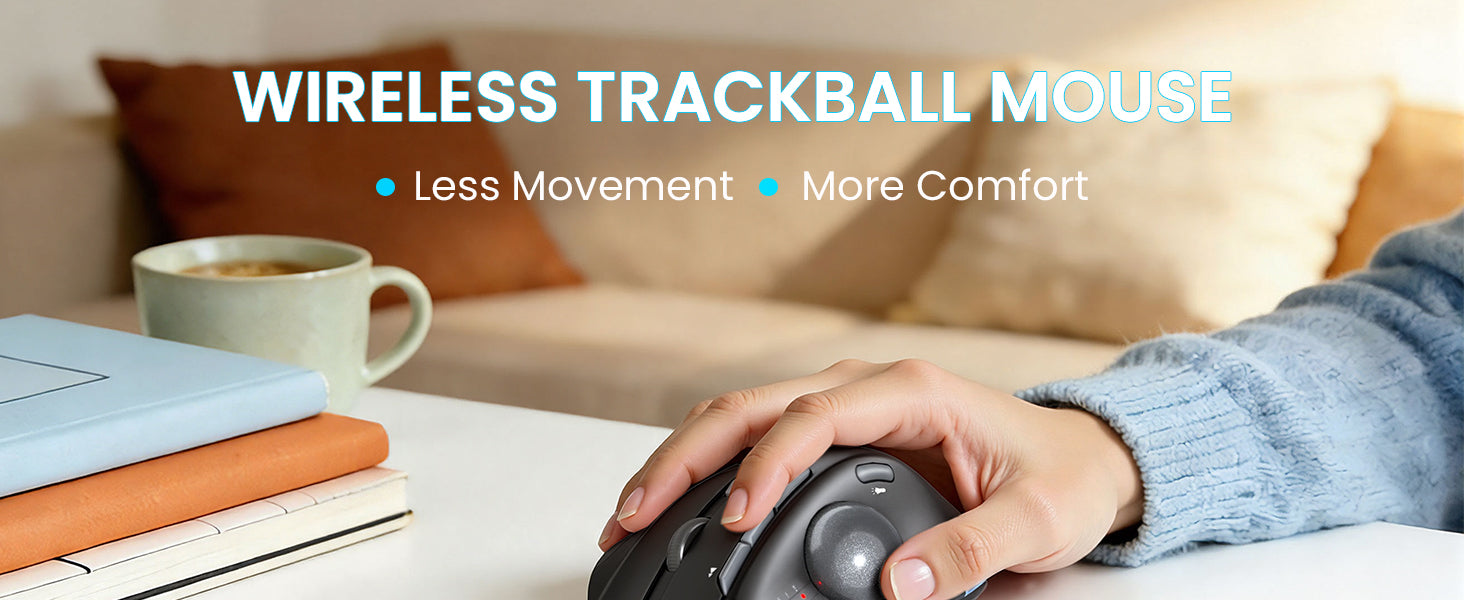
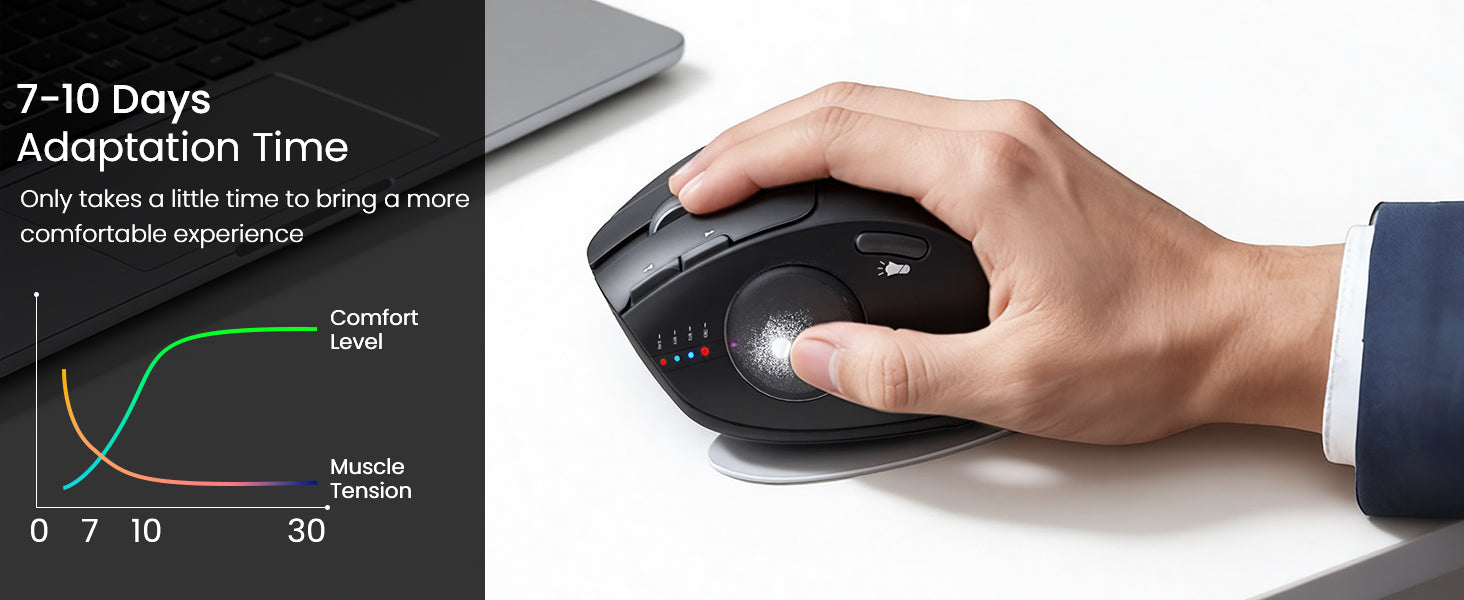
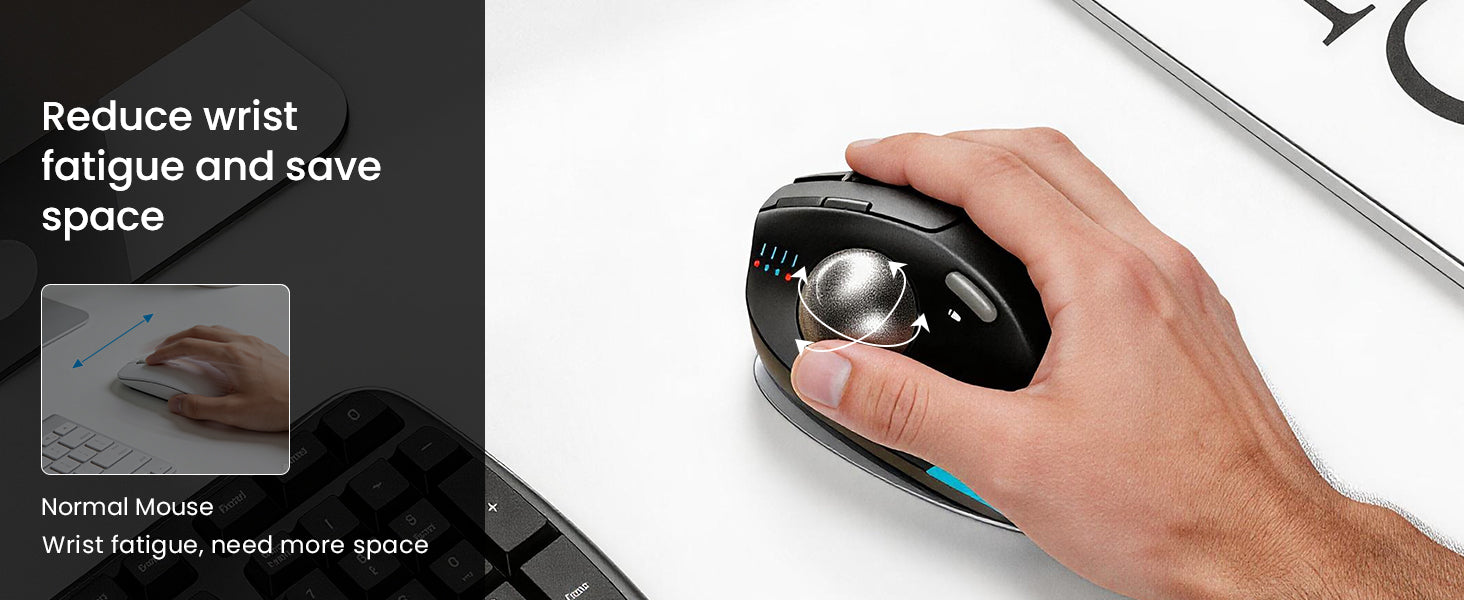
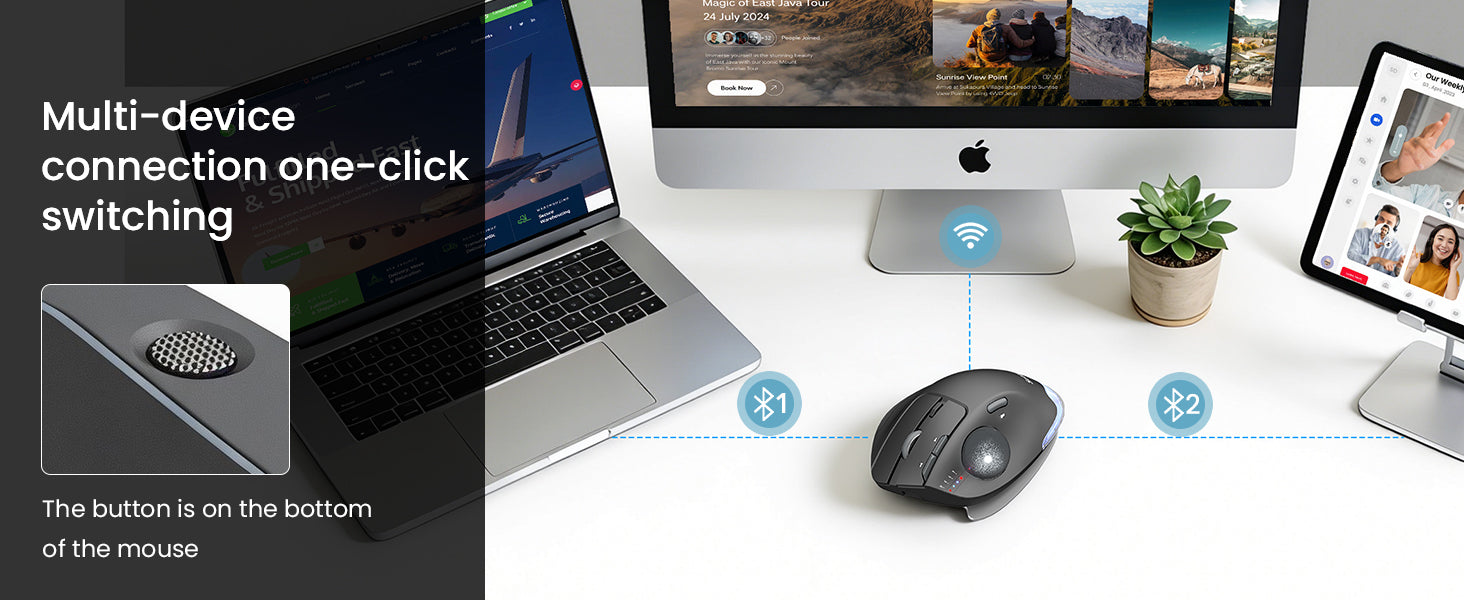
I am on the verge of carpal tunnel sensitivity. Moving to this track ball design appears to have reduced my wrist fatigue.The first thing I noticed was the solid feel of this unit. It's solid response to button and track wheel movement is a nice improvement over lighter plastic devices I have used in the past.The device has a couple of different tilt positions, find the one that works best for you.The software interface for setting this track ball is easy to use and makes adjustments to the device quick and easy. This model provides for several types of connectivity i.e. "blue tooth", dongle, and a second "blue tooth" , making it easy to use this same mouse for both my desktop and laptop computers.