
Which Vertical Mouse Is Right for You?
Start with your hand size, then choose the features that matter most to your workflow.
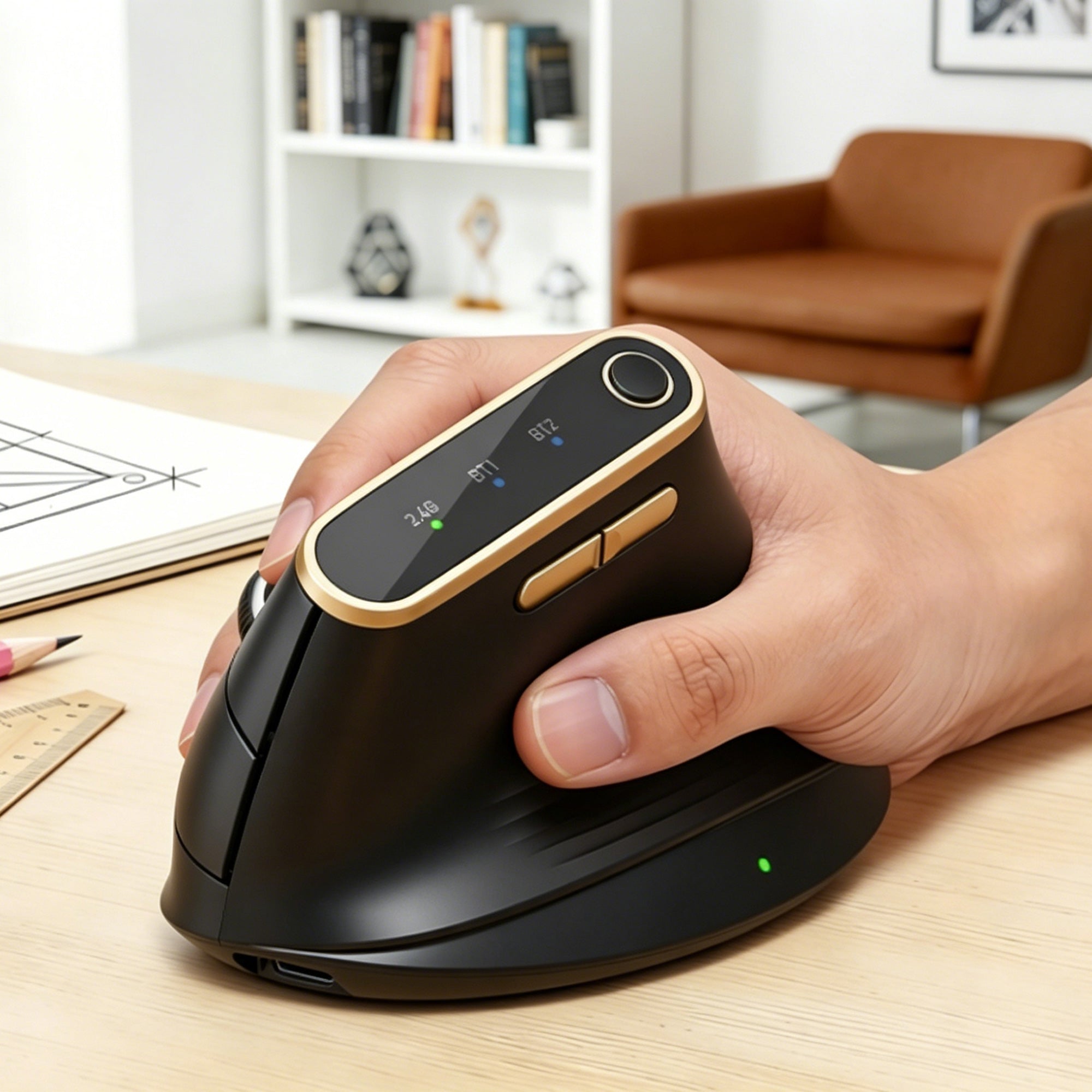
Choose MAM4 for Precision and Customization
M/L HANDS · ADVANCED CONTROL
Designed for medium and large hands, MAM4 combines a 57° vertical grip with up to 8000 DPI, high-speed scrolling, six programmable buttons, quiet clicks, and tri-mode wireless connectivity.
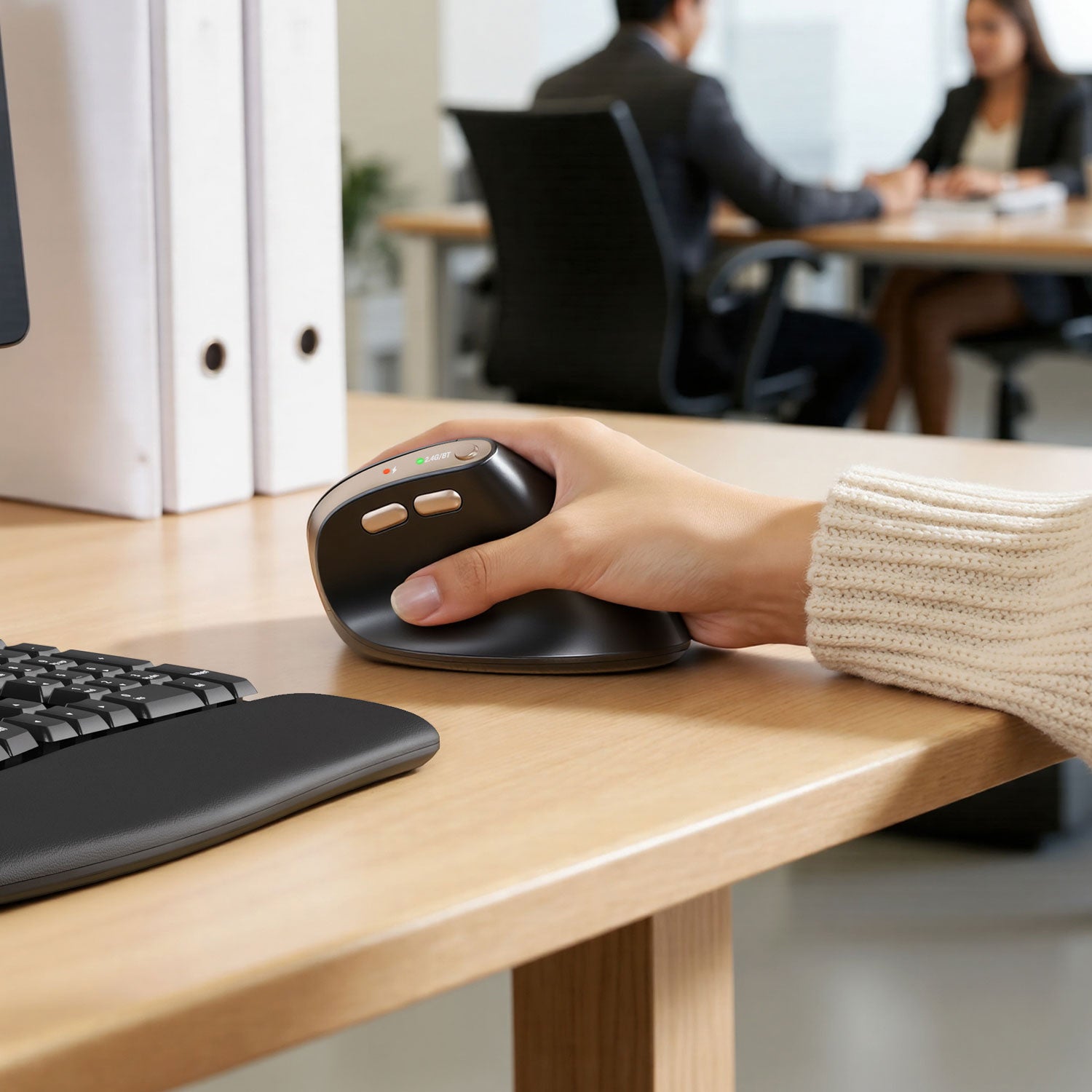
Choose MAM3 for Quiet Everyday Work
S/M HANDS · QUIET & RECHARGEABLE
A compact 57° vertical mouse with silent clicks, four adjustable DPI levels, multi-device wireless connectivity, a rechargeable battery, and four color choices.
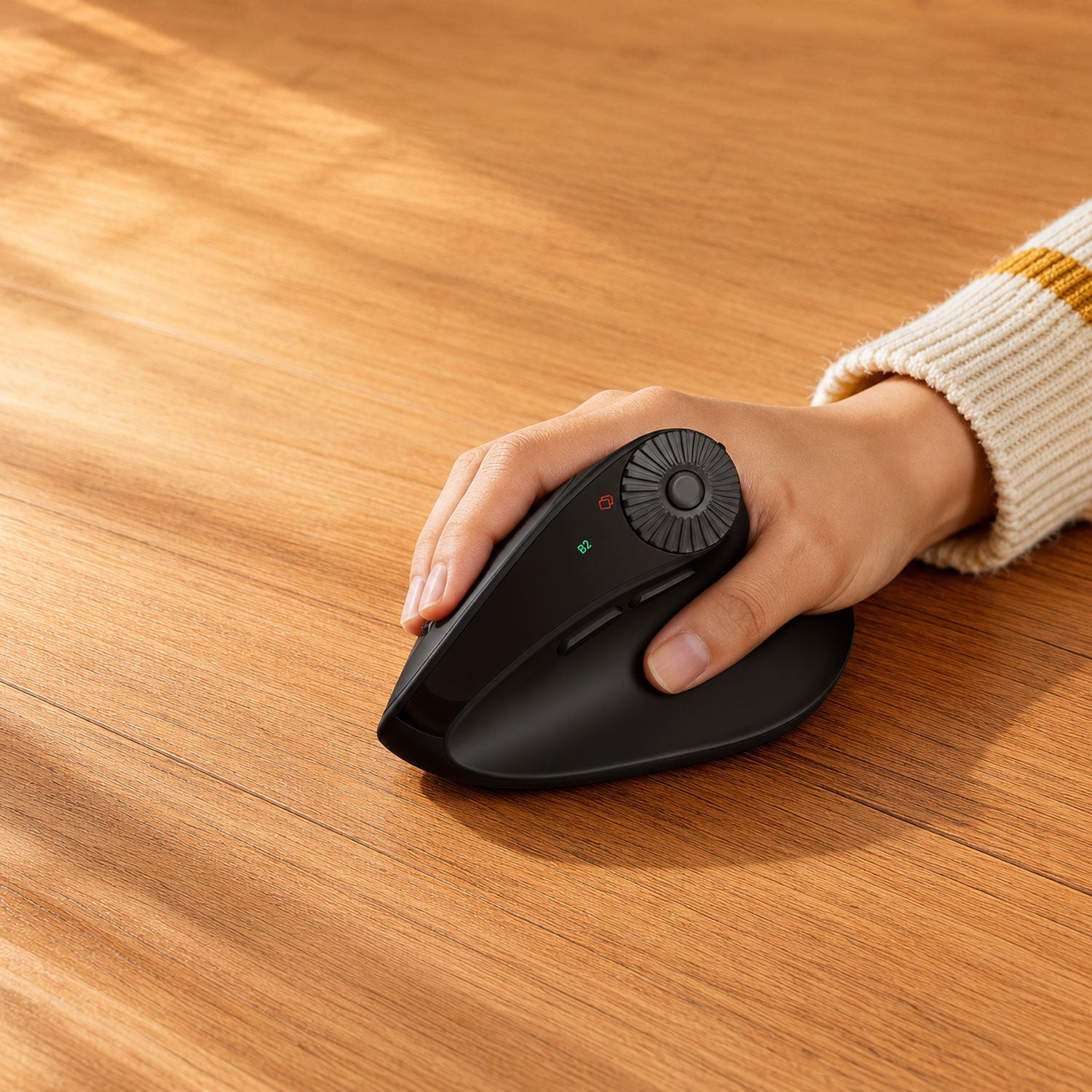
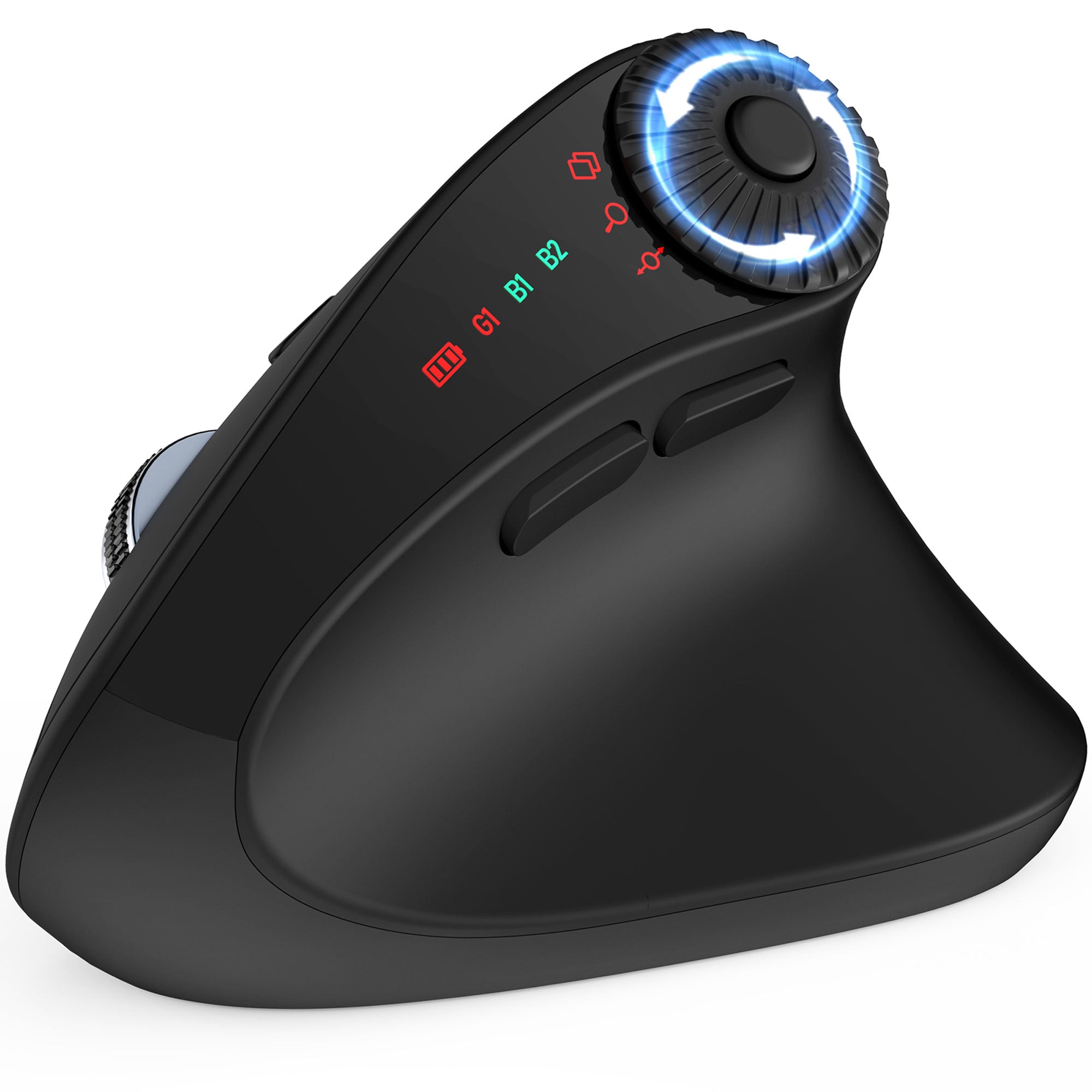
Choose MAM51 for Documents and Spreadsheets
S/M HANDS · SMART SCROLLING
Designed for small and medium hands, MAM51 features a 59° vertical grip and a 3-in-1 thumb wheel for horizontal scrolling, app switching, and zooming.
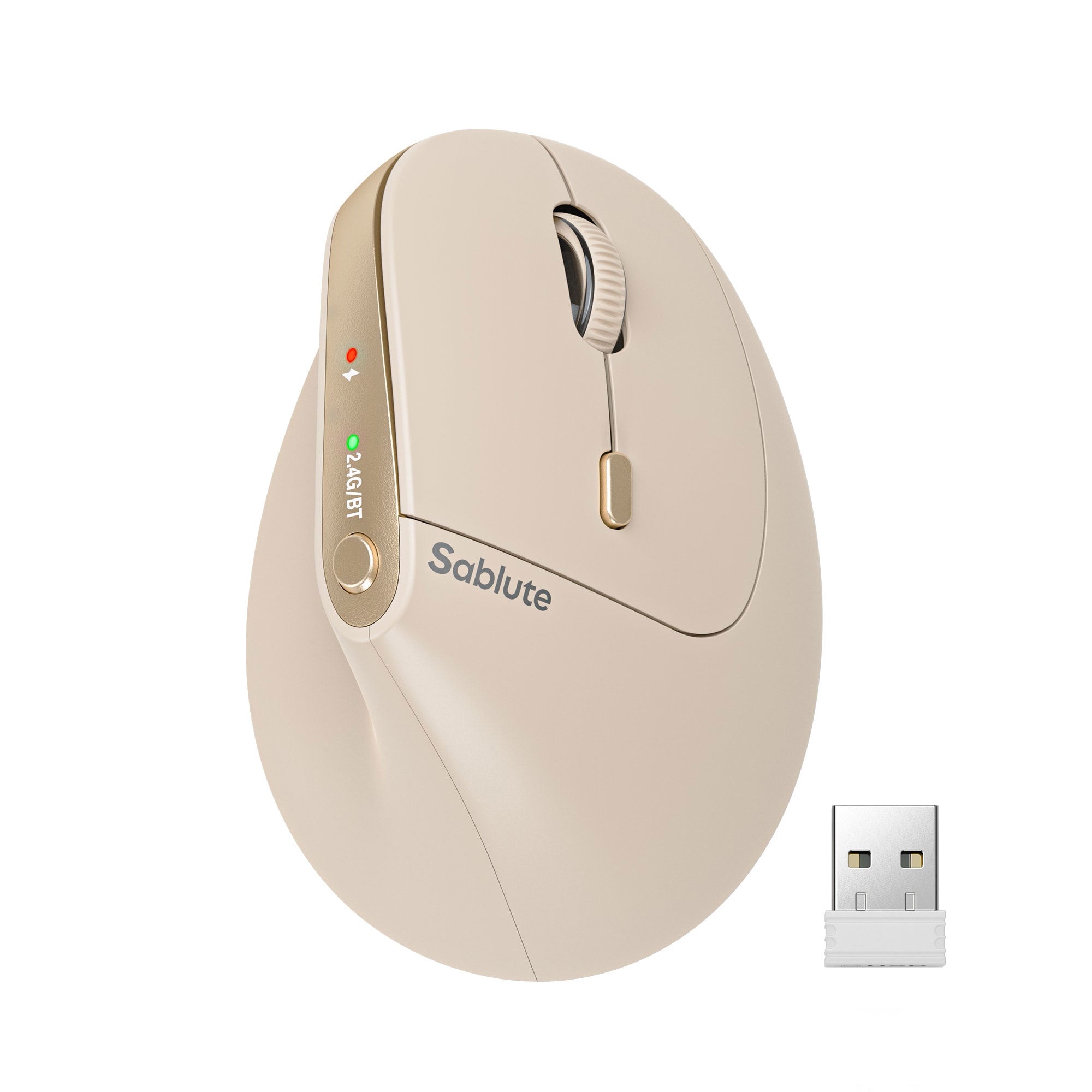
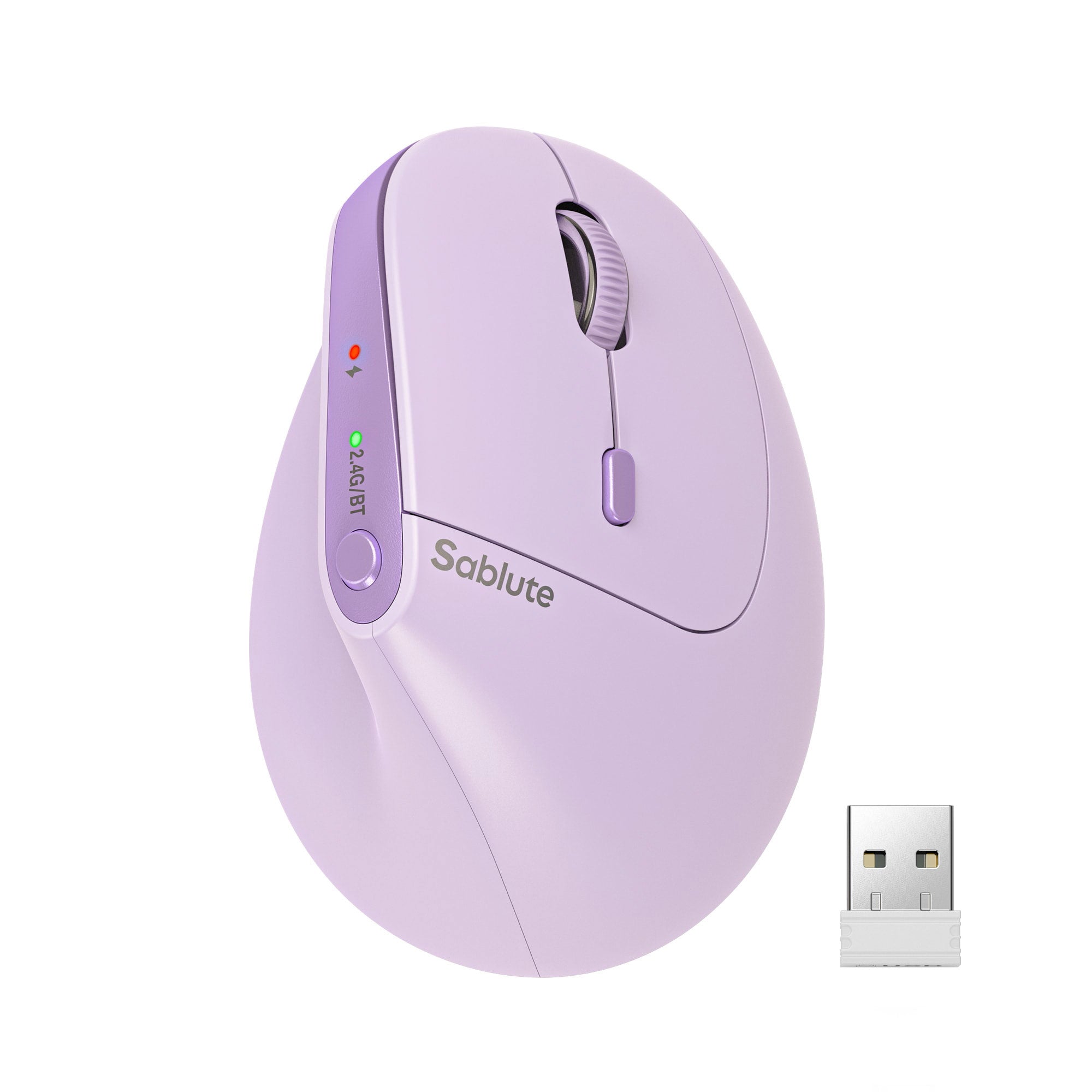
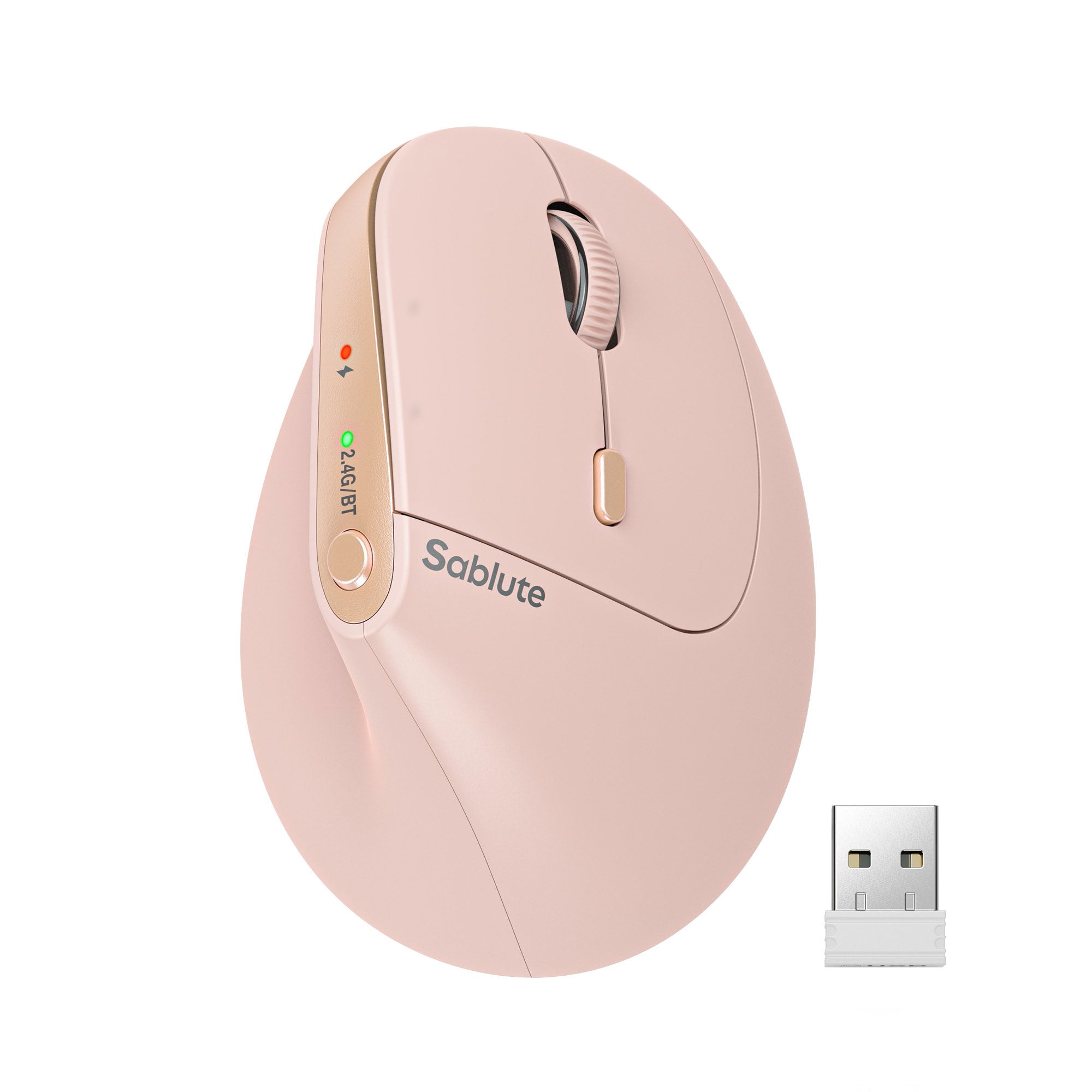
Sablute Ergonomic Wireless Vertical Mouse MAM3


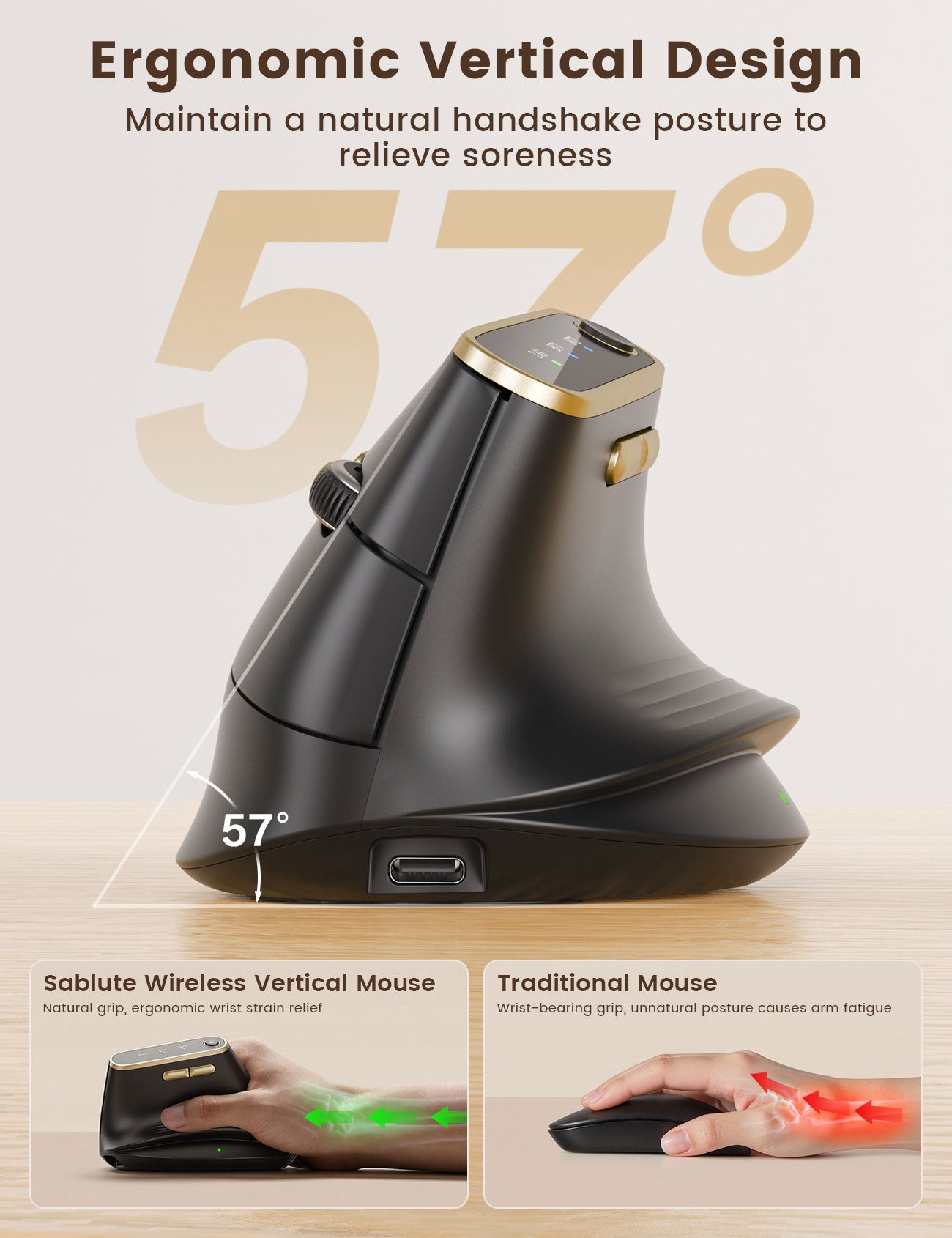
Sablute Ergonomic Vertical Wireless Mouse for M/L Hands MAM4
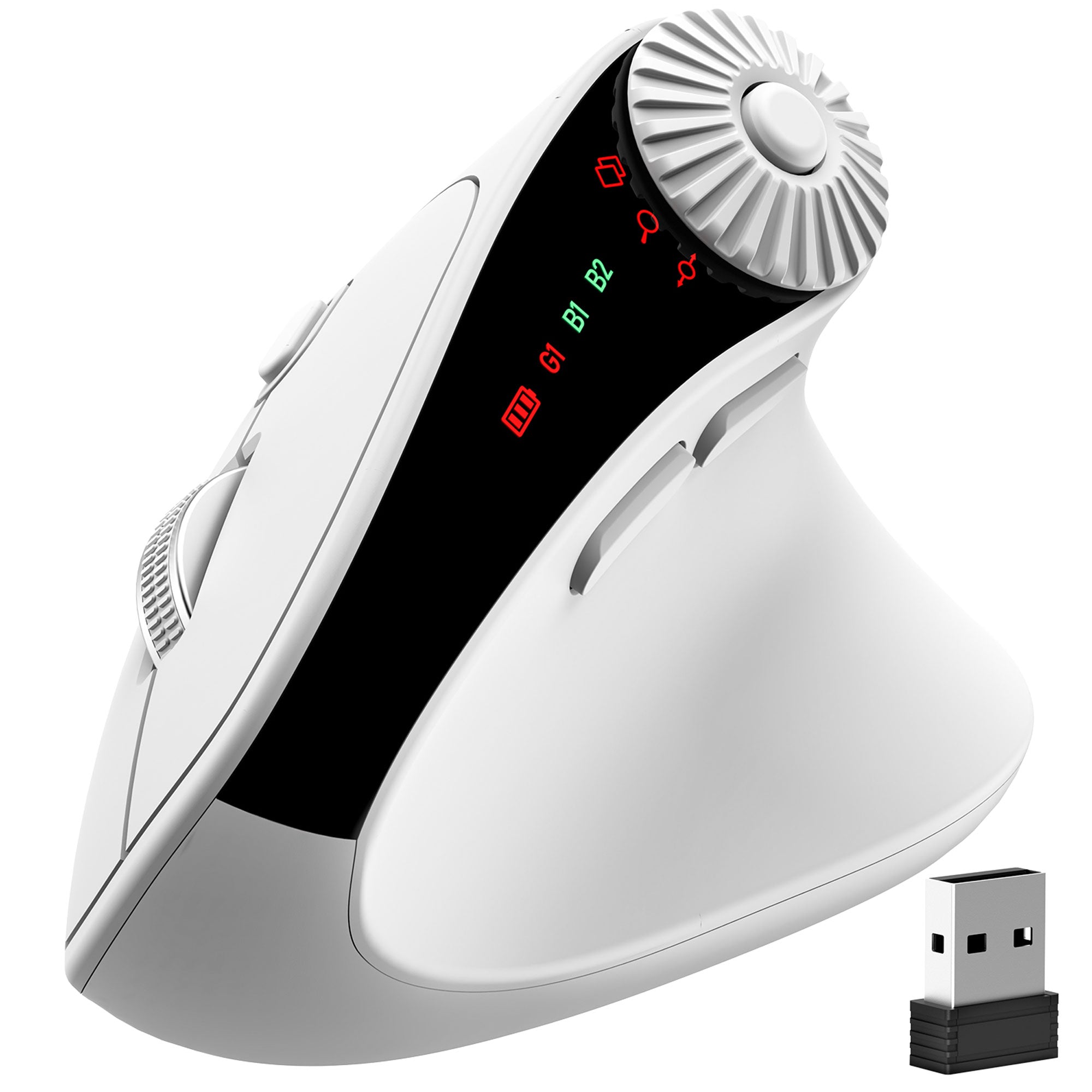
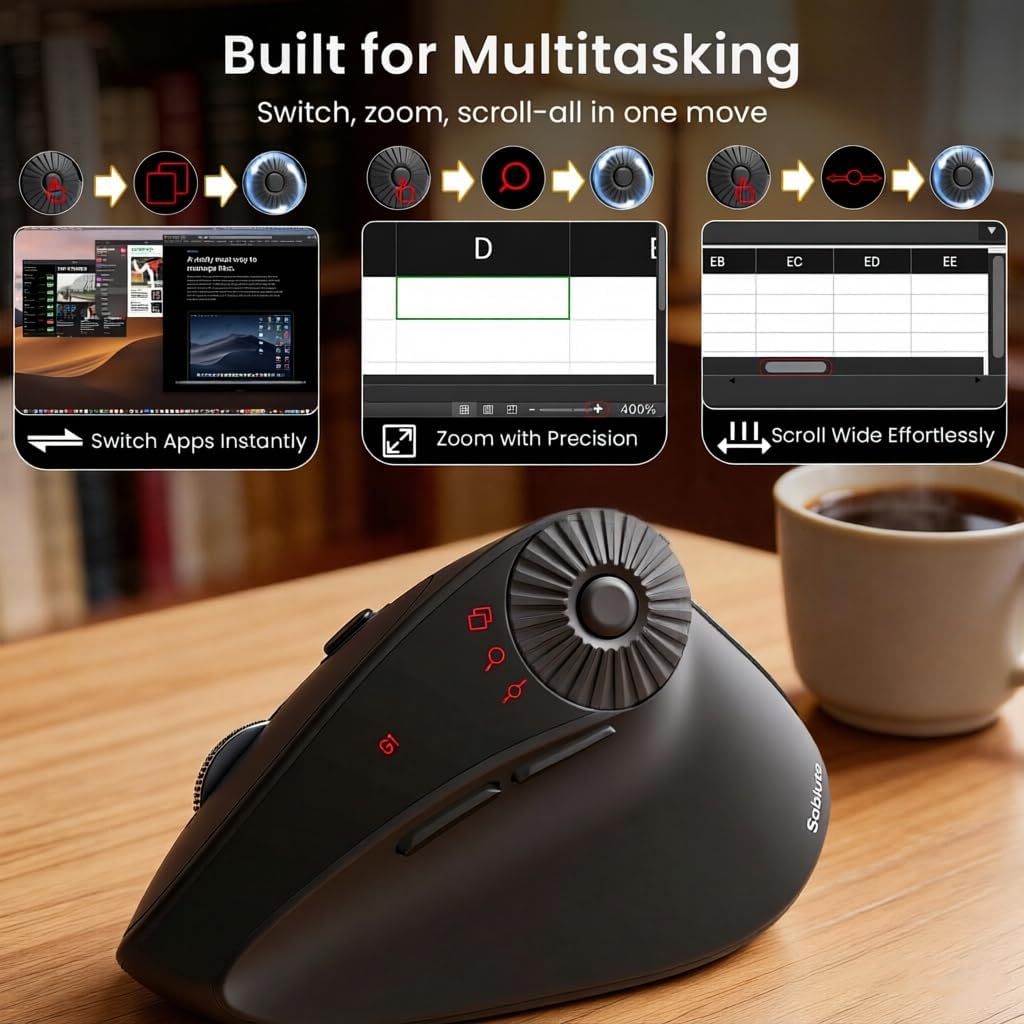
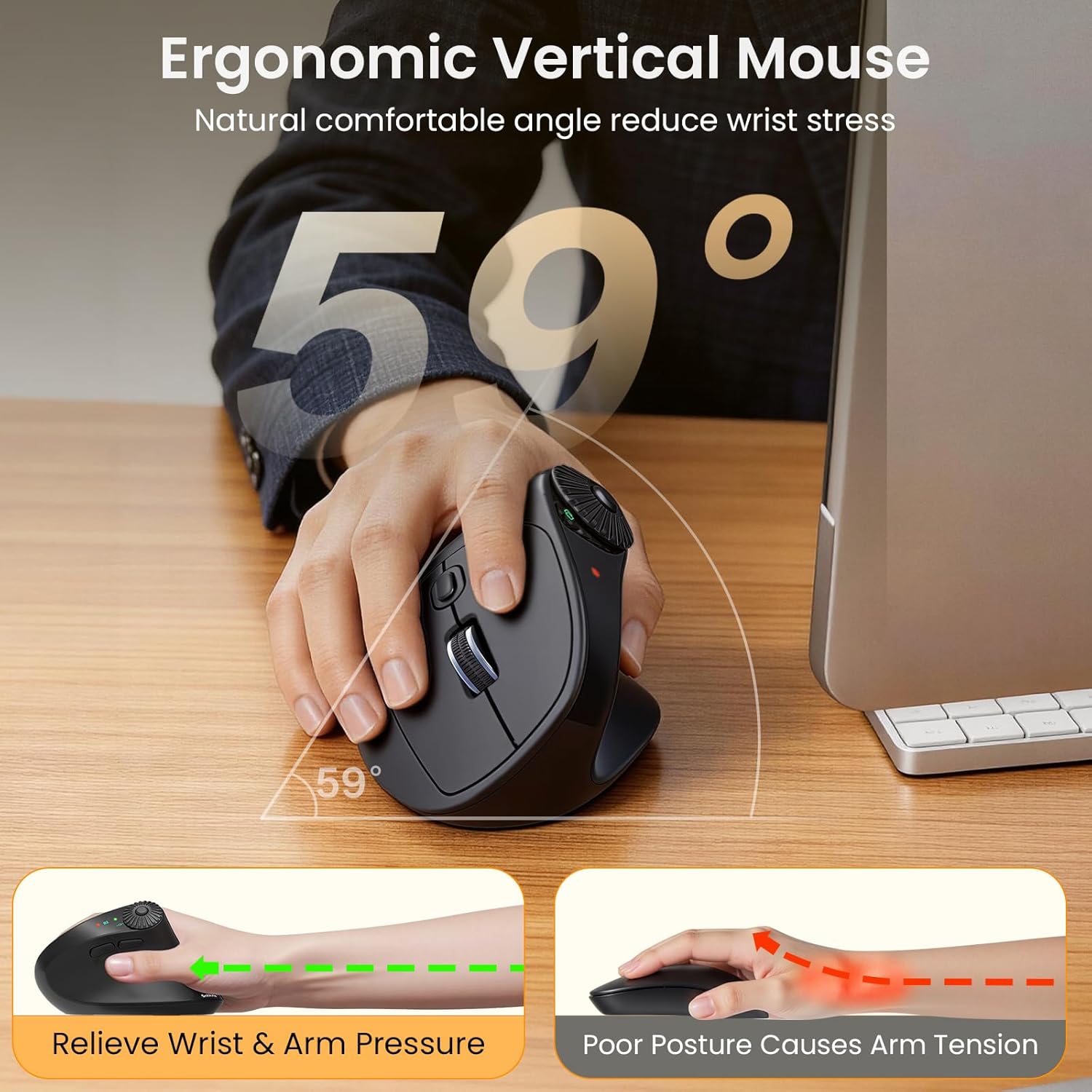
Sablute Ergonomic Vertical Wireless Mouse for S/M Hands MAM51
FIND YOUR FIT
Compare Sablute Vertical Mice
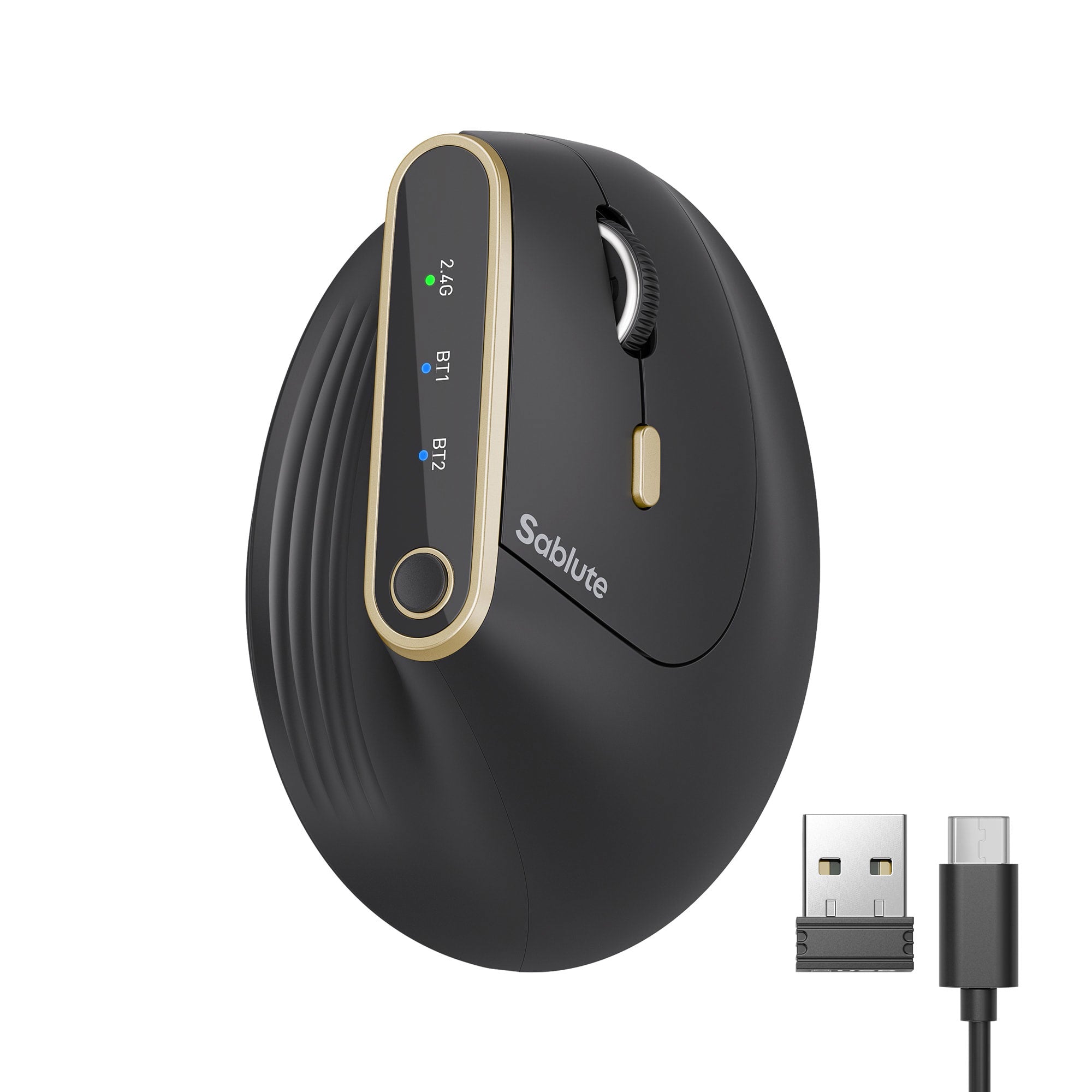
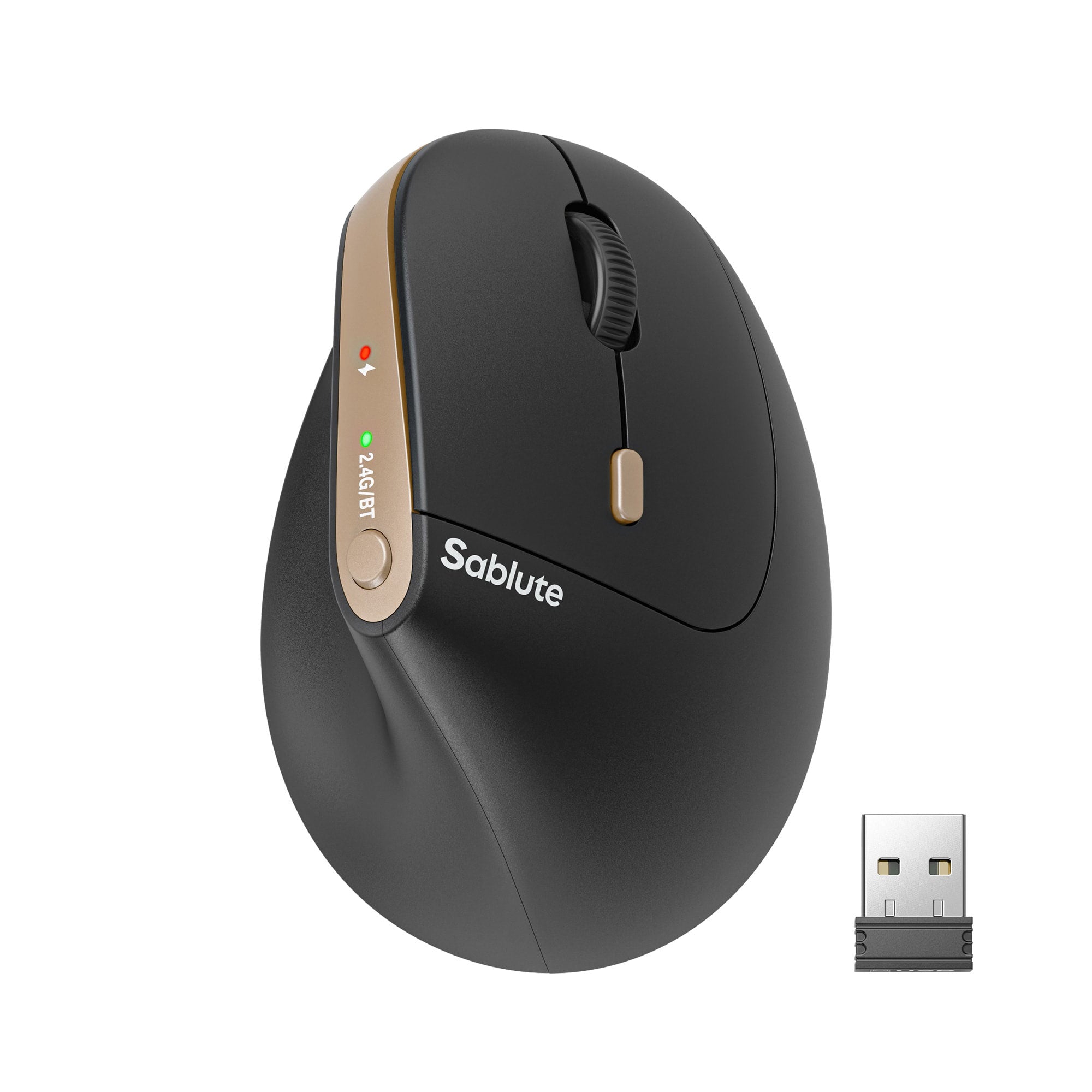
Best For
Advanced office work and customization
Best For
Quiet everyday work and colorful setups
Best For
Spreadsheets, reports, and document navigation
Recommended Hand Size
Medium / Large
Recommended Hand Size
Small / Medium
Recommended Hand Size
Small / Medium
Vertical angle
57°
Vertical angle
57°
Vertical angle
59°
DPI
Up to 8000
DPI
800 / 1200 / 1600 / 2400
DPI
Up to 4000
Scrolling
High-speed scroll wheel
Scrolling
Standard scrolling
Scrolling
3-in-1 thumb wheel
Main controls
6 programmable buttons
Main controls
7-button layout including connection/DPI controls
Main controls
Horizontal scroll, app switching, and zoom
Wireless connection
Bluetooth + 2.4GHz
Wireless connection
Bluetooth + 2.4GHz
Wireless connection
Bluetooth + 2.4GHz
Click Sound
Quiet clicks
Click Sound
Quiet clicks
Click Sound
Quiet clicks
Power
Rechargeable
Power
Rechargeable
Power
Rechargeable
Colors
Black, Pink, White
Colors
Black, Latte Gradient, Purple, Pink
Colors
Black, White
Why Choose a Vertical Mouse?
A vertical mouse places your hand in a more upright, handshake-style position than a traditional flat mouse. Many people find this posture feels more natural during browsing, document work, and long computer sessions.
A More Upright Grip
The angled shape supports a handshake-style hand position instead of requiring the palm to remain fully turned downward.
Built for Daily Productivity
Wireless connectivity, adjustable DPI, quiet clicks, and workflow-focused controls help make everyday navigation feel smoother.
Fit Comes First
Choosing a mouse that matches your hand size makes the buttons easier to reach and the shape easier to control.
FAQs
What is a vertical mouse?
A vertical mouse is angled so your hand rests in a more upright, handshake-style position. It works like a standard mouse, but its shape and button placement are designed around that rotated grip.
How do I choose the right size vertical mouse?
Start with your hand size. MAM51 and MAM3 are designed for small and medium hands, while MAM4 is designed for medium and large hands. A properly sized mouse should allow you to reach the main buttons without stretching your fingers.
Which Sablute vertical mouse is best for small hands?
Choose MAM51 if you want a 3-in-1 thumb wheel for spreadsheets, reports, and multitasking. Choose MAM3 if you prefer silent clicks, rechargeable power, four practical DPI levels, and more color options.
Which vertical mouse is best for large hands?
MAM4 is the recommended option for medium and large hands. It features a 57° vertical grip, up to 8000 DPI, high-speed scrolling, six programmable buttons, and tri-mode wireless connectivity.
How long does it take to adjust to a vertical mouse?
Adjustment time varies from person to person. If this is your first vertical mouse, begin with shorter sessions and allow a few days to become familiar with the grip and button positions.
Are Sablute vertical mice quiet?
Yes. The models in this collection feature quiet or silent clicks, making them suitable for shared offices, home workspaces, libraries, and other noise-sensitive environments.
Can I connect a vertical mouse to multiple devices?
Yes. The models in this collection support wireless connectivity through Bluetooth, a 2.4GHz USB receiver, or multi-device connection options. The exact number of supported devices depends on the model.
Do these vertical mice work with Windows and macOS?
Basic pointing, clicking, and scrolling are compatible with supported Windows and macOS devices. Advanced button programming or macros may depend on the mouse model, operating system, and available software.
What DPI setting should I use?
Lower DPI settings offer more controlled cursor movement, while higher DPI settings move the cursor farther with less physical movement. For everyday office work, start with a middle setting and adjust it based on your screen size and personal preference.
Can a vertical mouse help with wrist discomfort?
A vertical mouse changes the position of the hand and forearm, and some users find this posture more comfortable. Individual experiences vary, and a vertical mouse is not a medical device or treatment. If you experience persistent pain or numbness, consult a qualified healthcare professional.
Continue your search by comfort, compatibility, or workspace style.