



FIRST TIMER?
You can unsubscribe at any time.




Pairs well with
Free U.S. Shipping on all U.S. orders. It usually takes about 5 business days* for your package to be delivered, Please refer to our Shipping Policy for details.
30-Day Free Returns for added peace of mind. Try it risk-free and return it within 30 days if it is not the right fit. Please review our Returns Policy before purchase.
2-Year Warranty backed by responsive support for product and parts-related issues. Click for Warranty Policy.
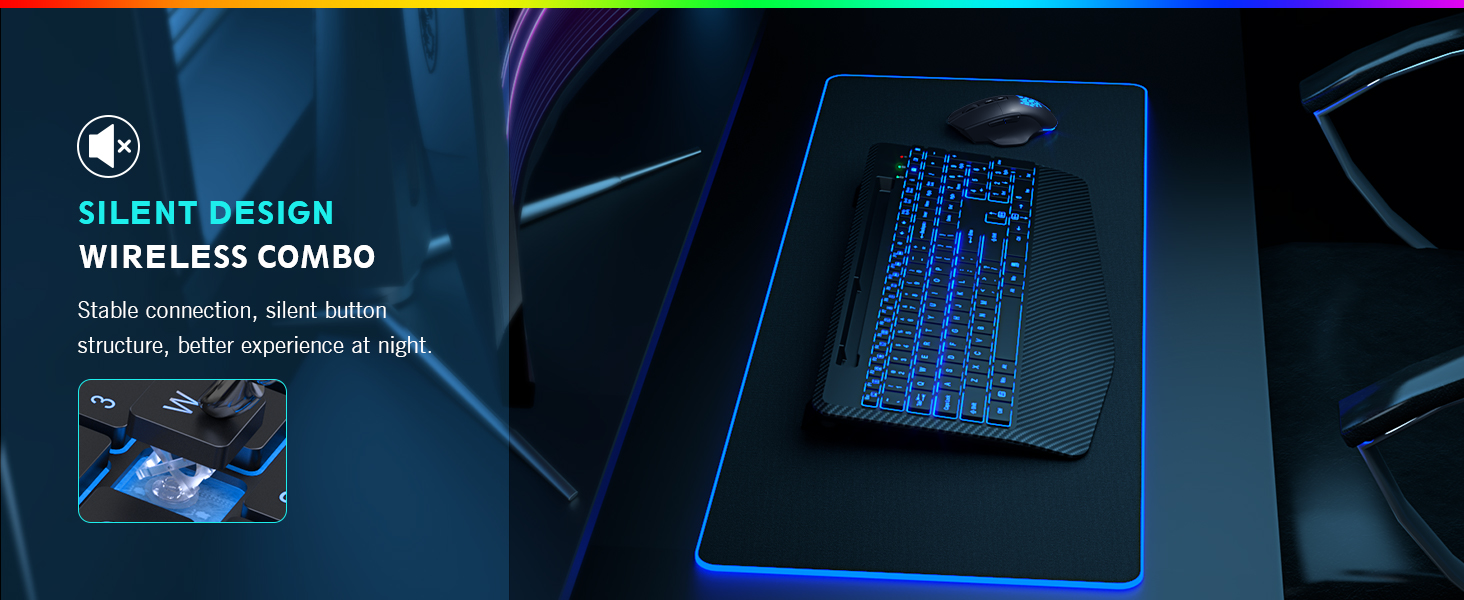
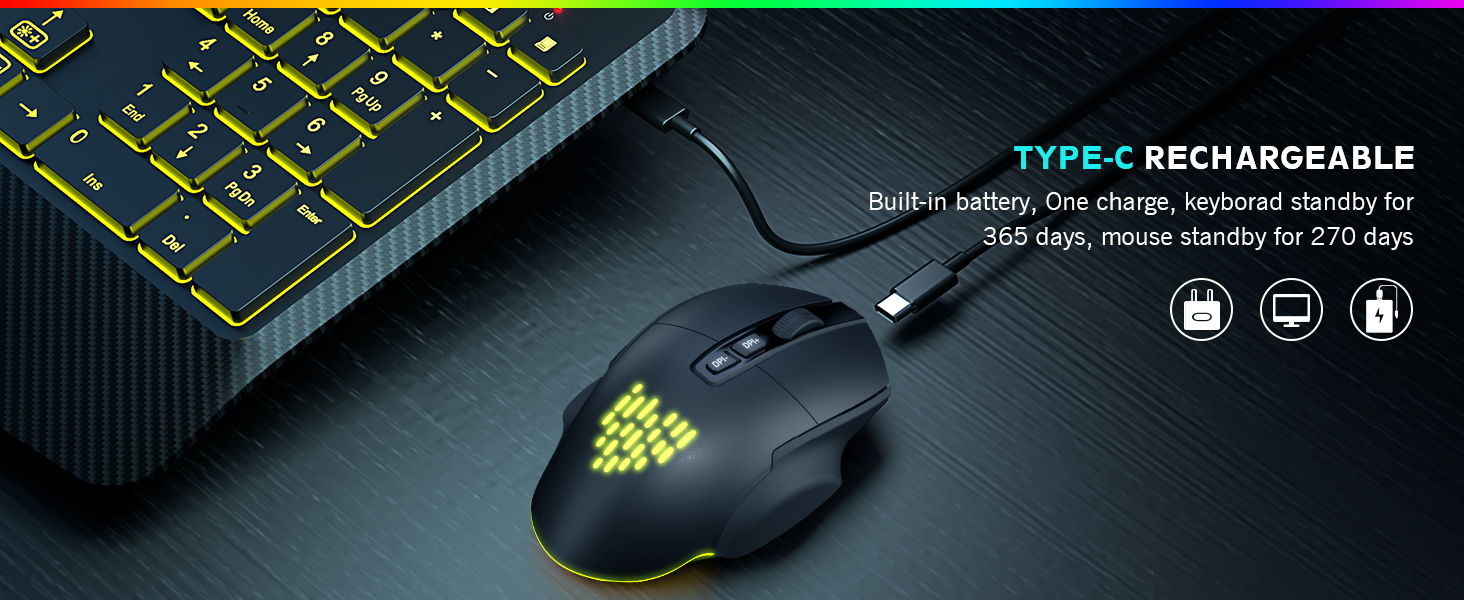
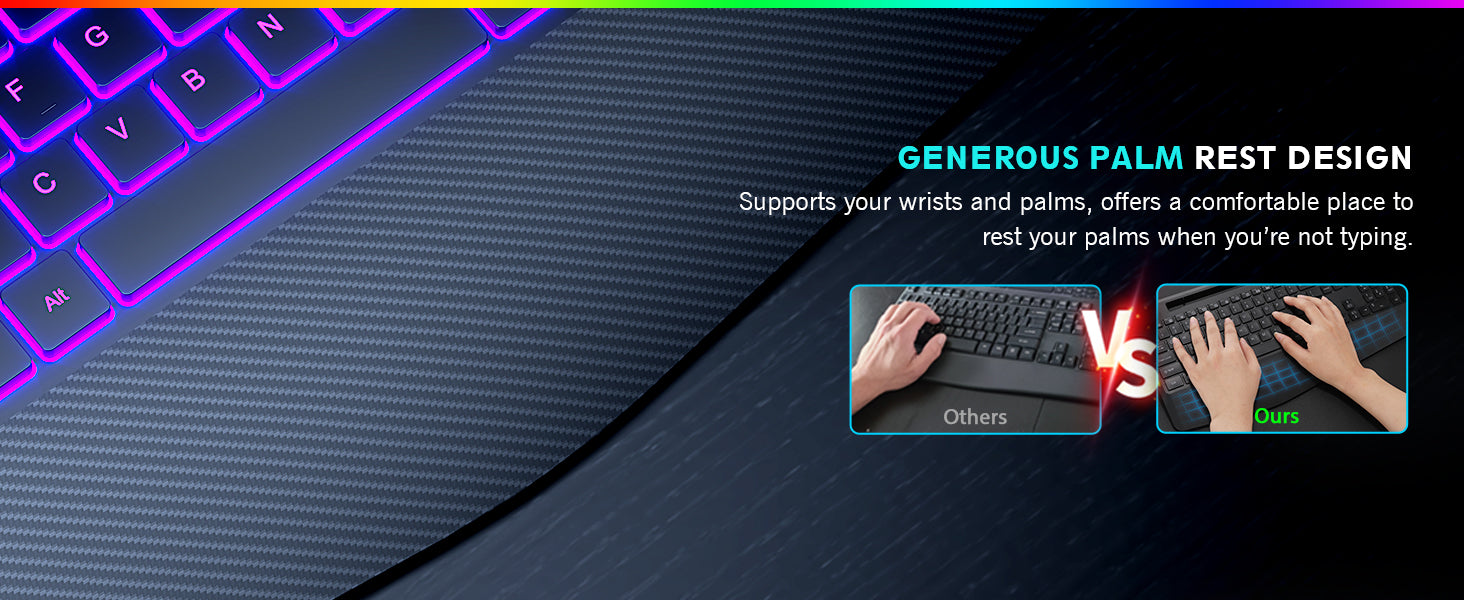
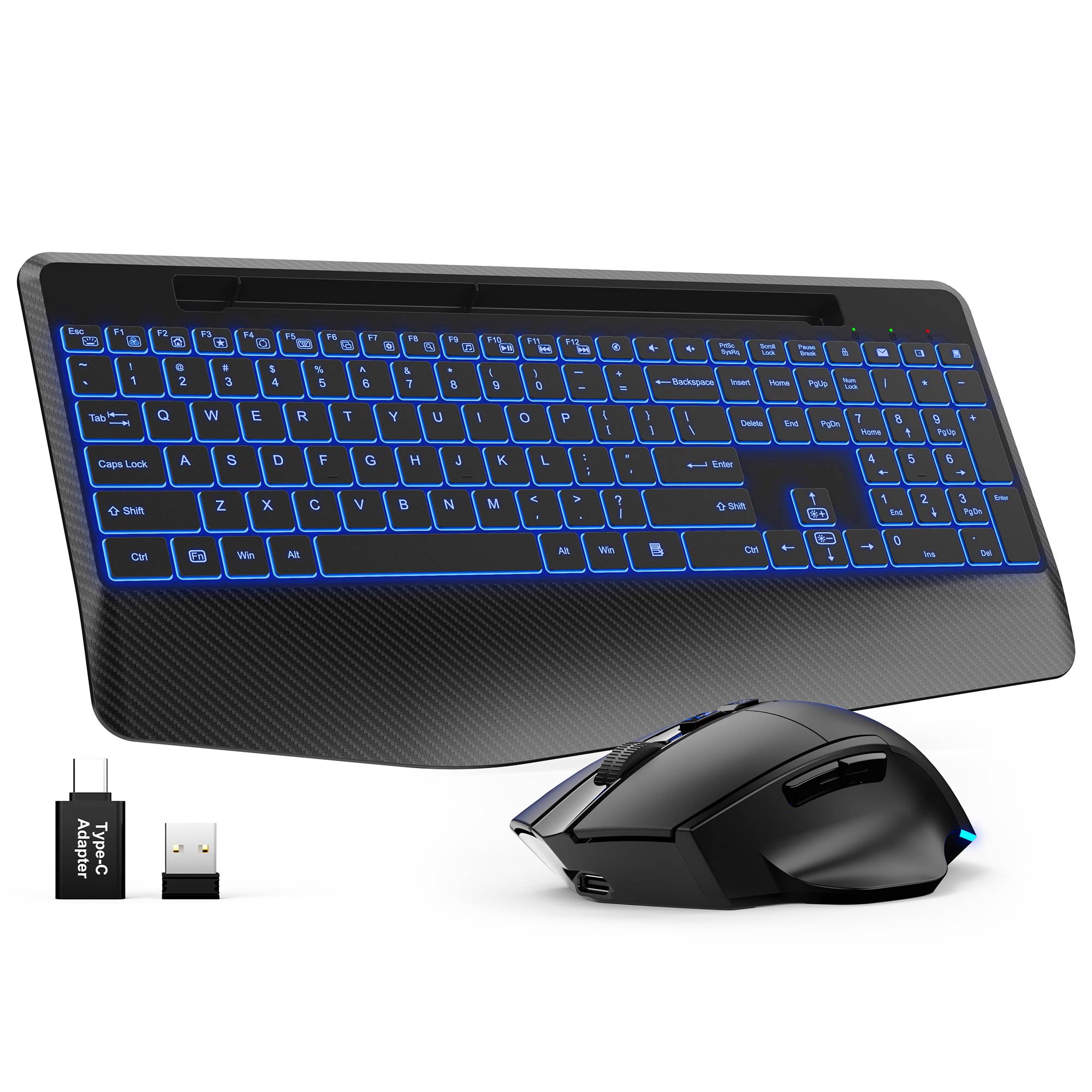
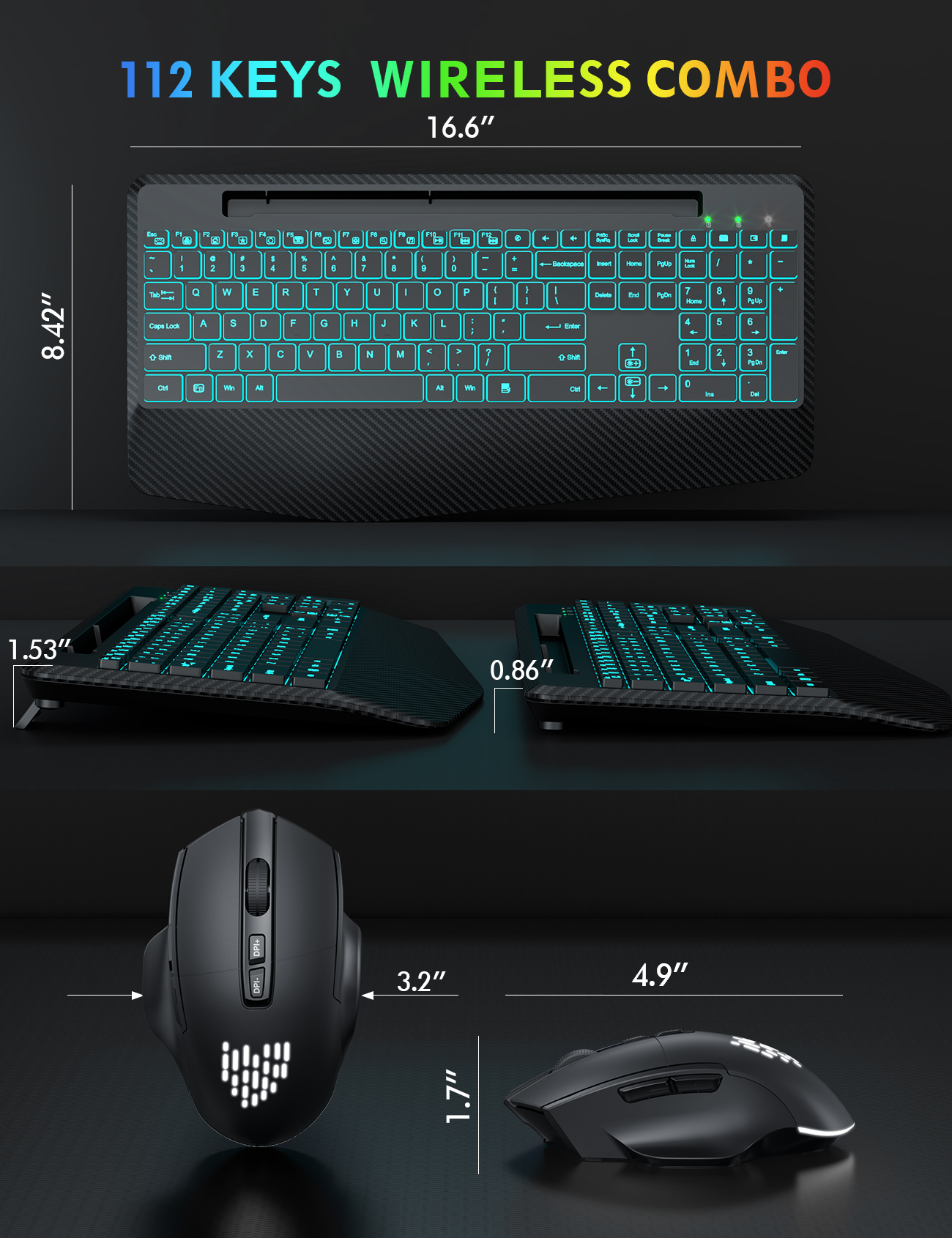
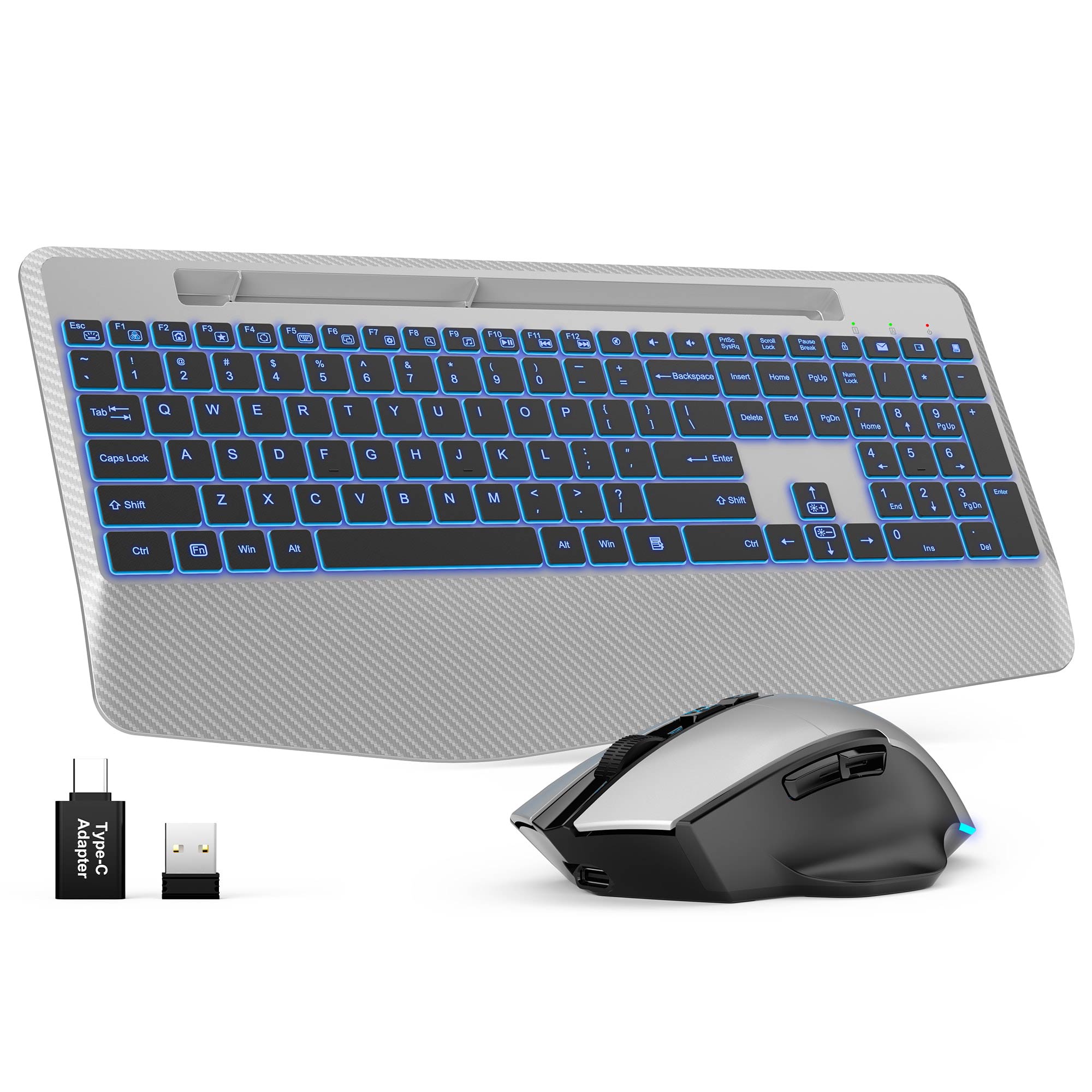
Sablute Wireless Keyboard and Mouse Combo KM22 Ultra
If you have any questions, you are always welcome to contact us. We'll get back to you as soon as possible, within 24 hours on weekdays.
Shipping Information
Use this text to answer questions in as much detail as possible for your customers.
Customer Support
Use this text to answer questions in as much detail as possible for your customers.
FAQ’s
Use this text to answer questions in as much detail as possible for your customers.
Contact Us
Use this text to answer questions in as much detail as possible for your customers.
Please read our FAQs page to find out more.
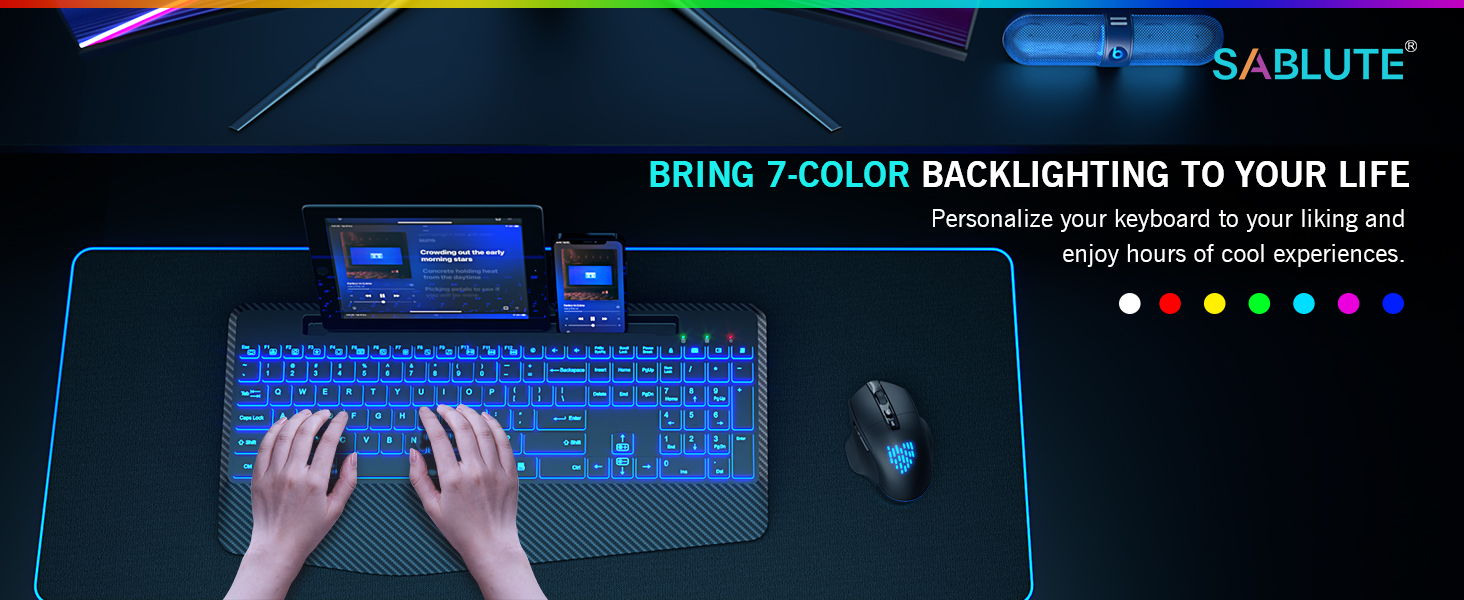
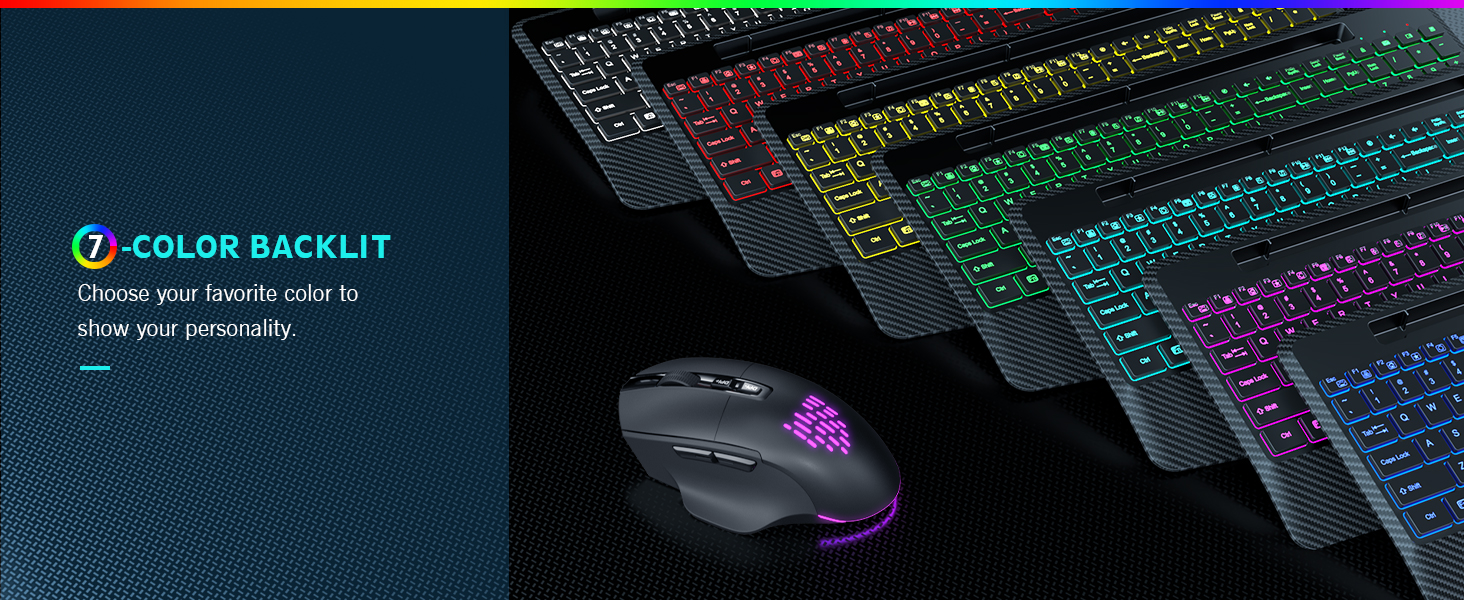
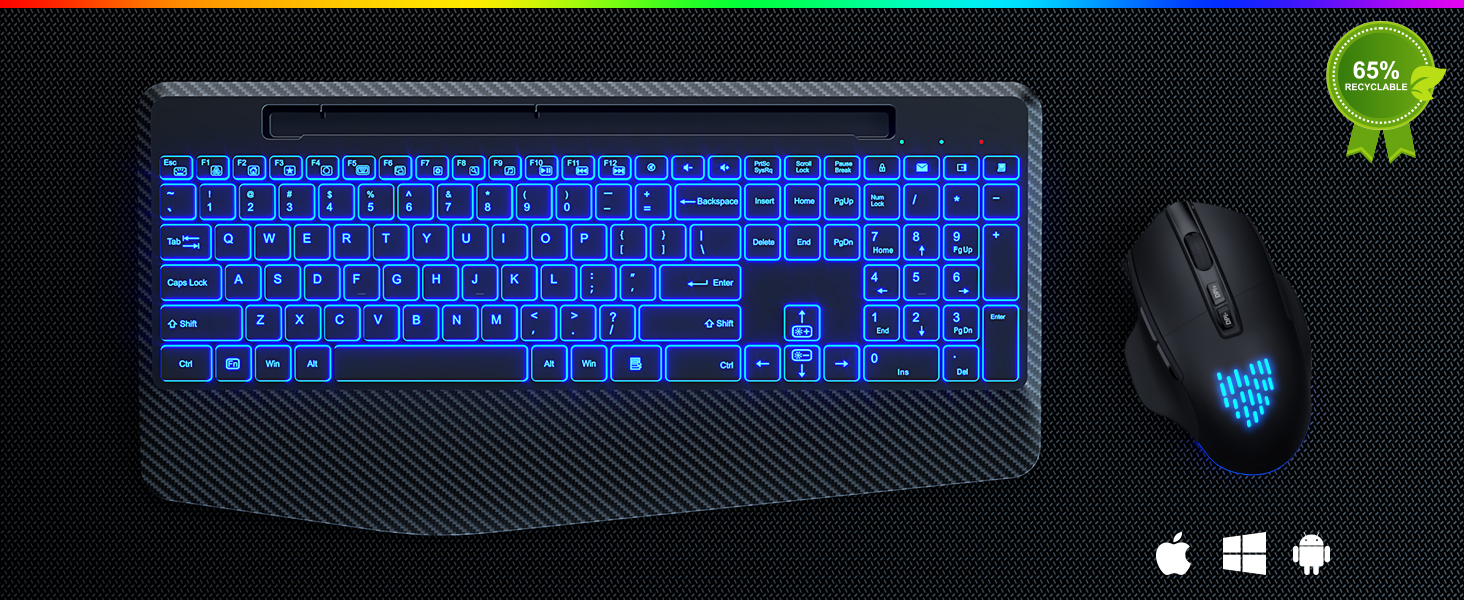
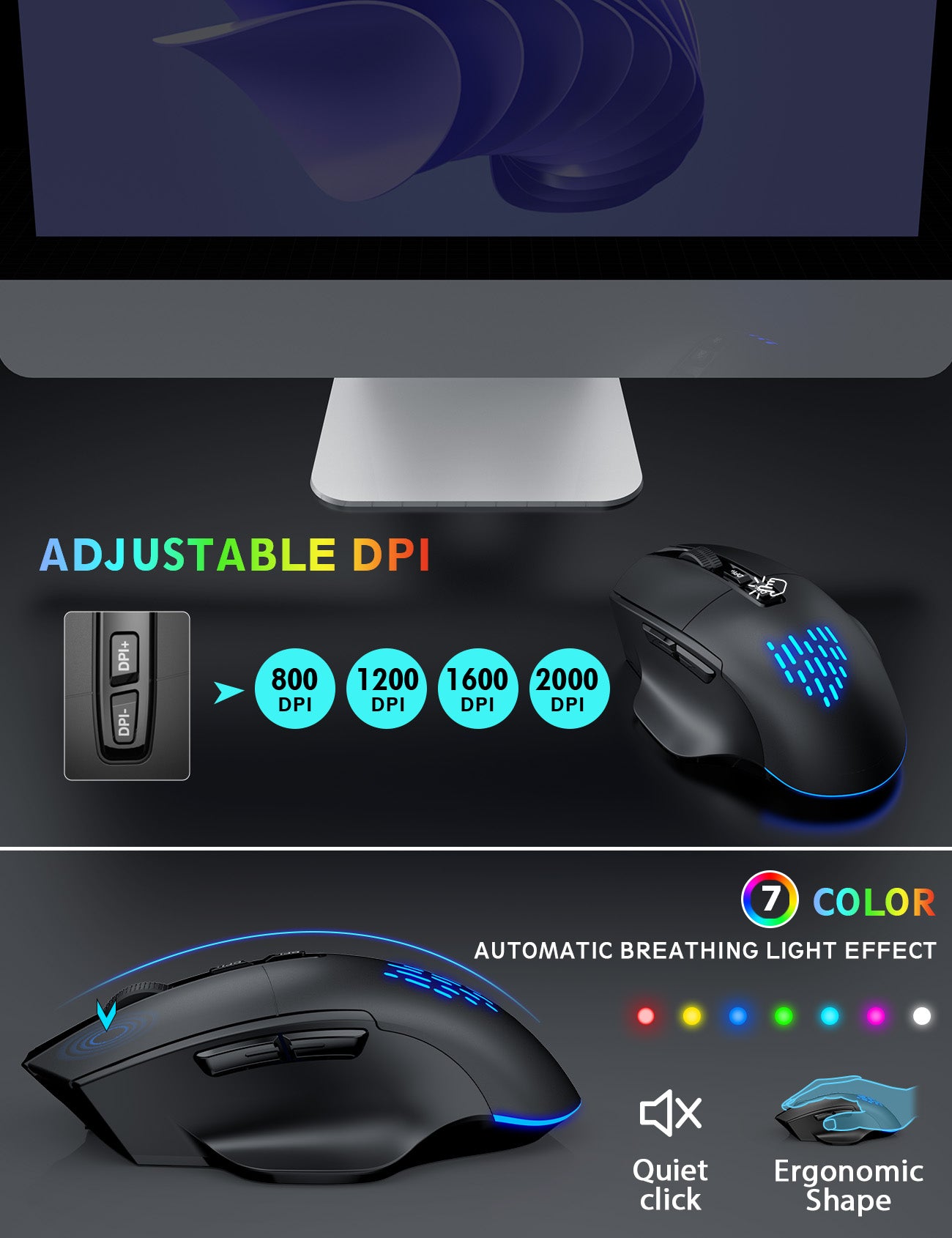
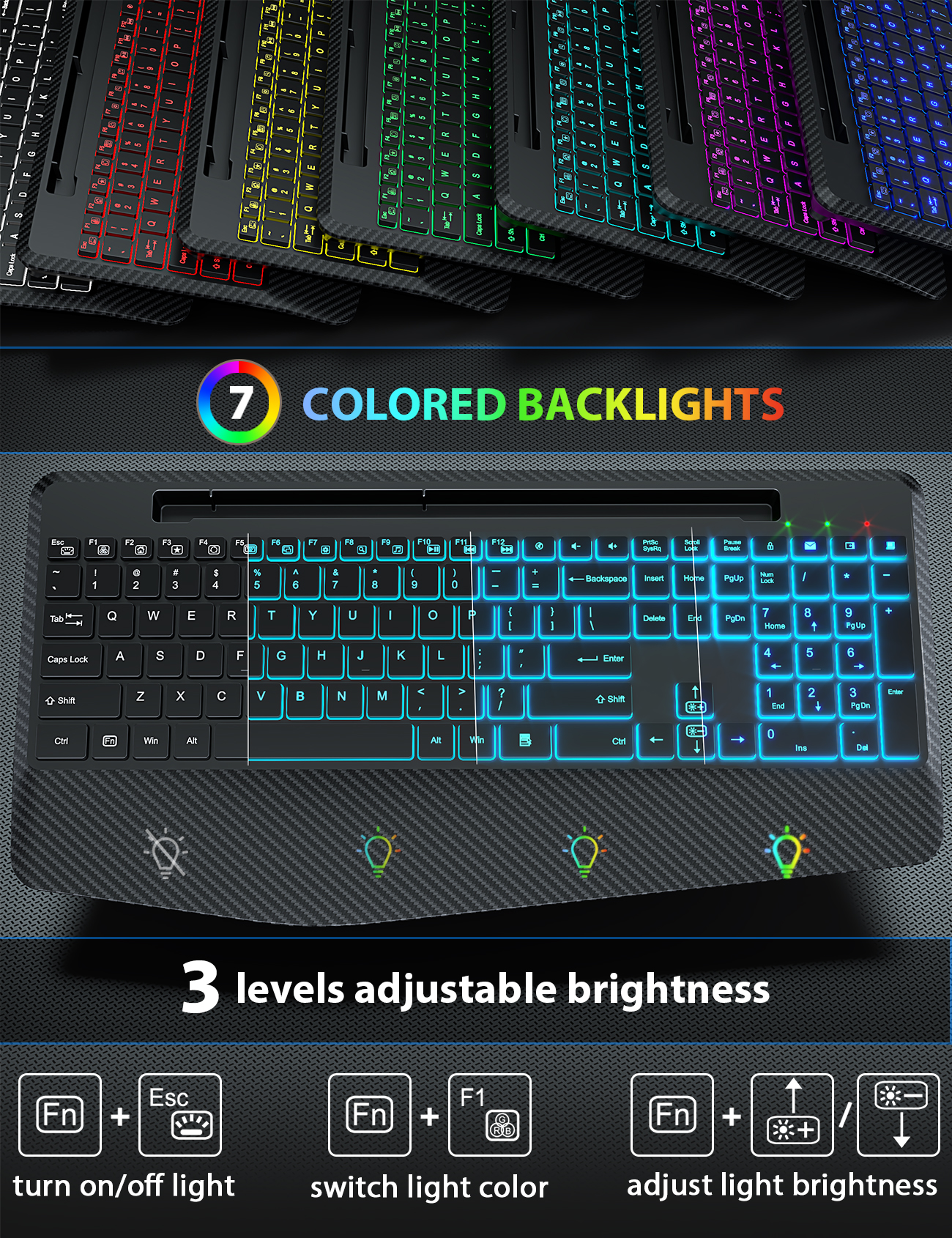
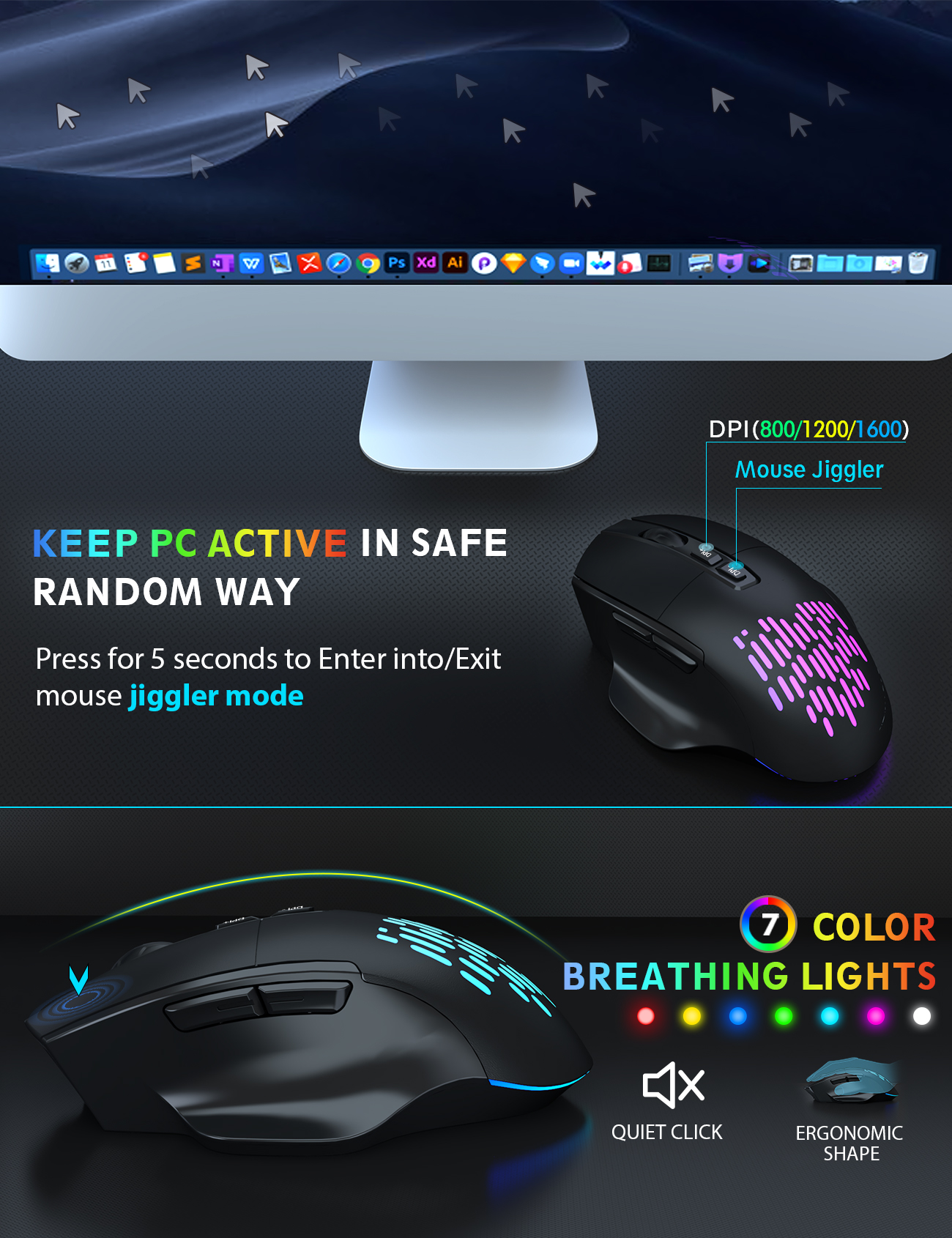
The wireless keyboard has 7 switchable backlit modes and the cordless mouse has 7 random colors for the backlights.
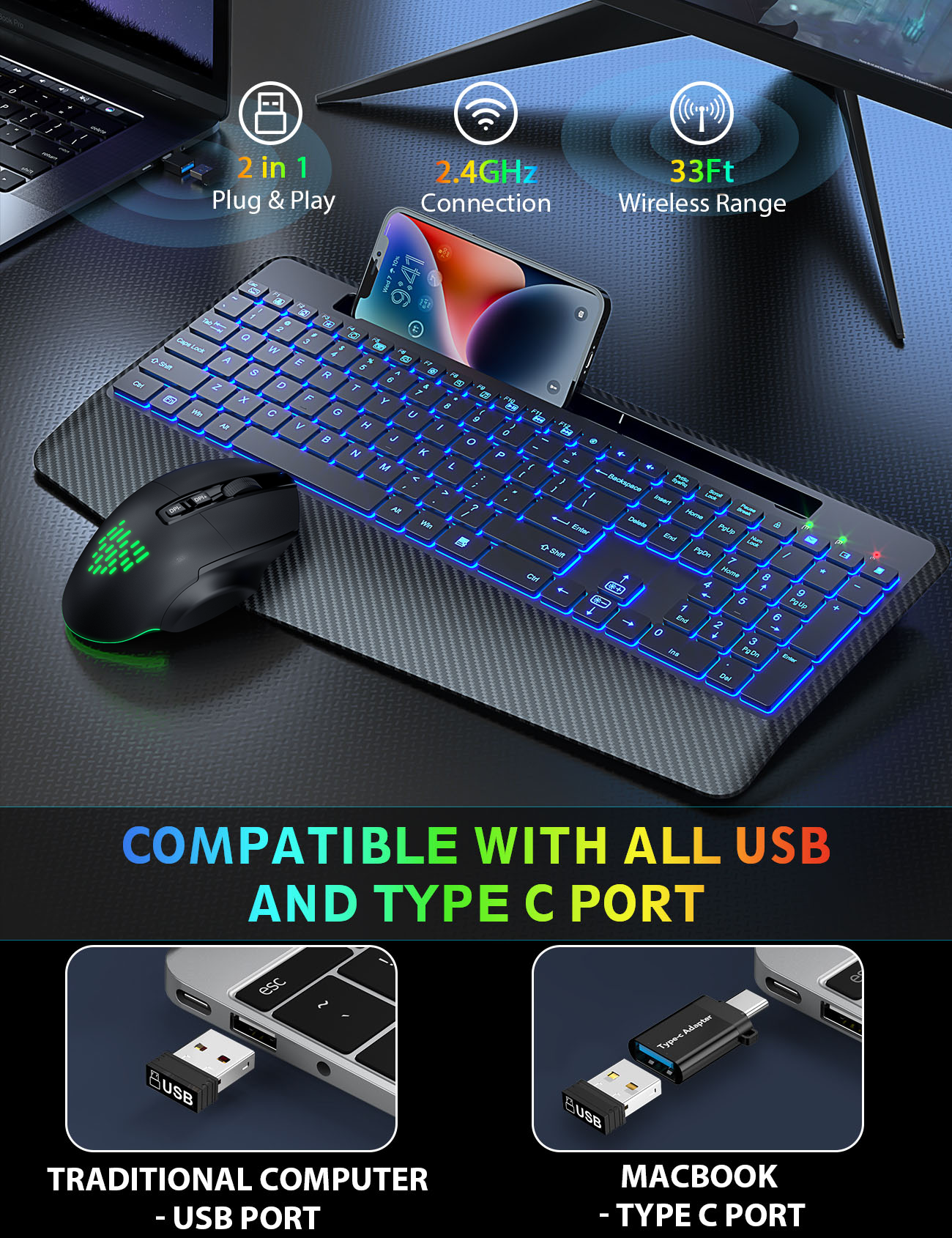
First, plug the USB dongle into computer. Then press Fn+Esc to turn on/off the keyboard backlit. The mouse can turn on/off the backlit through the button located at the bottom.
Press Fn+F1 to change the backlight colors, Fn+Up Arrow (or Fn+Down Arrow) to adjust the brightness. The mouse lightings are random.
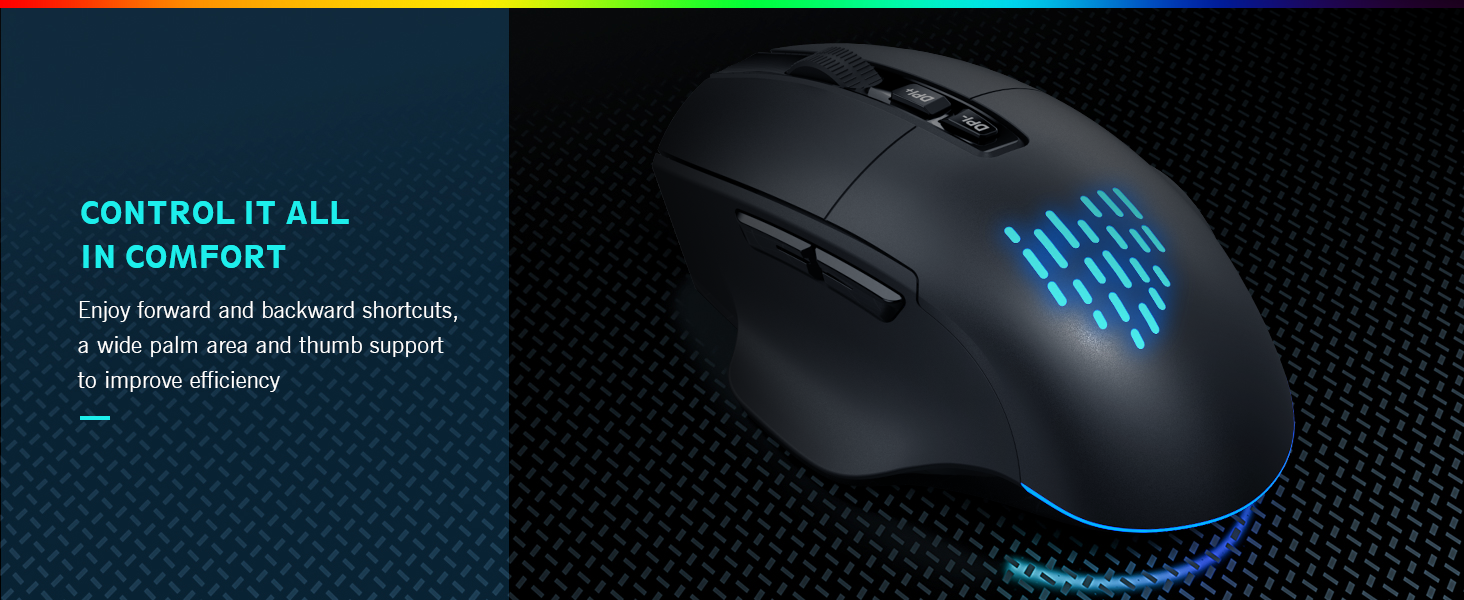
Press the first button to adjust the DPI to 800-1000-1200. Press and hold the second button for 5 seconds to enter/exit the jitter mode.
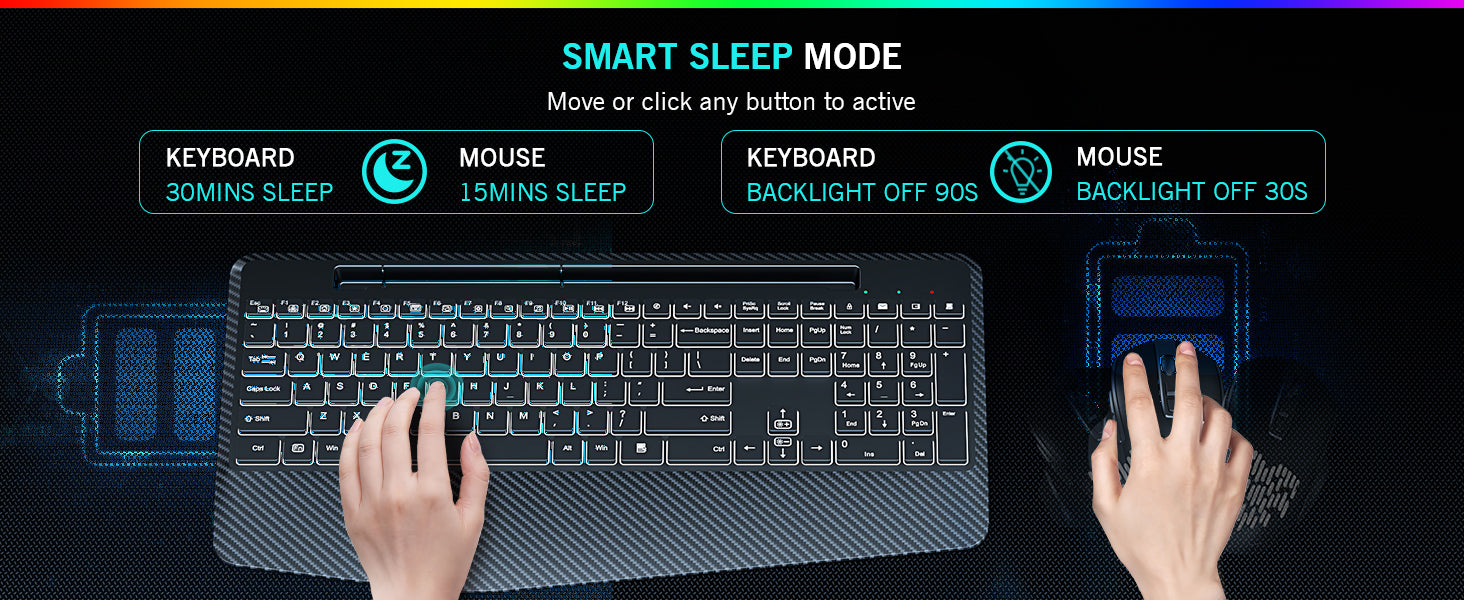
After idle for 30 mins, the keyboard will sleep; after idle for 15 mins, the mouse will sleep.