
FIRST TIMER?
You can unsubscribe at any time.




Pairs well with
Free U.S. Shipping on all U.S. orders. It usually takes about 5 business days* for your package to be delivered, Please refer to our Shipping Policy for details.
30-Day Free Returns for added peace of mind. Try it risk-free and return it within 30 days if it is not the right fit. Please review our Returns Policy before purchase.
2-Year Warranty backed by responsive support for product and parts-related issues. Click for Warranty Policy.
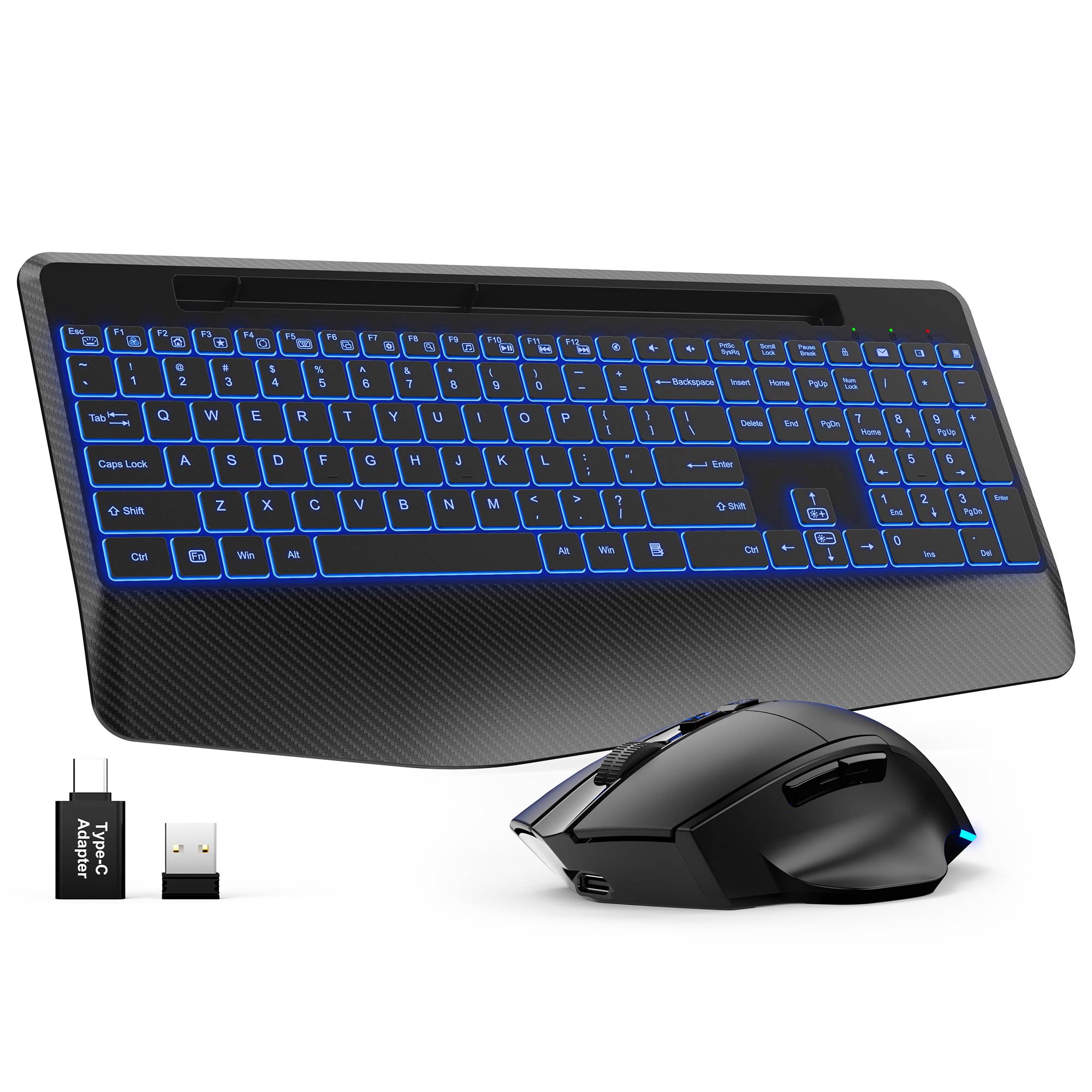
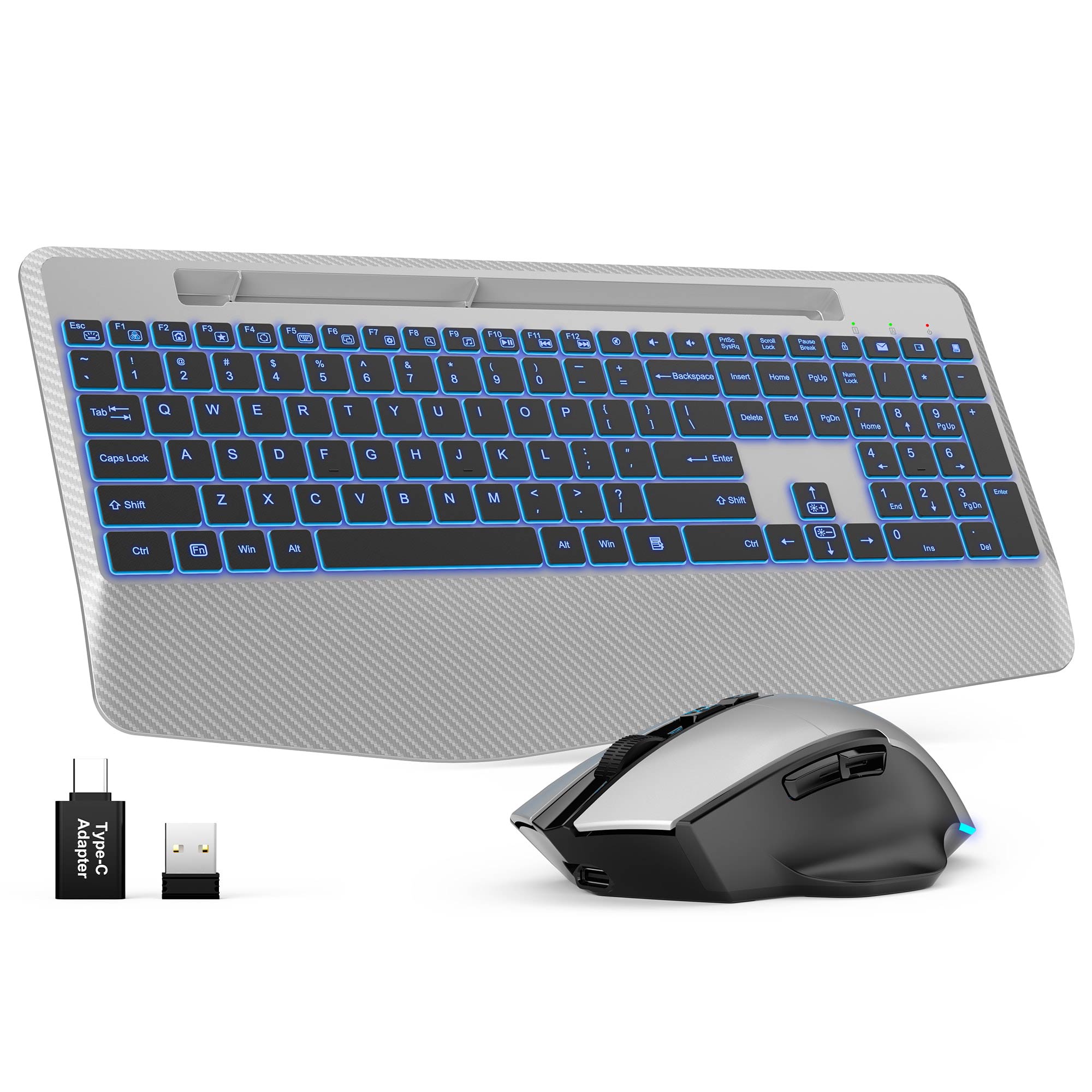
Sablute Wireless Keyboard and Mouse Combo KM22 Ultra
If you have any questions, you are always welcome to contact us. We'll get back to you as soon as possible, within 24 hours on weekdays.
Shipping Information
Use this text to answer questions in as much detail as possible for your customers.
Customer Support
Use this text to answer questions in as much detail as possible for your customers.
FAQ’s
Use this text to answer questions in as much detail as possible for your customers.
Contact Us
Use this text to answer questions in as much detail as possible for your customers.
Please read our FAQs page to find out more.
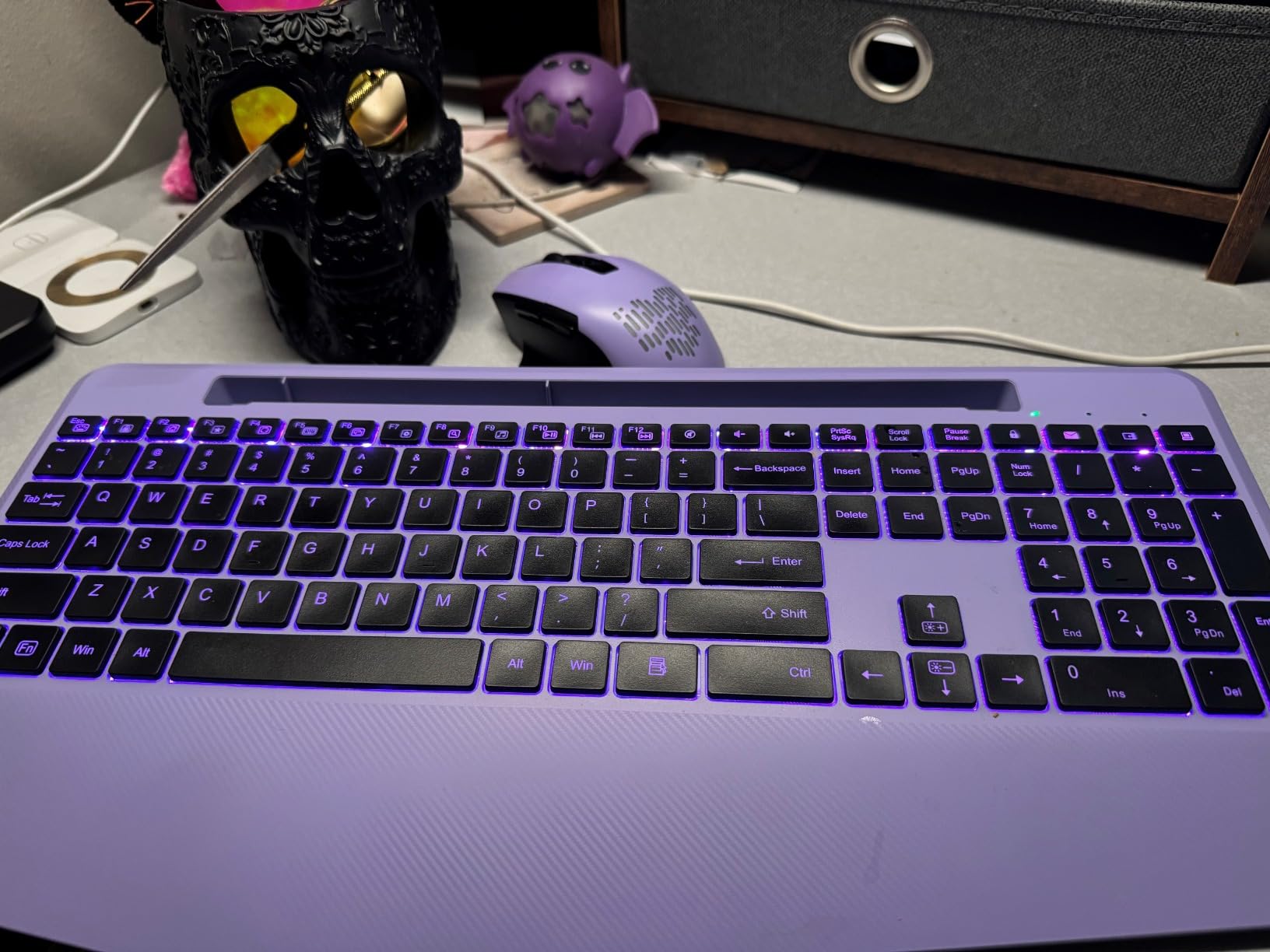
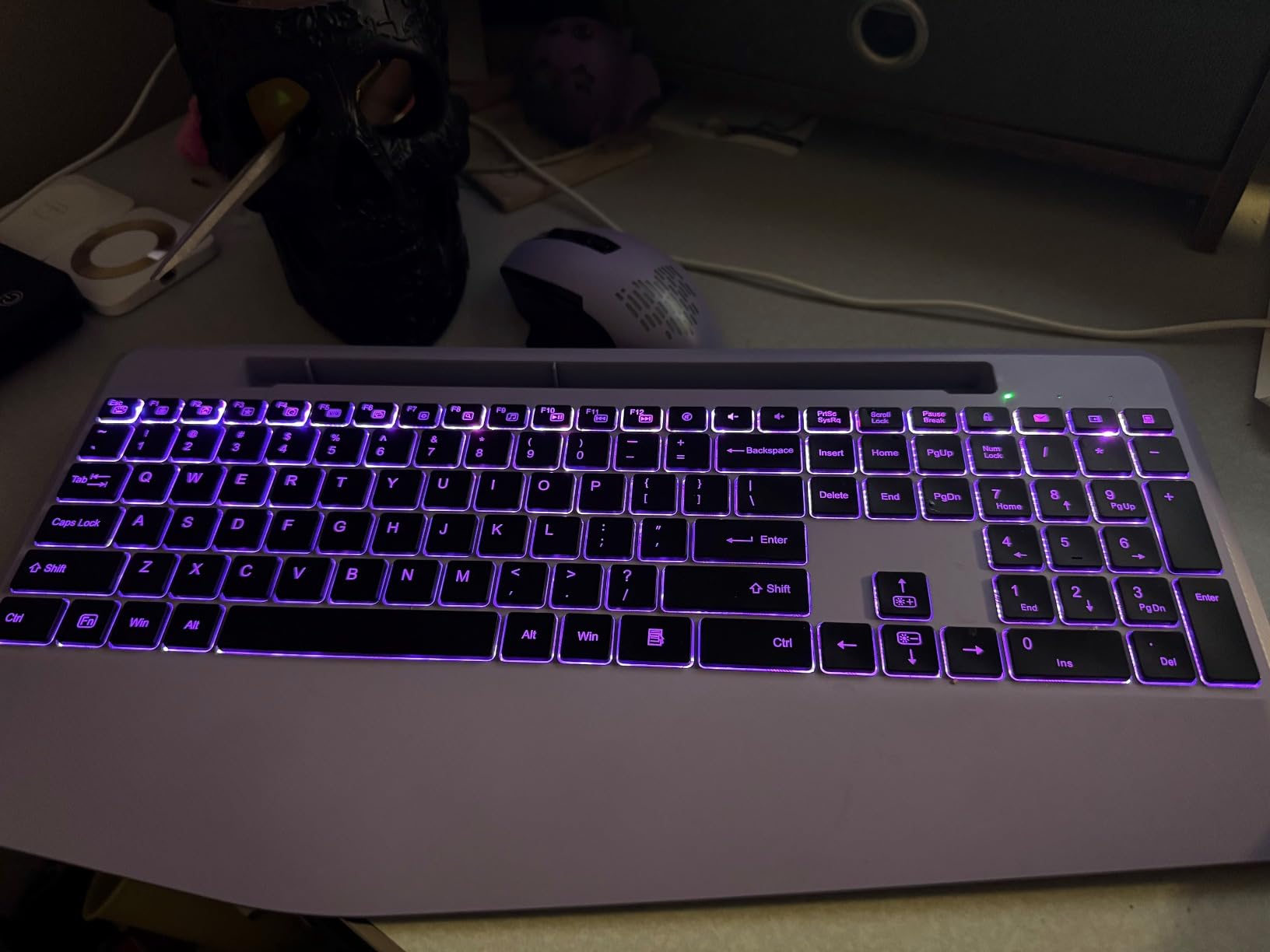
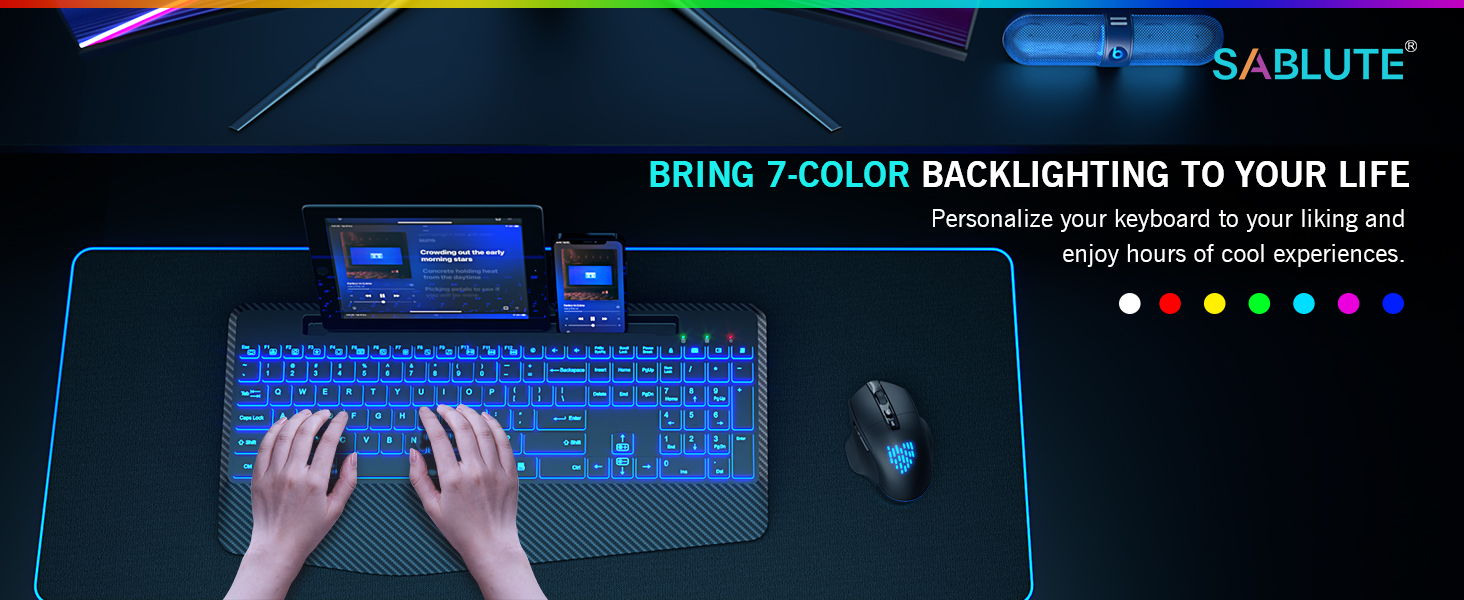
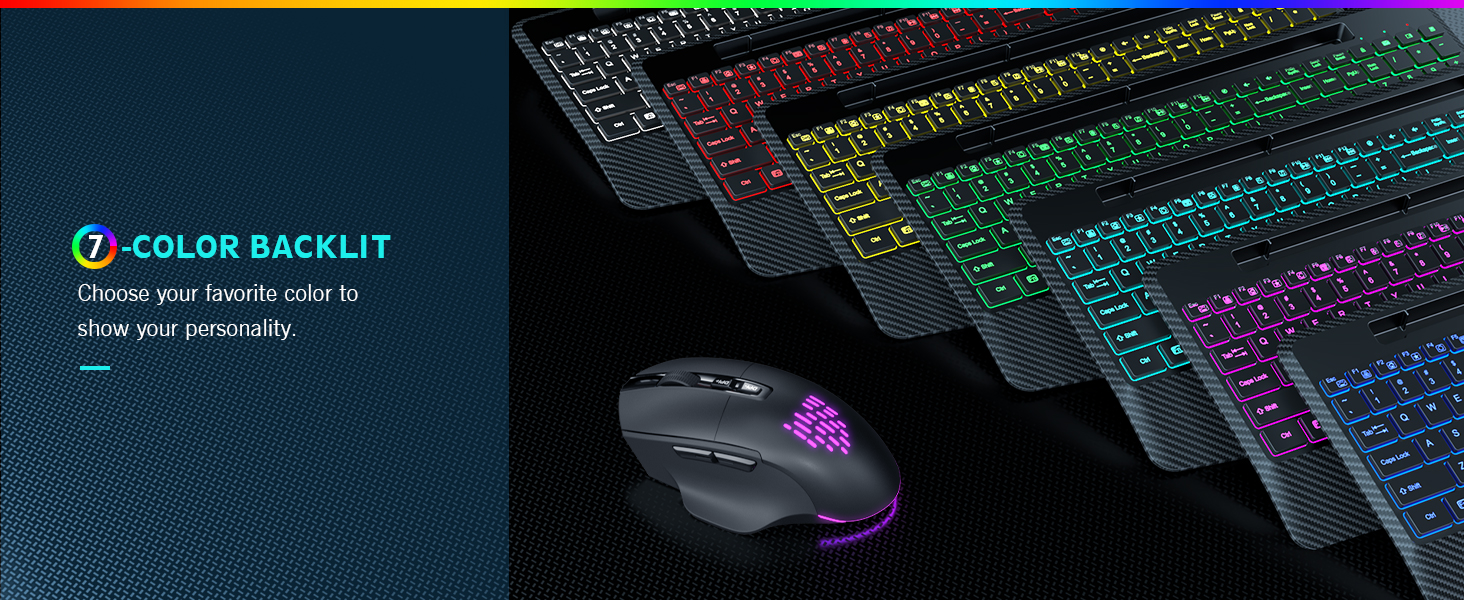
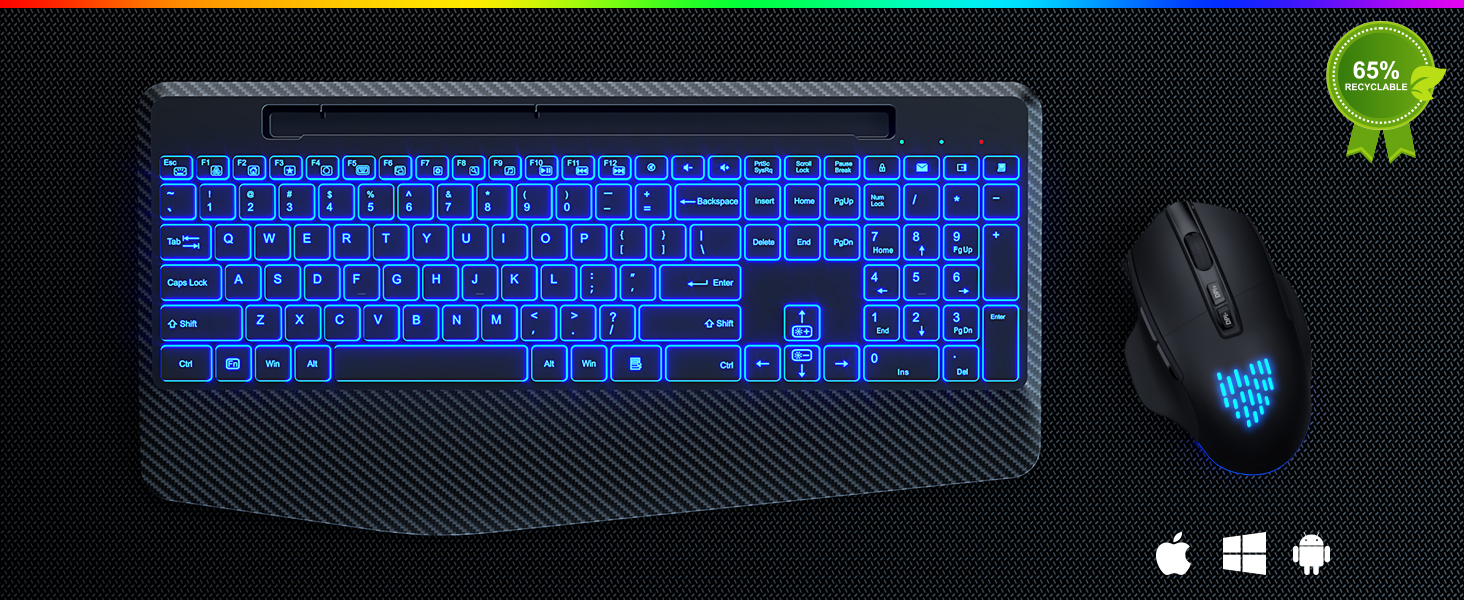
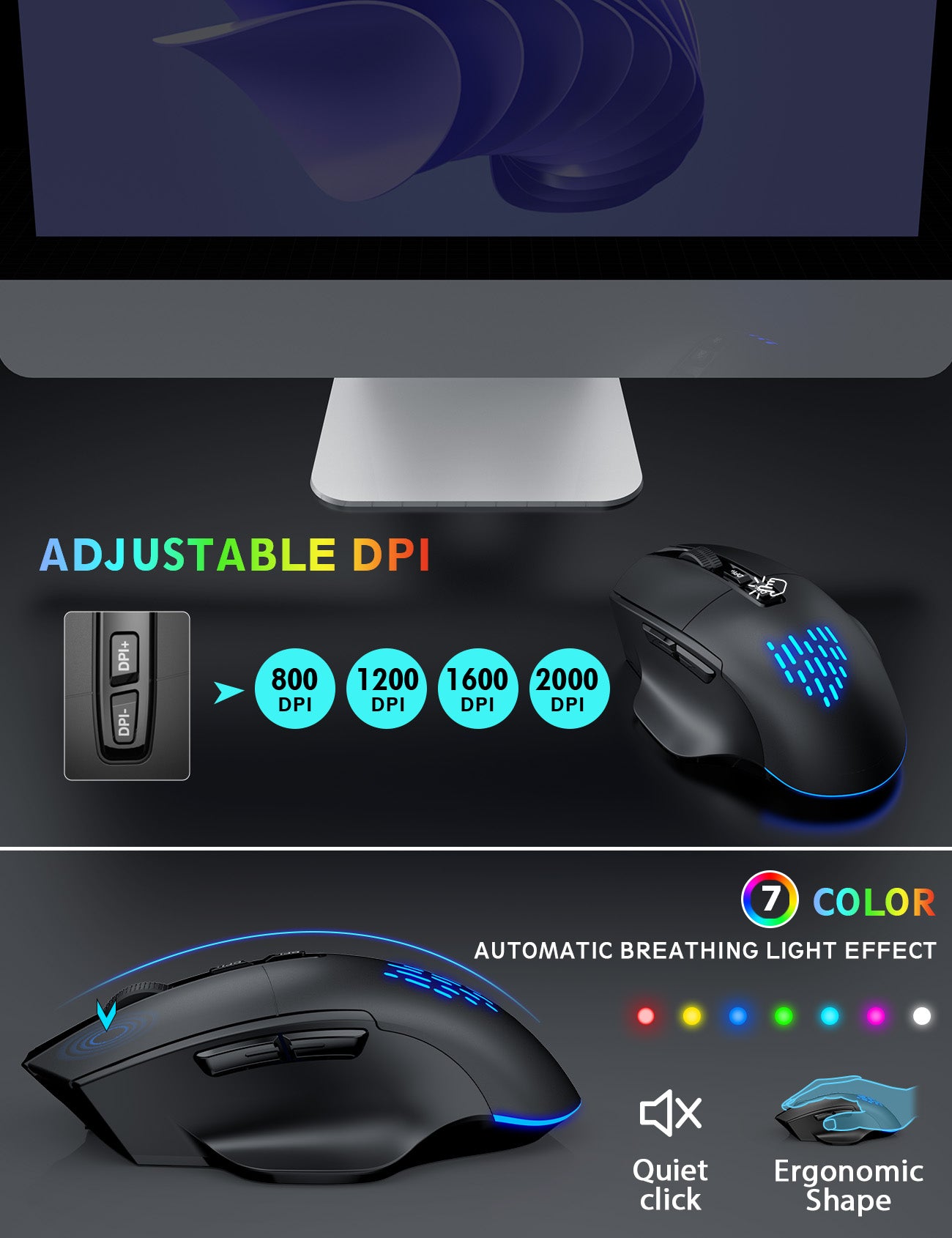
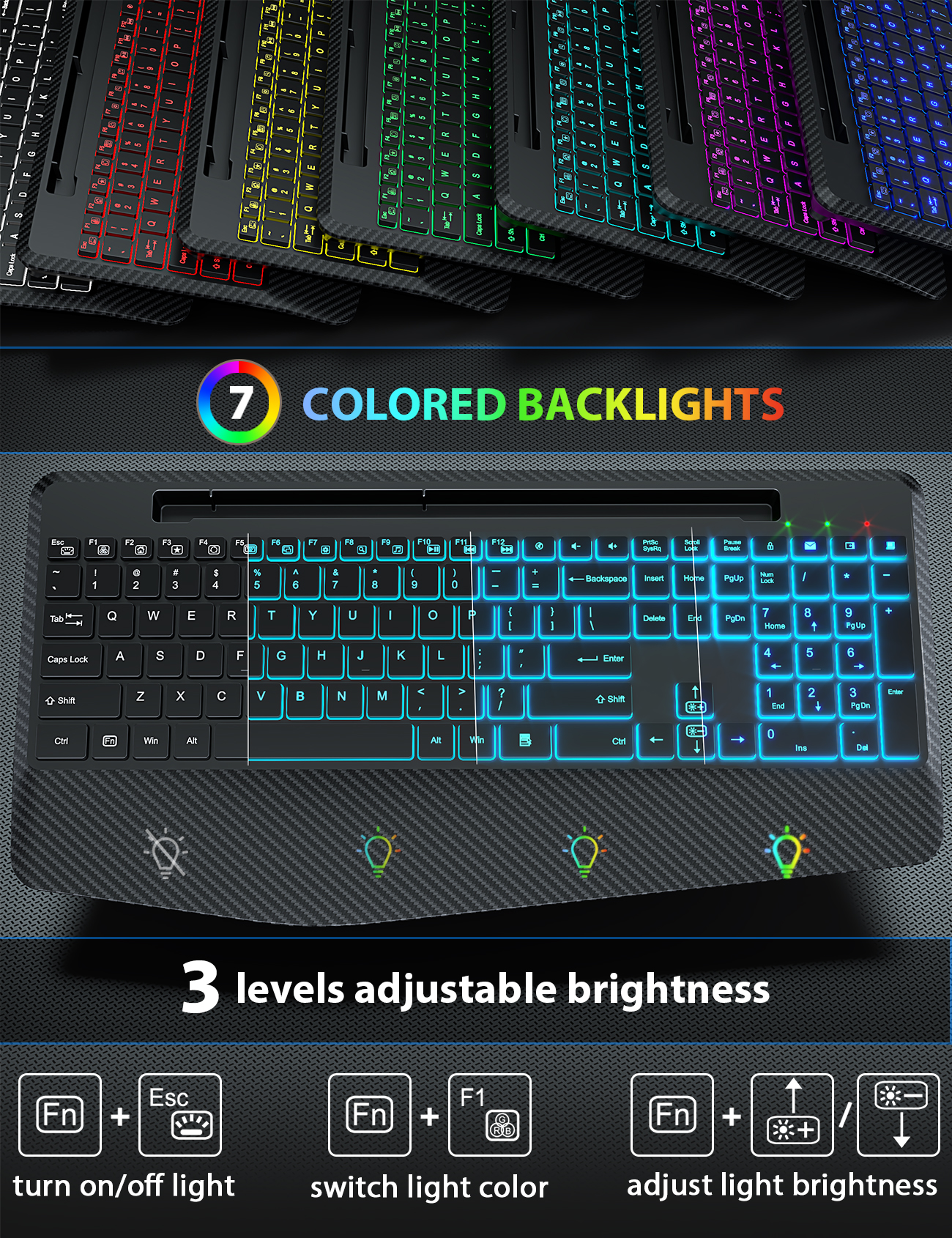
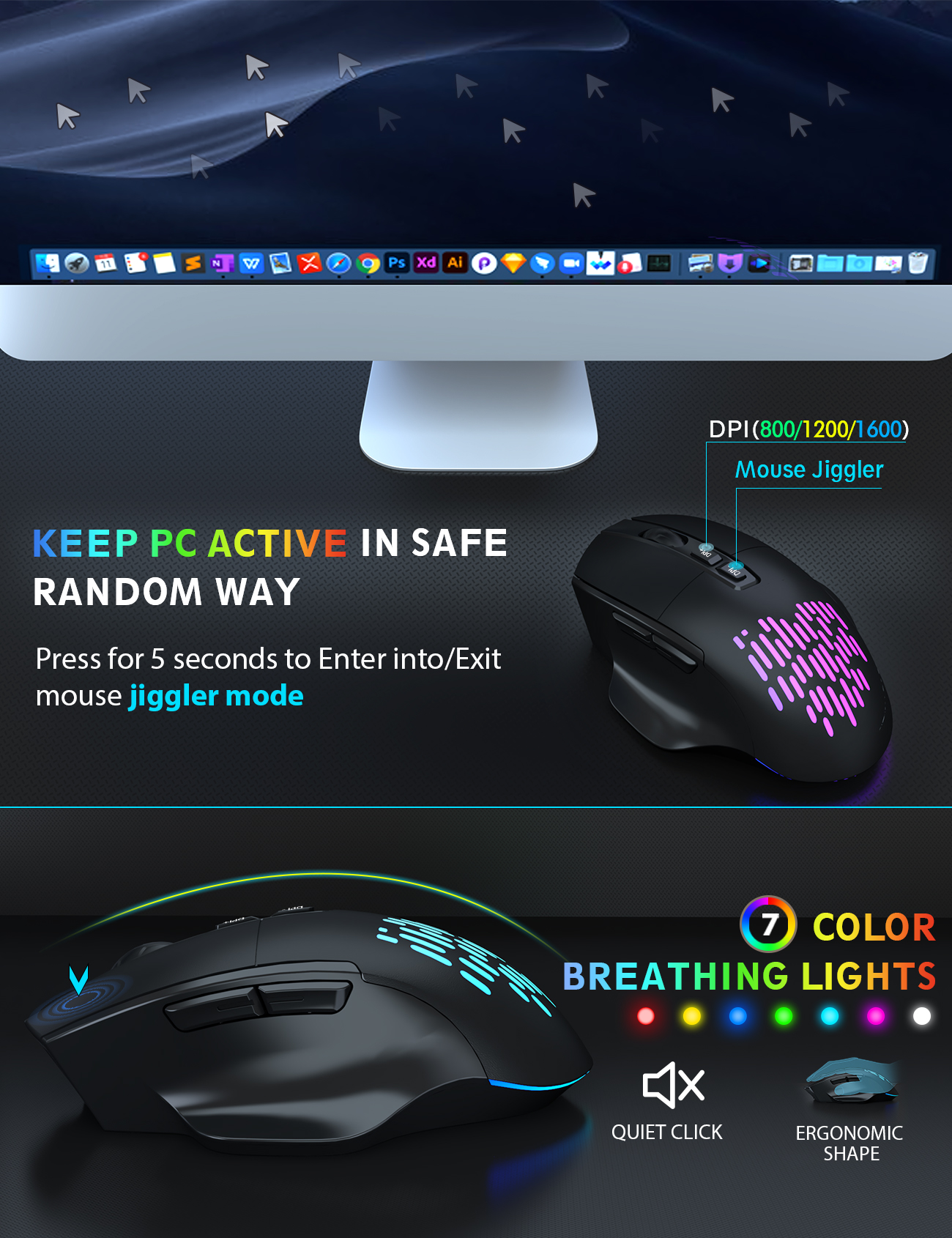
The wireless keyboard has 7 switchable backlit modes and the cordless mouse has 7 random colors for the backlights.
First, plug the USB dongle into computer. Then press Fn+Esc to turn on/off the keyboard backlit. The mouse can turn on/off the backlit through the button located at the bottom.
Press Fn+F1 to change the backlight colors, Fn+Up Arrow (or Fn+Down Arrow) to adjust the brightness. The mouse lightings are random.
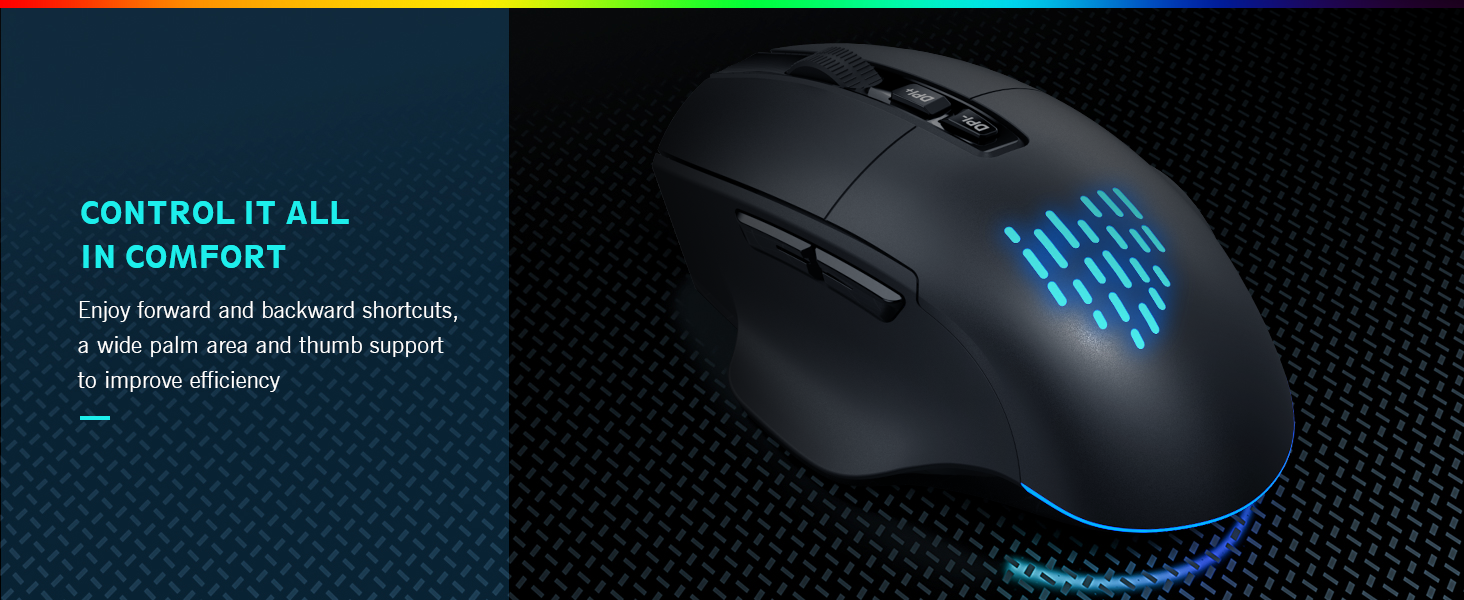
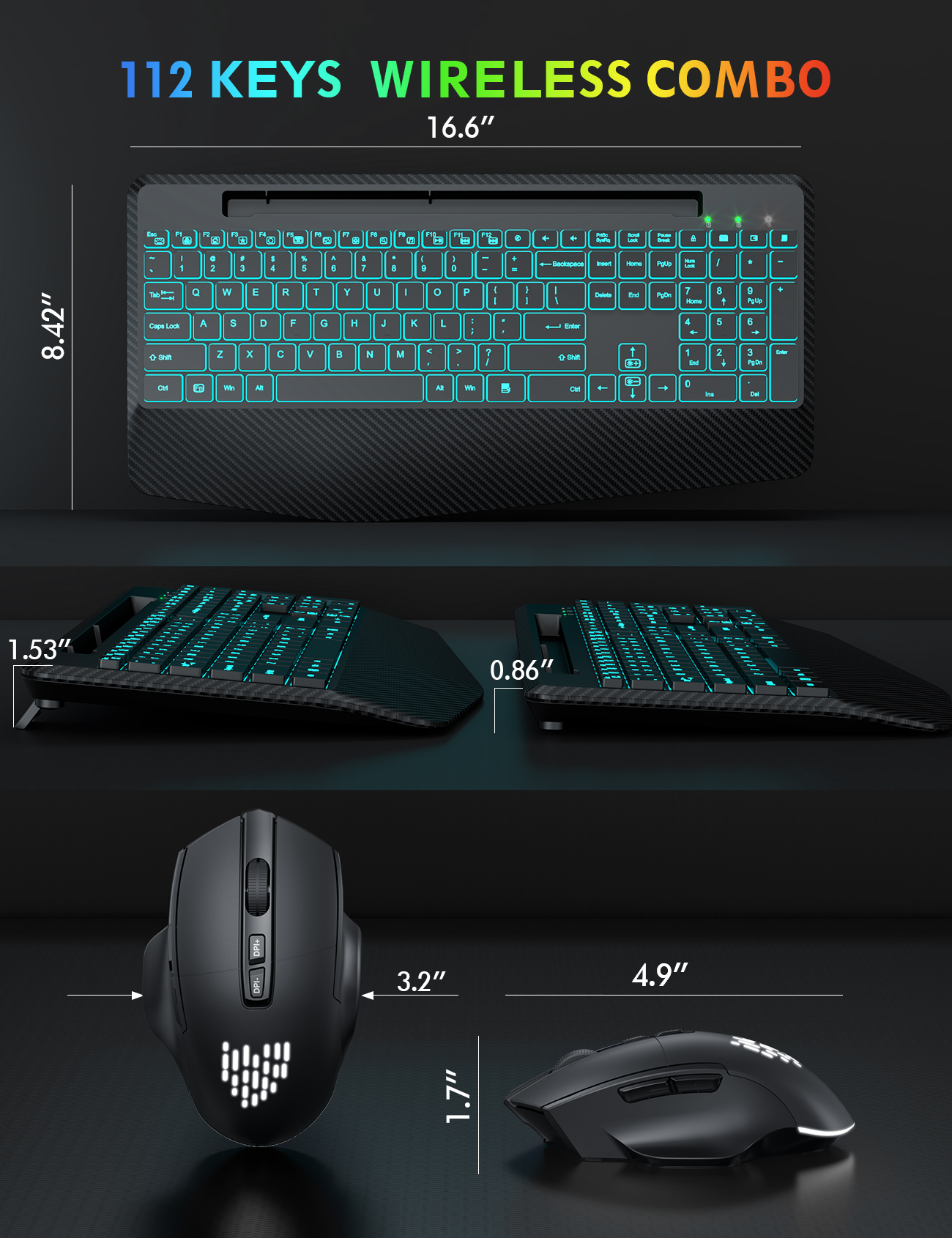
Press the first button to adjust the DPI to 800-1000-1200. Press and hold the second button for 5 seconds to enter/exit the jitter mode.
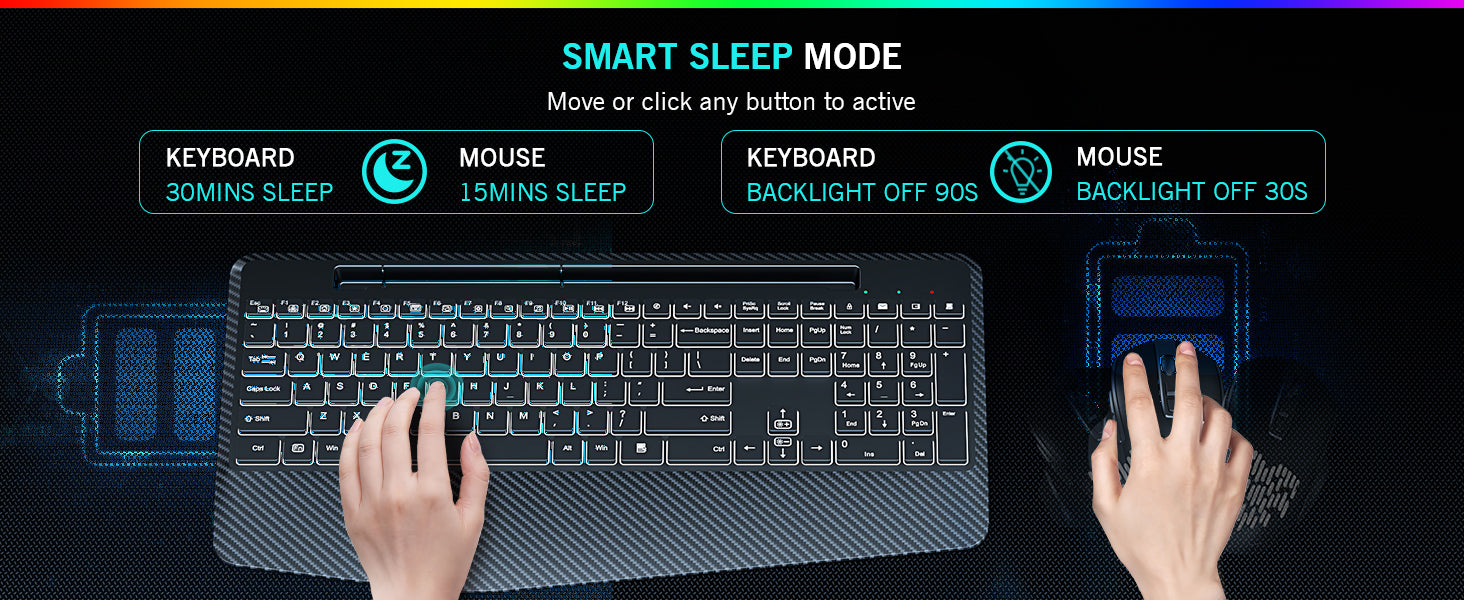
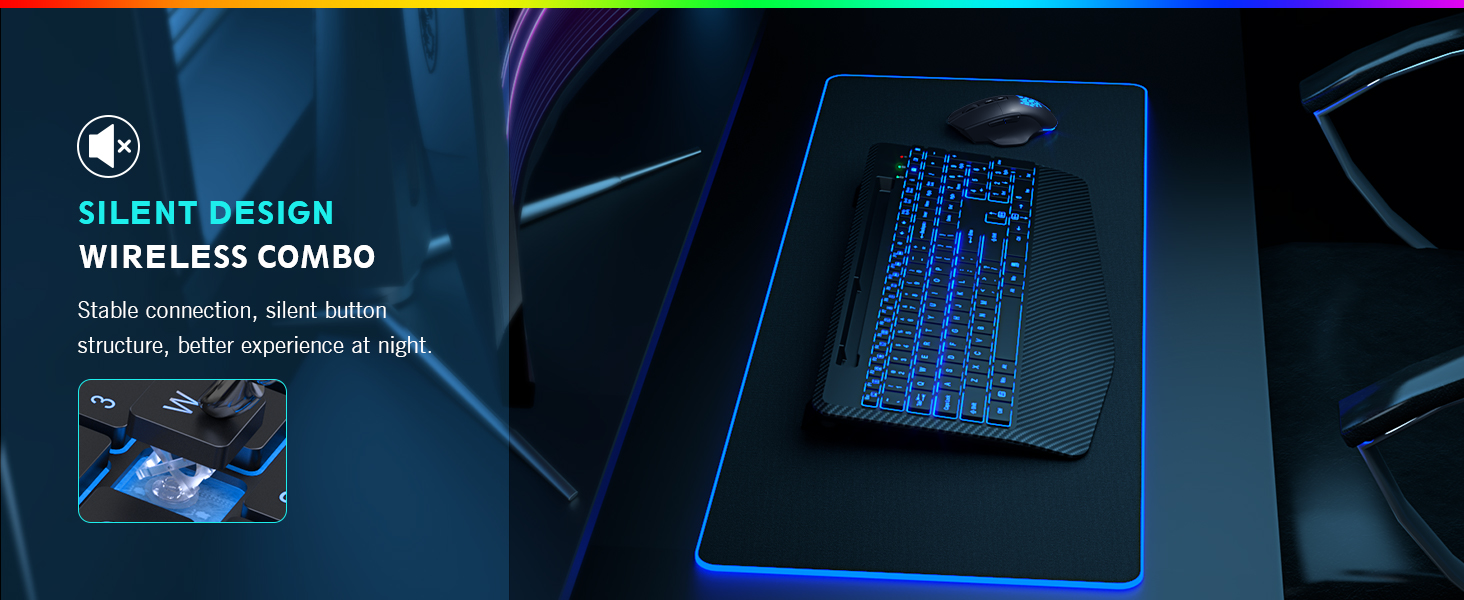
After idle for 30 mins, the keyboard will sleep; after idle for 15 mins, the mouse will sleep.
**Update** Changed my review of this set to 4 stars after company contacted me for a full refund.Not even worth a second glance with this price. The disappointment is real with this thing. I purchased this set 3 weeks ago. Here we go:Overview: Has a "cheap" feel to it. The color is amazing, the backlite is awesome. I love that part. Being able to change the color and brightness, was a huge plus. I use the keyboard in a normal 8-5 job, 3 weeks into purchase I have not had to charge it. I do turn it off everyday before I leave work. Mouse is no longer working after 3 weeks.Keyboard Pros/Cons:Pros: Great backlight color, battery good so far, pretty. Phone stand was pretty cool to haveCons: Quality isn't anywhere near it should be for the price.Keyboard is loud, especially in a quiet office.Wrist rest is smooth and just feels wrong.I stress on the whole Battery life thing. I will make sure my next purchase has a regular battery backup, because my keyboard/mouse does not work when it is charging.Mouse: Bigger than I thought it would be. Make sure you take the protective stickers off the bottom for it to move smoothly. Oh also, 3 weeks into purchasing, it no longer works at all. It will light up, keyboard works, mouse...dead.Pros: None reallyCons: Feels very cheap,big, not comfortable for smaller handsQuit working after 3 weeks, tried updating drivers, tried uninstalling and reinstalling, tried usb receiver extenders, nothing. Way to much trouble for the price paid for it.Battery hasn't been an issue yet, but I turn it off at the end of every work day.Overall, pass this up. The quality alone is lacking for the price. Now with the mouse, not working, it really isn't worth the troubleshooting when I paid the price I did.
UPDATE: the seller saw this review and offered me a full refund or a new set the same as I have that broke. By my own free will I am changing my review from a 1-star to a 4-star (they did not ask me to). I feel like it should not have broken, but the seller did the right thing when it did!I WILL purchase from this seller again!?? ??????����������������������I bought this on February 2, 2026. This past weekend 05/10/2026 on Mother Day, the middle scroll button decided it wasn't going to work anymore. I paid good money and loved this set but now I am without a mouse. Return window closed and no option to contact the seller for any sort of resolution. Horrible! Can't believe I paid for a set where the mouse breaks after only 3 months! And return window was only 30 days.
Quality set. Quiet. Comfortable. Excellent customer service! When I lost my dongle, they were able to send me a new one.
I have returned to this review to update the current situation. I was cotacted by customer service and provided several options to remedy the situation. The seller has offerred to replace or refund the cost. While the product did not meegt my needs the seller has made things right, I did not have to contact them, they reached out to me. I am more than willing to give them another try in the future on other products, seldom have I encountered a business sowilling to make things right. Great job and very satisfied!!The mouse and laptop needs frequent recharging. I will only buy battery devices such as this from here on. The keyboard lights turn off far to quickly when you sop typing, i like to work in low light situations and need the illuminated keyboard to stay on a whole lot longer. The mouse is possessed and has done everything except for throwing furniture around the room and attack my dog. do not buy going to replace after a much more careful review of available products.
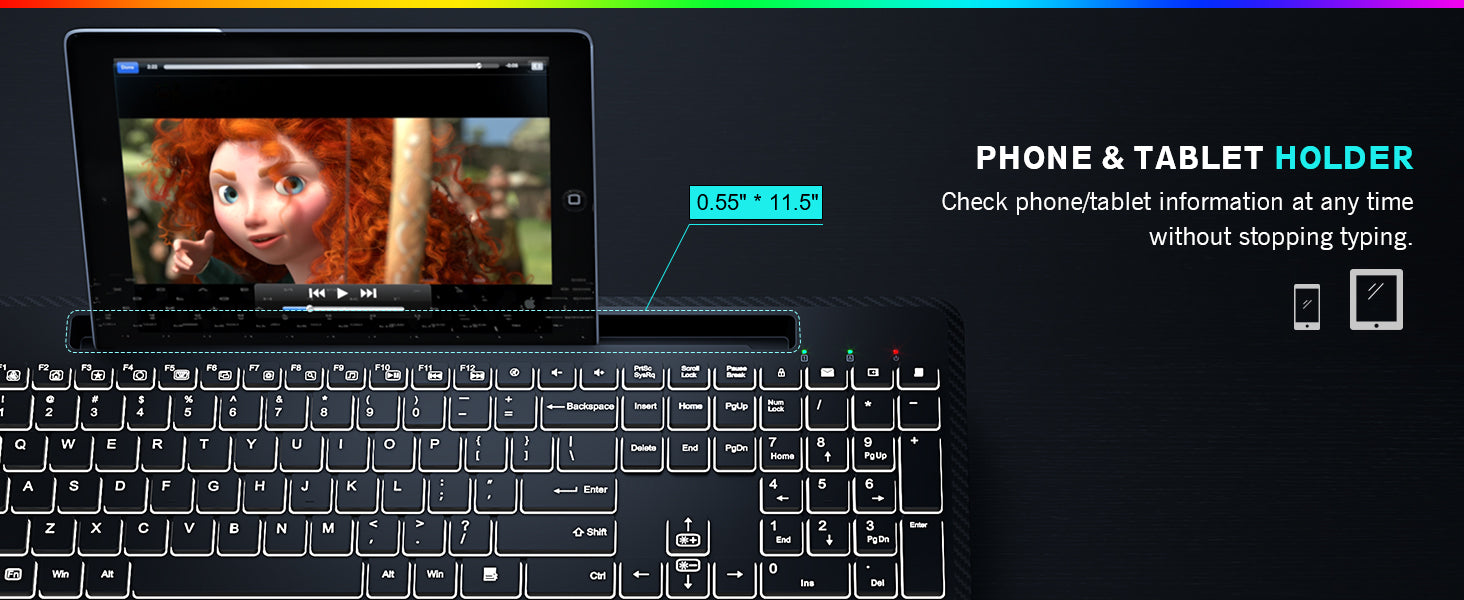
The mouse is cool. Changes colors all the time when you set it to. May have to recharge mor often but that's ok. Keyboard it a bit smaller than I'm used to. All the keys are really close together so sometimes I fat finger and hit 2 keys at the same time. But I'm get better as time goes on. Has a place to put my phone and it sits (on it side) low enough, so when I turn my monitor, it doesn't hit the phone
What an amazing looking keyboard. My brother suffers from cataracts and it was so incredible when he got this he just couldn��t believe how much easier his life is with this keyboard. Everything is clear bright just point like amazing.
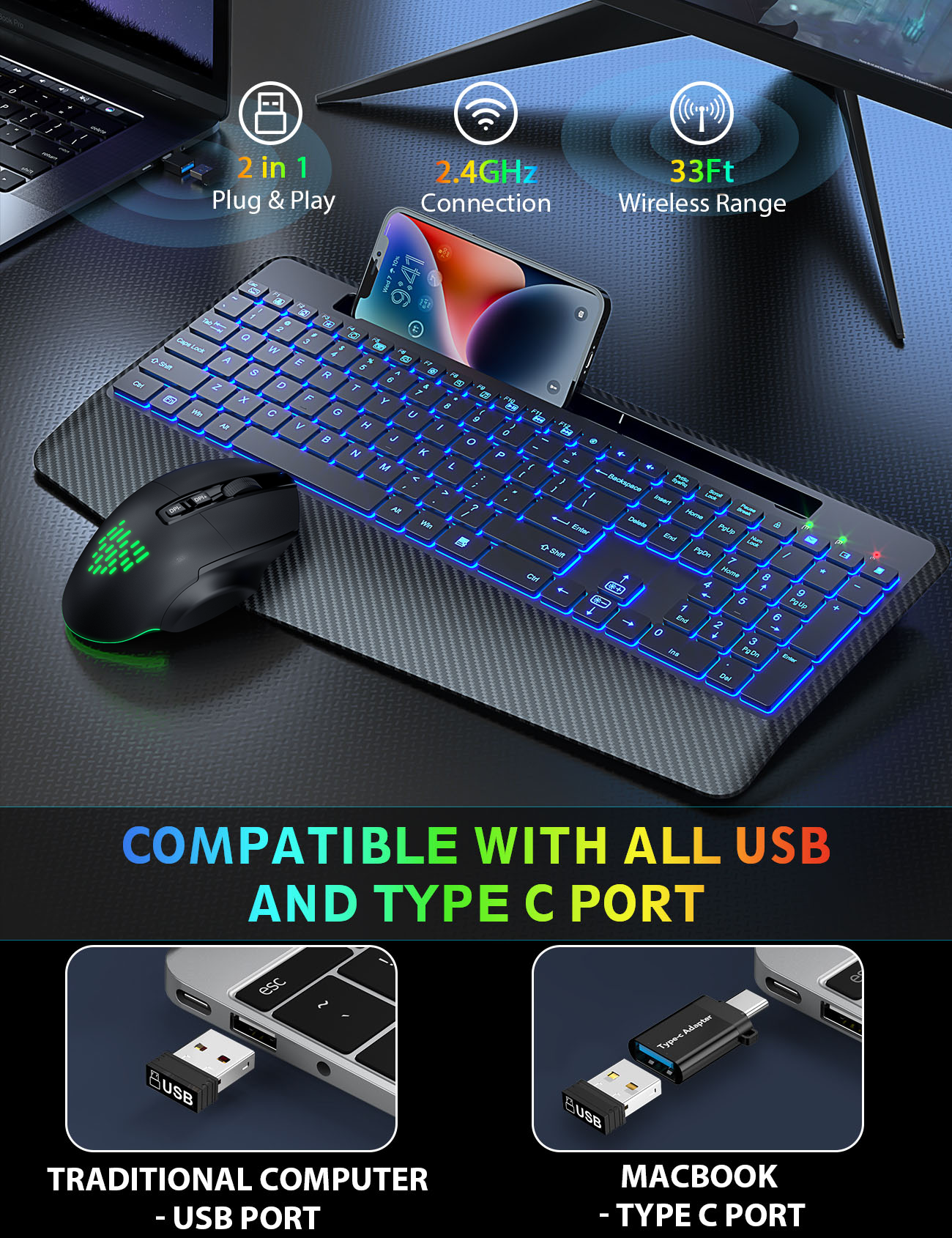
Operates smoothly. Plug and play. Everything is as described
I'm very happy with this setup! I've been using this for the past few months and love the backlit features, and the ergonomics of this setup. I'm really impressed with how long it lasts before needing to be recharged. I usually just keep the keyboard plugged in: as it uses the most battery, but I've only had to charge the mouse 1 time in a few months of daily use! No faulty keys, everything works great, and has a good feel to the keys. I highly reccommend this Keyboard and Mouse!
Edit: after writing my original review, I was sent a new keyboard and mouse. After trying the keyboard out, I changed my review. The new one works so much better and as it should. No missed letters and even feels better. I like the way the keys sound too, almost like ASMR. I am so happy with the customer service and the keyboard. What a nice company for willing to make it right so fast! I highly recommend now.I wanted to like this keyboard a lot. The colors are nice and it's mostly comfortable. I work at my computer all day and it's important to be able to be comfy and have products that work. The keyboard mostly works nice, but if you type too fast, it misses a lot of letters. I find I am going back and fixing words way more now because it's not registering some of the keys that are used. It gets frustrating.