

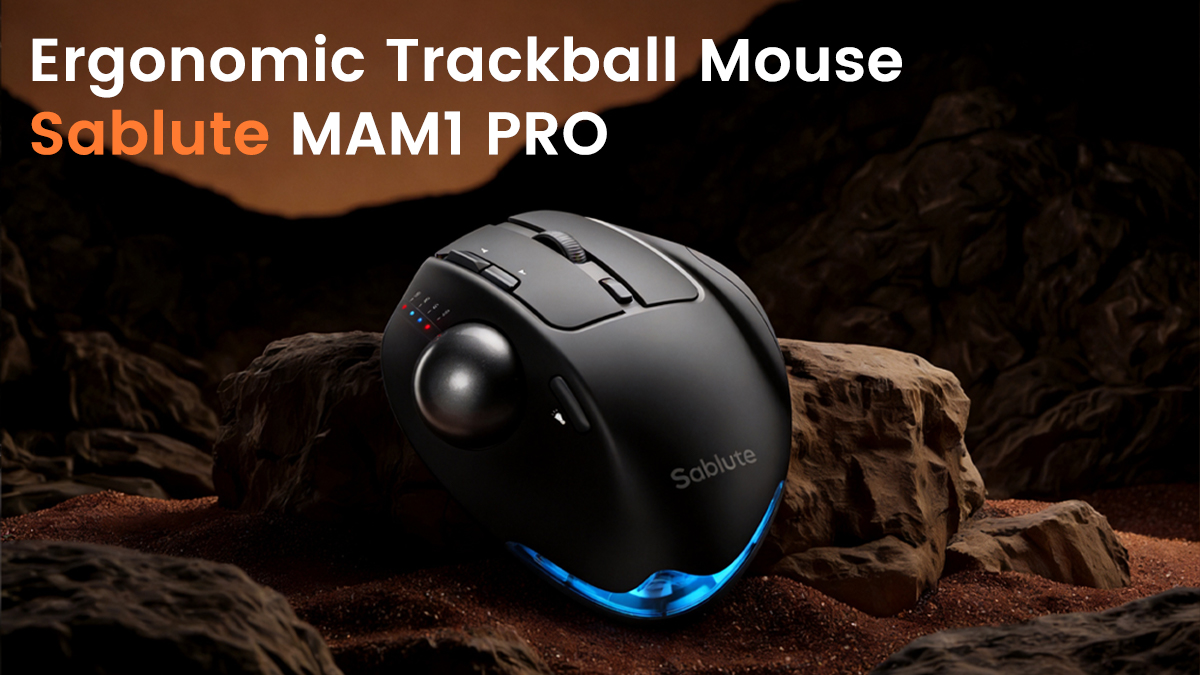
The Hidden Cost of Long Hours at the Desk
In today’s digital workspace, professionals spend an average of 6–10 hours daily on
computers. While productivity increases, a silent issue grows alongside it — wrist strain,
finger fatigue, and long-term repetitive stress injuries (RSI).
Many users only realize the problem when discomfort becomes pain.
But what if the problem isn’t your workload — but your tools?

Why Traditional Keyboards and Mice Are Failing You
Standard keyboards and mice are designed for cost efficiency, not ergonomics.
Common issues include:
· Flat typing angles → unnatural wrist positioning
· Compact layouts → cramped finger movement
· Click resistance inconsistency → finger fatigue
· Poor palm support → increased pressure points
Over time, these design flaws lead to:
· Wrist pain
· Shoulder stiffness
· Reduced typing efficiency
· Long-term health risks
What Makes Ergonomic Devices Different?
Ergonomic keyboards and mice are engineered around natural human movement.
Key improvements include:
· Split or curved key layout
· Soft keystroke feedback
· Natural tilt angles
· Palm support integration
The result is not just comfort — but sustainable productivity.
Real-World Use Case: From Fatigue to Flow
Professionals who switch to ergonomic setups often report:
· Less fatigue after long working hours
· Improved typing consistency
· Reduced need for breaks
· Better focus during deep work
How Sablute Approaches Ergonomics
Sablute focuses on:
· Ergonomic function
· Clean, minimal design
· Smooth typing experience
Our goal:
Make comfort feel natural — not forced.
Final Thoughts
Ergonomic devices are no longer optional.
The question is:
How long can you ignore discomfort?
Share:
Best Ergonomic Keyboard and Mouse Setup for Office Productivity in 2026