FIRST TIMER?
You can unsubscribe at any time.



Pairs well with
Free U.S. Shipping on all U.S. orders. It usually takes about 5 business days* for your package to be delivered, Please refer to our Shipping Policy for details.
30-Day Free Returns for added peace of mind. Try it risk-free and return it within 30 days if it is not the right fit. Please review our Returns Policy before purchase.
2-Year Warranty backed by responsive support for product and parts-related issues. Click for Warranty Policy.
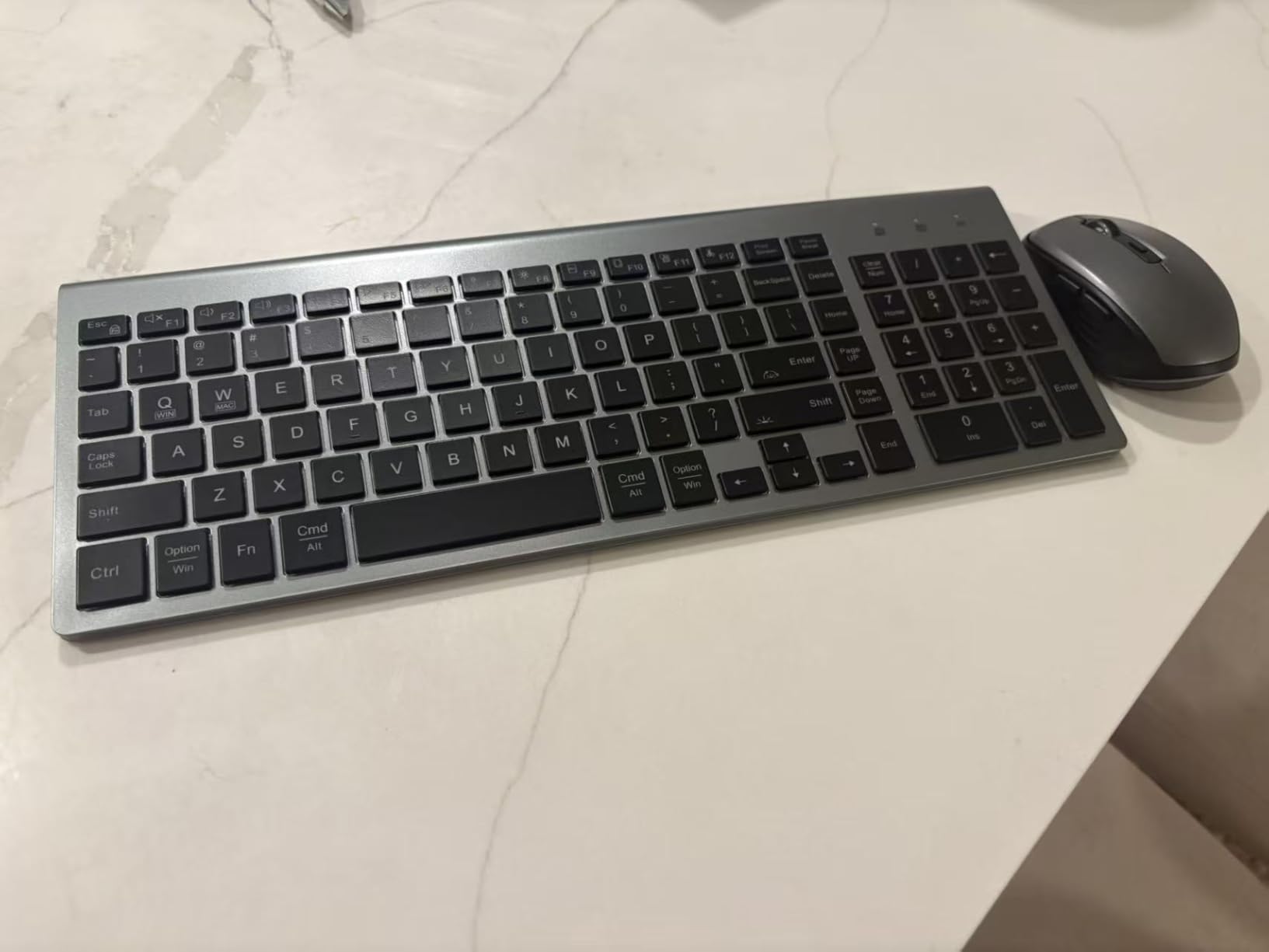
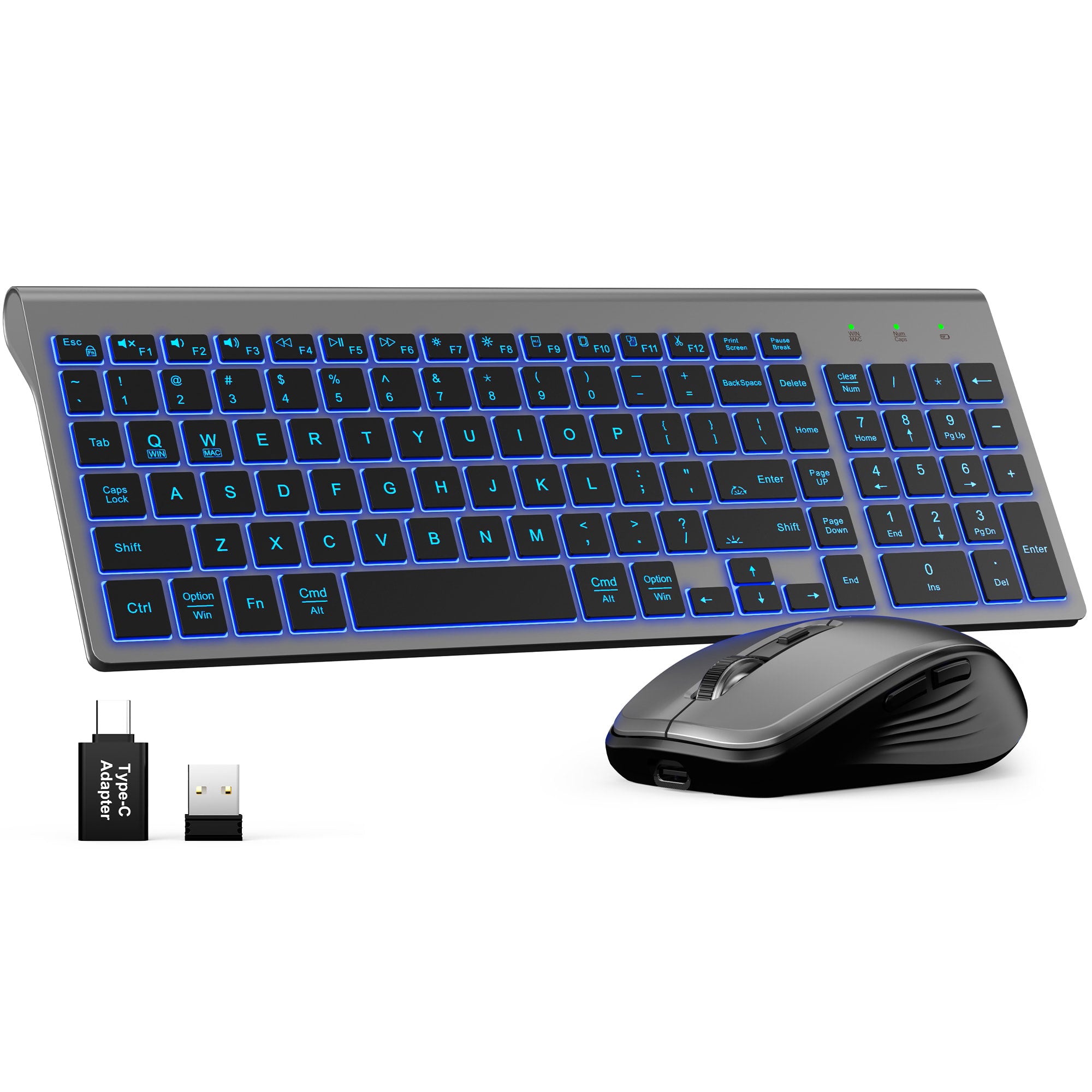
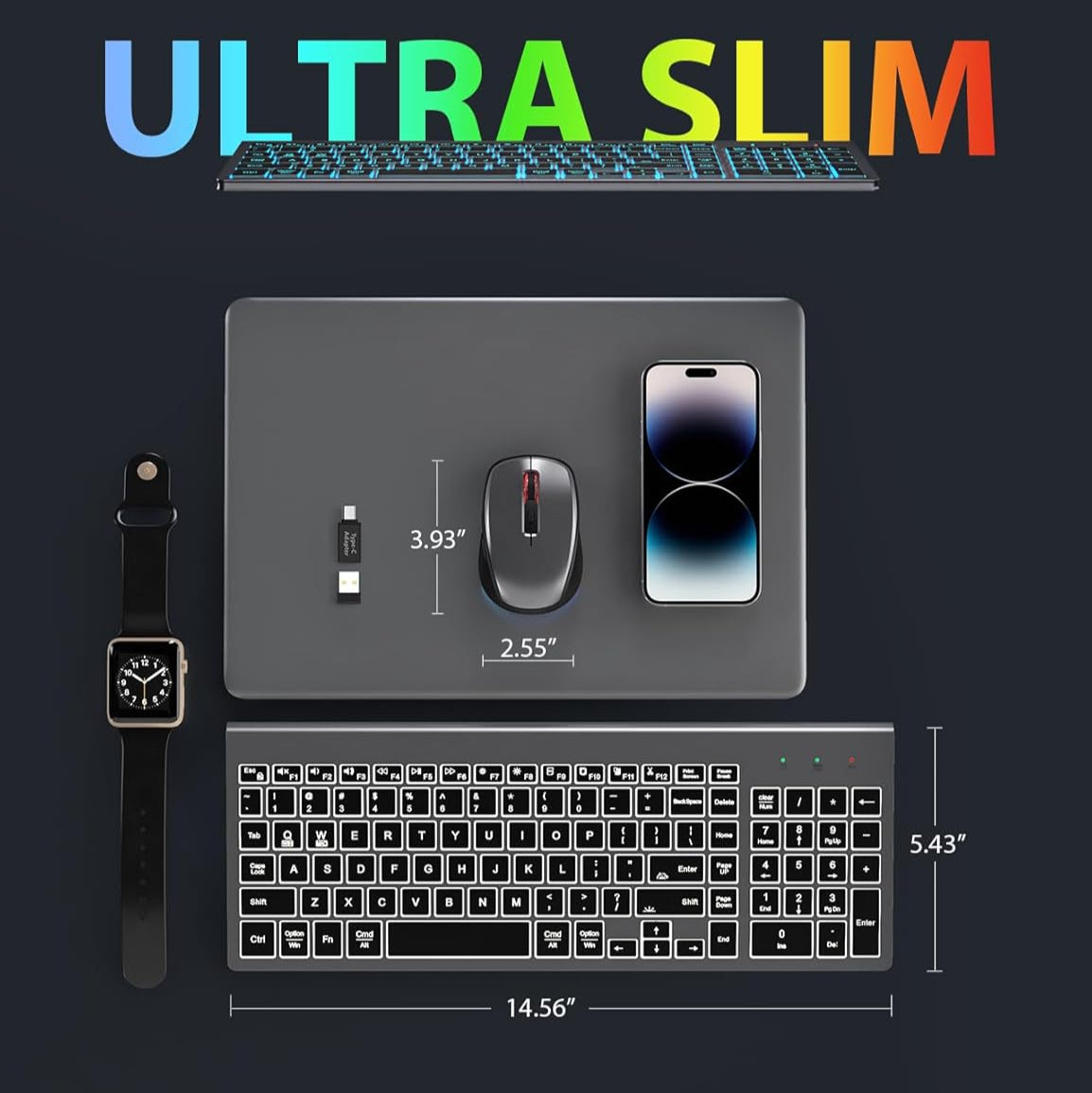
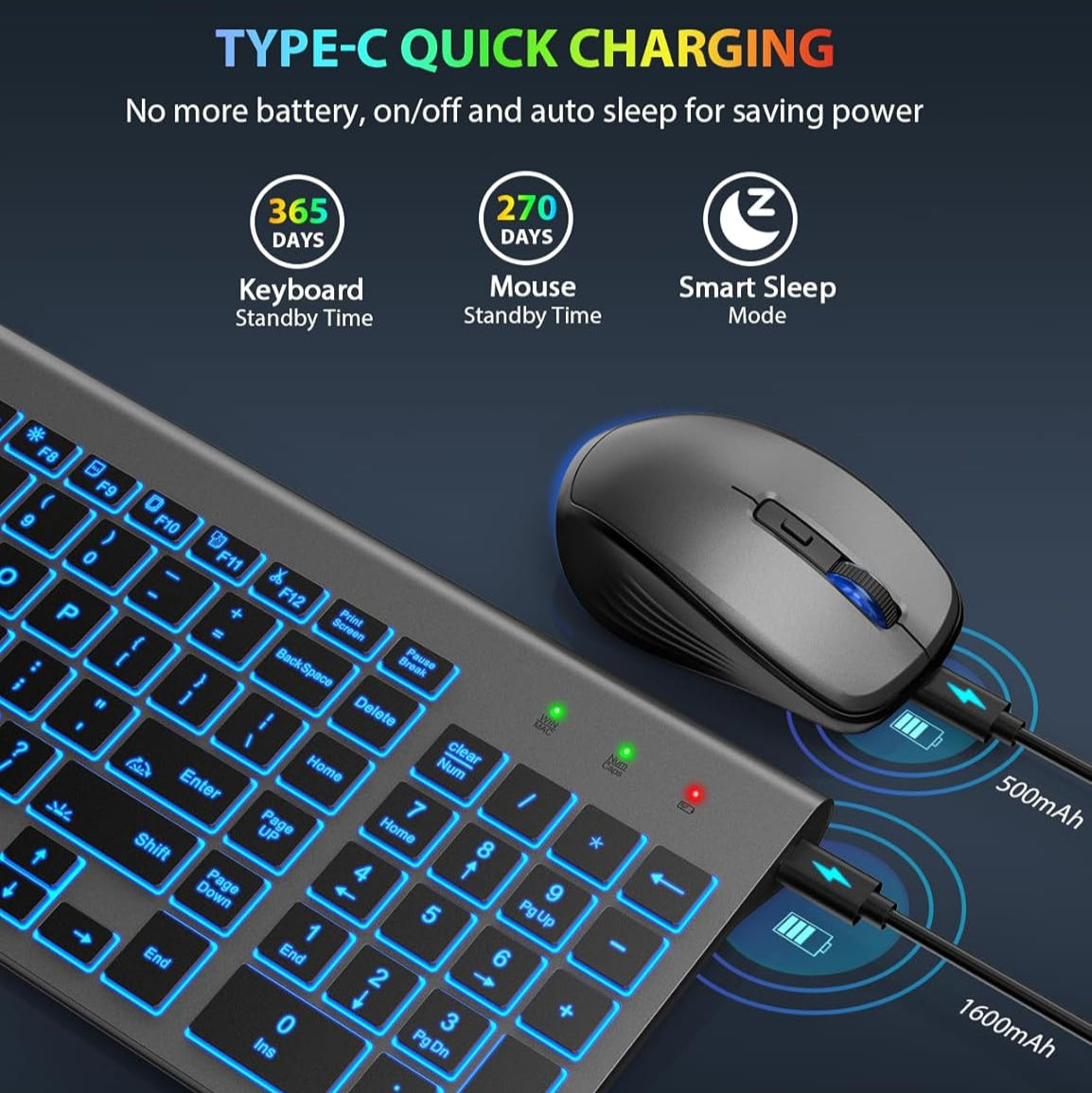
Ultra-Slim Wireless Keyboard and Mouse Combo KM61 PRO
If you have any questions, you are always welcome to contact us. We'll get back to you as soon as possible, within 24 hours on weekdays.
Shipping Information
Use this text to answer questions in as much detail as possible for your customers.
Customer Support
Use this text to answer questions in as much detail as possible for your customers.
FAQ’s
Use this text to answer questions in as much detail as possible for your customers.
Contact Us
Use this text to answer questions in as much detail as possible for your customers.
Please read our FAQs page to find out more.
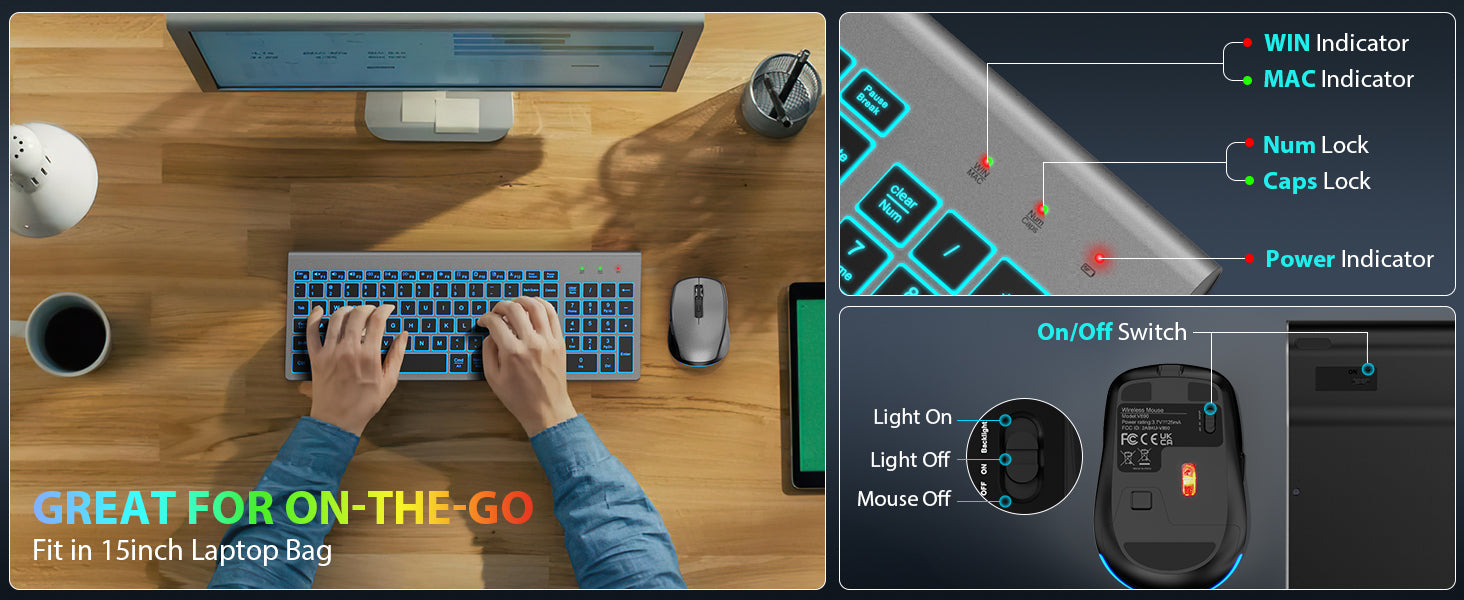
The wireless combo receiver is stored in the product packaging next to the keyboard. If you have lost it and need a replacement. Please contact our support team for immediate assistance.
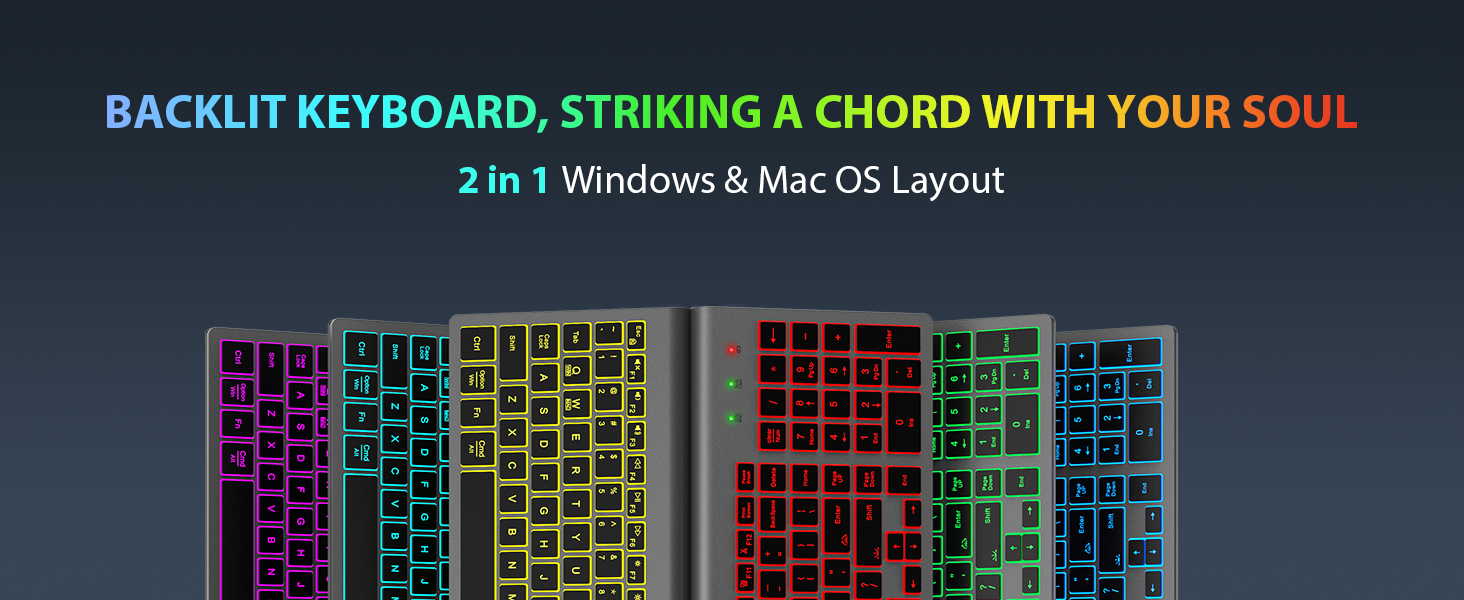
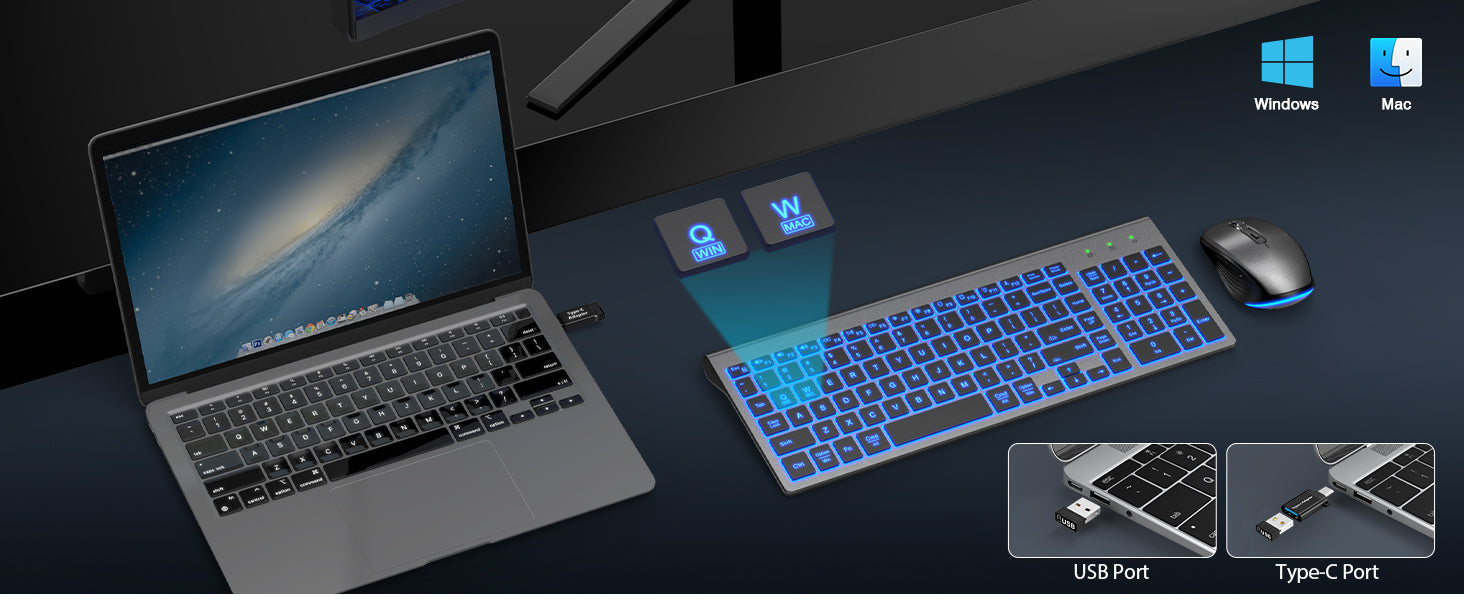
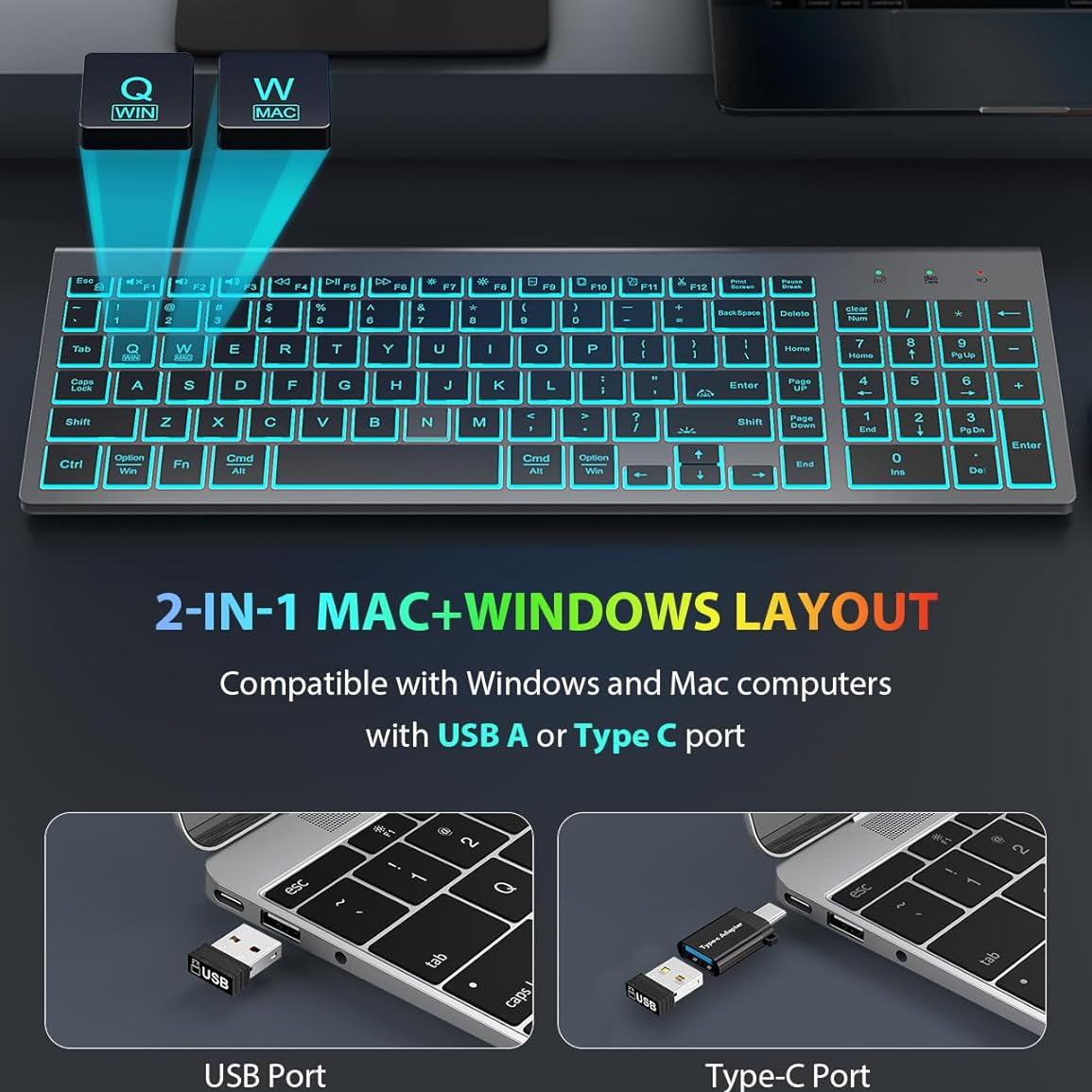
This Backlit rechargeable keyboard mouse combo compatible with Windows and Mac OS
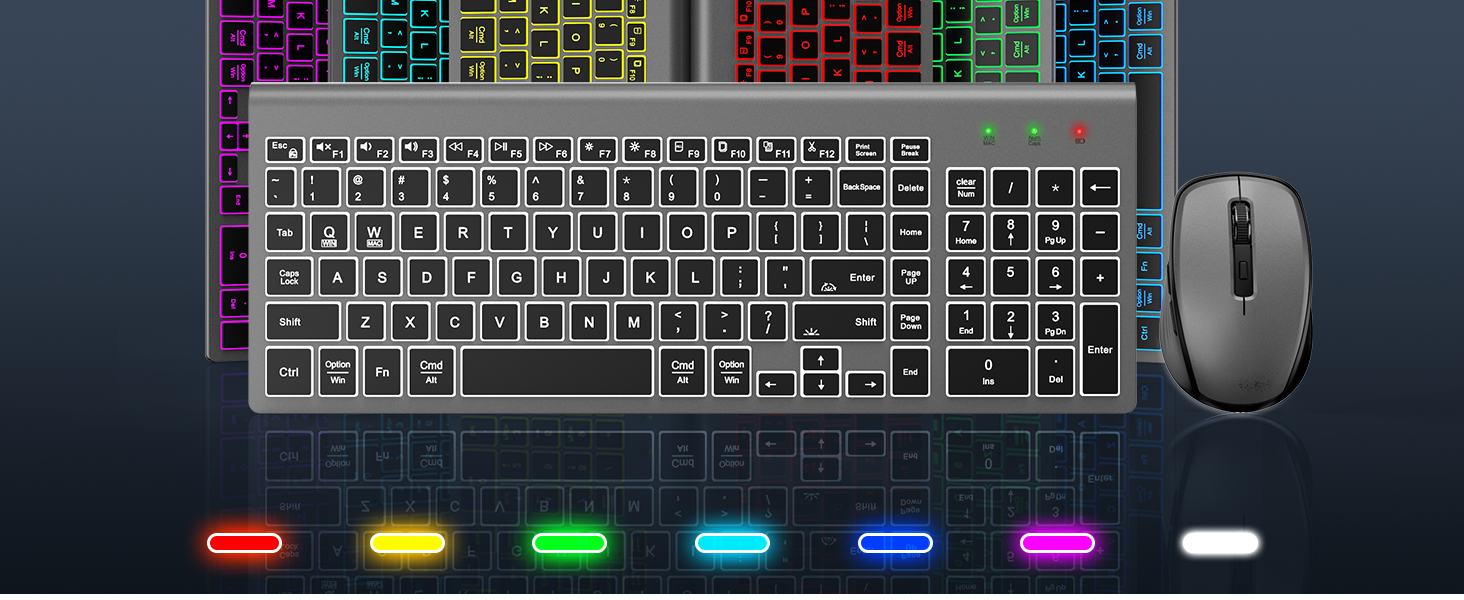
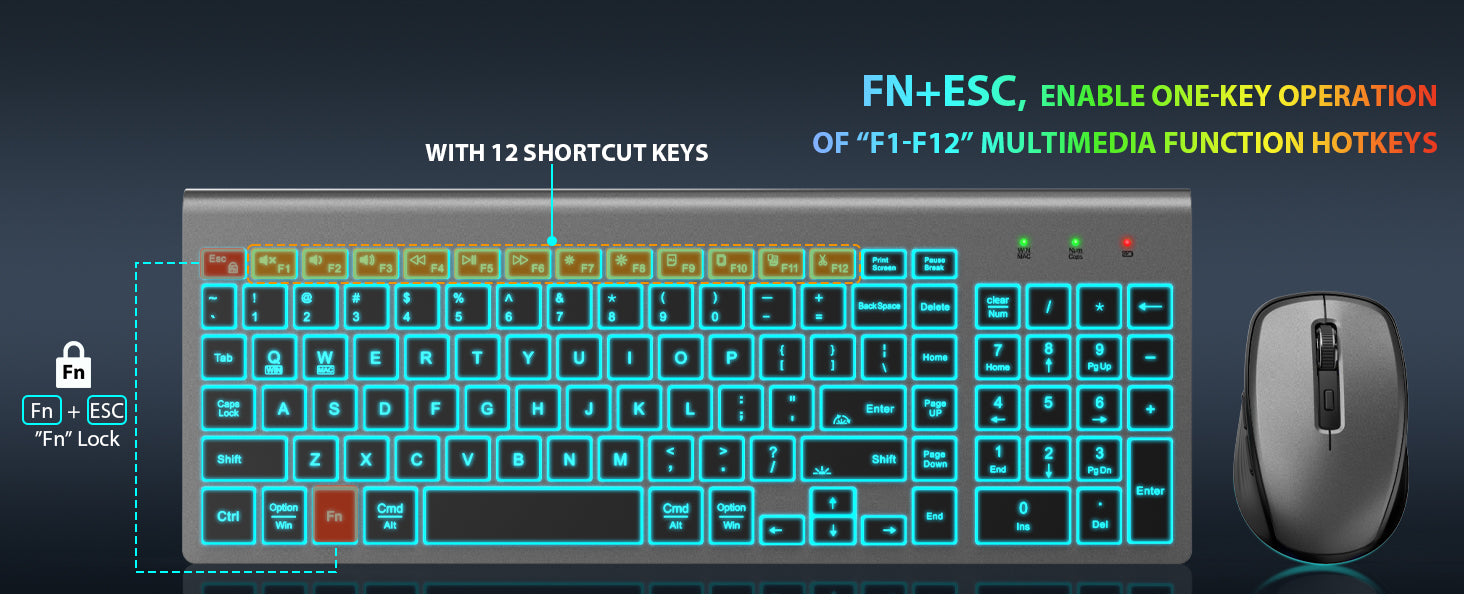
Yes, it does. Just press Fn+Esc once to activate Fn Lock, and thereafter, you can directly use the F1 to F12 keys without the need to press the Fn key.
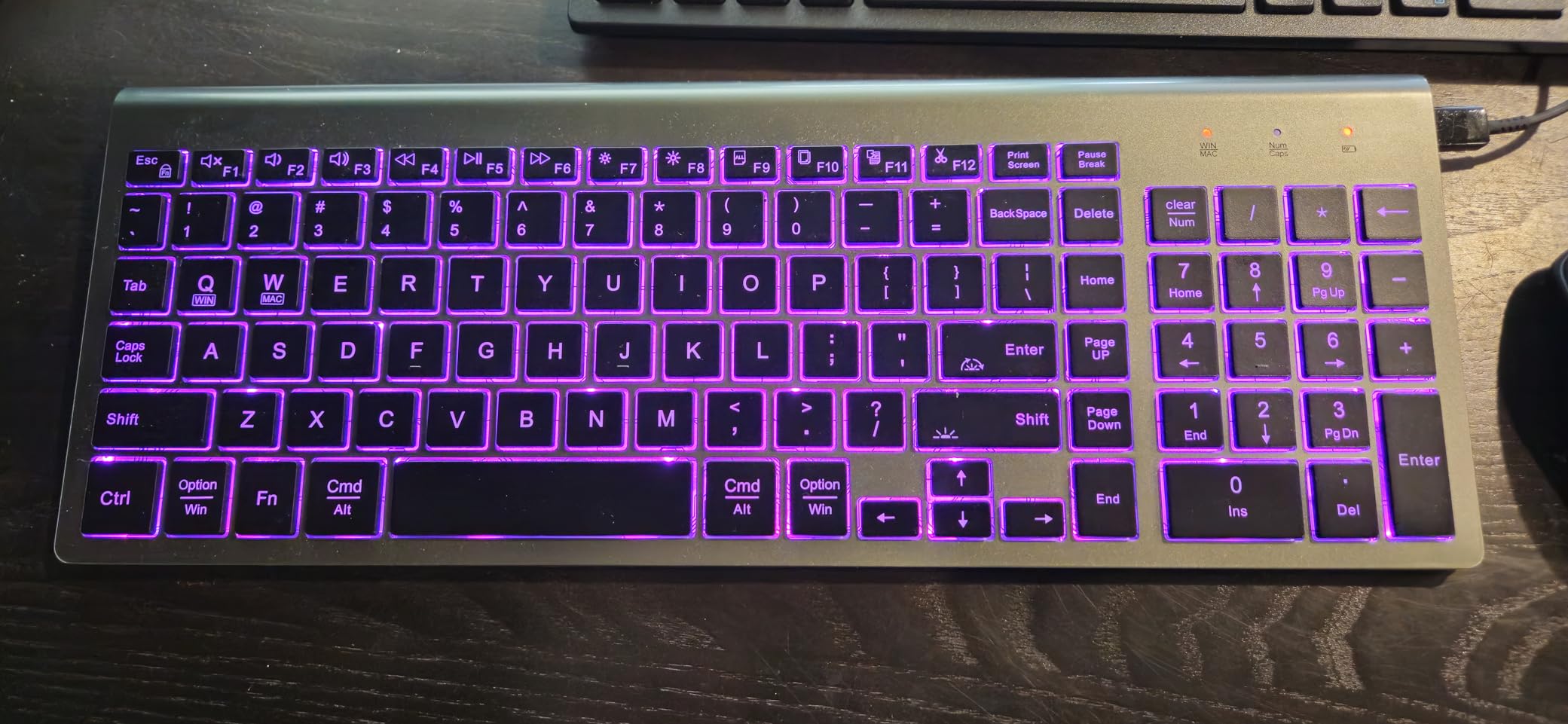
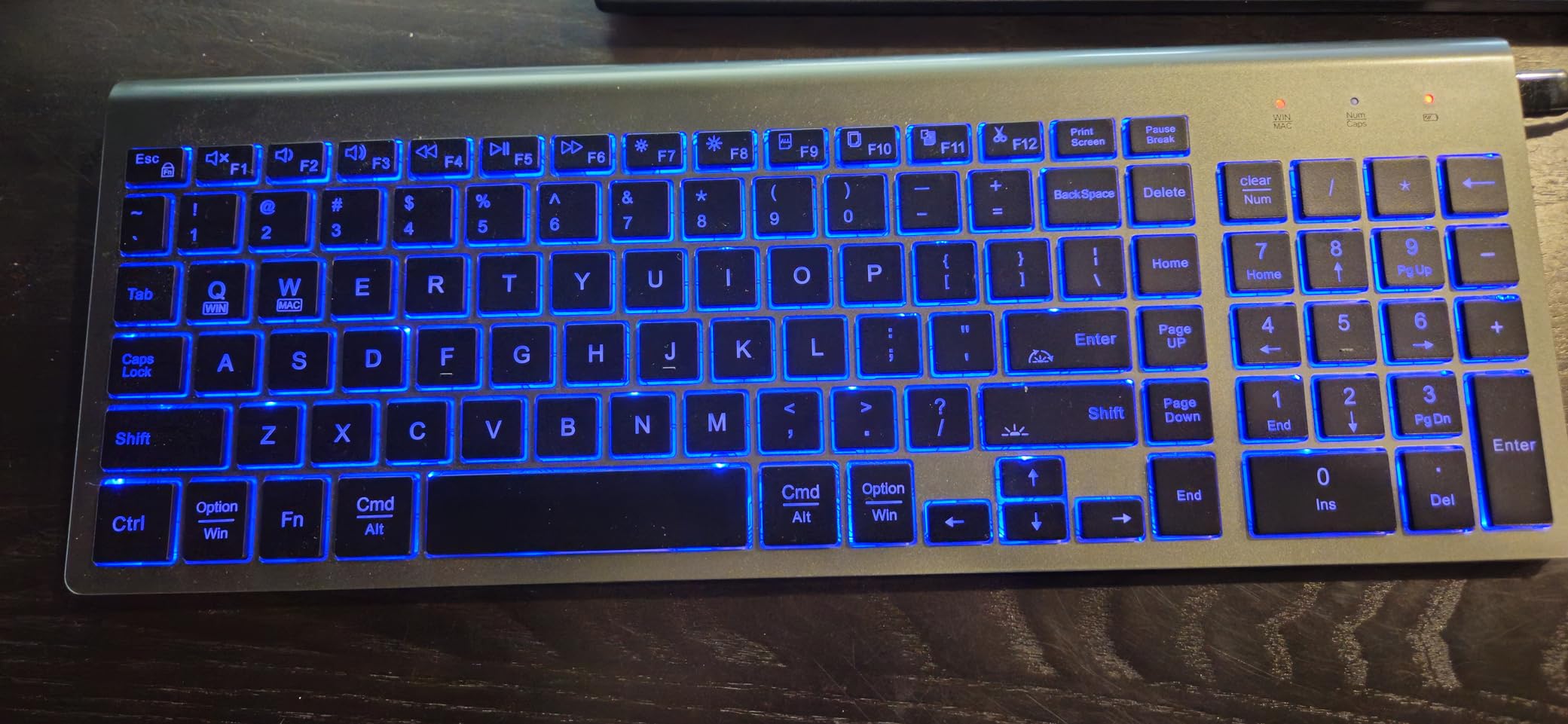
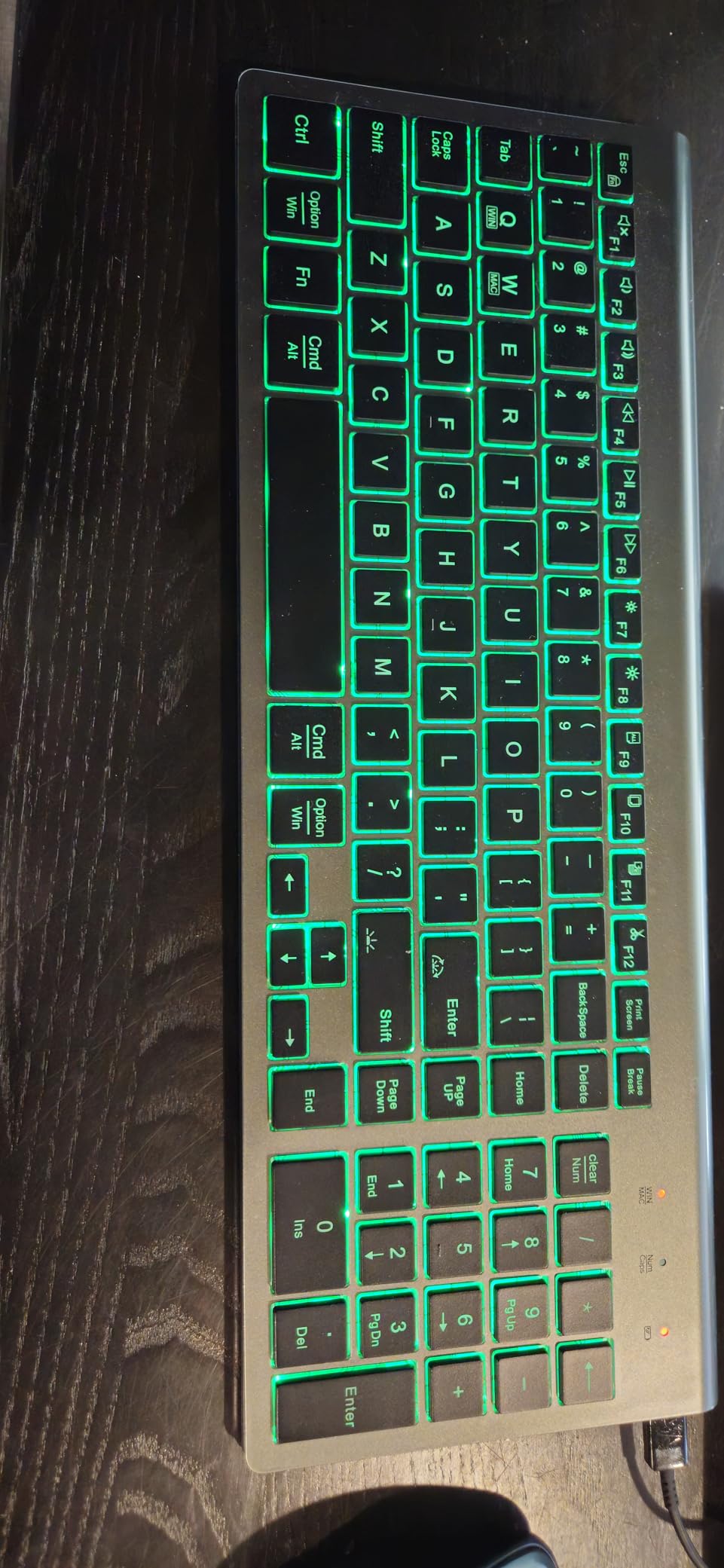
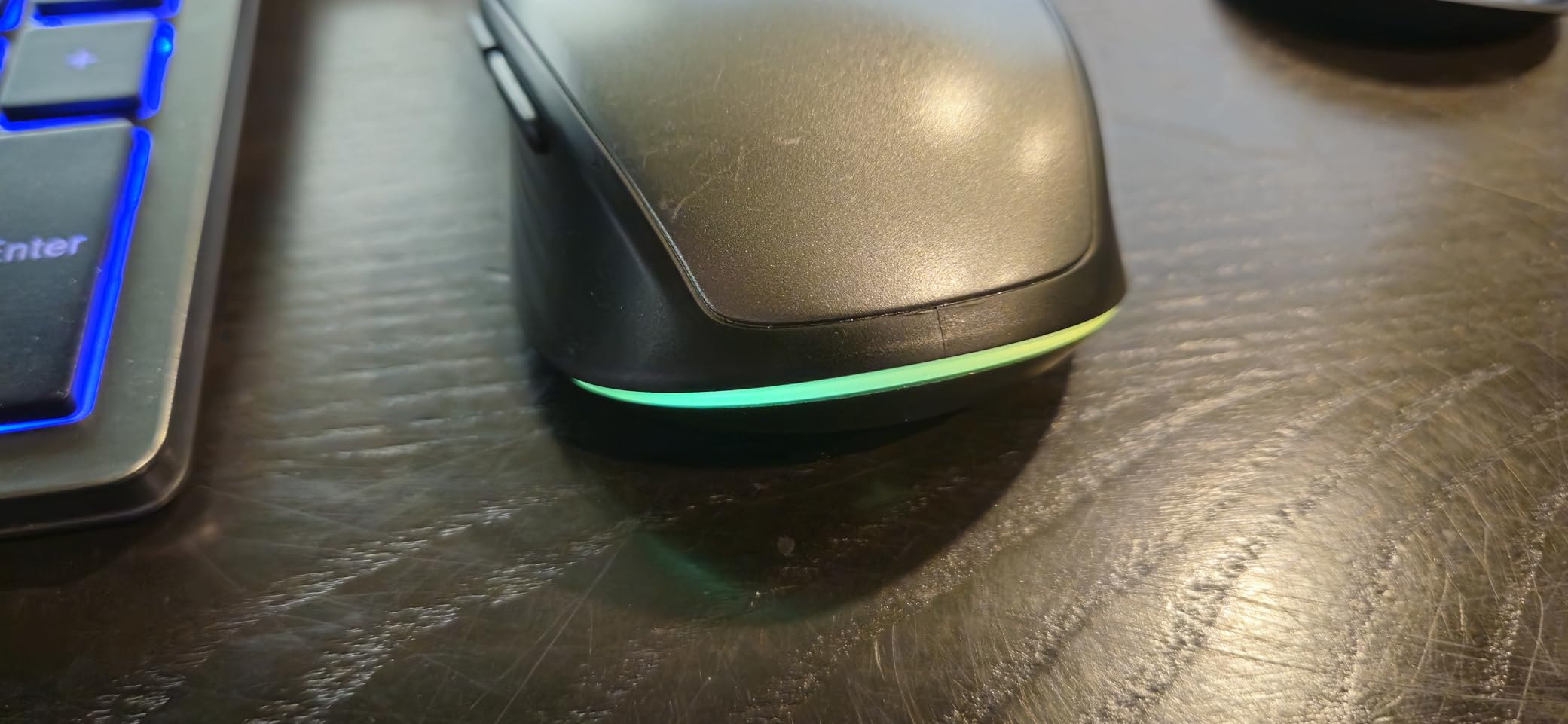
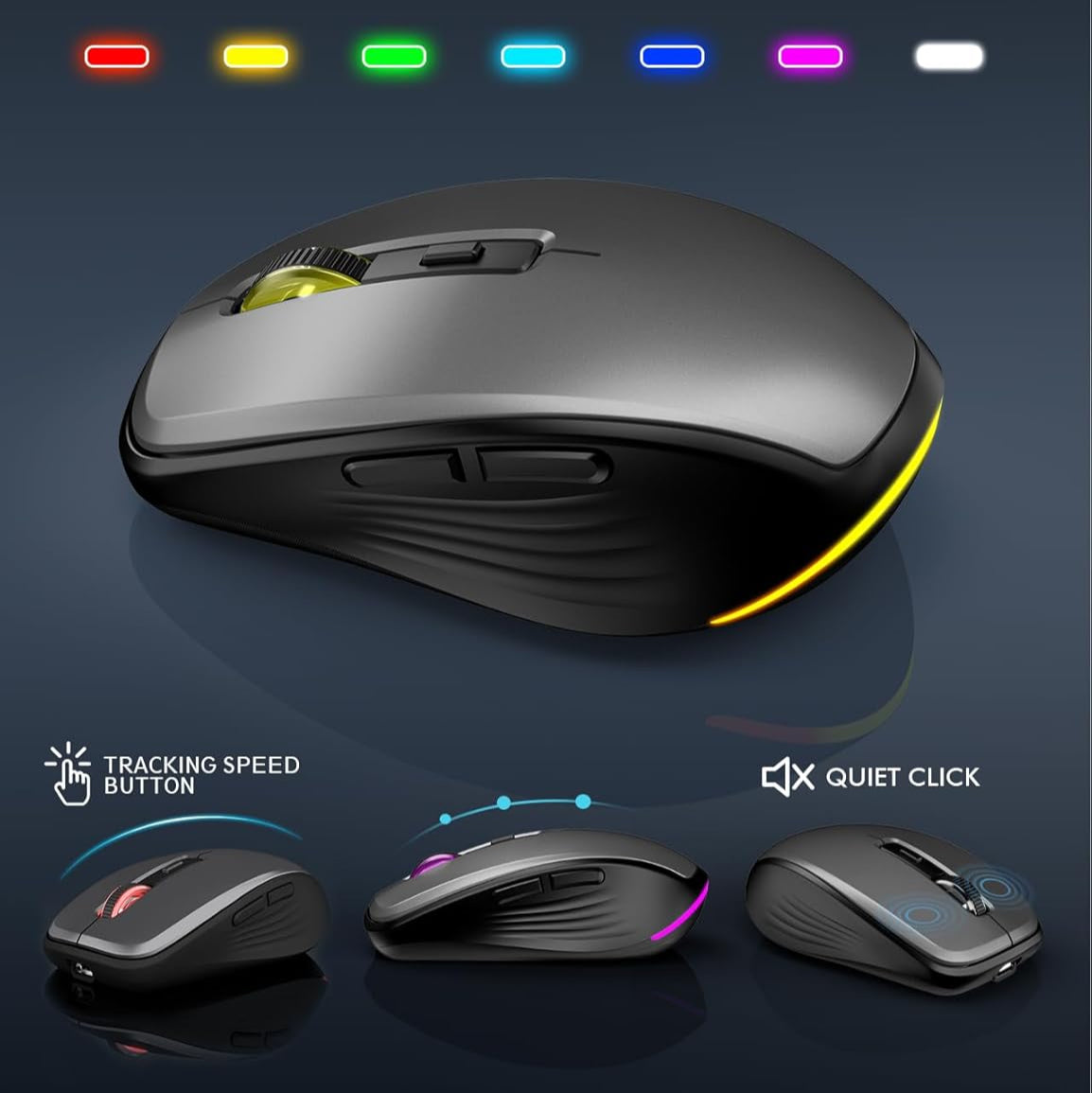
Yes, we can. The wireless keyboard has 7 switchable backlit modes and the cordless mouse has 7 random colors for the backlights.
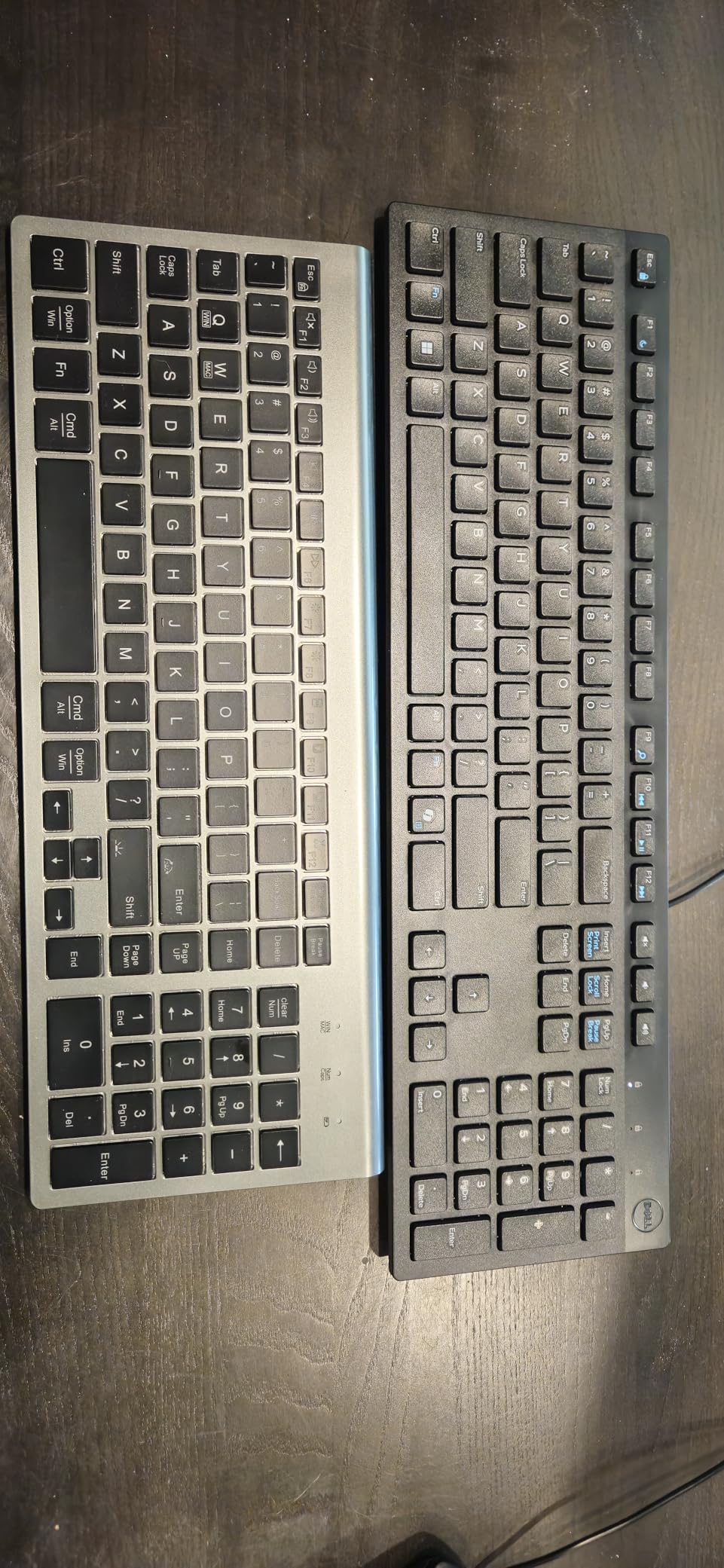
Got this because my last keyboard dies. Because it is a little narrower than a normal keyboard some of the keys are shaped different. An example of this is the backspace button and the delete button share the same area as just the backspace on a normal keyboard. If you are looking for something simple and can deal with those kinds of things then this is for you. Colored backlighting is fun. Several different colors to choose from or you can turn that function off so there is no back lighting. There is also 3 different brightness levels for the keyboard. The mouse is similar. You can turn the lighting on or off. Mouse has a button to change mouse pointer speeds. Charges fast and the charge lasts quite a while. If one of them does need charged they can be plugged in and still be used. It just looks like a corded version until you unplug it again. Not having to deal with cords makes this super convenient. Everything is plug and play. Plug the adapter into the computer and everything works. Keys have a good feel. Does not feel like you got it from the dollar store. Over all I would buy this again. For the average everyday person, I think you will like this setup. Especially for what it costs.
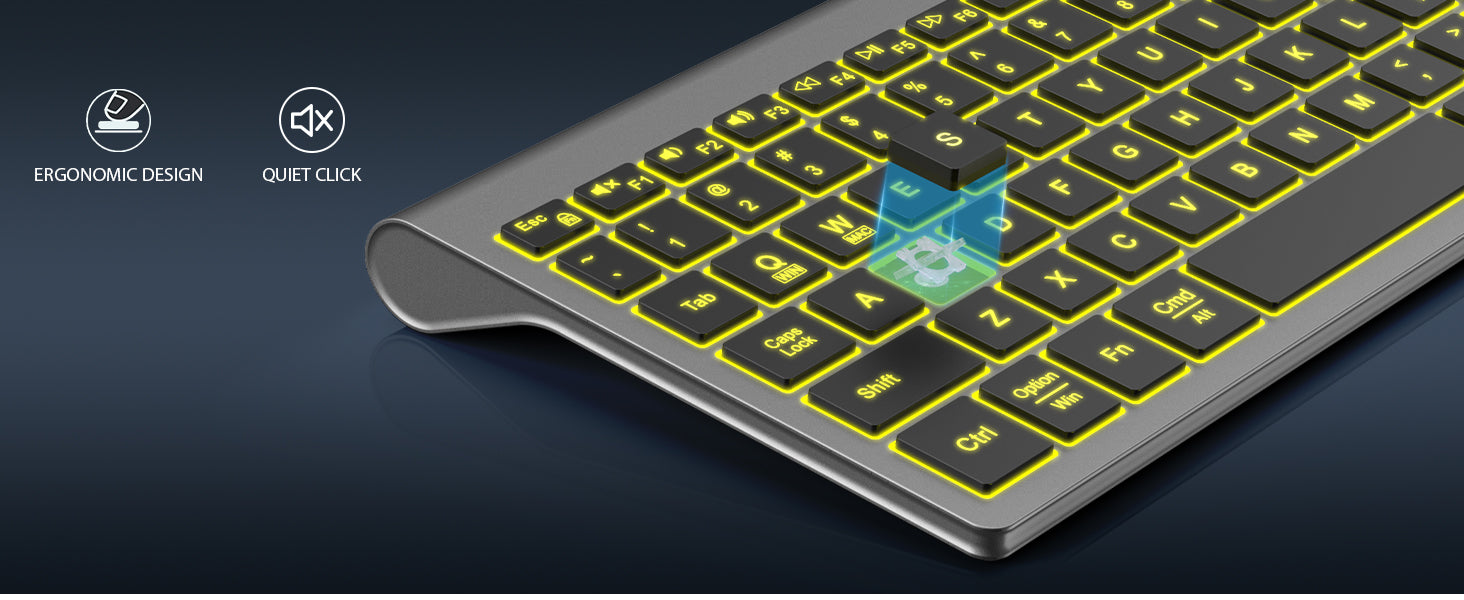
I��m really impressed with this keyboard and mouse combo! The compact design saves space, and the keys are quiet and comfortable to type on. The backlighting looks great, and the RGB mouse adds a nice touch. Both are rechargeable and last a long time, plus the sleep mode helps save battery. Easy to connect and works smoothly with both Mac and Windows. Perfect for a clean, portable setup!
I spilled bourbon onto my old keyboard, prematurely ending its life. This set was on my porch the next morning. I must have been drinking more heavily than I thought because I didn't remember ordering it. But I was glad it was there, because I work from home and need my computer!I like this style of keyboard with these low-profile keys; I find the typing action to inspire confidence. However, this keyboard places some of the ancillary keys like Page Up and End in unusual places. Page Up in particular is right next to Enter and it's easy to overshoot with your pinky and hit Page Up when you mean to hit Enter. Anyway, it's taking time to get used to these placements. My last few keyboards, the keys were all in more or less standard places. But they were a lot wider, and took up more room in my keyboard tray. Tradeoffs.The mouse works fine. I wish the bottom edge weren't so sharply creased as it's not comfy on my fingers. But it's not the end of the world.The keyboard and mouse hold a charge only for a couple weeks in my experience and they die suddenly. But they work while plugged in for charging, so it's not actually a big deal.UPDATE: I work remotely and use this keyboard all day, five days a week. I find that a charge lasts no more than 2 weeks. The keyboard stops working without warning, and after plugging it in it can take a minute or so for the keyboard to have enough charge to function. Annoying, and problematic when I'm in the middle of something. I've deducted a star for this.
This keyboard and mouse combo is okay.PROS - keyboard - very lightweight & easy to transport with my laptop. Also pretty quiet. Mouse - comfortable in my hand & responsive. I like the fact that this set came with a C-port adapter.CONS - I bought this specifically for the backlit keys and although the lights are decent at the perimeter of the individual keys, they are very dim at the letter, which is what I really needed the light for, even though I touch-type pretty well. Also, I thought I'd like the rechargeability, and I really do not. The charge on both doesn't last nearly as long as I expected. Maybe 2 weeks with daily use now that I've owned the set about 6 months. For the 1st few months, the charges lasted about a month. Also, there's no warning these are dying - no flashing lights, no beeping; they just stop working until I plug them in. Also, they both tend to die at about the same time so I find myself scrambling for a 2nd charging cord.
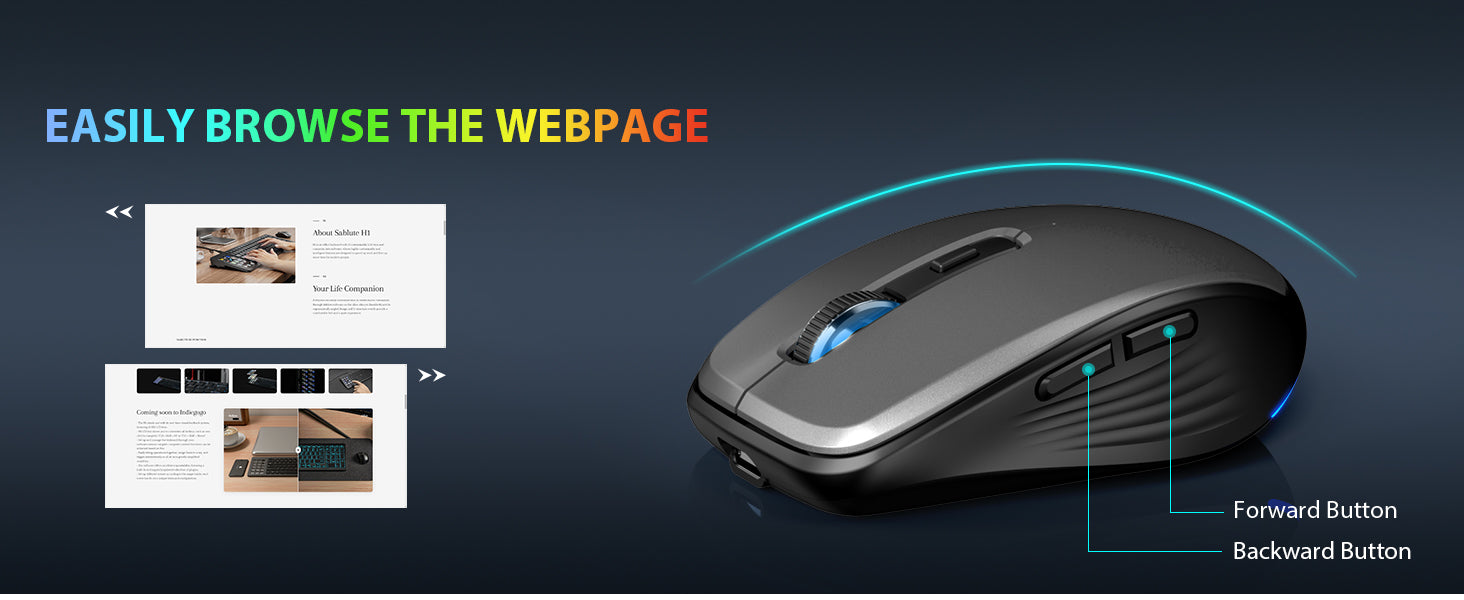
I bought this in January, so I figure 3 months is a good trial run. My cellphone uses Type C charging cord, so one cord can charge my cellphone, mouse and keyboard.I like the keyboard, except it forgets settings when I turn it off, meaning I have to change the light and turn on the F keys, every time I turn it on.I have a semi-large hand, so my thumb keeps clicking the back side button. Whenever I do that, it resets whatever window I'm working on, at that time, which is extremely annoying especially when working on spreadsheets.
I really like this product. It took some getting used to from tradition QWERT boards, but this seems to feel pretty nice. It is quiet to every keystroke, and I really like the recharging of the keyboard and mouse. The colors are nice and bright, but I have not completed the programming of the display yet. Easy to connect to your device without downloading applications for the keyboard.
This is a top notch wireless keyboard and mouse. It was easy and fast to set up. My home computer picked up the signal for both keyboard and mouse right away once the USB connection was made and both perform flawlessly. The different backlight colors on the keyboard are nice as well as the lighting on the mouse. I like the fact that the selection of colors as well as the level of brightness can be controlled and adjusted with 2 keys. If you wish to have no backlight at all this can be done as well. The compact size of the keyboard is perfect for my small office area in my apartment. The keys are quiet and a full charge lasts quite a long time before recharging. The mouse feels very comfortable to the touch and responds very well. All in all, this is a quality keyboard and mouse well worth the price.
I was setting up my wife��s office, and she wanted a wireless keyboard and mouse that were both functional and convenient. The SABLUTE Wireless Keyboard and Mouse Combo fit the bill perfectly! She especially liked the idea of USB charging, which eliminates the hassle of constantly replacing batteries.Pros:Convenience: Both the keyboard and mouse connect seamlessly, making setup a breeze.USB Charging: The rechargeable feature is a major plus. My wife loves not having to worry about batteries anymore.Backlit Keyboard: The backlighting is a nice touch, especially for working in dim lighting or late-night sessions.Ergonomics: Both the keyboard and mouse feel comfortable to use for extended periods.Cons:Mouse Battery Life: The mouse's battery could be a bit better. It needs recharging more frequently than we��d like, but it��s a minor inconvenience in an otherwise great set.Overall:This is a fantastic combo set that��s functional, stylish, and user-friendly. It��s perfect for anyone looking for a reliable wireless setup for their office or home.Rating: 4/5It's a great set with a slightly weak mouse battery, but overall, I highly recommend it!
I am writing to you typing from this very product. It is possibly the fastest to type at and easiest to use compact unit I've ever owned. The batteries last eons and don need to be charged for incredibly long periods of time.The other trick you can do with these is to plug them into an android tablet and get something that FAR outlasts those BT keyboards and lack the many problems of those devices. Plug it in and you have a flawless mouse and keyboard, ready to go without all of that pairing and praying that it works right. It comes with a USB-c OTG connector, so everything you need is in the box. It's everything a Bluetooth keyboard fails at being. Plug and go. then enjoy typing and writing.I got it for my Optiplex 7050 micro PC, which as many of yyou know, has USB as its main ports all around. This works well in combo with it, or any machine where you need USB ports to connect it to the world. The fact that the mouse and keyboard share the same dongle makes this thing a space saver when USB ports are limited.Another plus is that when you hold down a key as in holding one down in a game to move, it doesn't stop registering the press after a short time. It's sending that key-press for as long as the physical key is held down. For gaming, this unit is perfect. It's also almost completely lag-less from the time you press it to the time the game registers input.The backlight is wonderful and doesn't impact battery performance in an appreciable way. The controls for varying the brightness and color are logically placed. Operating the thing has been a dream, untill coffee got into the mouse. I still have the keyboard though and plan to buy another set ASAP. Even without the mouse, I siply plugged in another wireless mouse and away I went. It appears to not interfere with other wireless input devices, so I can limp alnog until I get a new one.For the little bit of money this costs, it has outperformed almost every unit I've tried before it. It checks all the boxes if you like to write and find yourself at a keyboard for extended lengths of time. My hands never feel tired, whether I am writing or gaming. It just quietly and effortless WORKS and works well.Something else I forgot to mention was the deck angle. It is at the perfect tilt, making all of your typing a joy, promoting decent hand posture.The best thirty dollars I ever spent! This won is well worth the money.Good Product sold by a good seller
Nice and quiet, easy to recharge, I'm a heavy typer and this holds its charge for a long time! The connection is pretty good, it freezes up occasionally, but not bad.