
FIRST TIMER?
You can unsubscribe at any time.

Pairs well with
Free U.S. Shipping on all U.S. orders. It usually takes about 5 business days* for your package to be delivered, Please refer to our Shipping Policy for details.
30-Day Free Returns for added peace of mind. Try it risk-free and return it within 30 days if it is not the right fit. Please review our Returns Policy before purchase.
2-Year Warranty backed by responsive support for product and parts-related issues. Click for Warranty Policy.
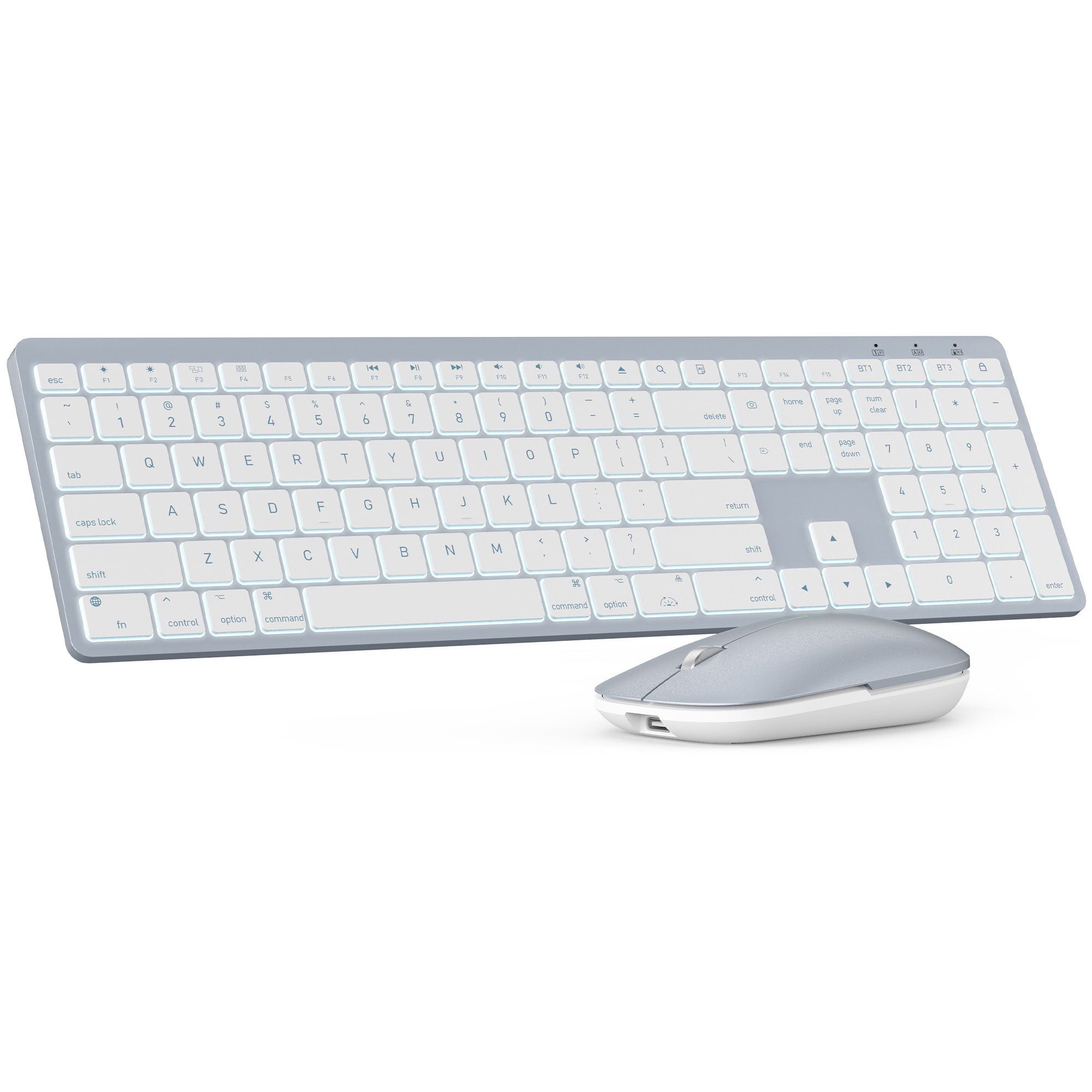
Sablute Wireless Keyboard and Mouse Combo for Mac KMA1 Pro
If you have any questions, you are always welcome to contact us. We'll get back to you as soon as possible, within 24 hours on weekdays.
Shipping Information
Use this text to answer questions in as much detail as possible for your customers.
Customer Support
Use this text to answer questions in as much detail as possible for your customers.
FAQ’s
Use this text to answer questions in as much detail as possible for your customers.
Contact Us
Use this text to answer questions in as much detail as possible for your customers.
Please read our FAQs page to find out more.
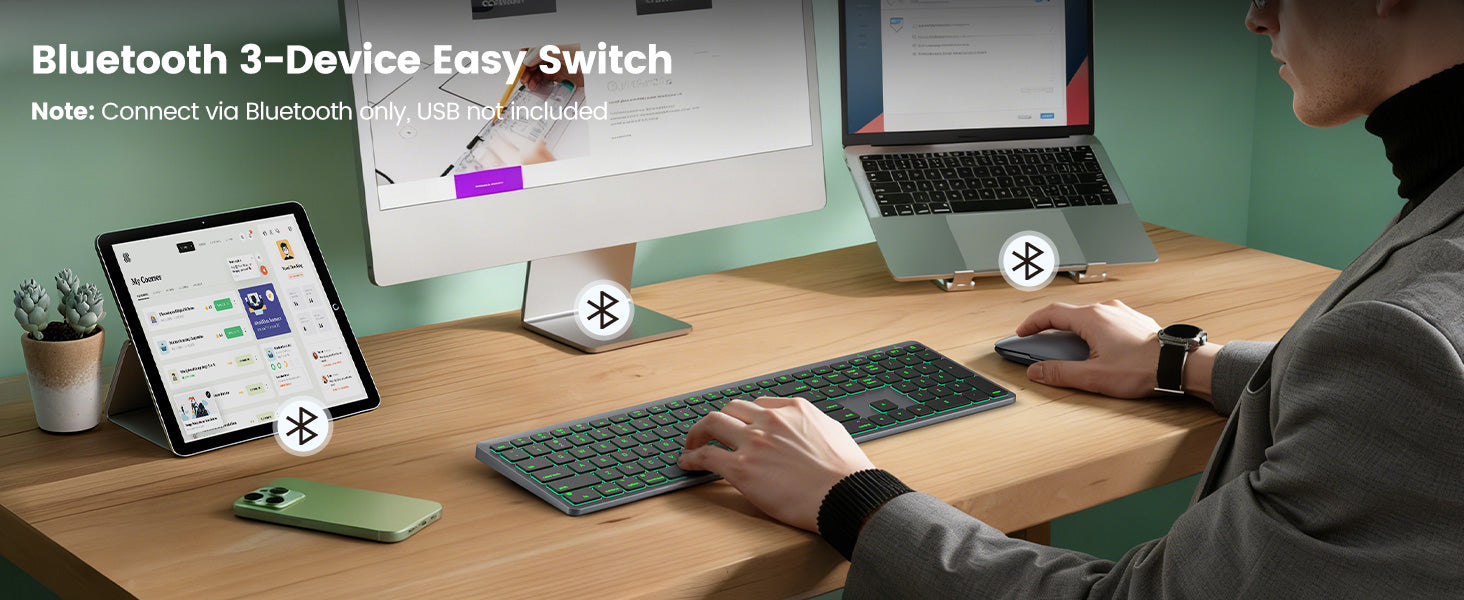
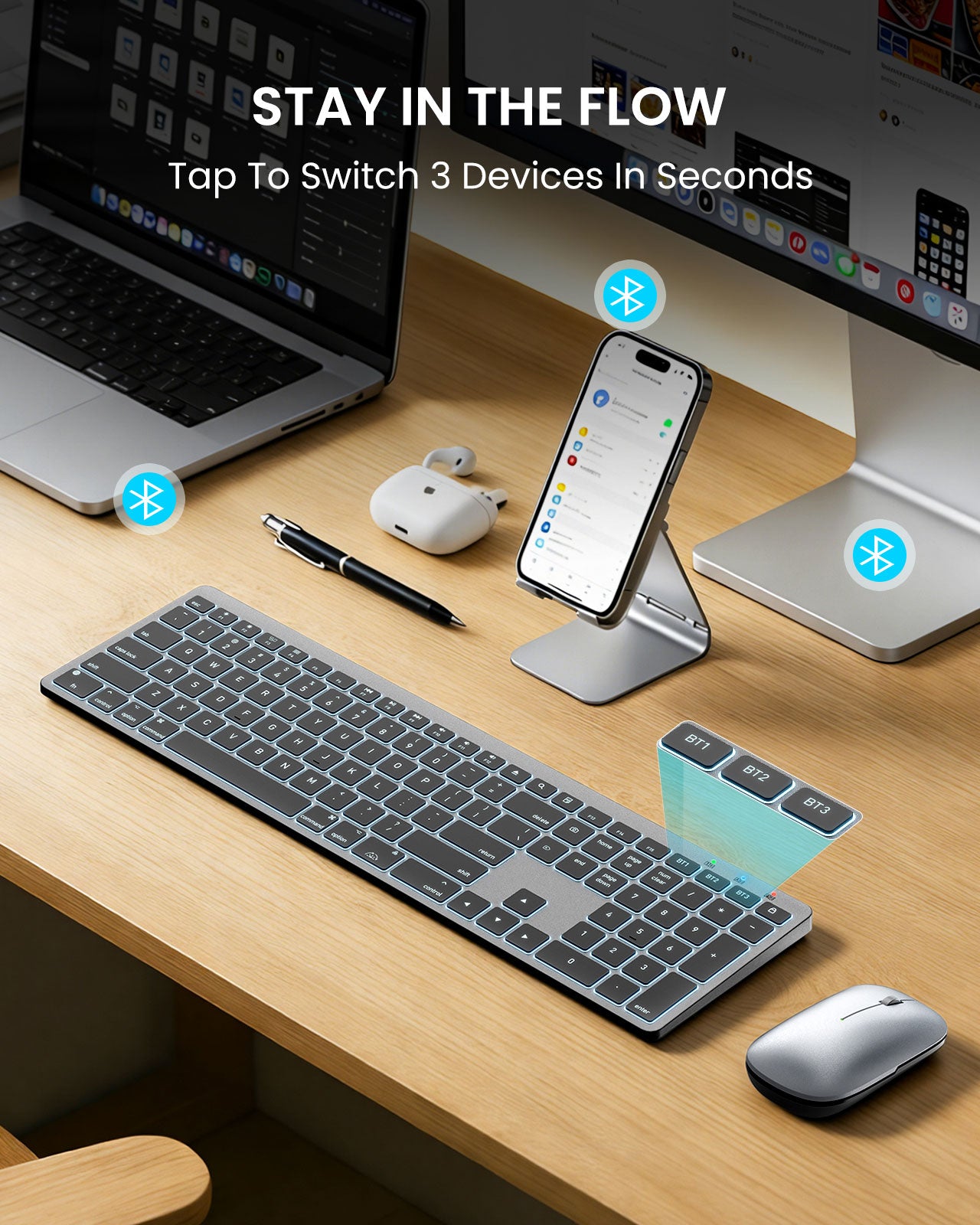
No. It does not include a USB dongle/adapter. The keyboard connects only via Bluetooth and supports up to 3 Bluetooth channels (multi-device switching).
1.Make sure the keyboard is fully charged and in Bluetooth mode.
2.Delete the old pairing from your device’s Bluetooth list, restart the device, then re-pair.
3.Ensure the chosen BT channel isn’t already connected to another device.
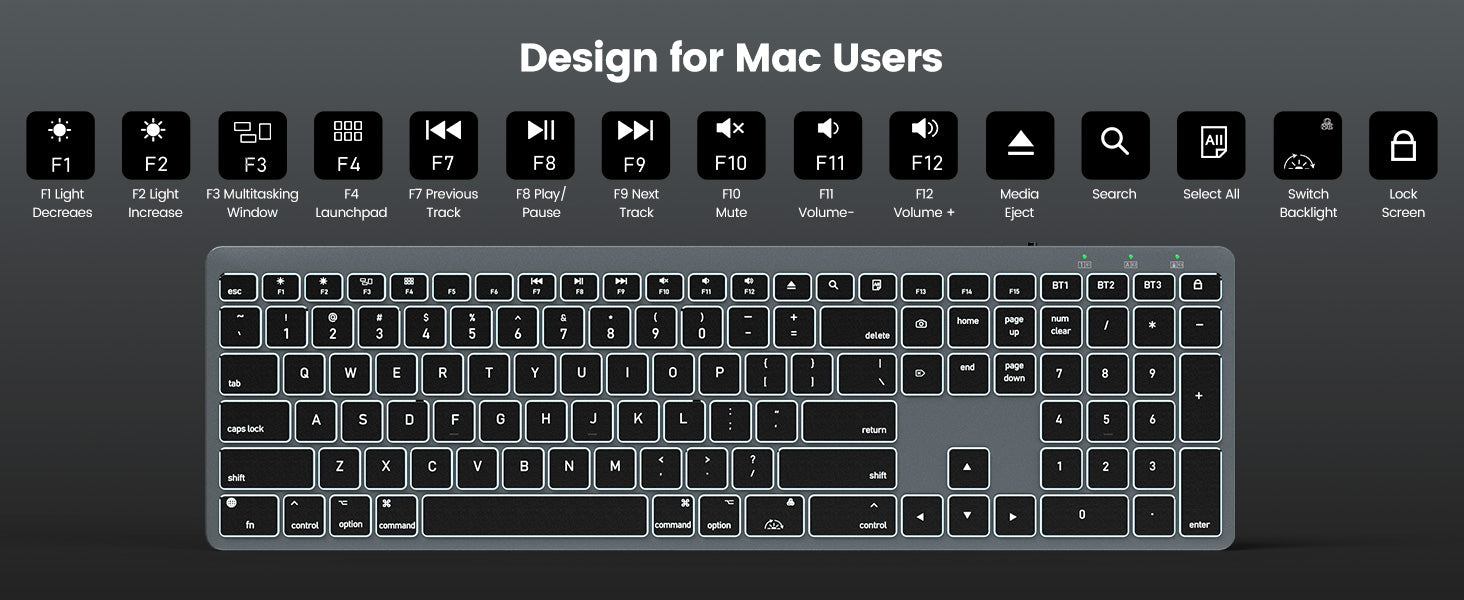
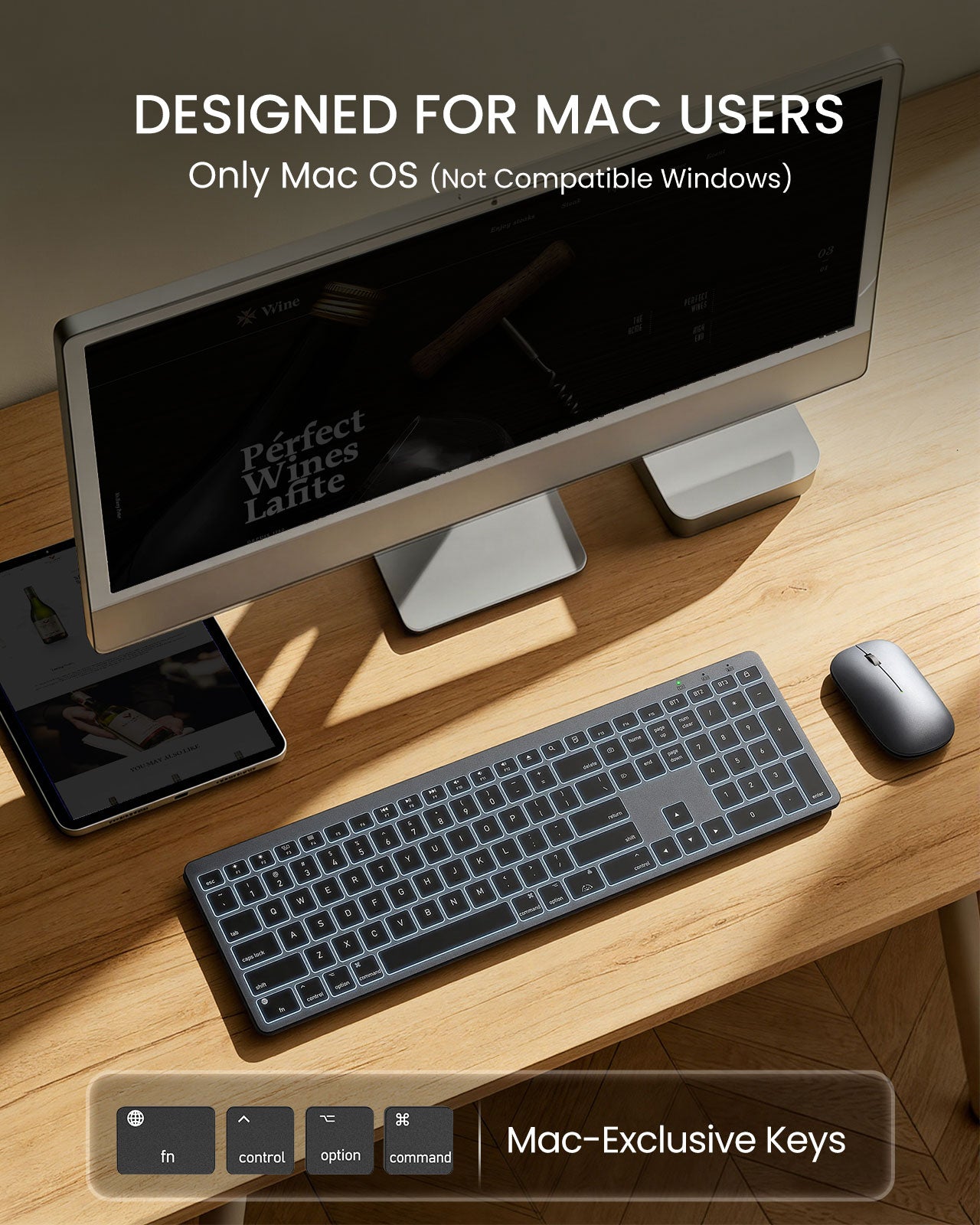
1.By default, the top row may act as media keys. Hold Fn to use F1–F12.
2.Or on macOS go to System Settings > Keyboard and enable “Use F1, F2, etc. keys as standard function keys.
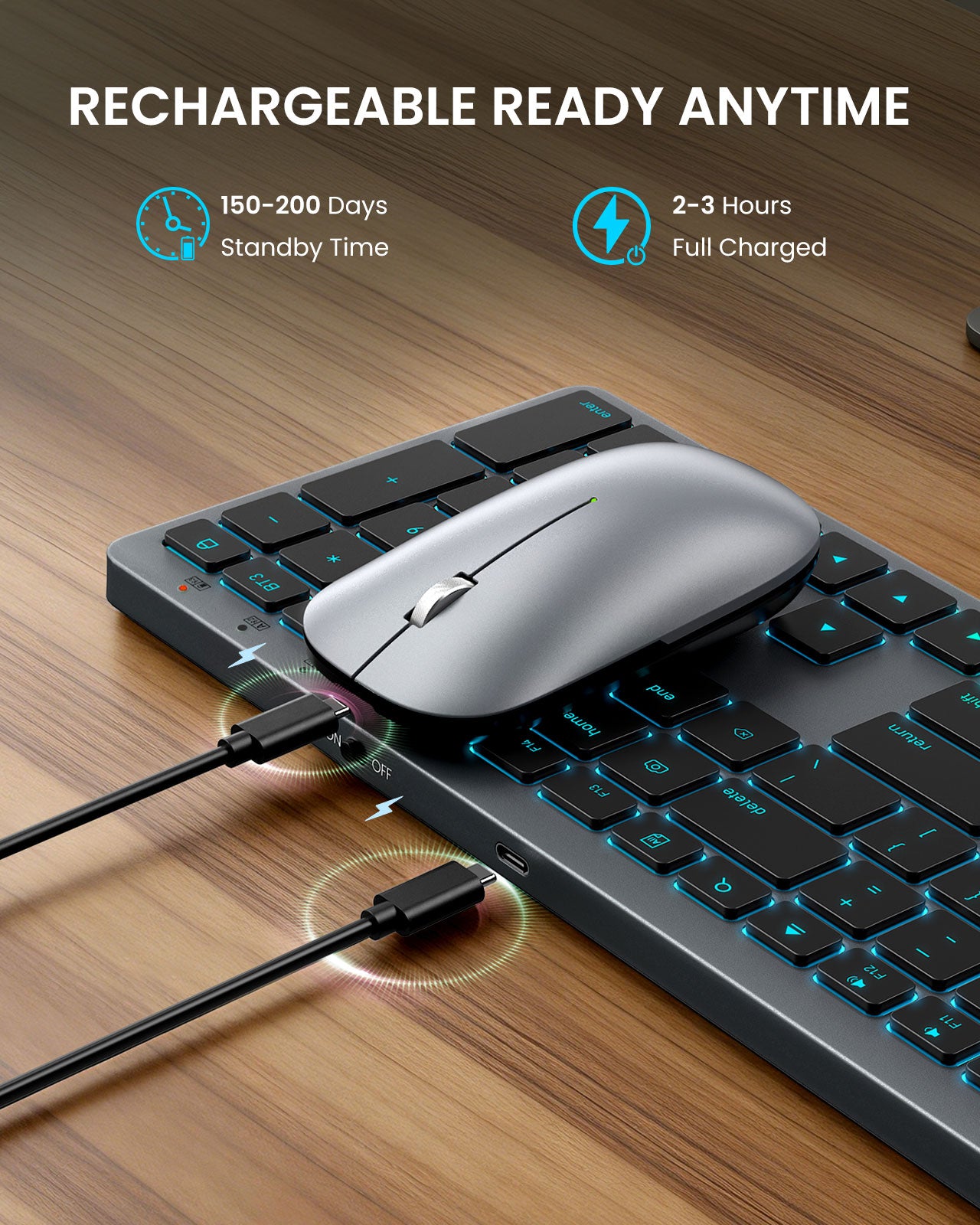
1.Fully charge the keyboard.
2.Remove the keyboard from Bluetooth devices, restart your Mac, then re-pair.
3.Check System Settings > Keyboard > Input Sources and select the correct layout (e.g., U.S.).
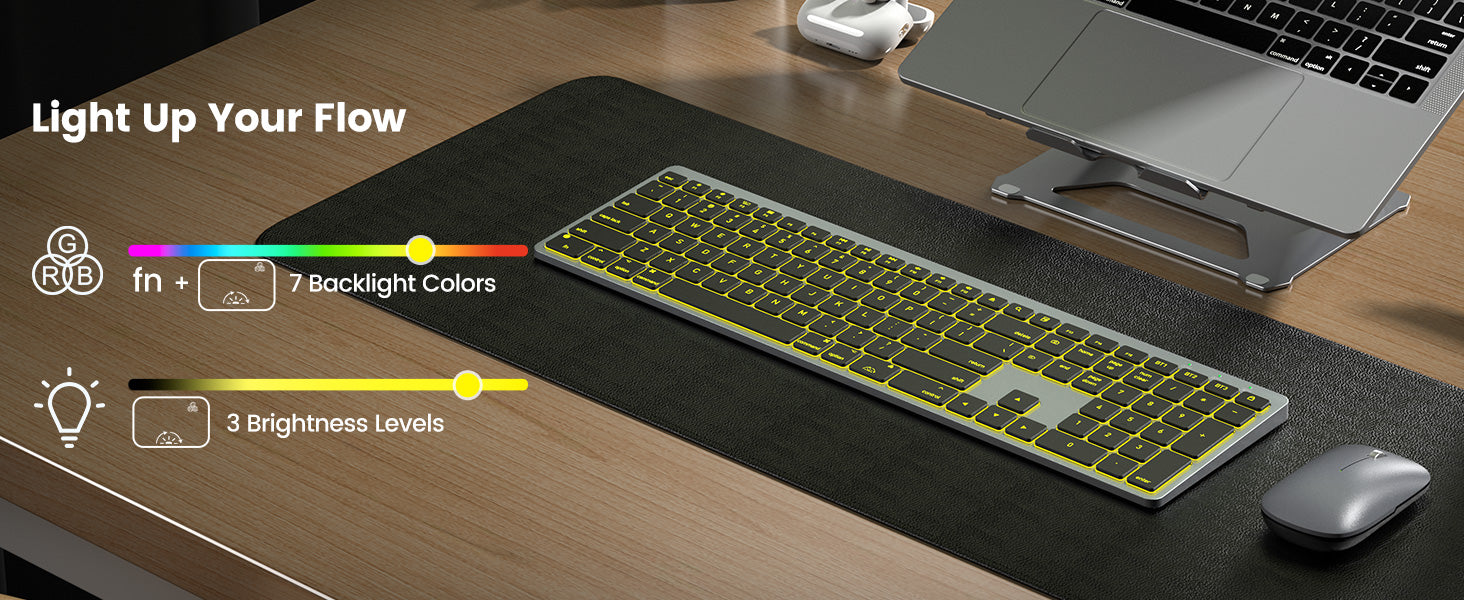
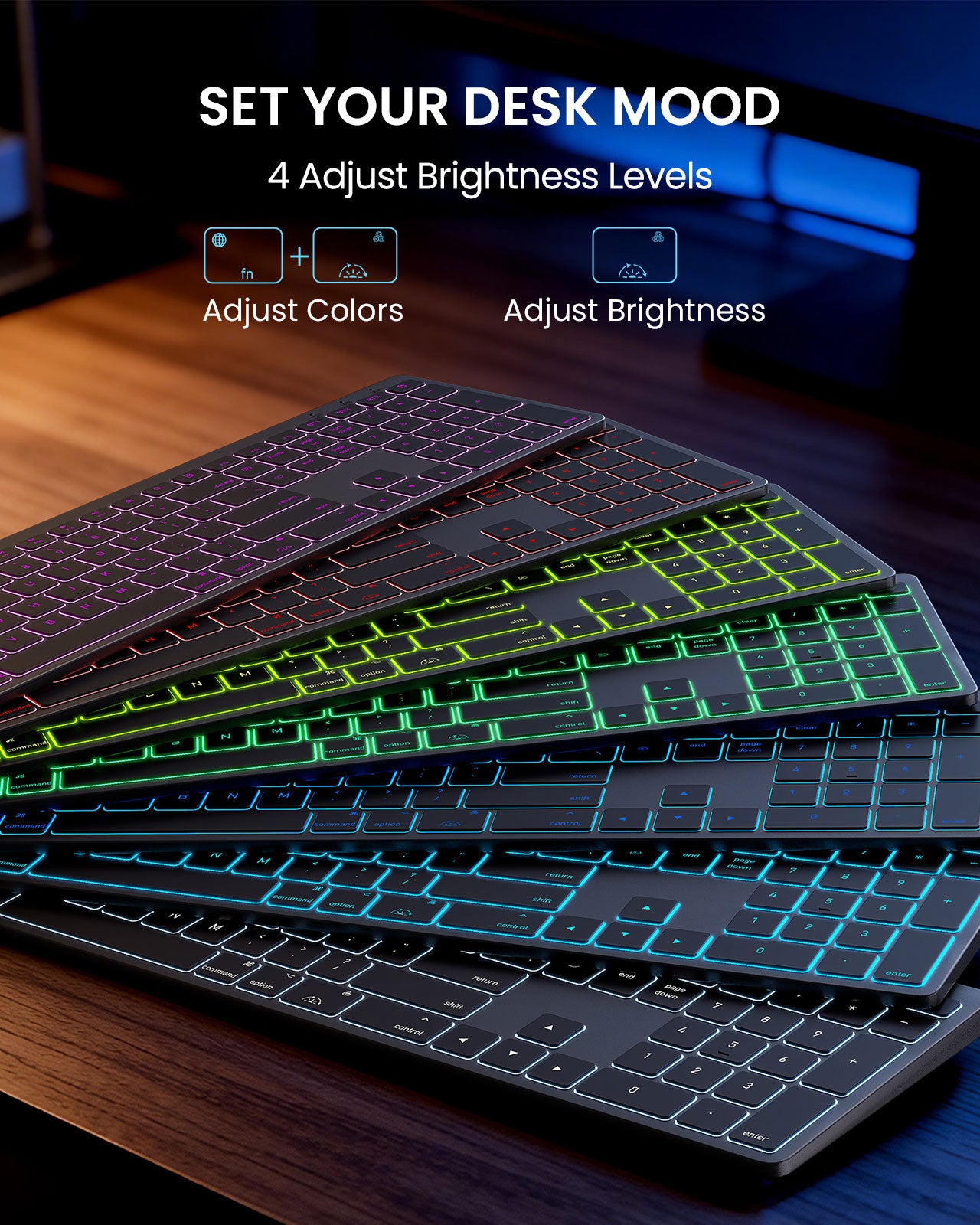
The keyboard supports 7-color backlighting with adjustable brightness. Press FN+RGB key to adjust color, and use the RGB key to adjust backlight brightness. (see quick guide).
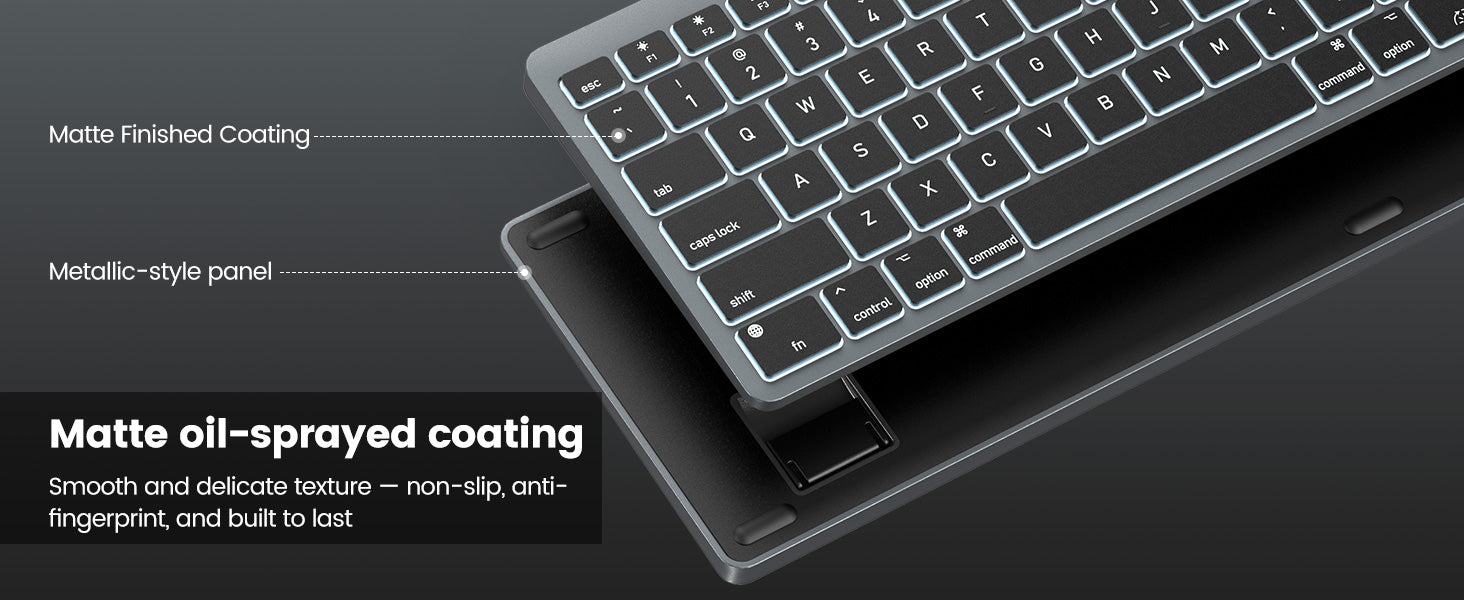
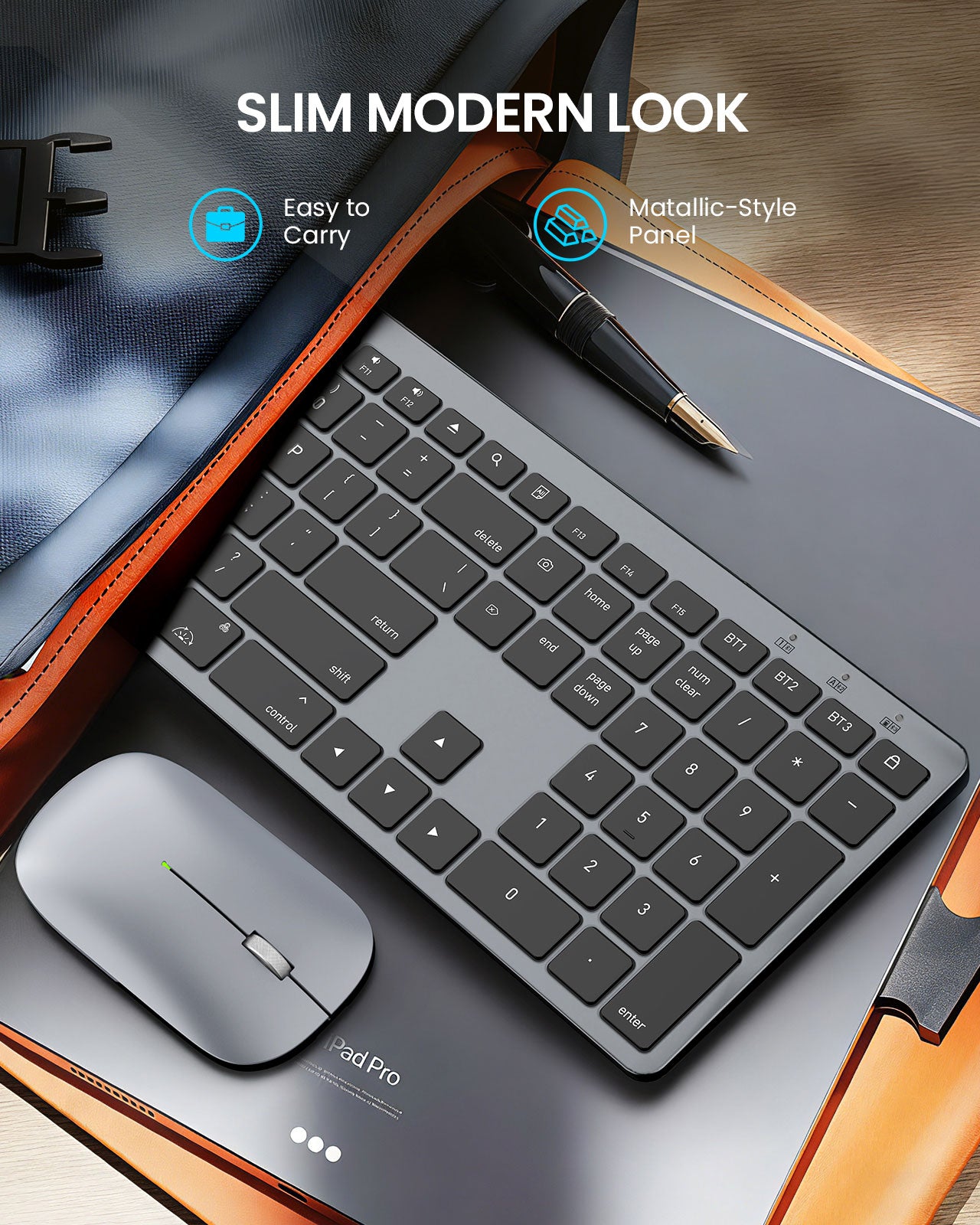
To be honest, this item really surprised me. I never thought it has a better quality at that price. This keyboard is made of metal.when you touch it, you can feel the sense of metal.
Good quality and great design! Love it !
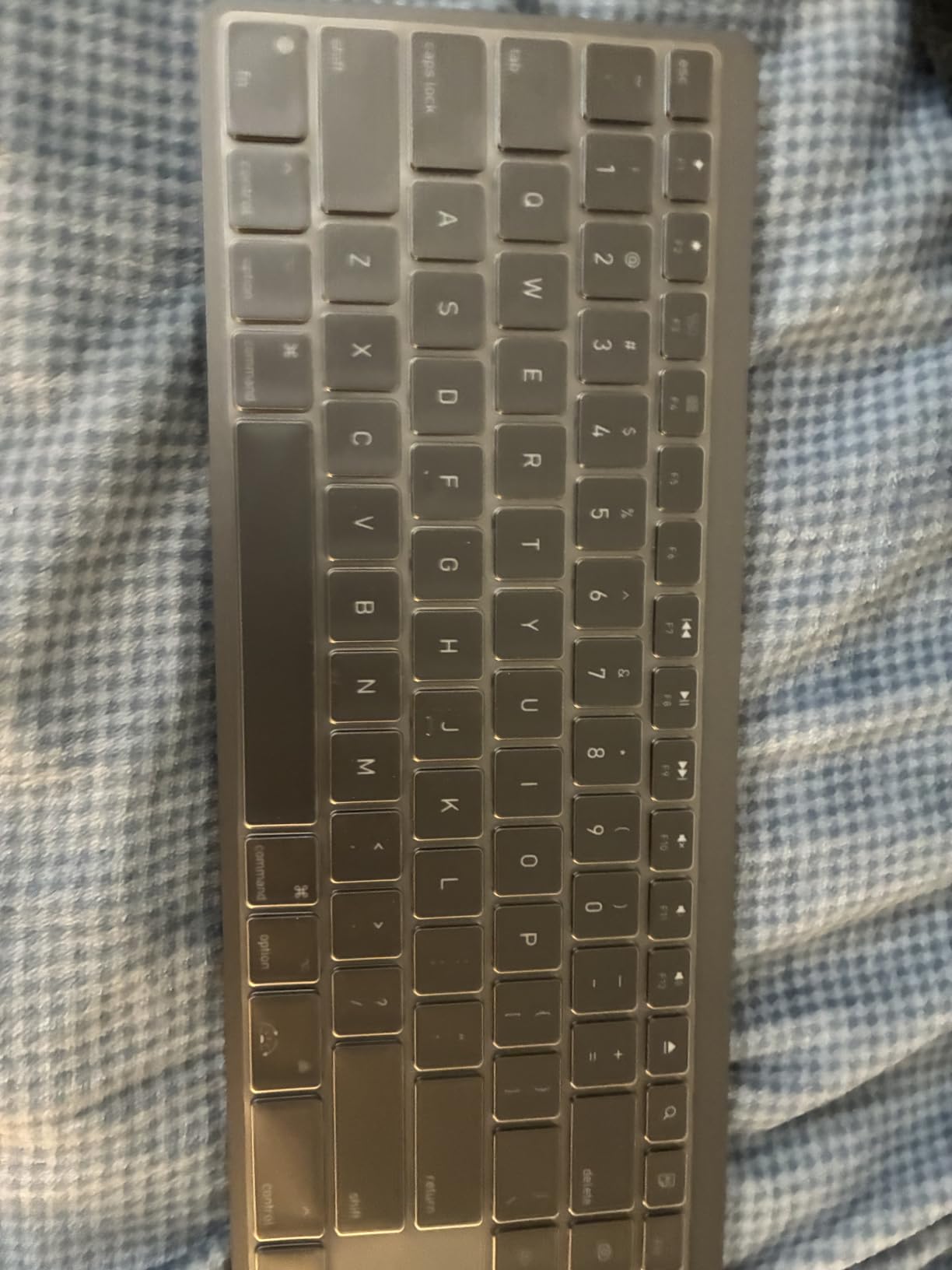
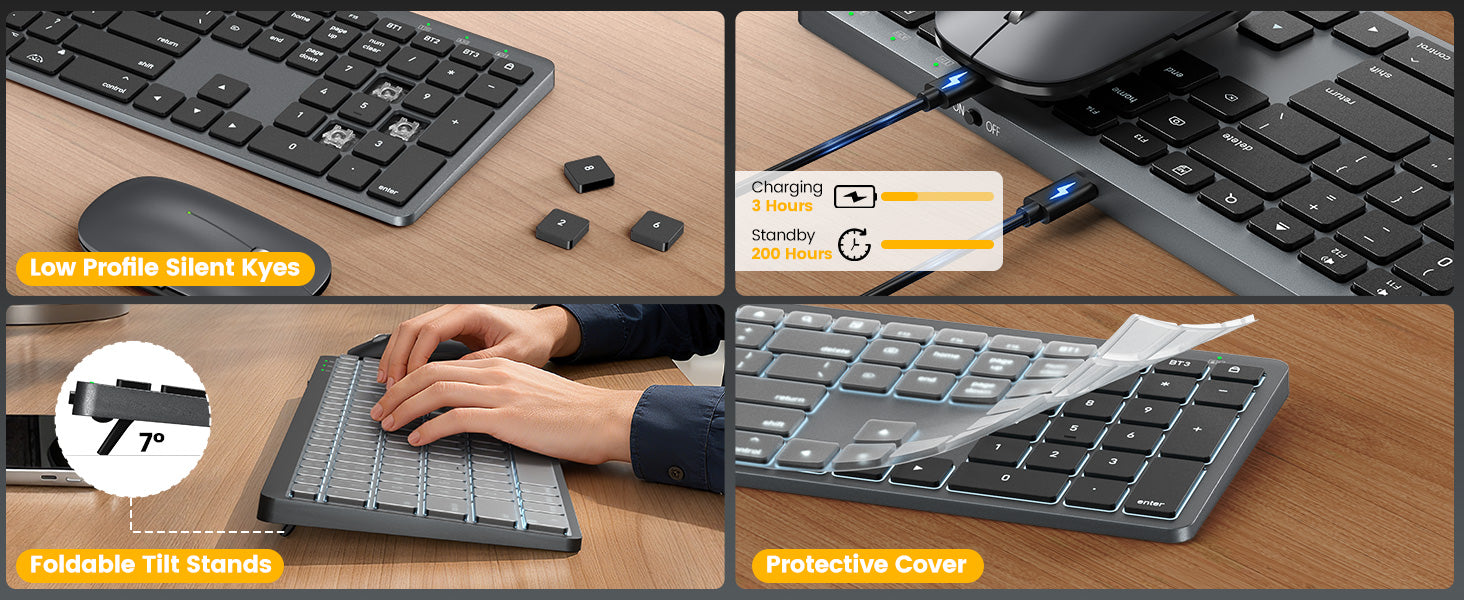
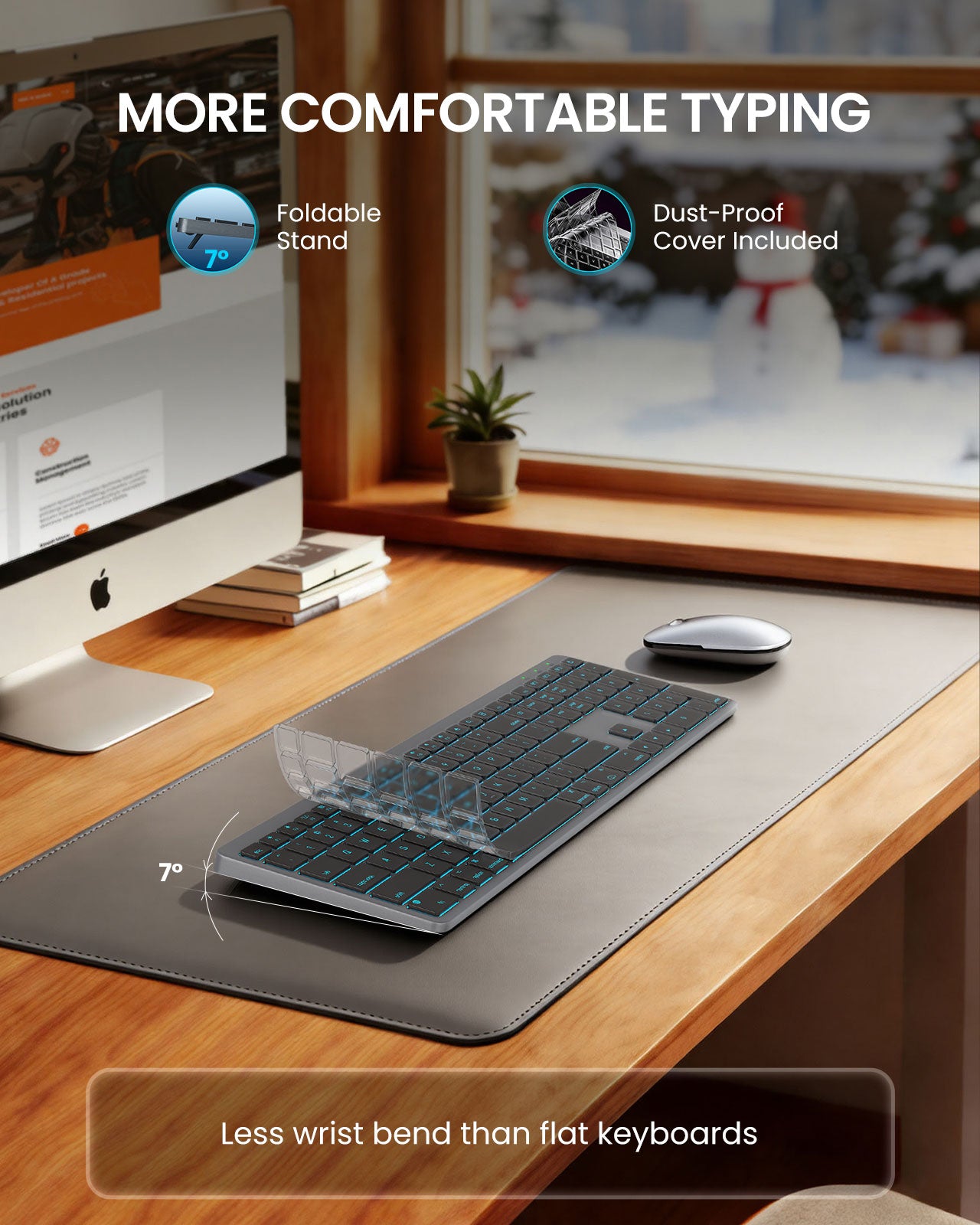
The keyboard seemds to work well. I appreciate the key cover to keep dust and crumbs out. I had a terrible time finding out how to change the cokors on the keyboard. It kept saying hit the fn key and the RGB key but you couldn't identify the RGB key without a microscope and thhe User Manual didn't tell you which one it was. Other than that, it's fine.
The keyboard it okay the battery doesnt last long. But oversll it services it's ourpose. Fair grade
Good keyboard, hold charge to a long time, connects to Bluetooth effortlessly.
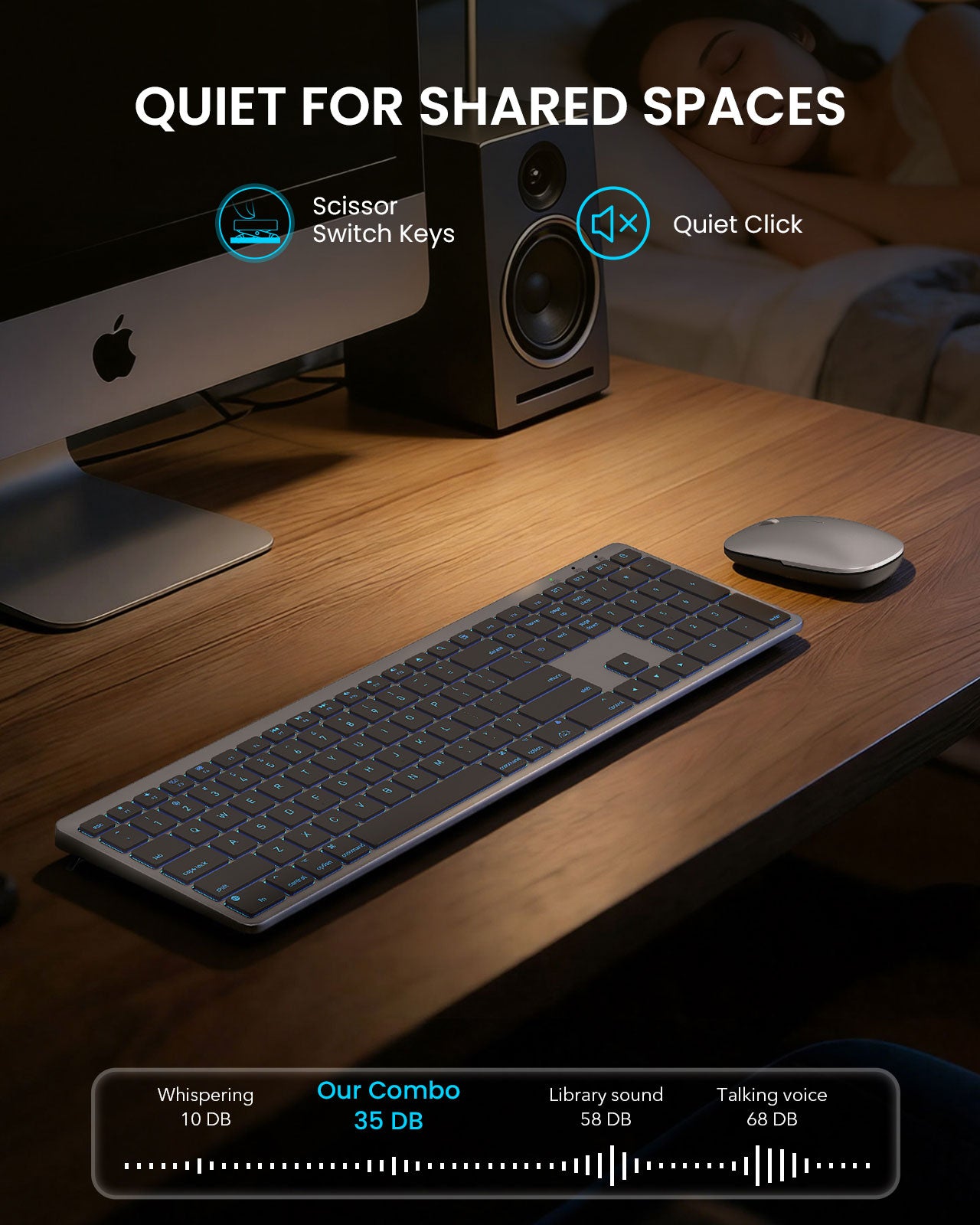
Really happy with this keyboard and mouse combo. Setup was quick, Bluetooth connected to my MacBook in seconds with no issues. The layout feels very similar to Apple keyboards, so there was basically no learning curve.Typing is comfortable and quiet, keys have a nice soft feel without being mushy. The backlight is a nice bonus, especially when working at night. It��s not too bright but still easy to see. Plus, it even comes with a protector!Mouse is lightweight and responsive, works well for everyday use. Battery life has been solid so far, and I like that both are rechargeable.Overall, great value for the price if you want a clean, Mac-style setup without paying Apple prices.
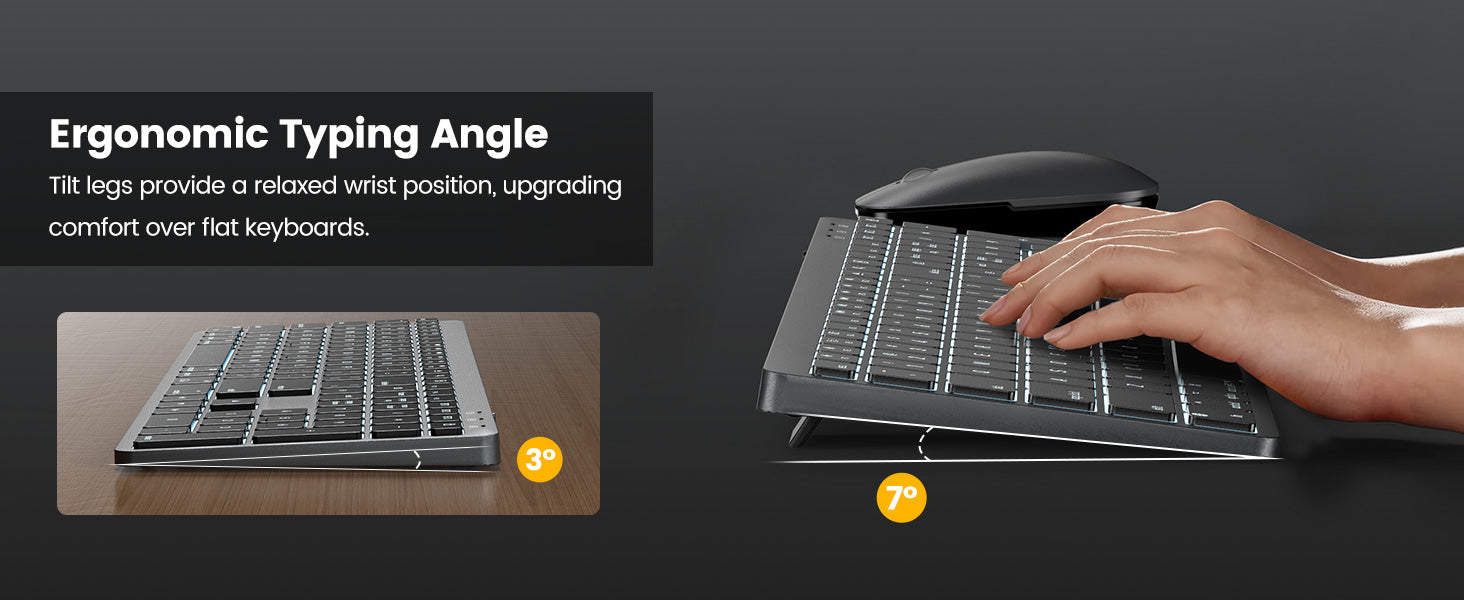
This is the best keyboard that I have ever used!PROS:Best backlighting I have ever seen. The choice of 7 different colors, each with 3 brightness settings, is unbelievable! Great for working in a dark room!The keys are soft-touch but have enough tactile feedback that you know you are typing properly. The slant on the bottom of the keyboard makes it easier on the wrists too!My media PC was having some issues with Bluetooth connectivity, so I purchased this 2.4GHz unit as a workaround for the problem. It works perfectly!Having one USB receiver for both the mouse and keyboard is an added plus!The mouse works very well also!I see that the bottom of the keyboard has something that looks like a battery compartment cover but does not open easily (I don't want to break anything). Anyone know what it is? Does this also have user-change batteries option? Not sure.CONS: NONE
got the wireless keyboard and mouse for my Mac air. Connectivity seems to be smooth so far no weird lag or anything, which is huge for me personally. The keyboard feels nice it��s not too loud and overall weight seems light or reasonable to what I would expect. Only downside is the mouse feels a little weird at first if you��re used to a regular size mouse. But after a week I stopped noticing. Also wish the keyboard had a few more function keys sometimes, but it��s not a big deal.