FIRST TIMER?
You can unsubscribe at any time.
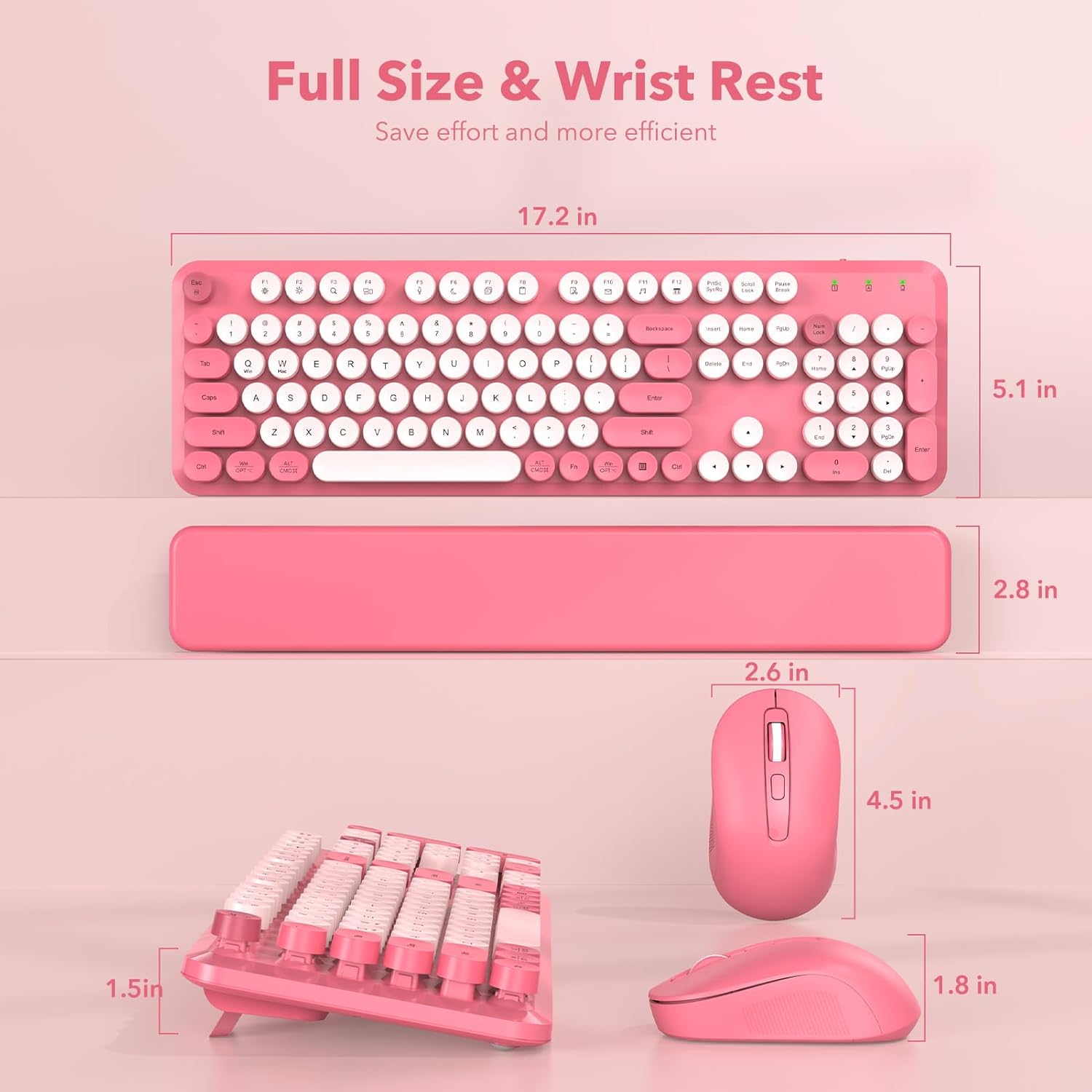
Free U.S. Shipping on all U.S. orders. It usually takes about 5 business days* for your package to be delivered, Please refer to our Shipping Policy for details.
30-Day Free Returns for added peace of mind. Try it risk-free and return it within 30 days if it is not the right fit. Please review our Returns Policy before purchase.
2-Year Warranty backed by responsive support for product and parts-related issues. Click for Warranty Policy.
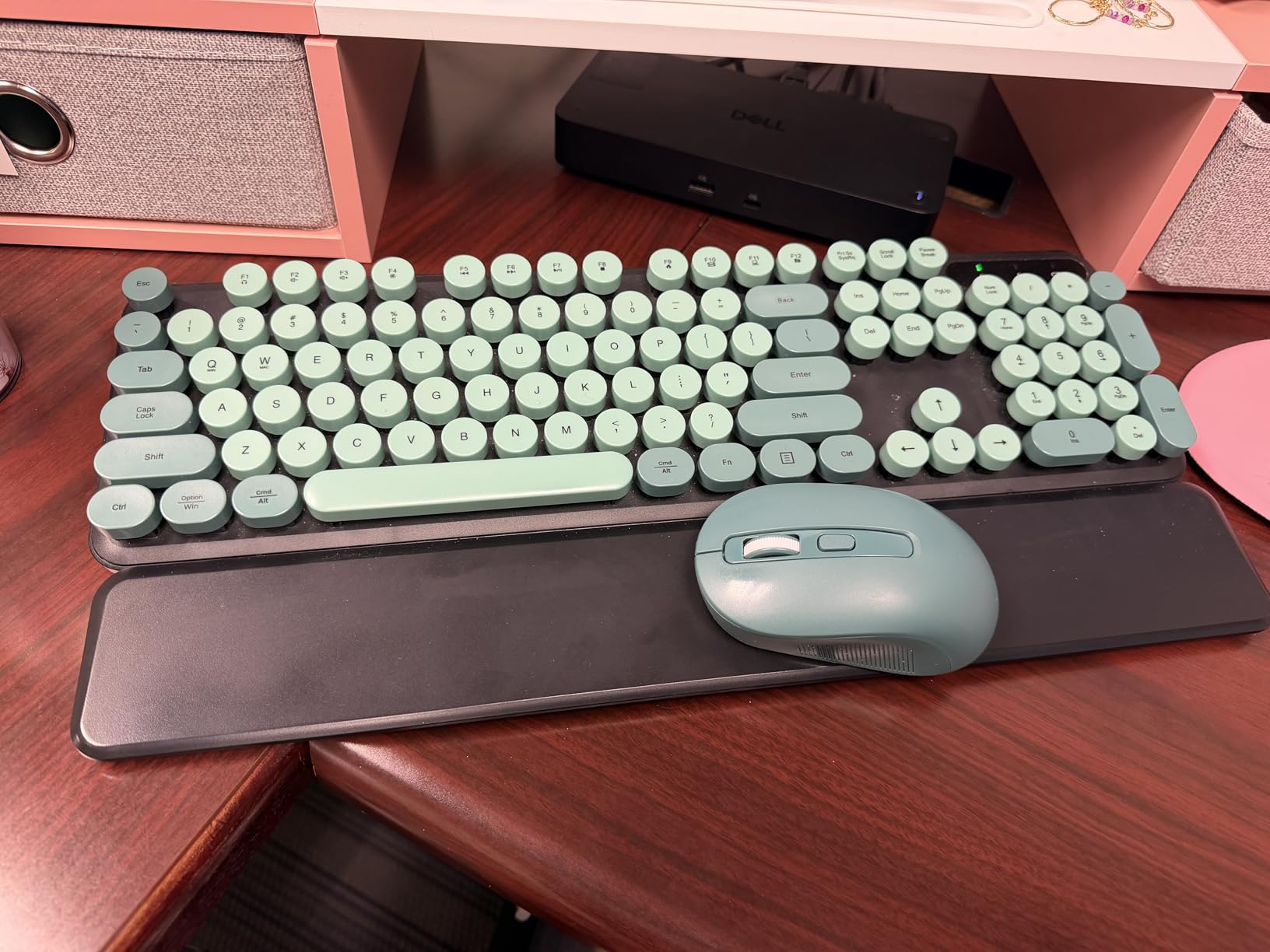
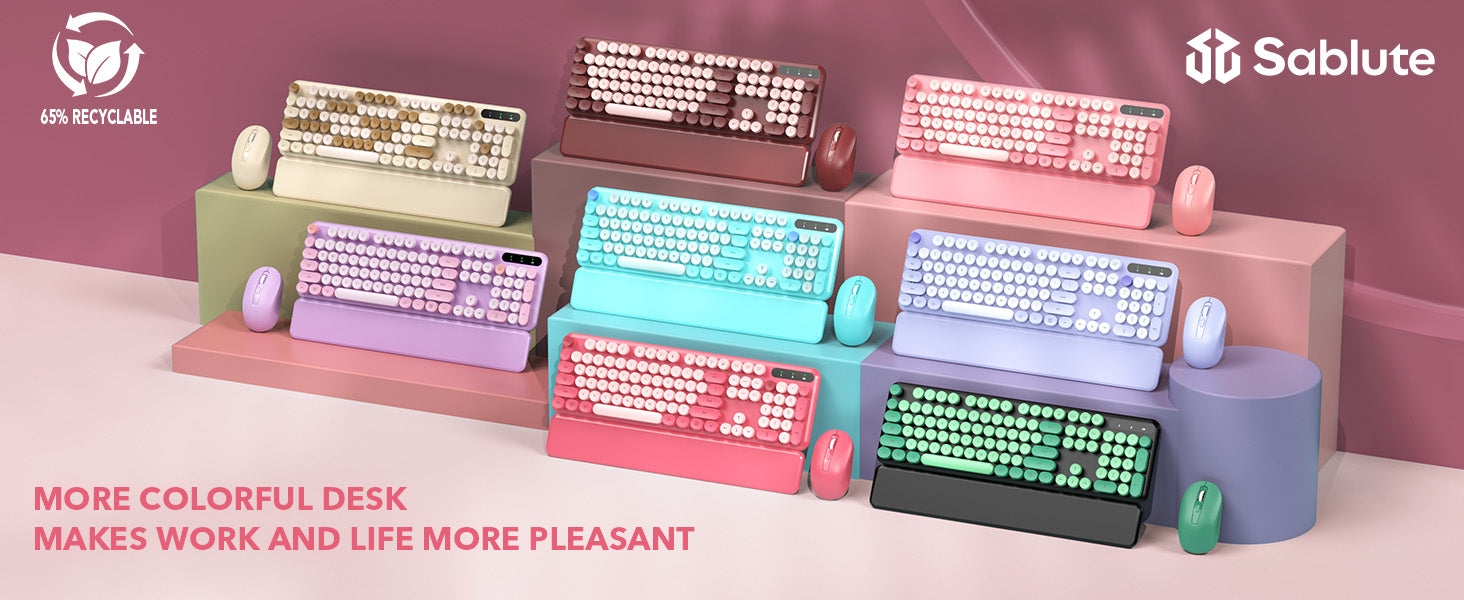
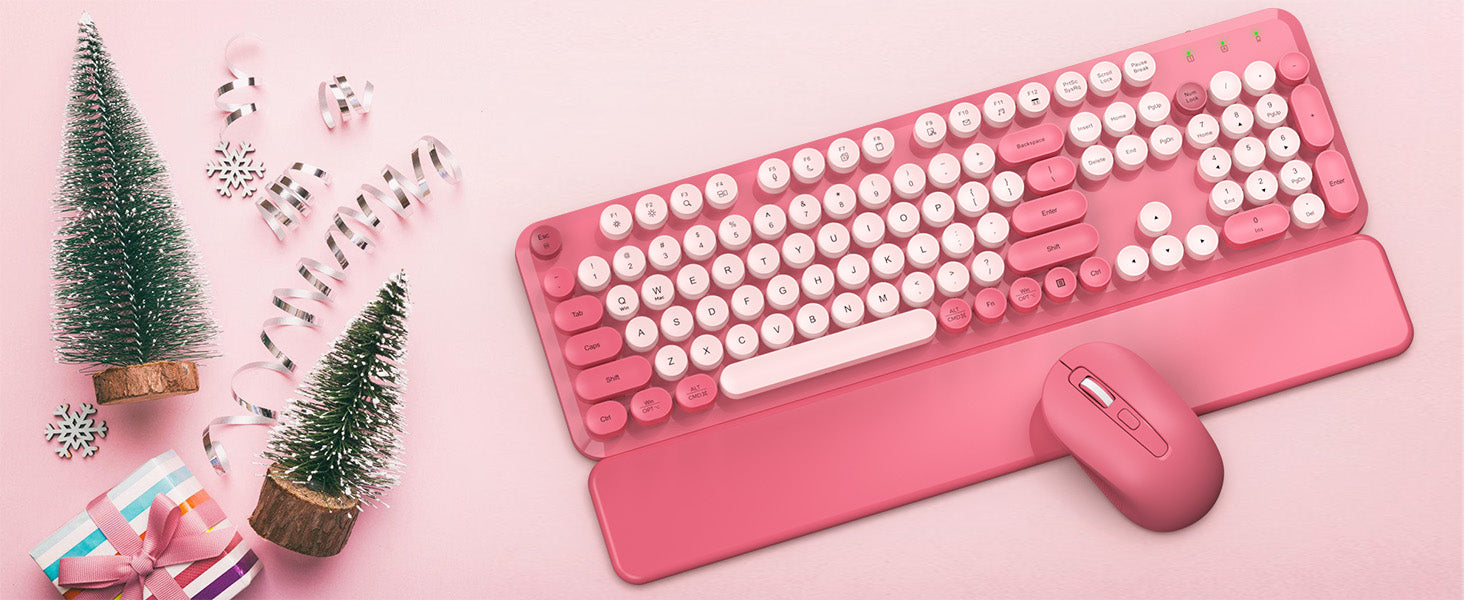
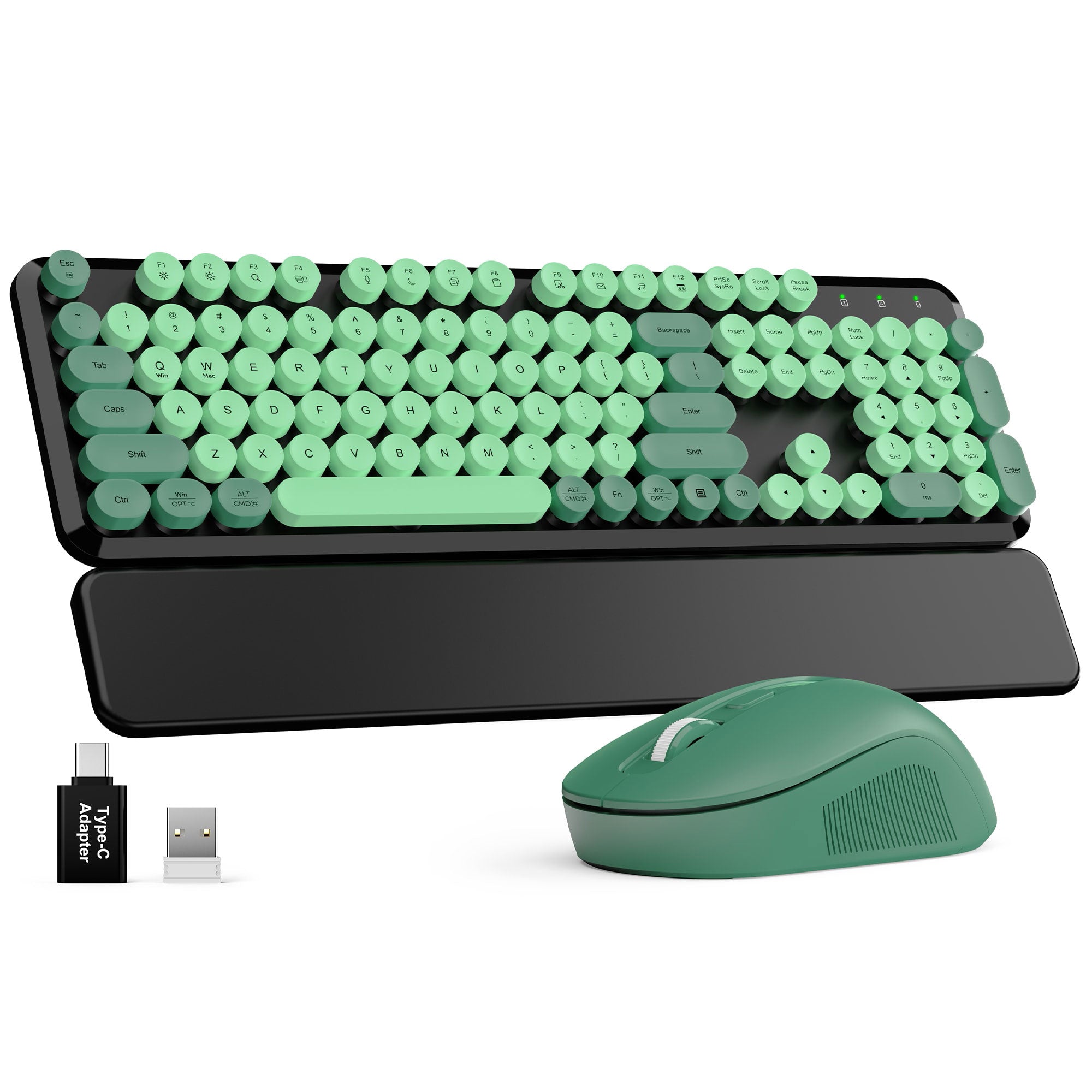
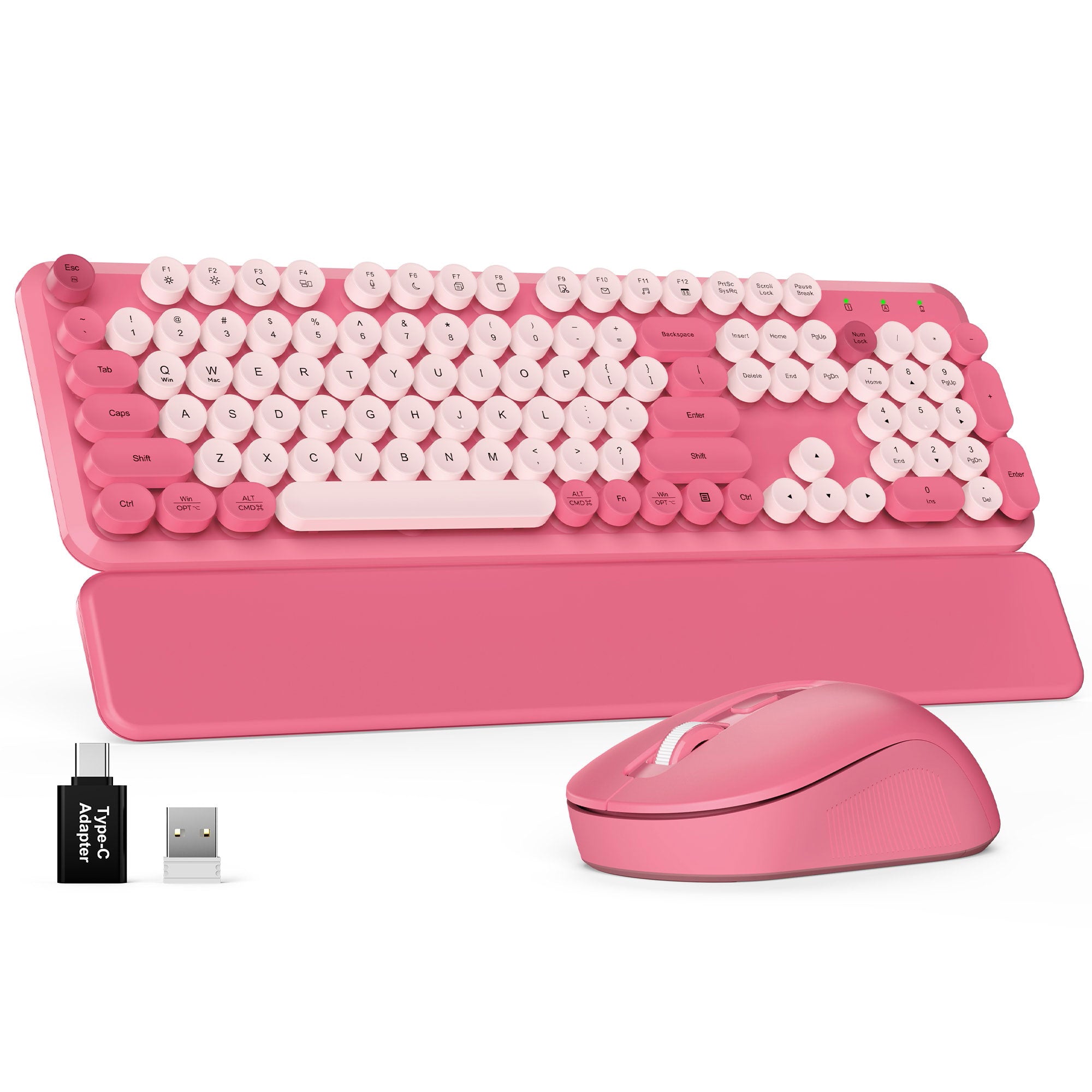
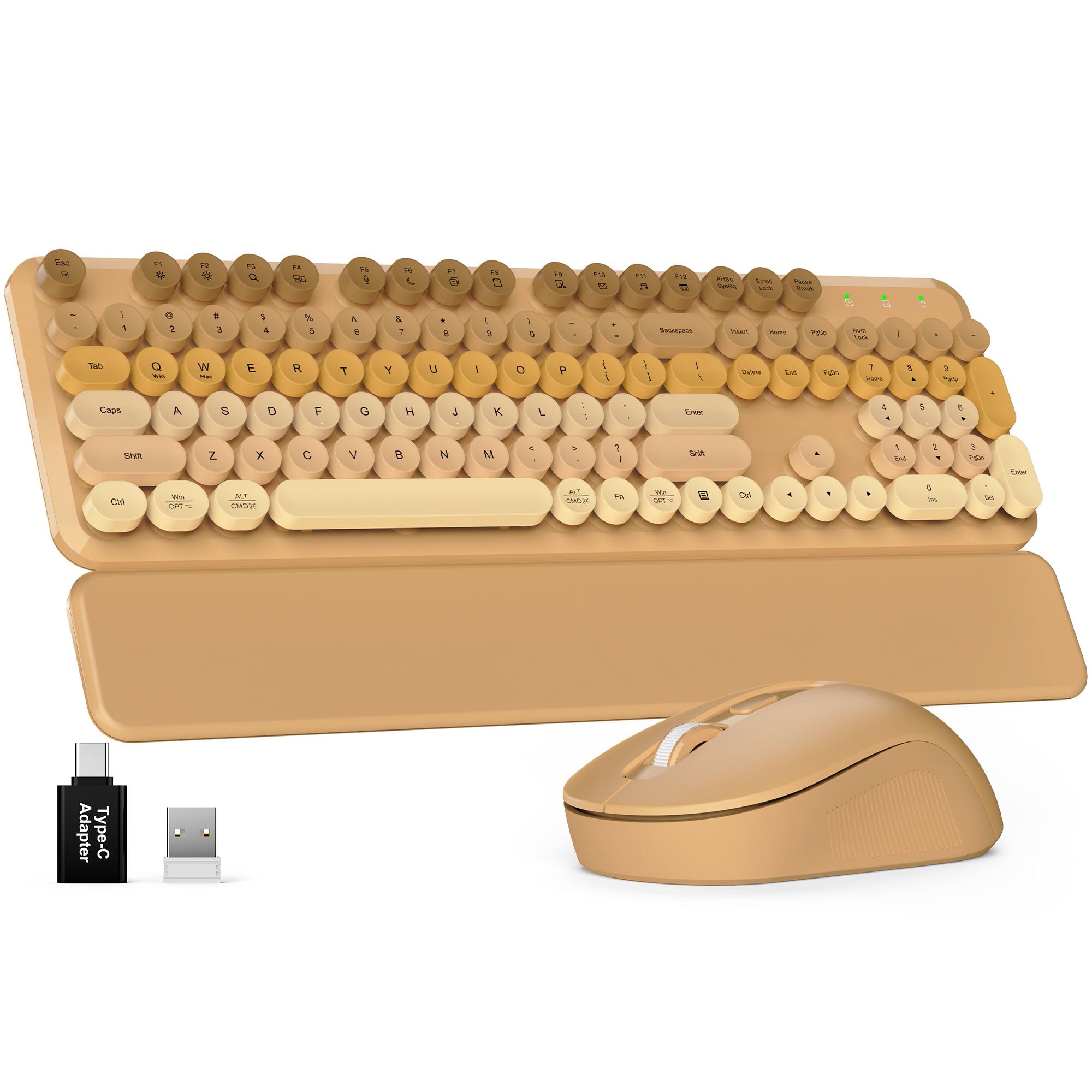
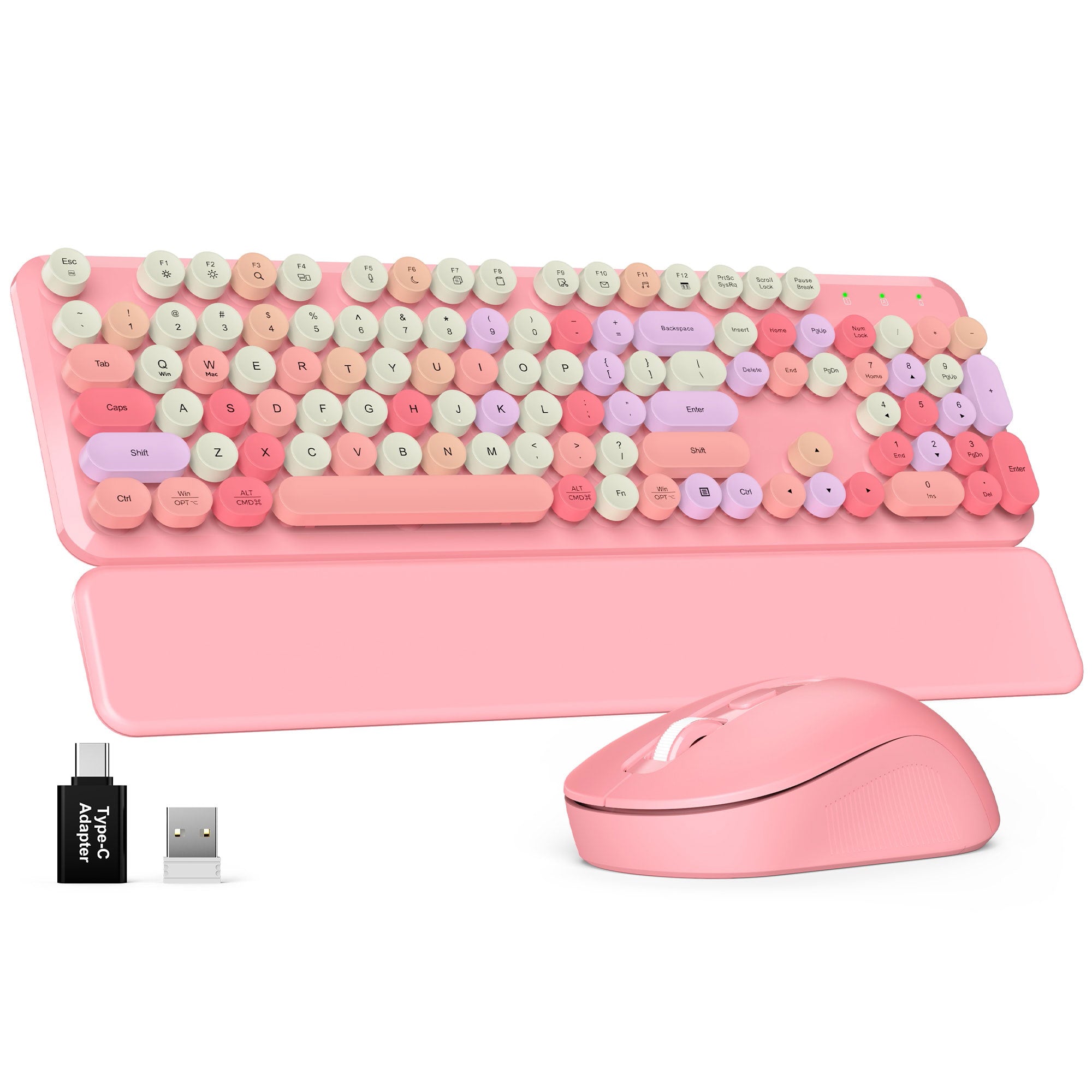
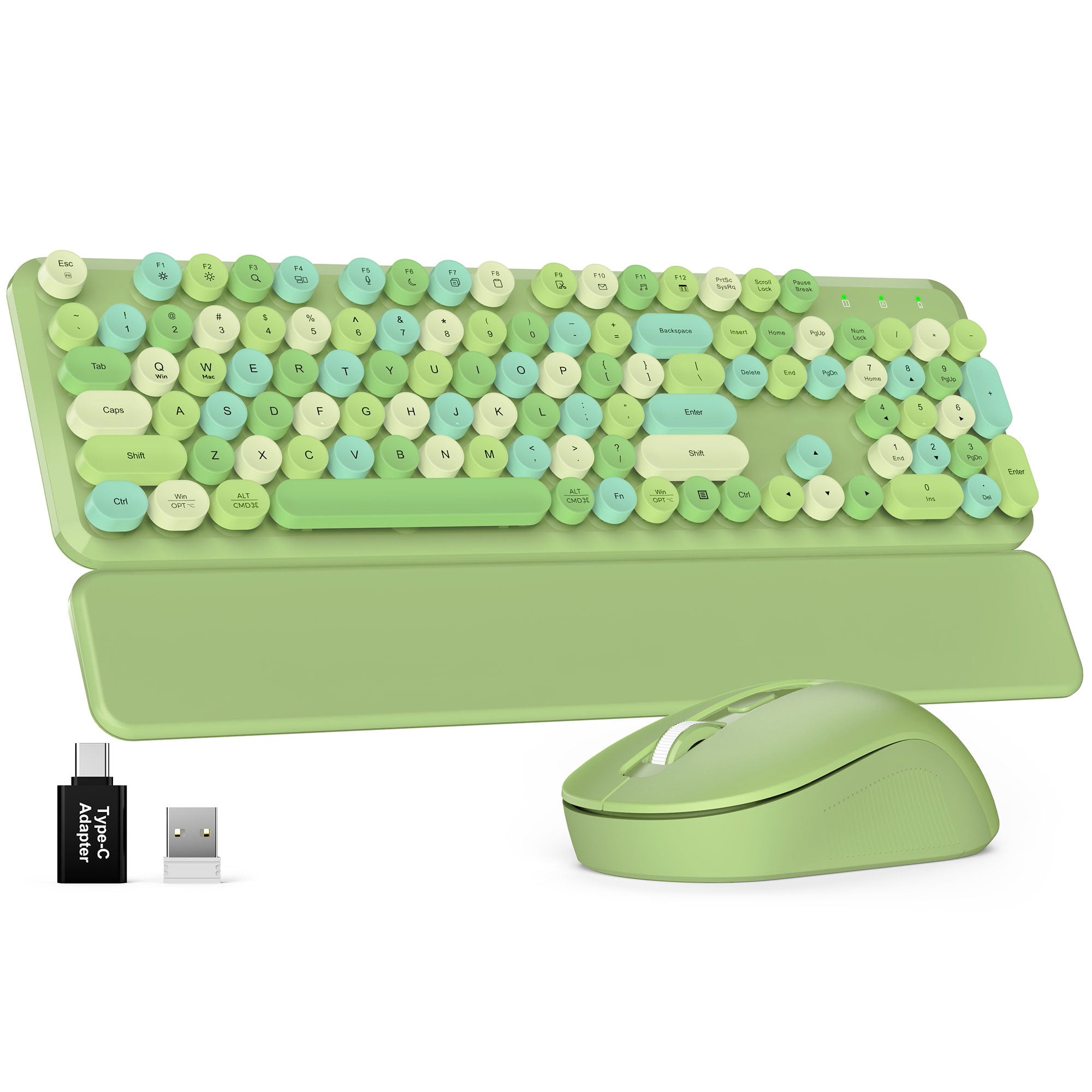
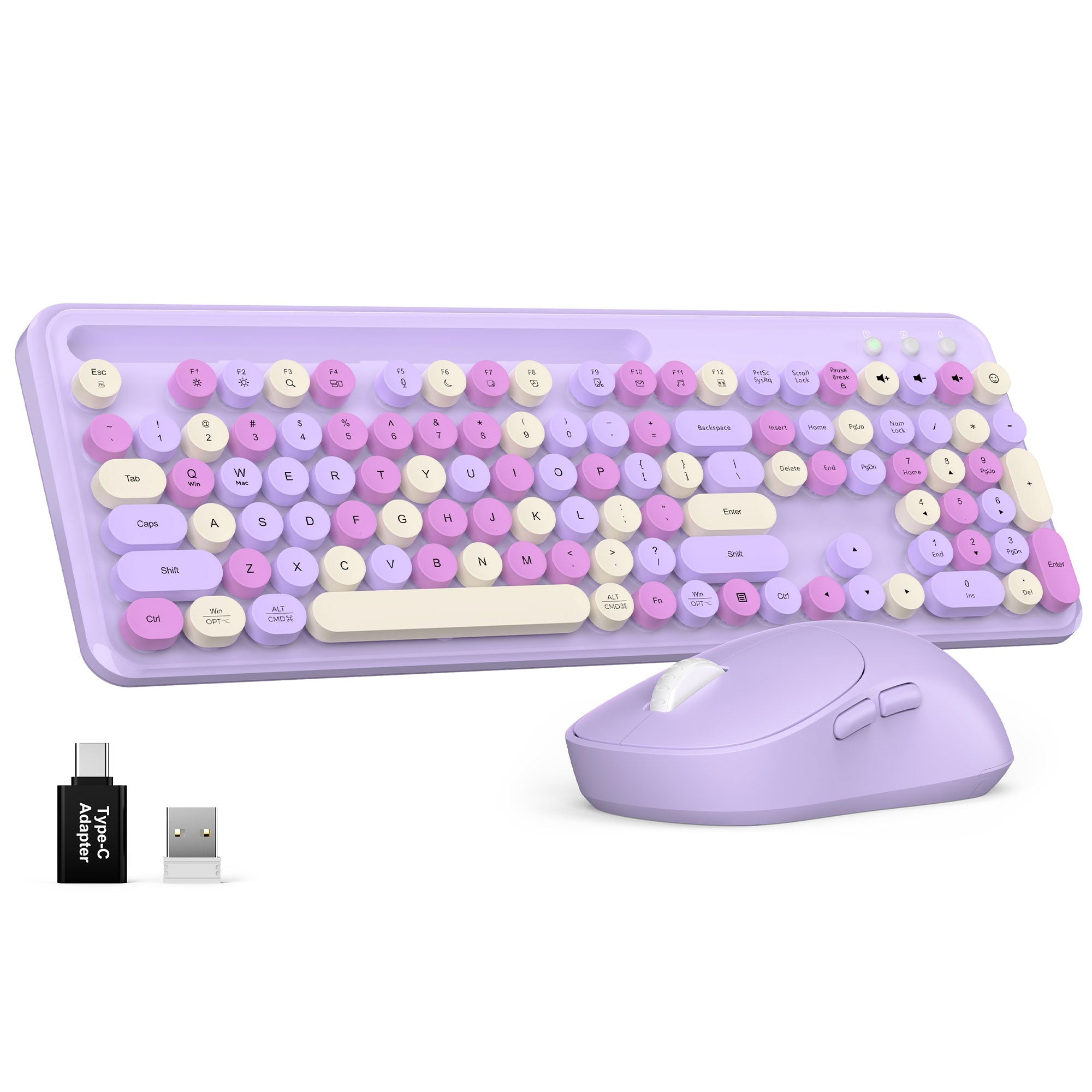
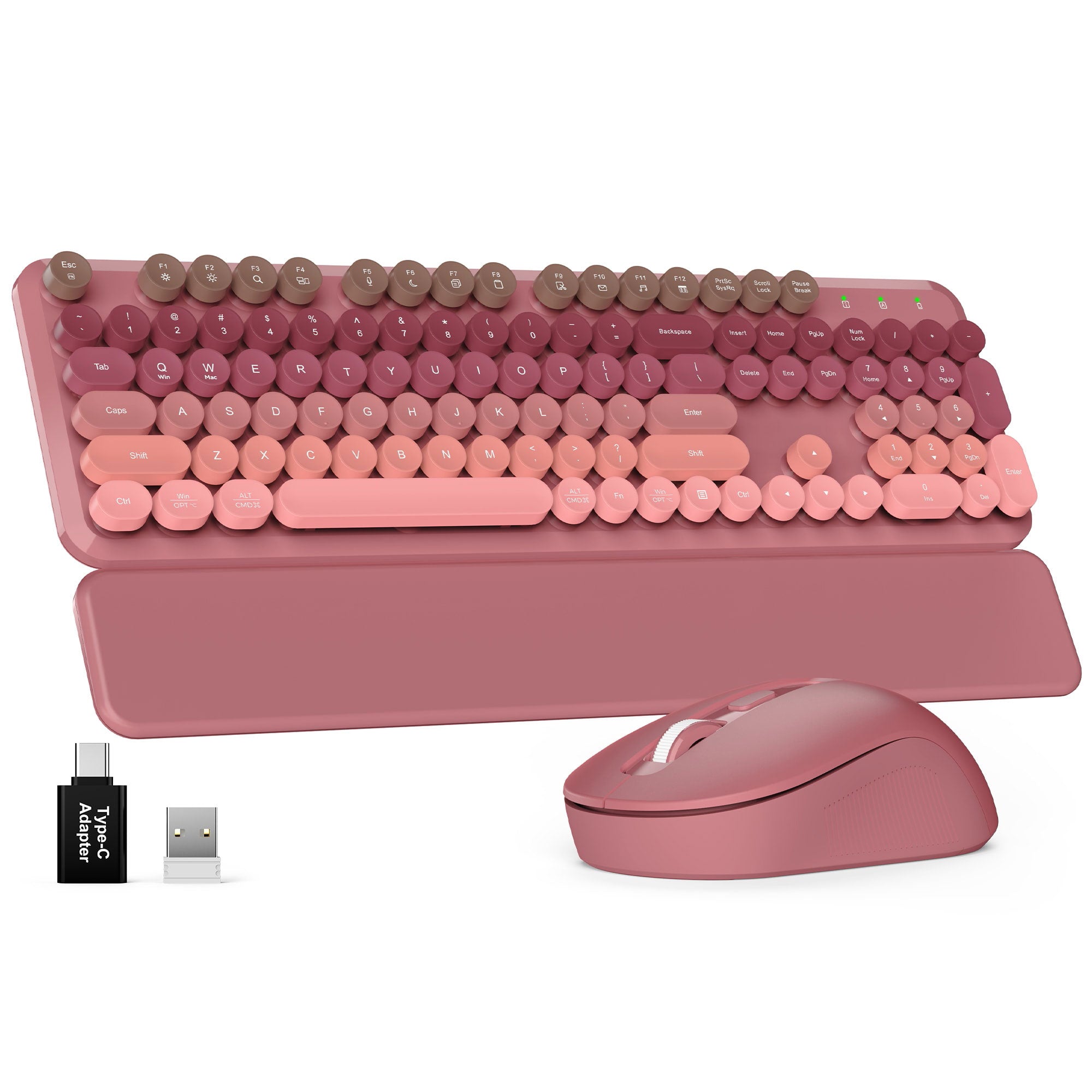
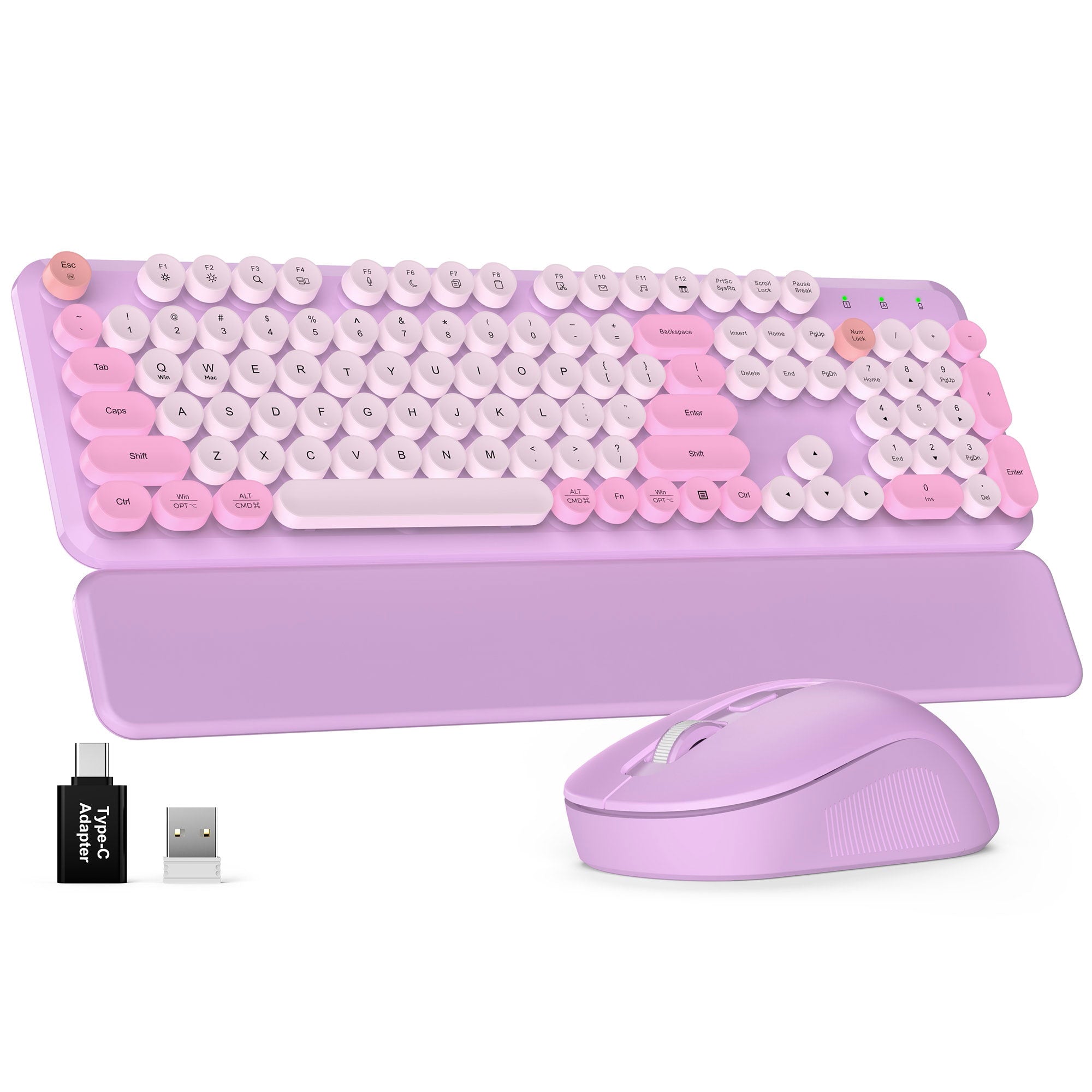
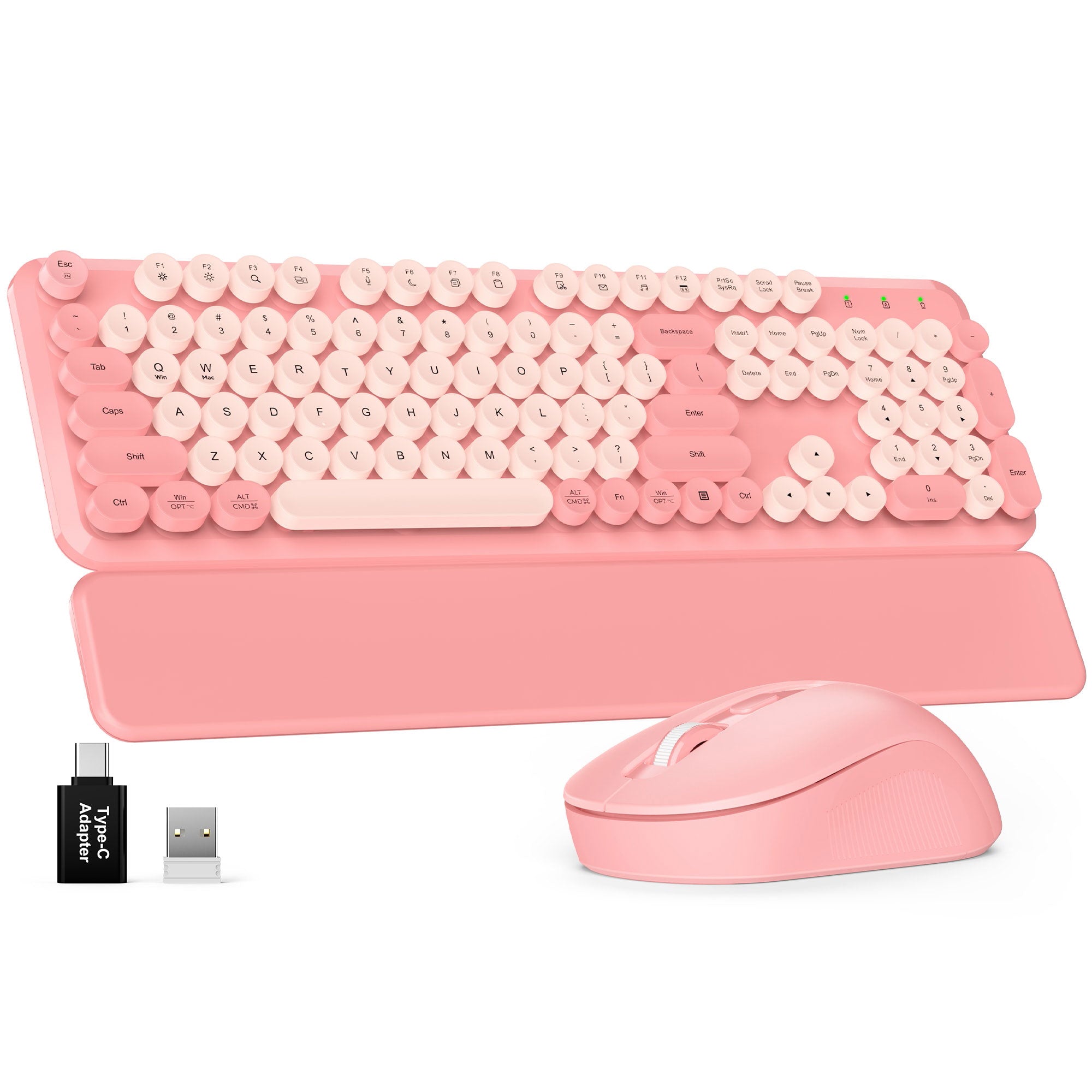
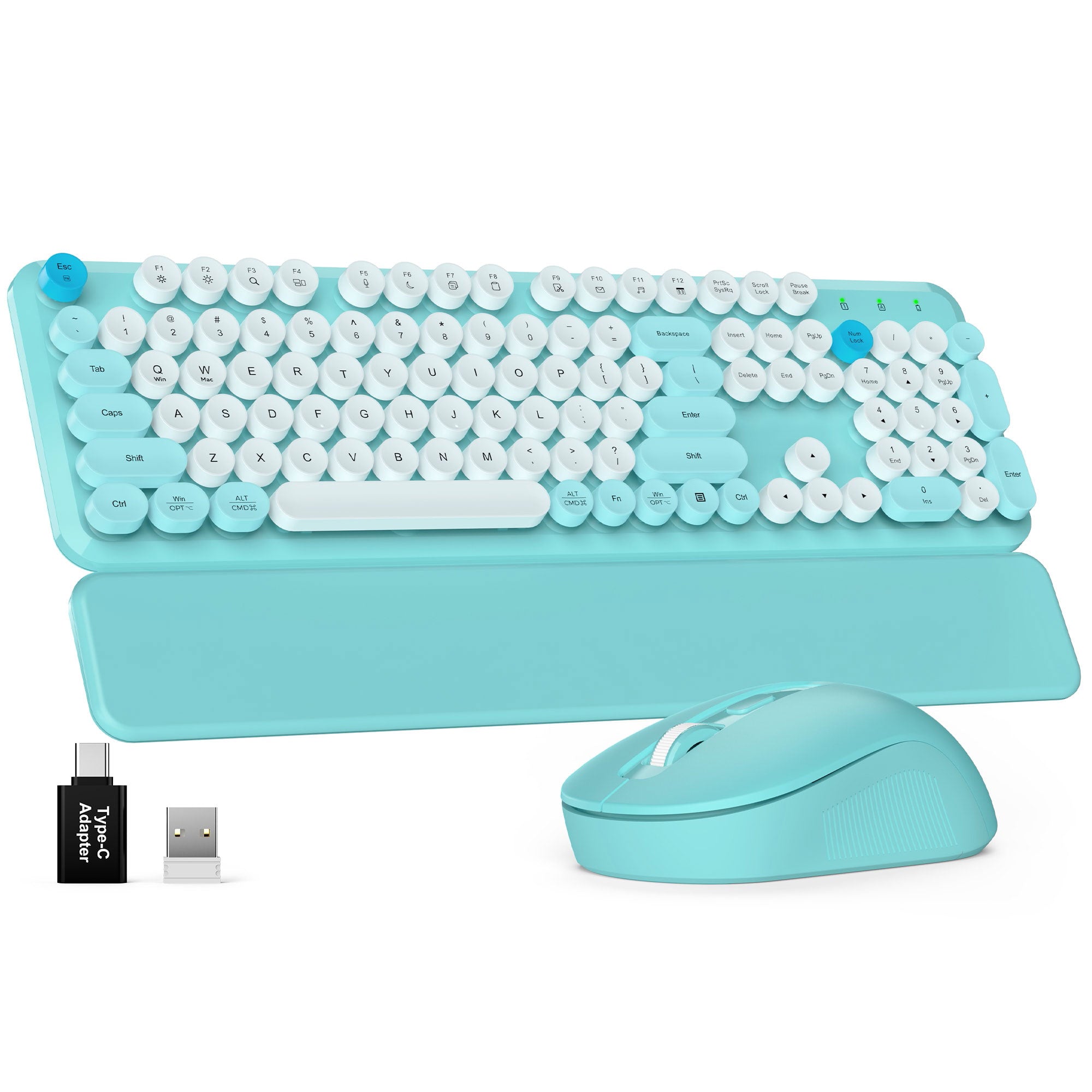
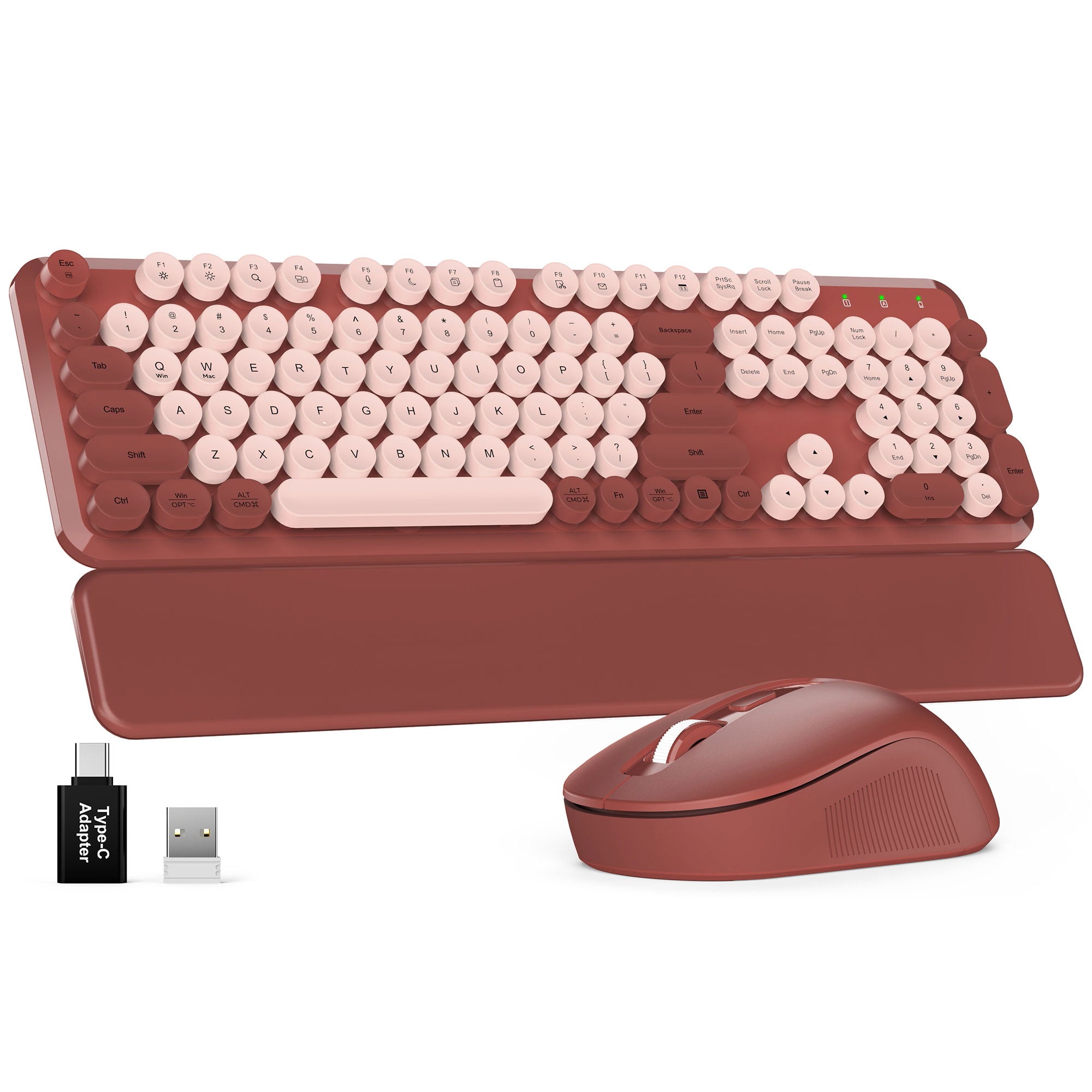
Sablute Wireless Keyboard and Mouse Combo with Retro Round Keycaps CK23
If you have any questions, you are always welcome to contact us. We'll get back to you as soon as possible, within 24 hours on weekdays.
Shipping Information
Use this text to answer questions in as much detail as possible for your customers.
Customer Support
Use this text to answer questions in as much detail as possible for your customers.
FAQ’s
Use this text to answer questions in as much detail as possible for your customers.
Contact Us
Use this text to answer questions in as much detail as possible for your customers.
Please read our FAQs page to find out more.
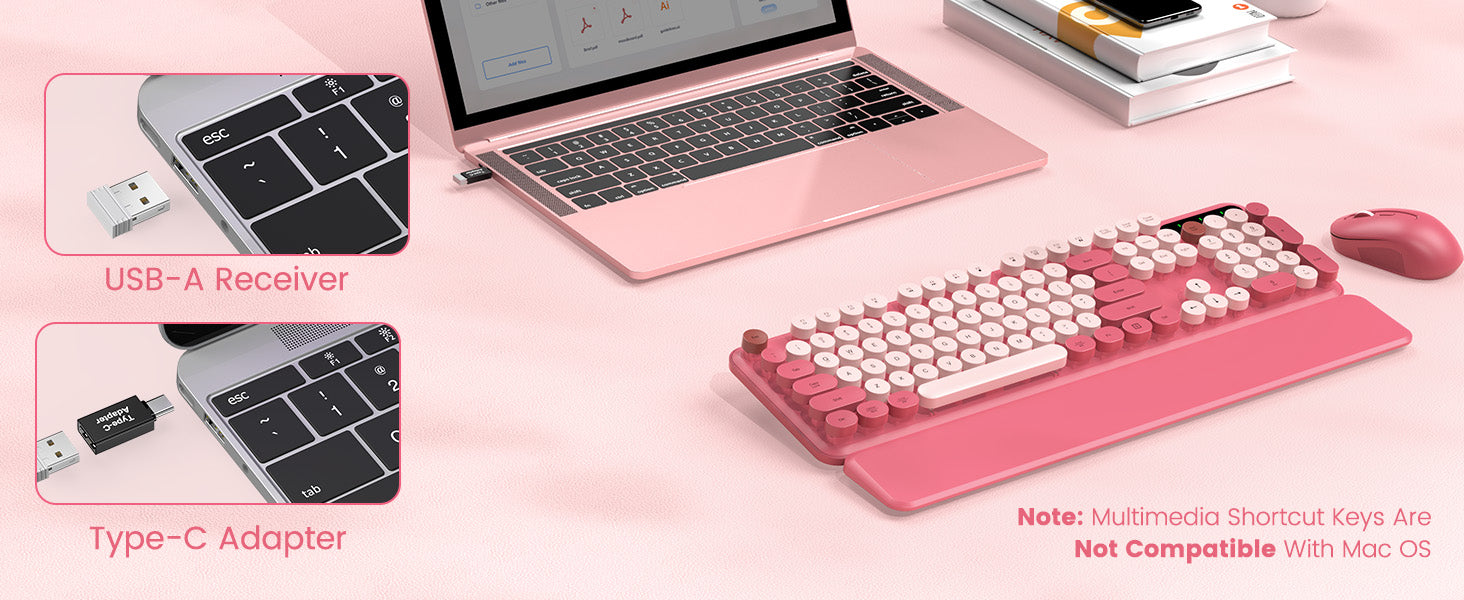
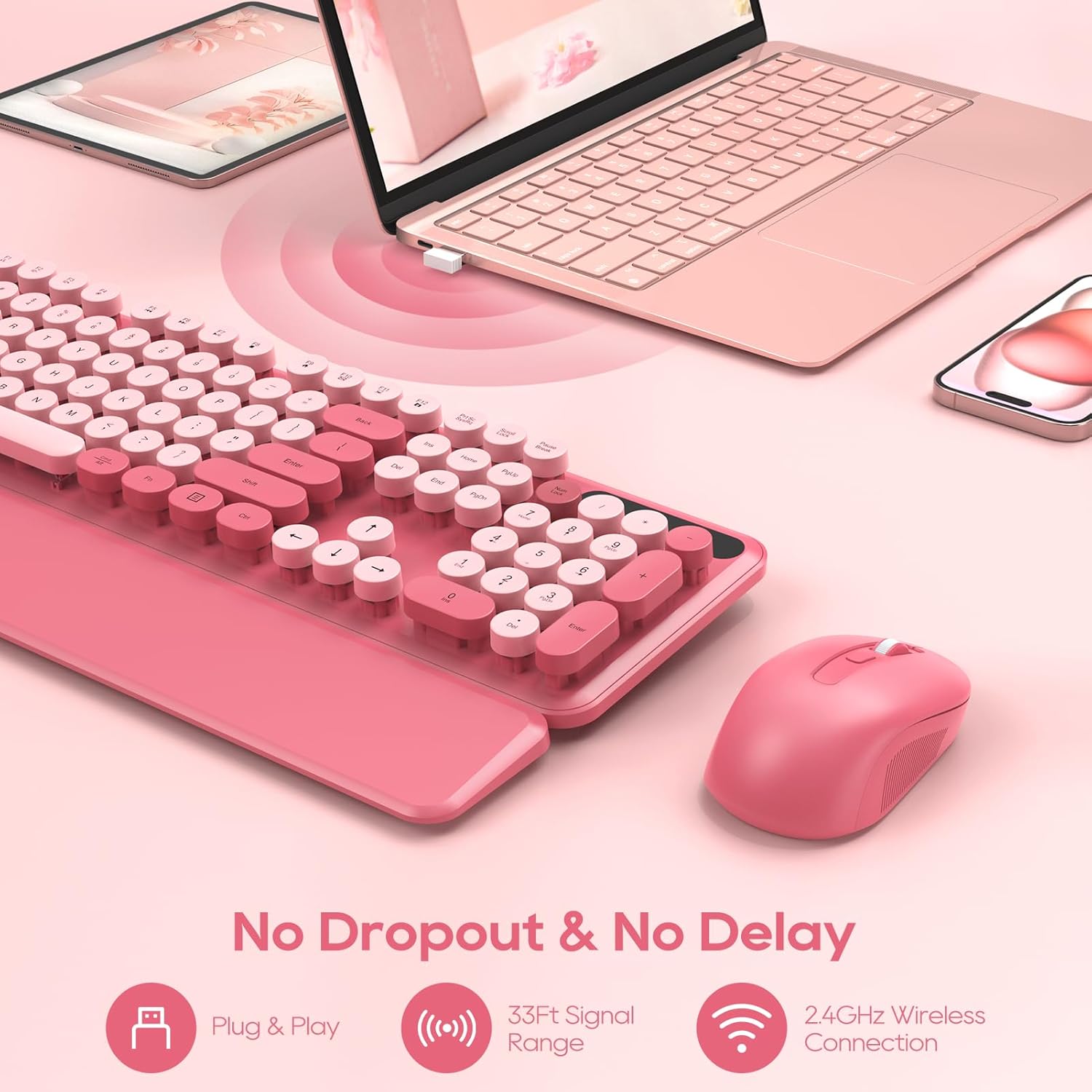
Both devices use a single USB receiver, helping save USB ports. The receiver is stored in the battery compartment on the underside of the mouse.
If you cannot find it or have any setup issues, please Contact us.
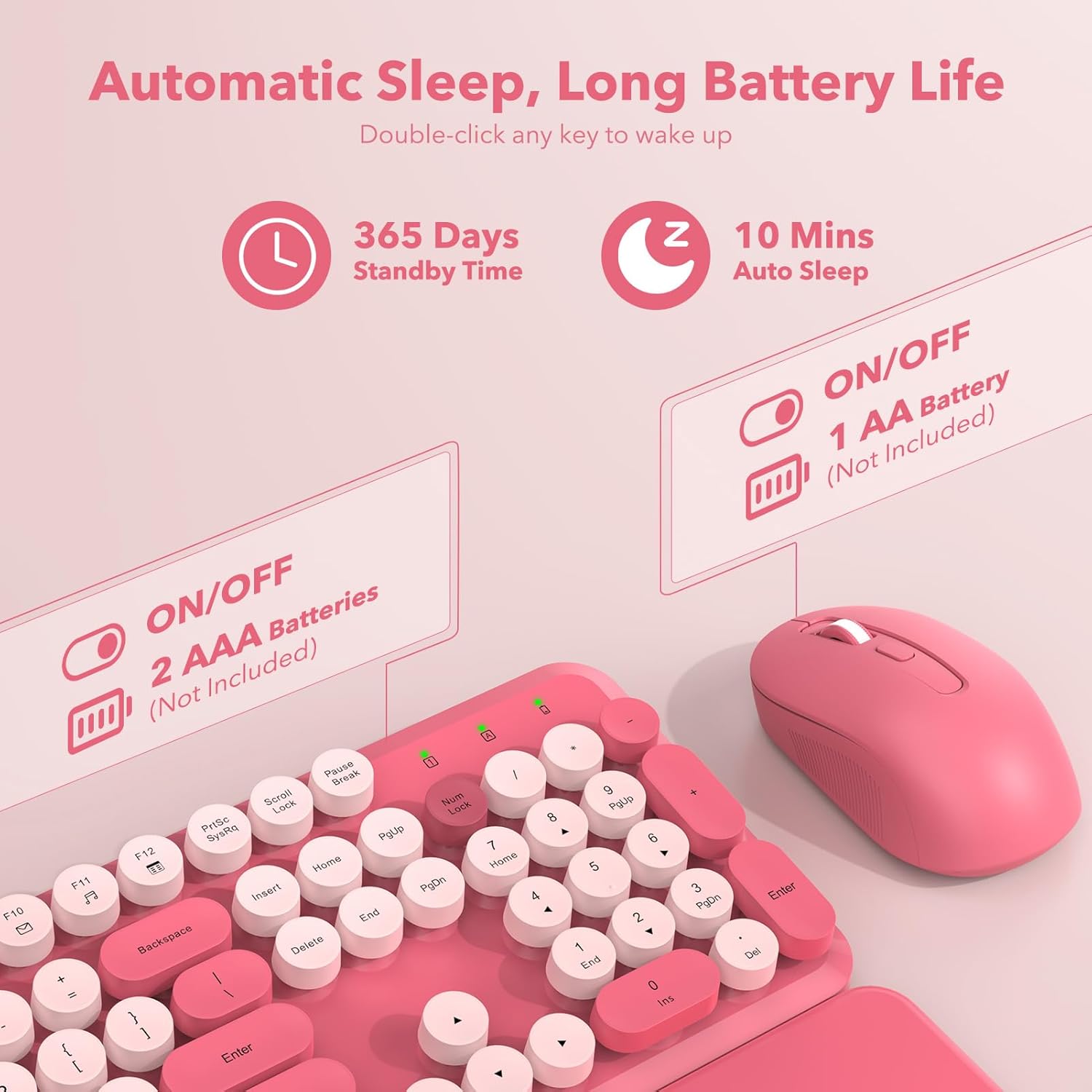
Batteries are not included. The keyboard requires 2 AAA batteries, and the mouse requires 1 AA battery.
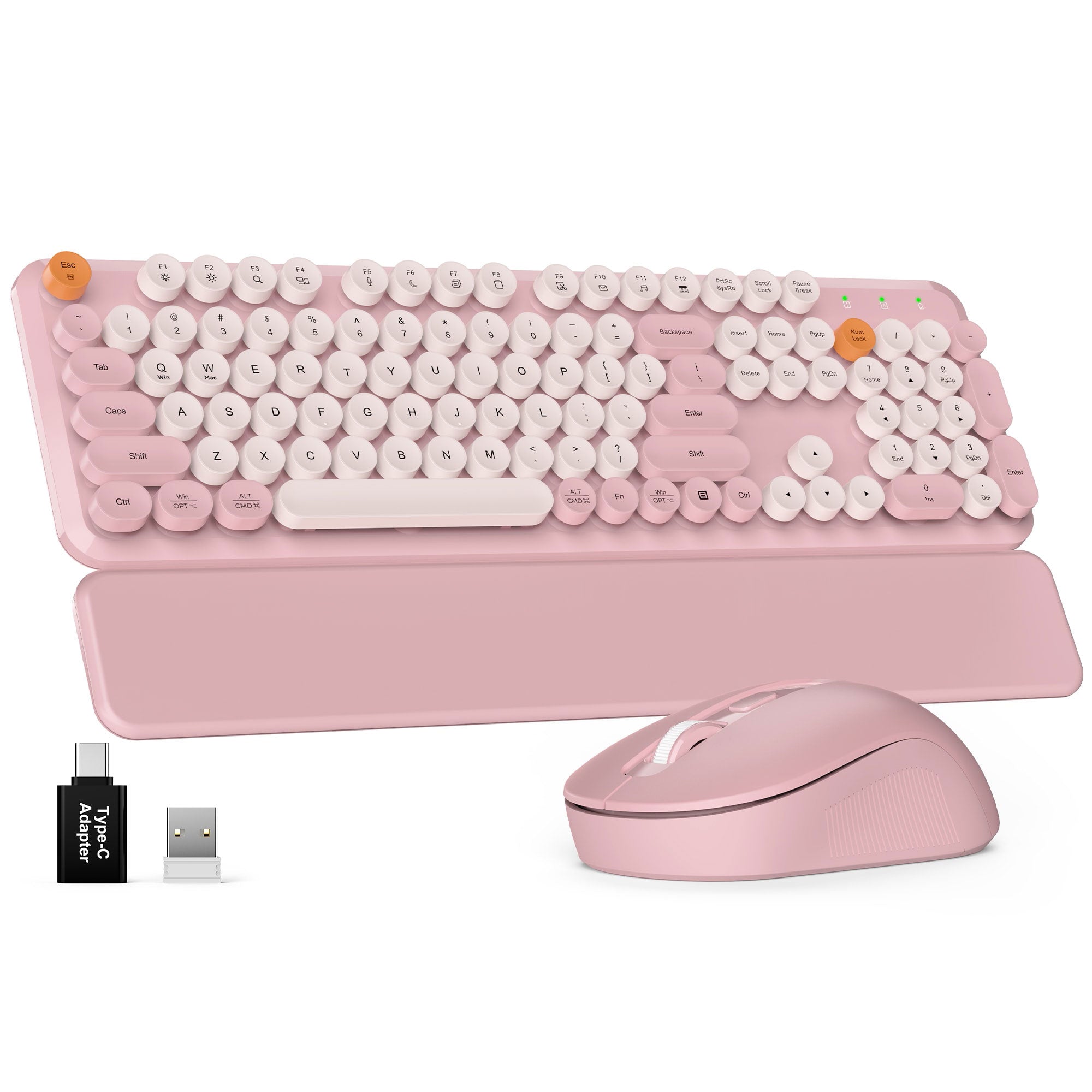
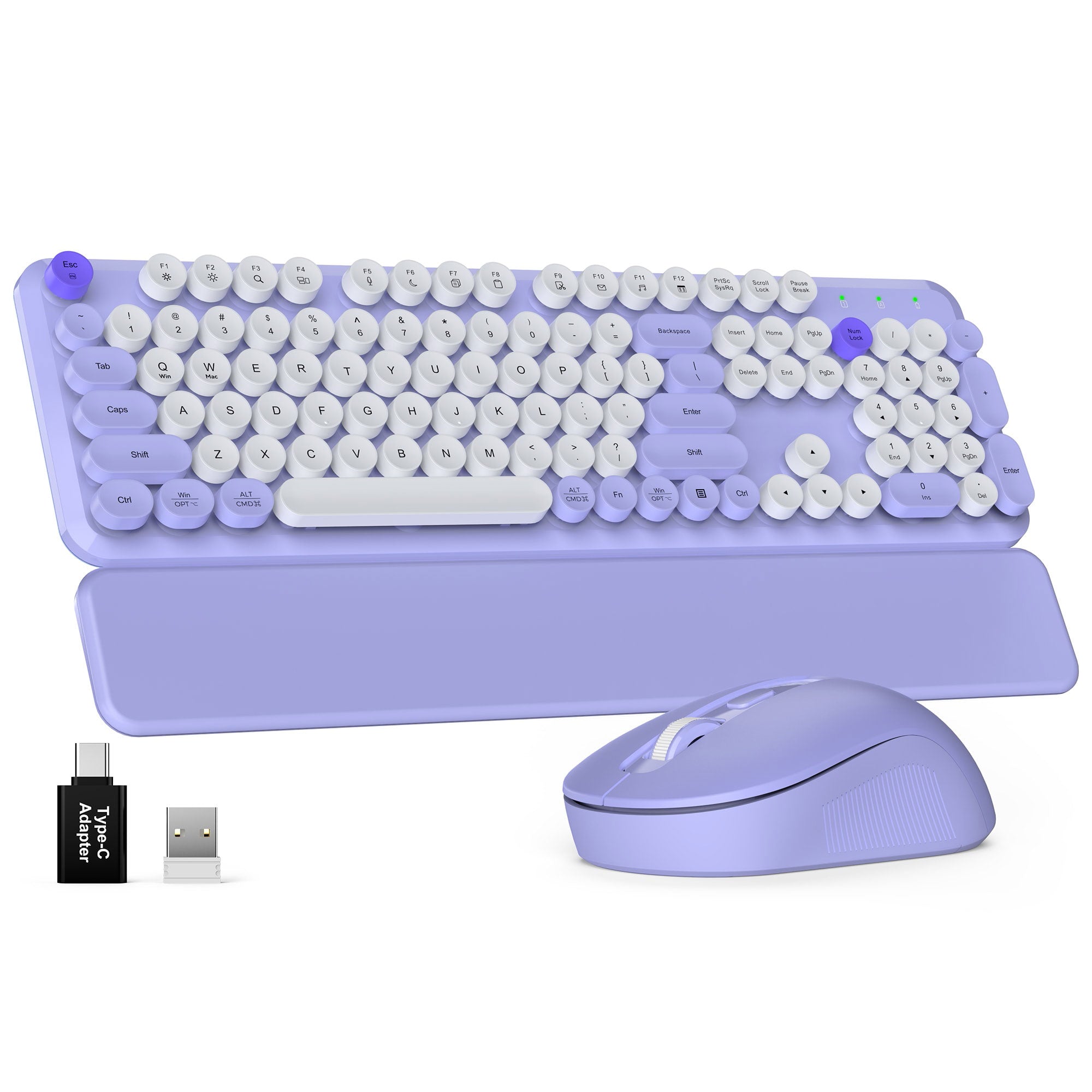
The package includes:
1x Keyboard
1x Mouse
1x USB receiver
1x Type-C adapter
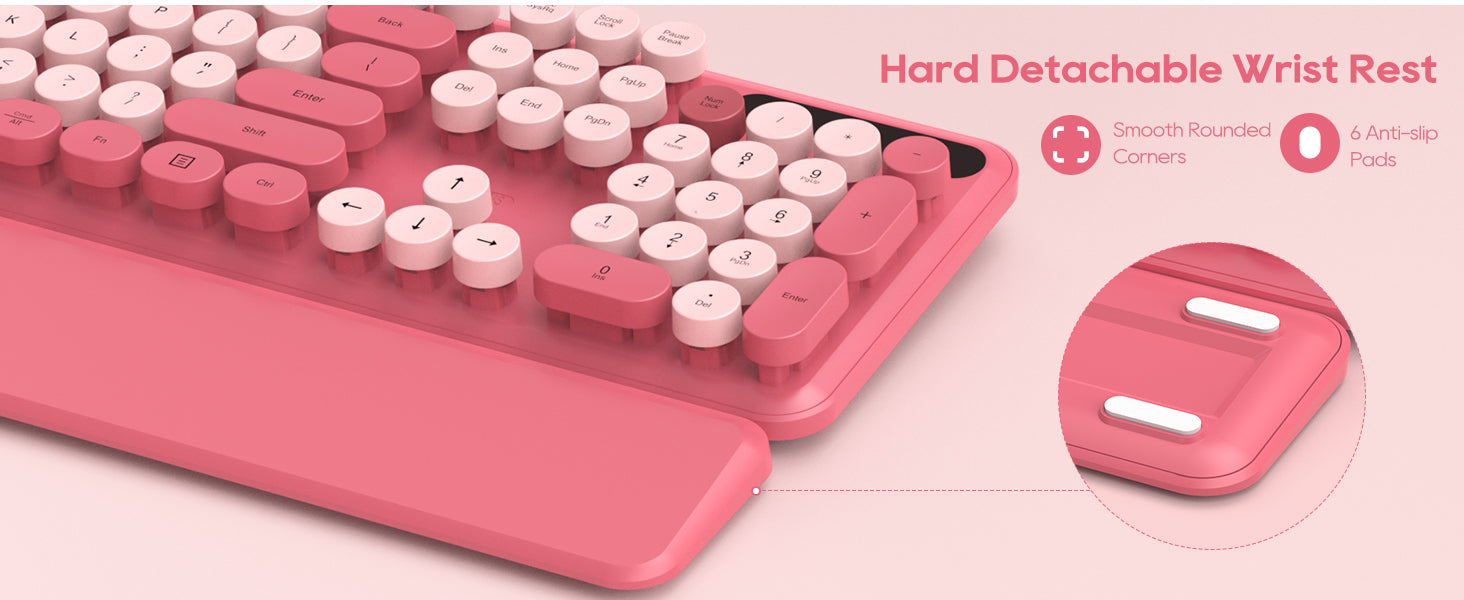
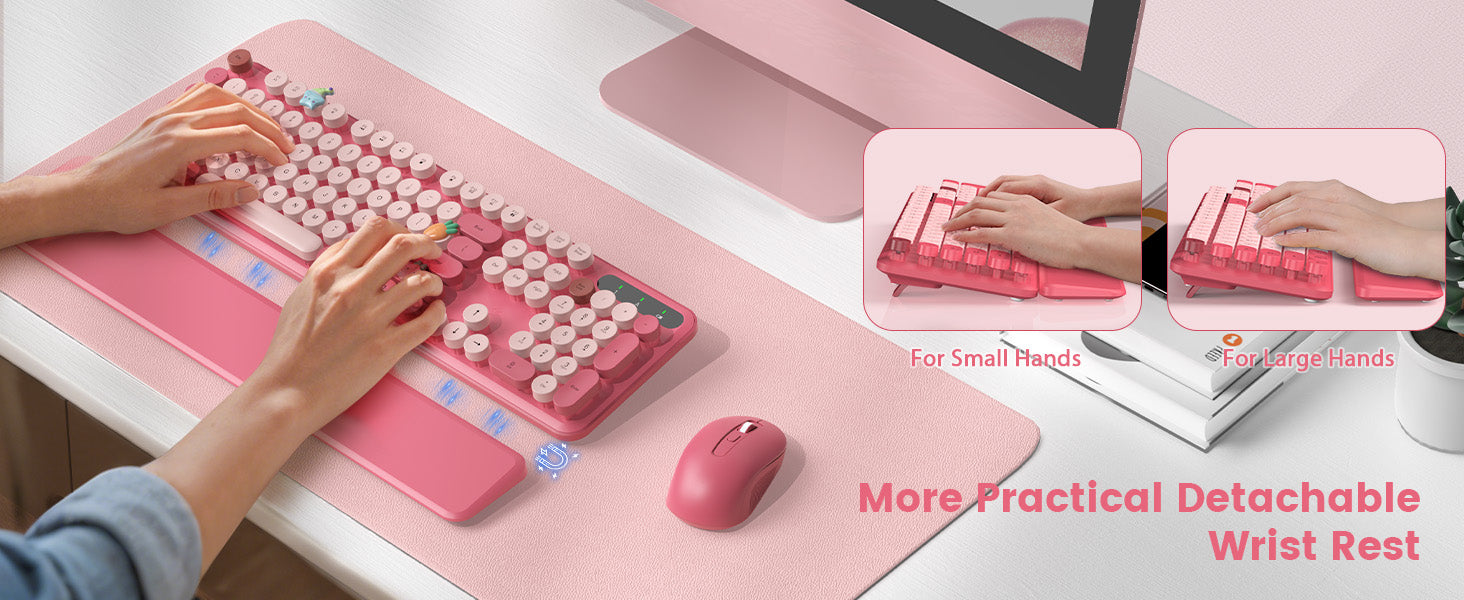
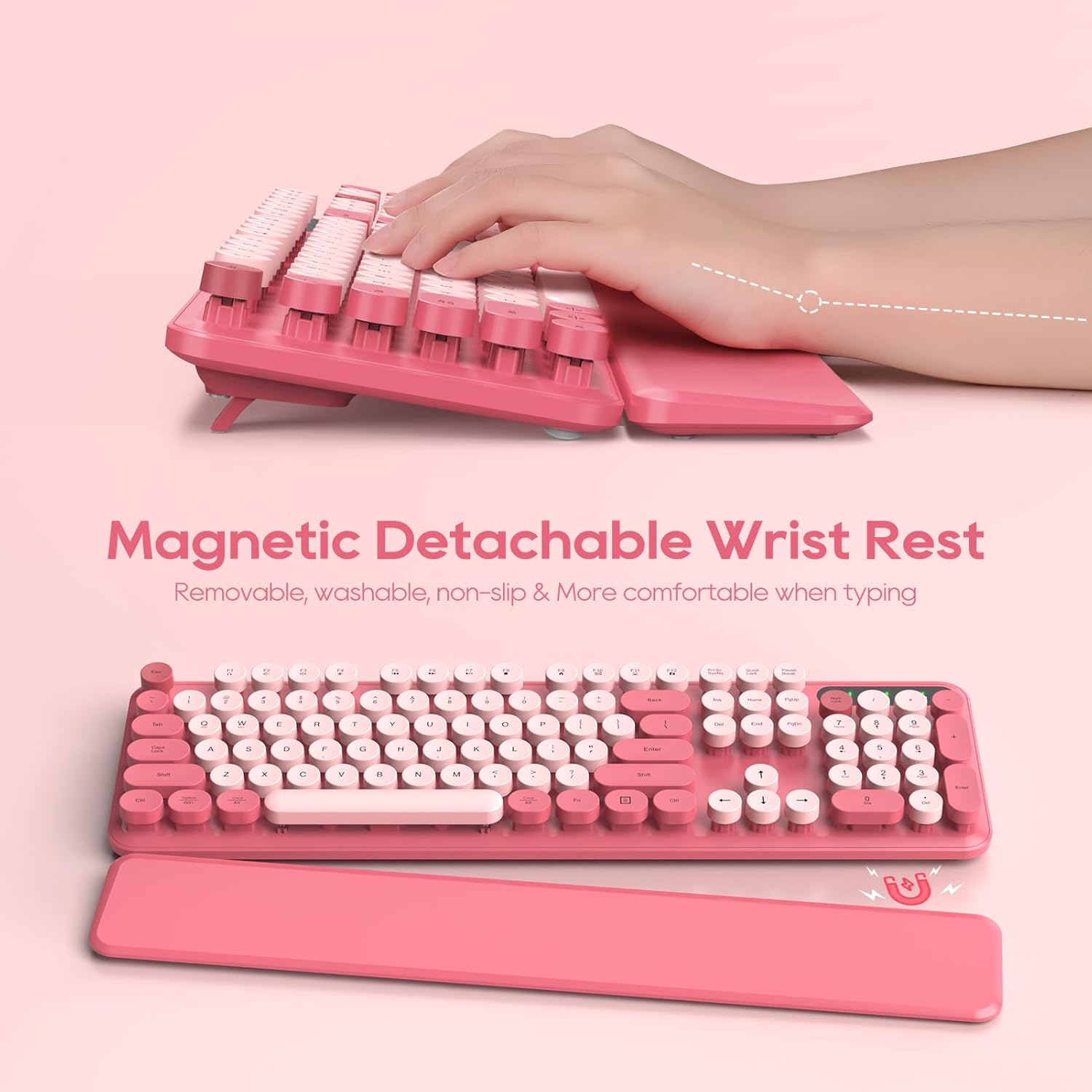
1x wrist rest
1x User manual
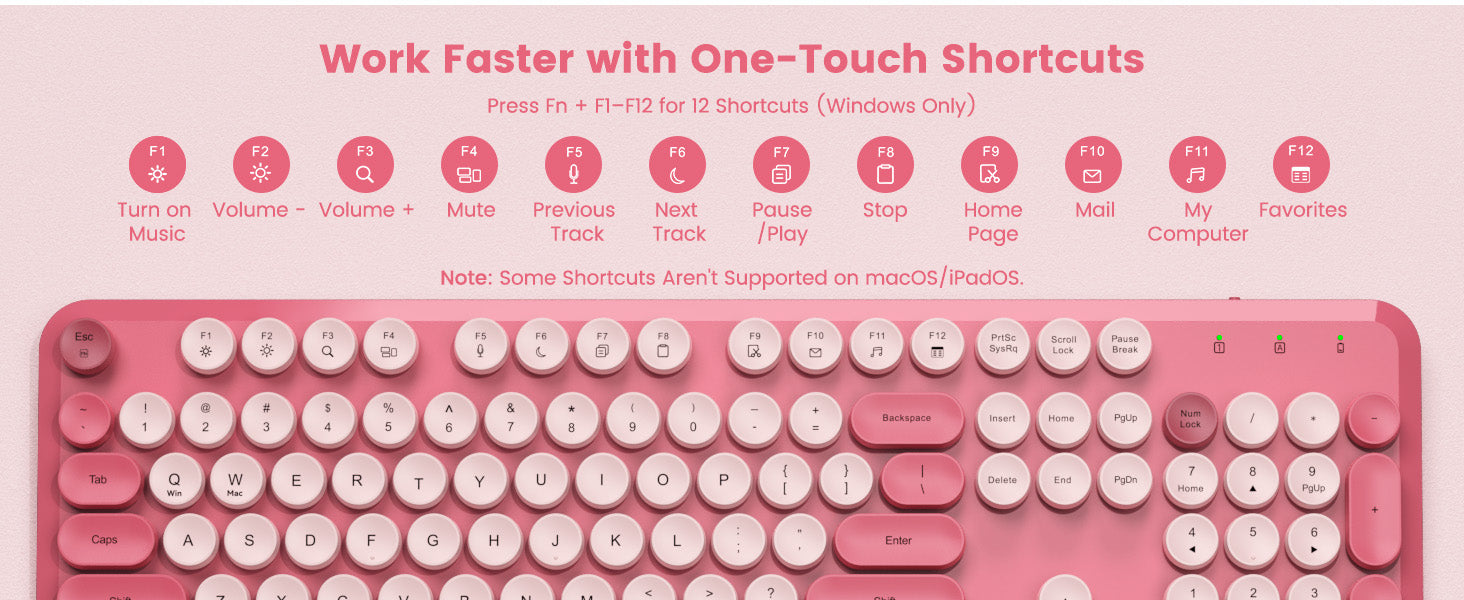
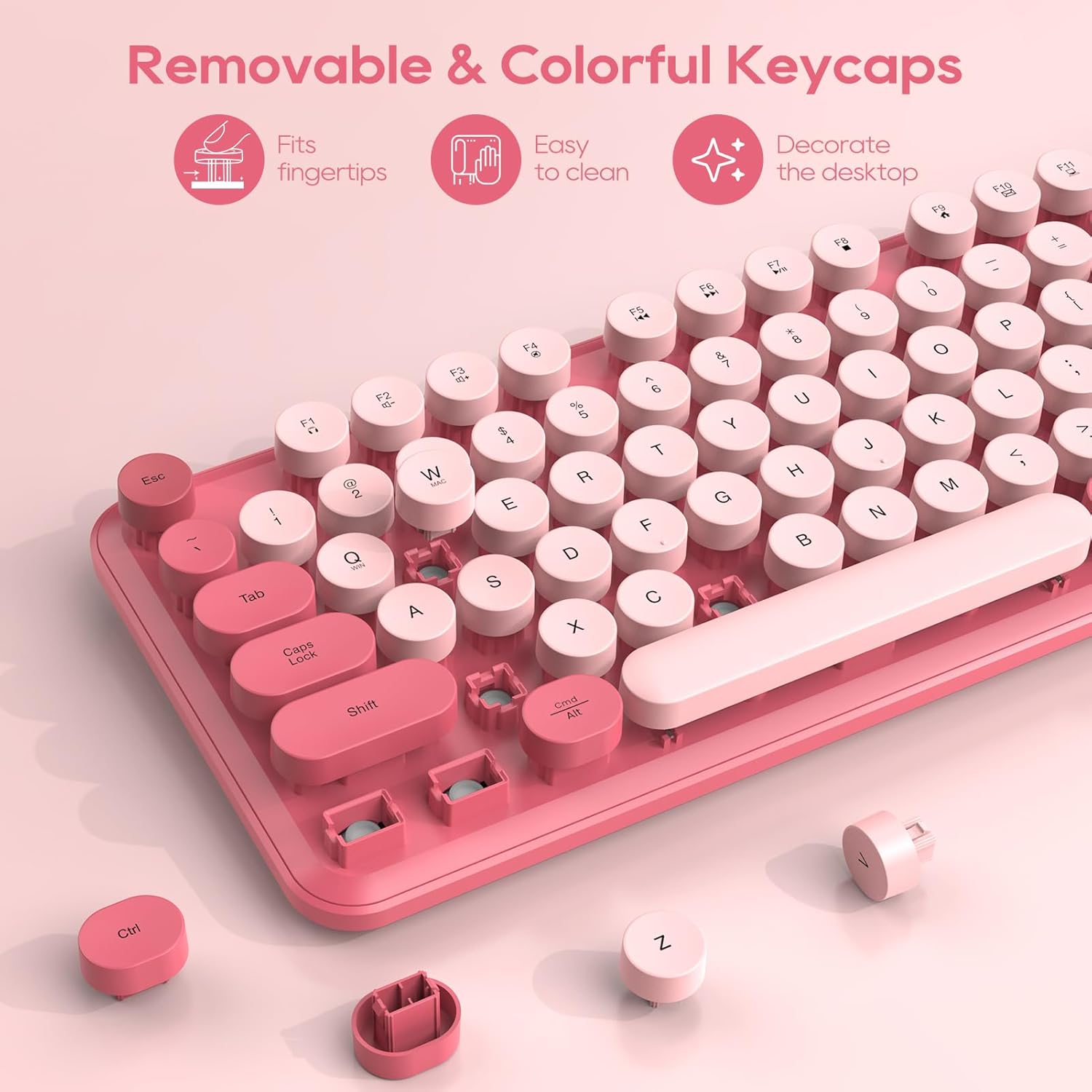
This set works best with Windows. While standard typing works great on a Mac using the included adapter, the top shortcut keys (F1-F12) do not fully work with Mac systems.
If you need any assistance with connection, our support is always here.
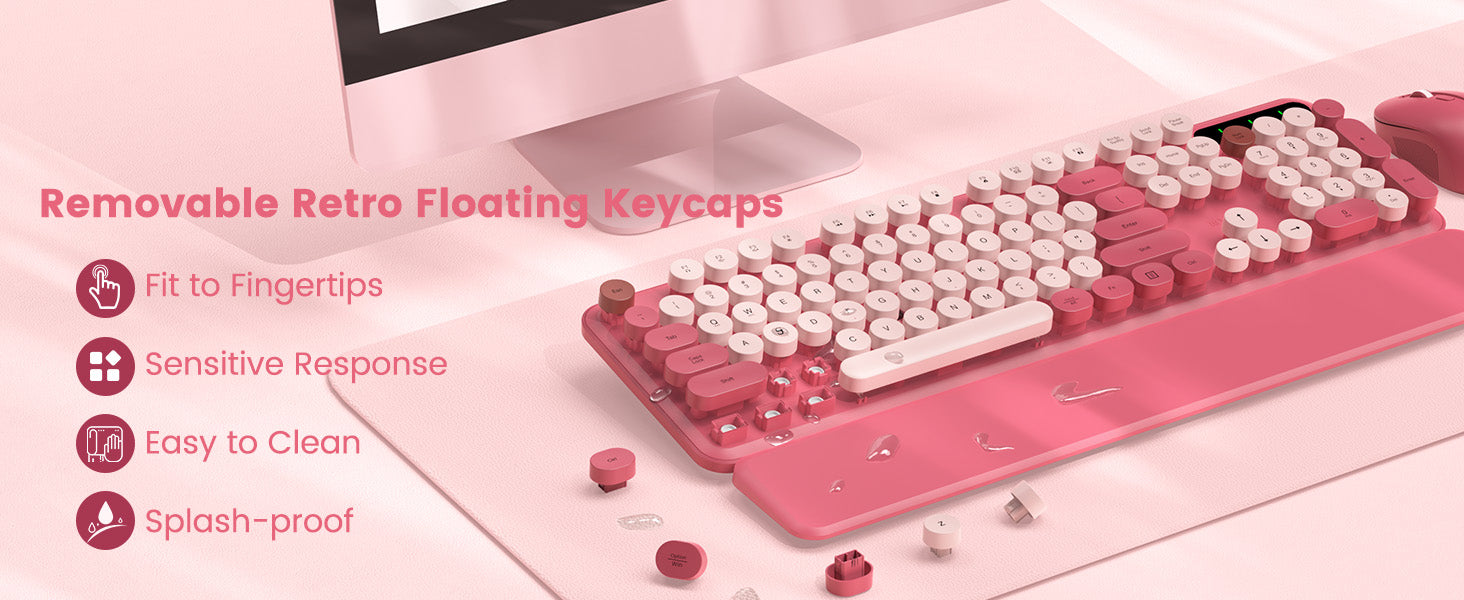
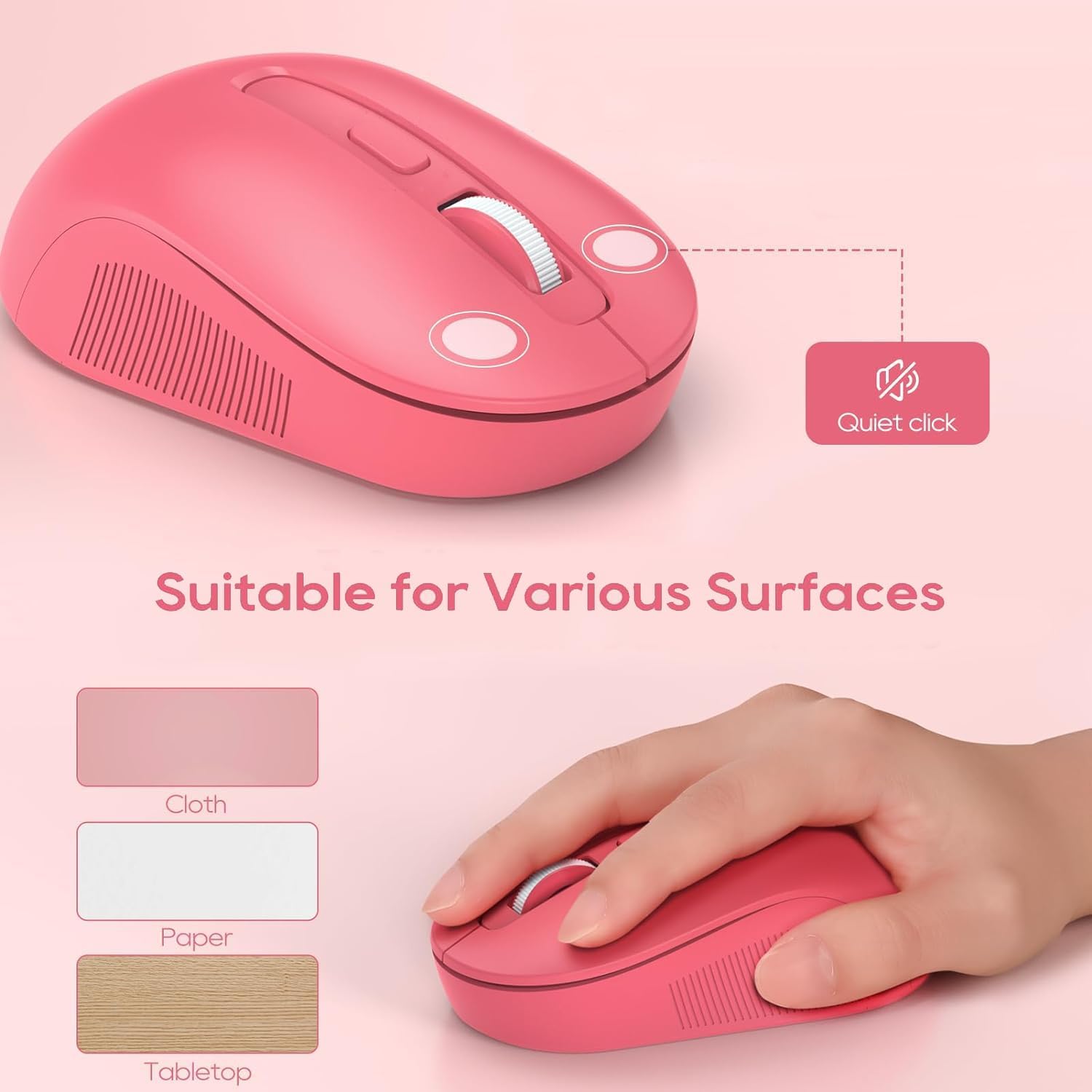
It makes a standard, comfortable typing sound and does not have the loud, sharp clicking of a mechanical keyboard. While it is not completely silent, the sound level is normal and great for a regular office space.
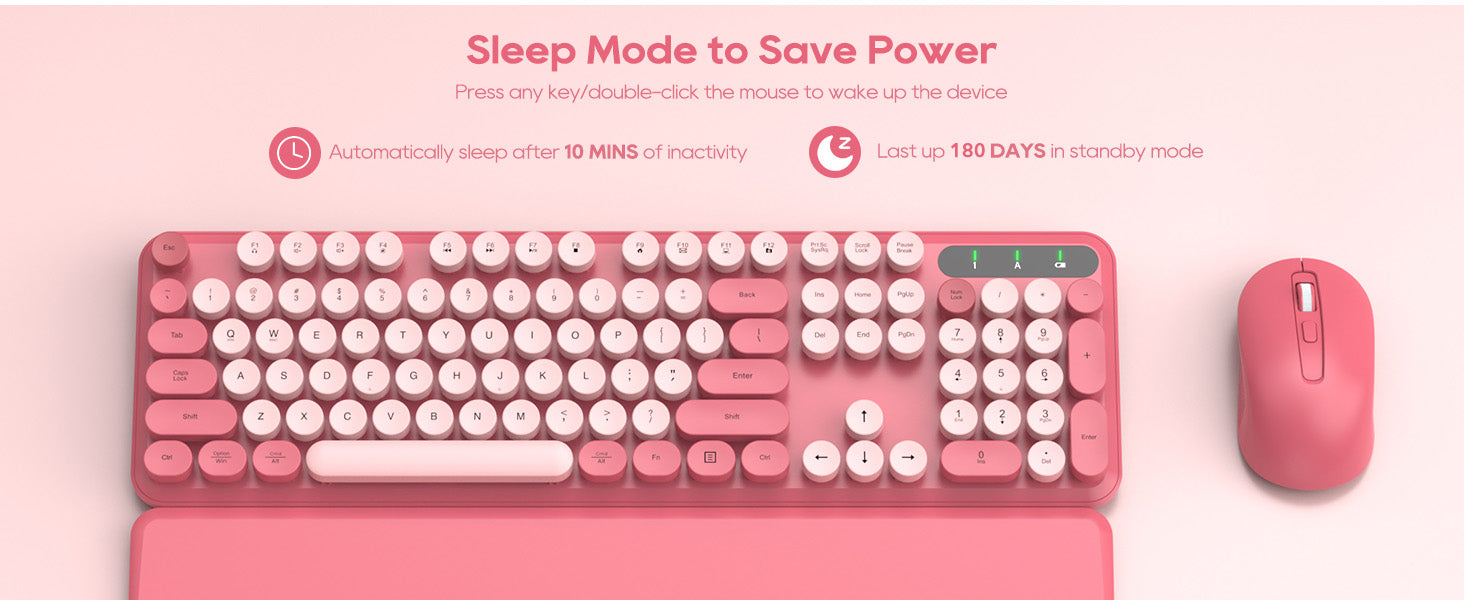
To save battery, both devices go into a sleep mode after 30 minutes of no use. Simply double-click any key or mouse button to wake them up instantly.
Connectivity is great. Design is cute and matches my office.Functionality issues: A few of the keys do not have level triggering mechanisms so I'm having to 'hit' harder to get the key to press down if I am typing quickly (70wpm). This slows me down especially on the backspace. If you hit the edge of it, it does not always activate.Had the keyboard for 4+ months. A few keys are starting to squeak. It is a high pitched and grating sound. I don't know how to 'grease' them but may need to.Good value for money, but not perfect.
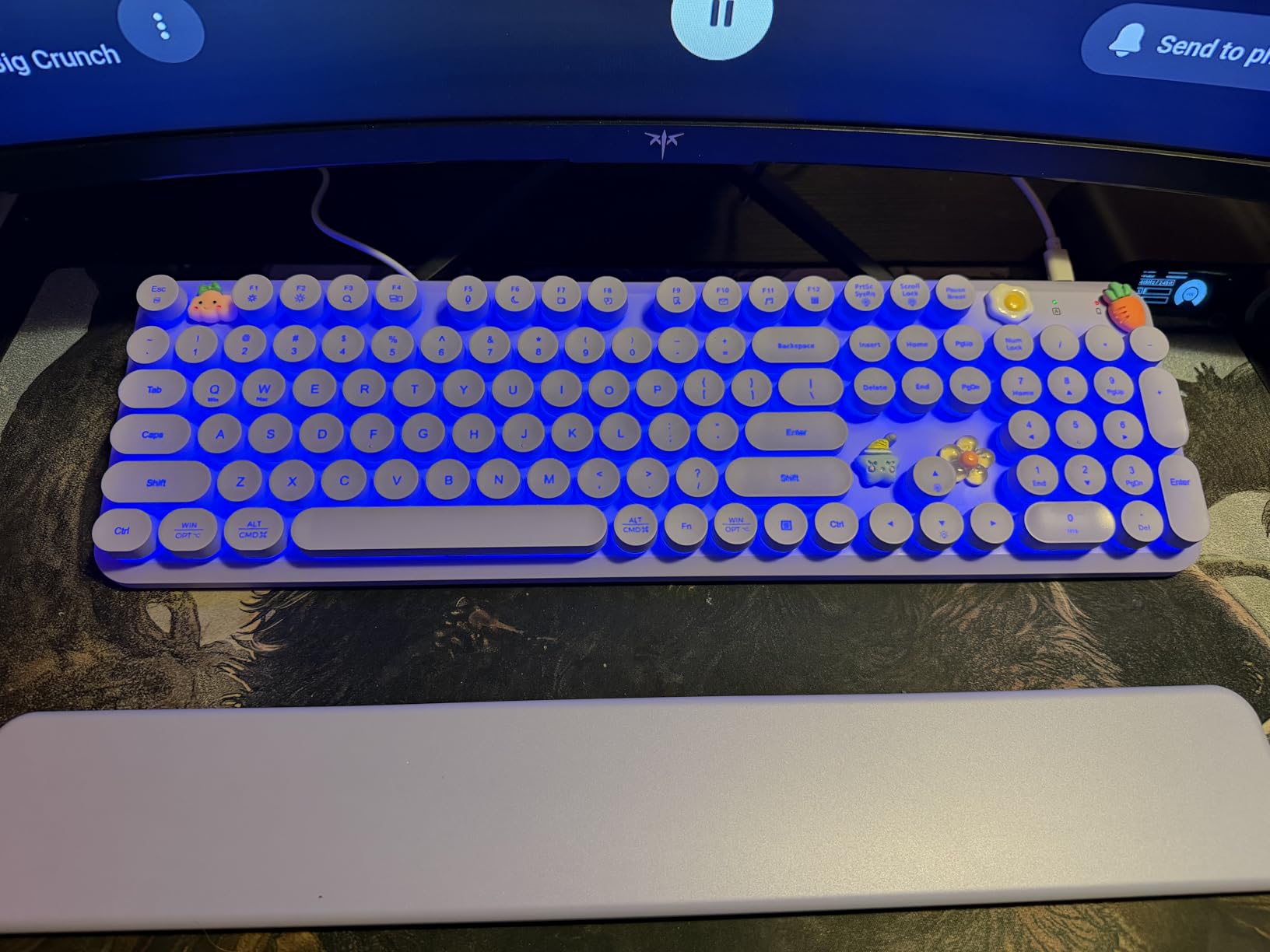
10/10 chefs kiss. Love this keyboard. You can hook up to a PS5 as well. Or MacBook. I use it on both.Sounds or so perfect I might just start an ASMR channel just for keyboard tapping. Lights are automatic, so they turn on when you type and shut off after idle for about 30 seconds. (Kinda wish they stayed on just for the aesthetic purposes. But not like anyone��s sees it except me)Can be wired or wireless. Also came with cute little gems that you can stick on to it. (Another plus for the ASMR girlies/guys who wanna do some tapping)Loved it c:
the sound of this keyboard scratches my brain perfectly, i absolutely love this keyboard and would buy again. the mouse is very quiet which i also really like!
Feels a little different then standard keyboard when using a desktop but ded better then typing on my MacBook
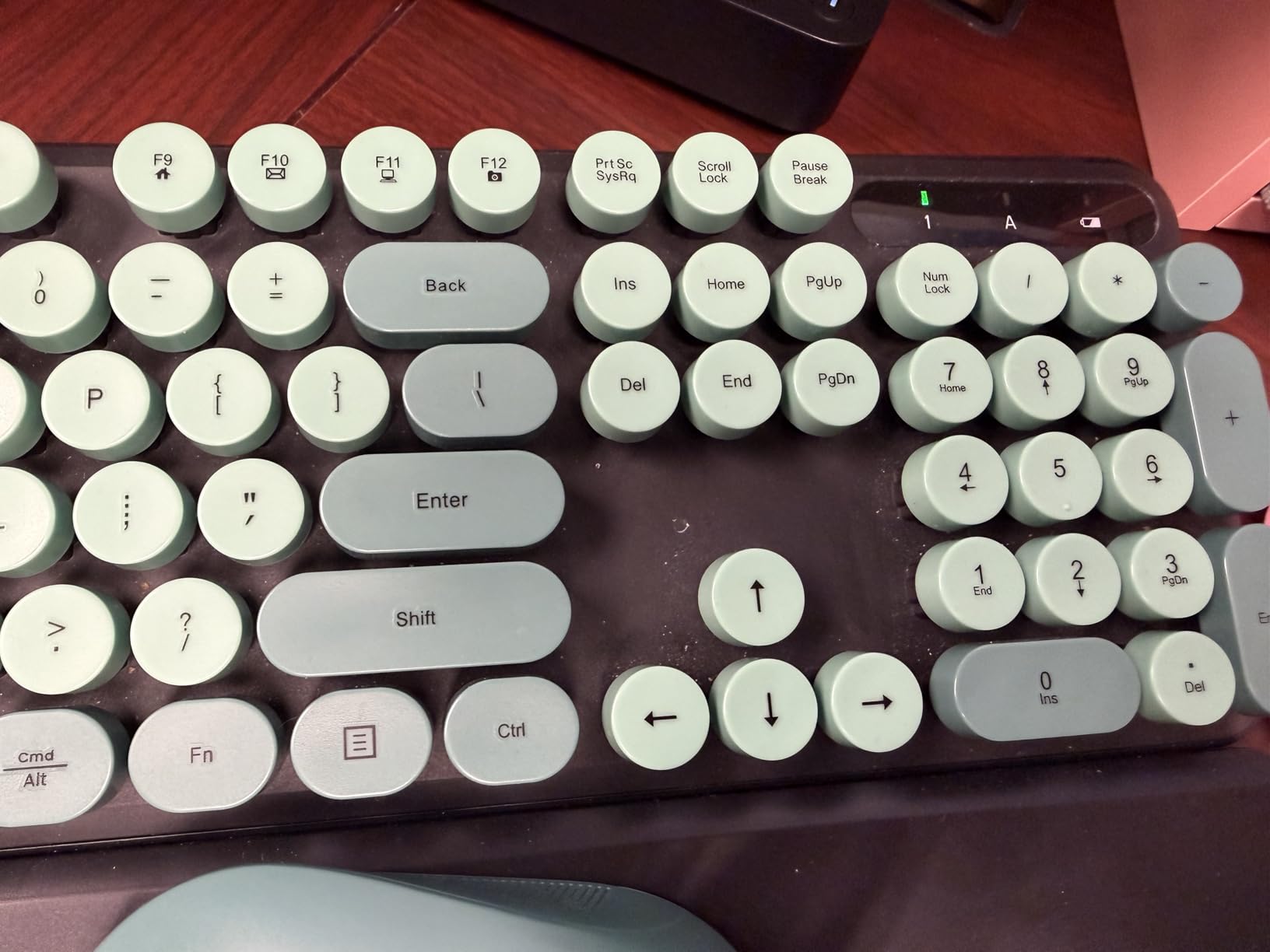
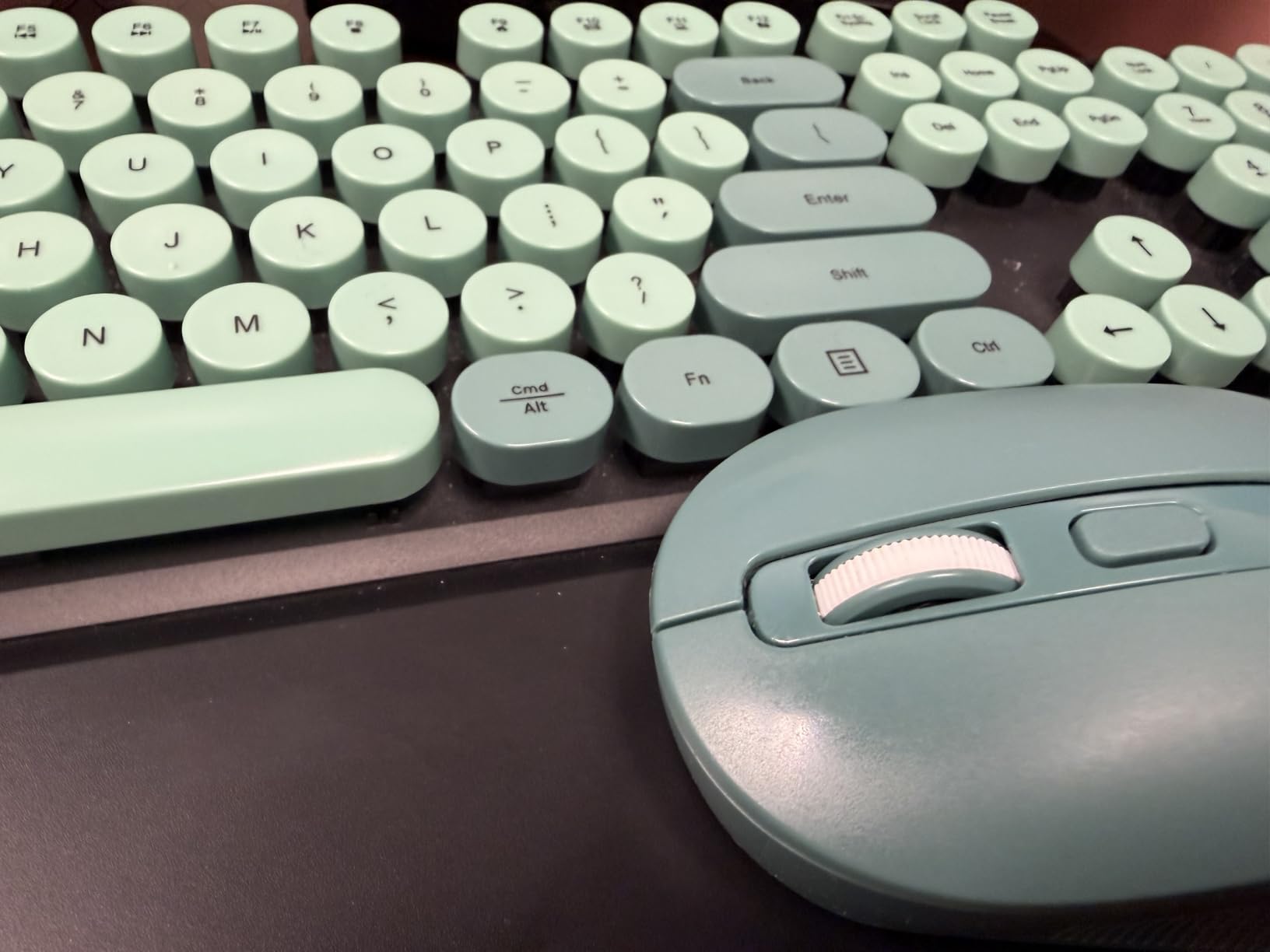
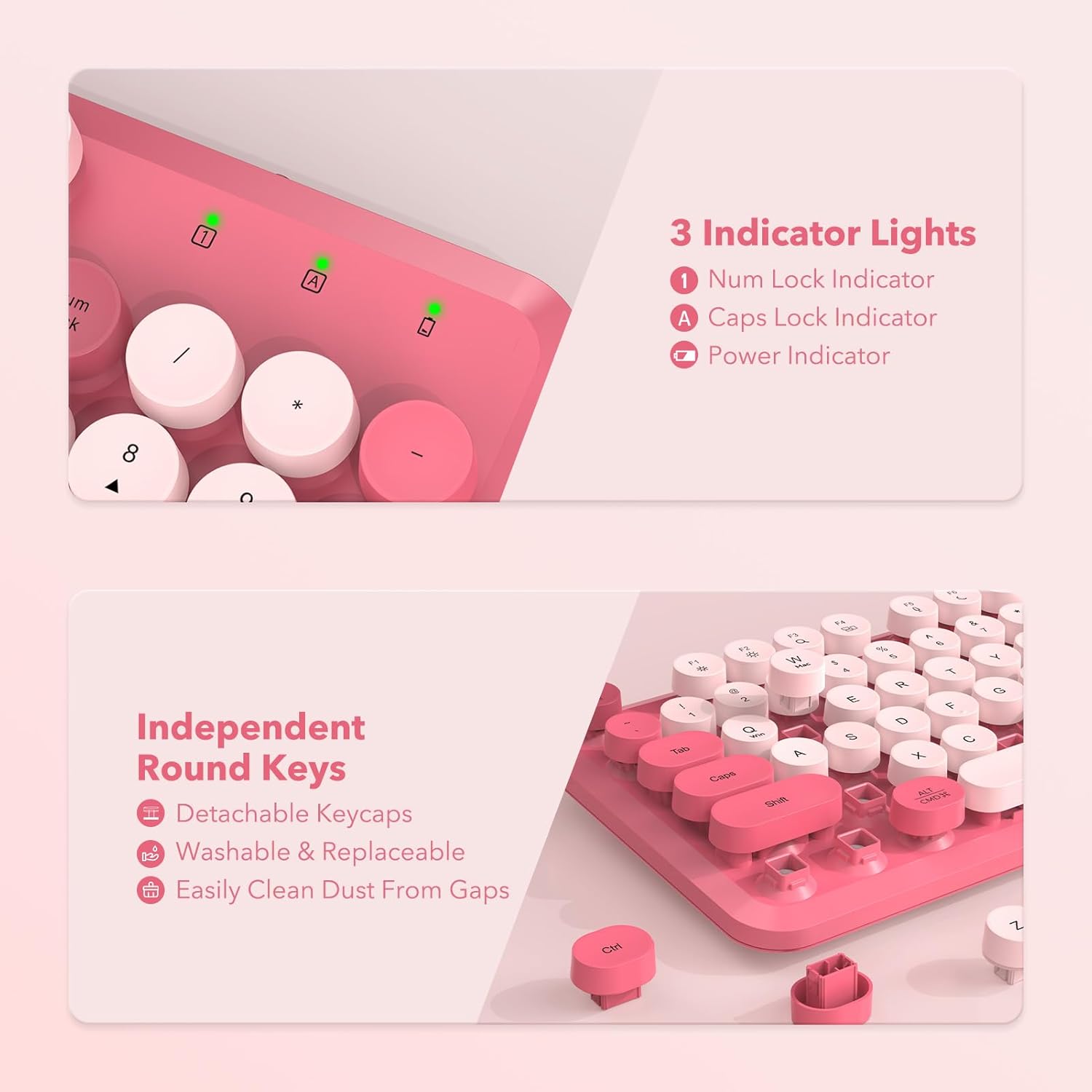
This key board is just perfect. It gives an old school feel because of the chunky keys. The price was reasonable. The keys also light up which is really cool. The mouse is light weight and has a light that you can change under it. They also give you cute lil' flat figures that you can stick in the open spot on the keyboard. Happy with this purchase.
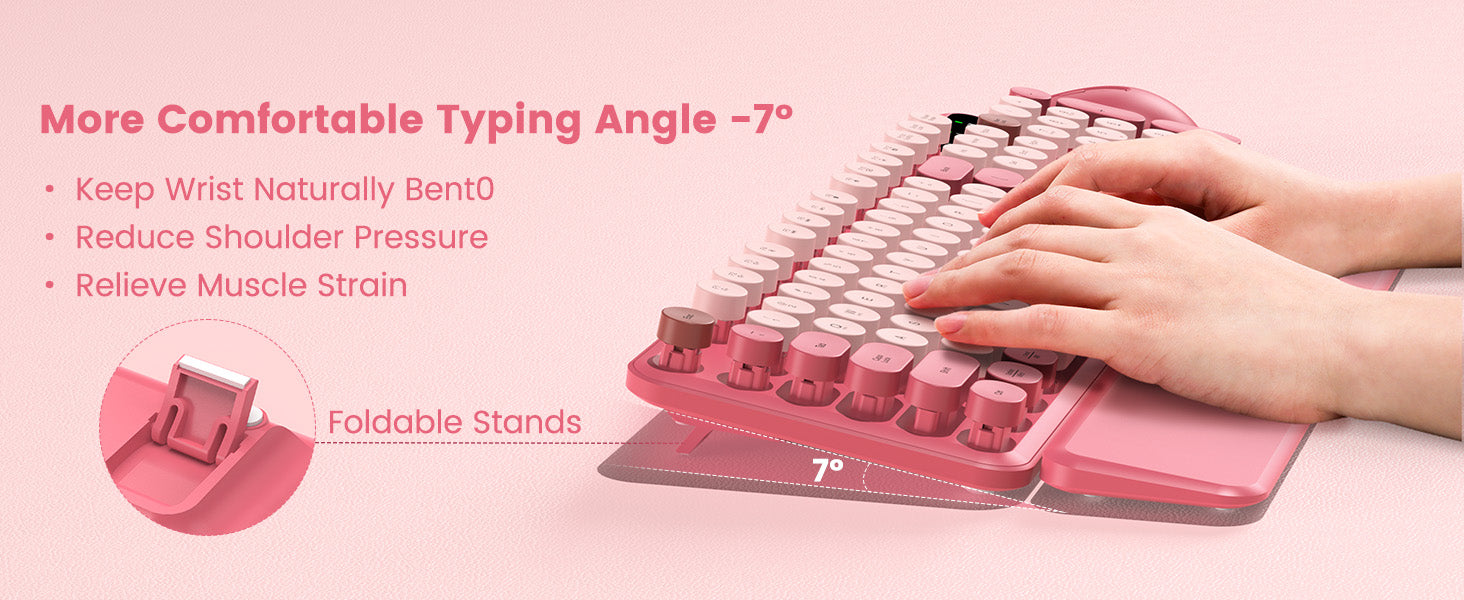
It was just delivered today and it was very easy to add the batteries to the keyboard and the mouse. Connection to our MAC desktop computer was also easy. I am using it right now to type this review. The baby pink color is beautiful and the keys are very easy to type on. The mouse works great, too. I know it's early to leave a review, but I love it so far and I highly recommend it to others. The ergonomic wrist rest is very nice as well. The keys don't stick in any way and I can really get some speed on them, haha! :-) The mouse buttons are very quiet and so are the keyboard keys and spacebar. This is very, very nice. The little stick-on charms are cute, too, consisting of a carrot, a flower, a sleepy little blue star, a fried egg, and a pink smiley face with a green bow. The only thing I noticed that isn't working, unless I'm mistaken, is that when I press the "Num Lock" button, the #1 on the top right section of the keyboard does NOT light up as the manual states. The manual states that it will light up "green" when the "Num Lock" button is activated. So far, no light at all, but I can live with that as long as everything else works fine. This is a very nice and very soft sounding keyboard. It's worth the price!
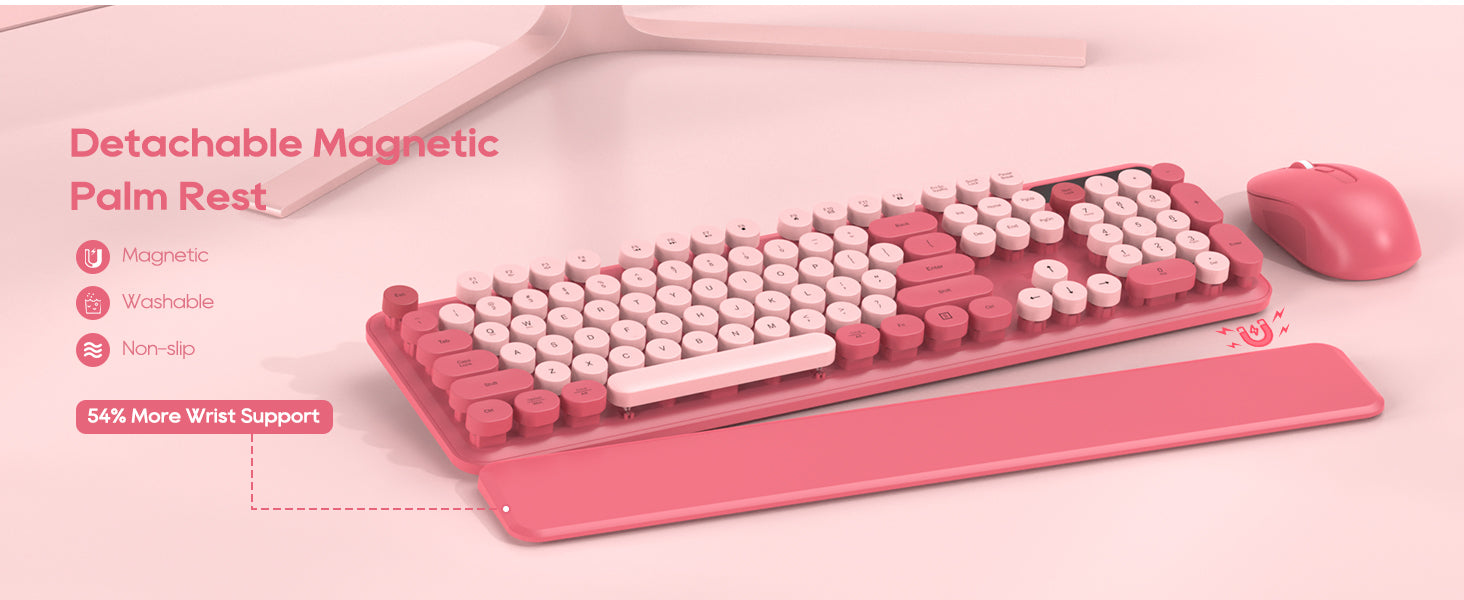
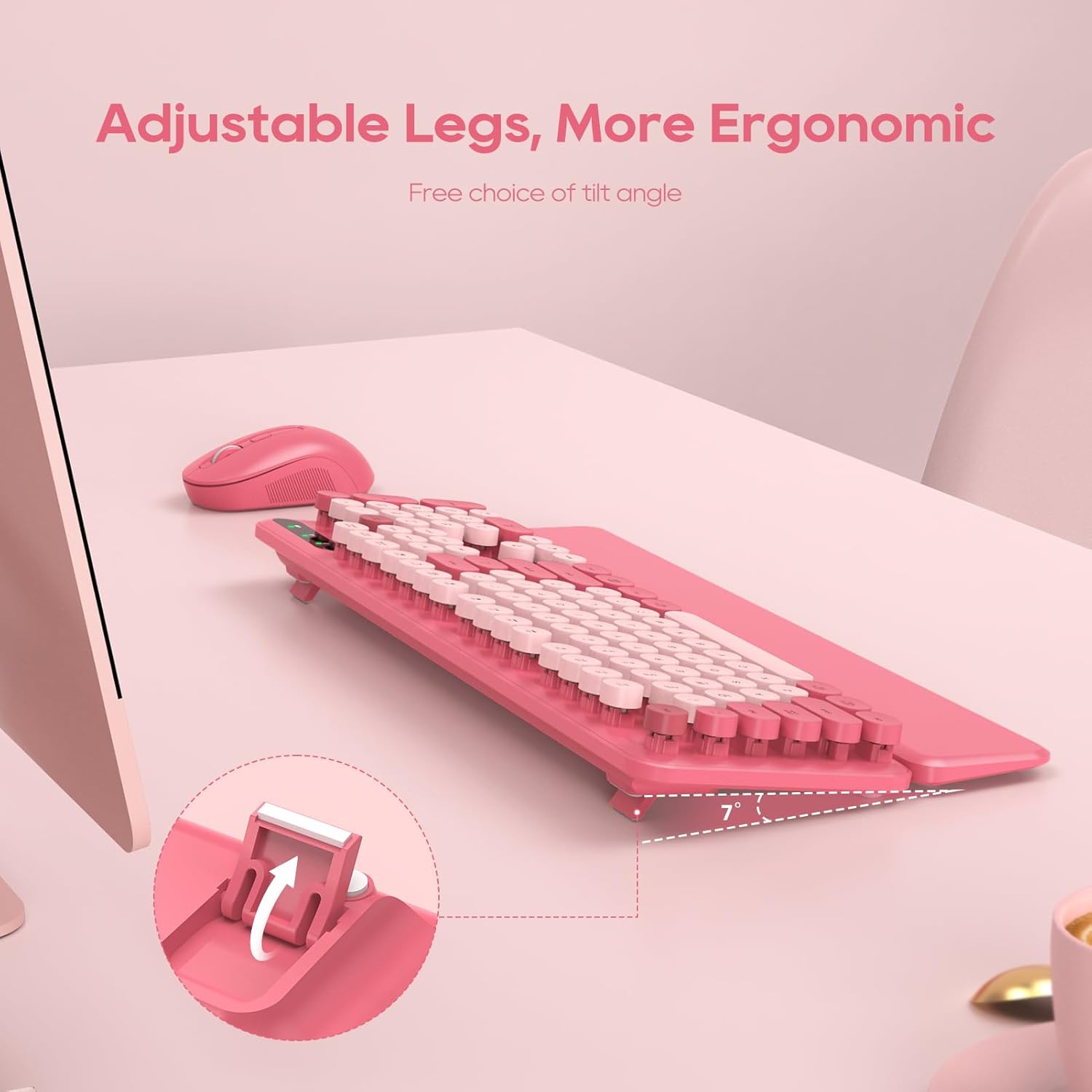
The best!!! Using in my professional office area for the first time today, and I am in live. Everything works great, looks just like in photos, and while the mouse is lightweight, it doesn't feel cheap. It's substantial enough, and so smooth. The keys are louder than a soft touch keyboard, but still quieter than a mechanical keyboard. Yet...you still get that satisfaction of the soft clunk of the keys. I was burned by a previous set I bought, tried to use, but had to return to keys not registering all the time and the mouse having skips and lags while using. This one is a winner!!!! I got mine in the latte, and you are like me, who was looking for a tan/brown/beige keyboard and mouse set, do not hesitate! I love mine! Ohhh...and the wrist rest is perfect...and it's magnetic! It stays right with the keyboard, doesn't shift or move around. The fact these come in all the colors, too...WINNER, I tell you. So happy with the purchase.
Amazing so far! Easiest set up ever! Put batteries in, put USB in computer and turned them on, they instantly worked. Love the color and charms. Very reasonably price.