Product details

Specifications

Keyboard
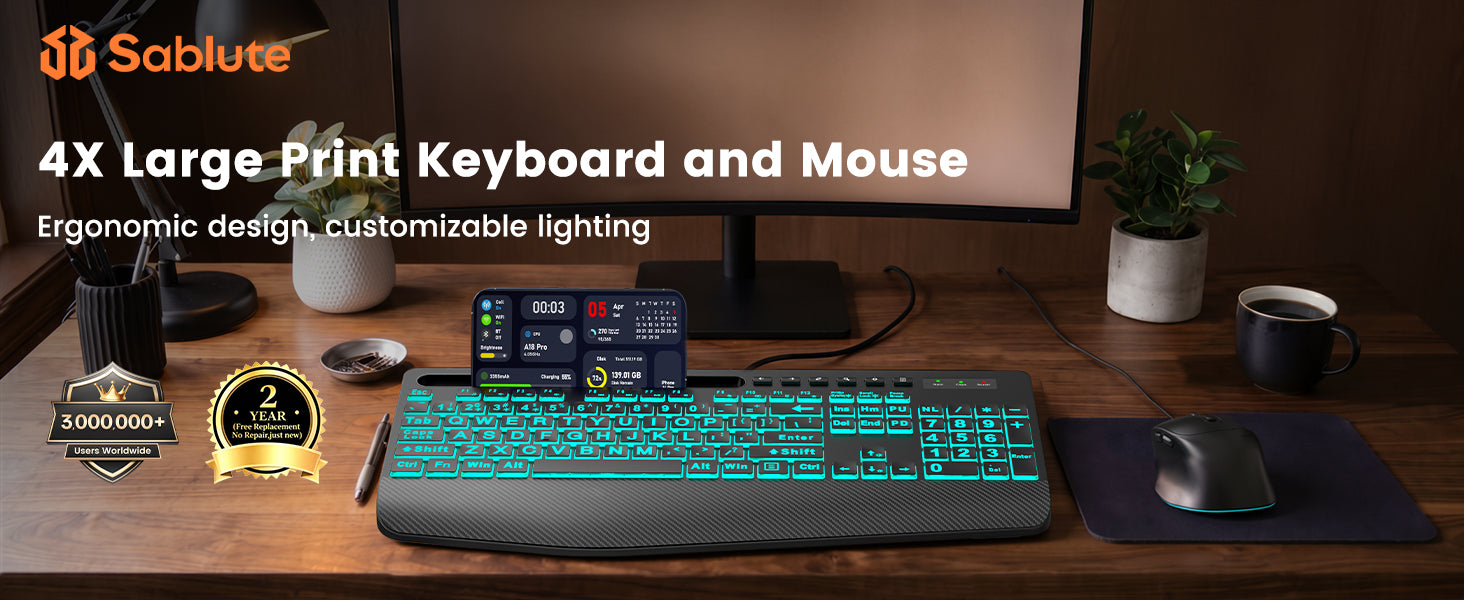
Layout: Full-size keyboard with number pad
Connection: Wired
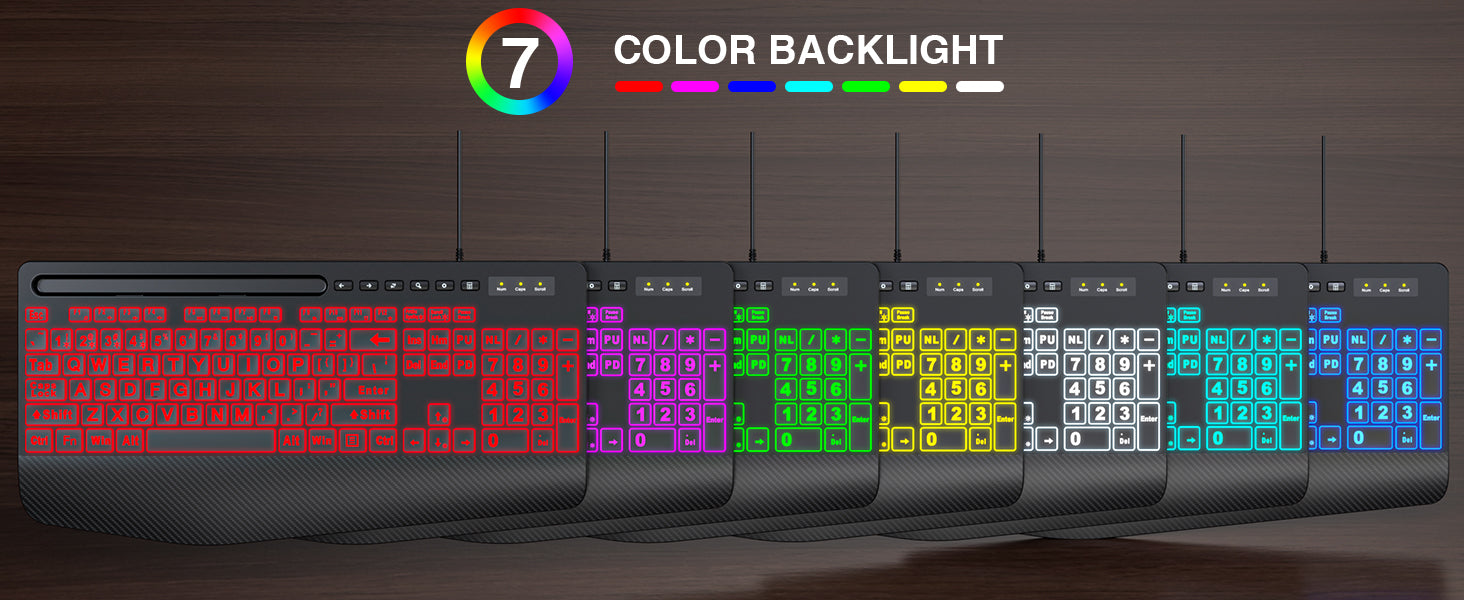
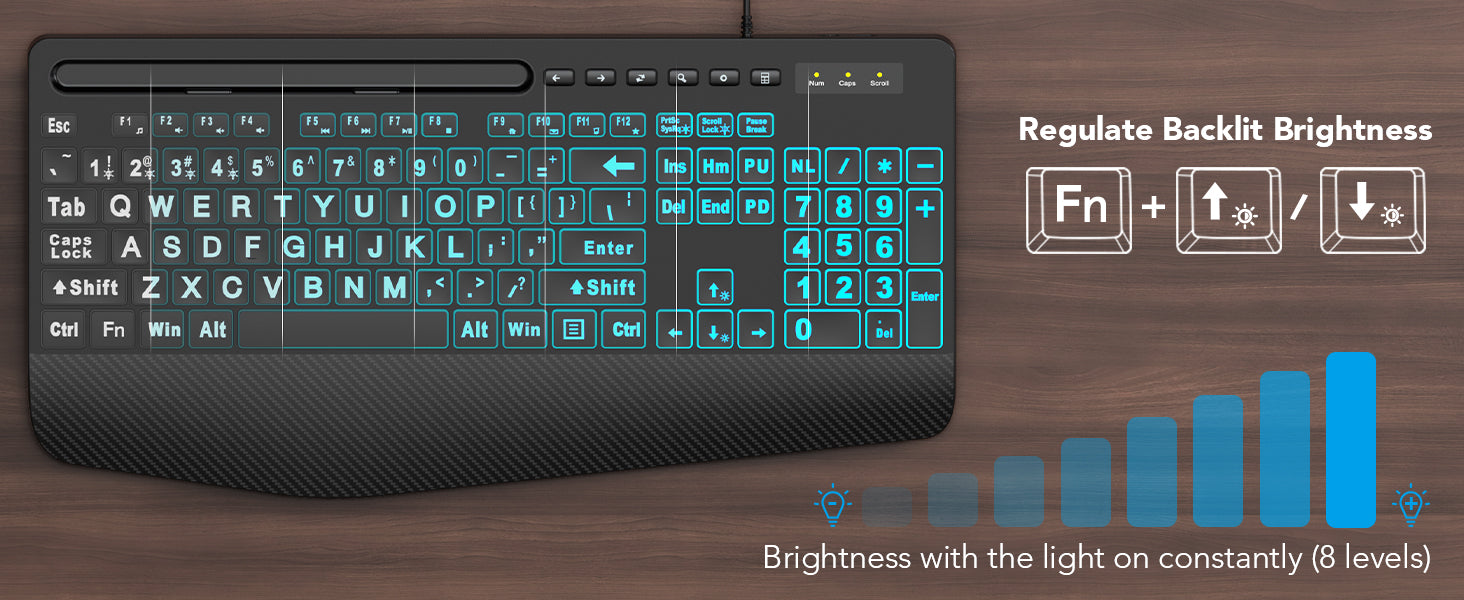
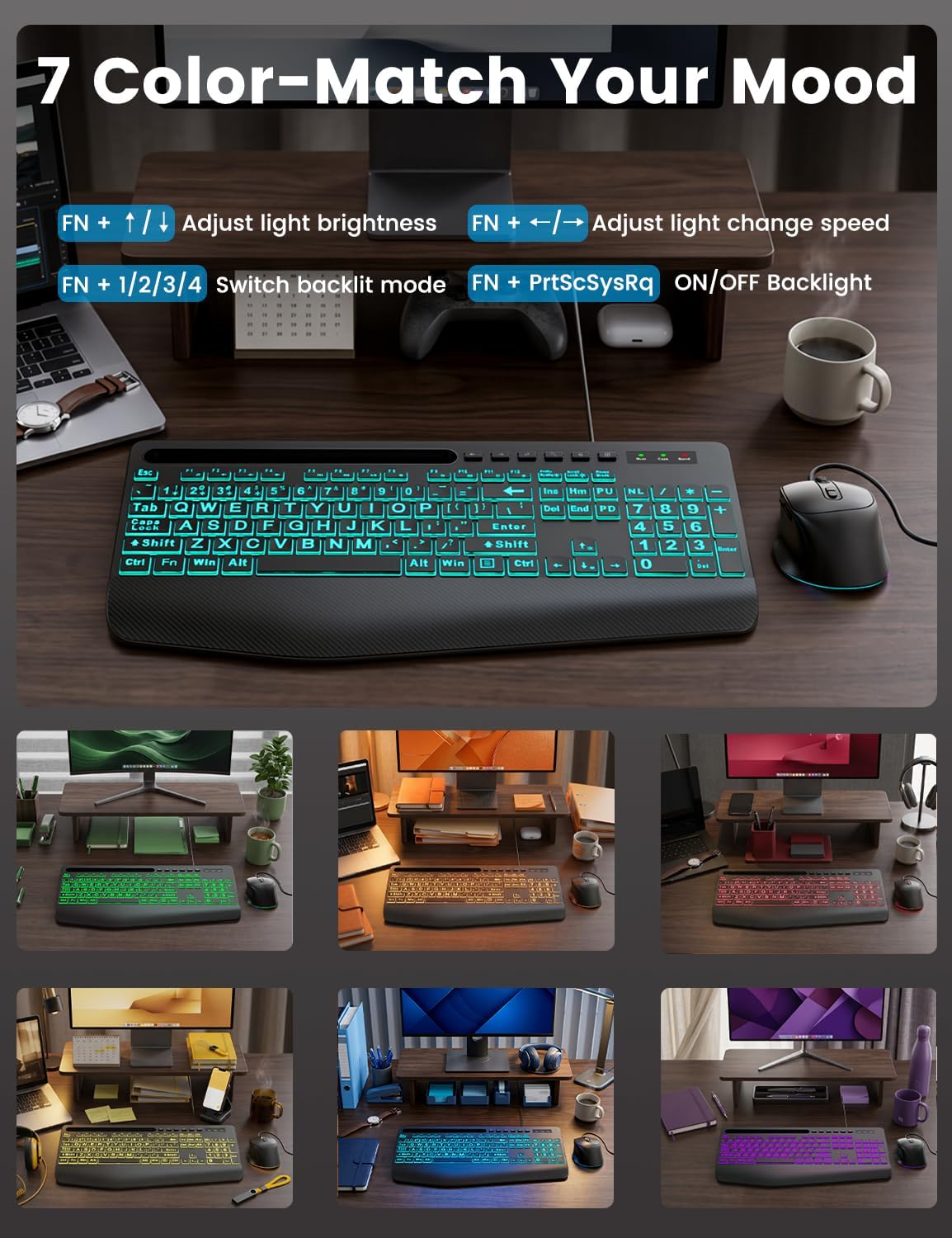
Backlighting: 7-Color backlighting
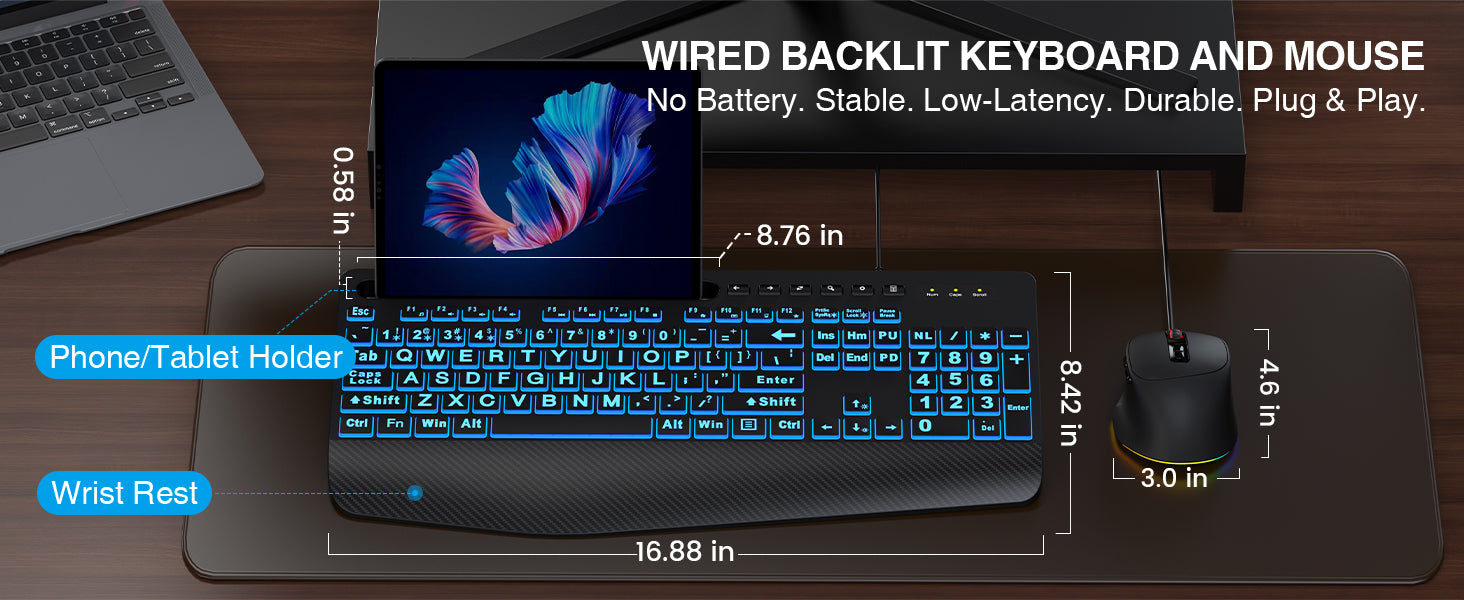
Keyboard Dimensions: 16.93 in W × 8.35 in D × 1.32 in H
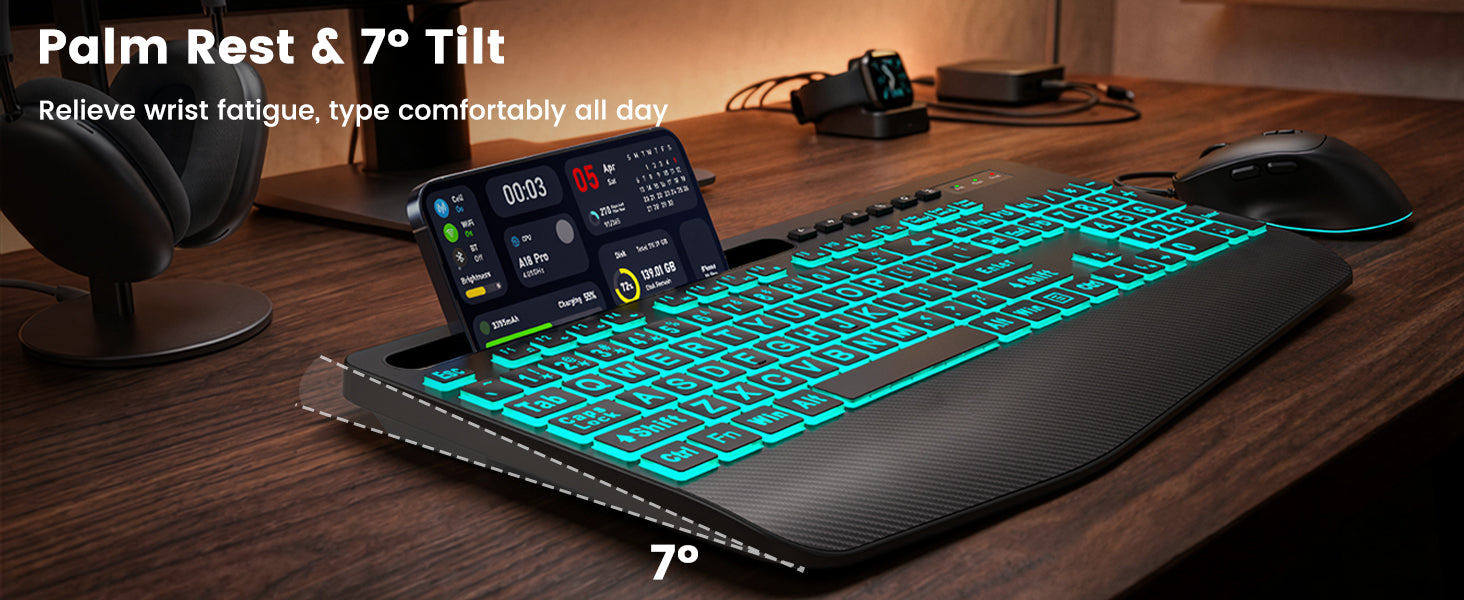
Typing Angle: 4°

Mouse
Connection: Wired
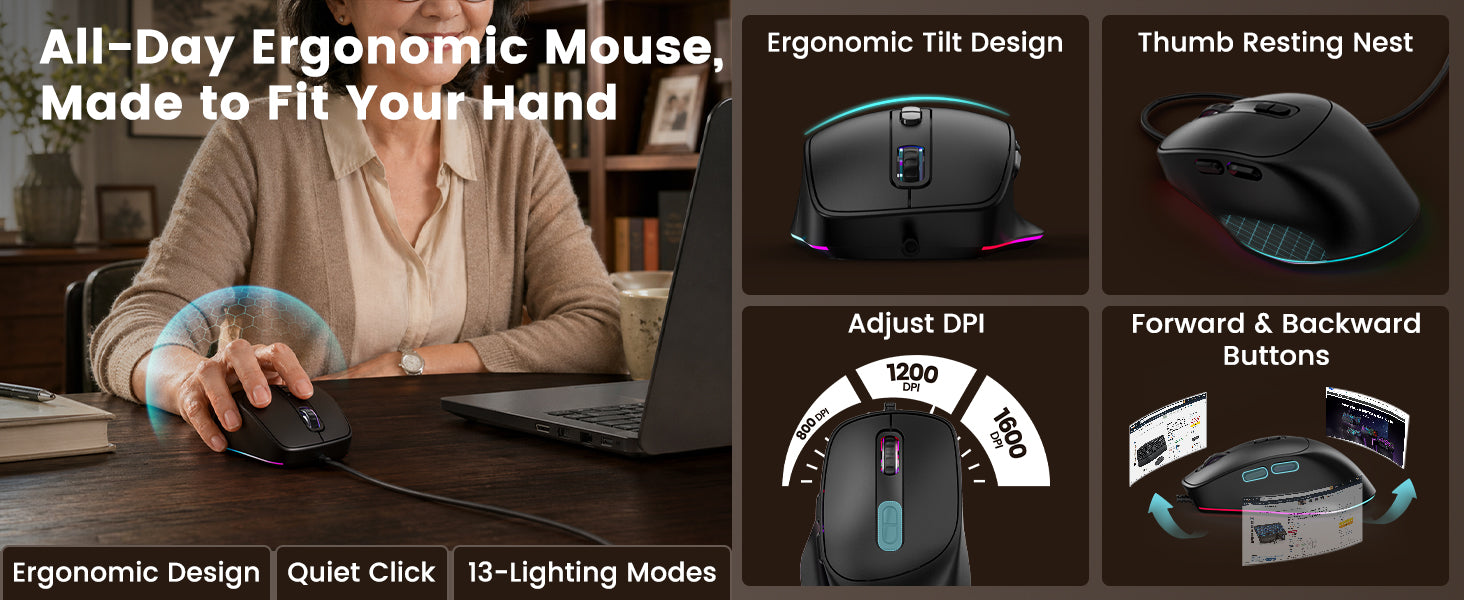
DPI: 800 / 1200 / 1600 / 2400 / 3200 / 4800 DPI
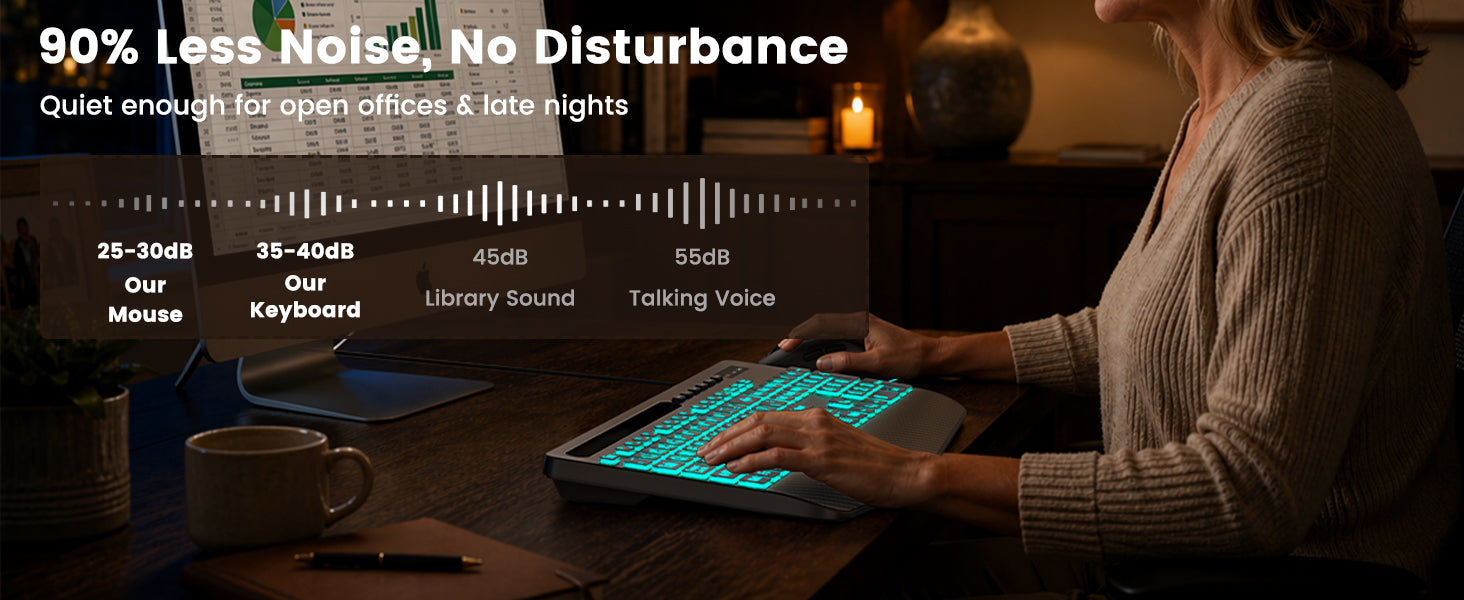
Click Type: Silent clicks
Mouse Dimensions: 2.56 in W × 4.53 in D × 1.69 in H
Mouse Weight: 2.65 oz

Compatibility
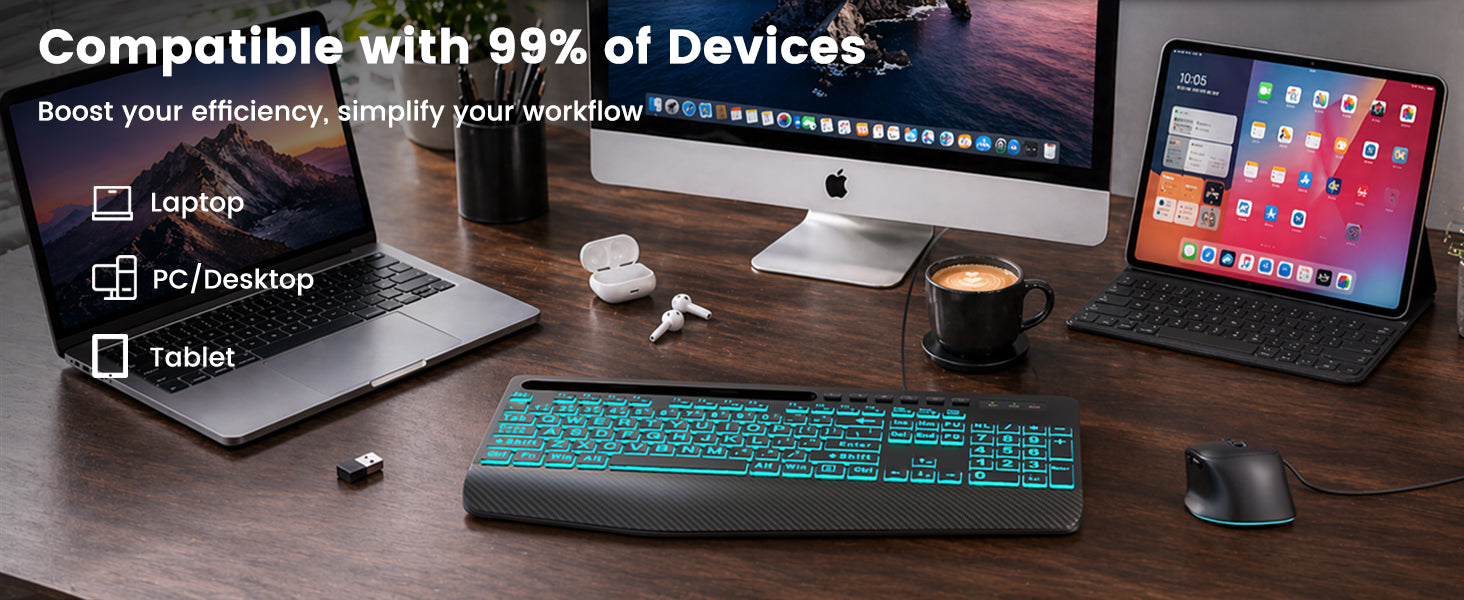
Windows, macOS, Linux, ChromeOS

Package Includes
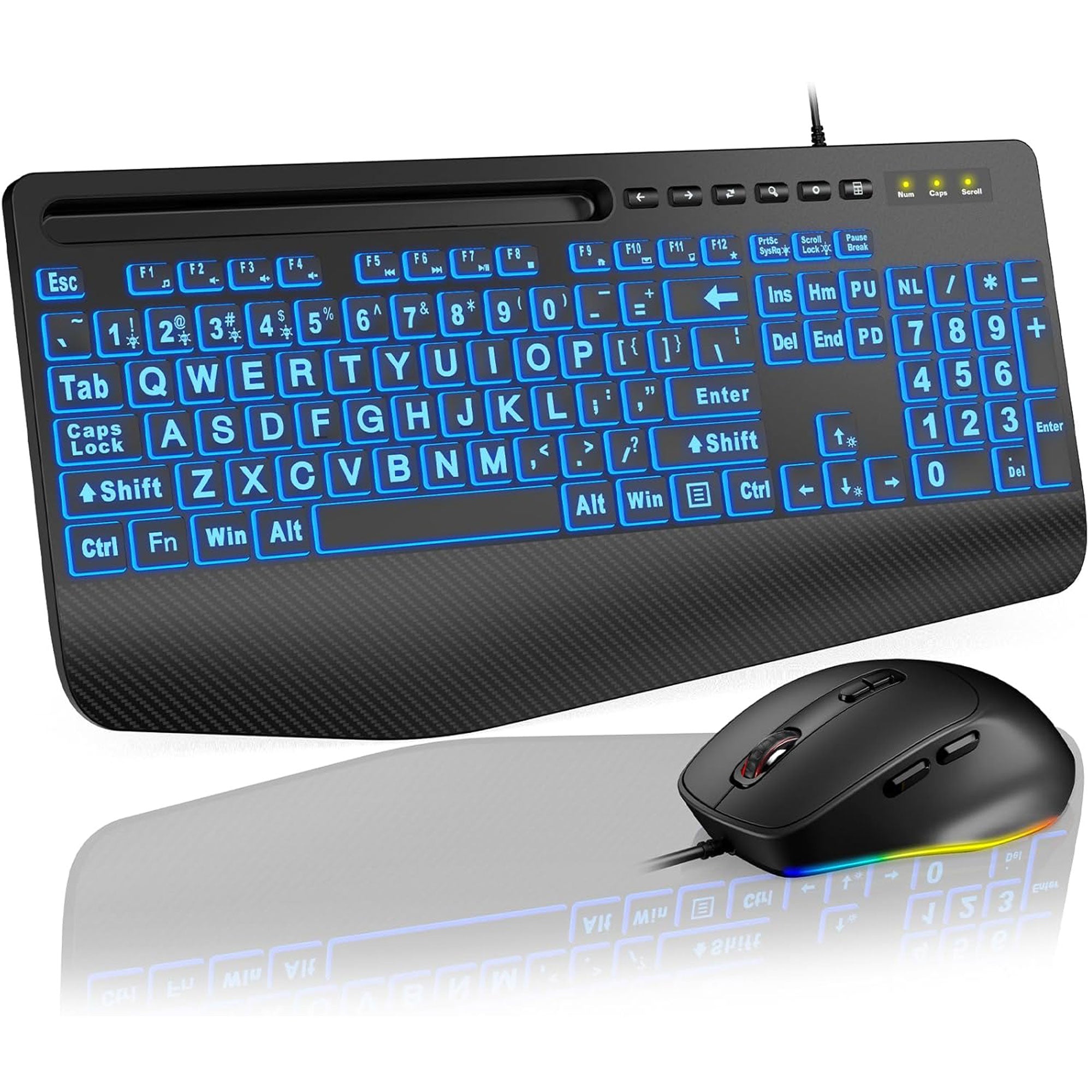
1 × Keyboard
1 × Mouse
1 × User manual

  • 5 stars: 8 (89%)
  • 4 stars: 1 (11%)
  • 3 stars: 0 (0%)
  • 2 stars: 0 (0%)
  • 1 star: 0 (0%)
K
KEMcL
Recommended Product!

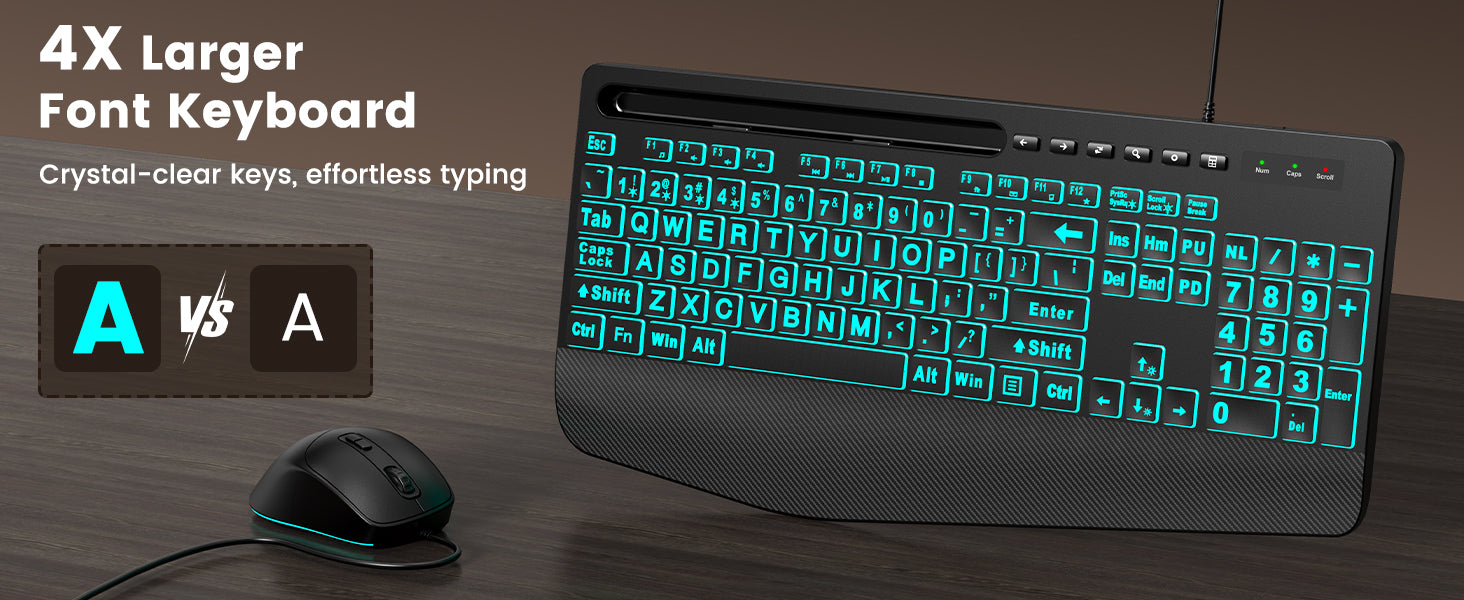
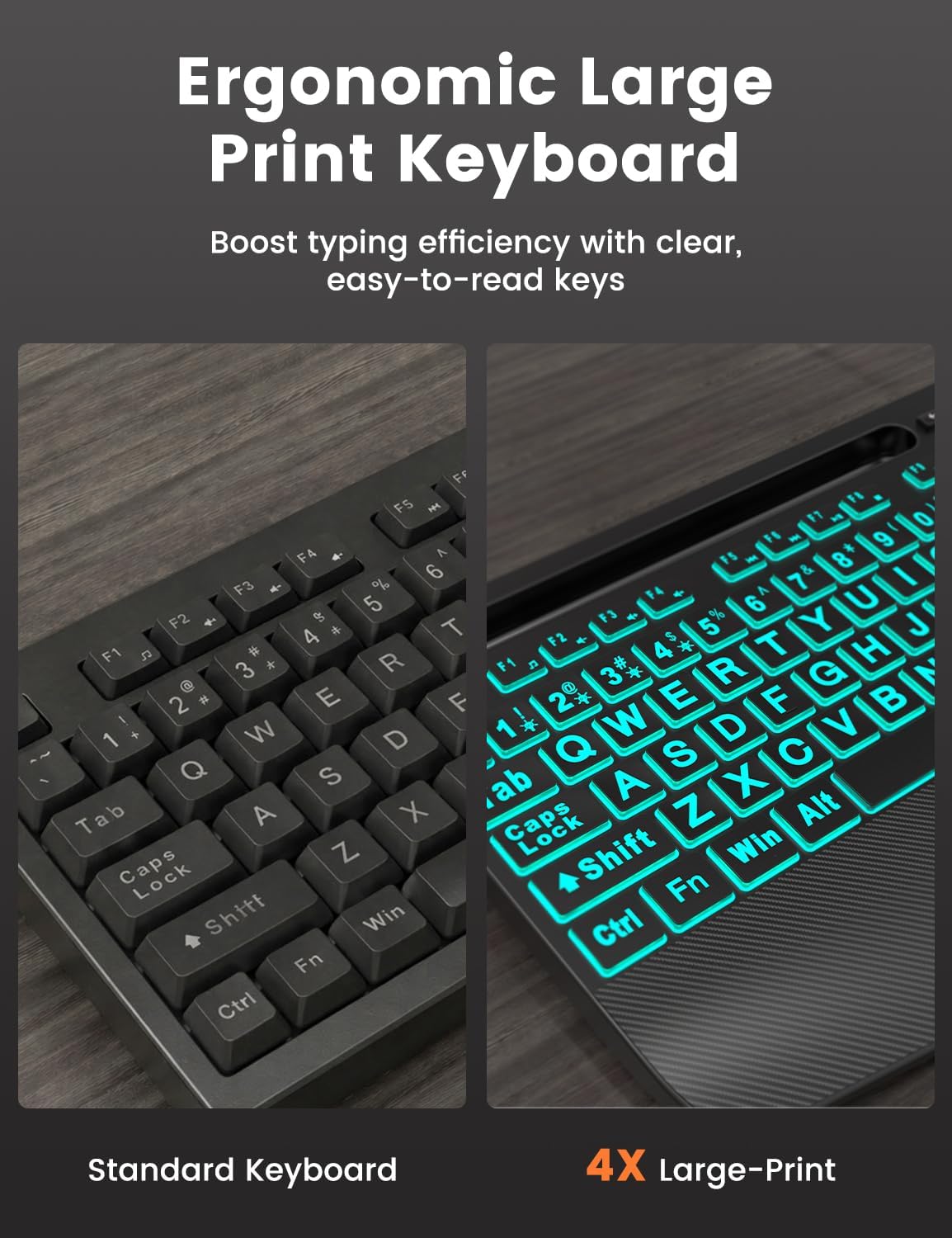
Sooo... my keyboard died on a Saturday and I needed one ASAP. Going to the store meant a MINIMUM of a frustrating 1.5 hours round trip through construction and bad traffic, and we had LOTS things to do at home (the computer being a big part of it).I decided to check out Amazon on my phone and quickly found several keyboards that could be delivered that day. I hurriedly choose this one because it had the option of being delivered within a mere 3-hours. It actually took only 45 minutes to arrive - I was thrilled!When I pulled it from the box I was surprised that the letters in the keys were so large and bold. It kinda felt like it was intended to be a child's keyboard. Still, I needed a keyboard ASAP and if the labels were going to be such a big deal to me, then I maybe should have looked closer at the product title, description and photos, right?To my surprise (and maybe a little chagrin) the large bold letters quickly turned into a blessing... turns out, without being aware of it, I had been leaning over and squinting at the VERY faded and small letters of my previous 5-year old keyboard, which had both upper and lower case letters on each key.Yes, I look at the keys while typing - it's a 45-year old habit. But, I'm pretty fast when I do it so I don't consider it an issue.ANYWAY... I now REALLY like the key labels and my typing speed which HAD, without my realizing, slowed in recent years due to the faded and tiny letters of my previous keyboard, has quickly picked up again. Also, my posture has improved since I no longer have to hunch over to decipher the labels.Added bonus, the keyboard cycles thru pretty backlight colors (like my old keyboard), so I don't feel like I've downgraded in aesthetics. I had also missed that CLEARLY described and photographed feature in my haste to replace my keyboard, so it was a pleasant surprise.Alas, within an hour of hooking it up (easy plug and go), I was careless and not only left a loosely-capped water bottle on the desk unattended, but I ALSO left my cats alone in my office. OF COURSE the cats knocked the water bottle over and the water trickled across the desk and flowed over the edge into my shiny new keyboard on the keyboard tray below. In fact, water filled to overflowing the groove for holding my phone.Happily, the durable keyboard was absolutely fine. I just dried it off and resumed typing away..I'm VERY happy with this keyboard and recommend it. Especially to people with declining vision and/or mischievous cats.

L
Linda N.
How to deal with the rotating colors.

I hesitated for awhile to purchase this keyboard due to some of the negative reviews I read, but, ultimately I decided to give it a try and I am glad that I did. It works well, and the keys are easy on the fingers. As for the backlit lighting, I wanted it because I needed to see the keyboard at night. The instructions that come with the keyboard are very confusing however. It took a bit of trial and error, but for the most part the only 2 instructions you need to manage to keep the keyboard one backlit color or to turn off the back lighting altogether are Fn + 2, and Fn + PrtSc SysRq. When the keyboard first starts up each time, the default is rotating all the colors. To choose just one color and keep it on, Just keep slowly hitting Fn +2 until the color your want it to stay on shows up. Then stop. That color will stay on until you either turn off the colors altogether (with Fn + PrtSc SysRq) or turn off the computer. To turn off any colors just hit Fn + PrtSc SysRq.If the keyboard drops dead too soon, I will be back to update my review, but so far, I really like it. It is also nice and light, not like a heavy gaming keyboard.

D
David S.
Excellent backlit keyboard for the price. It's fun!

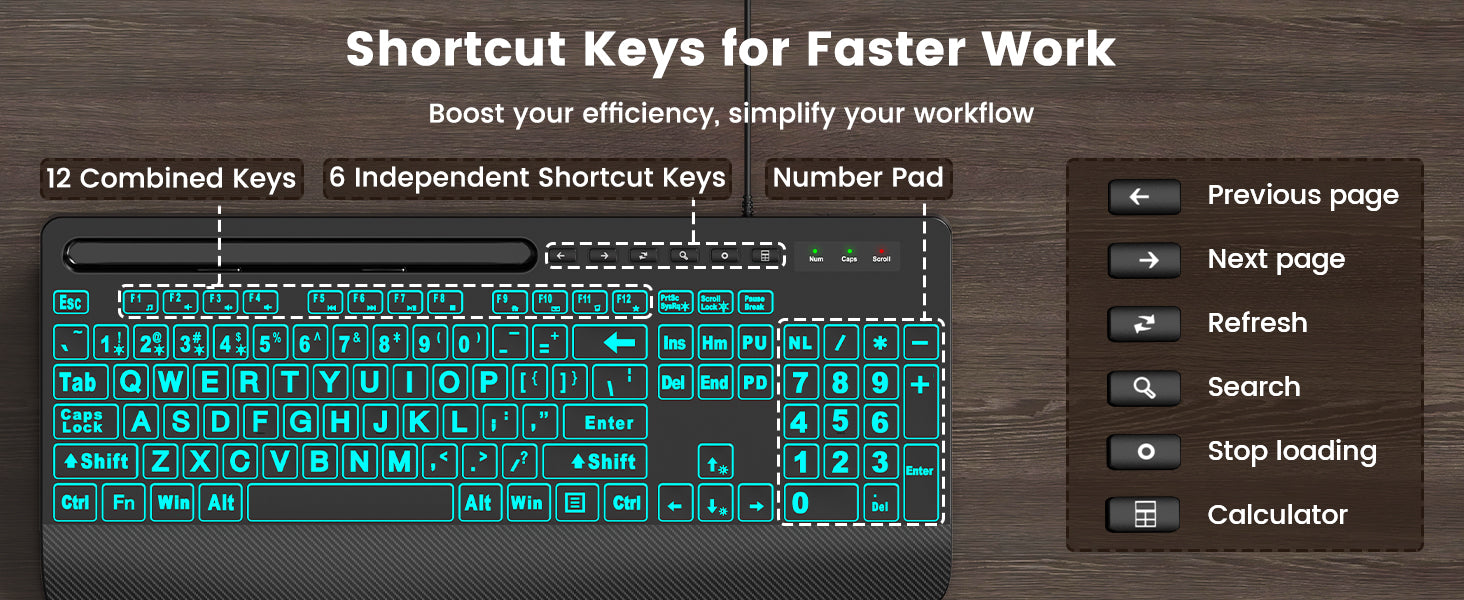
All things considered, this is an excellent large print backlit keyboard that will serve its purpose with durability, functionality as advertised, quality, and good ergonomics, all for under $30. I didn't know what to expect when I purchased it, but it is working out quite well as I become familiar with this style of keyboard. My only quibble is that the space bar is a little louder when depressed and released compared to the rest of the keys, but this does not detract from my product rating. Most importantly to me is that it works quite well with my Linux system (a Dell Inspiron 3847 Desktop, installed with Debian Linux 13.2 running a 6.12.57+deb13-amd64 kernel). For example, the multimedia controls activated by the function keys ('Fn' + ...) respond and work very well. Direction keys for scrolling and cursor movement also work nicely, as well as specialty keys such as a calculator button which launches the calculator. And of course it's just fun to experiment with the built-in keyboard backlighting functionality. All-in-all, pretty good for the price. Thanks for a nice product.

D
D. M.
Love this keyboard!!!

Oh, how I love this new keyboard! The keys are a little larger than my old one and that took a little getting used to. I love the changing colors and it is very soothing. It has a slot where you can place your phone or an ink pen, etc. The wrist rest is a great feature. It was very easy to set up and I have not had any problems.

F
Fort W.T.
Better than I expected!

Surprisingly excellent keyboard for a very low price. I've even "retired" my Logistic MX for this. Easy to see, comfortable to type. Great backlighting..

P
Peggy D.
Good quality

I love the large print and the back-lite. I use my keyboard sometimes after my husband is in bed. I used to have to turn my light on in my computer room so that I could see my keyboard. The light really bothered my husband as the bedroom is right next door to our computer room and it would wake him up. Now i can keep the light off since I can easily see my keyboard and thereby work on my computer during the night when I can't sleep. The color of the light changes which is very pretty.

B
BFM90
Keyboard with backlighting

I recently bought a Lenovo laptop that has a backlighting feature with the keyboard. I wanted this style of keyboard for my Dell desktop. This is a cool keyboard for aging GenX'ers who have trouble seeing the letters with bi-focal contacts, glasses, etc. Previous reviews said the letters don't light up... but mine do. I can easily see the keys on the keyboard with all lights off, at night time in my home office. Keys are large and easy to see for those who have trouble seeing things up close. Also, this is a full size keyboard with number pad. The keyboard commands for custom backlighting options for changing colors, etc... are easy to use. My only gripe is... I wish custom backlight settings could be saved, so I don't have to click through commands every time I boot up computer. It only takes a few seconds, which is no big deal. Good price, recommended for 50+ year olds with bi-focal issues.

A
Amazon C.
SO GLAD IT GOT HERE IN 5 DAYS, AND OVER A 3-DAY SNOW STORM, TOO! JUST WHAT I'VE BEEN LOOKING FOR!

Very nice keyboard. I especially liked the lighted keyboard. Not really happy about the flattened tops of the keys because I'd gotten used to the nicely indented ones of my previous keyboard (which was retired because the letters/numbers had rubbed off). Feels a little weird. But I do like the wrist guard, and it was easy to operate the lights. An inexpensive wired keyboard connected by plugging it into the pc, it also had the large letters I wanted. You'd be surprised how hard it was to find these at local stores. So glad Amazon had it. I would highly recommend it and would order it again in a heartbeat! Connection was almost instant, and don't have to worry about batteries dying!

A
Ann P.
Bad out of the box BUT corrected by company

Edit to update 1 star to 5I reached to to Sablute via the QR code on the board. Quick customer response. Initial response was to give troubleshooting steps, which I had already done...and replied as such. They did right by sending a new keyboard out which worked perfectly. I had gotten a bad one initially.Will try to remember to review down the road to give even more information as to the longevity of the product.Original review:I've had this keyboard less than 24 hours. I purchased it because my favorite HP mechanical died that I use for work. I refuse to use the laptop keyboard - I'm old school - learned typing on an electric typewriter back in the 90's. So... keyboards matter.Pros -Love the large font on the keys. I don't need it (I can type without looking) but it's a very nice feature as my eyes age.Love the colors. I keep a desk lamp on just to light up the keyboard (again, not really necessary but I don't have the fluorescents working from home).Love the wrist support. I'm on my work pc upwards of 10+ hours a day. Support matters.It's a full sized keyboard - meaning it has the F keys (no need for a Fn and press another key), the arrows, num pad, etc.Cons -It's not a mechanical keyboard (the higher profile keys with the clacking noise). For me, learning on a typewriter and having stuck with similar styles all these years...it makes a difference.I am a fairly fast typist. More than 80 words a minute (100 when I'm angry lol) and this keyboard is slowing me down to a snail's pace. The H key does not type initially. I have to sit and press it several times before it adds it. The Ctrl C/V ... 50% chance it works. Not a good thing when you're trying to get work done. I sent a message to a teammate in Teams and they were like ... are you having a stroke??? (I'm clear and precise in my messages... this was not the case until I noticed how badly it was working).Keep in mind, this keyboard is less than 24 hours in my possession. I had to pull out one of my backups to get myself back up and running for work.I have reached out to the company via the QR link on the back of it. Hopefully I got a bad one, but from reading other reviews, it may be a shot in the dark to get one that will last more than a month.