




Sablute Bluetooth Keyboard and Mouse Combo for Mac KMA2
Sale price$37.99USDRegular price
$45.99USD
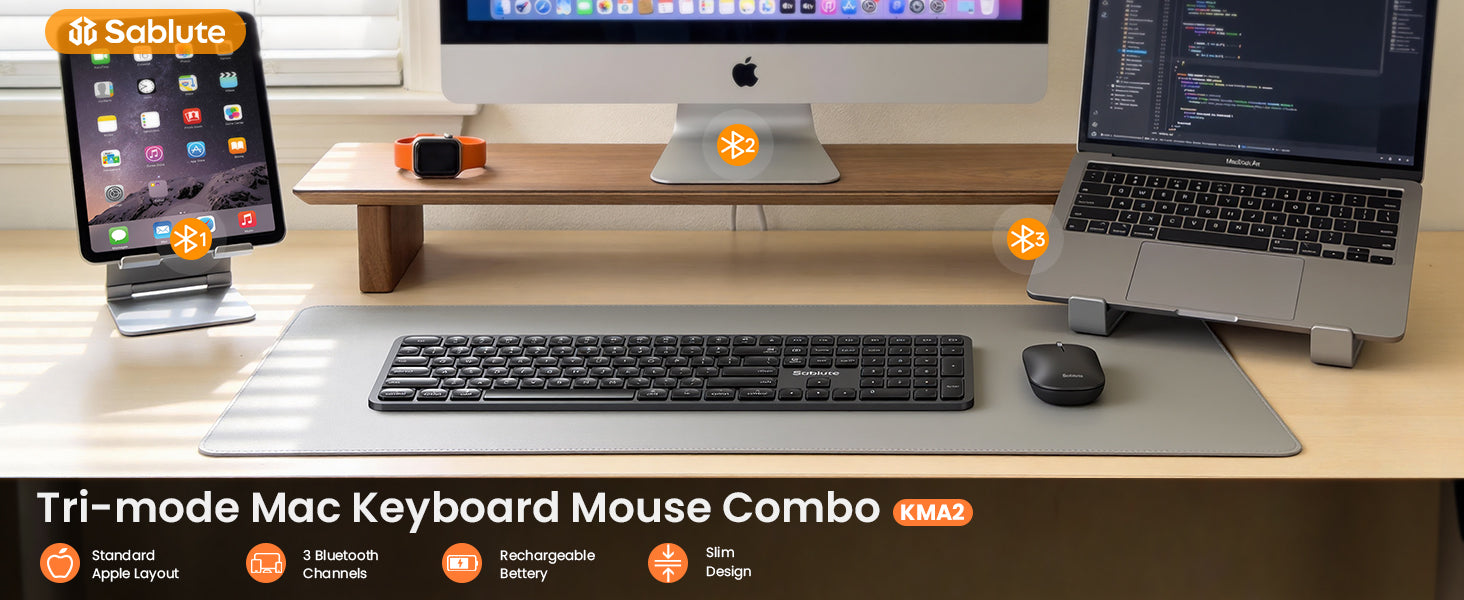
- Bluetooth Wireless for Mac: Seamless multi-device control with 3 bluetooth channels.
- Laptop-like Typing Experience: Comfortable scissor-switch keys with quiet typing.
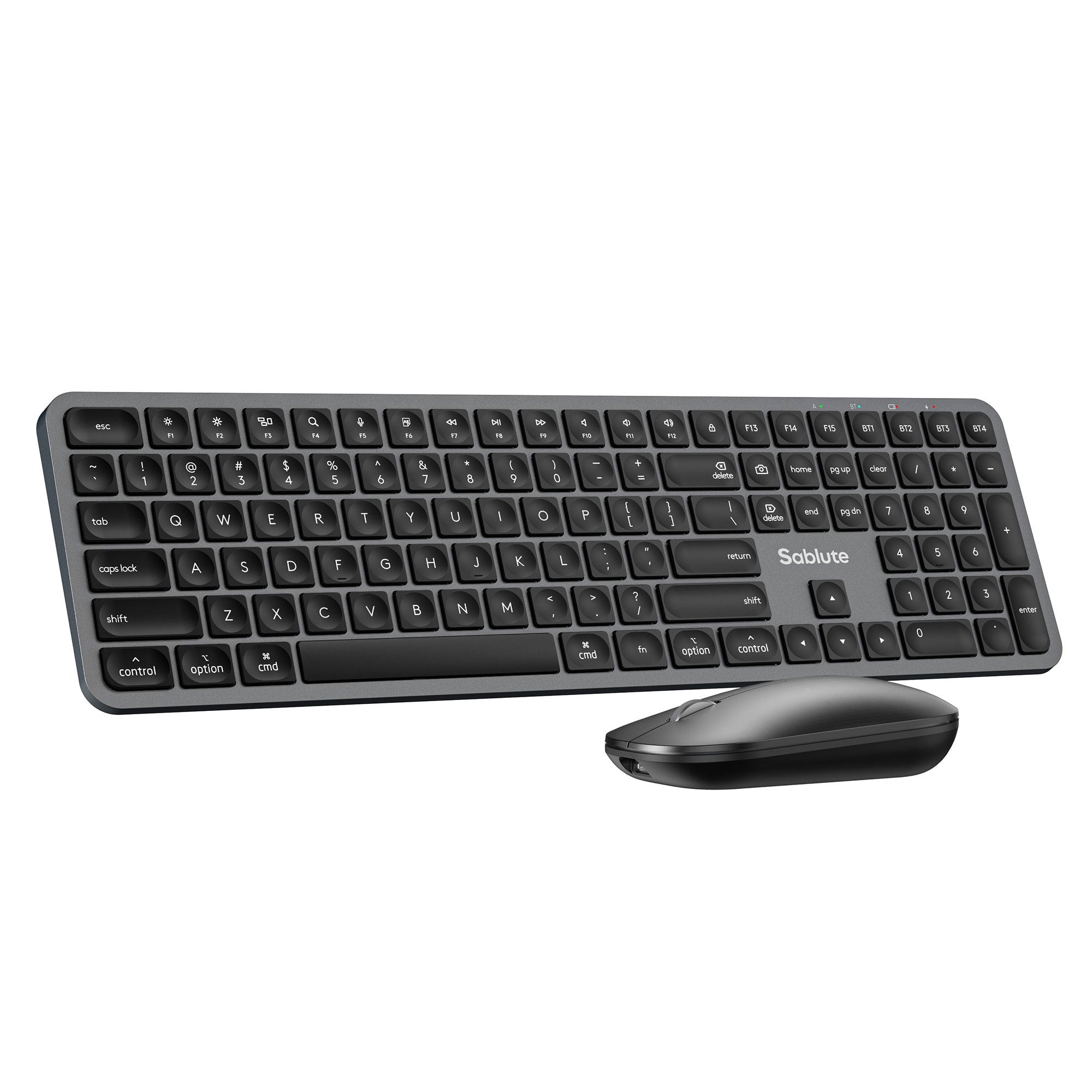
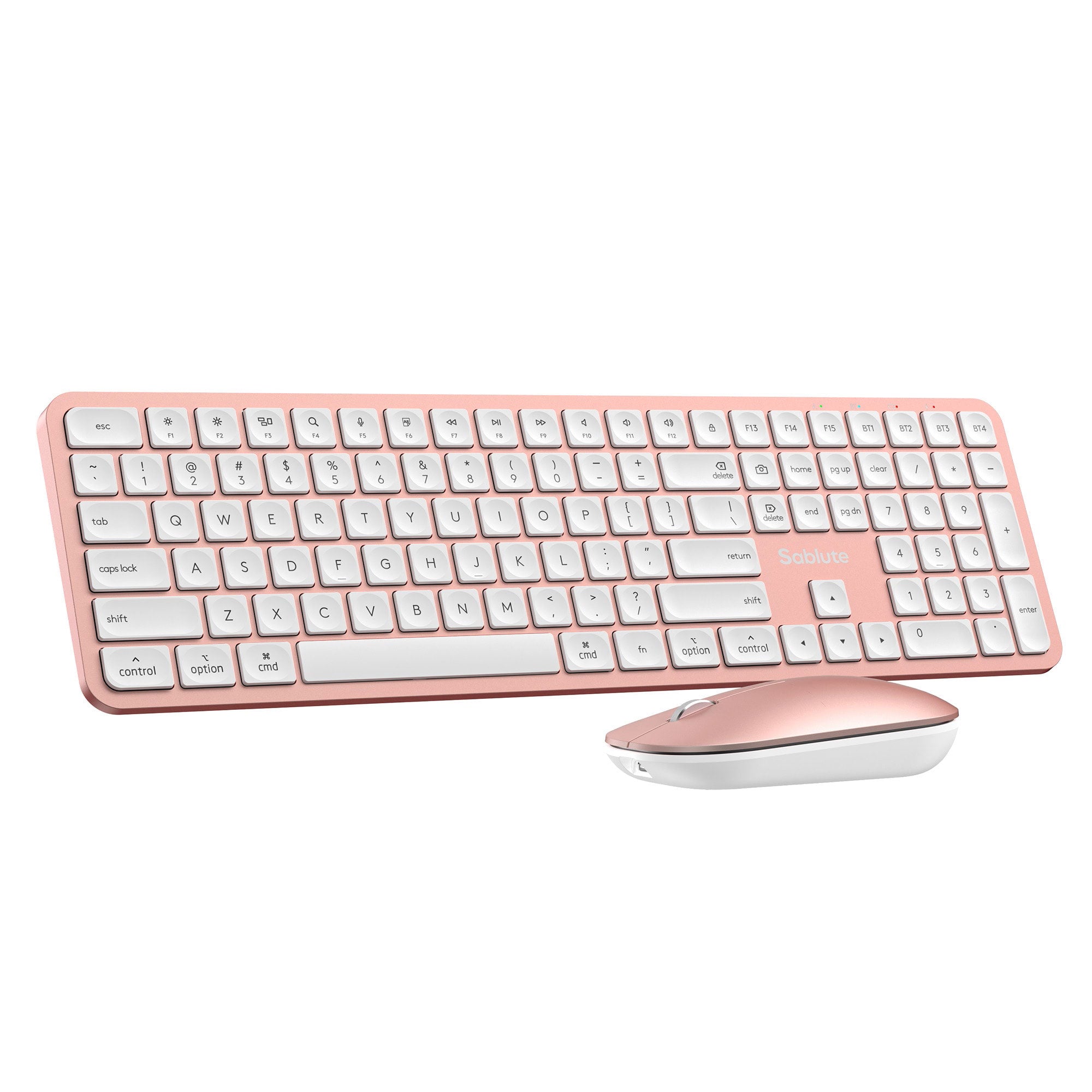
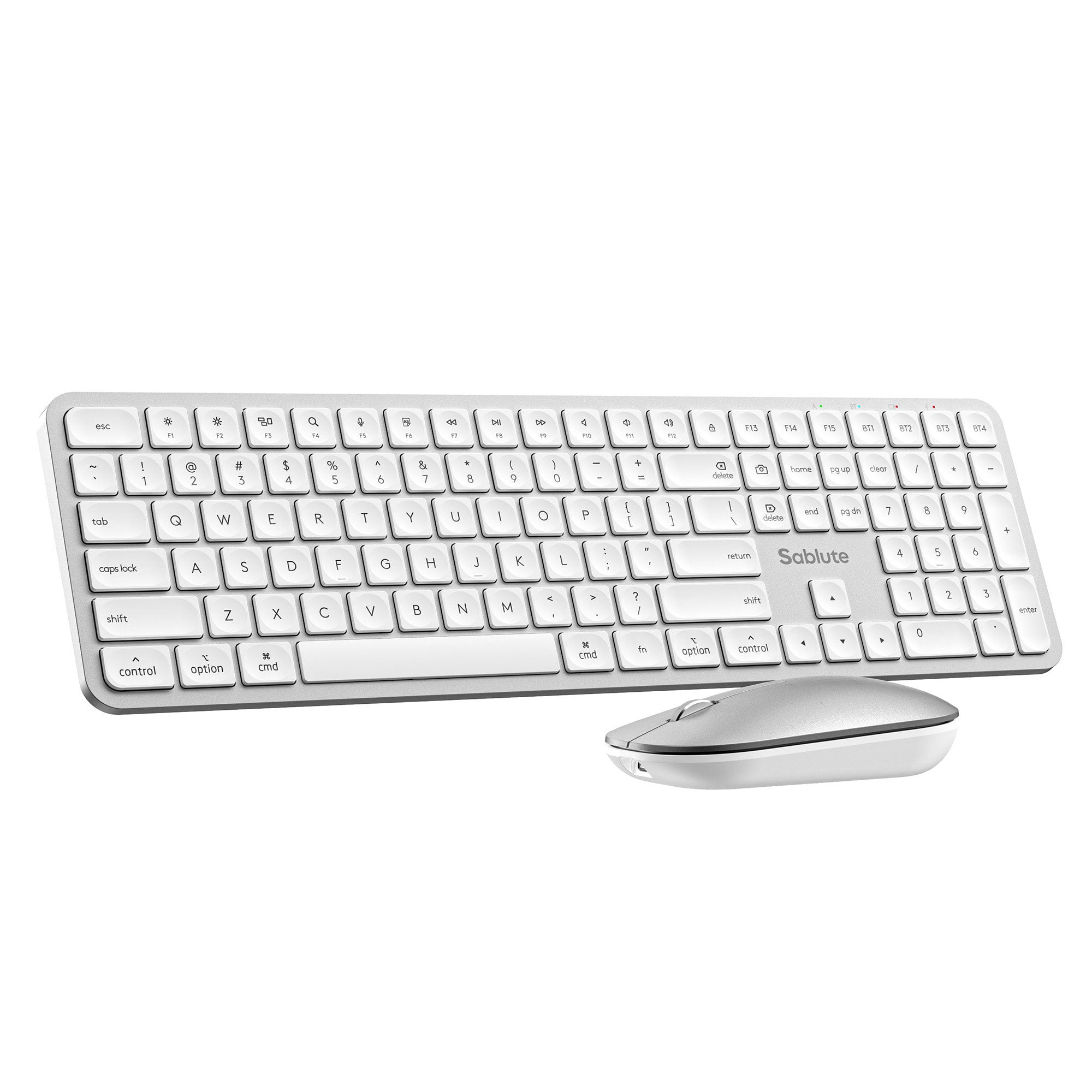
- Ultra-Slim Design with Mac-Style Key Arrangement.
- Mac-Friendly Charging: Features easy USB-C charging and includes a USB-C to USB-C cable.
- Desktop Setup Note: This keyboard and mouse connects via Bluetooth only.
In stock, ready to ship
Pairs well with
Free Shipping 30-Day Returns 2-Year Warranty
Free U.S. Shipping on all U.S. orders. It usually takes about 5 business days* for your package to be delivered, Please refer to our Shipping Policy for details.
30-Day Free Returns for added peace of mind. Try it risk-free and return it within 30 days if it is not the right fit. Please review our Returns Policy before purchase.
2-Year Warranty backed by responsive support for product and parts-related issues. Click for Warranty Policy.
Sablute Bluetooth Keyboard and Mouse Combo for Mac KMA2
Grey
Sale price$37.99USDRegular price
$45.99USD
If you have any questions, you are always welcome to contact us. We'll get back to you as soon as possible, within 24 hours on weekdays.
-
Shipping Information
Use this text to answer questions in as much detail as possible for your customers.
-
Customer Support
Use this text to answer questions in as much detail as possible for your customers.
-
FAQ’s
Use this text to answer questions in as much detail as possible for your customers.
-
Contact Us
Use this text to answer questions in as much detail as possible for your customers.
Mac-style Bluetooth keyboard and mouse
- Bluetooth-Only, No Dongle Needed — Connect to PCs, laptops, and tablets, then switch between 3 Bluetooth channels for smooth multi-device control.
- Quiet, Laptop-Like Scissor Keys — Low-noise, comfortable typing for the office, studying, or late-night work.
- Full-Size Mac-Style Layout — Familiar key layout with a full number pad reduces adjustment time and keeps you productive.
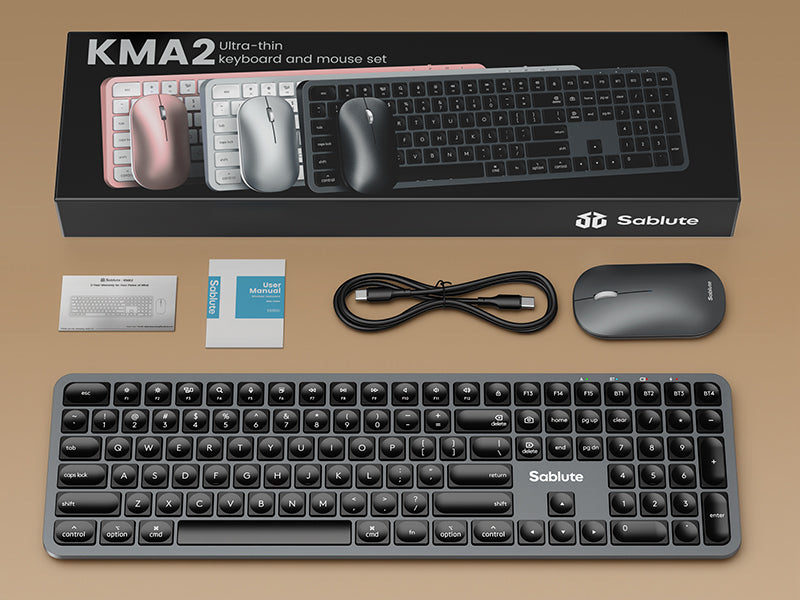
- In the Box — Bluetooth keyboard and mouse combo, USB-C to USB-C charging cable, user manual, quick start guide.
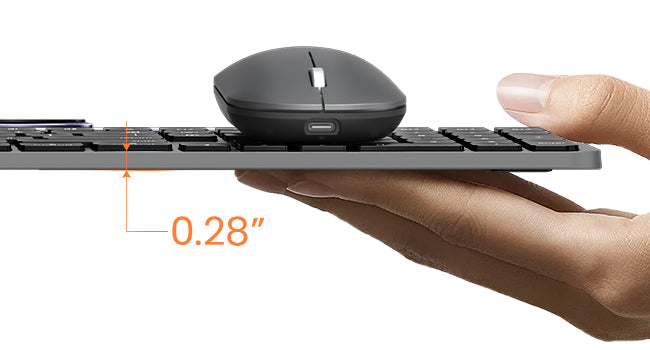
Ultra-Slim Design
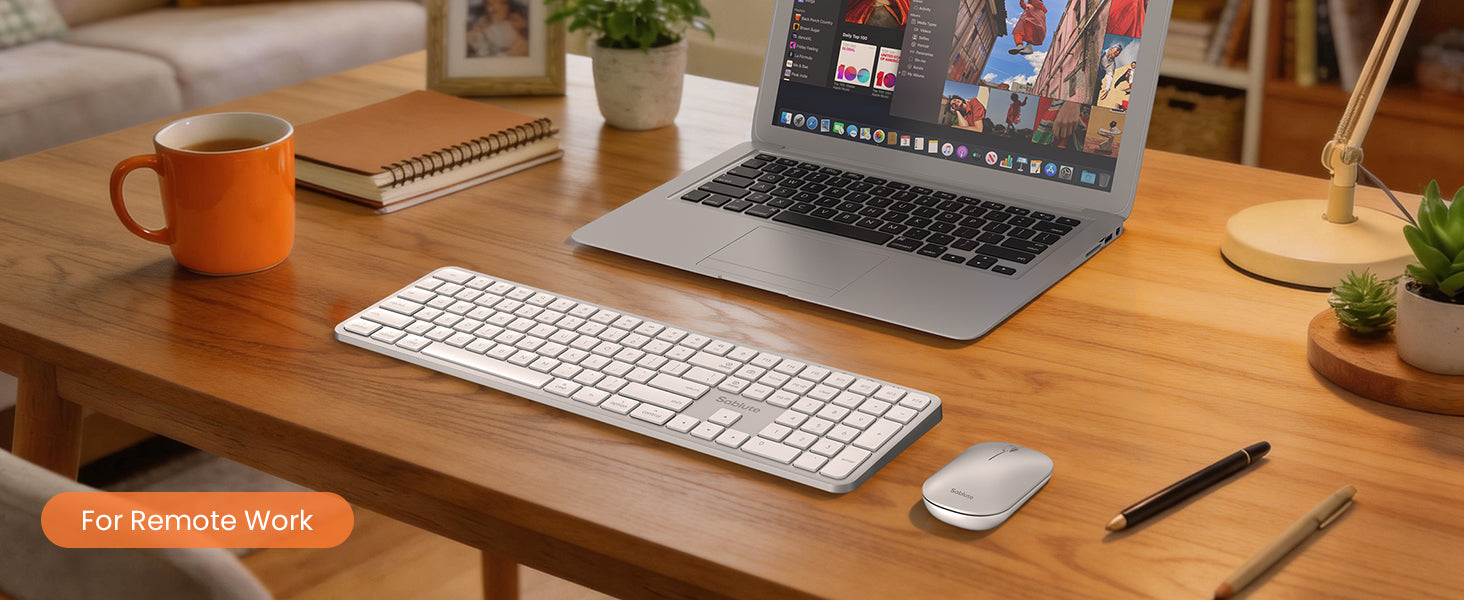
A sleek, stylish finish and thin profile keep your workspace clean, modern, and professional.
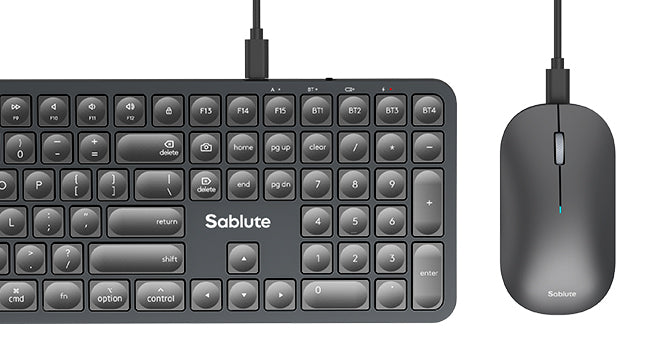
Rechargeable
Includes a USB-C to USB-C charging cable for easy, Mac-friendly charging. No additional adapter needed, and you can keep using it while it charges.

Product details
Specifications
FAQs
Please read our FAQs page to find out more.
How do I connect the keyboard if this is my first time using it?
Press and hold the BT1/2/3/4 keys on the keyboard for 3-4s. After the BT indicator light flashes rapidly, find "KMA2 BT1/2/3/4" on your device and connect.
How do I connect the mouse if this is my first time using it?
Press and hold the BT button on the bottom of the mouse for 3-4s until the indicator light on the front of the mouse flashes rapidly. Then,find “MA1 BT1/2/3” on your device and connect.
Can this Bluetooth keyboard and mouse combo be used on both macOS and Windows systems?
This keyboard and mouse combo for Mac users with a Mac-style layout and is optimized for macOS. Windows is also supported, but some shortcut keys may work differently or be limited depending on the system.
Does it only support Bluetooth connectivity? Is an adapter included?
This is a Bluetooth only keyboard and mouse combo; the mouse and keyboard can pair directly without a dongle or adapter, which helps improve the utilization of your device's ports.
Is this wireless keyboard and mouse suitable for multiple devices tasks?
Yes, you can work across 3 devices — Pair once, then switch between up to 3 devices with a single button press.