


Pairs well with
In stock! Ships within 1-2 business days.
30-day risk-free trial
2-Year Warranty
Complimentary shipping & returns
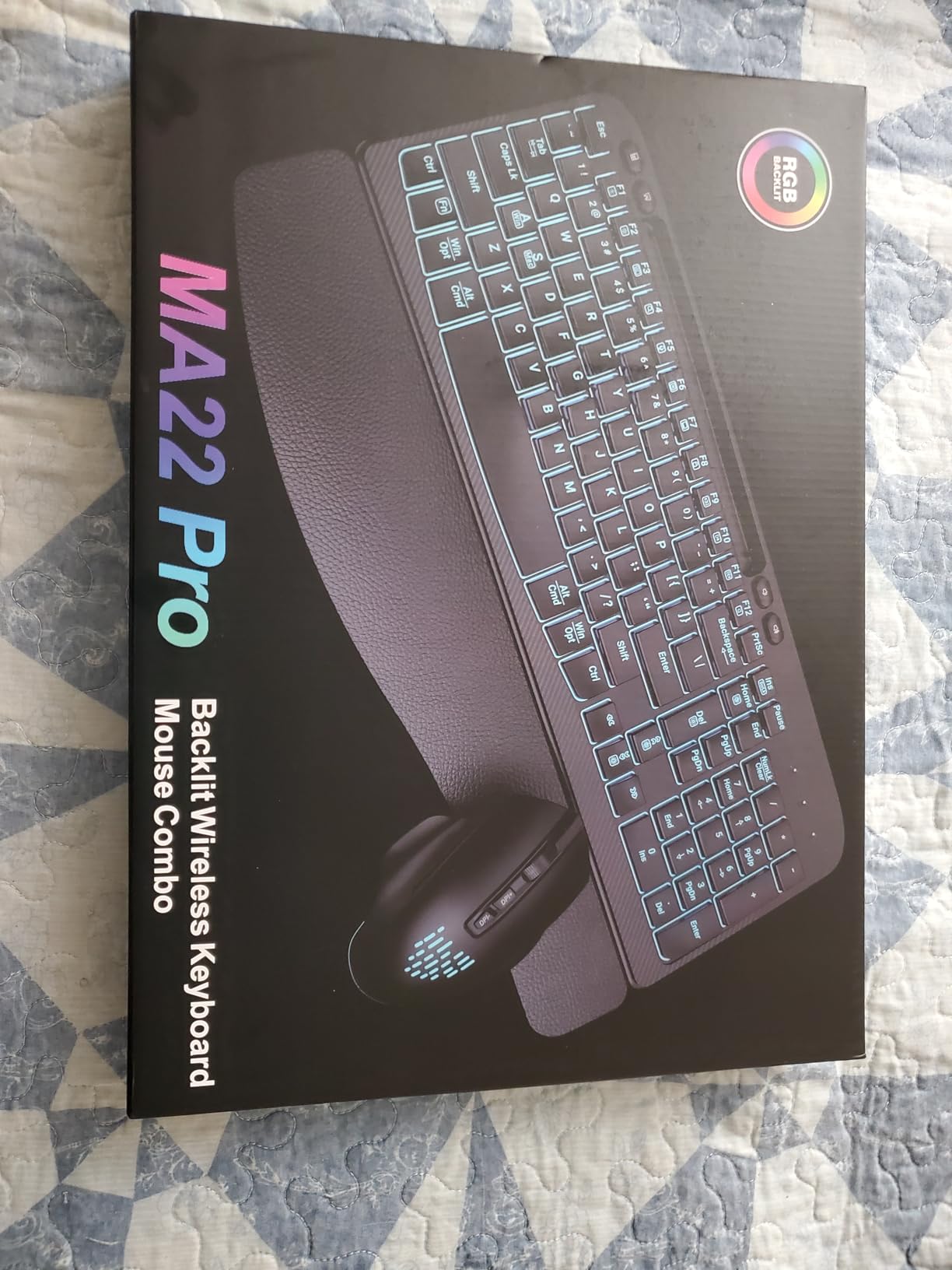
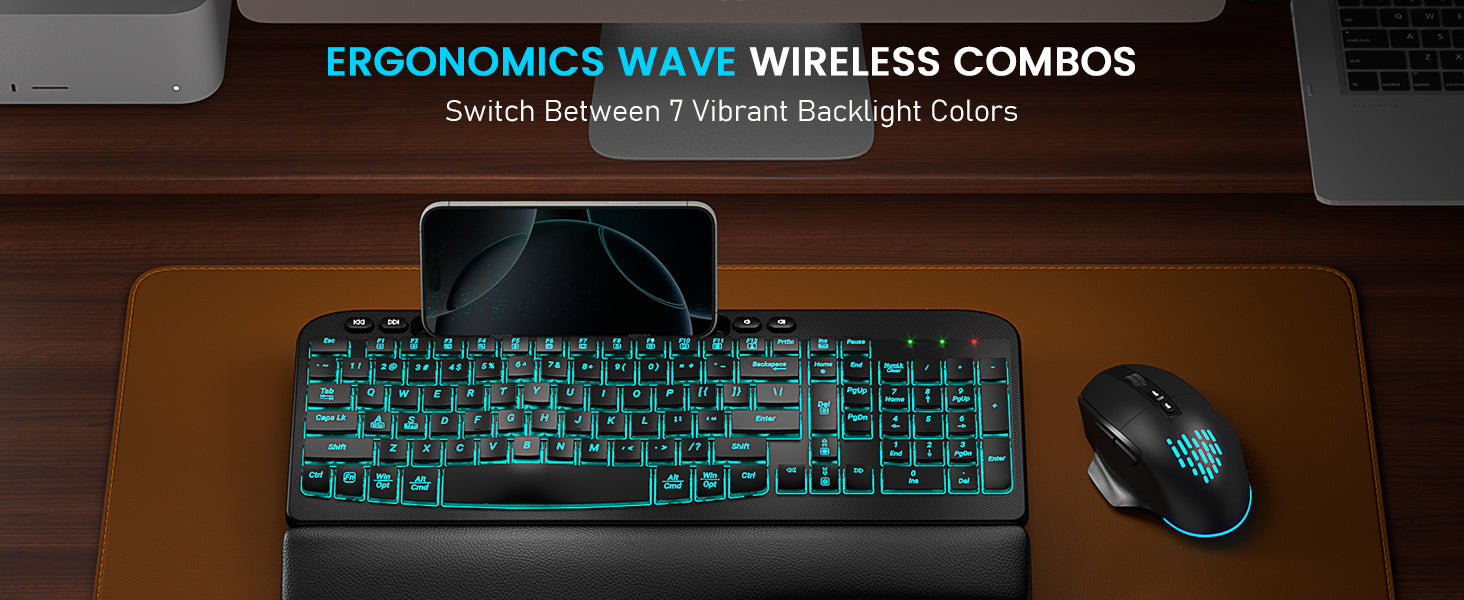
Sablute Wave Keys Wireless Backlit Keyboard and Mouse Combo MA22 Pro
If you have any questions, you are always welcome to contact us. We'll get back to you as soon as possible, within 24 hours on weekdays.
Shipping Information
Use this text to answer questions in as much detail as possible for your customers.
Customer Support
Use this text to answer questions in as much detail as possible for your customers.
FAQ’s
Use this text to answer questions in as much detail as possible for your customers.
Contact Us
Use this text to answer questions in as much detail as possible for your customers.
Please read our FAQs page to find out more.
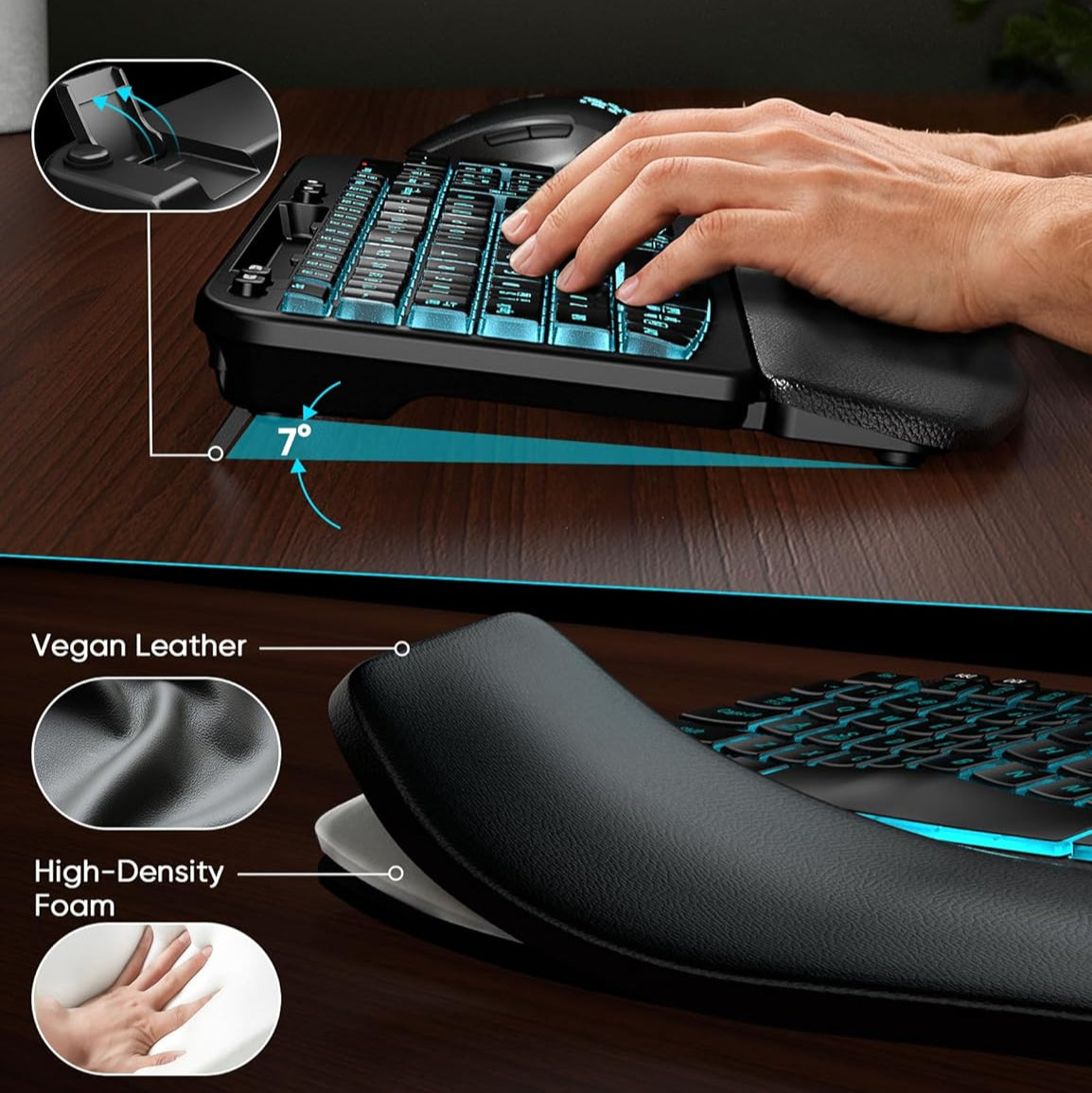
Our wave ergonomic keyboard features a constant curve layout that reduces stress and promotes natural typing. The familiar design ensures a smooth transition with little to no learning curve.
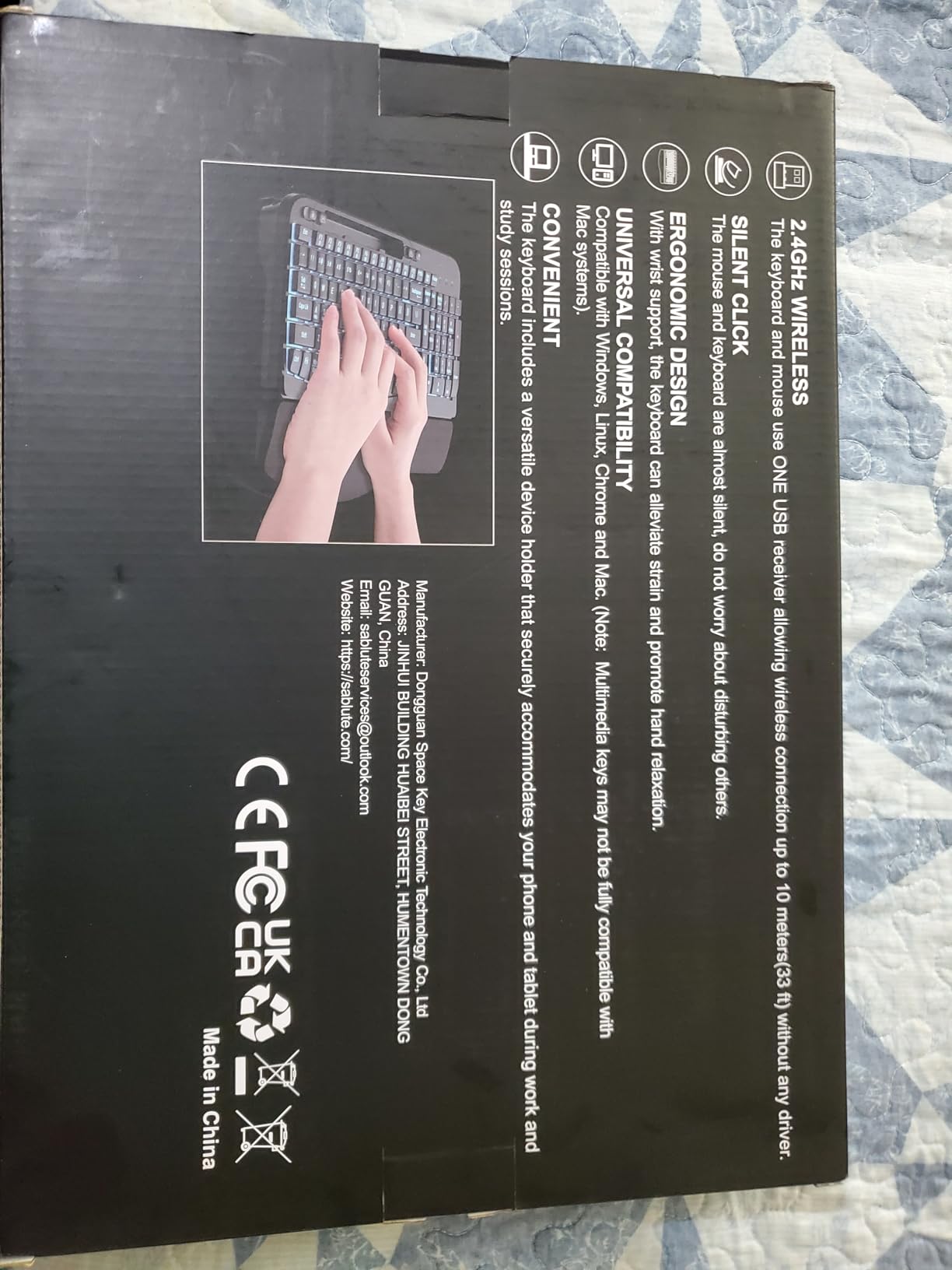
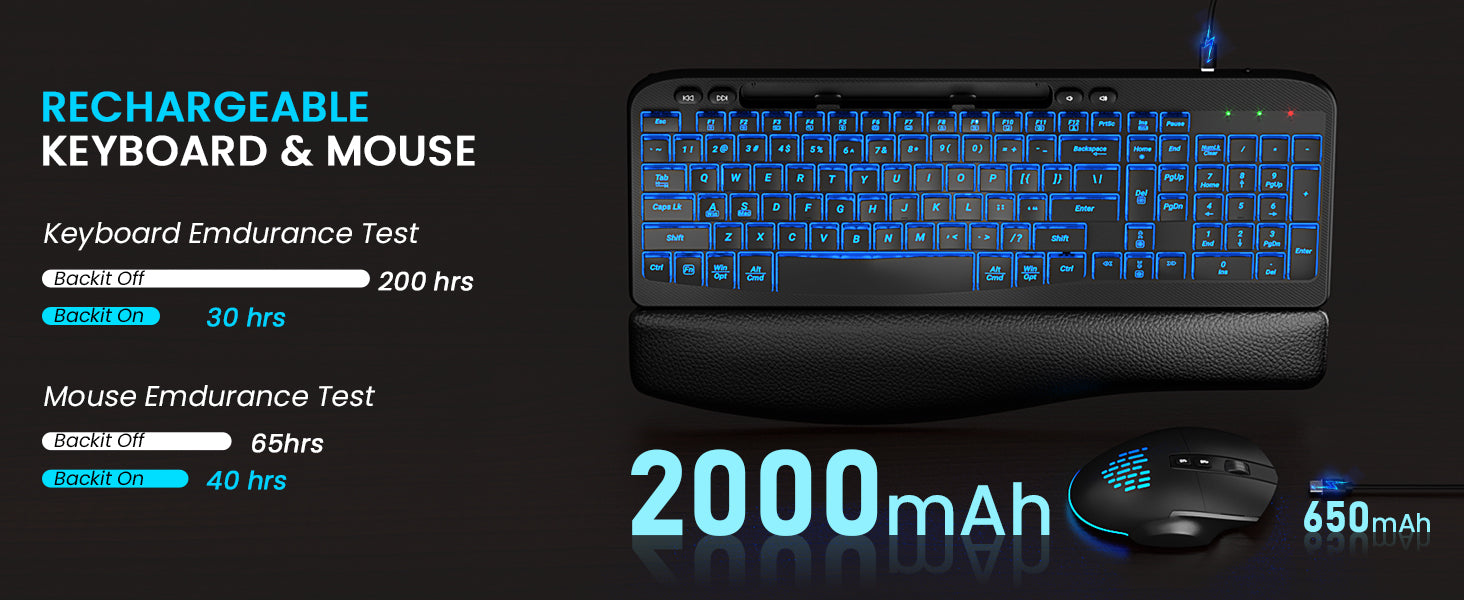
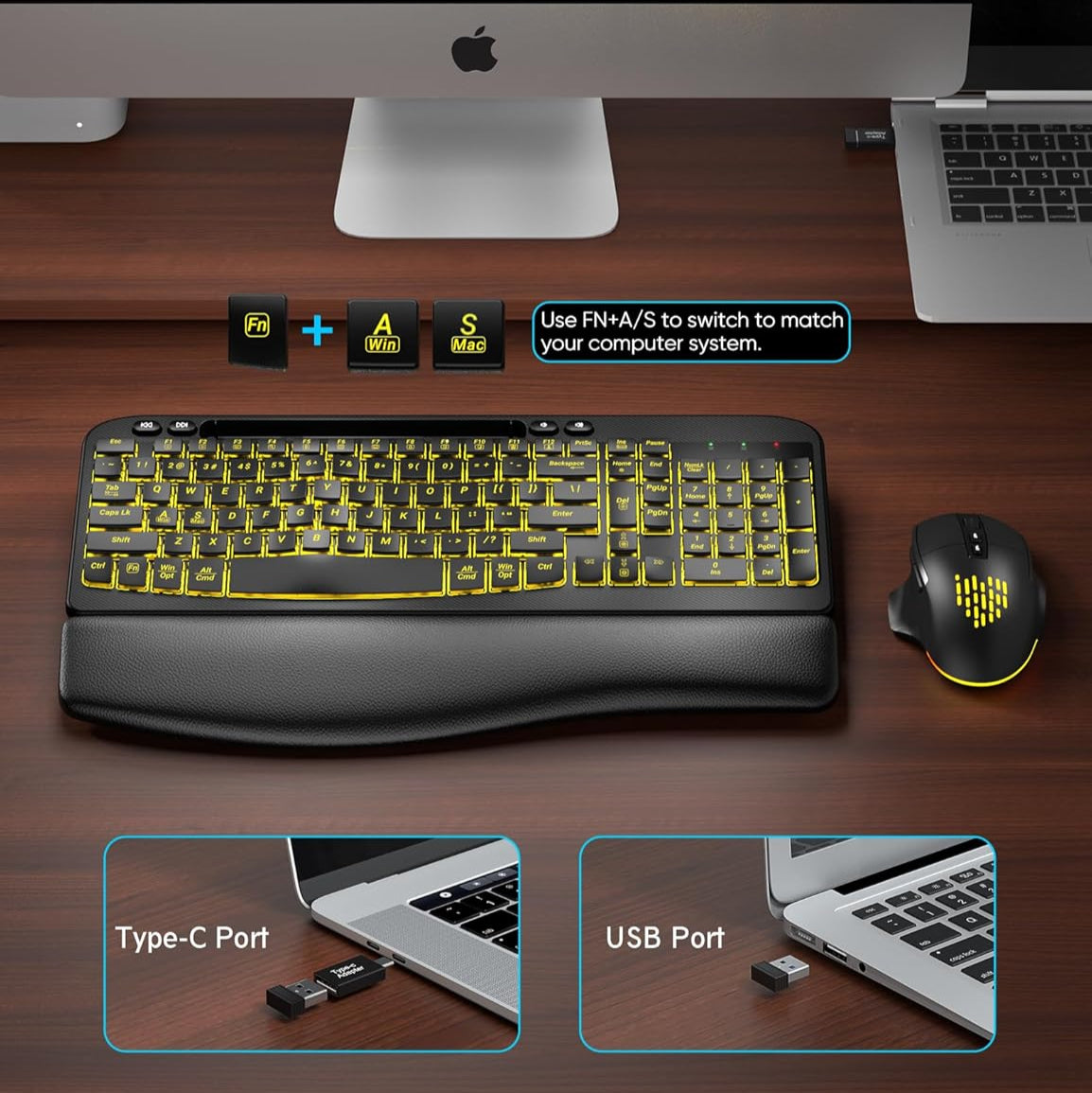
This Backlit rechargeable keyboard mouse combo is compatible with Windows and Mac Systems, simply press Fn+A/S to change the system.
First, ensure the charging cable is properly connected. Second, try using a different charging cable. If neither of these steps resolves the issue, please reach out to us for assistance.
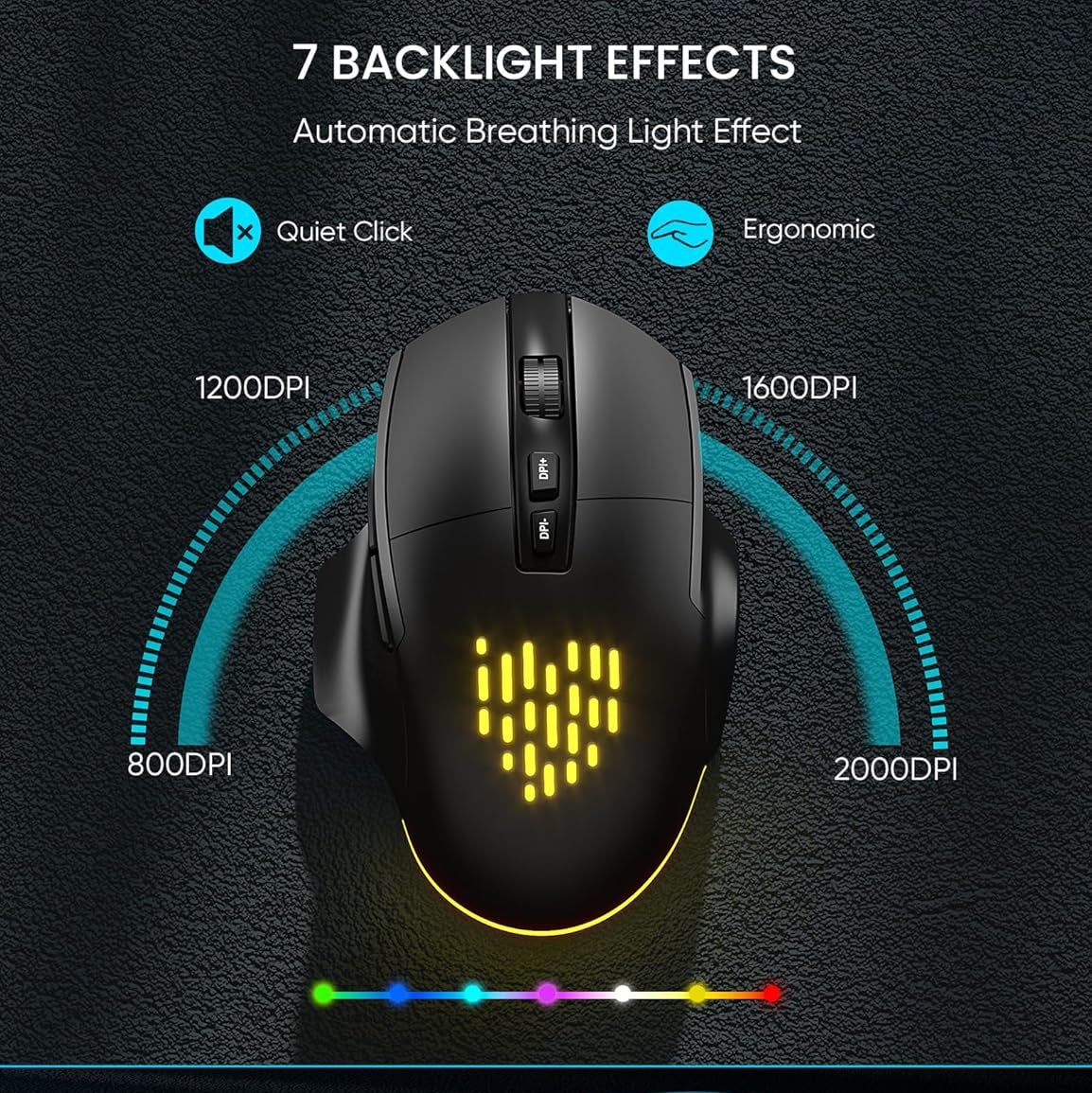
Press Fn+Ins to change the backlight colors, Fn+Up Arrow (or Fn+Down Arrow) to adjust the brightness. The mouse lightings are random.
Please reach out to our support team immediately, we will be 100% responsible for each of our products and customers.