



Pairs well with
In stock! Ships within 1-2 business days.
30-day risk-free trial
2-Year Warranty
Complimentary shipping & returns
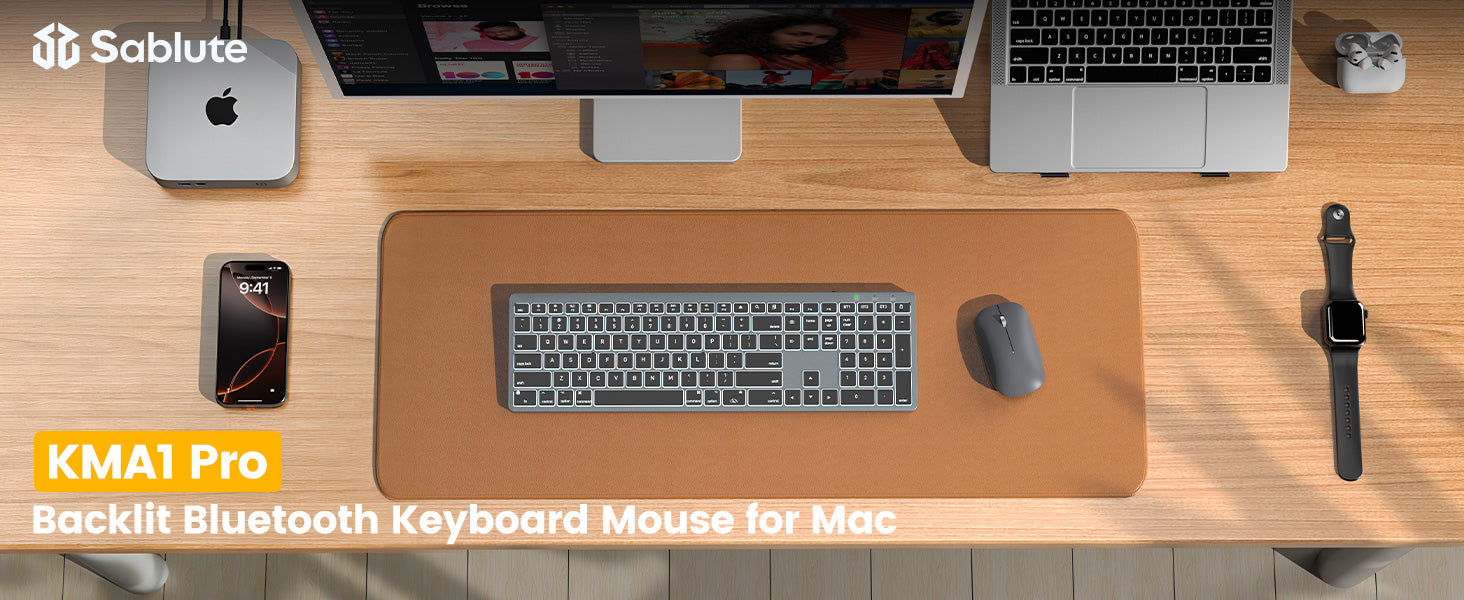
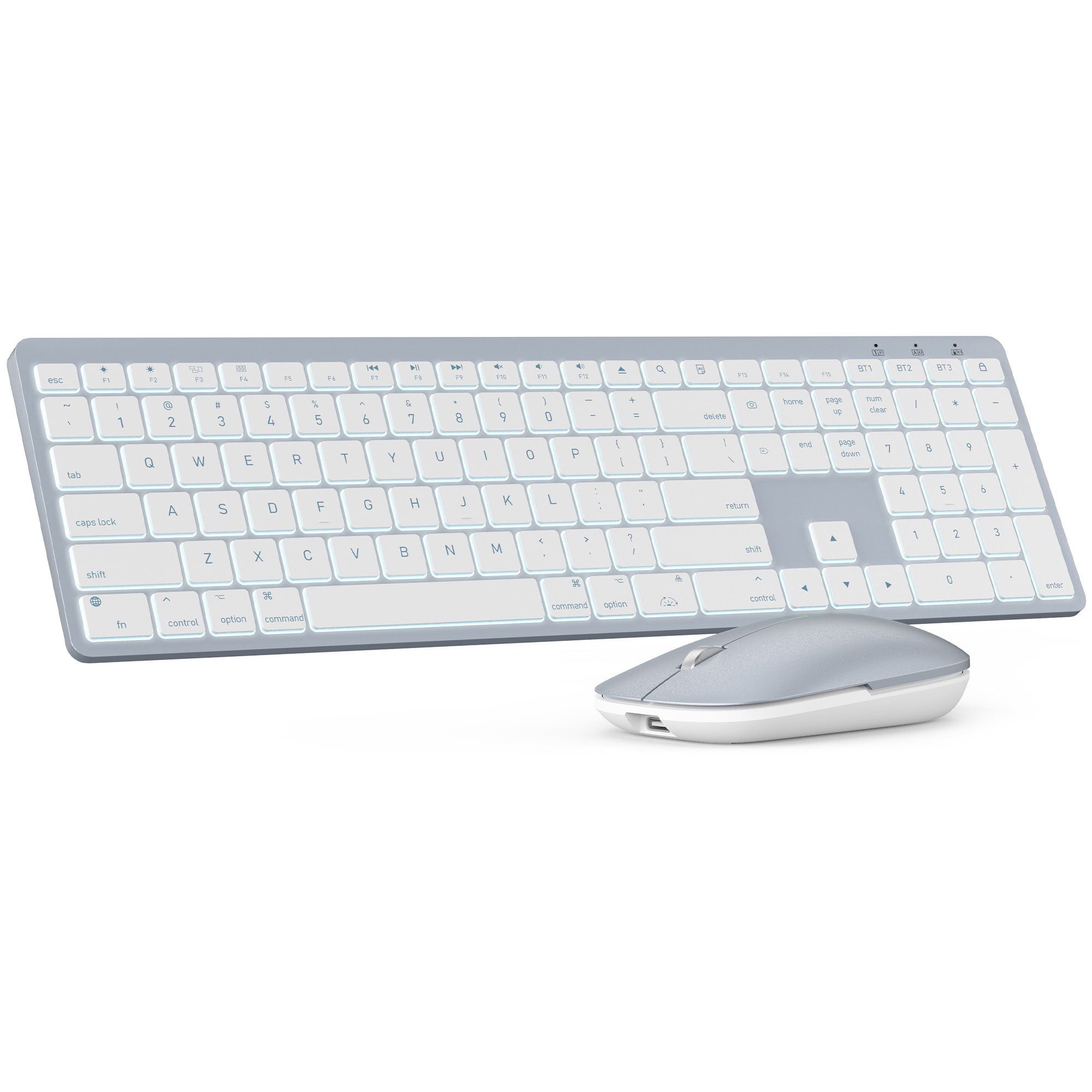
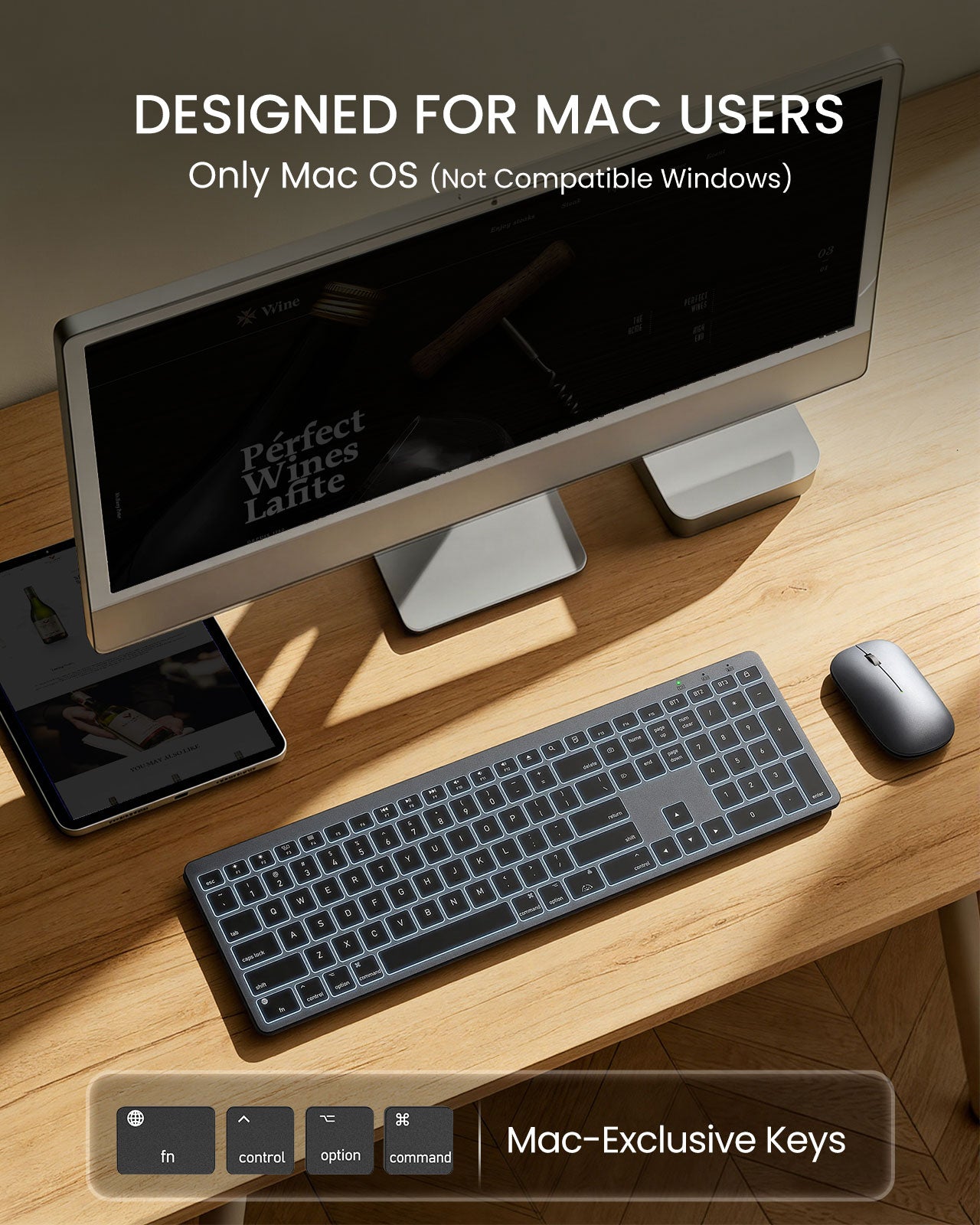
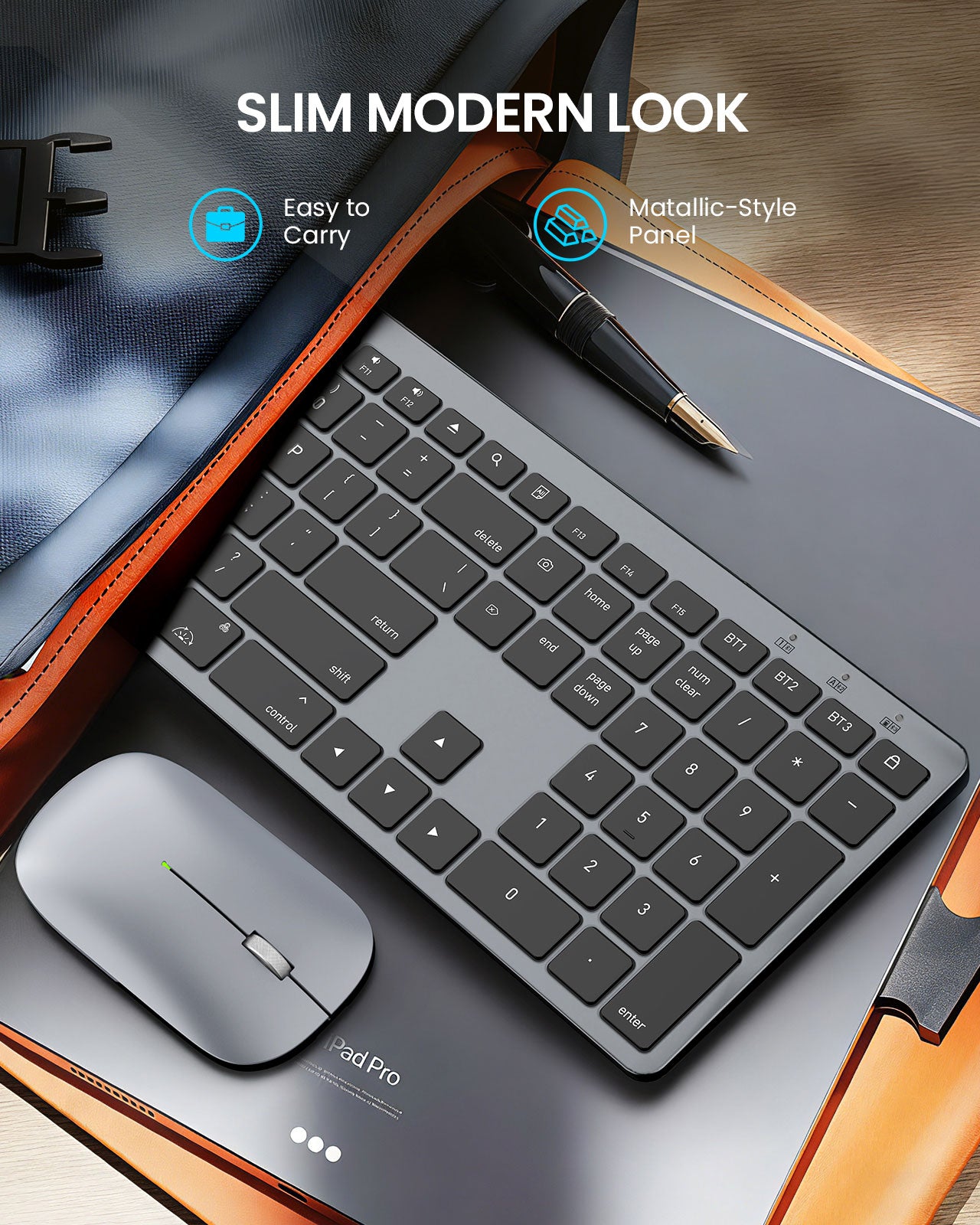
Sablute Wireless Keyboard and Mouse Combo for Mac KMA1 Pro
If you have any questions, you are always welcome to contact us. We'll get back to you as soon as possible, within 24 hours on weekdays.
Shipping Information
Use this text to answer questions in as much detail as possible for your customers.
Customer Support
Use this text to answer questions in as much detail as possible for your customers.
FAQ’s
Use this text to answer questions in as much detail as possible for your customers.
Contact Us
Use this text to answer questions in as much detail as possible for your customers.
Please read our FAQs page to find out more.
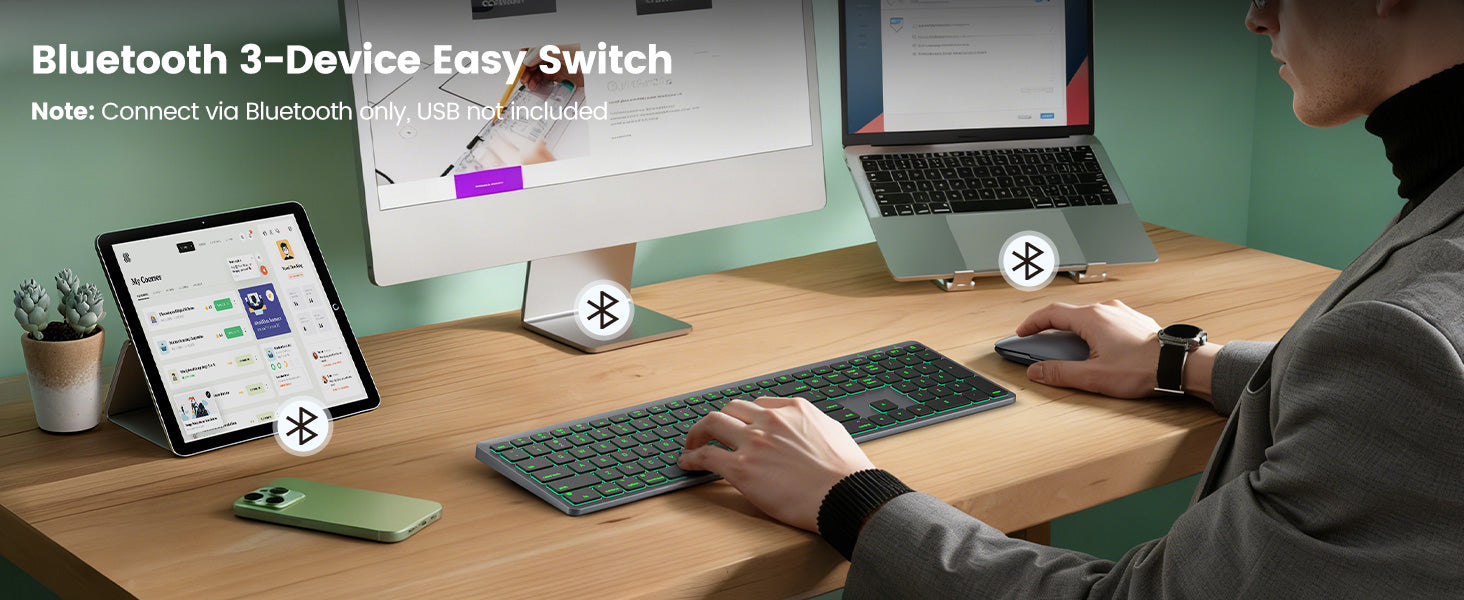
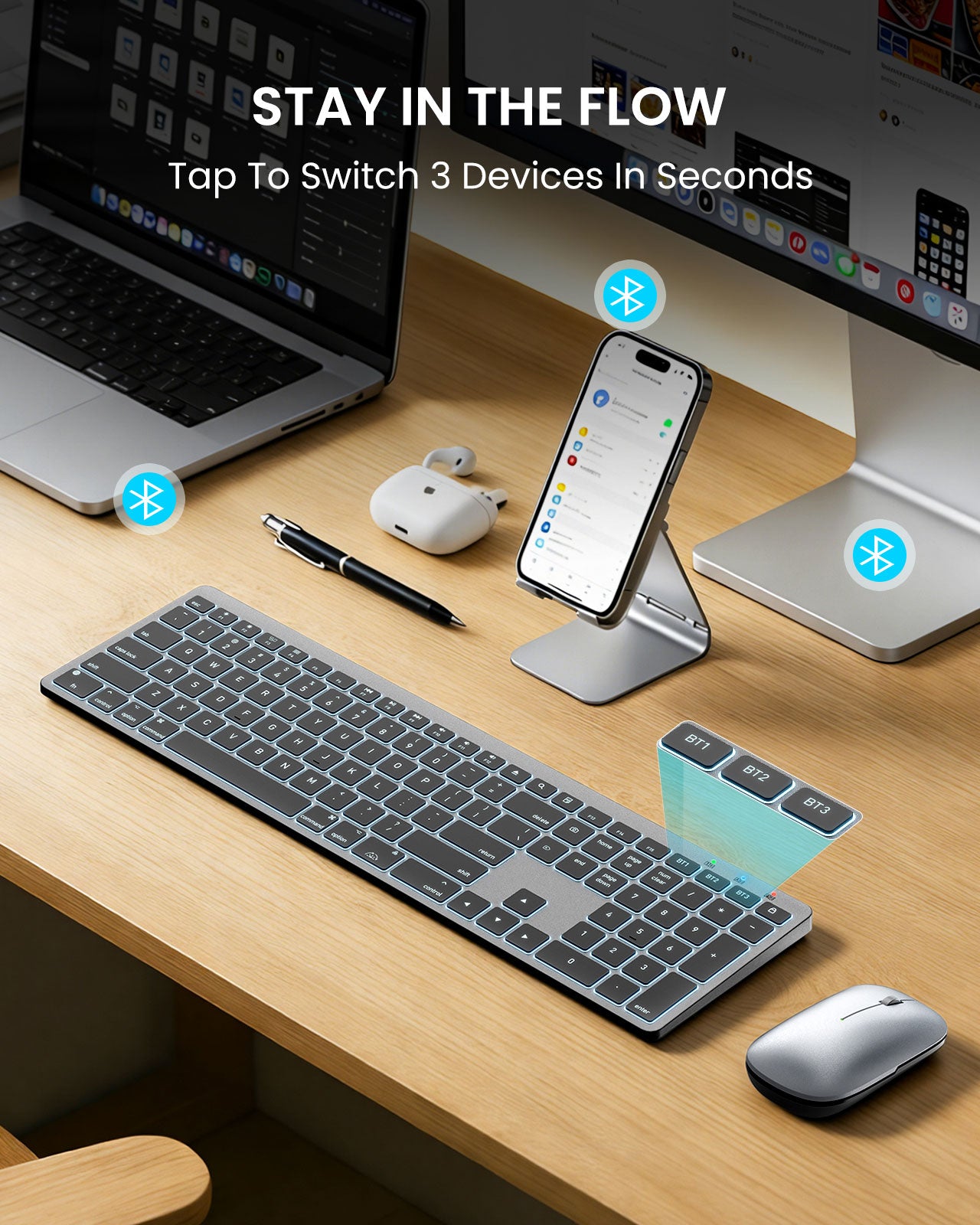
No. It does not include a USB dongle/adapter. The keyboard connects only via Bluetooth and supports up to 3 Bluetooth channels (multi-device switching).
1.Make sure the keyboard is fully charged and in Bluetooth mode.
2.Delete the old pairing from your device’s Bluetooth list, restart the device, then re-pair.
3.Ensure the chosen BT channel isn’t already connected to another device.
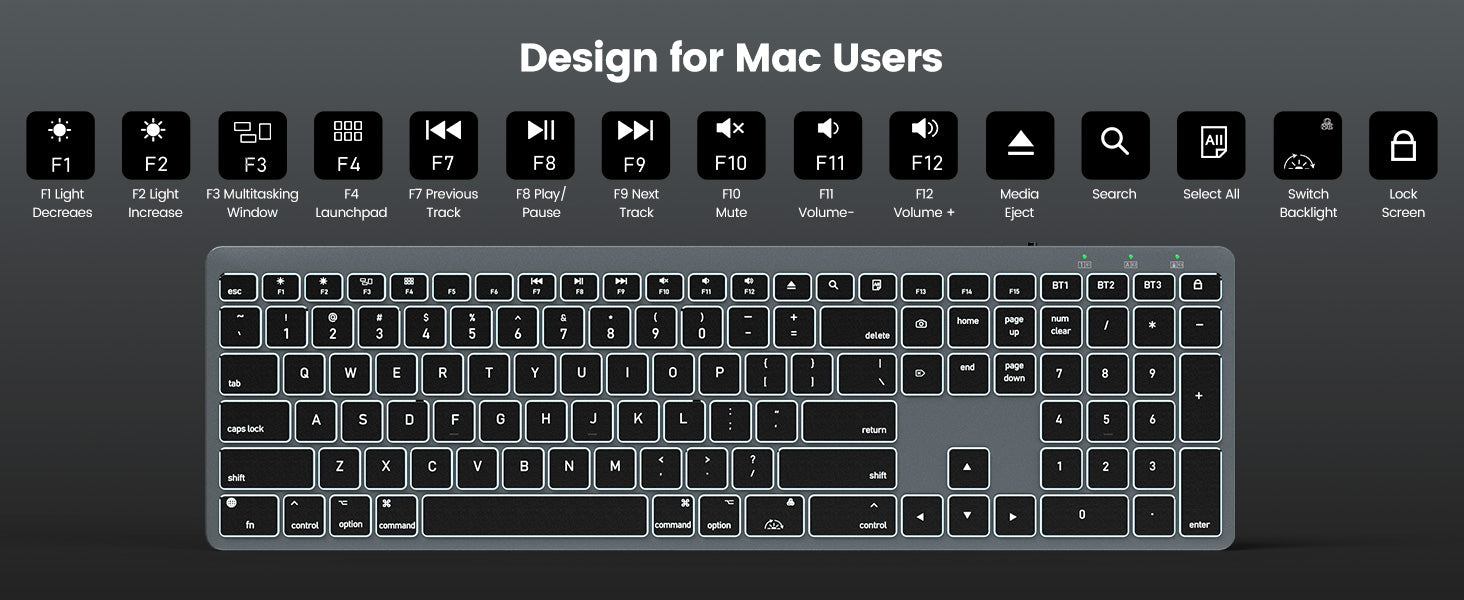
1.By default, the top row may act as media keys. Hold Fn to use F1–F12.
2.Or on macOS go to System Settings > Keyboard and enable “Use F1, F2, etc. keys as standard function keys.
1.Fully charge the keyboard.
2.Remove the keyboard from Bluetooth devices, restart your Mac, then re-pair.
3.Check System Settings > Keyboard > Input Sources and select the correct layout (e.g., U.S.).
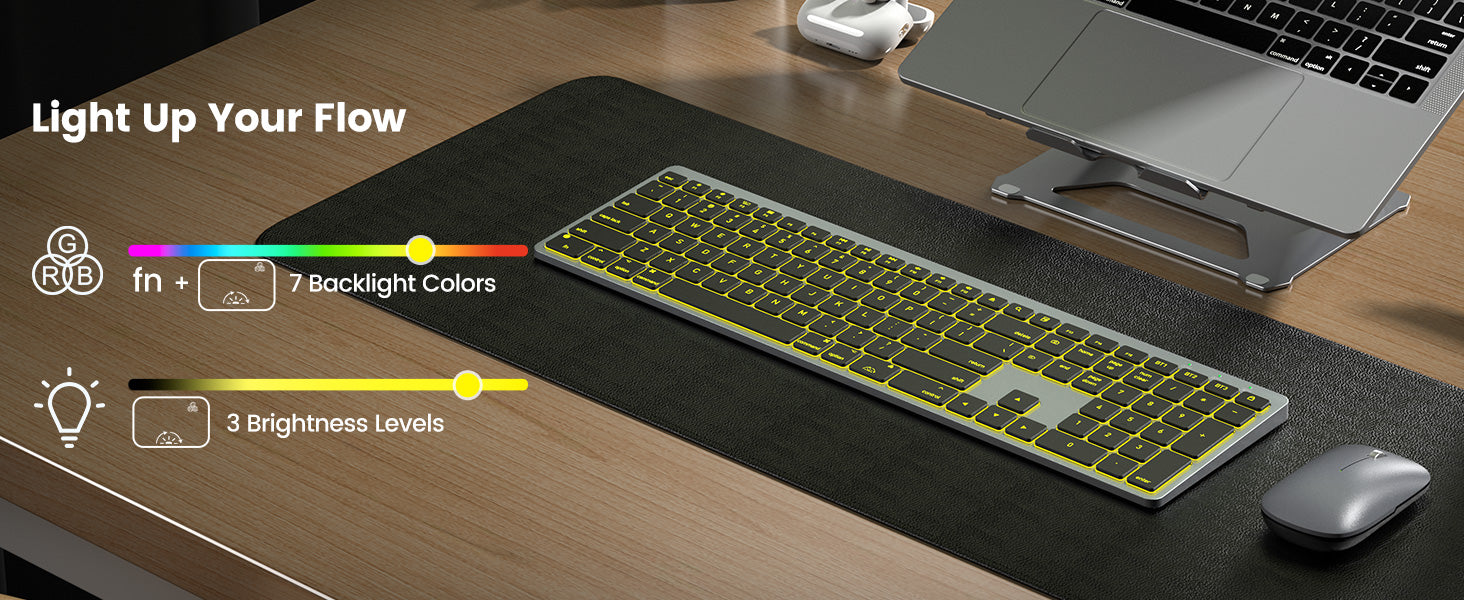
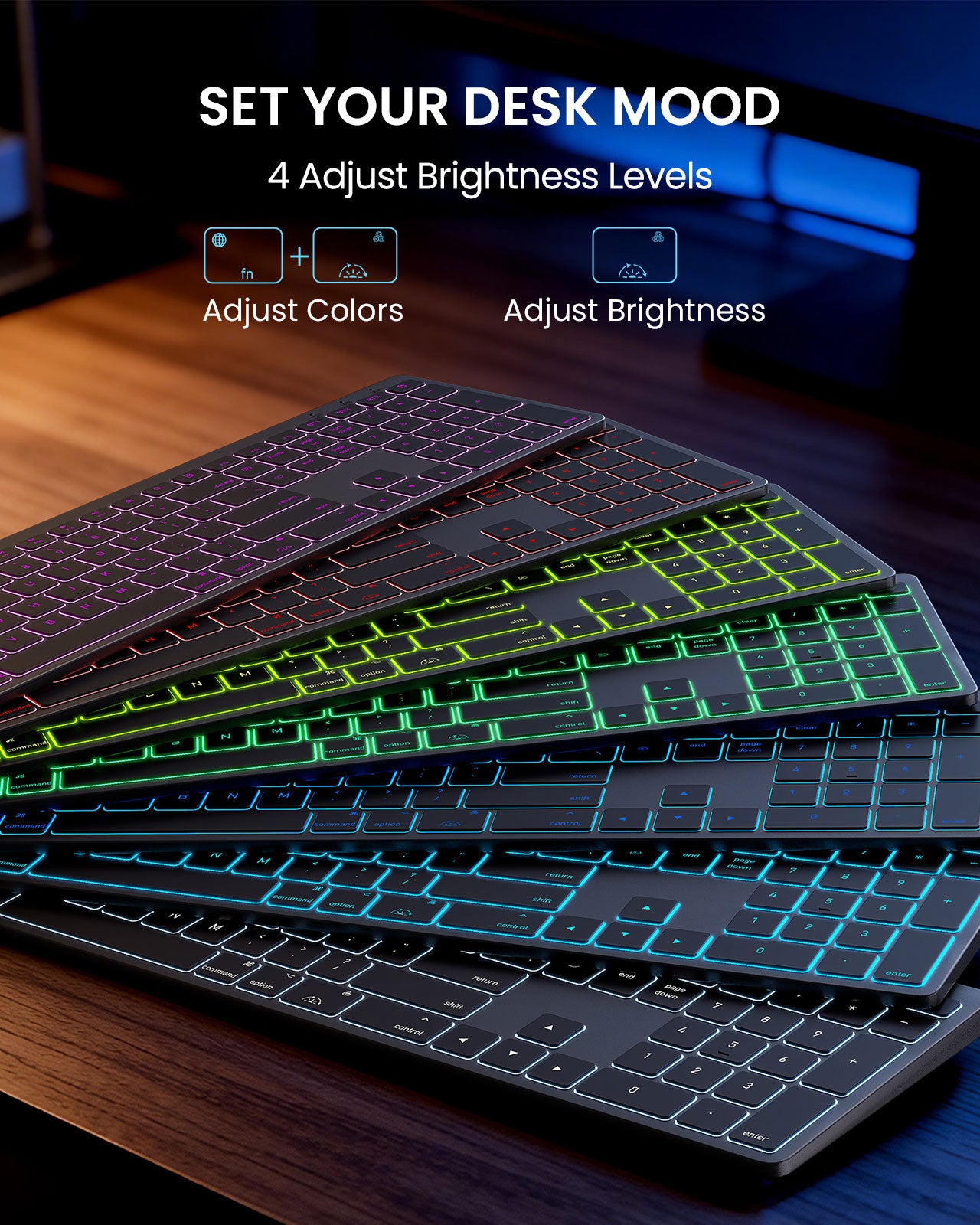
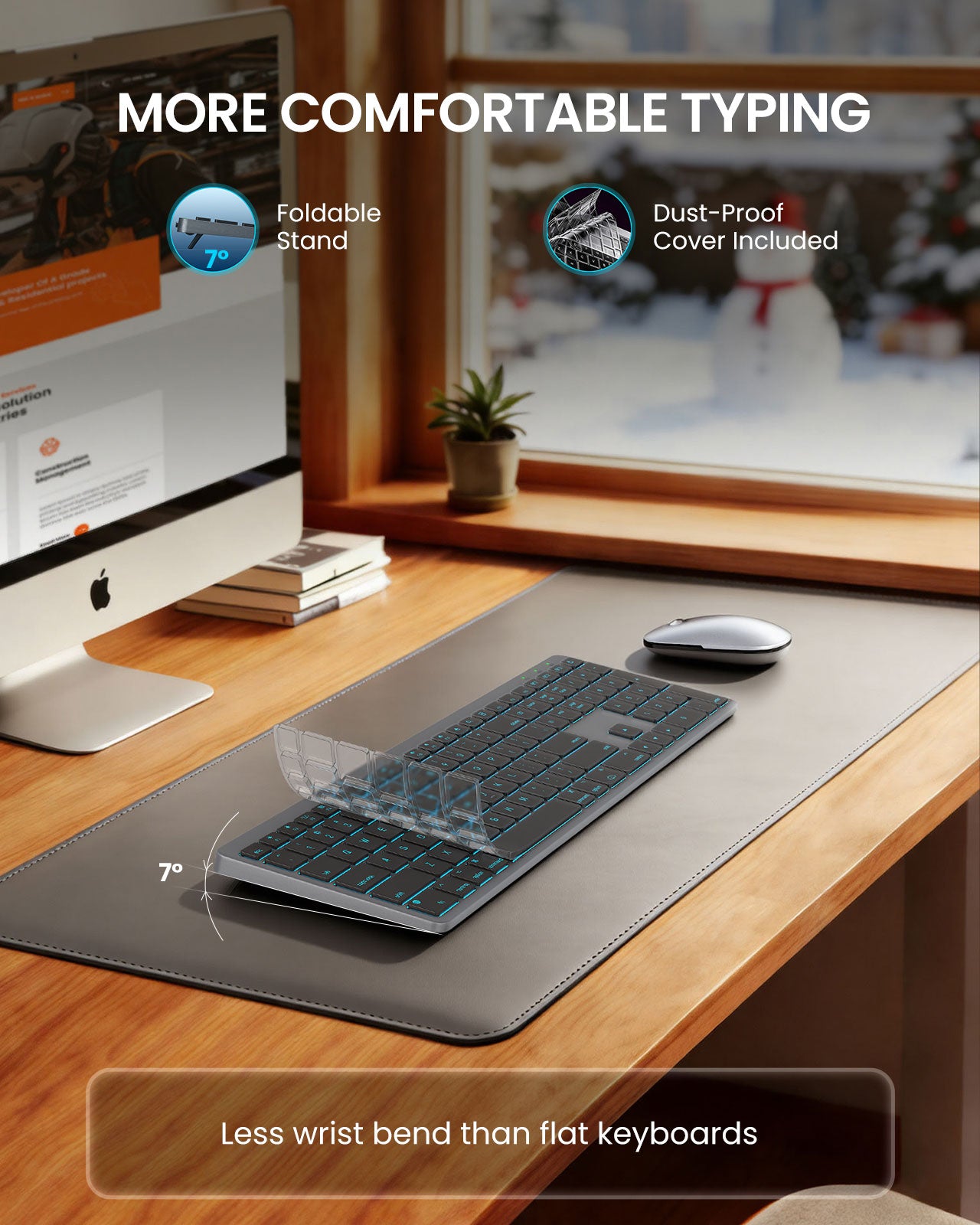
The keyboard supports 7-color backlighting with adjustable brightness. Press FN+RGB key to adjust color, and use the RGB key to adjust backlight brightness. (see quick guide).